Timestamp Camera - GPS Map
Geotag Photo & Datestamper
Dirancang untuk iPhone, iPad, iPod touch
Gratis · Pembelian dalam aplikasi
- Batasan usia4+
- KategoriNavigasi
- PengembangVijay Bhaliya
- BahasaInggris+ 10 lainnya
- Ukuran61,7 MB
Tertaut ke halaman resmi App Store
Download.org tidak menyimpan file Timestamp Camera - GPS Map apa pun. Tombol ini membuka halaman aplikasi di App Store, tempat Vijay Bhaliya menerbitkannya. Halaman terakhir diperiksa pada 12/11/2026.
Tangkapan layar
Tentang
Pengembang belum menyediakan teks ini dalam bahasa Anda.
GPS Map Camera: Capture and Tag Your Travel Memories
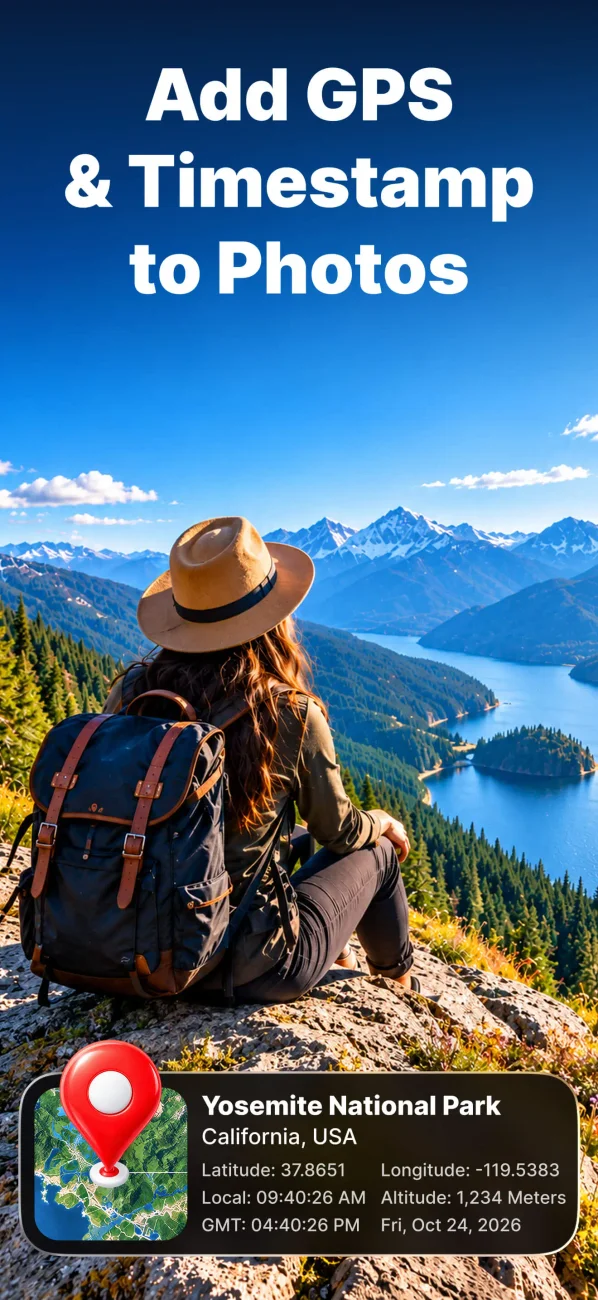
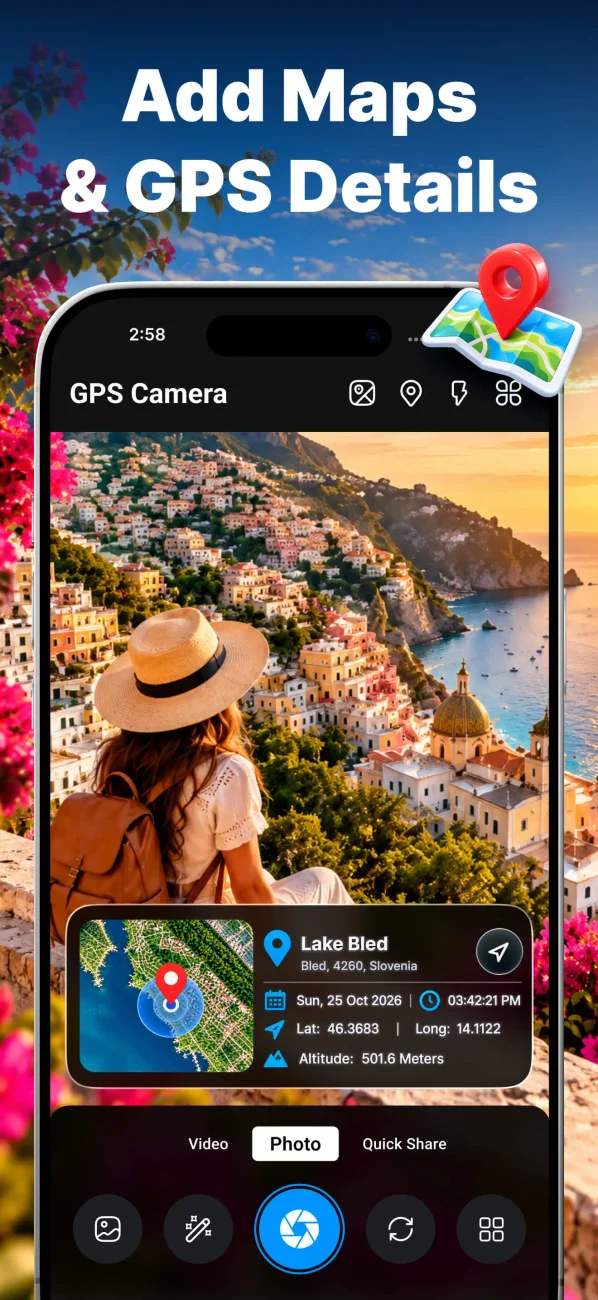
Looking for a way to preserve your travel memories with precise location details? With the GPS Map Camera app, you can add date-time stamps, live maps, and GPS coordinates to your photos effortlessly.
Capture Geotagged Photos with GPS Camera
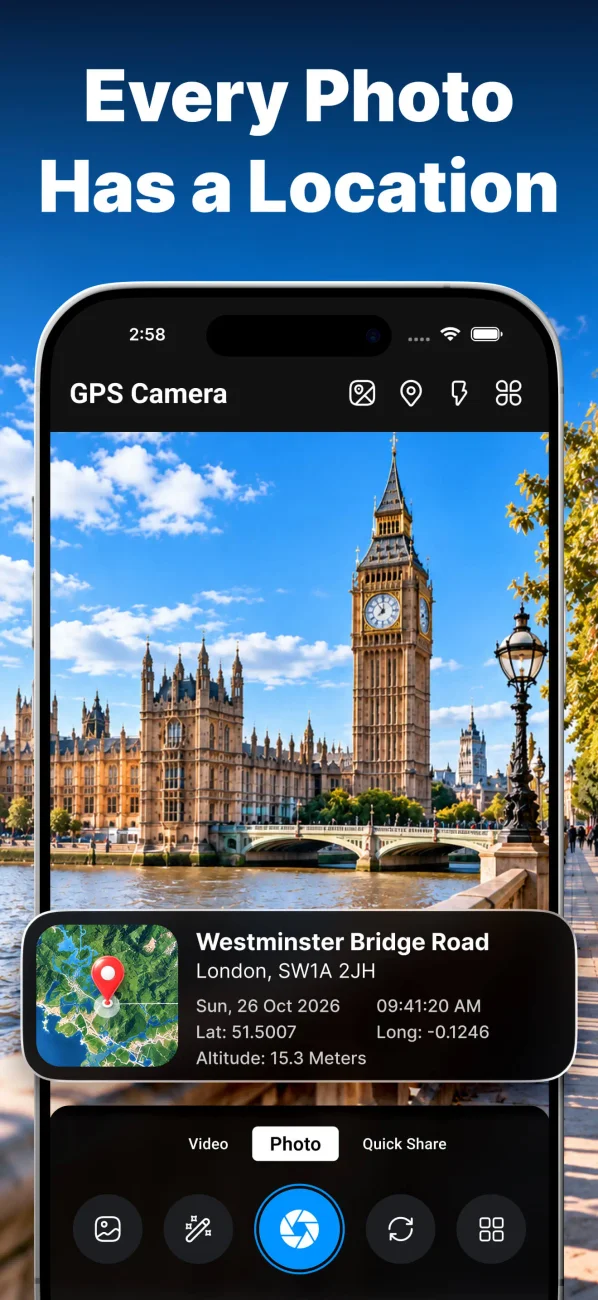
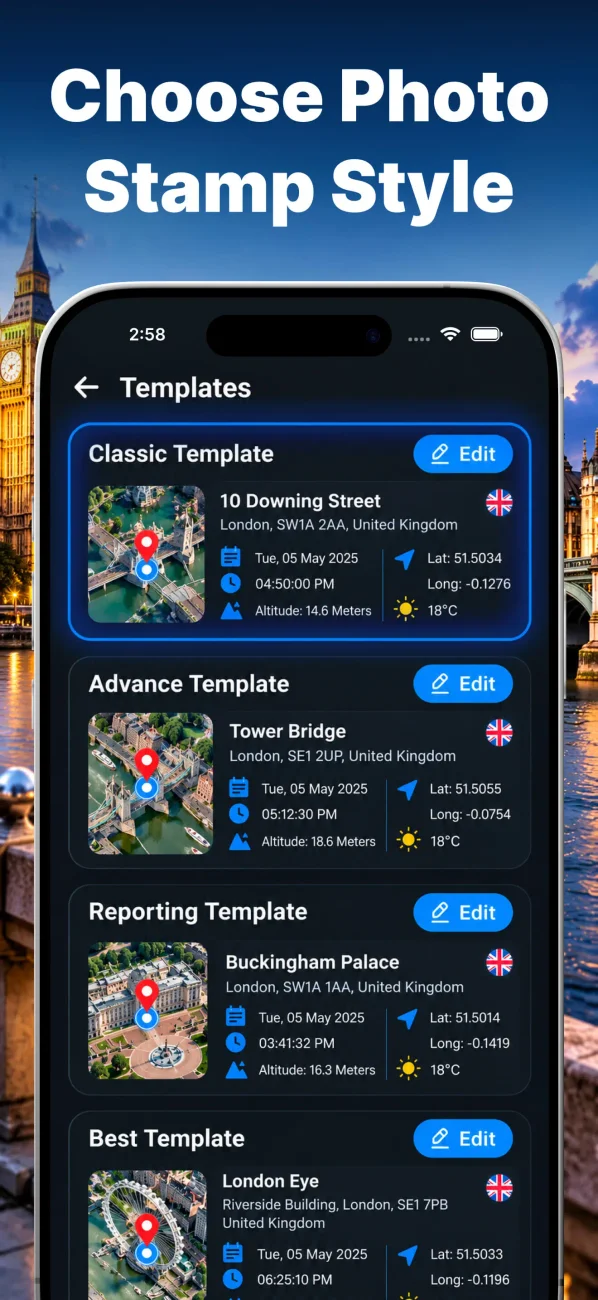
The GPS Camera app combines timestamp functionality with precise map location tracking. It allows you to edit and customize map and GPS details, including street addresses, map type, and geotag formats. The app seamlessly embeds map location data into your photos, ensuring you never forget where your memories were made.
Use our GPS Camera with a timestamp feature to customize photo map locations, geotags, date-time formats, and more. Whether you’re traveling, documenting work locations, or sharing your outdoor adventures, GPS Map Camera has you covered.
Live Location Tracking with Geotagged Photos
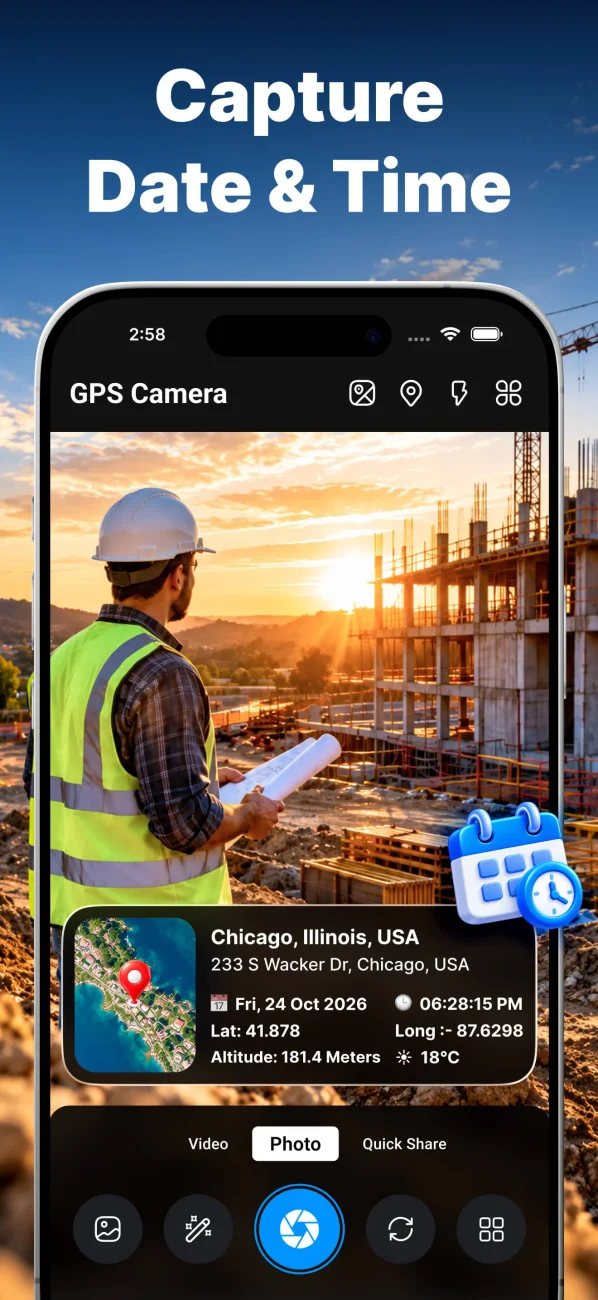
With GPS Map Camera, you can track your live location along with your captured photos. Send geotagged images of your travel destinations to family and friends, letting them know about your best experiences. The app also allows you to add details like latitude, longitude, weather conditions, altitude, compass directions, and even magnetic field data to your photos.
Who Can Benefit from GPS Map Camera?
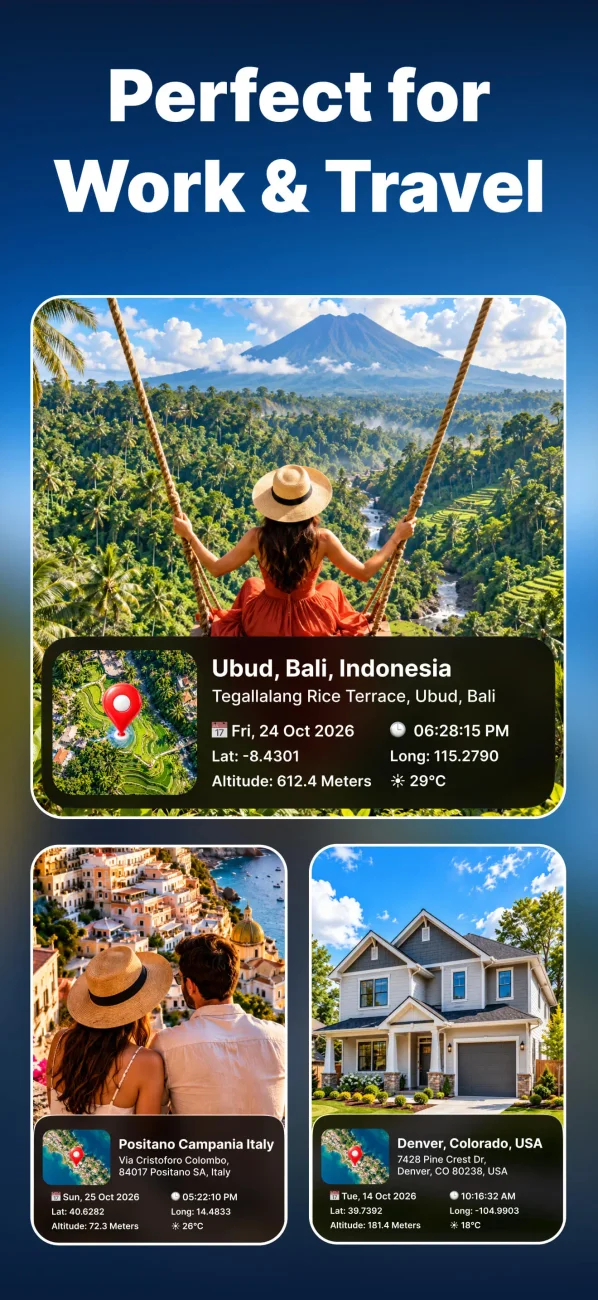
- Travelers & Tourists: Explore new cities and countries while tagging your photos with location data for easy sharing.
- Photographers & Influencers: Add precise location stamps to your pictures to enhance engagement with your audience.
- Outdoor Enthusiasts: Whether hiking, camping, or cycling, geotag your adventure photos with GPS coordinates and map overlays.
- Business Professionals: Easily document work sites, projects, or locations with geotagged images for reporting and tracking purposes.
Why Choose GPS Map Camera?
In today’s digital age, keeping track of where your photos were taken is crucial. GPS Map Camera combines advanced GPS technology with high-quality photography, automatically adding location details and interactive maps to your images. This feature ensures your travel memories and professional documentation remain well-organized and precise.
Key Features:
- GPS Camera Photo Geotagging: Embed location data in photos with GPS details.
- Customizable Geotag & Timestamps: Modify date-time and GPS location formats.
- Accurate Map Locations: Display precise map data with timestamps.
- Multiple Address Formats: Choose between long or short map addresses.
- Altitude Tracking: Add elevation data to your photos.
- Weather Information: Show real-time weather conditions and temperature.
- Map Styles: Select from normal, satellite, or hybrid map views.
- HD Camera Features: Use flash, front camera, and grid for high-quality photography.
- Date & Time Formats: Adjust timestamp display according to preference
Alternative App Names:
- GPS Camera
- Photo with Location
- Map Camera
- GPS Photo Stamp
- Location Stamp Camera
- Geo Tagging Camera
- Timestamp Camera
- Photo GPS Location
- Watermark Camera
- Photo Map Location
- Geotag Photos
- Photo with GPS Info
- Map Overlay Camera
- Exif Data Camera
- Photo Metadata
- Camera with Map
- Picture Location Tracker
- Photo Position Marker
- Image GPS Details
- Latitude Longitude Camera
- Camera That Adds Location to Photos
- Map on Photo Camera
- Best GPS Camera for iPhone
- Camera with Location and Time
- Auto Location Tagging Camera
- Photo Tracker with GPS
- Where Was This Photo Taken App
- iPhone Camera with GPS Tags
- GPS Camera for Outdoor Activities
- Travel Photo GPS
- Hiking GPS Camera
- Adventure Photography GPS
- Road Trip GPS Camera
- Work Report GPS Photos
- Business Location Proof Photos
- Real Estate Photo Tagging
- Construction Site Photo GPS
- Timestamp Camera for Work
- Insurance Claim Photo GPS
Privacy Policy: https://vijaybhaliya3006.blogspot.com/2025/02/gps-camera.html
Terms of Use: https://www.apple.com/legal/internet-services/itunes/dev/stdeula/
Yang baru
Versi 1.0.7 · 28/10/2026
-Performance improvement
Privasi aplikasi
Yang dinyatakan Vijay Bhaliya di App Store tentang cara aplikasi ini menangani data.
-
Data yang digunakan untuk melacak Anda
Dapat digunakan untuk melacak Anda di aplikasi dan situs web milik perusahaan lain.
- Data penggunaan
-
Data yang ditautkan dengan Anda
Dapat dikumpulkan dan ditautkan dengan identitas Anda.
- Data penggunaan
-
Data yang tidak ditautkan dengan Anda
Dapat dikumpulkan, tetapi tidak ditautkan dengan identitas Anda.
- Data penggunaan
- Diagnostik
Praktik privasi dapat bervariasi, misalnya berdasarkan fitur yang Anda gunakan atau usia Anda.
Informasi
- Penjual
- Vijay Bhaliya
- Kategori
- Navigasi
- Versi
- 1.0.7
- Diperbarui
- 28/10/2026
- Dirilis
- 24/4/2025
- Ukuran
- 61,7 MB
- Memerlukan
- iOS 15 atau yang lebih baru
- Batasan usia
- 4+
- Harga
- Gratis
- Pembelian dalam aplikasi
- Ya
- Bahasa
- Inggris, Arab, Prancis, Jerman, Hindi, Jepang, Portugis, Rusia, Spanyol, Tionghoa Tradisional, Urdu
- Hak cipta
- © GPS Camera: Stamp Photo Map
Mungkin Anda juga suka
-
 GPS Map Camera & TimestampNavigasi
-
 GPS Map Camera - Geotag PhotosNavigasi
-
 MapStamp - GPS Map CameraNavigasi
-
 geotag: live GPS peta kameraGPS Camera Photo with Location
-
 GPS Map Camera Geotag LocationNavigasi
-
 Kamera Stempel Waktu GPSTanggal, Waktu, Lokasi di Foto
-
 GPS Maps CameraNavigasi
-
 Kamera Peta GPS Cap WaktuStempel Foto Lokasi Geo
-
 GPS Camera 55. Field SurveyNavigasi
-
 UTM Geo MapSimple Mapping And GIS Tools.