Timestamp Camera - GPS Map
Geotag Photo & Datestamper
Được thiết kế cho iPhone, iPad, iPod touch
Miễn phí · Mua hàng trong ứng dụng
- Độ tuổi4+
- Danh mụcDẫn Đường
- Nhà phát triểnVijay Bhaliya
- Ngôn ngữTiếng Anh+ 10 ngôn ngữ khác
- Kích thước61,7 MB
Liên kết đến trang App Store chính thức
Download.org không lưu trữ tệp nào của Timestamp Camera - GPS Map. Nút này mở trang ứng dụng trên App Store, nơi Vijay Bhaliya phát hành ứng dụng. Trang được kiểm tra lần cuối: 12/11/2026.
Ảnh chụp màn hình
Giới thiệu
Nhà phát triển chưa cung cấp nội dung này bằng ngôn ngữ của bạn.
GPS Map Camera: Capture and Tag Your Travel Memories
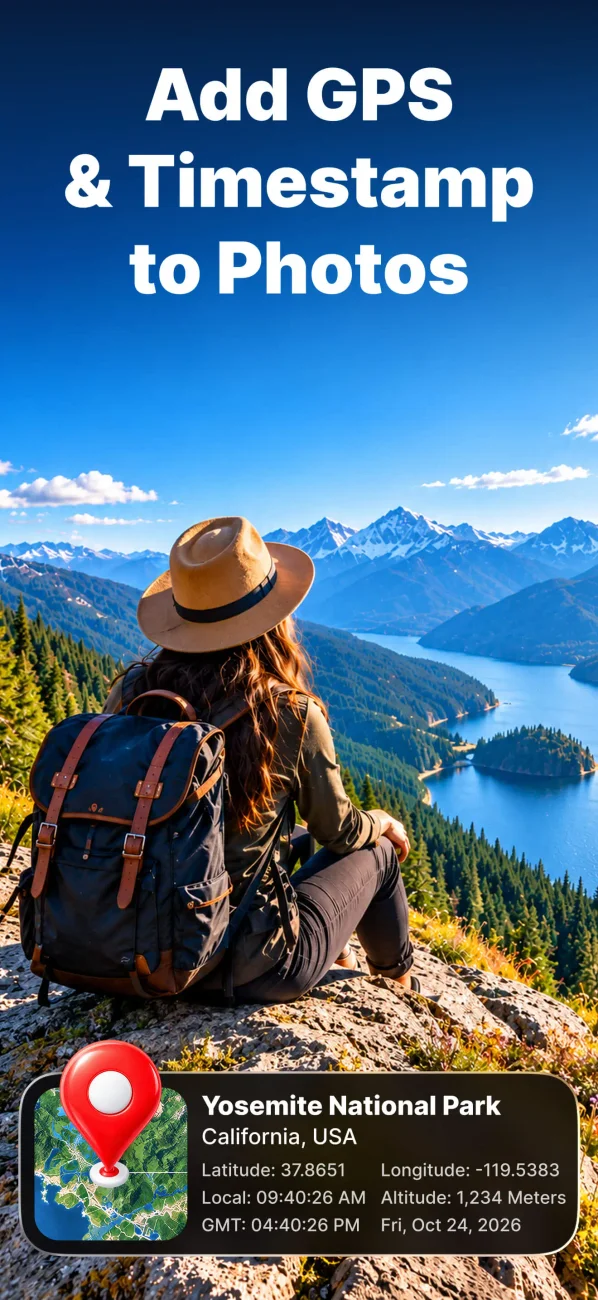
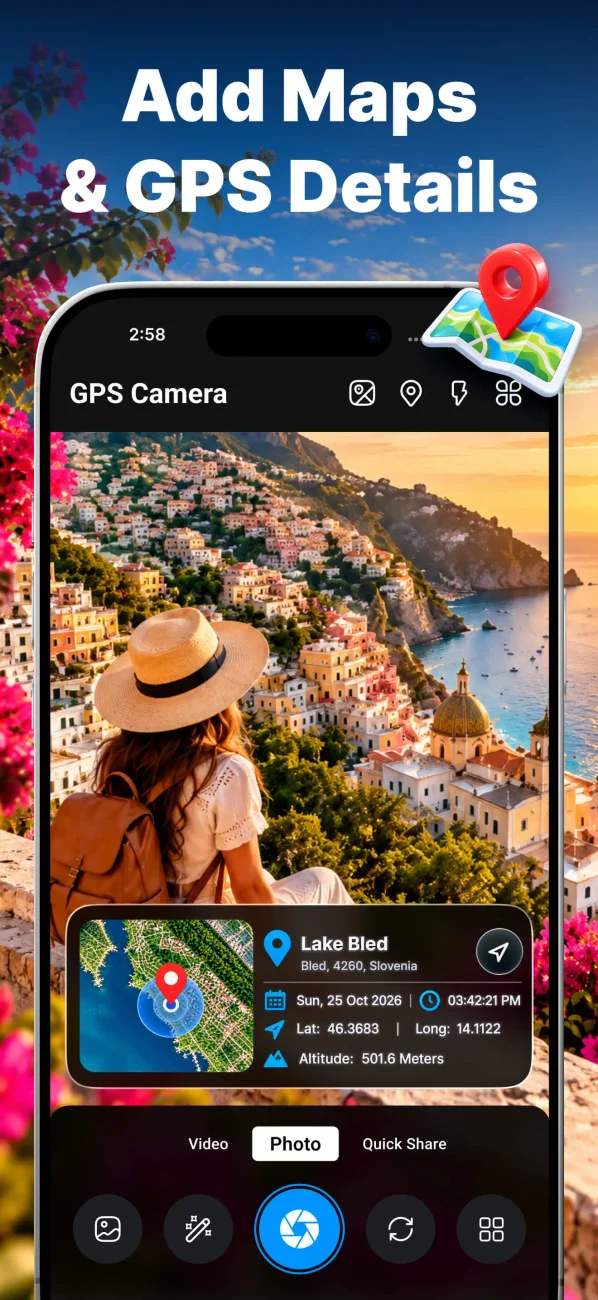
Looking for a way to preserve your travel memories with precise location details? With the GPS Map Camera app, you can add date-time stamps, live maps, and GPS coordinates to your photos effortlessly.
Capture Geotagged Photos with GPS Camera
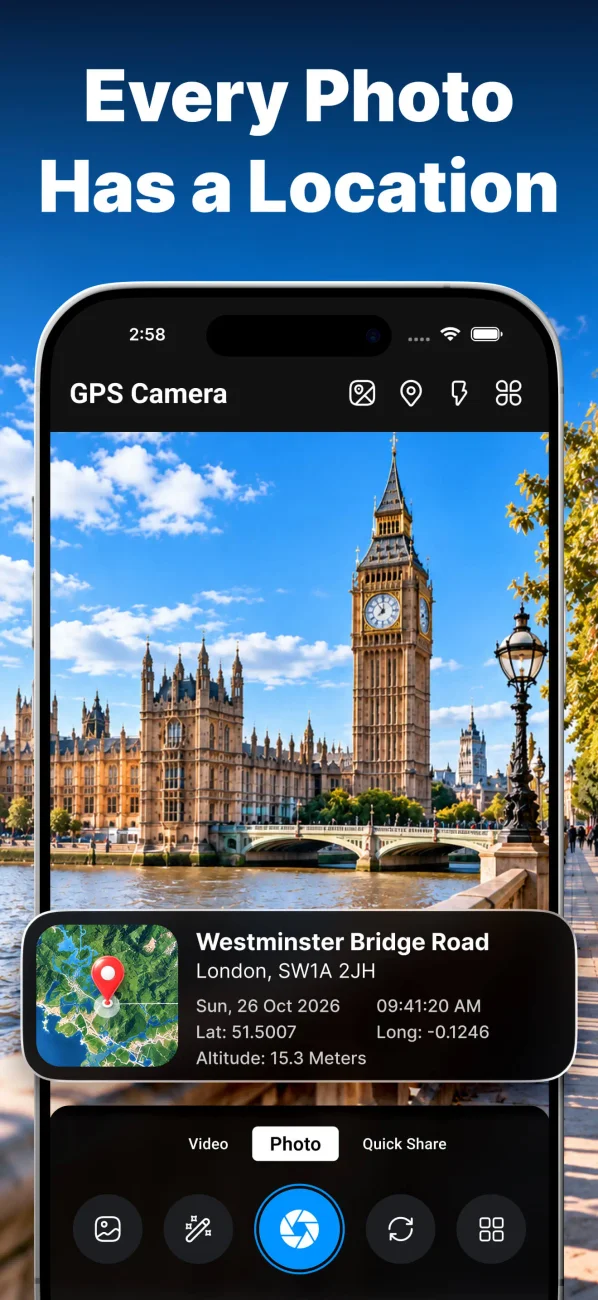
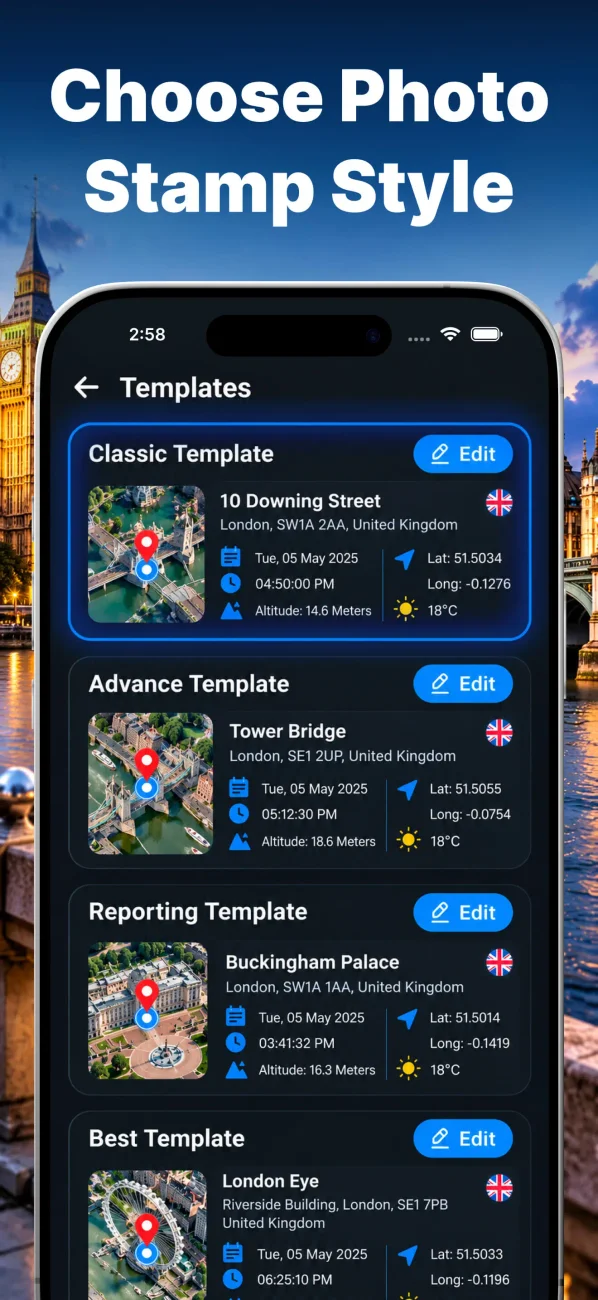
The GPS Camera app combines timestamp functionality with precise map location tracking. It allows you to edit and customize map and GPS details, including street addresses, map type, and geotag formats. The app seamlessly embeds map location data into your photos, ensuring you never forget where your memories were made.
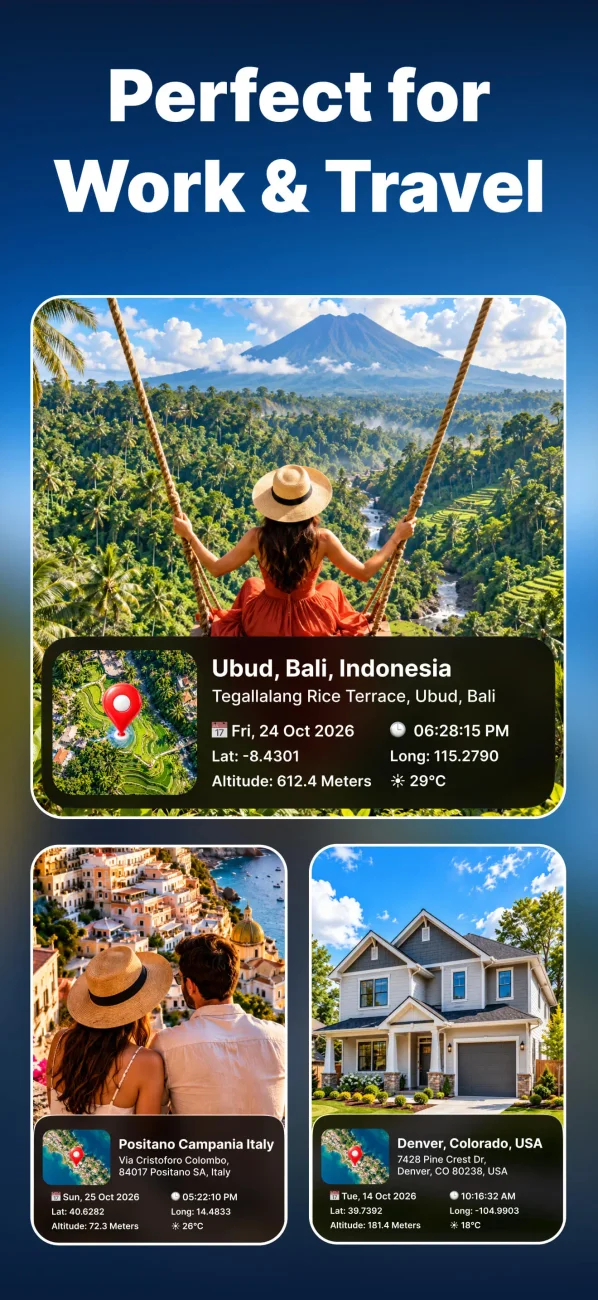
Use our GPS Camera with a timestamp feature to customize photo map locations, geotags, date-time formats, and more. Whether you’re traveling, documenting work locations, or sharing your outdoor adventures, GPS Map Camera has you covered.
Live Location Tracking with Geotagged Photos
With GPS Map Camera, you can track your live location along with your captured photos. Send geotagged images of your travel destinations to family and friends, letting them know about your best experiences. The app also allows you to add details like latitude, longitude, weather conditions, altitude, compass directions, and even magnetic field data to your photos.
Who Can Benefit from GPS Map Camera?
- Travelers & Tourists: Explore new cities and countries while tagging your photos with location data for easy sharing.
- Photographers & Influencers: Add precise location stamps to your pictures to enhance engagement with your audience.
- Outdoor Enthusiasts: Whether hiking, camping, or cycling, geotag your adventure photos with GPS coordinates and map overlays.
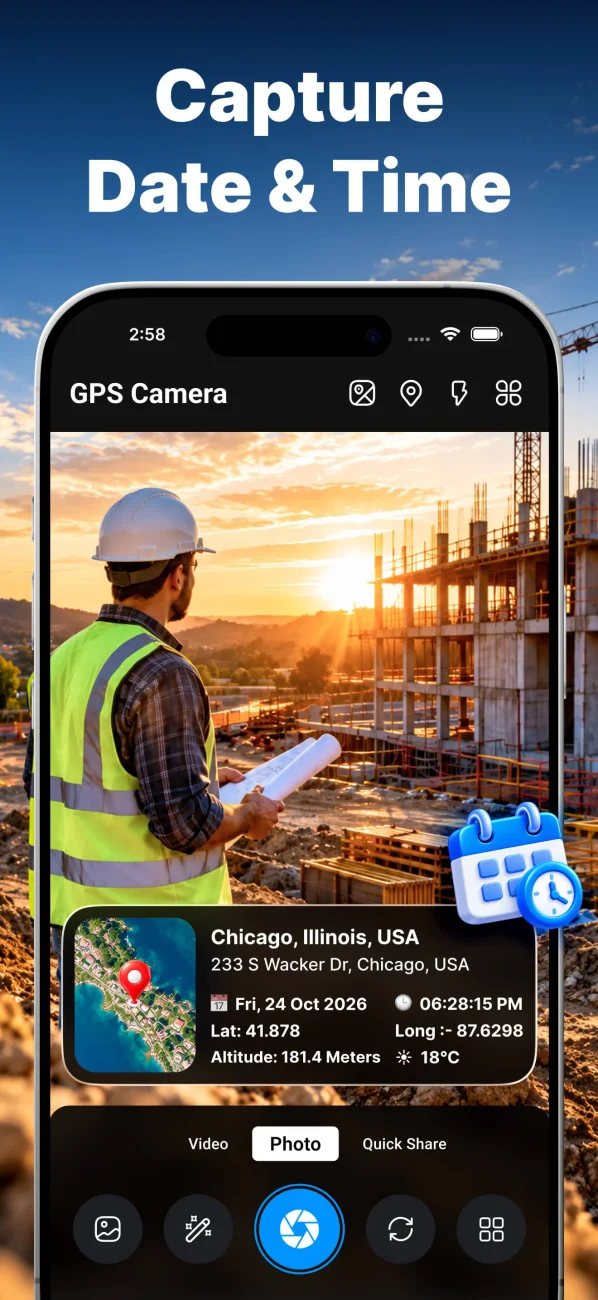
- Business Professionals: Easily document work sites, projects, or locations with geotagged images for reporting and tracking purposes.
Why Choose GPS Map Camera?
In today’s digital age, keeping track of where your photos were taken is crucial. GPS Map Camera combines advanced GPS technology with high-quality photography, automatically adding location details and interactive maps to your images. This feature ensures your travel memories and professional documentation remain well-organized and precise.
Key Features:
- GPS Camera Photo Geotagging: Embed location data in photos with GPS details.
- Customizable Geotag & Timestamps: Modify date-time and GPS location formats.
- Accurate Map Locations: Display precise map data with timestamps.
- Multiple Address Formats: Choose between long or short map addresses.
- Altitude Tracking: Add elevation data to your photos.
- Weather Information: Show real-time weather conditions and temperature.
- Map Styles: Select from normal, satellite, or hybrid map views.
- HD Camera Features: Use flash, front camera, and grid for high-quality photography.
- Date & Time Formats: Adjust timestamp display according to preference
Alternative App Names:
- GPS Camera
- Photo with Location
- Map Camera
- GPS Photo Stamp
- Location Stamp Camera
- Geo Tagging Camera
- Timestamp Camera
- Photo GPS Location
- Watermark Camera
- Photo Map Location
- Geotag Photos
- Photo with GPS Info
- Map Overlay Camera
- Exif Data Camera
- Photo Metadata
- Camera with Map
- Picture Location Tracker
- Photo Position Marker
- Image GPS Details
- Latitude Longitude Camera
- Camera That Adds Location to Photos
- Map on Photo Camera
- Best GPS Camera for iPhone
- Camera with Location and Time
- Auto Location Tagging Camera
- Photo Tracker with GPS
- Where Was This Photo Taken App
- iPhone Camera with GPS Tags
- GPS Camera for Outdoor Activities
- Travel Photo GPS
- Hiking GPS Camera
- Adventure Photography GPS
- Road Trip GPS Camera
- Work Report GPS Photos
- Business Location Proof Photos
- Real Estate Photo Tagging
- Construction Site Photo GPS
- Timestamp Camera for Work
- Insurance Claim Photo GPS
Privacy Policy: https://vijaybhaliya3006.blogspot.com/2025/02/gps-camera.html
Terms of Use: https://www.apple.com/legal/internet-services/itunes/dev/stdeula/
Có gì mới
Phiên bản 1.0.7 · 28/10/2026
-Performance improvement
Quyền riêng tư của ứng dụng
Những gì Vijay Bhaliya khai báo trên App Store về cách ứng dụng này xử lý dữ liệu.
-
Dữ liệu được sử dụng để theo dõi bạn
Có thể được sử dụng để theo dõi bạn trên các ứng dụng và trang web do công ty khác sở hữu.
- Dữ liệu sử dụng
-
Dữ liệu liên kết với bạn
Có thể được thu thập và liên kết với danh tính của bạn.
- Dữ liệu sử dụng
-
Dữ liệu không liên kết với bạn
Có thể được thu thập nhưng không liên kết với danh tính của bạn.
- Dữ liệu sử dụng
- Chẩn đoán
Phương thức đảm bảo quyền riêng tư có thể khác nhau, chẳng hạn như tuỳ theo các tính năng bạn sử dụng hoặc độ tuổi của bạn.
Thông tin
- Người bán
- Vijay Bhaliya
- Danh mục
- Dẫn Đường
- Phiên bản
- 1.0.7
- Cập nhật
- 28/10/2026
- Phát hành
- 24/04/2025
- Kích thước
- 61,7 MB
- Yêu cầu
- iOS 15 trở lên
- Độ tuổi
- 4+
- Giá
- Miễn phí
- Mua hàng trong ứng dụng
- Có
- Ngôn ngữ
- Tiếng Anh, Tiếng Ả Rập, Tiếng Pháp, Tiếng Đức, Hindi, Tiếng Nhật, Tiếng Bồ Đào Nha, Tiếng Nga, Tiếng Tây Ban Nha, Tiếng Trung Phồn thể, Urdu
- Bản quyền
- © GPS Camera: Stamp Photo Map
Có thể bạn cũng thích
-
 GPS Map Camera & TimestampDẫn Đường
-
 GPS Map Camera - Geotag PhotosDẫn Đường
-
 MapStamp - GPS Map CameraDẫn Đường
-
 Geotag: Live GPS Map CameraGPS Camera Photo with Location
-
 GPS Map Camera Geotag LocationDẫn Đường
-
 Camera Dấu Thời Gian GPSGhi ngày giờ và vị trí ảnh
-
 GPS Maps CameraDẫn Đường
-
 Camera Bản Đồ GPS Dấu GiờĐóng Dấu Ảnh Vị Trí Geo
-
 GPS Camera 55. Field SurveyDẫn Đường
-
 UTM Geo MapSimple Mapping And GIS Tools.