Triangle Maths
Circles, angles and area
Dirancang untuk iPhone, iPad, iPod touch
Gratis
- Batasan usia4+
- KategoriPendidikan
- Pengembanghirenkumar patel
- Ukuran47,3 MB
Tertaut ke halaman resmi App Store
Download.org tidak menyimpan file Triangle Maths apa pun. Tombol ini membuka halaman aplikasi di App Store, tempat hirenkumar patel menerbitkannya. Halaman terakhir diperiksa pada 12/11/2026.
Tangkapan layar
Tentang
Pengembang belum menyediakan teks ini dalam bahasa Anda.
Drag three points and watch the geometry follow.
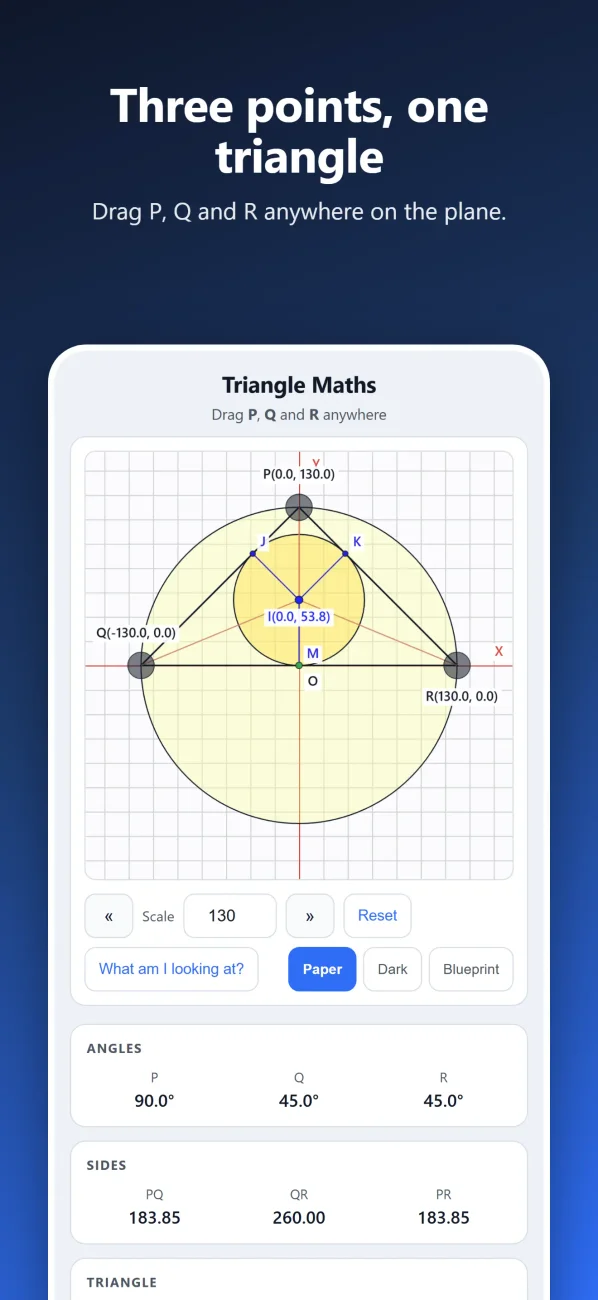
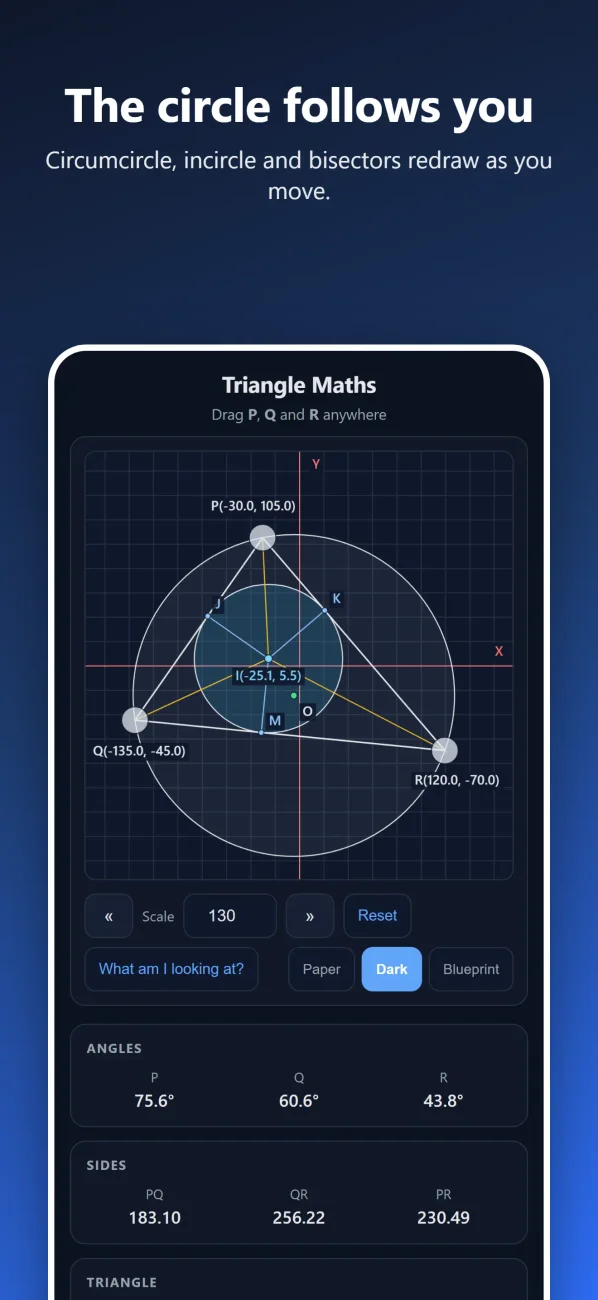
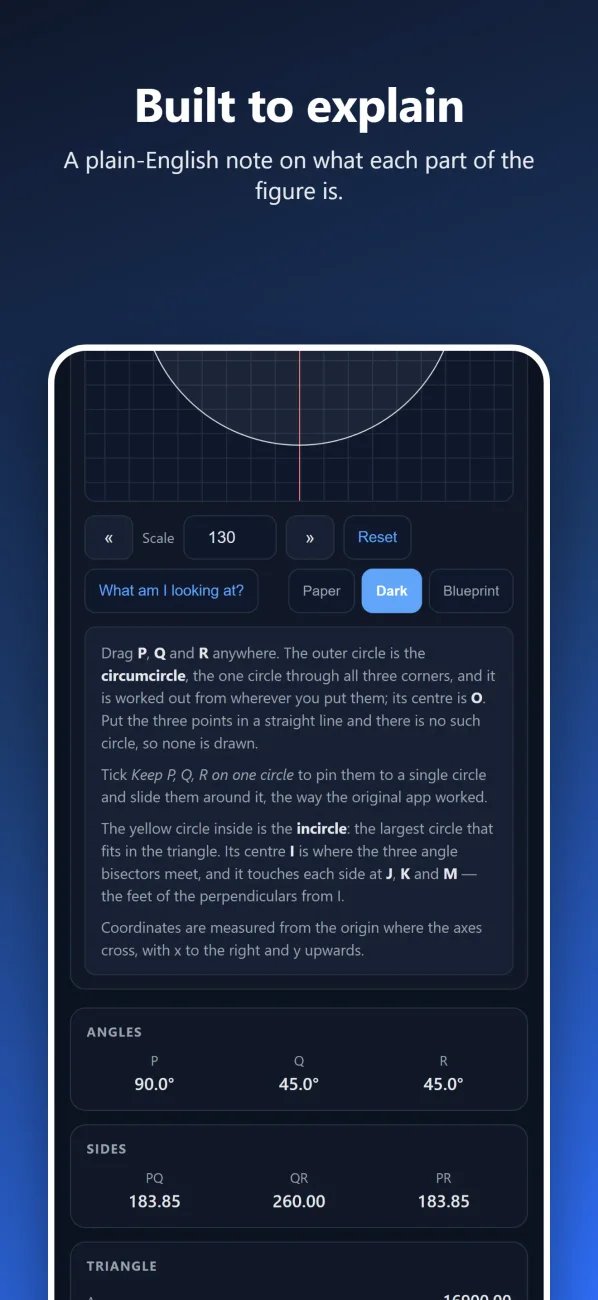
Triangle Maths draws a triangle from three points you move with your finger, together with the circle through all three corners, the circle that fits inside it, and the three angle bisectors. Nothing is fixed: move a point and every line, circle and number is worked out again.
WHAT IT SHOWS
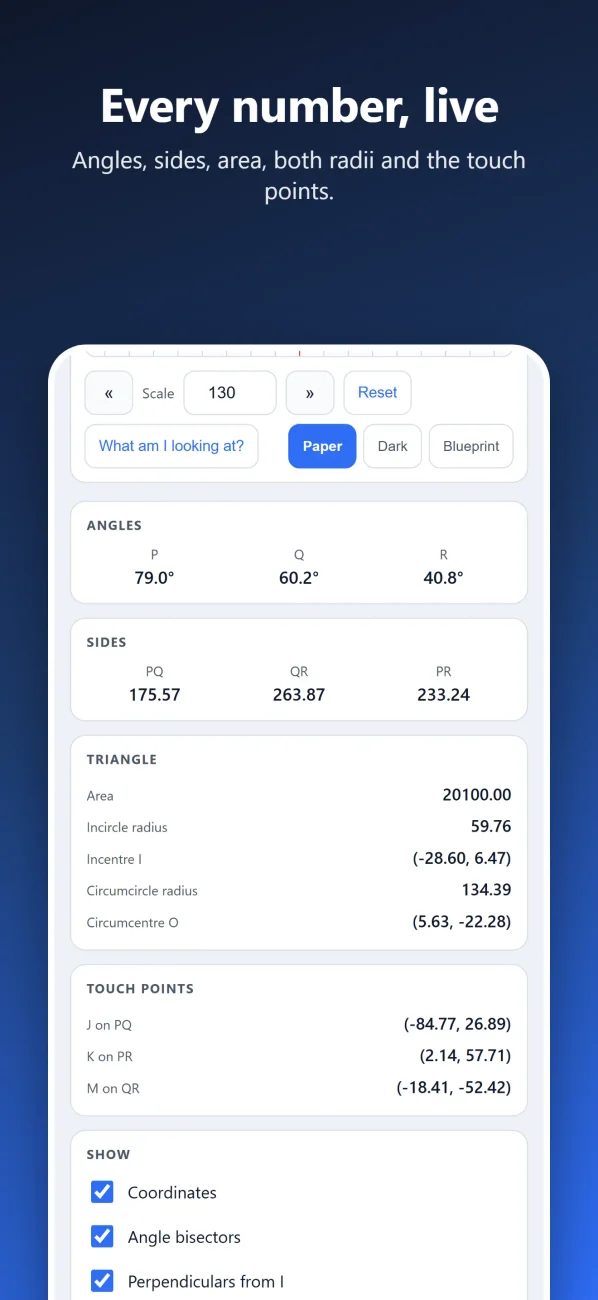
• The circumcircle, the one circle through P, Q and R, and its centre O.
• The incircle, the largest circle that fits inside the triangle, and its centre I where the three angle bisectors meet.
• J, K and M, the points where the incircle touches each side.
• The angle at each corner, the three side lengths, the area, and both radii.
• Coordinates for every point, measured from the origin.
HOW YOU USE IT
• Drag P, Q and R anywhere on the plane.
• Or tick "Keep P, Q, R on one circle" and slide them around a single circle, the way the first version of this app worked.
• Zoom the plane in and out with the scale control.
• Turn coordinates, angle bisectors, perpendiculars and the grid on or off.
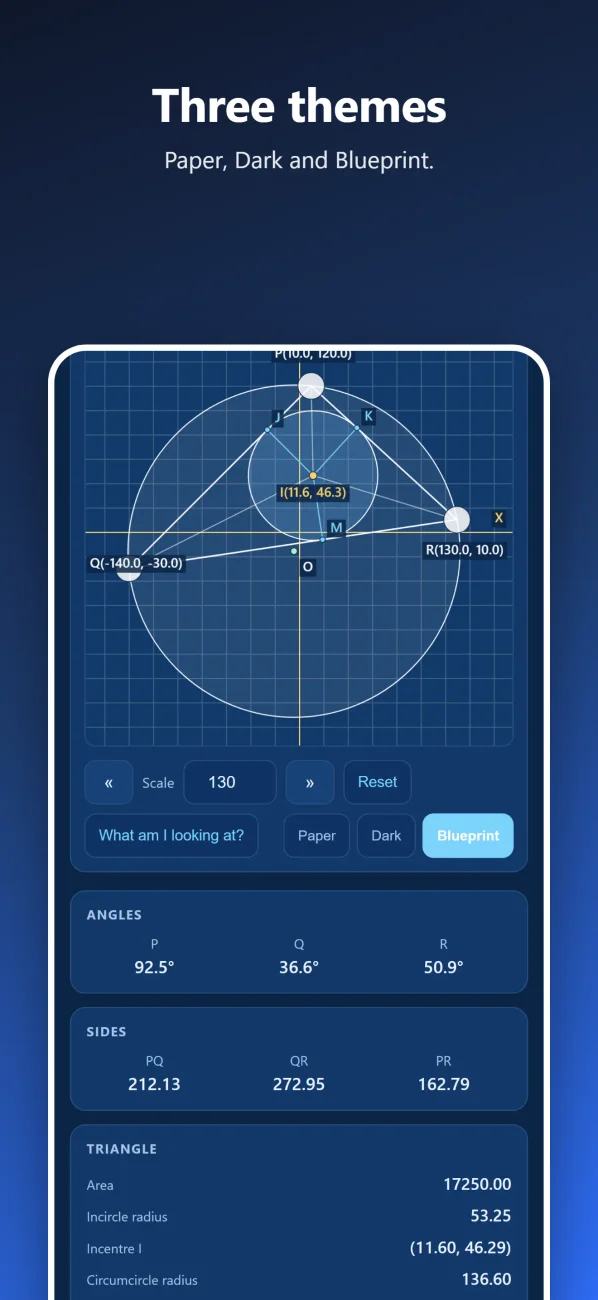
• Choose a theme: Paper, Dark or Blueprint.
• Put the three points in a line and see what happens: there is no circle through them, and the app says so rather than showing a number.
Everything is worked out on your iPhone. There is no account, no sign-in, no internet connection and no data collection of any kind, so it works in airplane mode.
Rebuilt from the ground up for modern iPhones, replacing the 2015 version.
Yang baru
Versi 2.0 · 14/10/2026
Rebuilt from the ground up for modern iPhones.
• P, Q and R now move anywhere on the plane. The circle through them is worked out as you drag, rather than the points being pinned to a fixed circle.
• New readouts: circumcircle radius and circumcentre, alongside the area, incircle radius and touch points.
• Three themes: Paper, Dark and Blueprint.
• The numbers sit beside the figure instead of on top of it, and the layout fits any iPhone, upright or on its side.
• Bigger touch targets, and a drag that follows your finger exactly.
Privasi aplikasi
Yang dinyatakan hirenkumar patel di App Store tentang cara aplikasi ini menangani data.
-
Data tidak dikumpulkan
Pengembang tidak mengumpulkan data apa pun dari aplikasi ini.
Praktik privasi dapat bervariasi, misalnya berdasarkan fitur yang Anda gunakan atau usia Anda.
Informasi
- Penjual
- hirenkumar patel
- Kategori
- Pendidikan
- Versi
- 2.0
- Diperbarui
- 14/10/2026
- Dirilis
- 21/1/2015
- Ukuran
- 47,3 MB
- Memerlukan
- iOS 15.0 atau yang lebih baru
- Batasan usia
- 4+
- Harga
- Gratis
- Hak cipta
- © @2015 Hirenkumar