
- Batasan usia4+
- KategoriBisnis
- PengembangGMO GlobalSign K.K.
- BahasaJepang+ 1 lainnya
- Ukuran17,7 MB
Tertaut ke halaman resmi App Store
Download.org tidak menyimpan file TrustLogin apa pun. Tombol ini membuka halaman aplikasi di App Store, tempat GMO GlobalSign K.K. menerbitkannya. Halaman terakhir diperiksa pada 12/11/2026.
Tangkapan layar

Tentang
Pengembang belum menyediakan teks ini dalam bahasa Anda.
TrustLogin - Password Manager
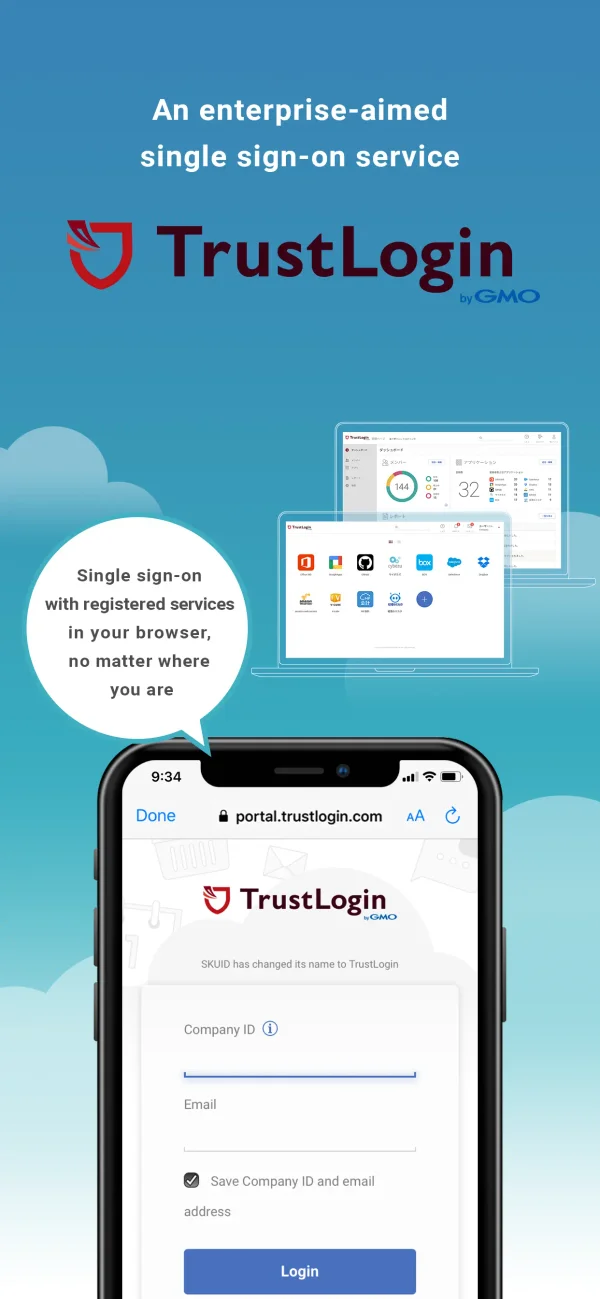
"TrustLogin - Password Manager" uses your TrustLogin account to single sign-on to applications.
Important: In order to use this application, it is necessary to first setup an account through a desktop browser. For users without a TrustLogin account, please search for 'TrustLogin' in your browser and signup from there.
What is TrustLogin?
TrustLogin is a cloud service (IDaaS) that provides ID management, single sign-on, access restriction and log report management, reducing the management burden placed upon companies while providing a highly secure authentication-based environment.
The main features are as follows:
ID Management
Create and save groups based on roles, departments and more by batch registering users information by way of AD integration or CSV data and disable the accounts of users on-the-spot who have left the company, preventing data leaks.
SSO (Single Sign-on)
With just one login, users can access their company's web system and cloud services, eliminating the need to remember ID's and passwords per service. Passwords are encrypted and stored securely.
Access control
Admins can control and restrict what services users and groups can access, resulting in a secure user experience.
Log/report management
By making users service use visible with log reports, admins can stay on top of user-action history like password changes, adding another layer of security as auditing functionality.
Differences between TrustLogin and TrustLogin Classic
Supported OS versions
TrustLogin iOS 12.0 and after
TrustLogin Classic iOS 10.0 and after
Differences in functionality
TrustLogin
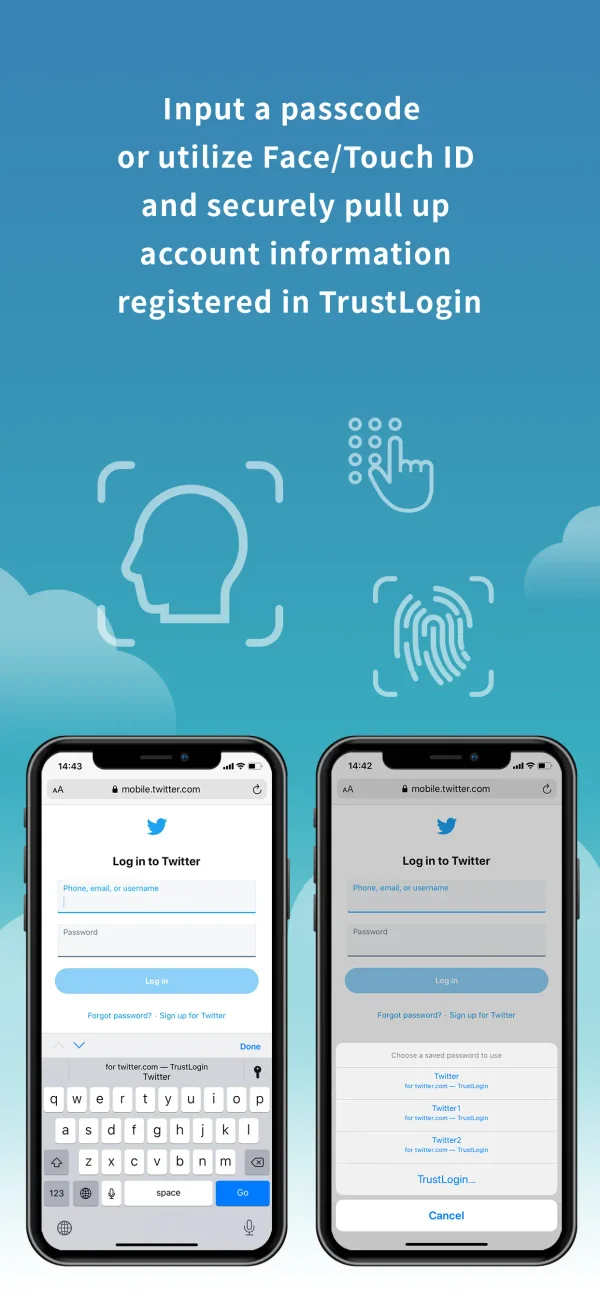
==> Similar to iCloud keychain, user ID and password are autofilled when logging in with their respective application/browser.
TrustLogin Classic
==> Using the browser provided in this application, user ID and password are autofilled when logging in with their respective application/browser.
Yang baru
Versi 4.3.1 · 8/9/2026
We have added support for OpenID Connect. With this update, OIDC authentication can now be performed in the in-app browser.
Privasi aplikasi
Yang dinyatakan GMO GlobalSign K.K. di App Store tentang cara aplikasi ini menangani data.
-
Data yang tidak ditautkan dengan Anda
Dapat dikumpulkan, tetapi tidak ditautkan dengan identitas Anda.
- Pengenal
Praktik privasi dapat bervariasi, misalnya berdasarkan fitur yang Anda gunakan atau usia Anda.
Informasi
- Penjual
- GMO GlobalSign K.K.
- Kategori
- Bisnis
- Versi
- 4.3.1
- Diperbarui
- 8/9/2026
- Dirilis
- 10/5/2019
- Ukuran
- 17,7 MB
- Memerlukan
- iOS 15.6 atau yang lebih baru
- Batasan usia
- 4+
- Harga
- Gratis
- Bahasa
- Jepang, Inggris
- Hak cipta
- © 2007 GMO GlobalSign K.K.