- Độ tuổi4+
- Danh mụcKinh Doanh
- Nhà phát triểnGMO GlobalSign K.K.
- Ngôn ngữTiếng Nhật+ 1 ngôn ngữ khác
- Kích thước17,7 MB
Liên kết đến trang App Store chính thức
Download.org không lưu trữ tệp nào của TrustLogin. Nút này mở trang ứng dụng trên App Store, nơi GMO GlobalSign K.K. phát hành ứng dụng. Trang được kiểm tra lần cuối: 12/11/2026.
Ảnh chụp màn hình
Giới thiệu
Nhà phát triển chưa cung cấp nội dung này bằng ngôn ngữ của bạn.
TrustLogin - Password Manager
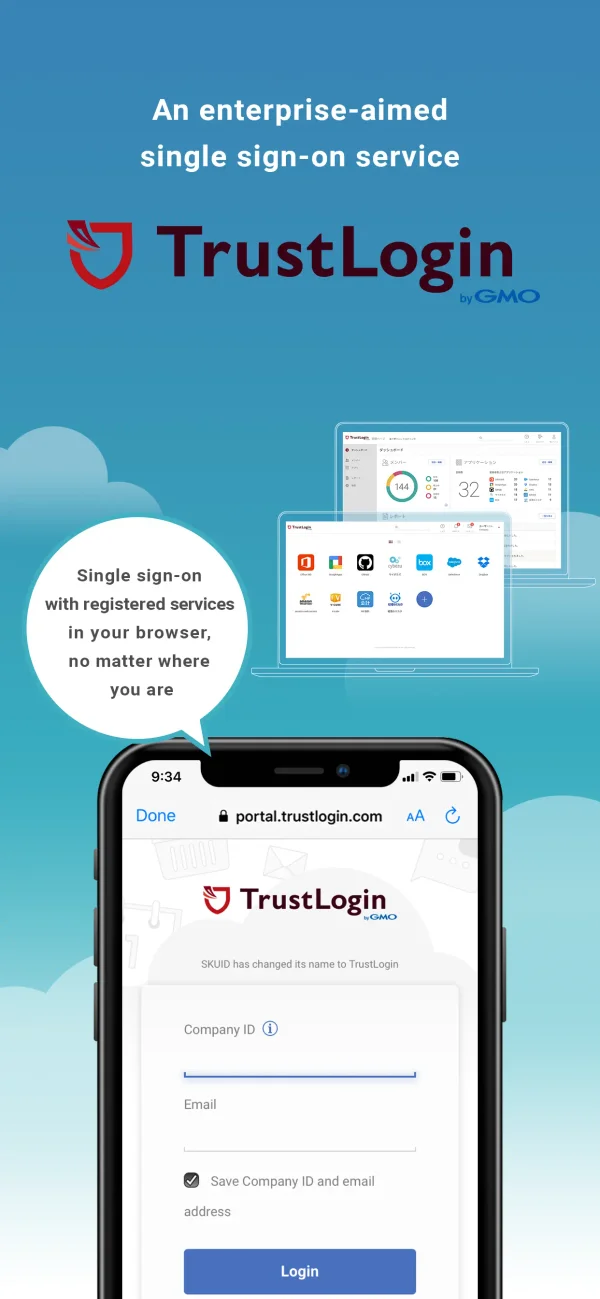
"TrustLogin - Password Manager" uses your TrustLogin account to single sign-on to applications.
Important: In order to use this application, it is necessary to first setup an account through a desktop browser. For users without a TrustLogin account, please search for 'TrustLogin' in your browser and signup from there.
What is TrustLogin?
TrustLogin is a cloud service (IDaaS) that provides ID management, single sign-on, access restriction and log report management, reducing the management burden placed upon companies while providing a highly secure authentication-based environment.
The main features are as follows:
ID Management
Create and save groups based on roles, departments and more by batch registering users information by way of AD integration or CSV data and disable the accounts of users on-the-spot who have left the company, preventing data leaks.
SSO (Single Sign-on)
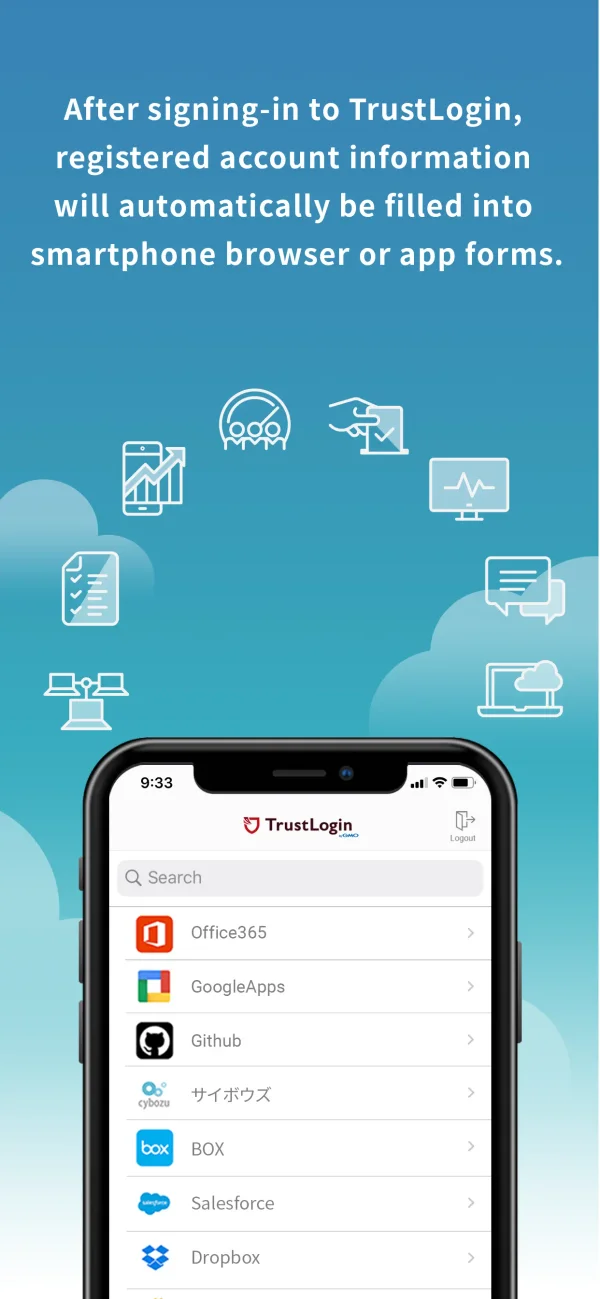
With just one login, users can access their company's web system and cloud services, eliminating the need to remember ID's and passwords per service. Passwords are encrypted and stored securely.
Access control
Admins can control and restrict what services users and groups can access, resulting in a secure user experience.
Log/report management
By making users service use visible with log reports, admins can stay on top of user-action history like password changes, adding another layer of security as auditing functionality.
Differences between TrustLogin and TrustLogin Classic
Supported OS versions
TrustLogin iOS 12.0 and after
TrustLogin Classic iOS 10.0 and after
Differences in functionality
TrustLogin
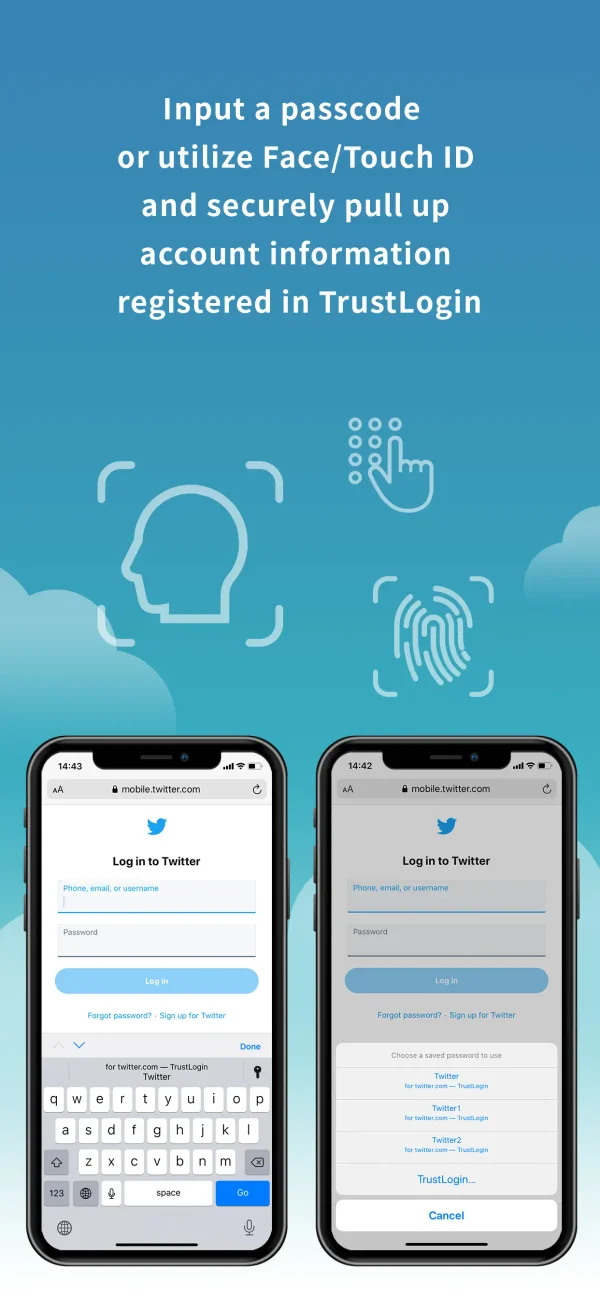
==> Similar to iCloud keychain, user ID and password are autofilled when logging in with their respective application/browser.
TrustLogin Classic
==> Using the browser provided in this application, user ID and password are autofilled when logging in with their respective application/browser.
Có gì mới
Phiên bản 4.3.1 · 08/09/2026
We have added support for OpenID Connect. With this update, OIDC authentication can now be performed in the in-app browser.
Quyền riêng tư của ứng dụng
Những gì GMO GlobalSign K.K. khai báo trên App Store về cách ứng dụng này xử lý dữ liệu.
-
Dữ liệu không liên kết với bạn
Có thể được thu thập nhưng không liên kết với danh tính của bạn.
- Mã định danh
Phương thức đảm bảo quyền riêng tư có thể khác nhau, chẳng hạn như tuỳ theo các tính năng bạn sử dụng hoặc độ tuổi của bạn.
Thông tin
- Người bán
- GMO GlobalSign K.K.
- Danh mục
- Kinh Doanh
- Phiên bản
- 4.3.1
- Cập nhật
- 08/09/2026
- Phát hành
- 10/05/2019
- Kích thước
- 17,7 MB
- Yêu cầu
- iOS 15.6 trở lên
- Độ tuổi
- 4+
- Giá
- Miễn phí
- Ngôn ngữ
- Tiếng Nhật, Tiếng Anh
- Bản quyền
- © 2007 GMO GlobalSign K.K.