
tterminal
SSH terminal that handles IMEs
Dirancang untuk iPhone, iPad, iPod touch
Gratis · Pembelian dalam aplikasi
- Batasan usia4+
- KategoriAlat Pengembang
- PengembangPu Lee
- BahasaInggris+ 1 lainnya
- Ukuran23,5 MB
Tertaut ke halaman resmi App Store
Download.org tidak menyimpan file tterminal apa pun. Tombol ini membuka halaman aplikasi di App Store, tempat Pu Lee menerbitkannya. Halaman terakhir diperiksa pada 23/11/2026.
Tangkapan layar

Tentang
Pengembang belum menyediakan teks ini dalam bahasa Anda.
Typing Chinese or Japanese over SSH on a phone usually goes wrong somewhere: half your composition disappears, a character gets sent twice, or wide characters knock the whole screen out of line. tterminal started as an attempt to fix exactly that.
Composition shows up at the cursor and only goes to the server once you've picked a candidate. Zhuyin, Cangjie, Pinyin and Japanese input all work.
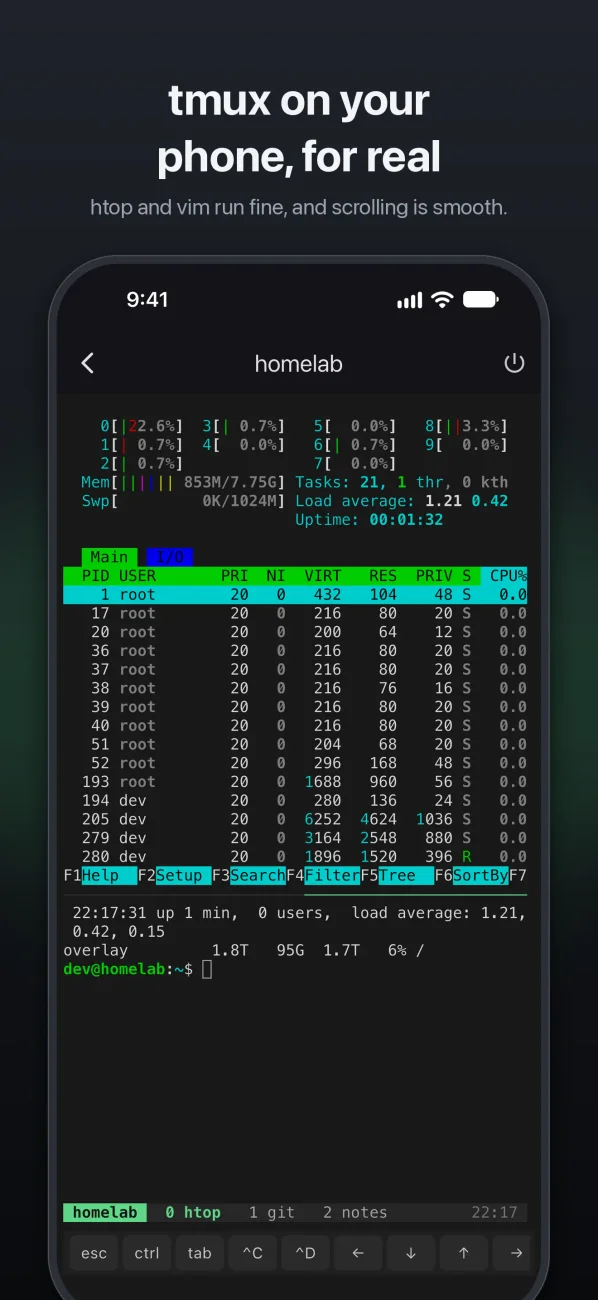
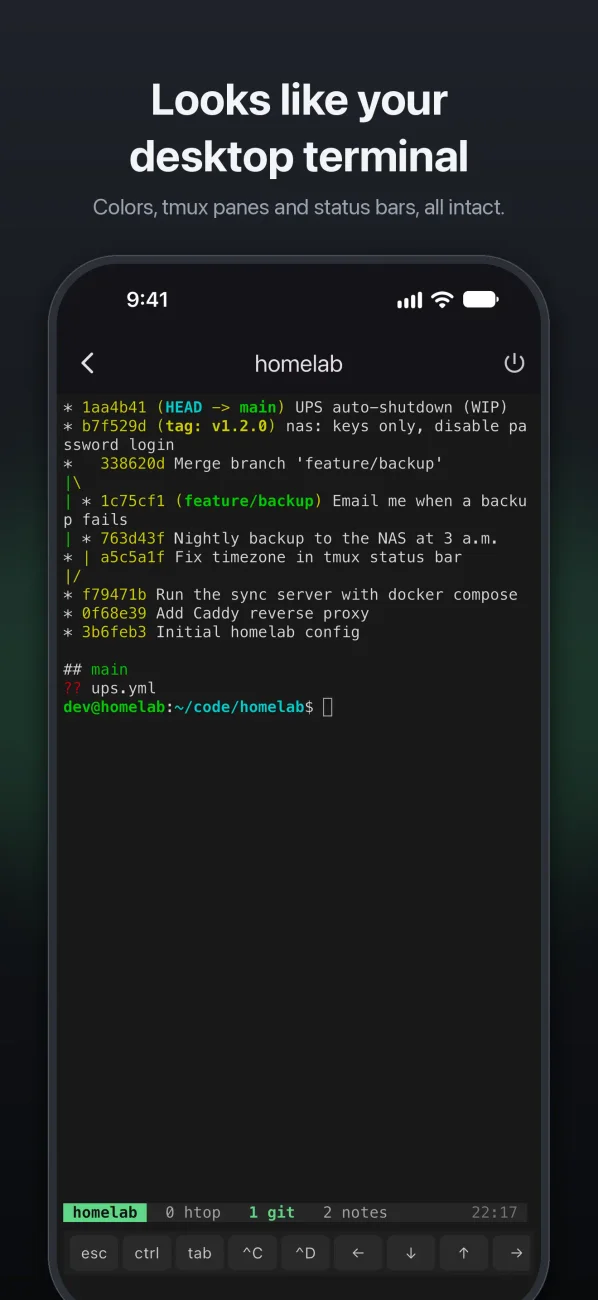
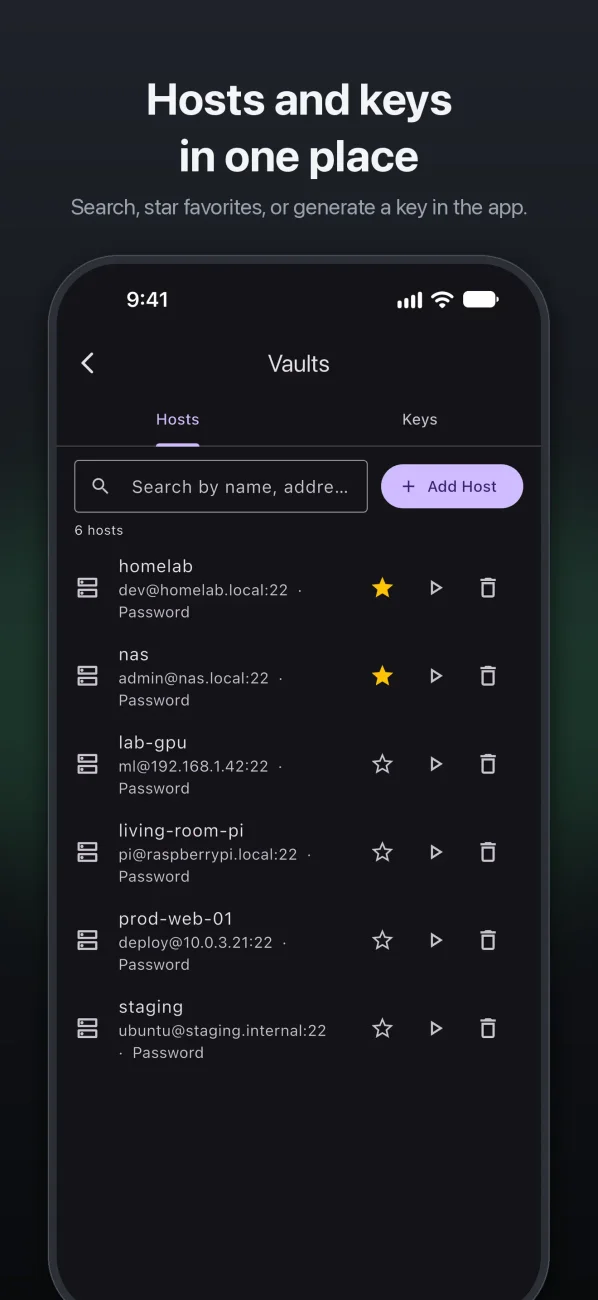
The rest of what you'd expect from a terminal is here too. htop, vim and tmux behave, and scrolling is smooth. There's a row of esc, ctrl, tab and arrow keys above the keyboard, with one-tap ^C and ^D, and you can long-press and drag on the screen to use it as arrow keys. Log in with a password or a key, or generate a key right in the app. Host fingerprints are remembered on first connect; if one changes later, tterminal stops and shows you what changed before it connects.
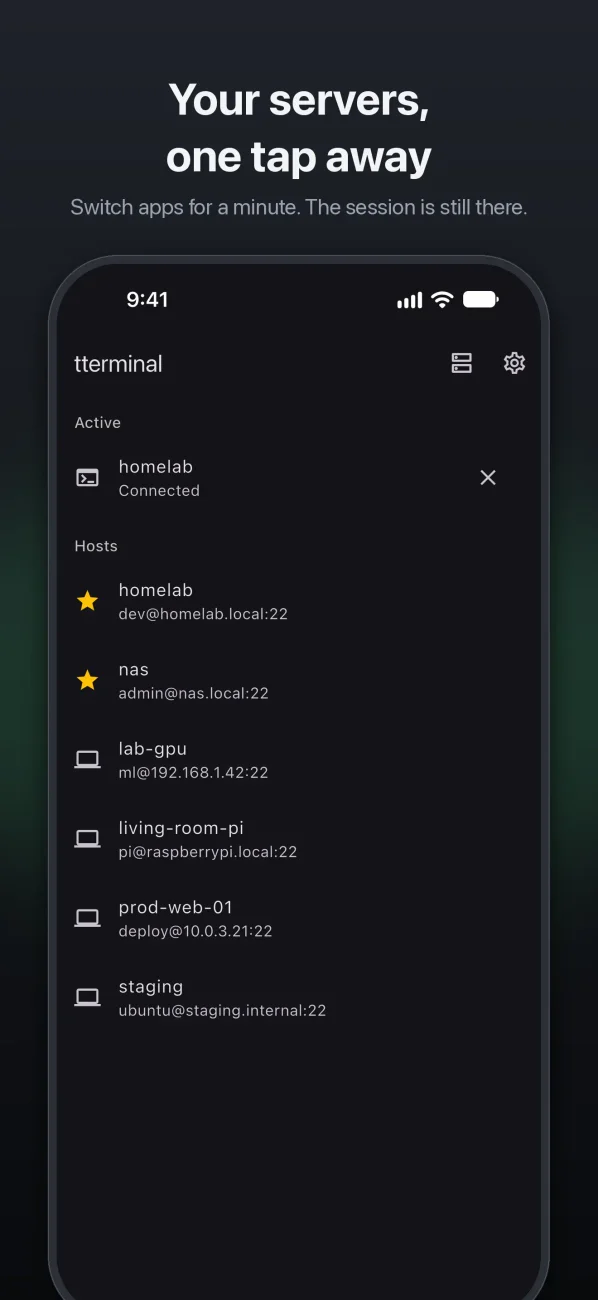
Switch away to answer a message and your session is usually still there when you come back. On iPhone, while the app is in the background, the Dynamic Island shows how many connections are open. iOS only allows so much background time, though, so a long break will still drop them.
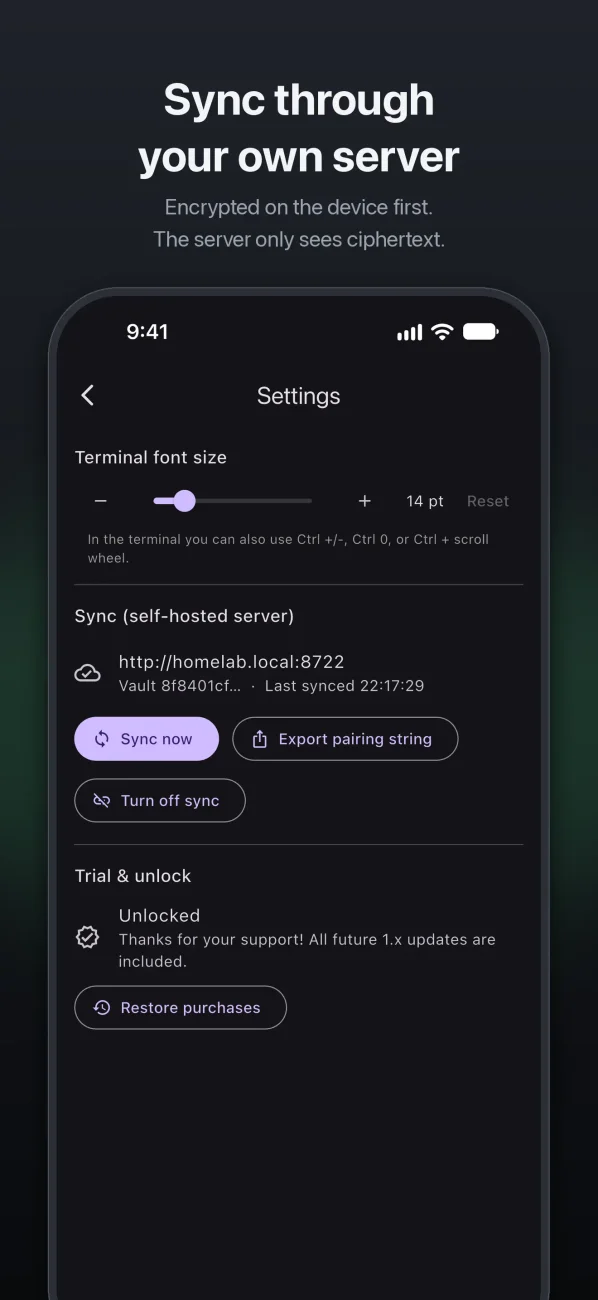
To share hosts between your iPhone and iPad, you can run your own sync server with a single docker command. Everything is encrypted on the device before it's sent, so the server only stores ciphertext. It's best kept at home on a NAS or a small box rather than open to the internet. The server code is on GitHub.
On an iPad or an unfolded iPhone Duo you get two columns: connections on the left, terminal on the right.
It's free to download and everything works for 14 days. After that, a one-time purchase keeps new connections working and covers every 1.x update. No subscription, no ads. If you don't buy it, your hosts and sync stay where they are. The app collects no data, and there's no account to sign up for.
The phone version doesn't have SFTP file browsing or mosh yet. If there's something you'd like to see, open an issue on GitHub.
Yang baru
Versi 1.0.1 · 18/11/2026
- Fixed tterminal getting stuck on the launch screen when opened on the inner screen of an unfolded iPhone Duo.
- The Sync section in Settings now links to tterminal-sync on GitHub, so you can set up your own sync server.
- Opening links on iPhone and iPad (for example Cmd-clicking a URL in the terminal) used to do nothing; they now open in your browser.
Privasi aplikasi
Yang dinyatakan Pu Lee di App Store tentang cara aplikasi ini menangani data.
-
Data tidak dikumpulkan
Pengembang tidak mengumpulkan data apa pun dari aplikasi ini.
Praktik privasi dapat bervariasi, misalnya berdasarkan fitur yang Anda gunakan atau usia Anda.
Informasi
- Penjual
- Pu Lee
- Kategori
- Alat Pengembang
- Versi
- 1.0.1
- Diperbarui
- 18/11/2026
- Dirilis
- 9/11/2026
- Ukuran
- 23,5 MB
- Memerlukan
- iOS 15.0 atau yang lebih baru
- Batasan usia
- 4+
- Harga
- Gratis
- Pembelian dalam aplikasi
- Ya
- Bahasa
- Inggris, Tionghoa Tradisional
- Hak cipta
- © 2026 tterminal
Mungkin Anda juga suka
-
 Conchshell: SSH, SFTP & RDPAlat Pengembang
-
 Unofficial OpenCode ClientAlat Pengembang
-
 MTerm - SSH TerminalAlat Pengembang
-
 Vibe SSH TerminalAlat Pengembang
-
 Syncthing MonitorAlat Pengembang
-
 CMD: SSH, Terminal, JaringanKlien SSH & alat jaringan
-
 SSH Client - Secure ShellFishAlat Pengembang
-
 Blink Shell, Build & CodeAlat Pengembang
-
 a-Shell miniAlat Pengembang
-
 WebSSH - Sysadmin ToolboxAlat Pengembang