
- 対象年齢4+
- カテゴリ開発ツール
- 開発元Pu Lee
- 言語英語ほか1言語
- サイズ23.5 MB
App Storeの公式ページにリンクしています
Download.orgはtterminalのファイルを一切ホストしていません。ボタンを押すと、Pu Leeが公開しているApp Storeのアプリページが開きます。ページの最終確認:2026/11/23。
スクリーンショット

概要
開発元はこのテキストをお使いの言語で提供していません。
Typing Chinese or Japanese over SSH on a phone usually goes wrong somewhere: half your composition disappears, a character gets sent twice, or wide characters knock the whole screen out of line. tterminal started as an attempt to fix exactly that.
Composition shows up at the cursor and only goes to the server once you've picked a candidate. Zhuyin, Cangjie, Pinyin and Japanese input all work.
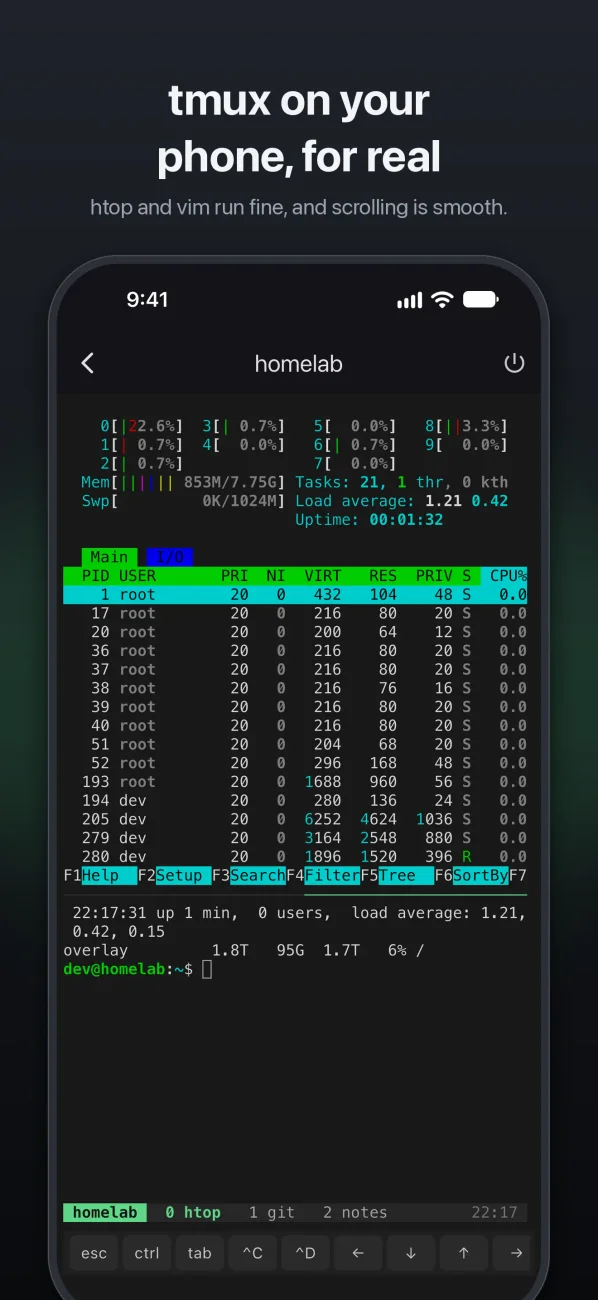
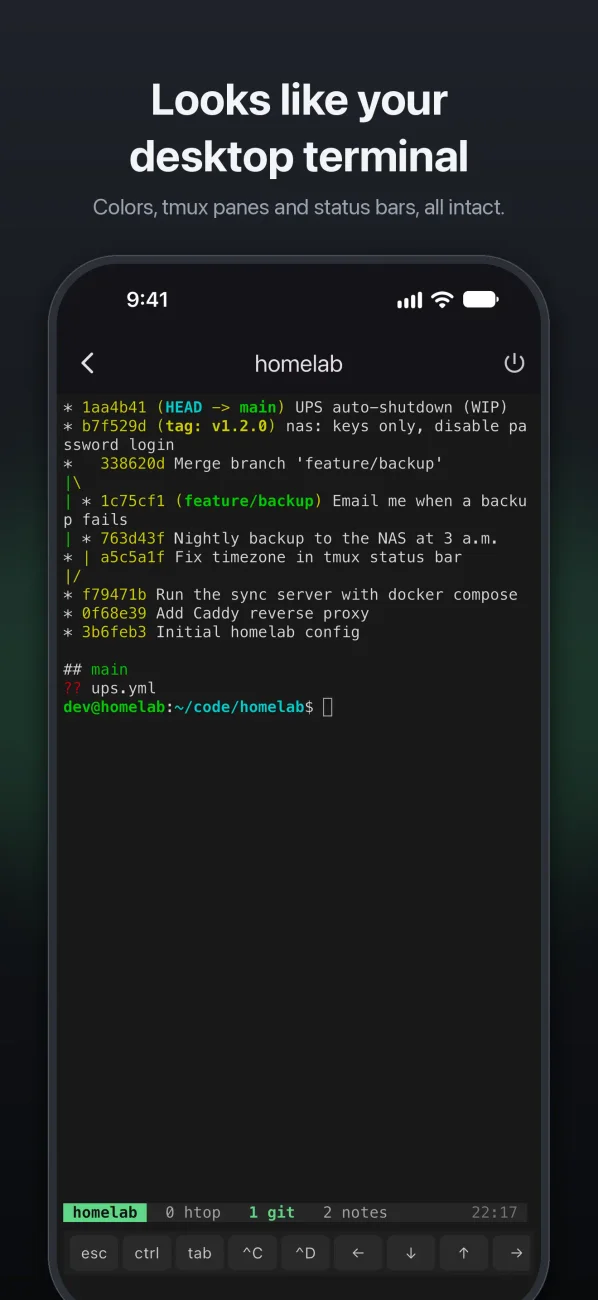
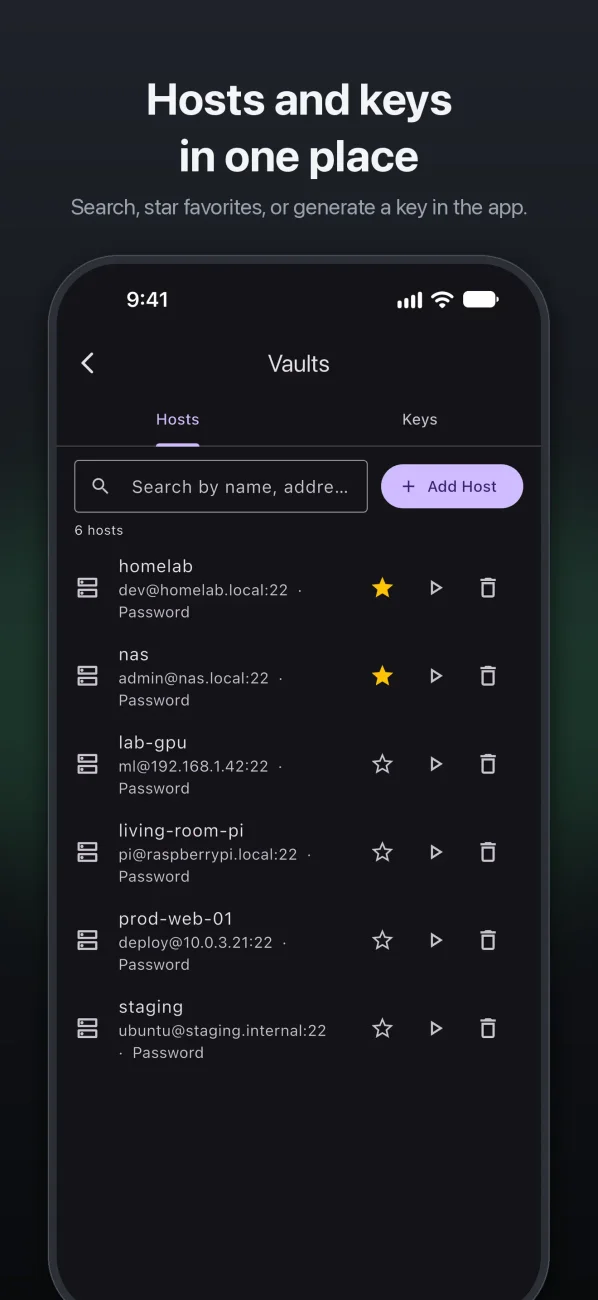
The rest of what you'd expect from a terminal is here too. htop, vim and tmux behave, and scrolling is smooth. There's a row of esc, ctrl, tab and arrow keys above the keyboard, with one-tap ^C and ^D, and you can long-press and drag on the screen to use it as arrow keys. Log in with a password or a key, or generate a key right in the app. Host fingerprints are remembered on first connect; if one changes later, tterminal stops and shows you what changed before it connects.
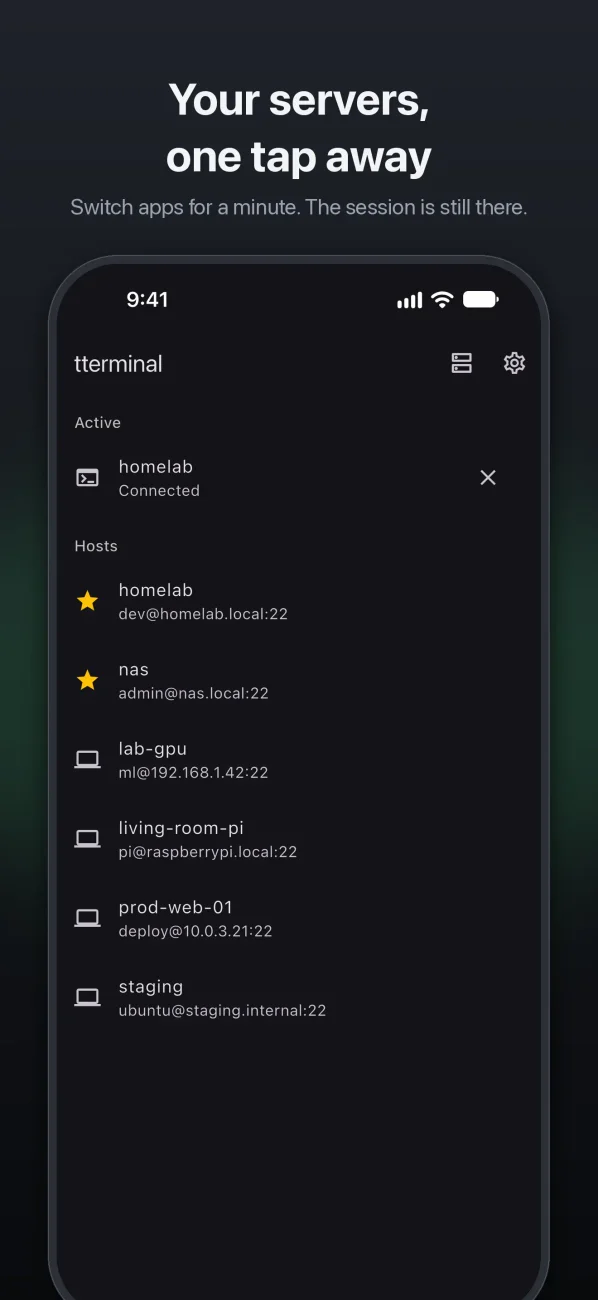
Switch away to answer a message and your session is usually still there when you come back. On iPhone, while the app is in the background, the Dynamic Island shows how many connections are open. iOS only allows so much background time, though, so a long break will still drop them.
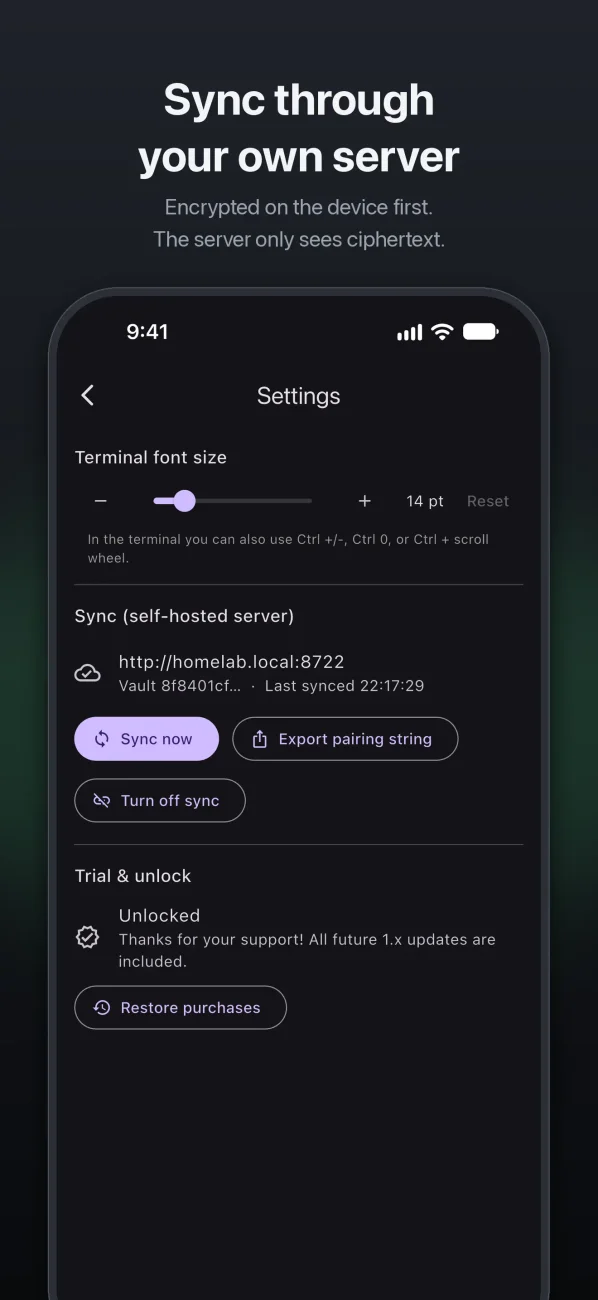
To share hosts between your iPhone and iPad, you can run your own sync server with a single docker command. Everything is encrypted on the device before it's sent, so the server only stores ciphertext. It's best kept at home on a NAS or a small box rather than open to the internet. The server code is on GitHub.
On an iPad or an unfolded iPhone Duo you get two columns: connections on the left, terminal on the right.
It's free to download and everything works for 14 days. After that, a one-time purchase keeps new connections working and covers every 1.x update. No subscription, no ads. If you don't buy it, your hosts and sync stay where they are. The app collects no data, and there's no account to sign up for.
The phone version doesn't have SFTP file browsing or mosh yet. If there's something you'd like to see, open an issue on GitHub.
新機能
バージョン 1.0.1 · 2026/11/18
- Fixed tterminal getting stuck on the launch screen when opened on the inner screen of an unfolded iPhone Duo.
- The Sync section in Settings now links to tterminal-sync on GitHub, so you can set up your own sync server.
- Opening links on iPhone and iPad (for example Cmd-clicking a URL in the terminal) used to do nothing; they now open in your browser.
アプリのプライバシー
このアプリのデータの取り扱いについて、Pu LeeがApp Storeで申告している内容です。
-
データの収集なし
開発元はこのアプリからデータを収集しません。
プライバシーの取り扱いは、ご利用の機能やお客様の年齢などに応じて異なる場合があります。
情報
- 販売元
- Pu Lee
- カテゴリ
- 開発ツール
- バージョン
- 1.0.1
- 更新日
- 2026/11/18
- リリース
- 2026/11/9
- サイズ
- 23.5 MB
- 必要条件
- iOS 15.0以降
- 対象年齢
- 4+
- 価格
- 無料
- アプリ内課金
- あり
- 言語
- 英語, 繁体字中国語
- 著作権
- © 2026 tterminal
こちらもおすすめ
-
 Conchshell: SSH, SFTP & RDP開発ツール
-
 Unofficial OpenCode Client開発ツール
-
 MTerm - SSHターミナルiPad / iPhoneをAI開発の操作端末に
-
 Vibe SSH Terminal開発ツール
-
 Syncthing Monitor開発ツール
-
 CMD: SSHターミナル・DOS・PingSSHクライアントとネットワークツール
-
 SSH Client - Secure ShellFish開発ツール
-
 Blink Shell, Build & Code開発ツール
-
 a-Shell mini開発ツール
-
 WebSSH - Sysadmin Toolbox開発ツール