
TwoUp Split Screen Dual Window
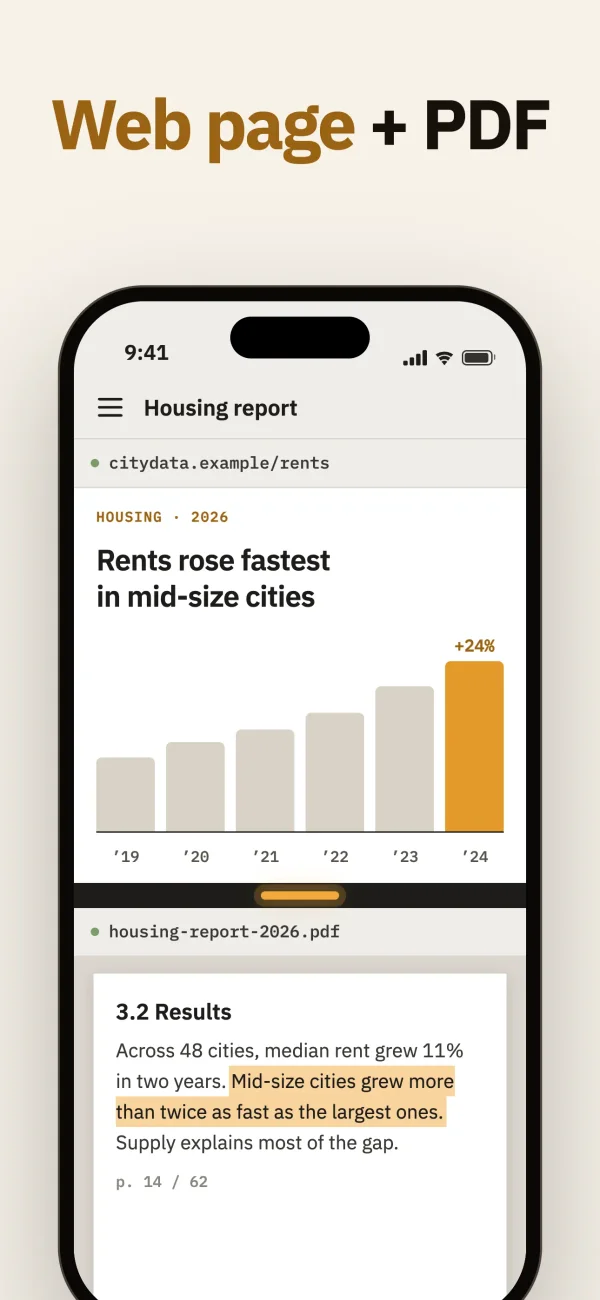
Multitask Two Apps: Web & PDF
Dirancang untuk iPhone
Gratis · Pembelian dalam aplikasi
- Batasan usia17+
- KategoriProduktivitas
- PengembangMikalai Kuts
- BahasaInggris
- Ukuran4,4 MB
Tertaut ke halaman resmi App Store
Download.org tidak menyimpan file TwoUp Split Screen Dual Window apa pun. Tombol ini membuka halaman aplikasi di App Store, tempat Mikalai Kuts menerbitkannya. Halaman terakhir diperiksa pada 17/11/2026.
Tangkapan layar
Tentang
Pengembang belum menyediakan teks ini dalam bahasa Anda.
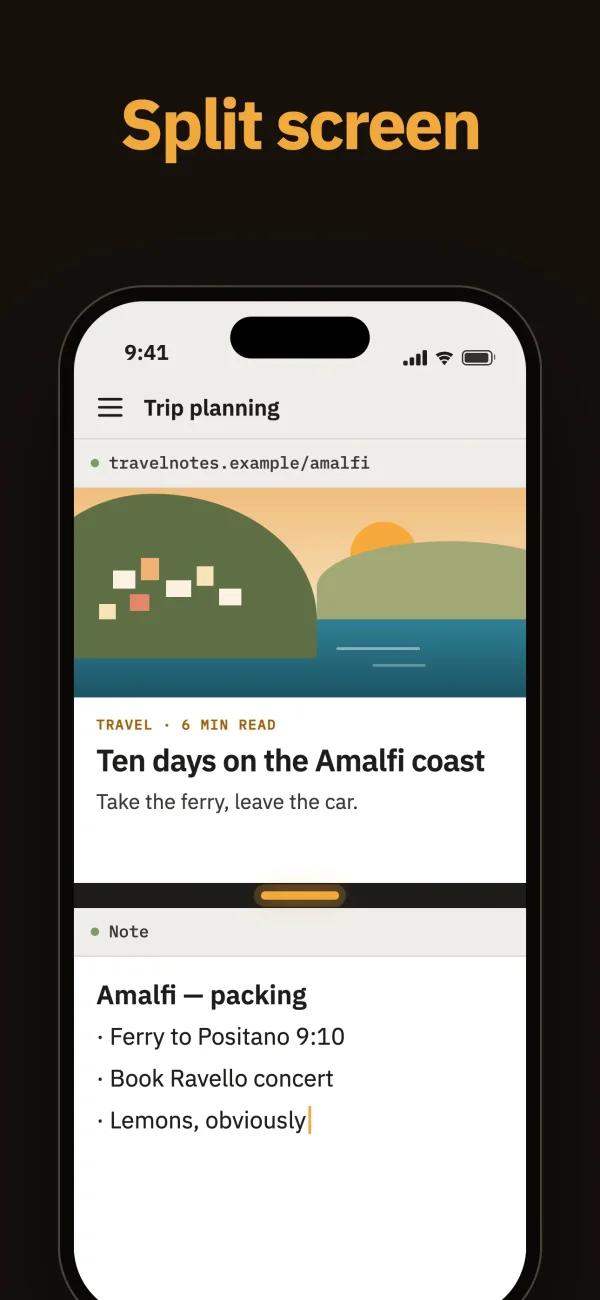
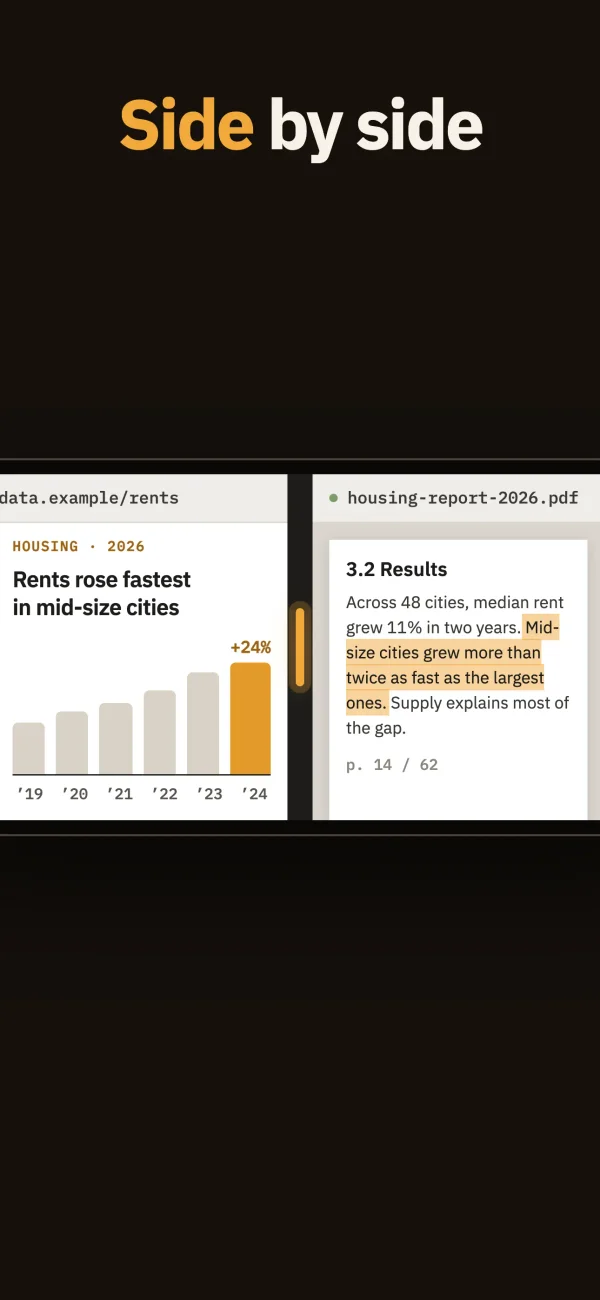
TwoUp puts two things on one iPhone screen at the same time: a web page, a PDF and a
plain-text note, in any combination you need.
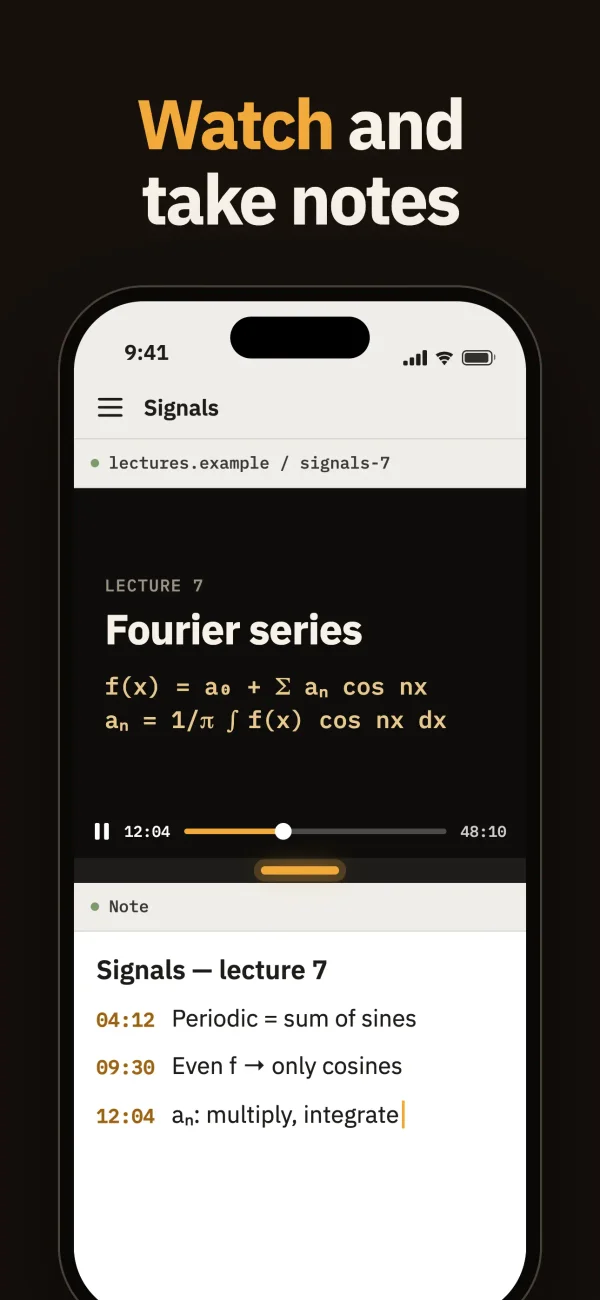
Read a PDF above and write your notes below. Keep a reference page open beside the
document you are working through. Both panes stay live — scroll one and the other keeps
its place.
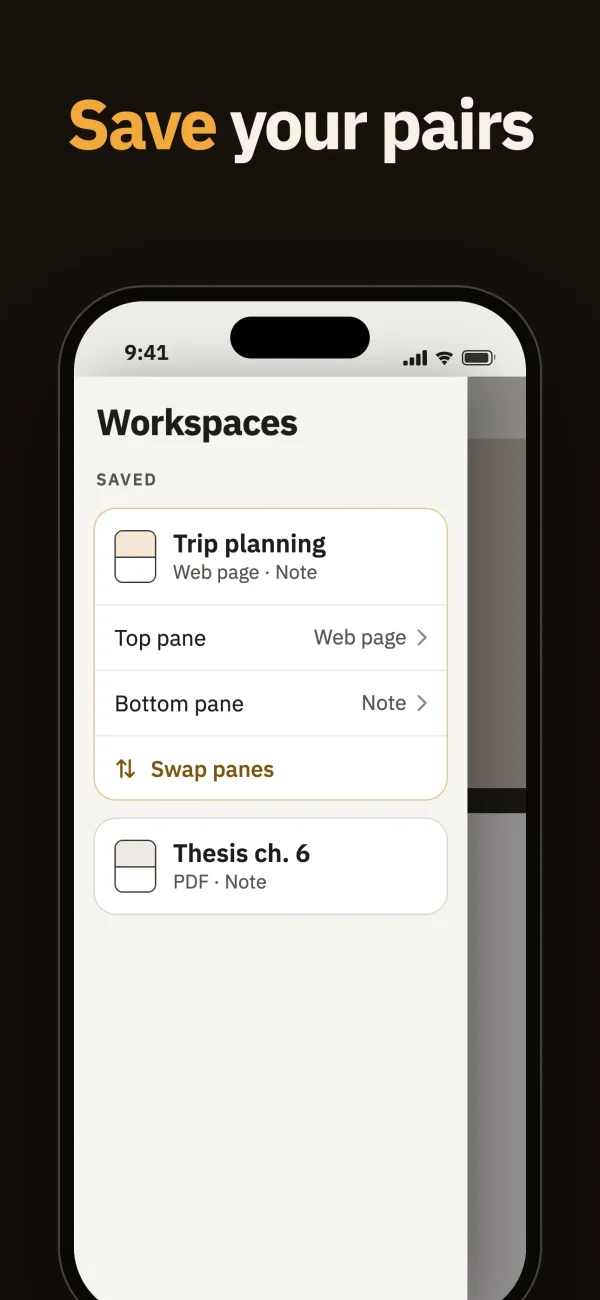
SAVE THE PAIR
A pair of panes is a workspace. Name it, and it reopens exactly as you left it: the same
document, the same page, the same note text, the same divider position.
MADE FOR READING
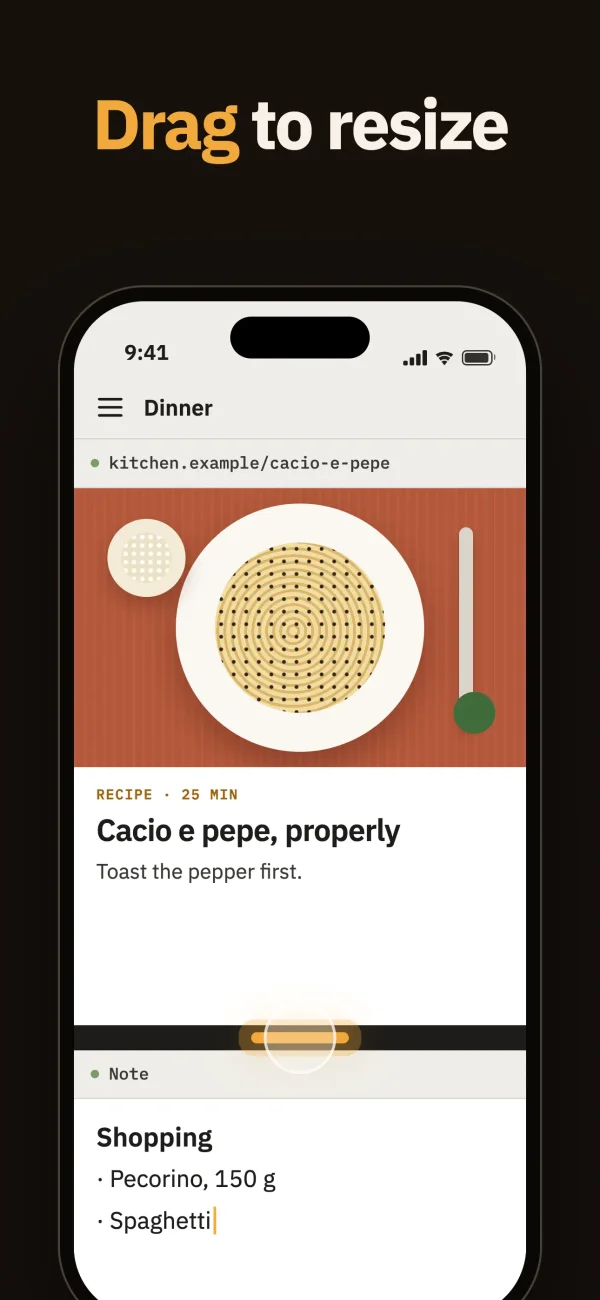
Drag the divider to give either pane more room, or send one pane full screen and back.
Turn the phone sideways and a PDF opens as a two-page spread, like a book, with your note
still beside it.
YOUR OWN SITES — WITH PRO
Save the pages you keep coming back to, with their titles and icons, and open one into a
pane without typing an address.
IT ALL STAYS ON YOUR PHONE
No account, no sign-in, and no server of ours. Your notes, your documents and your saved sites never
leave the device — there is nowhere for them to go. The app asks for no permissions at
all: no camera, no photos, no contacts, no location.
The app sends anonymous usage statistics so we can see which screens people reach and
where they get stuck. None of your content is ever included — not your notes, not the
addresses you open. You can switch it off in Menu > App > Share usage data.
TwoUp Pro adds two things: keeping more than one saved workspace, and saving your own
sites as shortcuts.
Terms of Use: https://nikolaykutsbr.github.io/twoup-support/terms.html
Privacy Policy: https://nikolaykutsbr.github.io/twoup-support/privacy-policy.html
Yang baru
Versi 1.4 · 14/10/2026
New icon: two panes, one screen. Plus small improvements and fixes.
Privasi aplikasi
Yang dinyatakan Mikalai Kuts di App Store tentang cara aplikasi ini menangani data.
-
Data yang tidak ditautkan dengan Anda
Dapat dikumpulkan, tetapi tidak ditautkan dengan identitas Anda.
- Pengenal
- Data penggunaan
Praktik privasi dapat bervariasi, misalnya berdasarkan fitur yang Anda gunakan atau usia Anda.
Informasi
- Penjual
- Mikalai Kuts
- Kategori
- Produktivitas
- Versi
- 1.4
- Diperbarui
- 14/10/2026
- Dirilis
- 8/9/2026
- Ukuran
- 4,4 MB
- Memerlukan
- iOS 18.0 atau yang lebih baru
- Batasan usia
- 17+
- Harga
- Gratis
- Pembelian dalam aplikasi
- Ya
- Bahasa
- Inggris
- Hak cipta
- © 2026 Nikolay Kuts
Mungkin Anda juga suka
-
 Duo ViewerProduktivitas
-
 FileDuelProduktivitas
-
 SplitView2026Produktivitas
-
 Multi Window PROProduktivitas
-
 Banana ViewerProduktivitas
-
 Duobench: Duo Split ScreenProduktivitas
-
 Lobster: Writing AppProduktivitas
-
 3 Seconds Memo - Simple NotesProduktivitas
-
 FocusHide: App BlockerProduktivitas
-
 Agroger Pro 2Produktivitas