
TwoUp Split Screen Dual Window
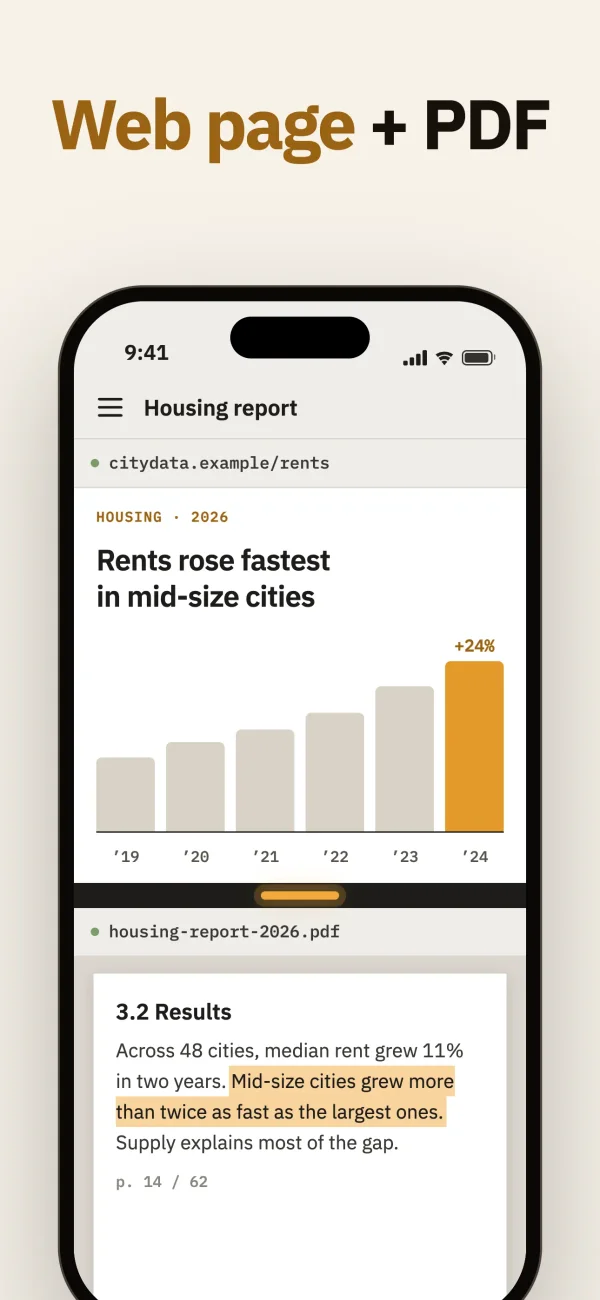
Multitask Two Apps: Web & PDF
Designed for iPhone
Free · In-app purchases
- Age rating17+
- CategoryProductivity
- DeveloperMikalai Kuts
- LanguagesEnglish
- Size4.4 MB
Links to the official App Store page
Download.org hosts no file of TwoUp Split Screen Dual Window. The button opens its official App Store page, published by Mikalai Kuts. Listing last checked on Nov 17, 2026.
Screenshots
About
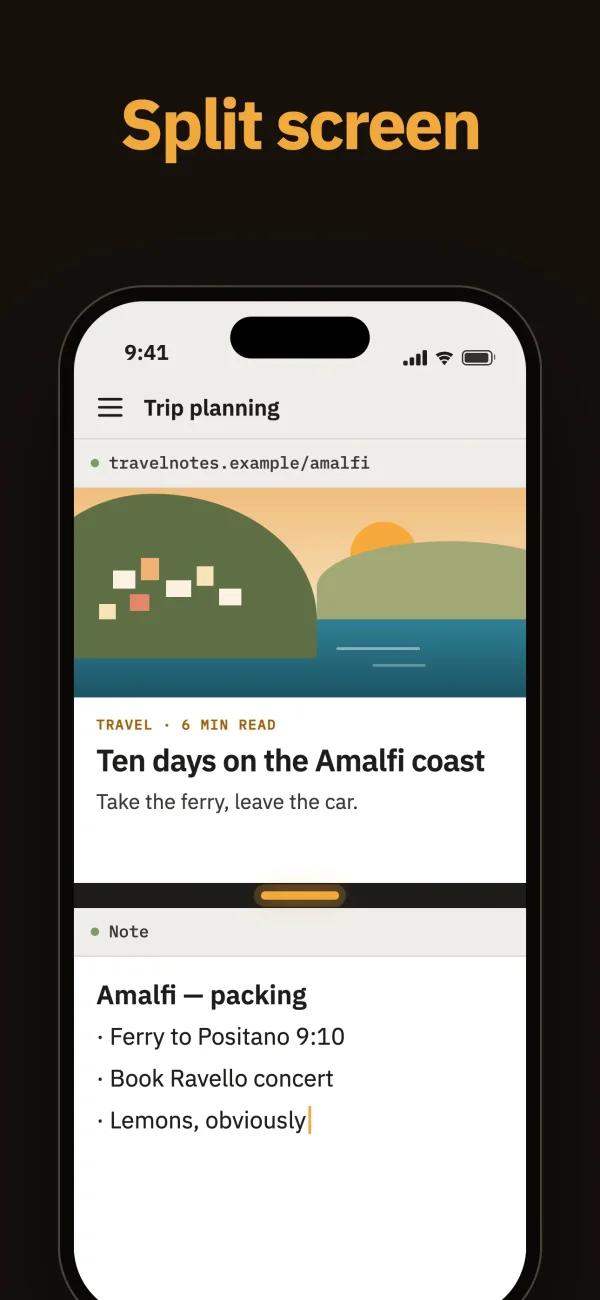
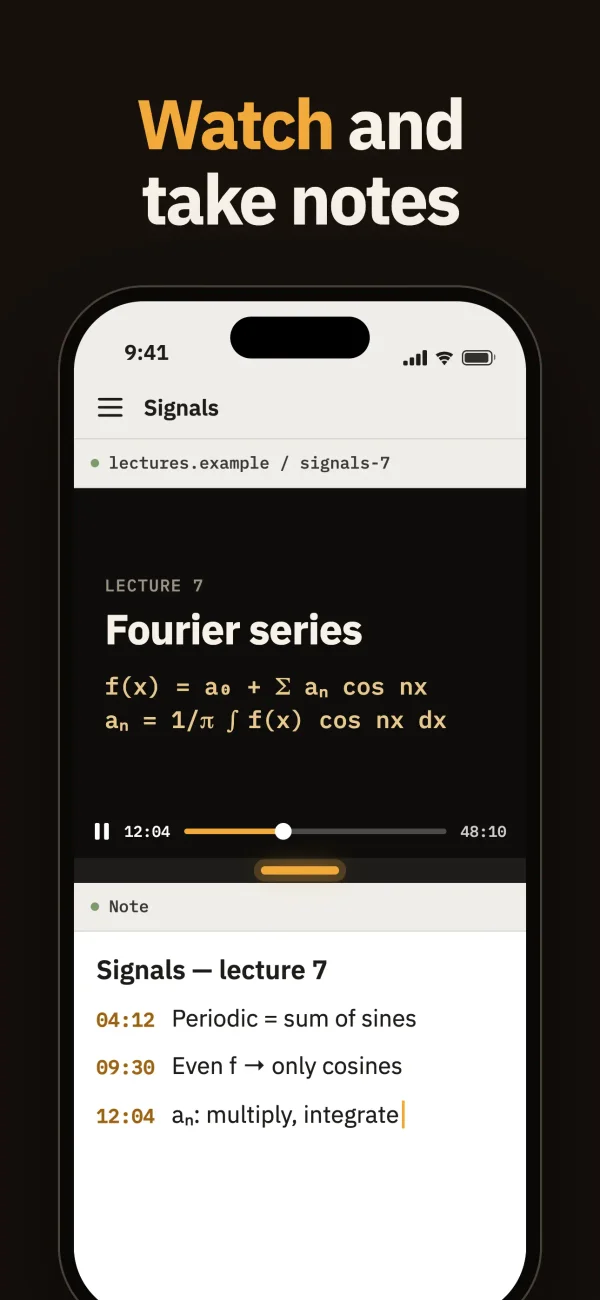
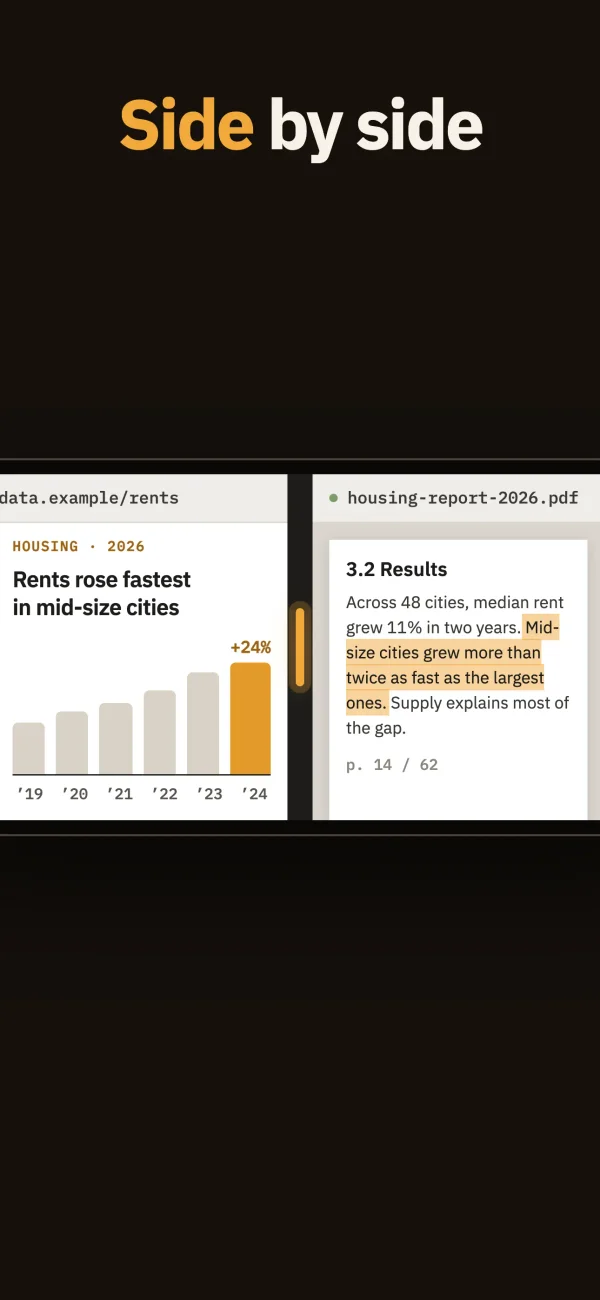
TwoUp puts two things on one iPhone screen at the same time: a web page, a PDF and a
plain-text note, in any combination you need.
Read a PDF above and write your notes below. Keep a reference page open beside the
document you are working through. Both panes stay live — scroll one and the other keeps
its place.
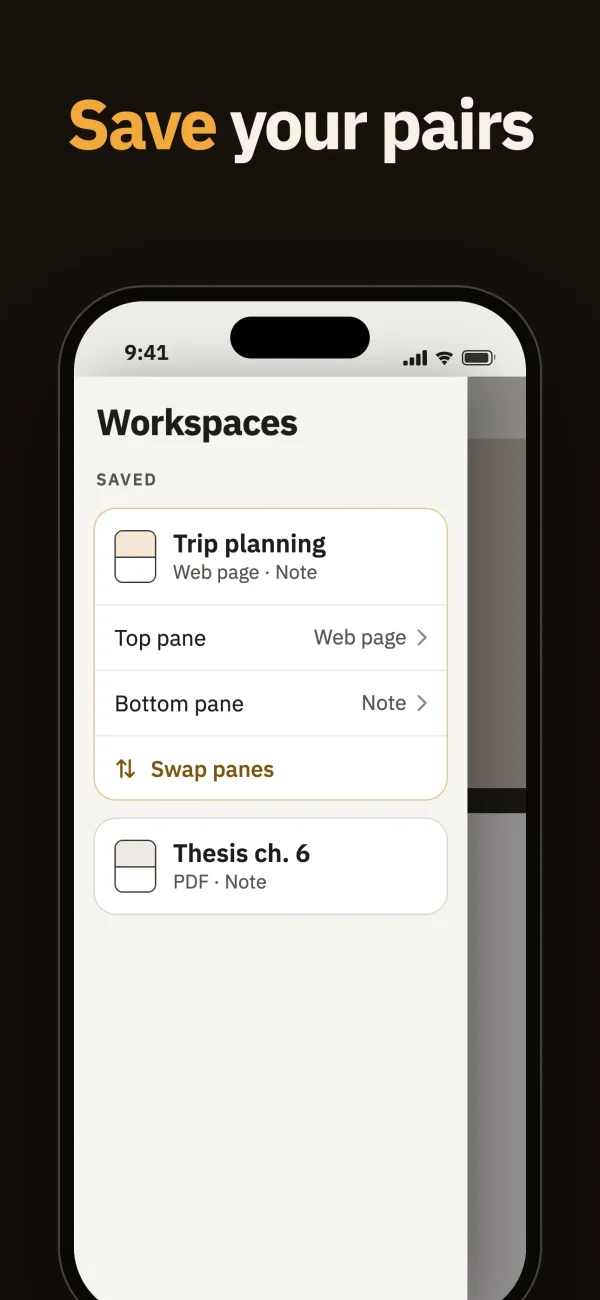
SAVE THE PAIR
A pair of panes is a workspace. Name it, and it reopens exactly as you left it: the same
document, the same page, the same note text, the same divider position.
MADE FOR READING
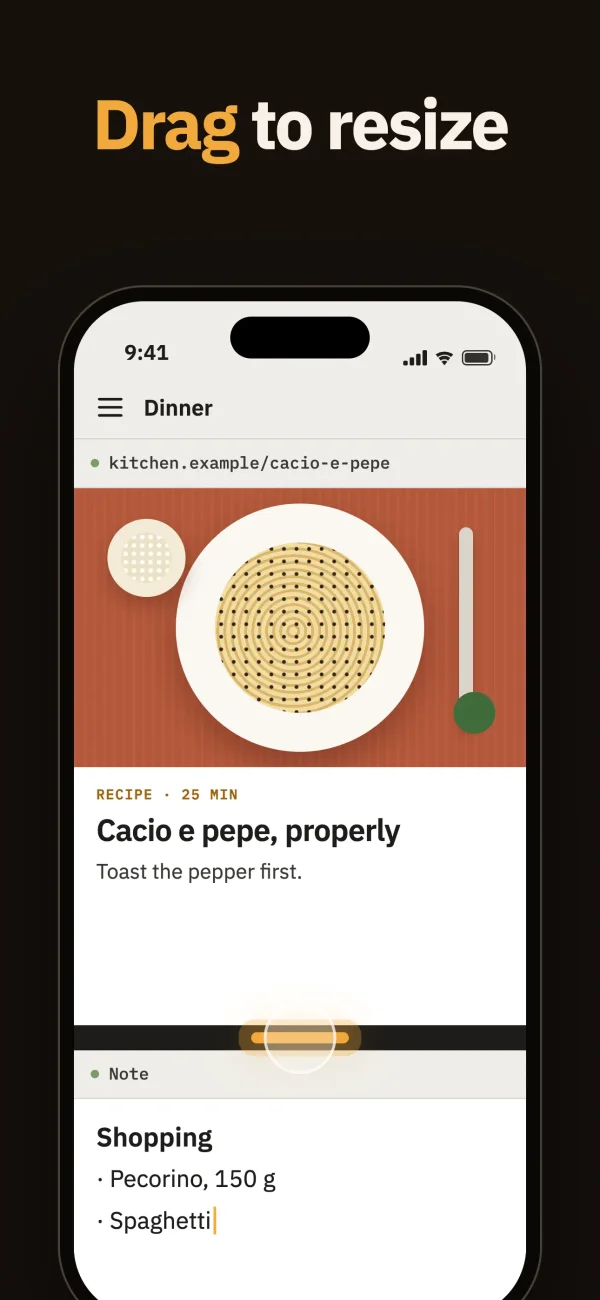
Drag the divider to give either pane more room, or send one pane full screen and back.
Turn the phone sideways and a PDF opens as a two-page spread, like a book, with your note
still beside it.
YOUR OWN SITES — WITH PRO
Save the pages you keep coming back to, with their titles and icons, and open one into a
pane without typing an address.
IT ALL STAYS ON YOUR PHONE
No account, no sign-in, and no server of ours. Your notes, your documents and your saved sites never
leave the device — there is nowhere for them to go. The app asks for no permissions at
all: no camera, no photos, no contacts, no location.
The app sends anonymous usage statistics so we can see which screens people reach and
where they get stuck. None of your content is ever included — not your notes, not the
addresses you open. You can switch it off in Menu > App > Share usage data.
TwoUp Pro adds two things: keeping more than one saved workspace, and saving your own
sites as shortcuts.
Terms of Use: https://nikolaykutsbr.github.io/twoup-support/terms.html
Privacy Policy: https://nikolaykutsbr.github.io/twoup-support/privacy-policy.html
What’s new
Version 1.4 · Oct 14, 2026
New icon: two panes, one screen. Plus small improvements and fixes.
App privacy
What Mikalai Kuts declares on the App Store about how this app handles data.
-
Data not linked to you
May be collected but is not linked to your identity.
- Identifiers
- Usage data
Privacy practices may vary, for example with the features you use or your age.
Information
- Seller
- Mikalai Kuts
- Category
- Productivity
- Version
- 1.4
- Updated
- Oct 14, 2026
- Released
- Sep 8, 2026
- Size
- 4.4 MB
- Requires
- iOS 18.0 or later
- Age rating
- 17+
- Price
- Free
- In-app purchases
- Yes
- Languages
- English
- Copyright
- © 2026 Nikolay Kuts
You might also like
-
 Duo ViewerSplit-screen browser & files
-
 FileDuelCompare PDF, Text,Docs & Excel
-
 SplitView2026Productivity
-
 Multi Window PROTwo web pages, one screen
-
 Banana ViewerPDF viewer, editor & scanner
-
 Duobench: Duo Split ScreenFoldable Multitask: Notes, PDF
-
 Lobster: Writing AppA Markdown studio for writers
-
 3 Seconds Memo - Simple NotesNever lose an idea.
-
 FocusHide: App BlockerHide Apps on a Schedule
-
 Agroger Pro 2Productivity