Tyme | Time Tracking
Worked Hours & Timesheets
Dirancang untuk iPhone, iPad
Gratis · Pembelian dalam aplikasi
- Batasan usia4+
- KategoriProduktivitas
- PengembangUnit Numberfive oHG
- BahasaInggris+ 1 lainnya
- Ukuran40,2 MB
Tertaut ke halaman resmi App Store
Download.org tidak menyimpan file Tyme | Time Tracking apa pun. Tombol ini membuka halaman aplikasi di App Store, tempat Unit Numberfive oHG menerbitkannya. Halaman terakhir diperiksa pada 27/11/2026.
Tangkapan layar
Tentang
Pengembang belum menyediakan teks ini dalam bahasa Anda.
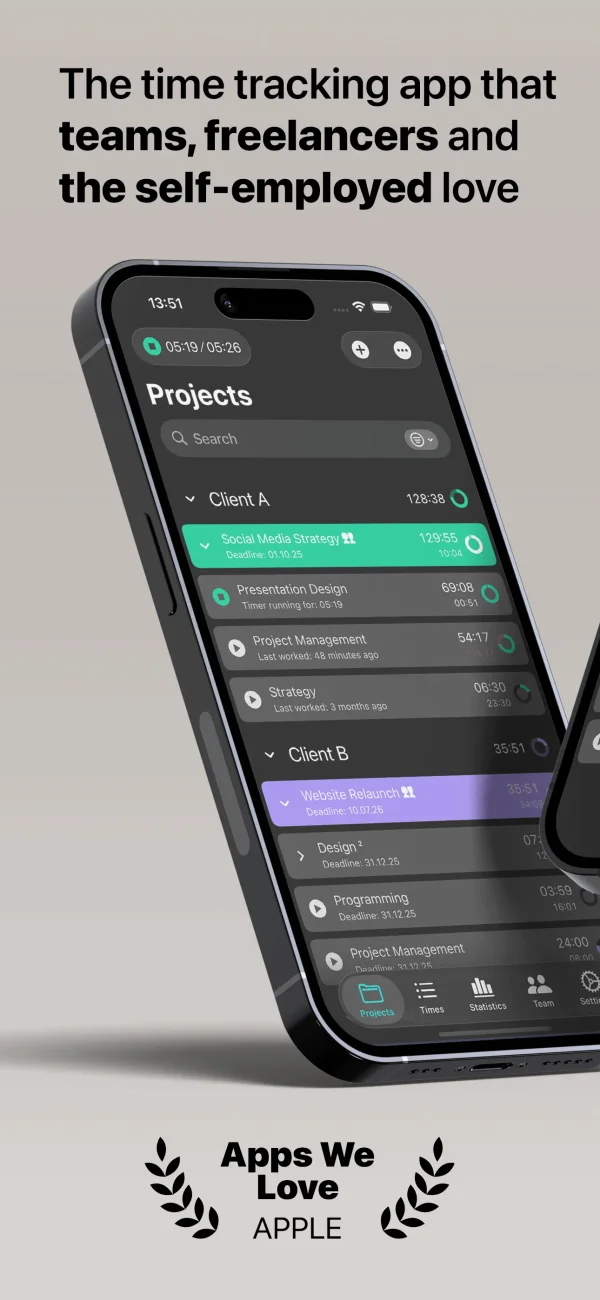
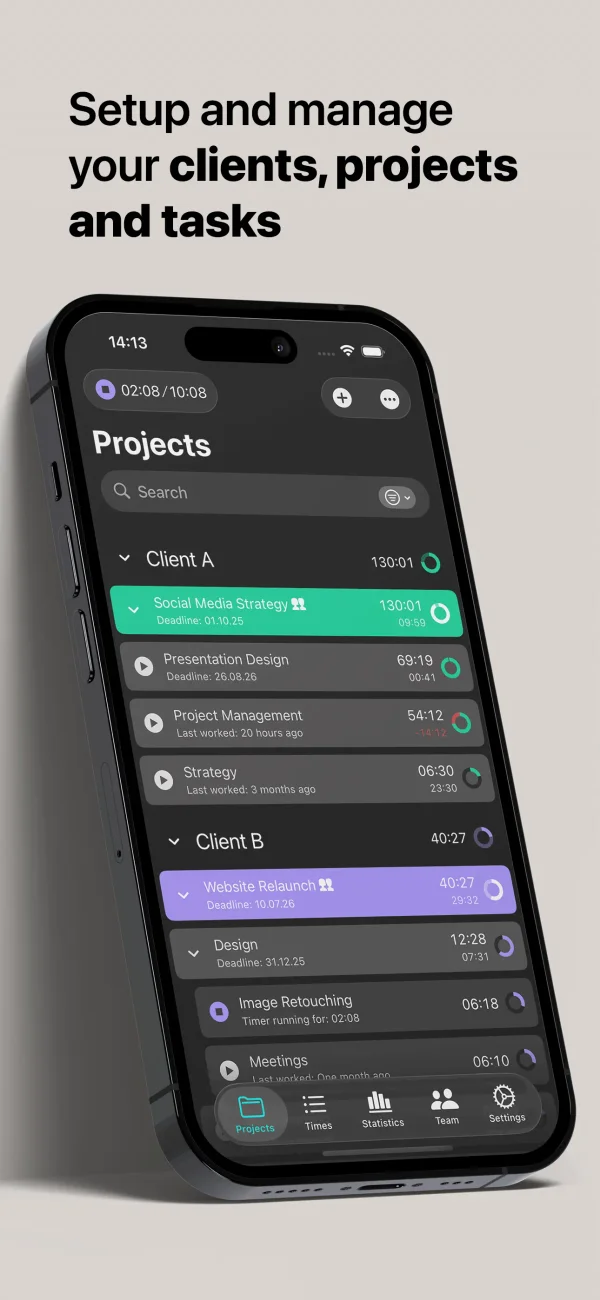
Tyme is a popular, legally compliant time-tracking tool for teams, freelancers, and self-employed professionals. Tyme lets you track your working hours for clients, projects, and tasks. You always have a clear overview of project performance, deadlines, and workload.
With a clear focus on design and aesthetics, Tyme stands out from the crowd of time tracking apps. The goal: to make the stressful daily task of time tracking more enjoyable for you and your team. GDPR-compliant and legally compliant.
We’re constantly improving Tyme and gradually adding new features.
1. Always Synced Across All Devices
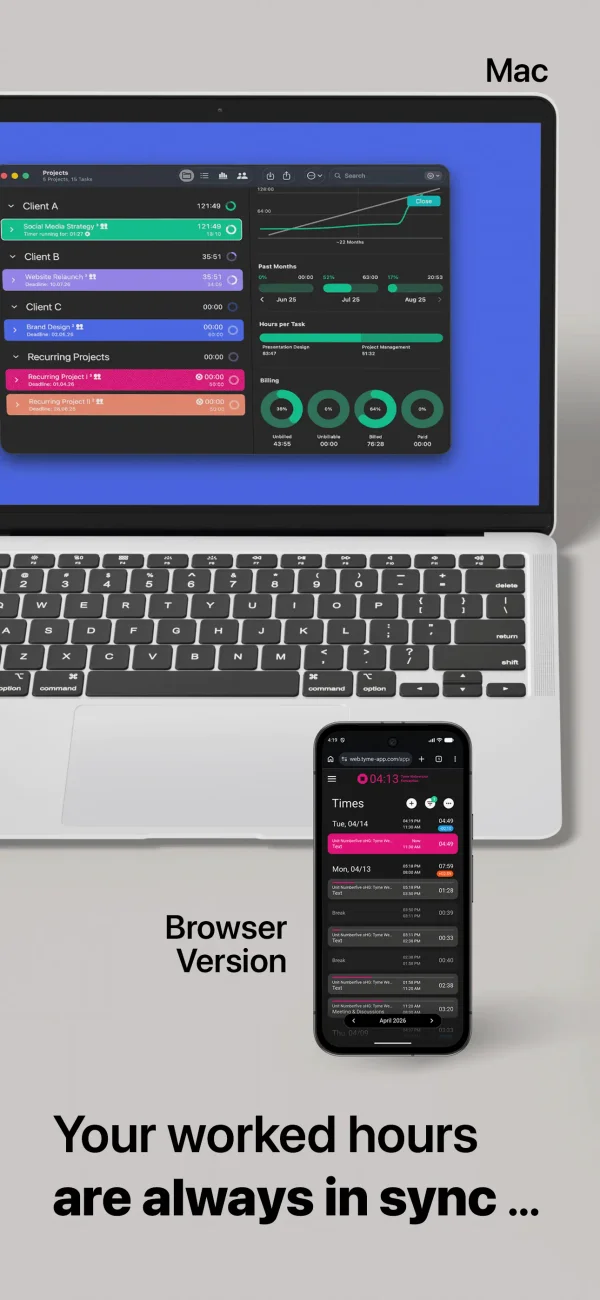
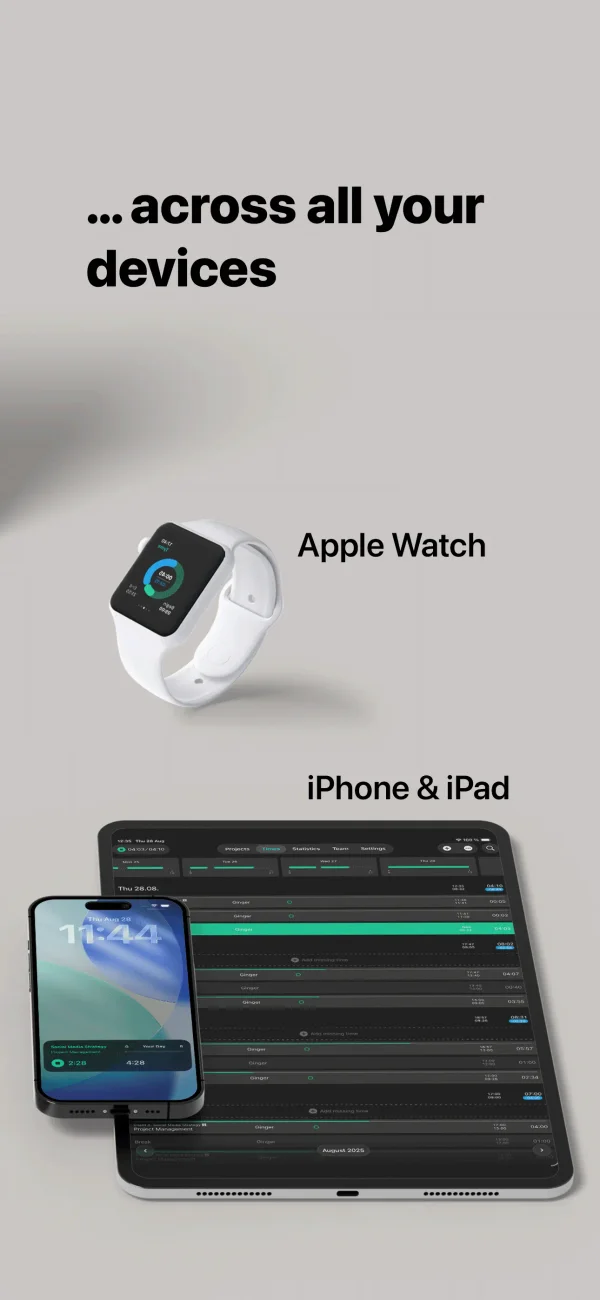
Tyme comes as a package for Mac, iPhone, iPad, Apple Watch, and as a web version. Your subscription automatically unlocks Tyme for all your devices.
2. Everything at a Glance
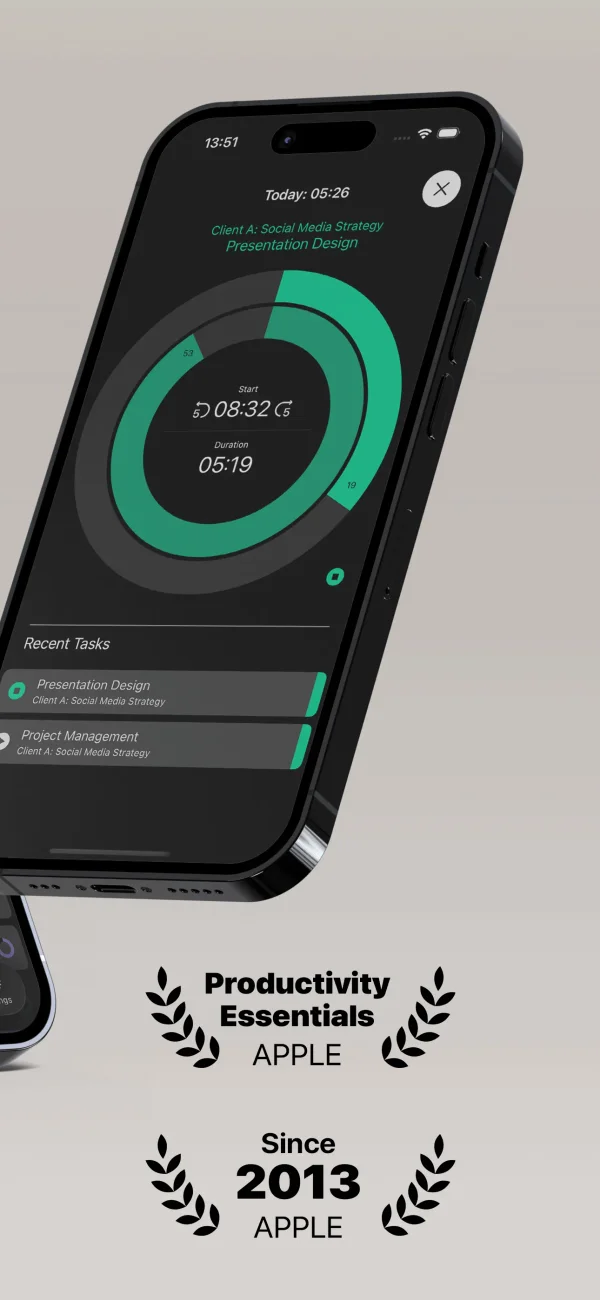
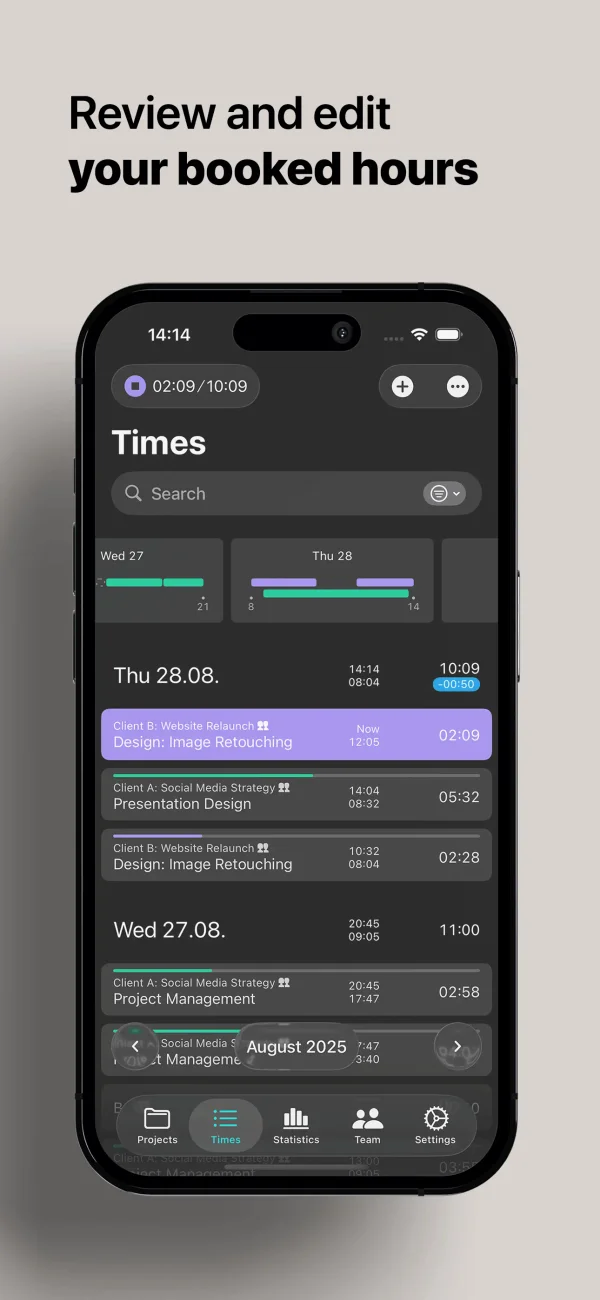
The interface is designed to give you an overview of your tracked time, projects, budgets, and deadlines at all times. Unlogged time is displayed. Running timers are always visible and can be started or stopped using shortcuts without opening Tyme.
3. Visualized Data
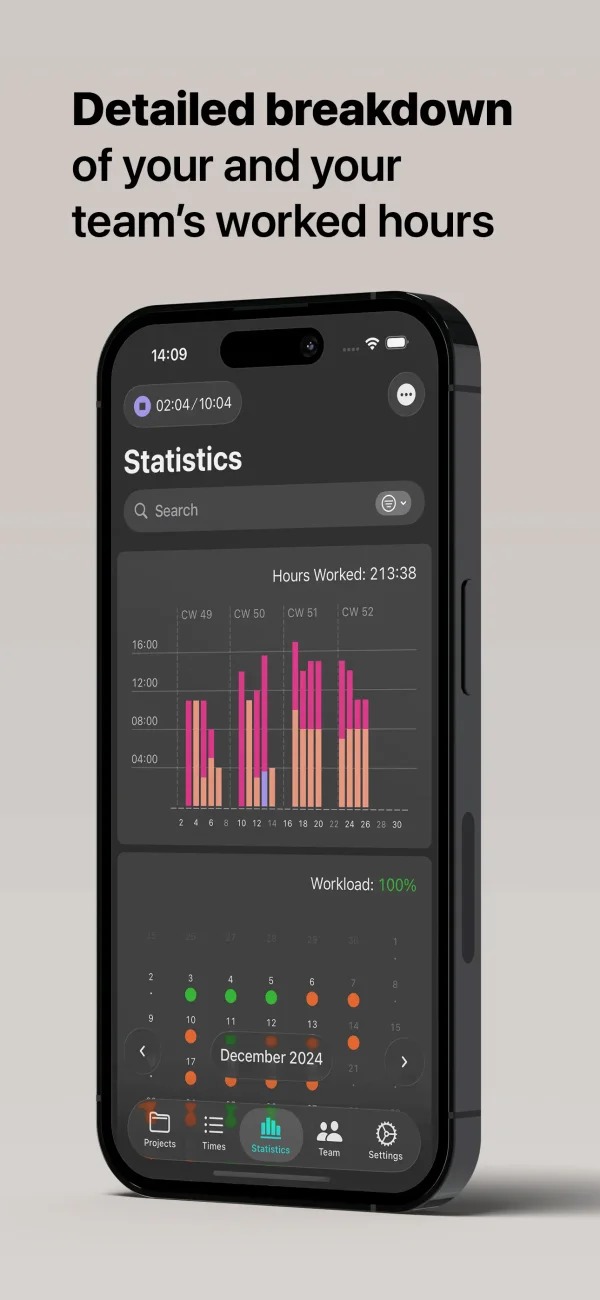
The detailed statistics give you an overview of your personal workload and that of your team. They show booked hours, current revenue, and overtime and undertime hours. Breaks are automatically tracked.
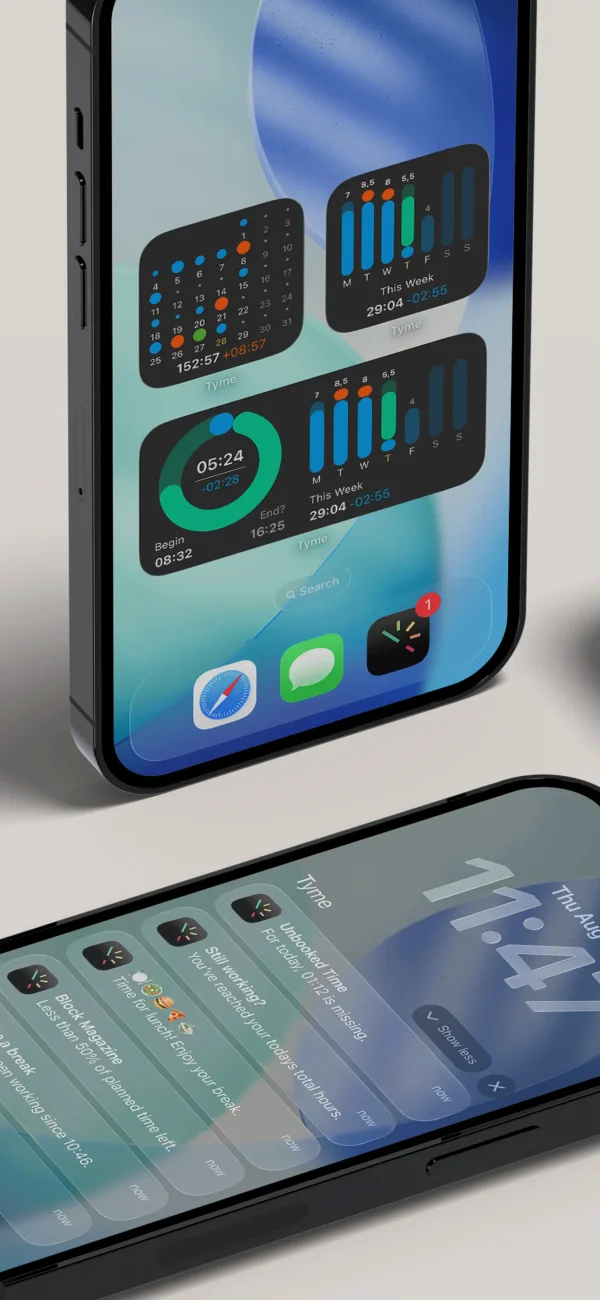
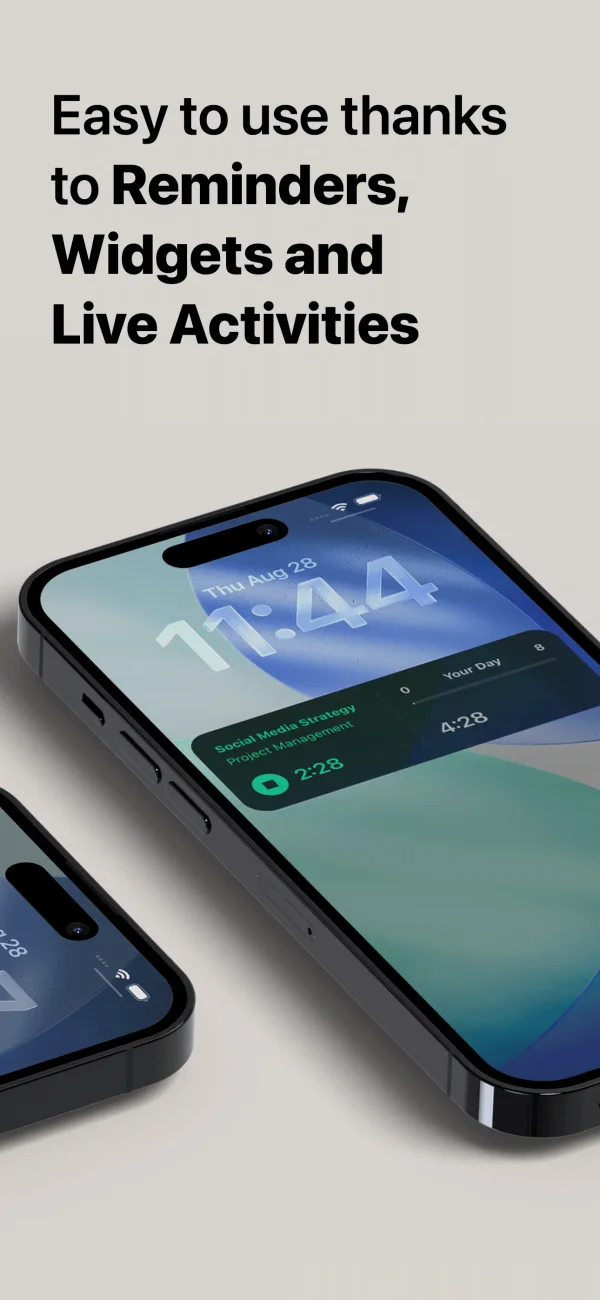
4. Widgets and Live Activities
The widgets and live activities help you keep track of the hours logged for the day, week, or month at any time. You can also always see whether a timer is still running and when your workday ends.
5. Sync & Calendar Integration
Tyme automatically syncs your data across all your devices and with your team. Thanks to calendar integration, you can view your time entries as calendar entries and edit them directly.
6. Reminders
Did you forget to start the timer? Is a deadline coming up? Time for lunch? Have you reached your daily work hours? Did you forget to log your time? Use Tyme’s helpful reminders.
7. Task Types
In addition to work hours, track travel expenses, other expenses, fixed amounts, flat rates, vacation time, and absences.
8. Export & Import
You can export your tracked time as legally compliant PDF timesheets and project reports, or as CSV or JSON. If you want to bring in data from other apps, Tyme offers a CSV importer and various other importers.
9. Automatic Tracking
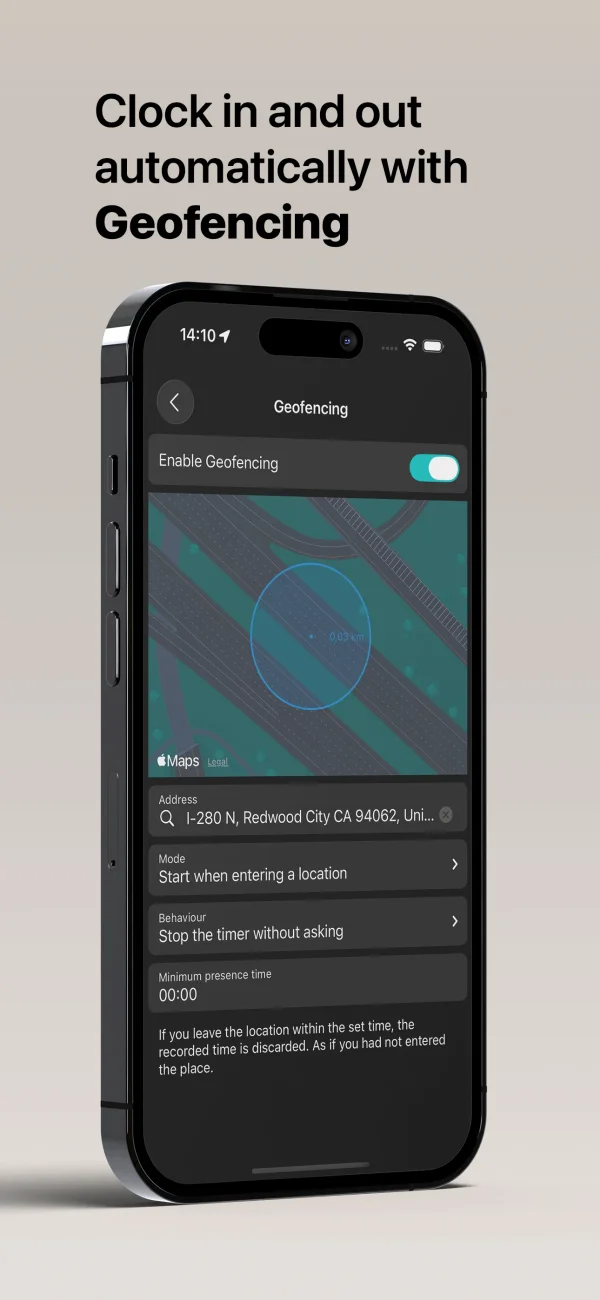
Not in the mood to start a timer manually? Have your times recorded automatically by specifying where your workplace is.
11. Shortcuts & Automations
With over 20 different shortcuts, you can automate your to-dos. Manage your projects and tasks, retrieve your Tyme data, and share it with other apps.
11. Apple Watch App
With the Watch App you can stop and start timers and view your hours worked.
12. Pricing
Tyme is available as a subscription. You can choose between a monthly and an annual subscription. Before you decide, you can try Tyme for 14 days. The subscription unlocks Tyme for your Mac, iPhone, iPad, Apple Watch, and browser.
Privacy policy: https://www.tyme-app.com/en/privacy-app/
Terms of use: https://www.tyme-app.com/en/terms-of-use/
Yang baru
Versi 2026.14 · 26/11/2026
New Statistics:
Statistics in Tyme are now split into project time and working time. As before, the project statistics show the key figures for your projects: billable and non-billable time, revenue, planning and more. The new working time statistics focus purely on your actual working time, down to the minute. There you'll find your team's utilization, target and actual hours, public holidays, vacations, breaks and unbooked time.
New column "Duration (to the Minute)":
Times has a new column, "Duration (to the Minute)", next to "Duration (Rounded)". It separates project time from working time: the rounded duration follows the task's rounding settings, while the to-the-minute duration shows your actual working time. The day's overtime or undertime is shown in the header. You can configure the columns under Layout.
The exact duration is now also available for the relevant entries in AppleScript, Shortcuts, MCP, the API, and the JSON and CSV exports.
MCP improvements:
- Date ranges can now use exact times instead of whole days only
- Non-working times (e.g. vacation) can be created with plain dates for full days
- Traveled distances are given in kilometers instead of meters
- Completed items can be reopened
- Moving records to another task is validated up front
- Stopping a timer returns the stopped record
- Clearer error messages and more precise tool descriptions
- Fixed a bug that prevented the plugins settings screen from opening
Privasi aplikasi
Yang dinyatakan Unit Numberfive oHG di App Store tentang cara aplikasi ini menangani data.
-
Data yang tidak ditautkan dengan Anda
Dapat dikumpulkan, tetapi tidak ditautkan dengan identitas Anda.
- Data penggunaan
- Diagnostik
Praktik privasi dapat bervariasi, misalnya berdasarkan fitur yang Anda gunakan atau usia Anda.
Informasi
- Penjual
- Unit Numberfive oHG
- Kategori
- Produktivitas
- Versi
- 2026.14
- Diperbarui
- 26/11/2026
- Dirilis
- 11/3/2020
- Ukuran
- 40,2 MB
- Memerlukan
- iOS 18.6 atau yang lebih baru
- Batasan usia
- 4+
- Harga
- Gratis
- Pembelian dalam aplikasi
- Ya
- Bahasa
- Inggris, Jerman
- Hak cipta
- © Unit Numberfive oHG, 2013-2026, All rights reserved
Mungkin Anda juga suka
-
 Timemator: Time TrackerProduktivitas
-
 Timery: Time TrackerProduktivitas
-
 aTimeLogger - Personal TrackerProduktivitas
-
 Timelines Time TrackingProduktivitas
-
 Timelogger Plus: Time TrackerProduktivitas
-
 WorkingHours • Pelacak WaktuJam Kerja, Timesheet & Timer
-
 EARLY: Time TrackingProduktivitas
-
 Timesheet IO - Time TrackerProduktivitas
-
 Hours Tracker - myTimeProduktivitas
-
 Timesheet tasks: Time DepositProduktivitas