Tyme | Time Tracking
Worked Hours & Timesheets
Designed for iPhone, iPad
Free · In-app purchases
- Age rating4+
- CategoryProductivity
- DeveloperUnit Numberfive oHG
- LanguagesEnglish+ 1 more
- Size40.0 MB
Links to the official App Store page
Download.org hosts no file of Tyme | Time Tracking. The button opens its official App Store page, published by Unit Numberfive oHG. Listing last checked on Nov 22, 2026.
Screenshots

About
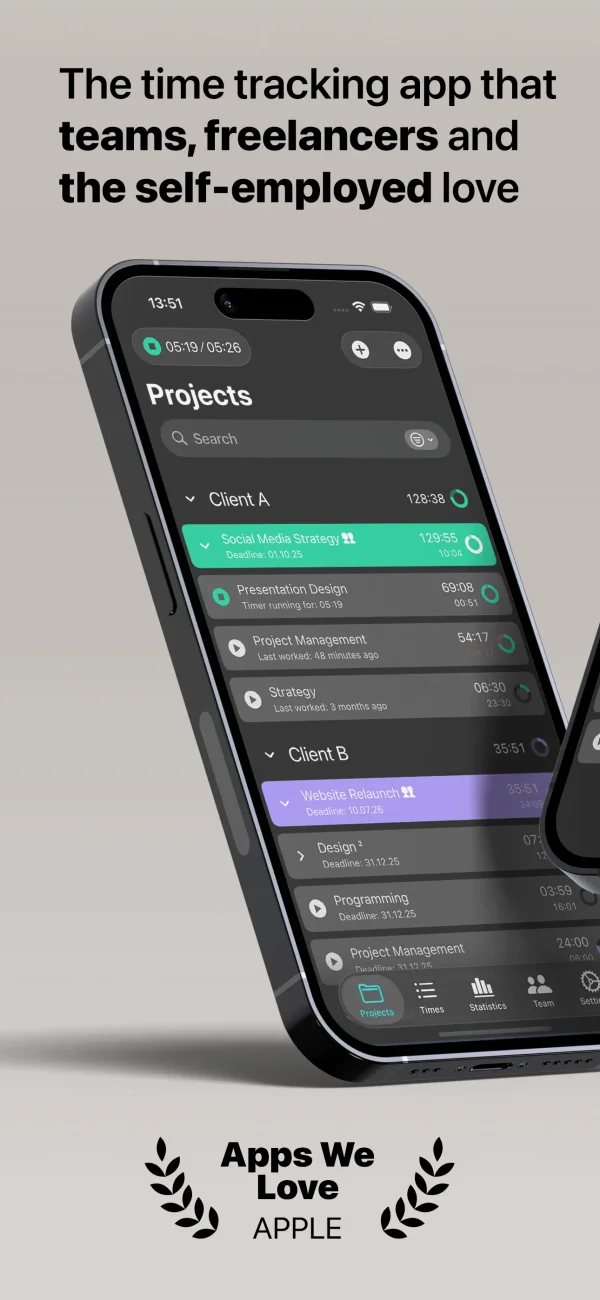
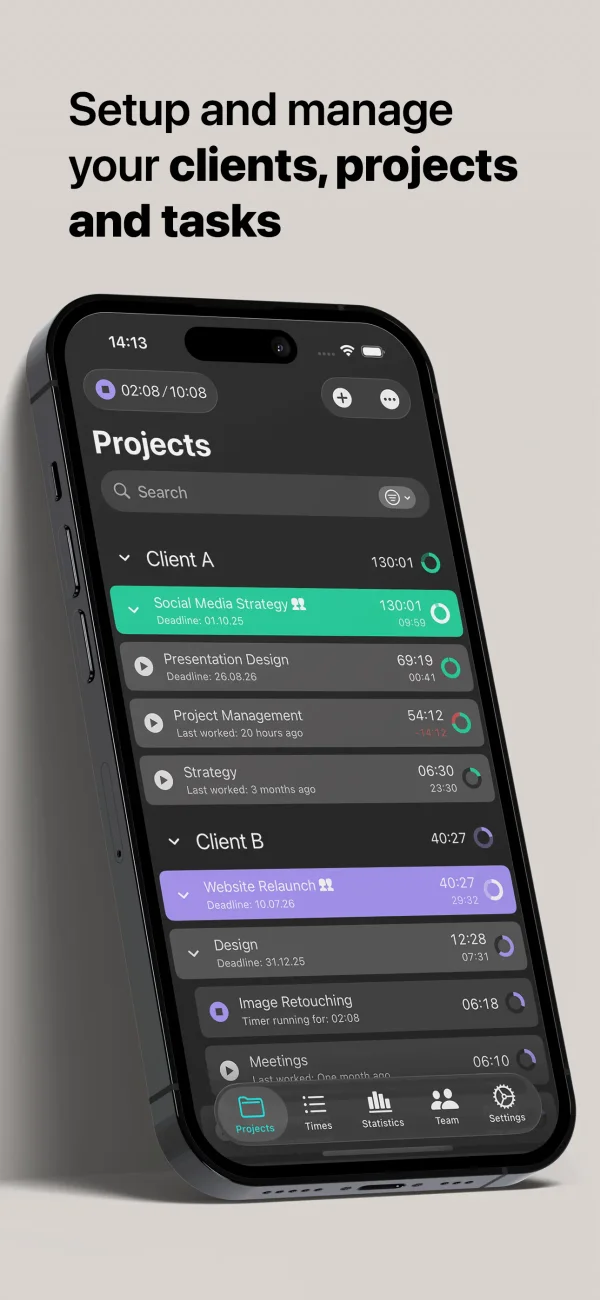
Tyme is a popular, legally compliant time-tracking tool for teams, freelancers, and self-employed professionals. Tyme lets you track your working hours for clients, projects, and tasks. You always have a clear overview of project performance, deadlines, and workload.
With a clear focus on design and aesthetics, Tyme stands out from the crowd of time tracking apps. The goal: to make the stressful daily task of time tracking more enjoyable for you and your team. GDPR-compliant and legally compliant.
We’re constantly improving Tyme and gradually adding new features.
1. Always Synced Across All Devices
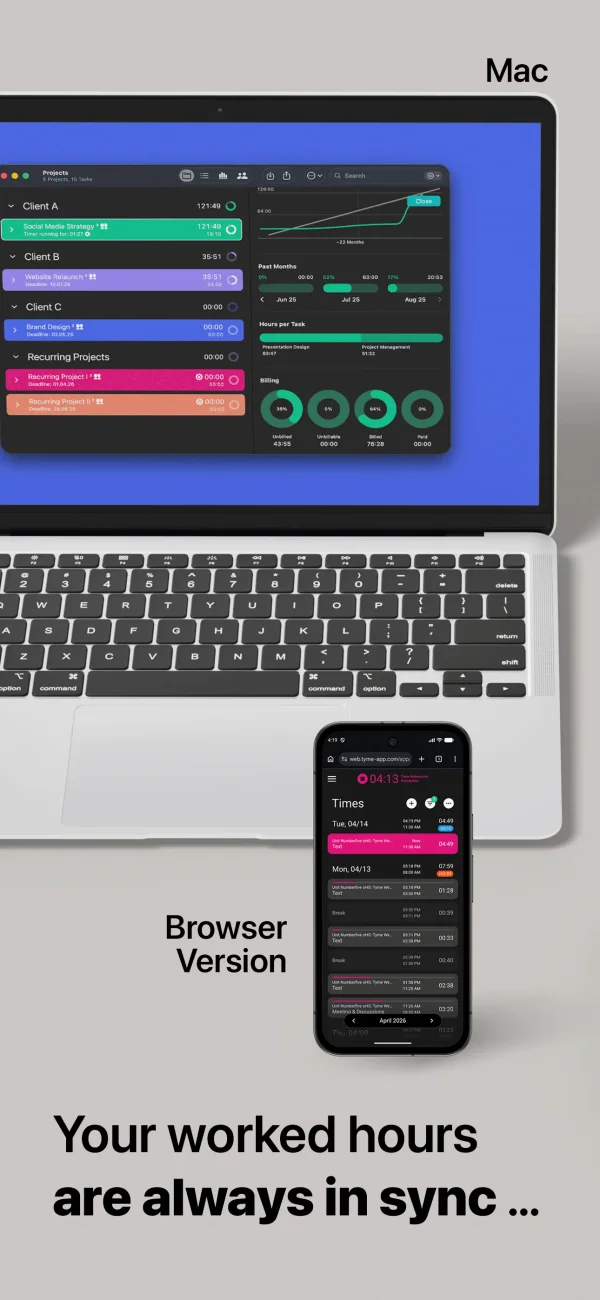
Tyme comes as a package for Mac, iPhone, iPad, Apple Watch, and as a web version. Your subscription automatically unlocks Tyme for all your devices.
2. Everything at a Glance
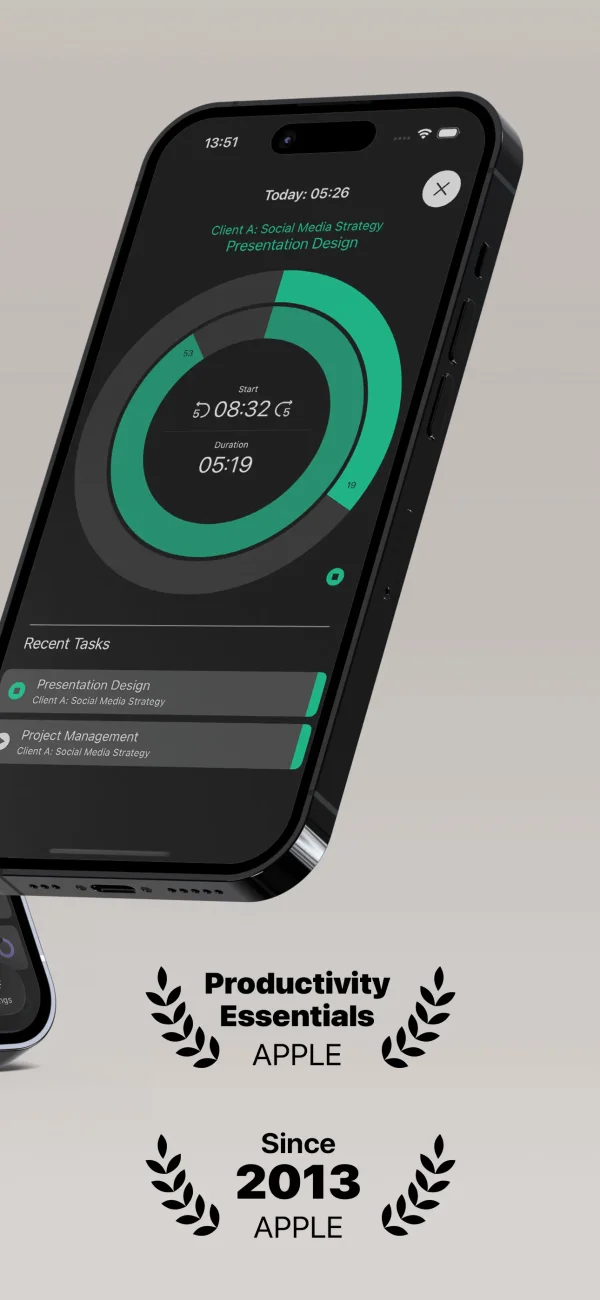
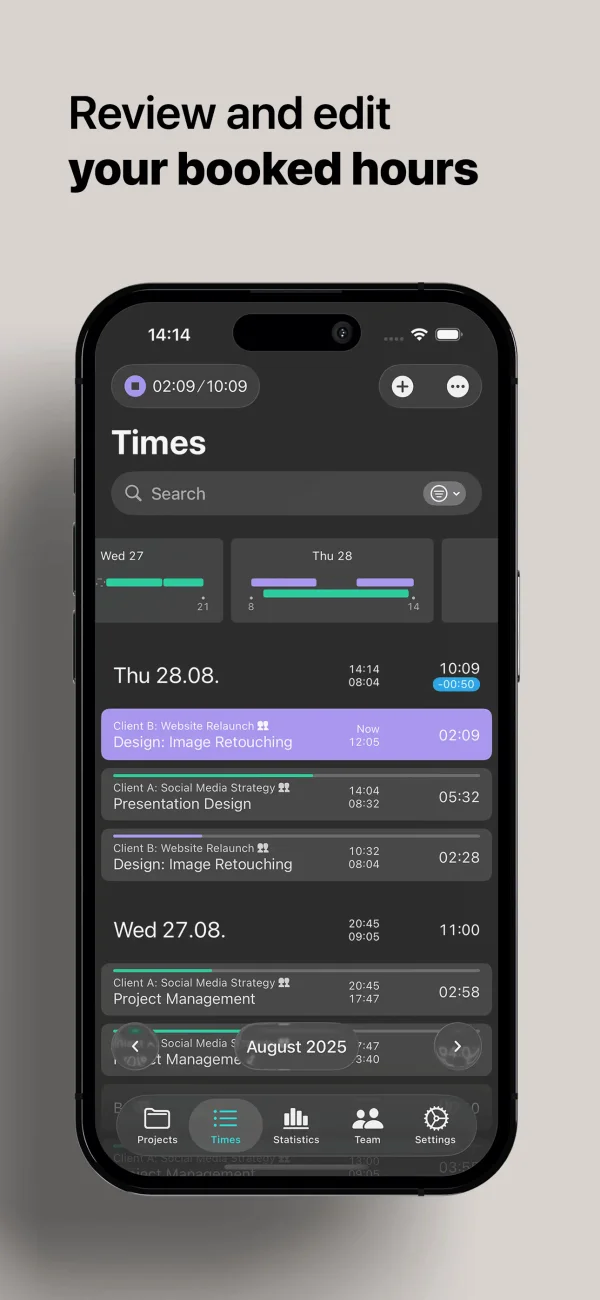
The interface is designed to give you an overview of your tracked time, projects, budgets, and deadlines at all times. Unlogged time is displayed. Running timers are always visible and can be started or stopped using shortcuts without opening Tyme.
3. Visualized Data
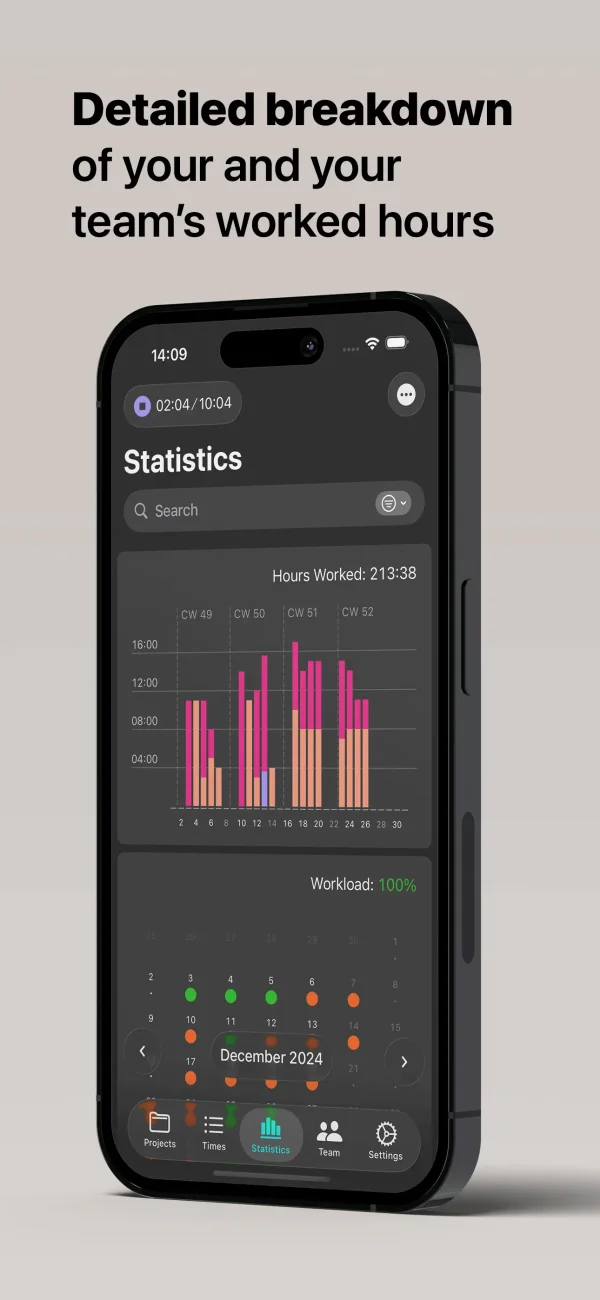
The detailed statistics give you an overview of your personal workload and that of your team. They show booked hours, current revenue, and overtime and undertime hours. Breaks are automatically tracked.
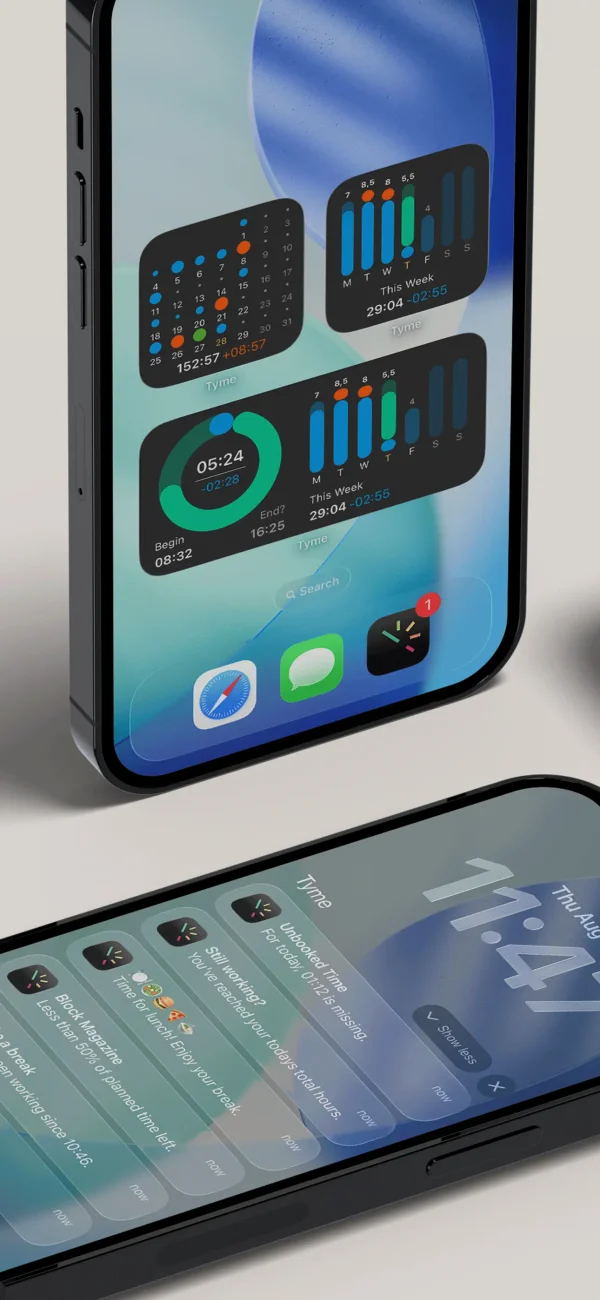
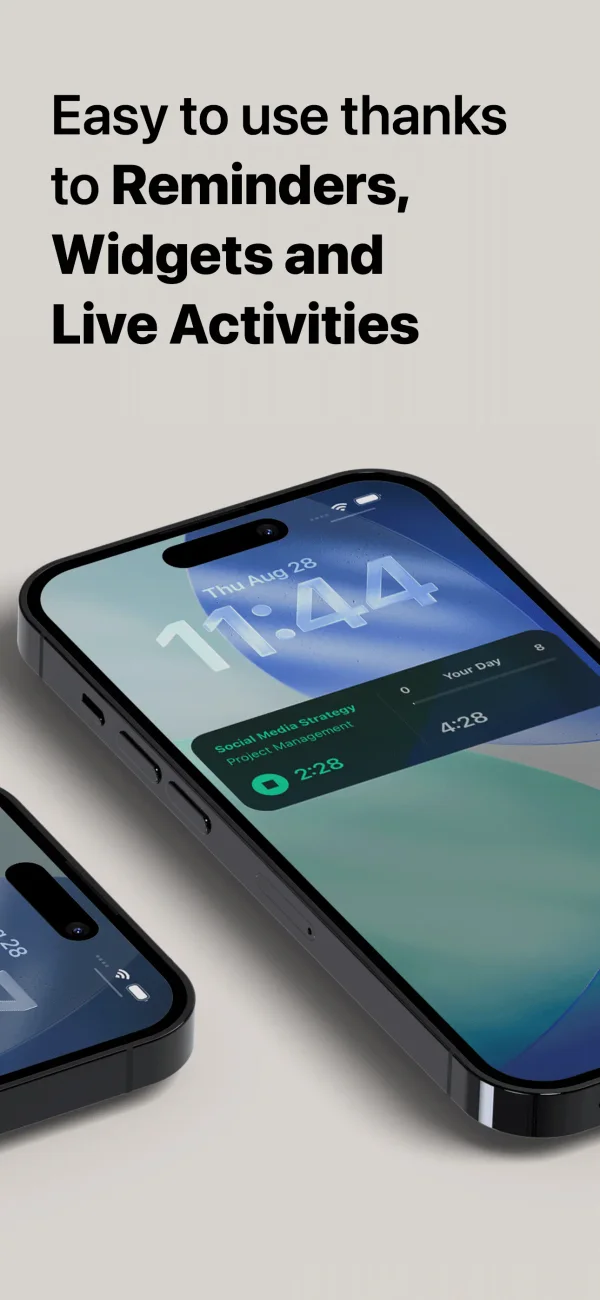
4. Widgets and Live Activities
The widgets and live activities help you keep track of the hours logged for the day, week, or month at any time. You can also always see whether a timer is still running and when your workday ends.
5. Sync & Calendar Integration
Tyme automatically syncs your data across all your devices and with your team. Thanks to calendar integration, you can view your time entries as calendar entries and edit them directly.
6. Reminders
Did you forget to start the timer? Is a deadline coming up? Time for lunch? Have you reached your daily work hours? Did you forget to log your time? Use Tyme’s helpful reminders.
7. Task Types
In addition to work hours, track travel expenses, other expenses, fixed amounts, flat rates, vacation time, and absences.
8. Export & Import
You can export your tracked time as legally compliant PDF timesheets and project reports, or as CSV or JSON. If you want to bring in data from other apps, Tyme offers a CSV importer and various other importers.
9. Automatic Tracking
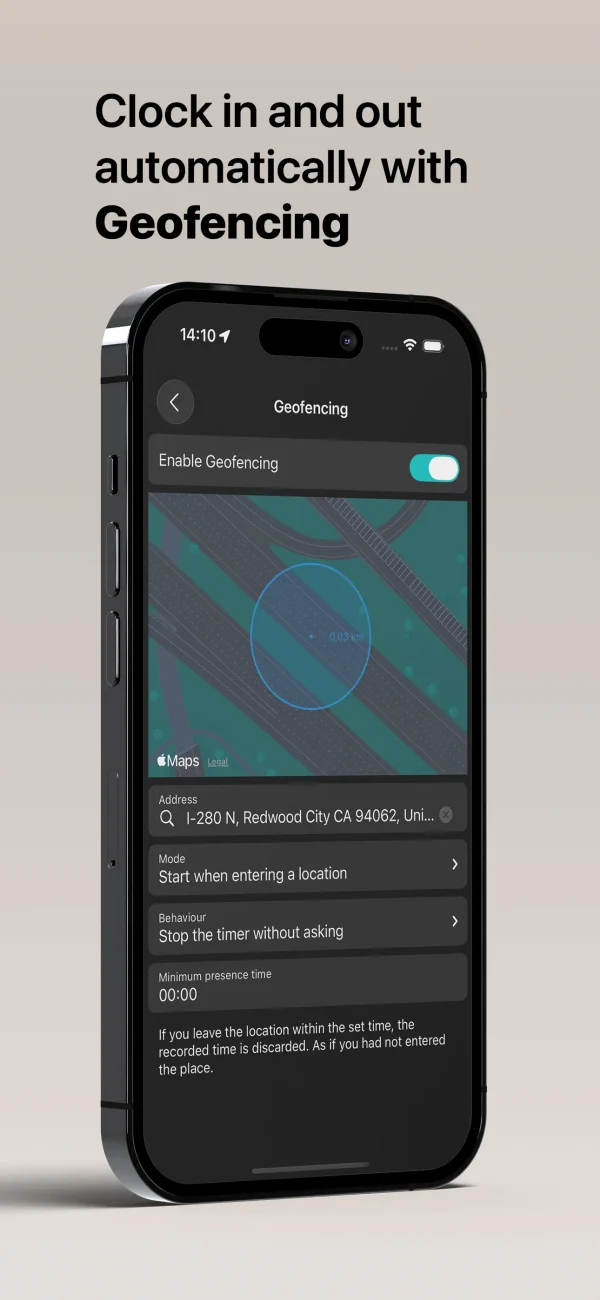
Not in the mood to start a timer manually? Have your times recorded automatically by specifying where your workplace is.
11. Shortcuts & Automations
With over 20 different shortcuts, you can automate your to-dos. Manage your projects and tasks, retrieve your Tyme data, and share it with other apps.
11. Apple Watch App
With the Watch App you can stop and start timers and view your hours worked.
12. Pricing
Tyme is available as a subscription. You can choose between a monthly and an annual subscription. Before you decide, you can try Tyme for 14 days. The subscription unlocks Tyme for your Mac, iPhone, iPad, Apple Watch, and browser.
Privacy policy: https://www.tyme-app.com/en/privacy-app/
Terms of use: https://www.tyme-app.com/en/terms-of-use/
What’s new
Version 2026.12 · Oct 15, 2026
- Fixed an issue with cluster tracked projects and the calendar sync.
- Fixed "billing_state" for all MCP tools
App privacy
What Unit Numberfive oHG declares on the App Store about how this app handles data.
-
Data not linked to you
May be collected but is not linked to your identity.
- Usage data
- Diagnostics
Privacy practices may vary, for example with the features you use or your age.
Information
- Seller
- Unit Numberfive oHG
- Category
- Productivity
- Version
- 2026.12
- Updated
- Oct 15, 2026
- Released
- Mar 11, 2020
- Size
- 40.0 MB
- Requires
- iOS 18.6 or later
- Age rating
- 4+
- Price
- Free
- In-app purchases
- Yes
- Languages
- English, German
- Copyright
- © Unit Numberfive oHG, 2013-2026, All rights reserved
You might also like
-
 Timemator: Time TrackerWork Hours Tracker & Billing
-
 Timery: Time TrackerEasy time tracking with Toggl
-
 aTimeLogger - Personal TrackerHours Timer & Tasks Tracking
-
 Timelines Time TrackingPersonal & Work Hours Tracker
-
 Timelogger Plus: Time TrackerWork hours, tasks & goals
-
 WorkingHours • Time TrackerWork Log & Timesheet Export
-
 EARLY: Time TrackingTrack. Understand. Improve.
-
 Timesheet IO - Time TrackerBillable hours & timesheets
-
 Hours Tracker - myTimeTime Sheet, Work Log & Clock
-
 Timesheet tasks: Time DepositLog work, study, pomodoro