
Unix/Linux CLI Commands
A pocket command-line guide
Dirancang untuk iPhone, iPad
Gratis
- Batasan usia4+
- KategoriAlat Pengembang
- PengembangBahtiyar Polat
- BahasaInggris
- Ukuran6,3 MB
Tertaut ke halaman resmi App Store
Download.org tidak menyimpan file Unix/Linux CLI Commands apa pun. Tombol ini membuka halaman aplikasi di App Store, tempat Bahtiyar Polat menerbitkannya. Halaman terakhir diperiksa pada 12/11/2026.
Tangkapan layar
Tentang
Pengembang belum menyediakan teks ini dalam bahasa Anda.
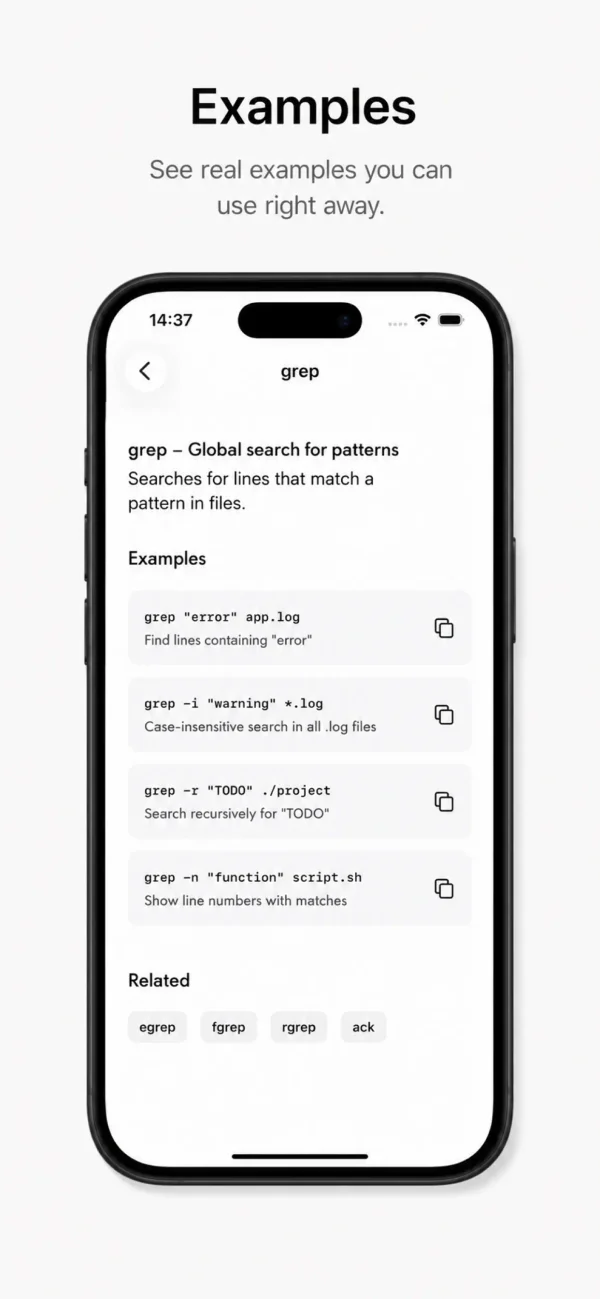
Unix/Linux CLI Commands is a clean, fast reference for the Unix and Linux command line — and a safe place to practice what you learn.
Whether you're a student, a developer, or a system administrator brushing up, every command is explained in plain language with real examples you can try right away.
BROWSE BY CATEGORY
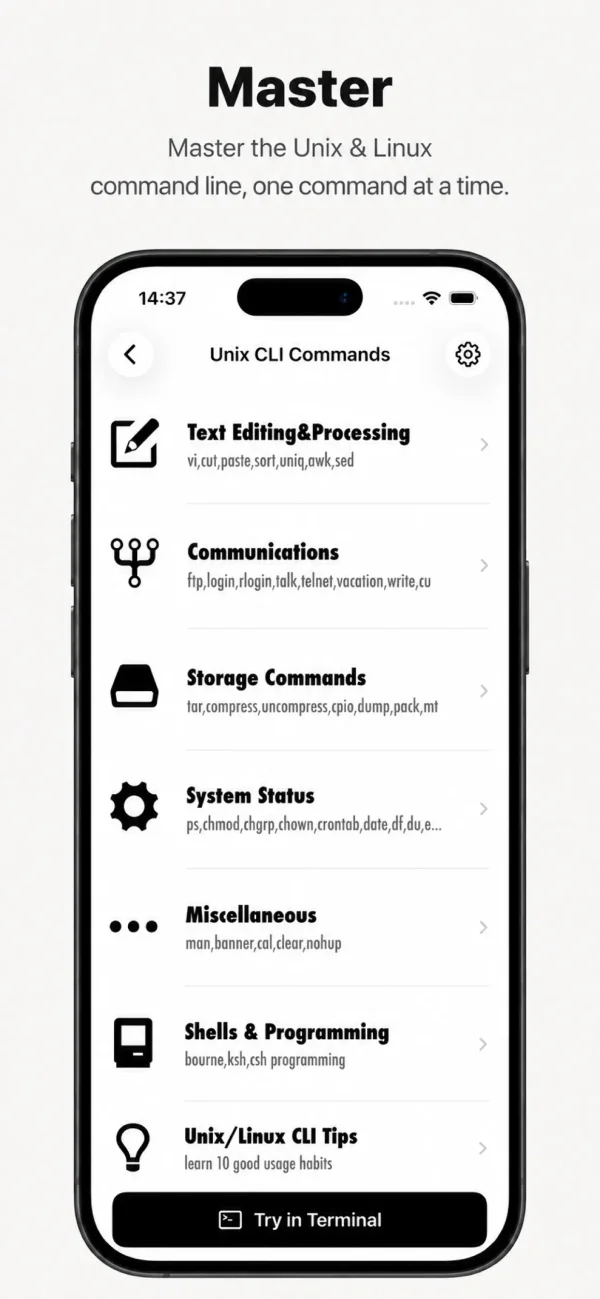
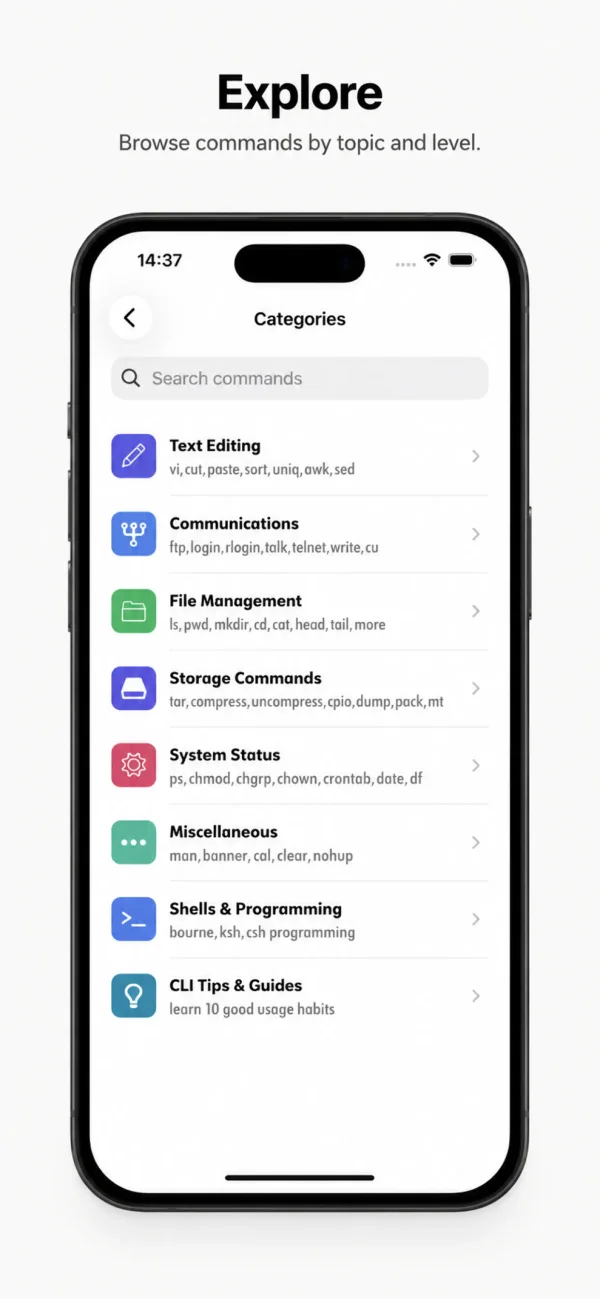
Commands are grouped into clear categories — file management, searching, text processing, networking & communication, storage, system status and more — so you can find what you need fast or explore a topic from the ground up.
LEARN WHAT EACH COMMAND DOES
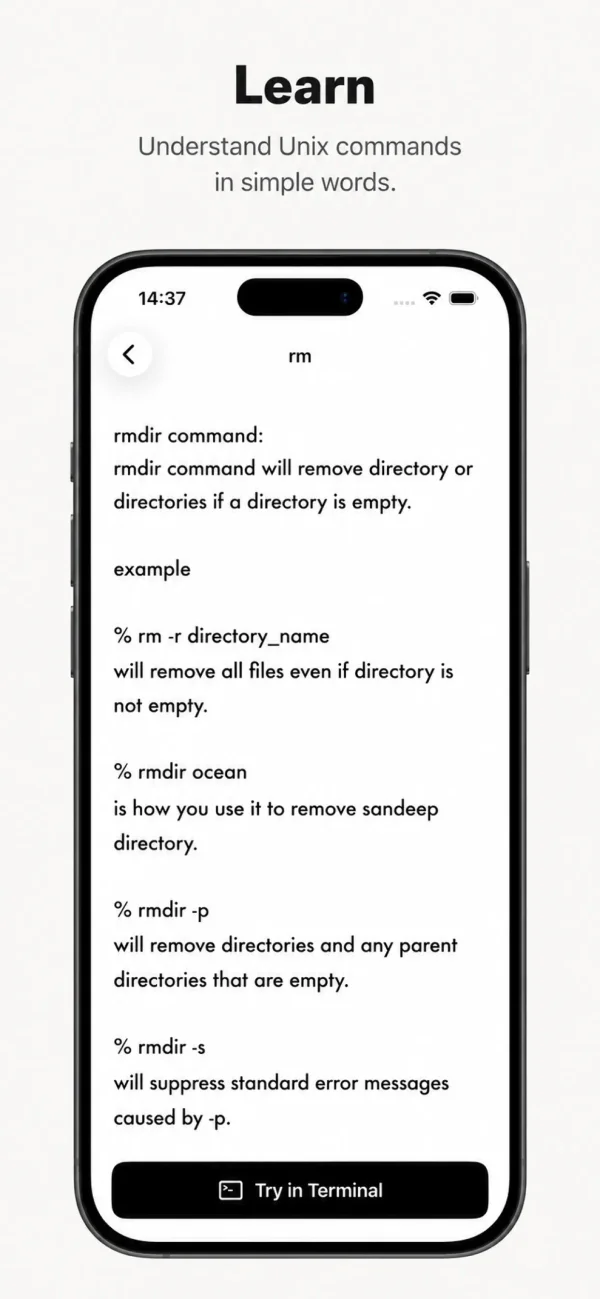
Each entry gives you the command, its full name, a short description of what it does, and practical examples. No fluff, no wall of man-page text — just what you need to understand and use it.
PRACTICE IN A SAFE TERMINAL
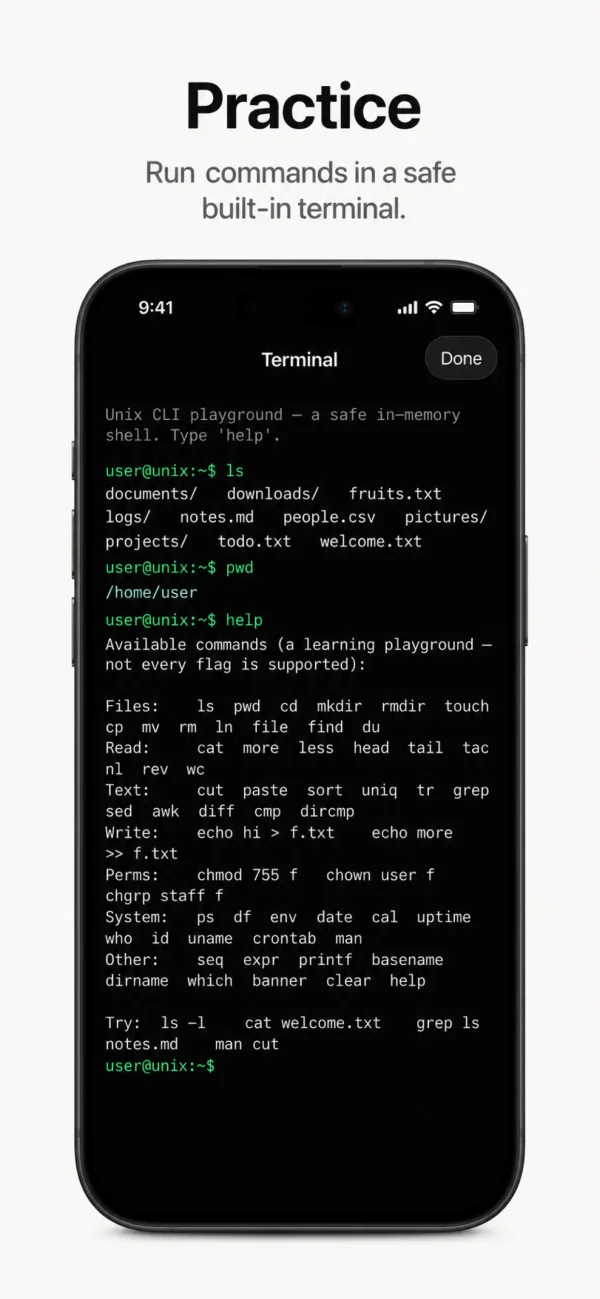
Reading is one thing; doing is another. The built-in terminal is a real, in-memory shell where you can actually run commands — ls, cd, pwd, mkdir, cat, echo, file, find and more — against a virtual filesystem stocked with sample files and folders. Nothing touches your real device, so you can experiment freely and break things without worry.
READABLE, YOUR WAY
Pick the reading font and size that suit you, and choose Light, Dark, or System appearance. Designed to look right on both iPhone and iPad.
A handy companion for anyone learning the shell or keeping the essentials close at hand.
Yang baru
Versi 4.1 · 25/9/2026
• Every command page rewritten from scratch with clear explanations, usage, options and examples.
• Most examples now run right in the built-in terminal: tap ▶ next to a command to try it.
• Smarter terminal: real symbolic links (ln -s), find with -size, -empty, -maxdepth, -delete and more, xargs -I and -0, wc with multiple files and totals, awk conditions with && and ||.
• Shortcut key bar no longer covers the input line, and you can turn it off from the ⋯ menu.
• New option: open the terminal full screen, from the ⋯ menu.
• A small banner ad now helps support development. It never appears in the terminal.
• Bug fixes and polish.
Privasi aplikasi
Yang dinyatakan Bahtiyar Polat di App Store tentang cara aplikasi ini menangani data.
-
Data yang ditautkan dengan Anda
Dapat dikumpulkan dan ditautkan dengan identitas Anda.
- Lokasi
- Pengenal
- Data penggunaan
-
Data yang tidak ditautkan dengan Anda
Dapat dikumpulkan, tetapi tidak ditautkan dengan identitas Anda.
- Diagnostik
Praktik privasi dapat bervariasi, misalnya berdasarkan fitur yang Anda gunakan atau usia Anda.
Informasi
- Penjual
- bahtiyar polat
- Kategori
- Alat Pengembang
- Versi
- 4.1
- Diperbarui
- 25/9/2026
- Dirilis
- 3/10/2010
- Ukuran
- 6,3 MB
- Memerlukan
- iOS 16.0 atau yang lebih baru
- Batasan usia
- 4+
- Harga
- Gratis
- Bahasa
- Inggris
- Hak cipta
- © wsoft app studio
Mungkin Anda juga suka
-
 Commander | Terminal CommandsAlat Pengembang
-
 Secure TerminalAlat Pengembang
-
 Commands for Linux TerminalAlat Pengembang
-
 Terminal & SSHAlat Pengembang
-
 Core ShellAlat Pengembang
-
 ShellBean - AI SSH ClientAlat Pengembang
-
 Docker ManagementAlat Pengembang
-
 Docker Server AdminAlat Pengembang
-
 Docker Manager GUI - WhaleDeckMonitor Unraid & Linux
-
 La Terminal: Klien Mosh & SSHSFTP, File + Agen AI