
- 対象年齢4+
- カテゴリ開発ツール
- 開発元Bahtiyar Polat
- 言語英語
- サイズ6.3 MB
App Storeの公式ページにリンクしています
Download.orgはUnix/Linux CLI Commandsのファイルを一切ホストしていません。ボタンを押すと、Bahtiyar Polatが公開しているApp Storeのアプリページが開きます。ページの最終確認:2026/11/12。
スクリーンショット
概要
開発元はこのテキストをお使いの言語で提供していません。
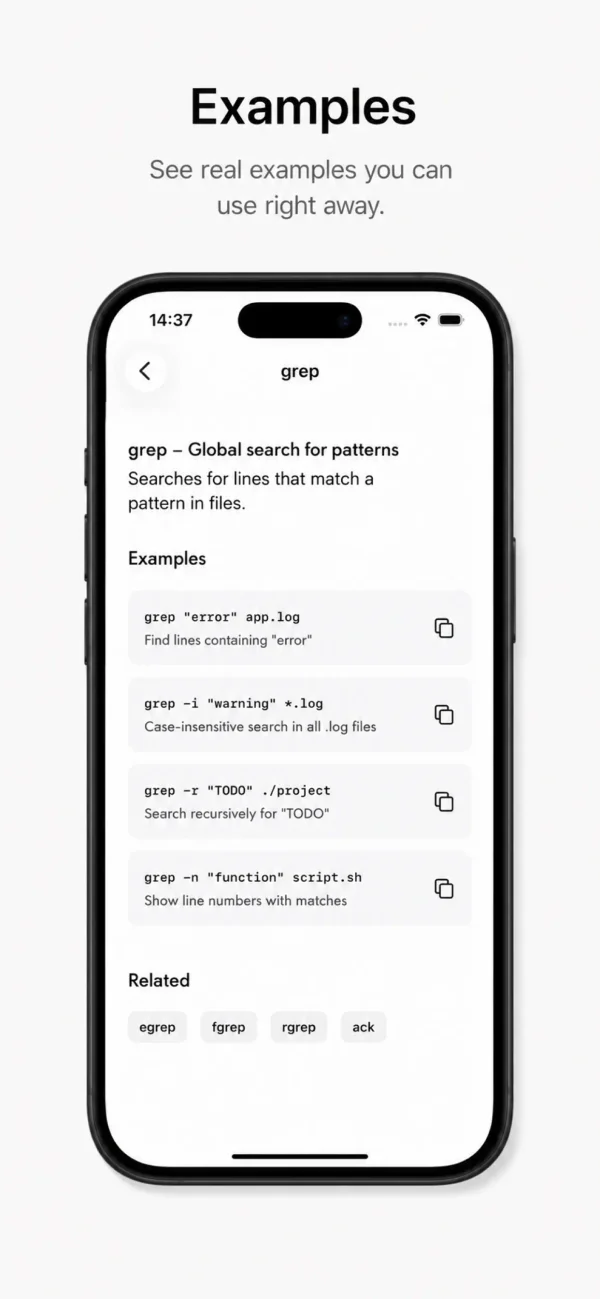
Unix/Linux CLI Commands is a clean, fast reference for the Unix and Linux command line — and a safe place to practice what you learn.
Whether you're a student, a developer, or a system administrator brushing up, every command is explained in plain language with real examples you can try right away.
BROWSE BY CATEGORY
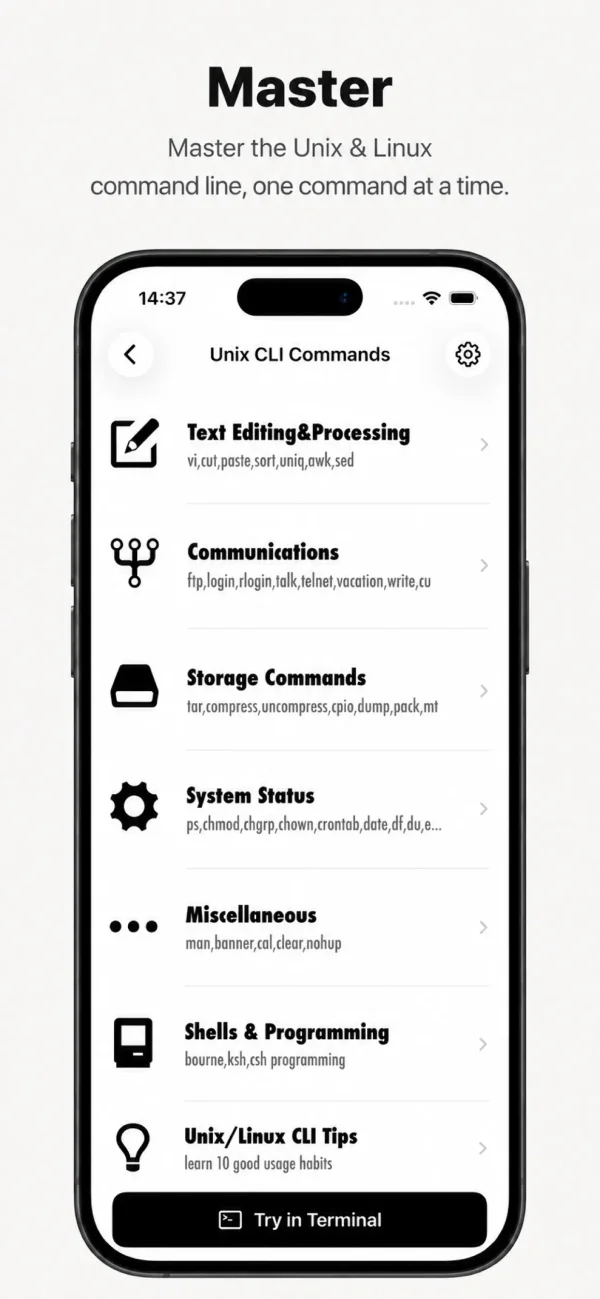
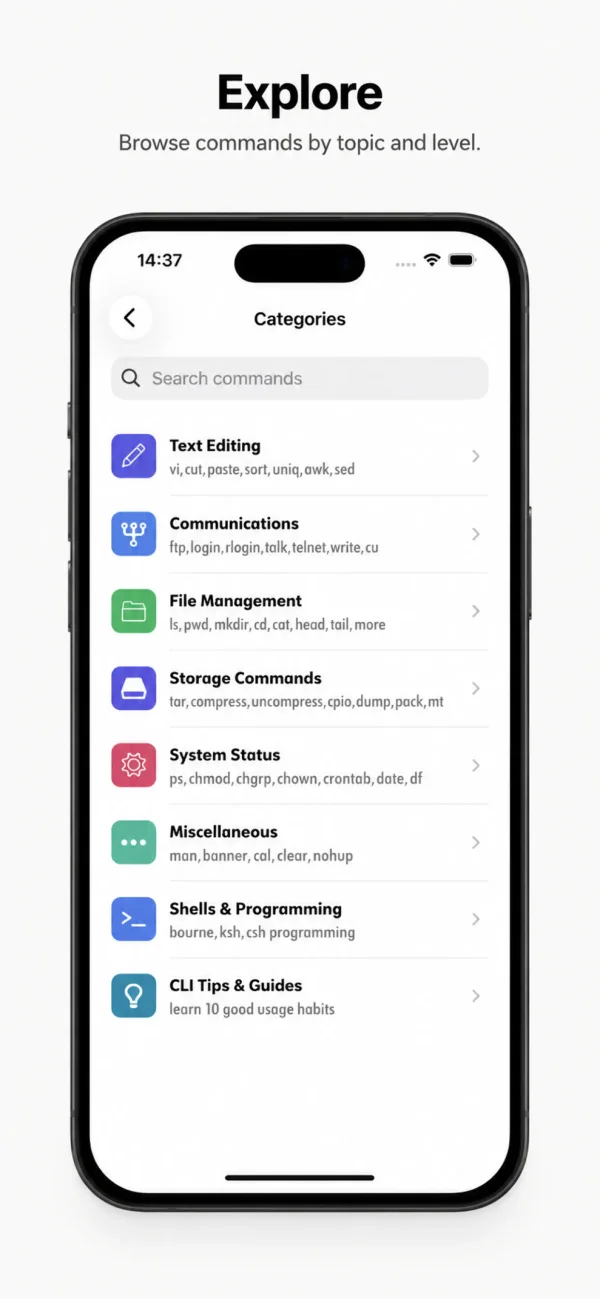
Commands are grouped into clear categories — file management, searching, text processing, networking & communication, storage, system status and more — so you can find what you need fast or explore a topic from the ground up.
LEARN WHAT EACH COMMAND DOES
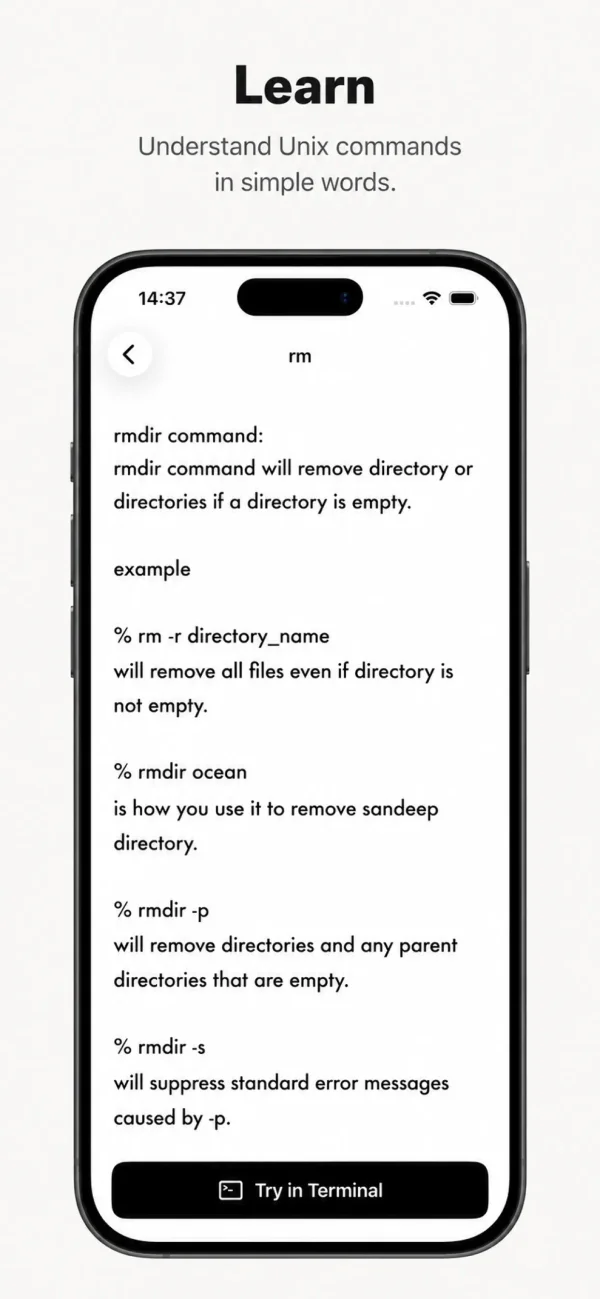
Each entry gives you the command, its full name, a short description of what it does, and practical examples. No fluff, no wall of man-page text — just what you need to understand and use it.
PRACTICE IN A SAFE TERMINAL
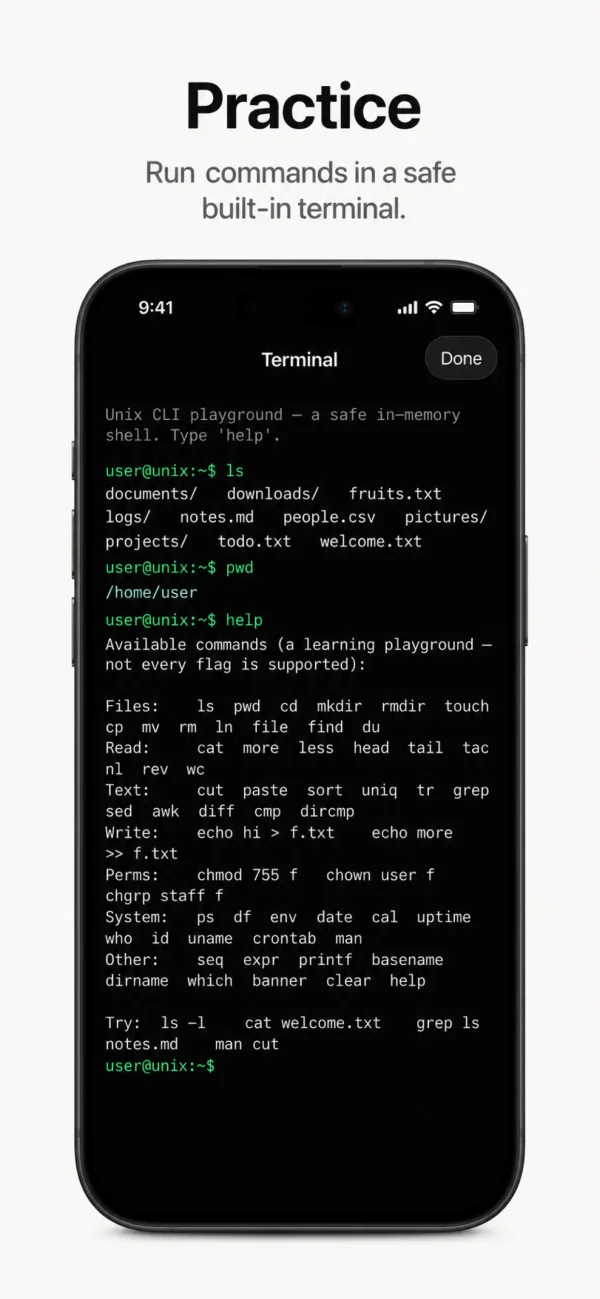
Reading is one thing; doing is another. The built-in terminal is a real, in-memory shell where you can actually run commands — ls, cd, pwd, mkdir, cat, echo, file, find and more — against a virtual filesystem stocked with sample files and folders. Nothing touches your real device, so you can experiment freely and break things without worry.
READABLE, YOUR WAY
Pick the reading font and size that suit you, and choose Light, Dark, or System appearance. Designed to look right on both iPhone and iPad.
A handy companion for anyone learning the shell or keeping the essentials close at hand.
新機能
バージョン 4.1 · 2026/9/25
• Every command page rewritten from scratch with clear explanations, usage, options and examples.
• Most examples now run right in the built-in terminal: tap ▶ next to a command to try it.
• Smarter terminal: real symbolic links (ln -s), find with -size, -empty, -maxdepth, -delete and more, xargs -I and -0, wc with multiple files and totals, awk conditions with && and ||.
• Shortcut key bar no longer covers the input line, and you can turn it off from the ⋯ menu.
• New option: open the terminal full screen, from the ⋯ menu.
• A small banner ad now helps support development. It never appears in the terminal.
• Bug fixes and polish.
アプリのプライバシー
このアプリのデータの取り扱いについて、Bahtiyar PolatがApp Storeで申告している内容です。
-
ユーザーに関連付けられたデータ
収集され、ユーザーの識別情報に関連付けられる場合があります。
- 位置情報
- ID
- 使用状況データ
-
ユーザーに関連付けられないデータ
収集される場合がありますが、ユーザーの識別情報には関連付けられません。
- 診断
プライバシーの取り扱いは、ご利用の機能やお客様の年齢などに応じて異なる場合があります。
情報
- 販売元
- bahtiyar polat
- カテゴリ
- 開発ツール
- バージョン
- 4.1
- 更新日
- 2026/9/25
- リリース
- 2010/10/3
- サイズ
- 6.3 MB
- 必要条件
- iOS 16.0以降
- 対象年齢
- 4+
- 価格
- 無料
- 言語
- 英語
- 著作権
- © wsoft app studio
こちらもおすすめ
-
 Commander | Terminal Commands開発ツール
-
 Secure Terminal開発ツール
-
 Commands for Linux Terminal開発ツール
-
 Terminal & SSH開発ツール
-
 Core Shell開発ツール
-
 ShellBean - SSH端末 & SFTPクライアントLinuxの状態監視とターミナルツール rzsz
-
 Docker Management開発ツール
-
 Docker Server Admin開発ツール
-
 Docker Manager GUI - WhaleDeckUnraidとLinuxサーバーモニタ
-
 La Terminal:Mosh & SSH クライアントSFTP、ファイル + AI リモートエージェント