
- Batasan usia4+
- KategoriFoto & Video
- PengembangAkio Nakashima
- BahasaInggris+ 1 lainnya
- Ukuran732,0 KB
Tertaut ke halaman resmi App Store
Download.org tidak menyimpan file Video Speed Shift apa pun. Tombol ini membuka halaman aplikasi di App Store, tempat Akio Nakashima menerbitkannya. Halaman terakhir diperiksa pada 16/11/2026.
Tangkapan layar

Tentang
Pengembang belum menyediakan teks ini dalam bahasa Anda.
Change how fast your videos play, then save the result to your photo library.
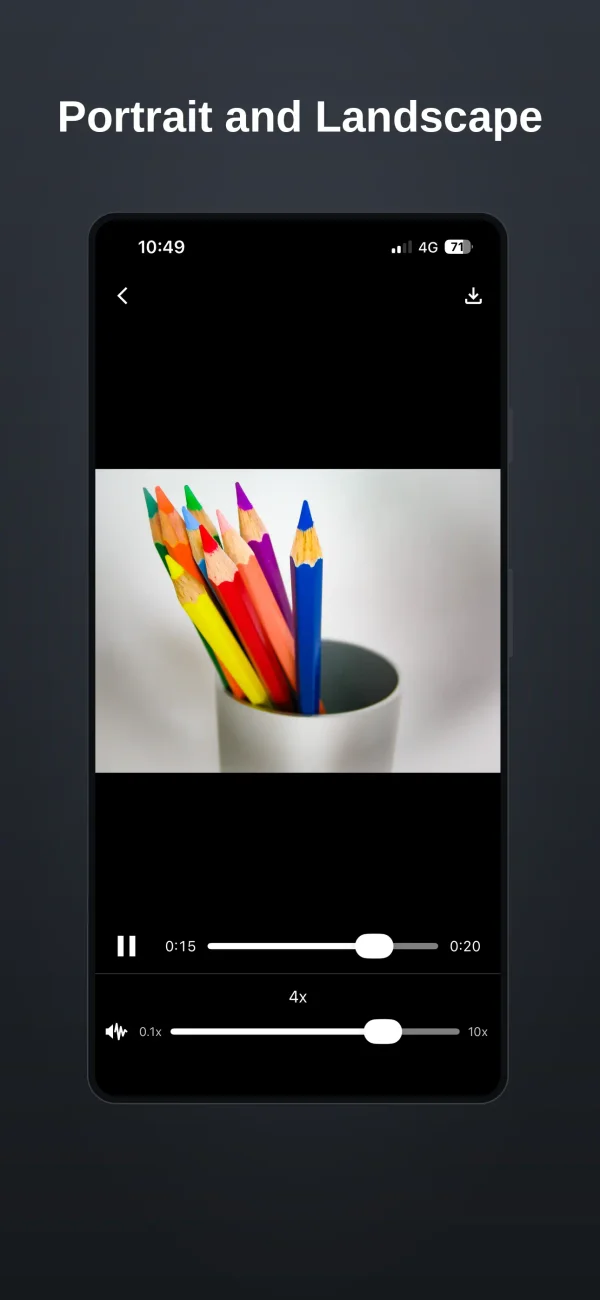
Pick a video from your library or record one in the app, choose a speed, and watch the change right away. When it looks right, save it. The new video is written as its own file — your original is left exactly as it was.
FOURTEEN SPEEDS
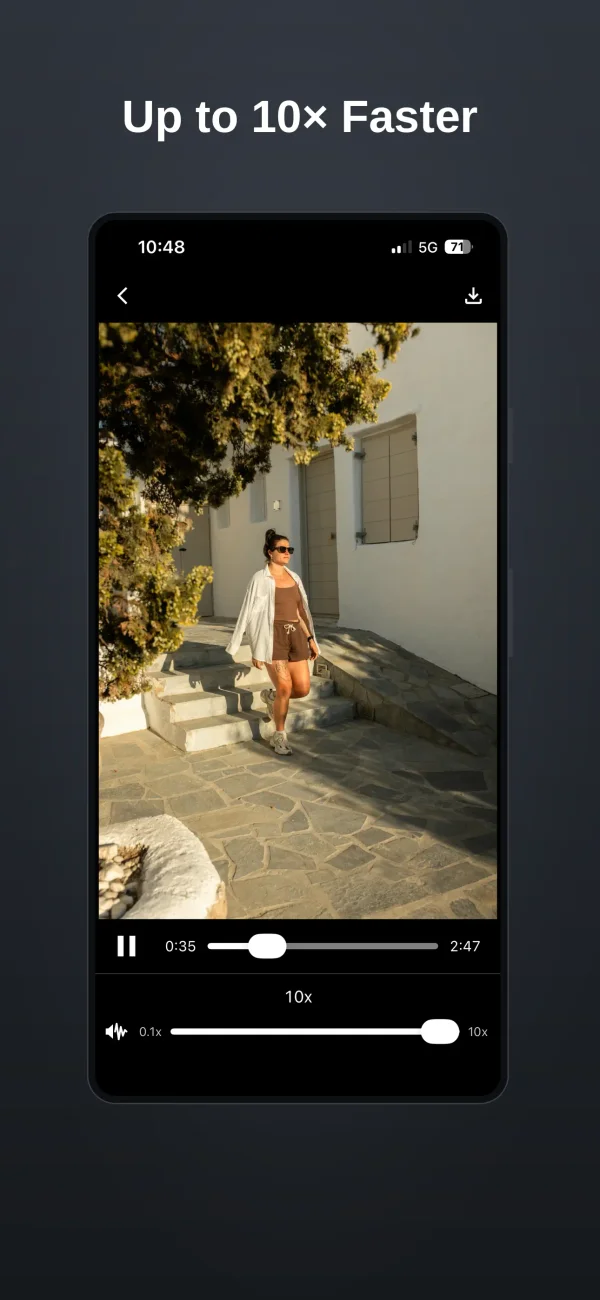
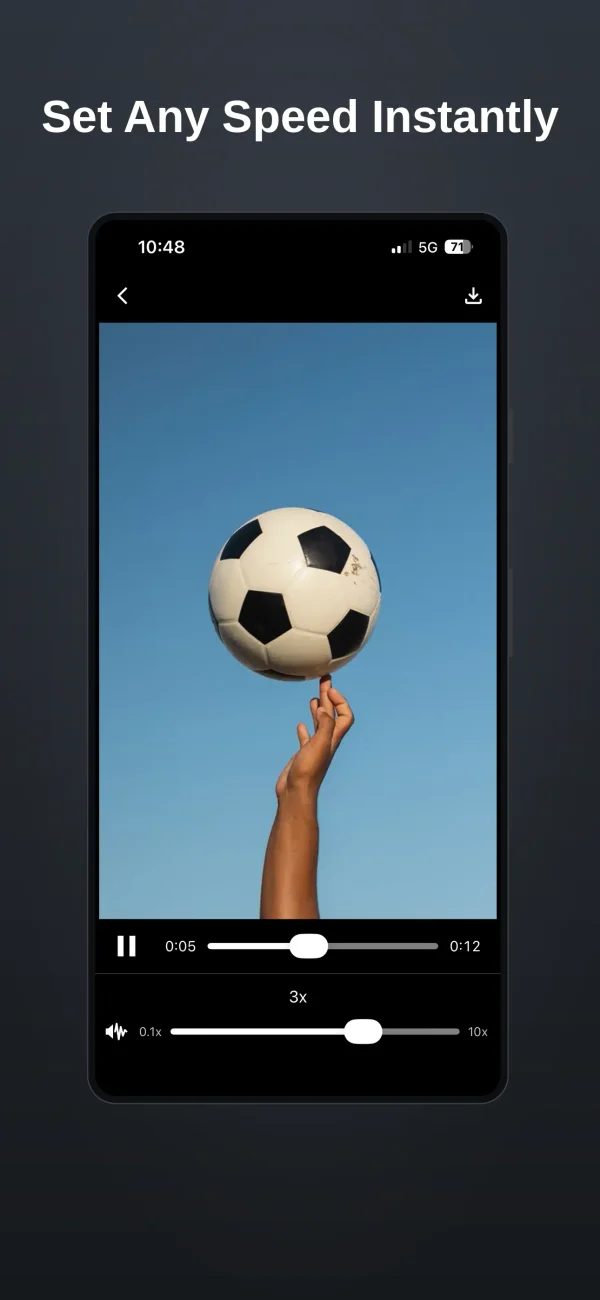
0.1x, 0.25x, 0.5x, 0.75x, 1x, 1.25x, 1.5x, 1.75x, 2x, 3x, 4x, 6x, 8x, 10x.
The slider steps between them, so you can feel each one without looking. Take a golf swing down to a tenth of speed, or push a long clip through at ten times.
SEE IT BEFORE YOU SAVE
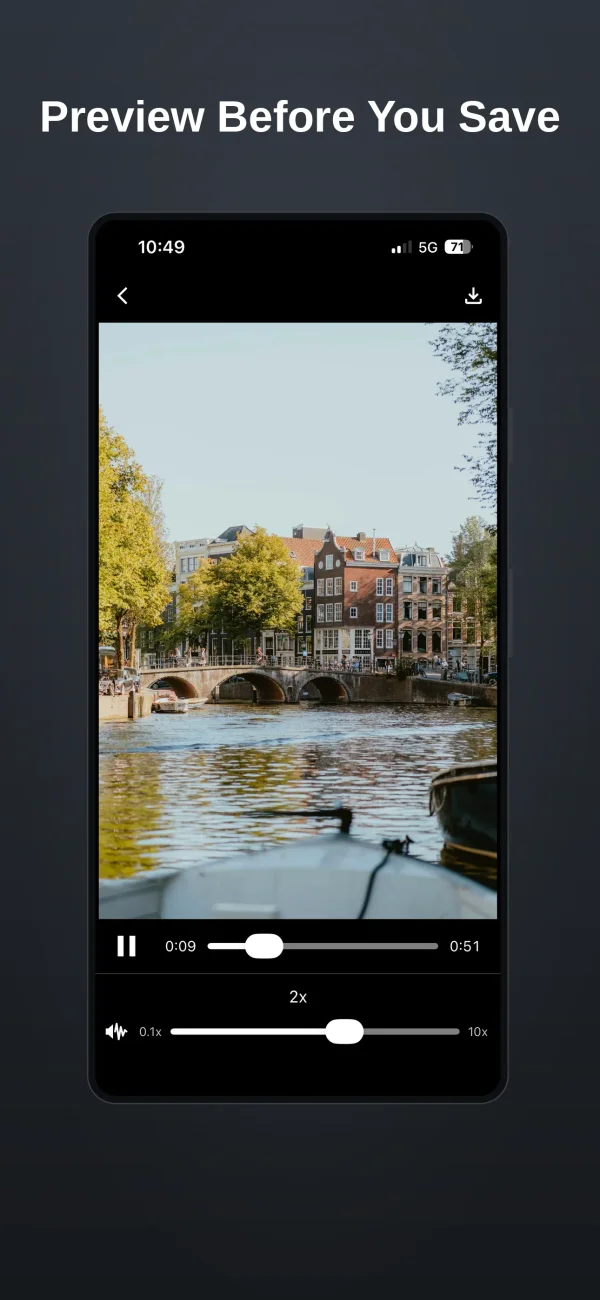
The preview plays at the speed you picked, so you are never guessing at the result. Play, pause, and scrub anywhere in the clip while you decide.
AUDIO PITCH, YOUR CHOICE
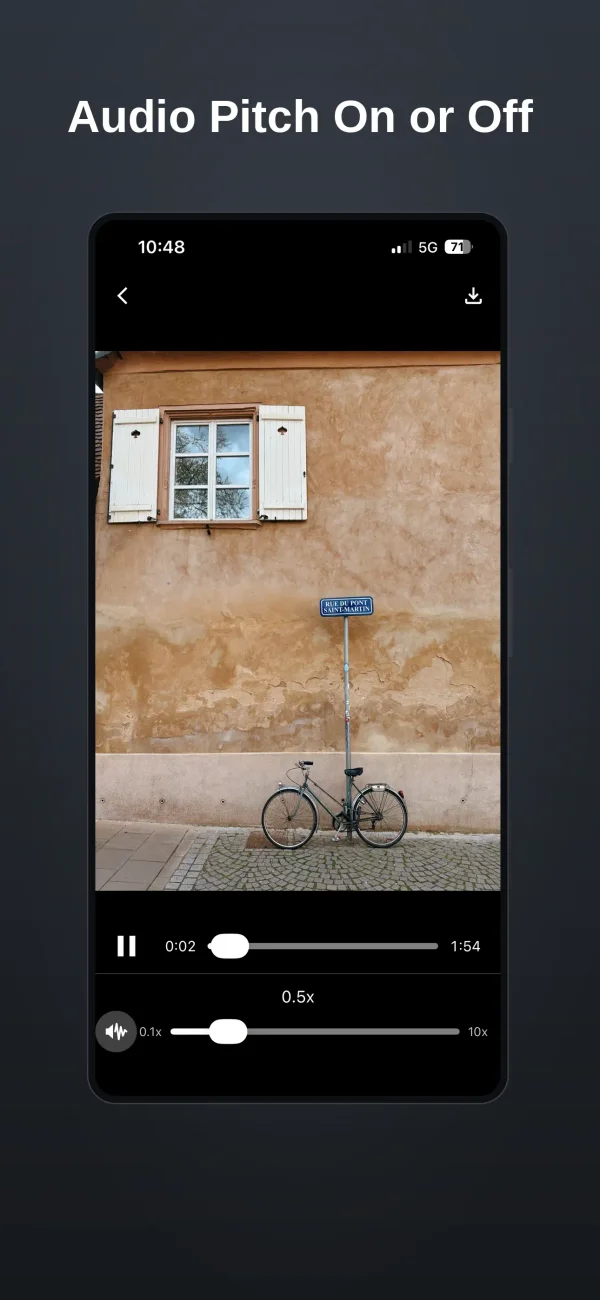
Changing speed normally drags the pitch along with it, and voices come out squeaky. Keep the pitch where it was, or let it ride with the speed for the classic effect. One tap either way.
PORTRAIT AND LANDSCAPE
Whatever orientation you shot in comes back the same way, at the resolution you started with.
EVERYTHING STAYS ON YOUR DEVICE
Your video never leaves it. There is no account to create, no upload, no ads, no analytics, and no crash reporting.
The app asks for the camera and microphone only when you record, and for permission to add to your photo library only when you save. That permission is add-only, so the app cannot read what is already in your library. Picking an existing video goes through the system photo picker, which hands over just the one you chose.
Free, with nothing to unlock.
Privasi aplikasi
Yang dinyatakan Akio Nakashima di App Store tentang cara aplikasi ini menangani data.
-
Data tidak dikumpulkan
Pengembang tidak mengumpulkan data apa pun dari aplikasi ini.
Praktik privasi dapat bervariasi, misalnya berdasarkan fitur yang Anda gunakan atau usia Anda.
Informasi
- Penjual
- Akio Nakashima
- Kategori
- Foto & Video
- Versi
- 1.0
- Diperbarui
- 23/9/2026
- Dirilis
- 23/9/2026
- Ukuran
- 732,0 KB
- Memerlukan
- iOS 18.0 atau yang lebih baru
- Batasan usia
- 4+
- Harga
- Gratis
- Bahasa
- Inggris, Jepang
- Hak cipta
- © 2026 Akio Nakashima
Mungkin Anda juga suka
-
 Video Speed Editor - ChangerFoto & Video
-
 Reverse Slow Motion CameraFoto & Video
-
 CompressFox: Video CompressorFoto & Video
-
 Squeeze: Video CompressorFoto & Video
-
 Veditist Video Speed ReverseFoto & Video
-
 Toy Video AIFoto & Video
-
 mincam - Low-Res CameraFoto & Video
-
 Video Speed & Slow MotionFoto & Video
-
 f/ossFoto & Video
-
 Malamute CameraFoto & Video