
- Độ tuổi4+
- Danh mụcẢnh & Video
- Nhà phát triểnAkio Nakashima
- Ngôn ngữTiếng Anh+ 1 ngôn ngữ khác
- Kích thước732,0 KB
Liên kết đến trang App Store chính thức
Download.org không lưu trữ tệp nào của Video Speed Shift. Nút này mở trang ứng dụng trên App Store, nơi Akio Nakashima phát hành ứng dụng. Trang được kiểm tra lần cuối: 16/11/2026.
Ảnh chụp màn hình

Giới thiệu
Nhà phát triển chưa cung cấp nội dung này bằng ngôn ngữ của bạn.
Change how fast your videos play, then save the result to your photo library.
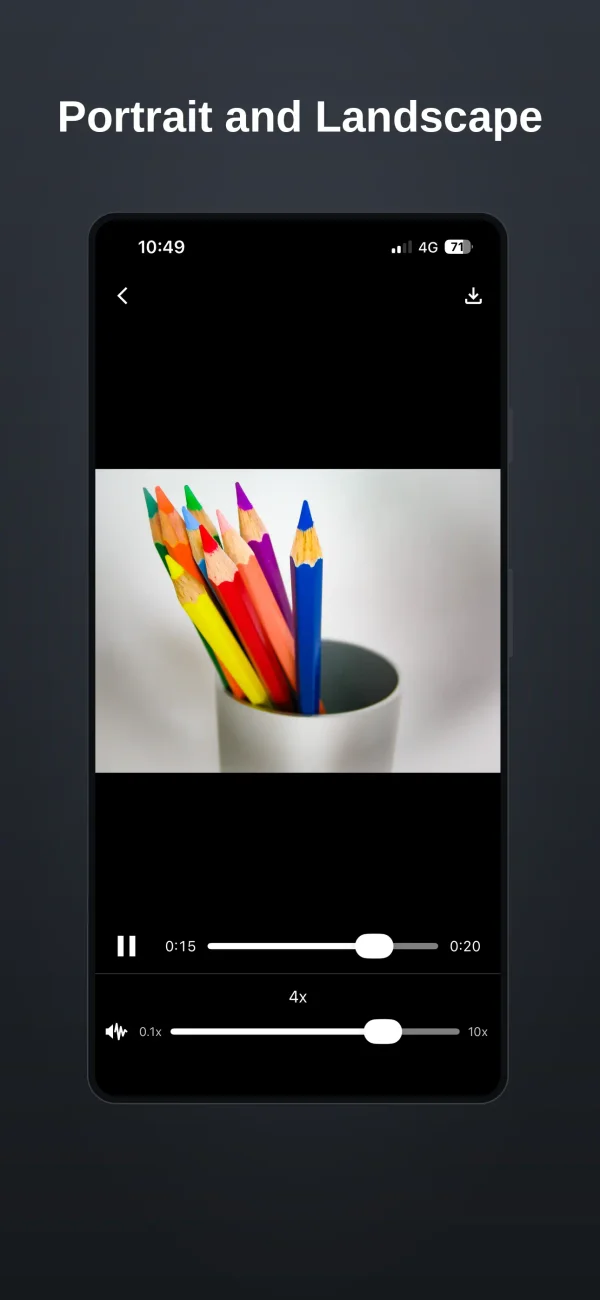
Pick a video from your library or record one in the app, choose a speed, and watch the change right away. When it looks right, save it. The new video is written as its own file — your original is left exactly as it was.
FOURTEEN SPEEDS
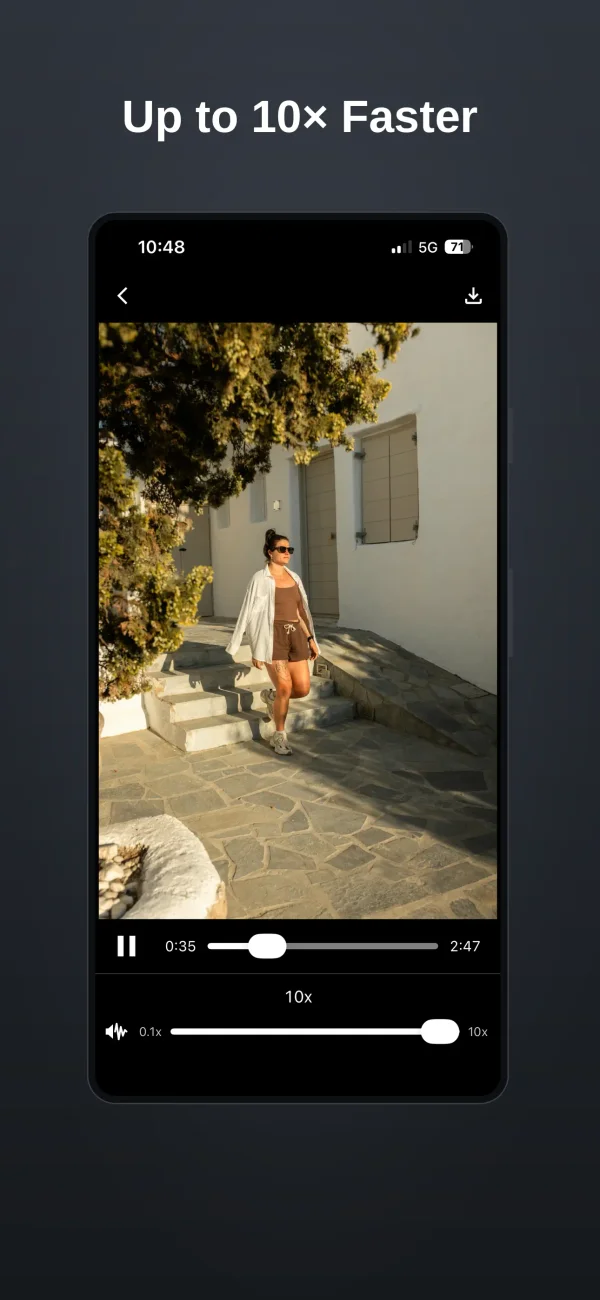
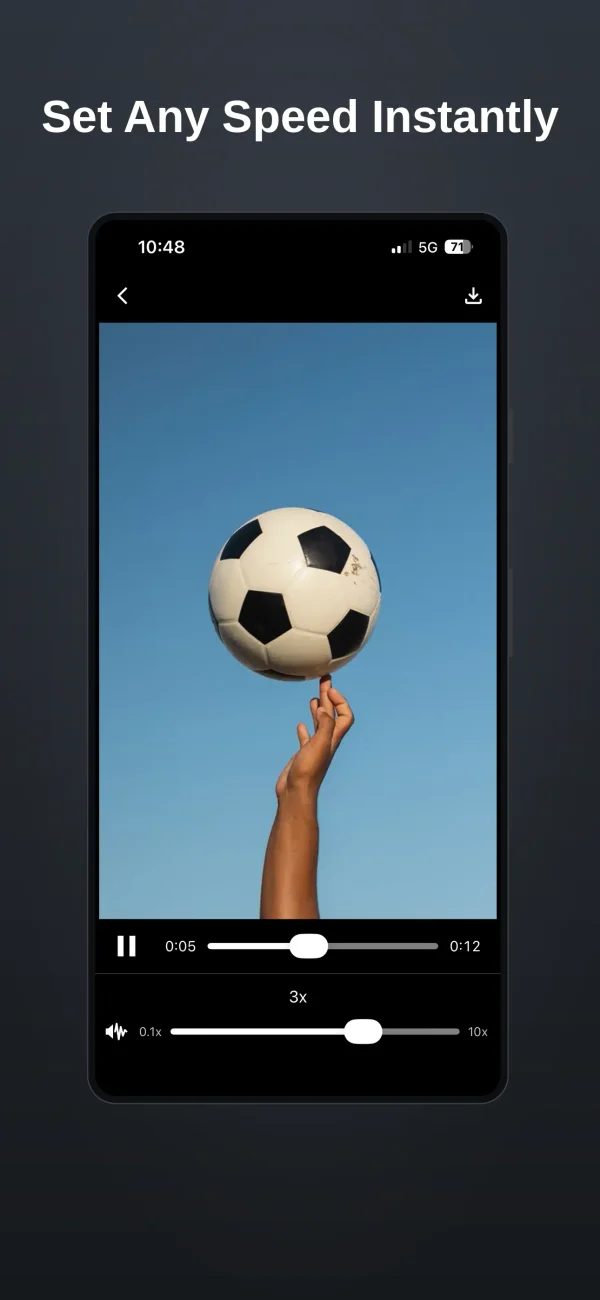
0.1x, 0.25x, 0.5x, 0.75x, 1x, 1.25x, 1.5x, 1.75x, 2x, 3x, 4x, 6x, 8x, 10x.
The slider steps between them, so you can feel each one without looking. Take a golf swing down to a tenth of speed, or push a long clip through at ten times.
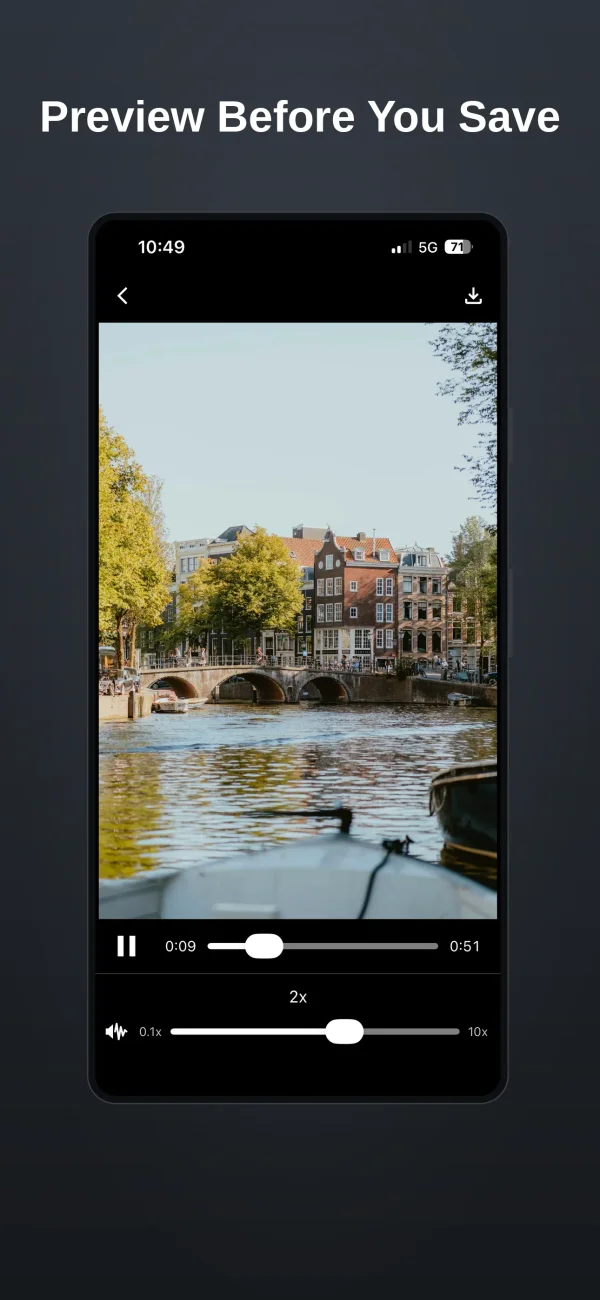
SEE IT BEFORE YOU SAVE
The preview plays at the speed you picked, so you are never guessing at the result. Play, pause, and scrub anywhere in the clip while you decide.
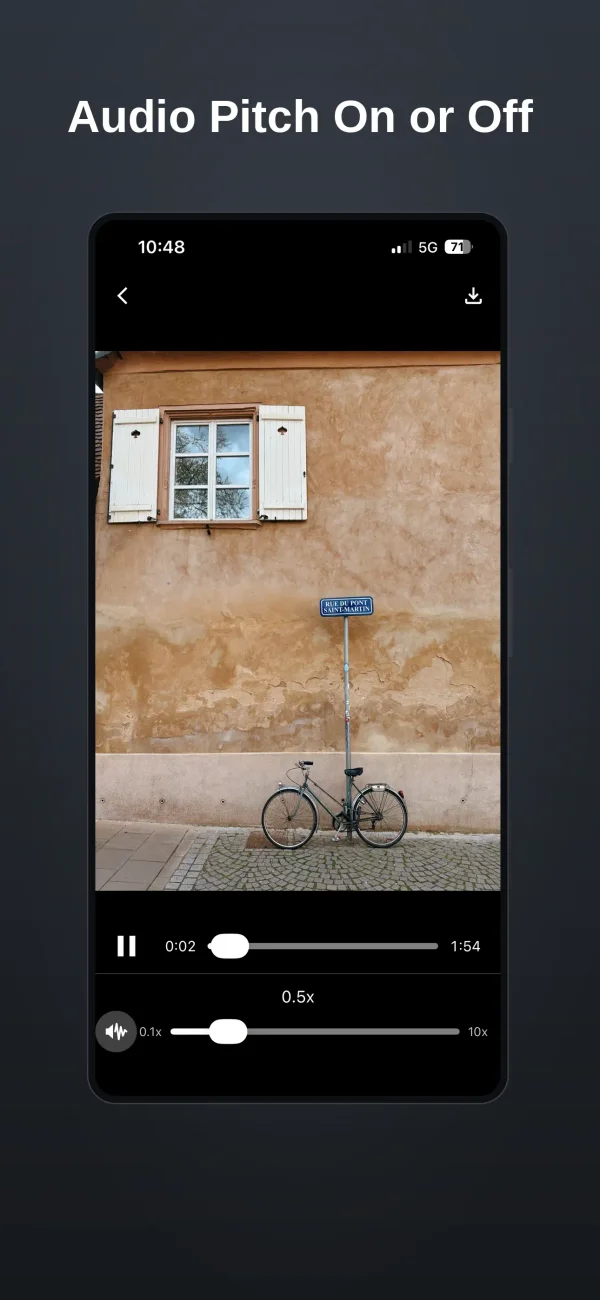
AUDIO PITCH, YOUR CHOICE
Changing speed normally drags the pitch along with it, and voices come out squeaky. Keep the pitch where it was, or let it ride with the speed for the classic effect. One tap either way.
PORTRAIT AND LANDSCAPE
Whatever orientation you shot in comes back the same way, at the resolution you started with.
EVERYTHING STAYS ON YOUR DEVICE
Your video never leaves it. There is no account to create, no upload, no ads, no analytics, and no crash reporting.
The app asks for the camera and microphone only when you record, and for permission to add to your photo library only when you save. That permission is add-only, so the app cannot read what is already in your library. Picking an existing video goes through the system photo picker, which hands over just the one you chose.
Free, with nothing to unlock.
Quyền riêng tư của ứng dụng
Những gì Akio Nakashima khai báo trên App Store về cách ứng dụng này xử lý dữ liệu.
-
Dữ liệu không được thu thập
Nhà phát triển không thu thập bất kỳ dữ liệu nào từ ứng dụng này.
Phương thức đảm bảo quyền riêng tư có thể khác nhau, chẳng hạn như tuỳ theo các tính năng bạn sử dụng hoặc độ tuổi của bạn.
Thông tin
- Người bán
- Akio Nakashima
- Danh mục
- Ảnh & Video
- Phiên bản
- 1.0
- Cập nhật
- 23/09/2026
- Phát hành
- 23/09/2026
- Kích thước
- 732,0 KB
- Yêu cầu
- iOS 18.0 trở lên
- Độ tuổi
- 4+
- Giá
- Miễn phí
- Ngôn ngữ
- Tiếng Anh, Tiếng Nhật
- Bản quyền
- © 2026 Akio Nakashima
Có thể bạn cũng thích
-
 Video Speed Editor - ChangerẢnh & Video
-
 Reverse Slow Motion CameraẢnh & Video
-
 CompressFox: Video CompressorẢnh & Video
-
 Squeeze: Video CompressorẢnh & Video
-
 Veditist Video Speed ReverseẢnh & Video
-
 Toy Video AIẢnh & Video
-
 mincam - Low-Res CameraẢnh & Video
-
 Video Speed & Slow MotionẢnh & Video
-
 f/ossẢnh & Video
-
 Malamute CameraẢnh & Video