
Video Speedifier
Control video speed playback
Dirancang untuk iPhone, iPad, Mac, iPod touch
Gratis
- Batasan usia4+
- KategoriKegunaan
- PengembangJustin James
- BahasaInggris
- Ukuran9,6 MB
Tertaut ke halaman resmi App Store
Download.org tidak menyimpan file Video Speedifier apa pun. Tombol ini membuka halaman aplikasi di App Store, tempat Justin James menerbitkannya. Halaman terakhir diperiksa pada 12/11/2026.
Tangkapan layar
Tentang
Pengembang belum menyediakan teks ini dalam bahasa Anda.
Take control of every video you watch.
Video Speedifier is a clean, powerful Safari extension that lets you adjust playback speed on any website with precision and ease.
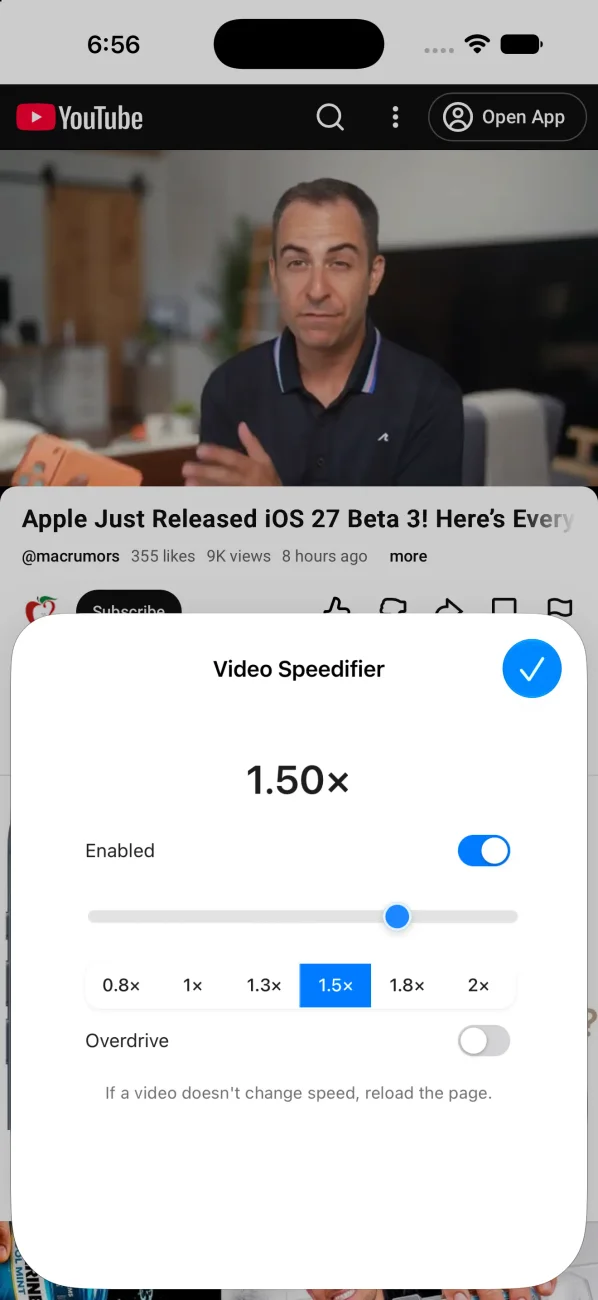
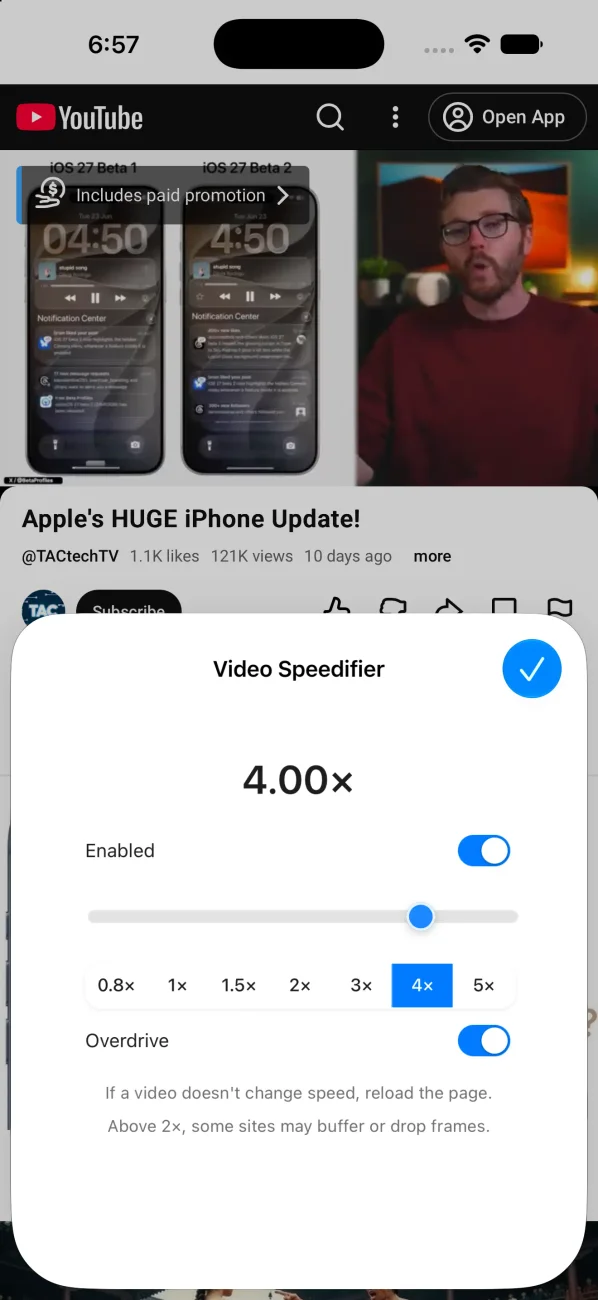
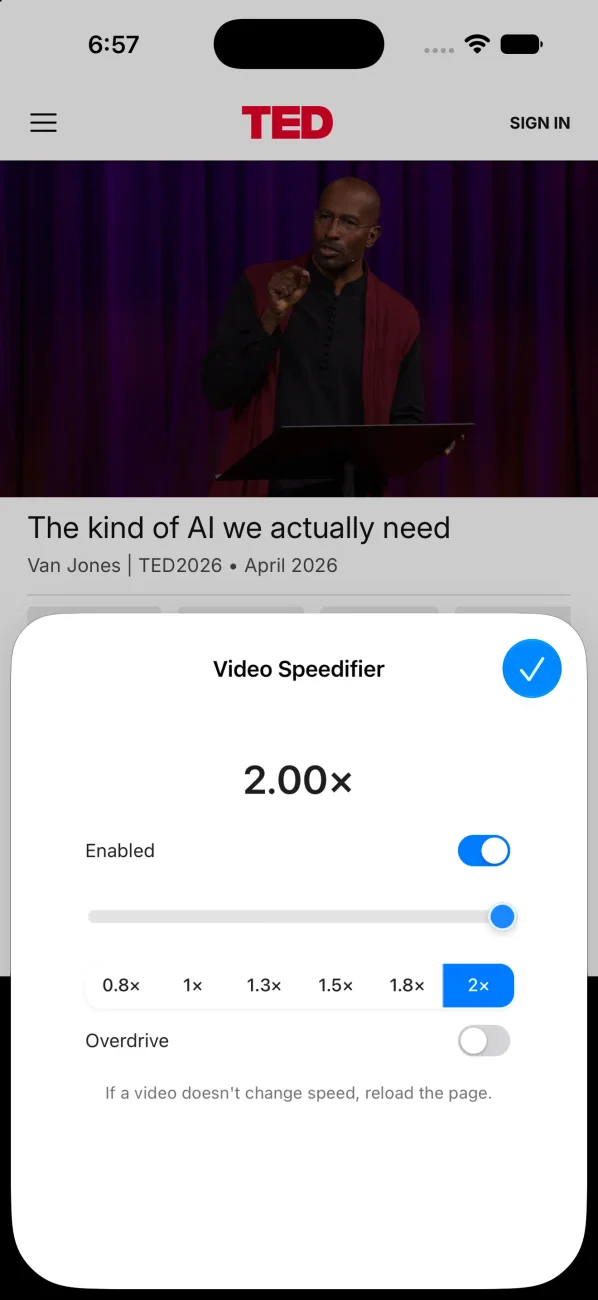
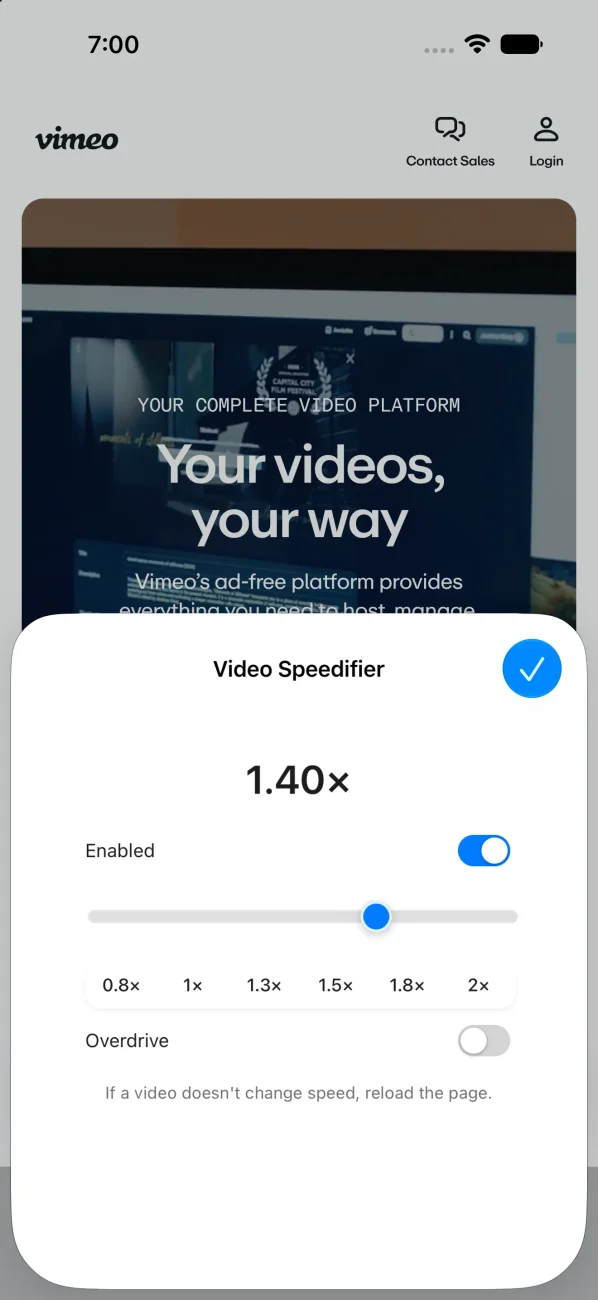
Use the smooth slider for fine-grained control (0.1× increments) or tap the quick preset buttons for common speeds. Turn on Overdrive when you want to push speeds even higher, or take it slow with Slo-mo mode. It works across YouTube, Netflix, online courses, Twitch, and most other video players — including tricky ones that try to reset the speed.
Key Features
• Precise speed control from 0.01× up to 5×
• Customizable preset buttons
• Overdrive mode for faster playback
• Slo-mo mode for slower playback
• Works on iPhone, iPad, and Mac
• Clean, modern interface built with SwiftUI
• Intelligent handling of dynamic and embedded videos
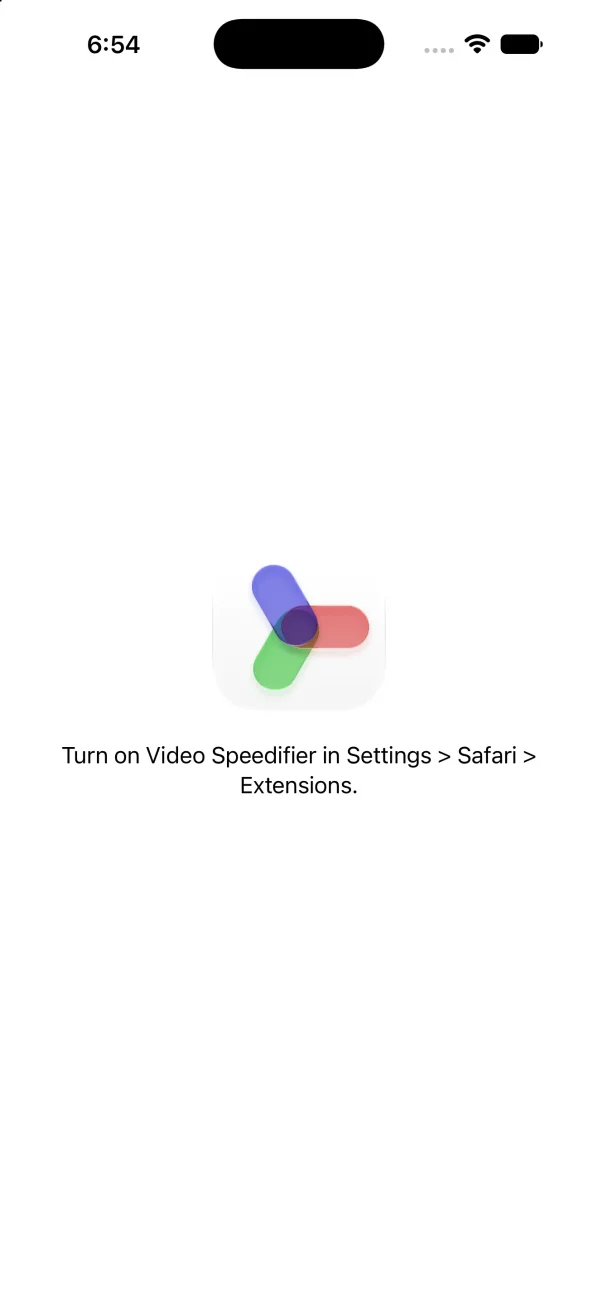
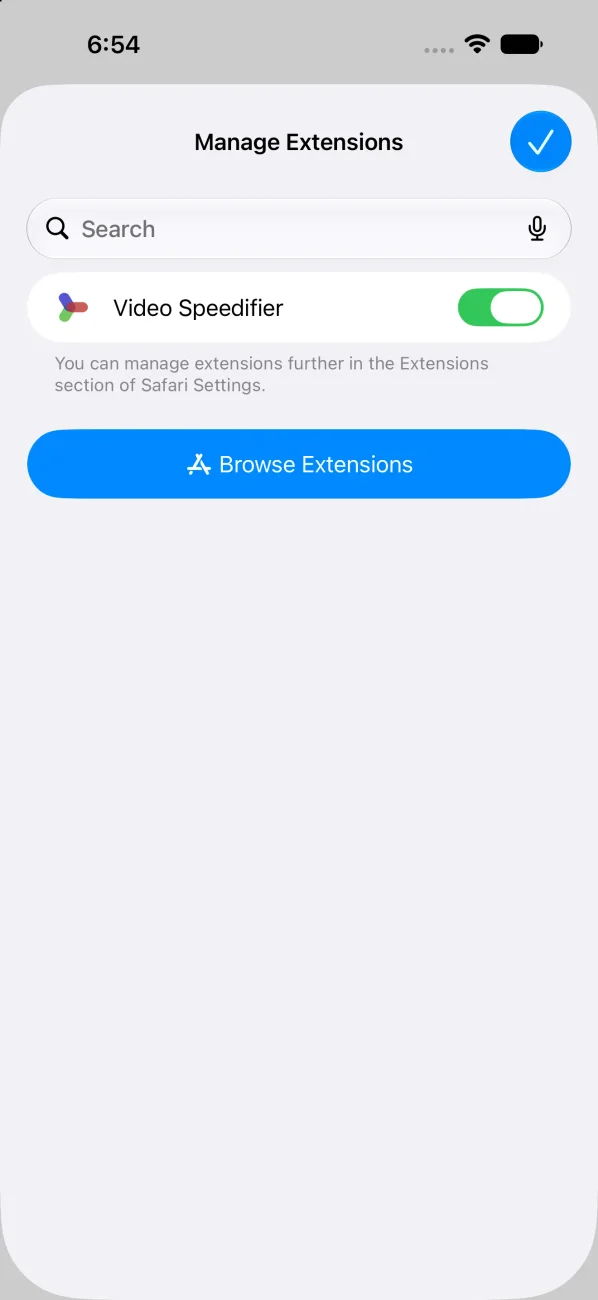
Getting started is simple: install the app, enable Video Speedifier in Safari’s Extensions settings, and you’re ready to go. The extension then appears in your toolbar whenever you need it.
Whether you’re speeding through lectures, slowing down language content, or just want to watch at your own pace, Video Speedifier gives you full control without leaving the page.
Yang baru
Versi 2.1.0 · 9/10/2026
Slo-mo is here. Slow any video down to 0.01×.
Turn on Slo-mo for a 0.01×–1× slider and presets at 0.01×, 0.1×, 0.25×, 0.5×, 0.8×, and 1×. Overdrive still takes you up to 5×.
Privasi aplikasi
Yang dinyatakan Justin James di App Store tentang cara aplikasi ini menangani data.
-
Data tidak dikumpulkan
Pengembang tidak mengumpulkan data apa pun dari aplikasi ini.
Praktik privasi dapat bervariasi, misalnya berdasarkan fitur yang Anda gunakan atau usia Anda.
Informasi
- Penjual
- Justin James
- Kategori
- Kegunaan
- Versi
- 2.1.0
- Diperbarui
- 9/10/2026
- Dirilis
- 11/6/2026
- Ukuran
- 9,6 MB
- Memerlukan
- iOS 15.0 atau yang lebih baru
- Batasan usia
- 4+
- Harga
- Gratis
- Bahasa
- Inggris
- Hak cipta
- © 2026 Justin James
Mungkin Anda juga suka
-
 Video Speed for SafariKegunaan
-
 Video Control for SafariKegunaan
-
 Pengatur Kecepatan VideoTonton sesuai ritme Anda
-
 Speed Browser AppKegunaan
-
 AuraVideo: Video EditorKegunaan
-
 Spacie - View Photos By SizeKegunaan
-
 Prime Speed ControllerKegunaan
-
 Paste2Pic: Markdown to ImageKegunaan
-
 Vidium ExtensionKegunaan
-
 Private Album: Hide PhotosKegunaan