Viewer3D
View STL, STEP, OBJ & 3DM
Dirancang untuk iPhone, iPad, iPod touch
Rp 19ribu
- Batasan usia4+
- KategoriKegunaan
- Pengembang北京秤鑫科技有限公司
- BahasaInggris+ 1 lainnya
- Ukuran23,8 MB
Tertaut ke halaman resmi App Store
Download.org tidak menyimpan file Viewer3D apa pun. Tombol ini membuka halaman aplikasi di App Store, tempat 北京秤鑫科技有限公司 menerbitkannya. Halaman terakhir diperiksa pada 18/11/2026.
Tangkapan layar

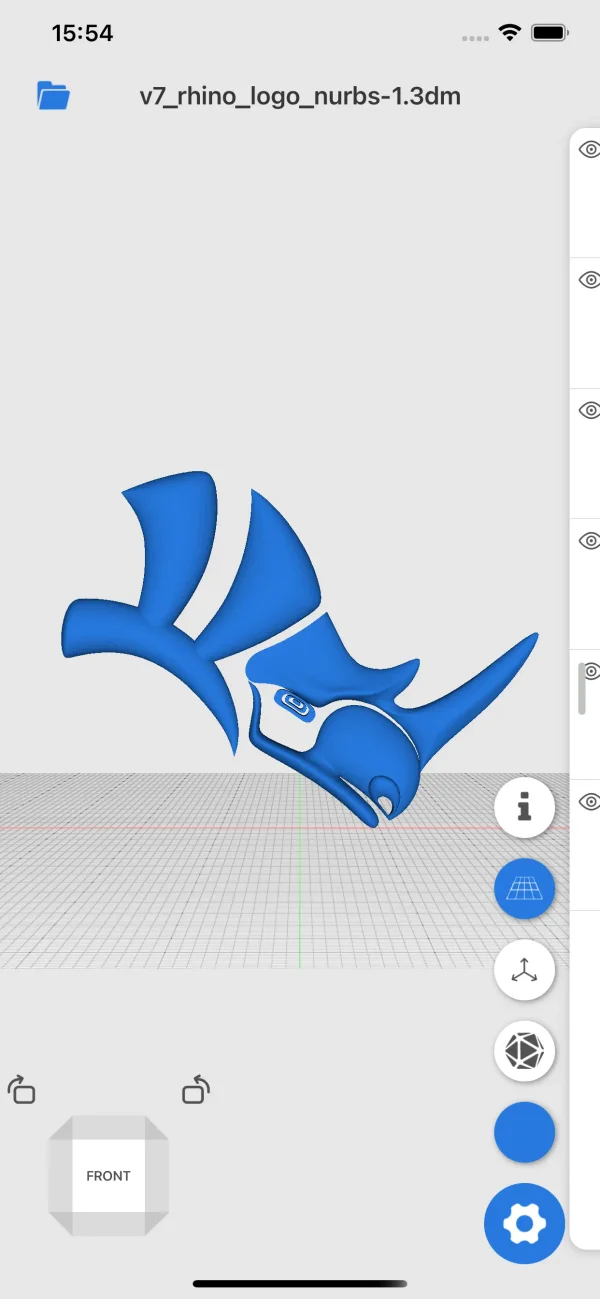
Tentang
Pengembang belum menyediakan teks ini dalam bahasa Anda.
Powerful 3D Visualization. Absolute Privacy.
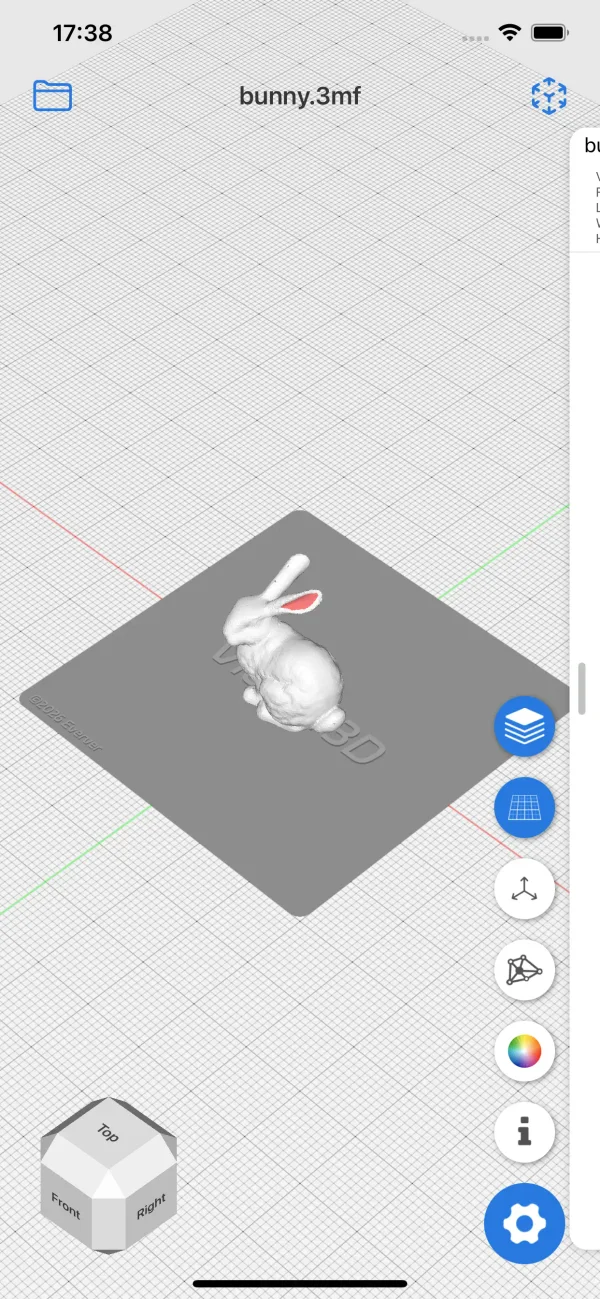
Viewer3D is a high-performance, fully offline tool engineered for professionals, designers, and 3D printing enthusiasts. View, inspect, and interact with your models instantly—without cloud uploads or data privacy concerns.
Why Choose Viewer3D?
100% Offline & Secure: Your intellectual property never leaves your device. No internet required, no tracking, and zero data collection.
Zero Storage Overhead: Using advanced in-place file access, Viewer3D opens models directly without creating redundant copies, saving your device’s storage.
Industry-Grade 3MF Support: Fully compatible with multi-color models and plate layouts from popular 3D printing slicers.
Immersive AR Experience: Bring your designs into the real world. Visualize models in your physical environment with high-precision Augmented Reality.
Key Features:
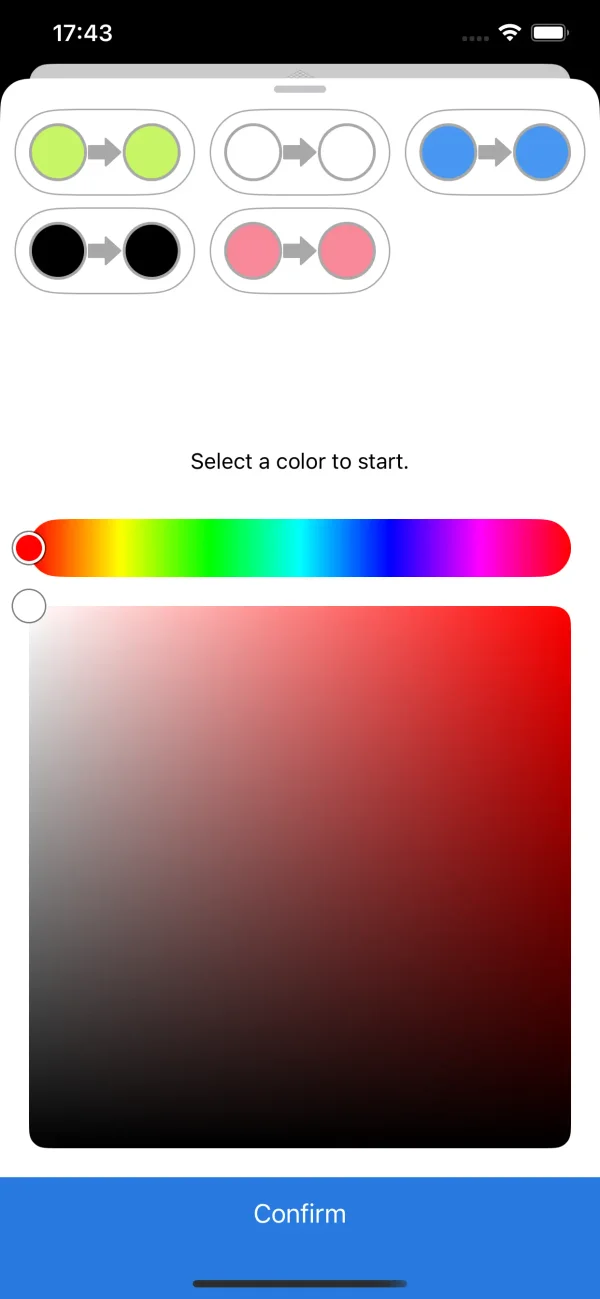
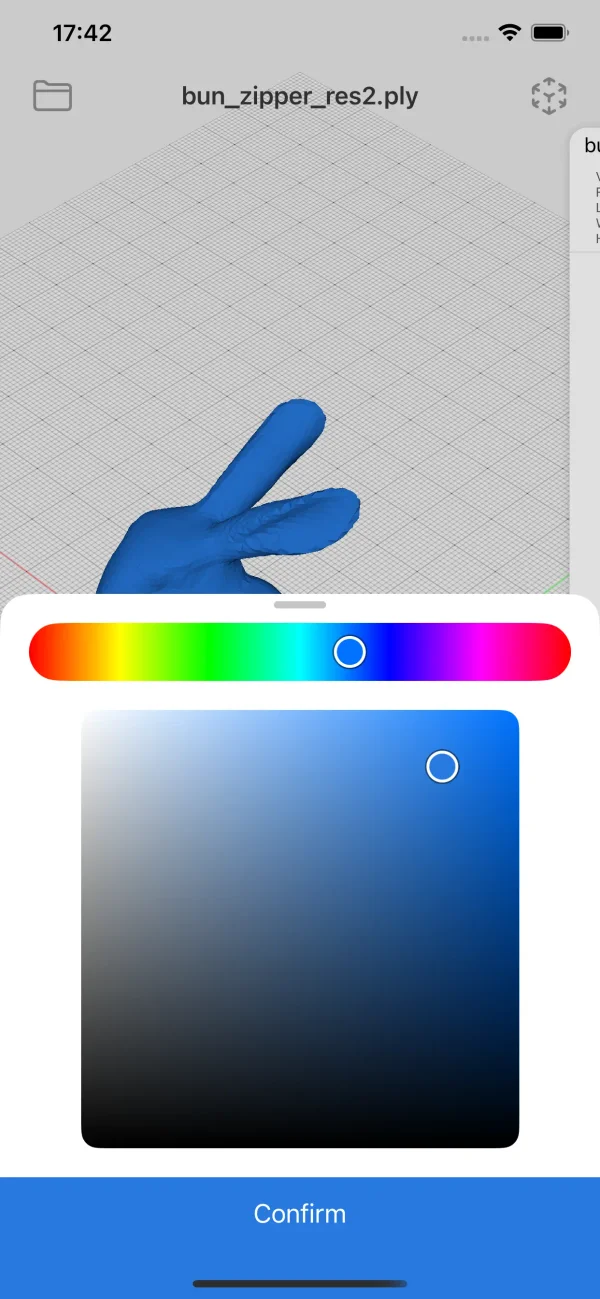
Multi-Color 3MF Management: Seamlessly render multi-part 3MF files. Customize filament colors directly within the app to preview your final print.
Intuitive Gesture Control: Optimized spatial navigation with fluid two-finger panning and pinch-to-zoom for precise inspection.
Seamless Integration: Open 3D models instantly via the "Share" menu from Files, Mail, or any other app.
Supported Formats:
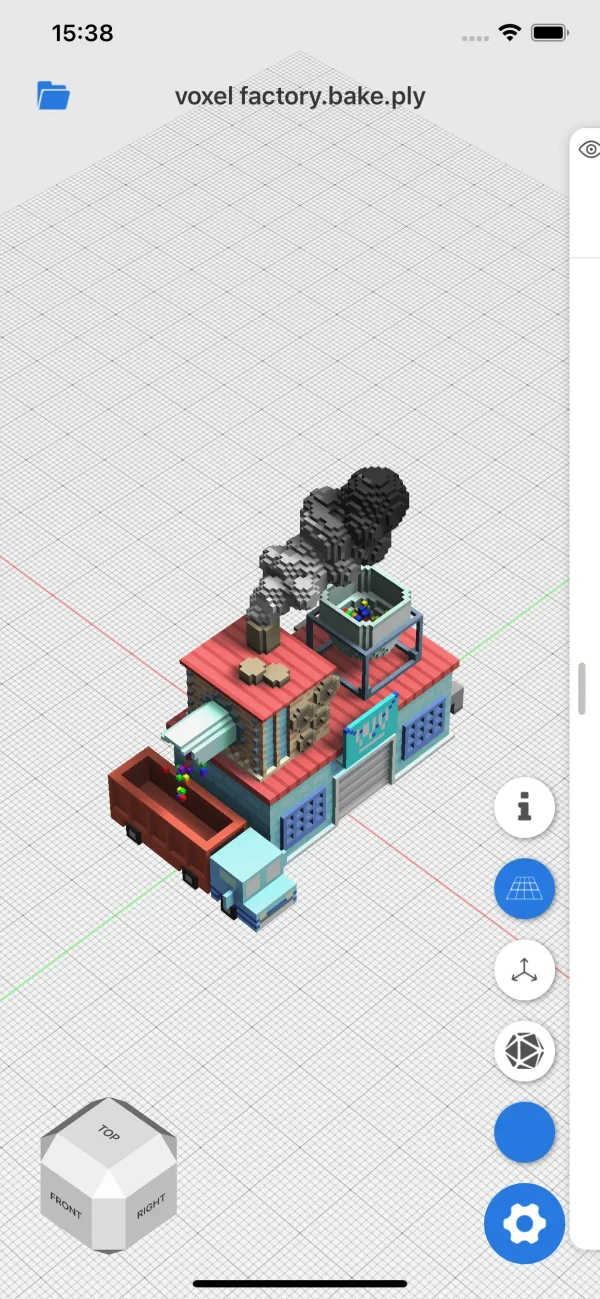
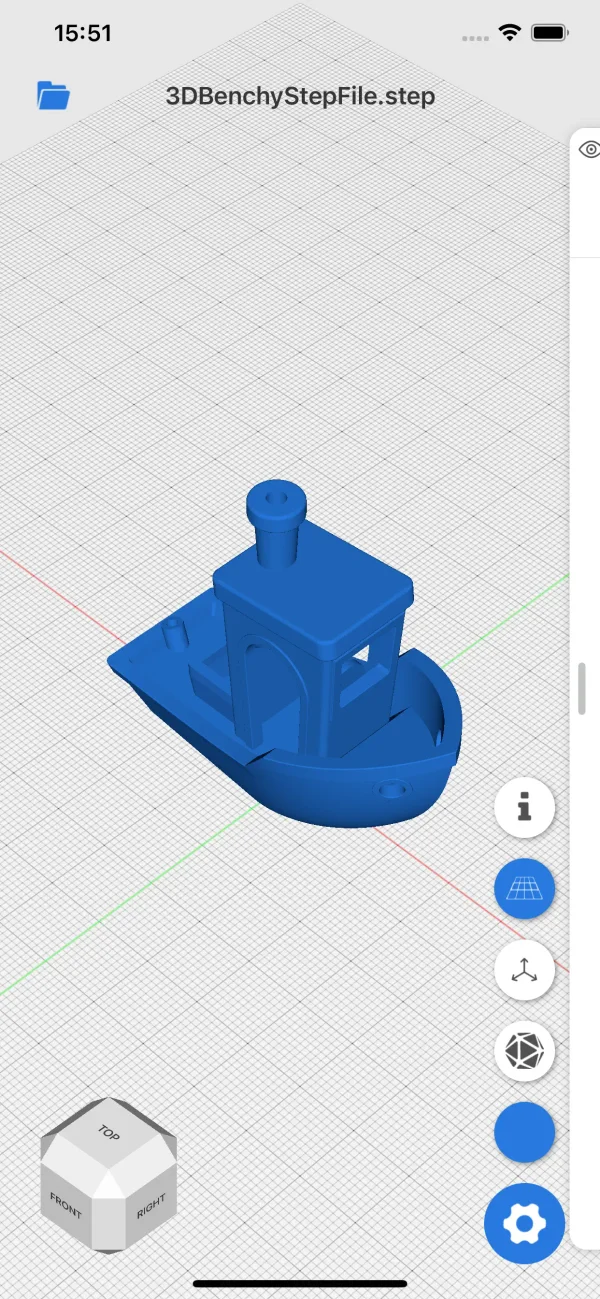
Comprehensive support for STL, PLY, OBJ, 3MF, STEP, and 3DM.
What’s Next? (Our Roadmap):
We are constantly evolving! Upcoming features include:
• Enhanced STEP Support: Read and manage individual parts/assemblies.
• Professional Tools: Section views, Material settings, and Exploded views.
Support & Feature Requests: apple@everver.com
Yang baru
Versi 1.1 · 16/4/2026
1、Advanced 3MF Support: You can now view multi-color 3D printing models. The app now recognizes slicer-defined plate layouts and allows you to customize filament colors for each part directly in-app.
2、Augmented Reality (AR) Mode: Visualize your models in the real world! Use the new AR feature to project and scale your designs in your actual environment.
3、Optimized Gesture Controls: We’ve refined the interaction engine. Use two-finger gestures to effortlessly pan and zoom for a smoother, more natural navigation experience.
4、Performance Improvements: Faster loading times for complex assemblies and enhanced rendering stability.
Privasi aplikasi
Yang dinyatakan 北京秤鑫科技有限公司 di App Store tentang cara aplikasi ini menangani data.
-
Data tidak dikumpulkan
Pengembang tidak mengumpulkan data apa pun dari aplikasi ini.
Praktik privasi dapat bervariasi, misalnya berdasarkan fitur yang Anda gunakan atau usia Anda.
Informasi
- Penjual
- Beijing Chengxin Technology Co., Ltd
- Kategori
- Kegunaan
- Versi
- 1.1
- Diperbarui
- 16/4/2026
- Dirilis
- 27/1/2026
- Ukuran
- 23,8 MB
- Memerlukan
- iOS 15.0 atau yang lebih baru
- Batasan usia
- 4+
- Harga
- Rp 19ribu
- Bahasa
- Inggris, Tionghoa Sederhana
- Hak cipta
- ©2026 Everver