
- Age rating4+
- CategoryUtilities
- Developer北京秤鑫科技有限公司
- LanguagesEnglish+ 1 more
- Size23.8 MB
Links to the official App Store page
Download.org hosts no file of Viewer3D. The button opens its official App Store page, published by 北京秤鑫科技有限公司. Listing last checked on Nov 18, 2026.
Screenshots

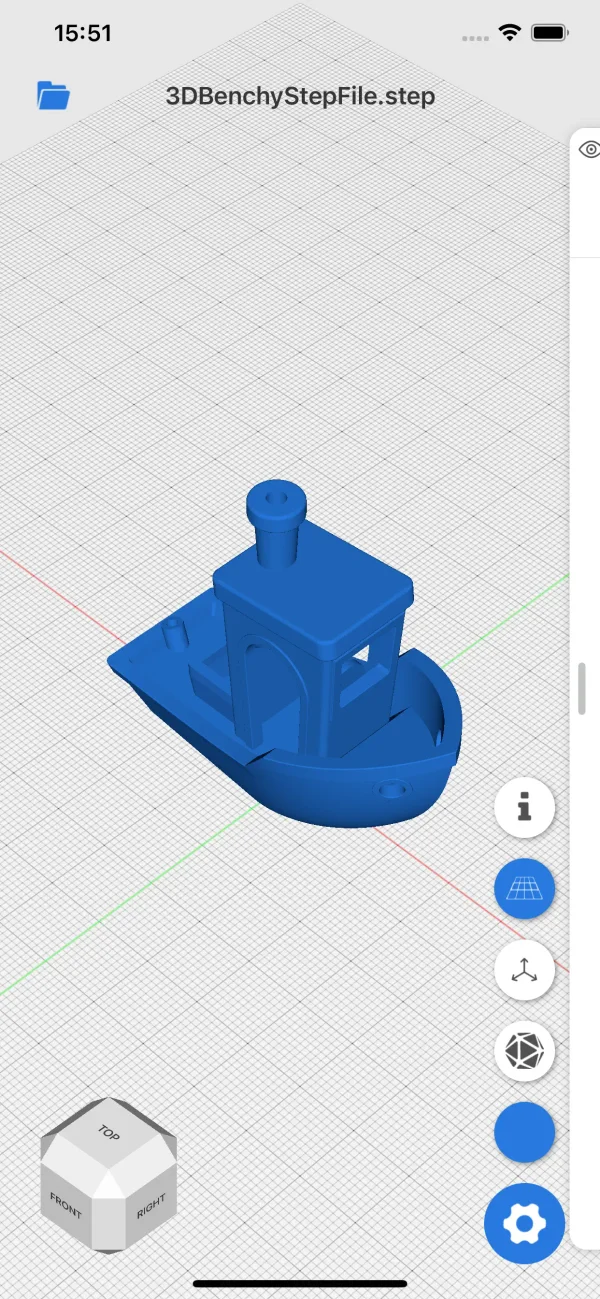
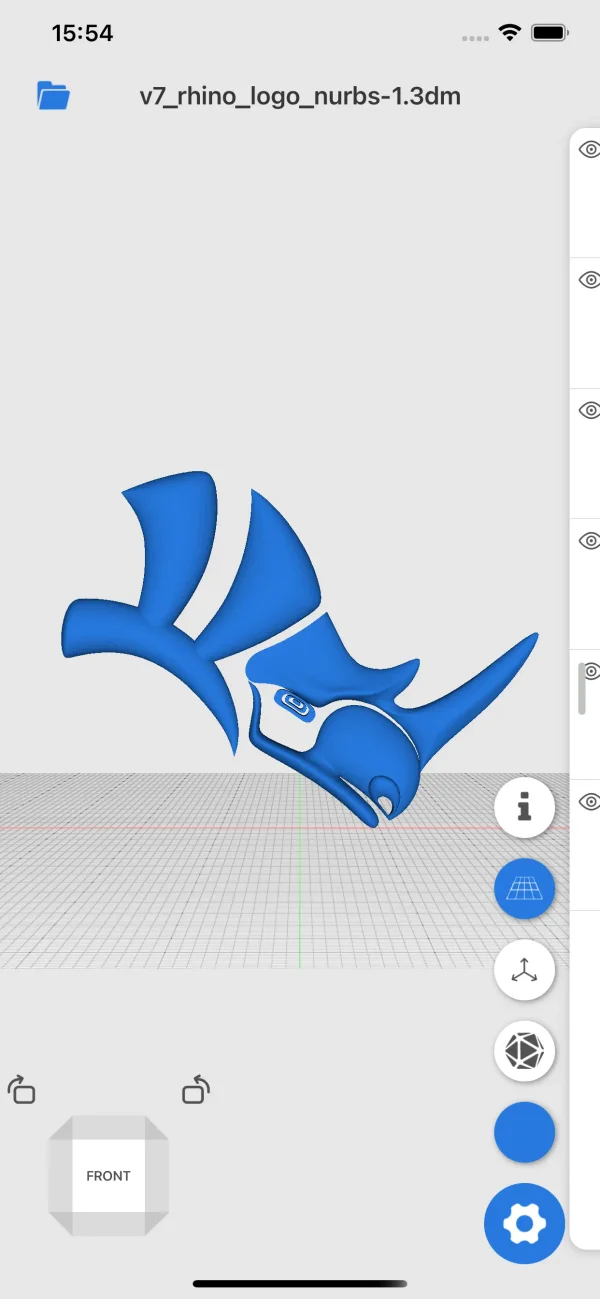
About
Powerful 3D Visualization. Absolute Privacy.
Viewer3D is a high-performance, fully offline tool engineered for professionals, designers, and 3D printing enthusiasts. View, inspect, and interact with your models instantly—without cloud uploads or data privacy concerns.
Why Choose Viewer3D?
100% Offline & Secure: Your intellectual property never leaves your device. No internet required, no tracking, and zero data collection.
Zero Storage Overhead: Using advanced in-place file access, Viewer3D opens models directly without creating redundant copies, saving your device’s storage.
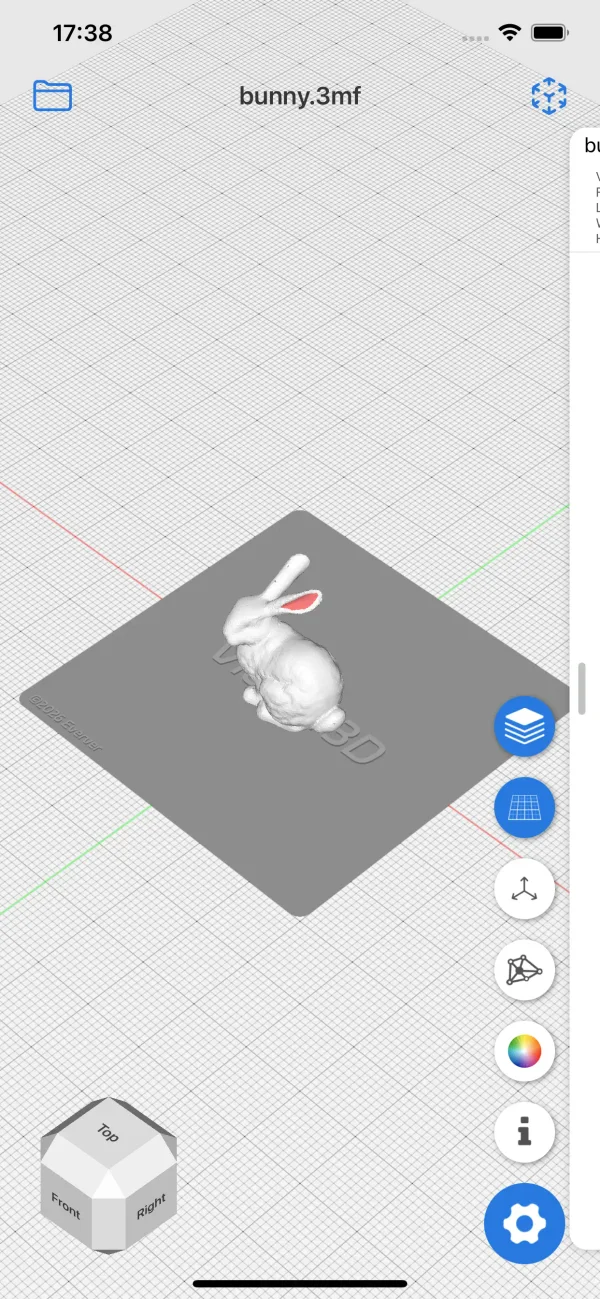
Industry-Grade 3MF Support: Fully compatible with multi-color models and plate layouts from popular 3D printing slicers.
Immersive AR Experience: Bring your designs into the real world. Visualize models in your physical environment with high-precision Augmented Reality.
Key Features:
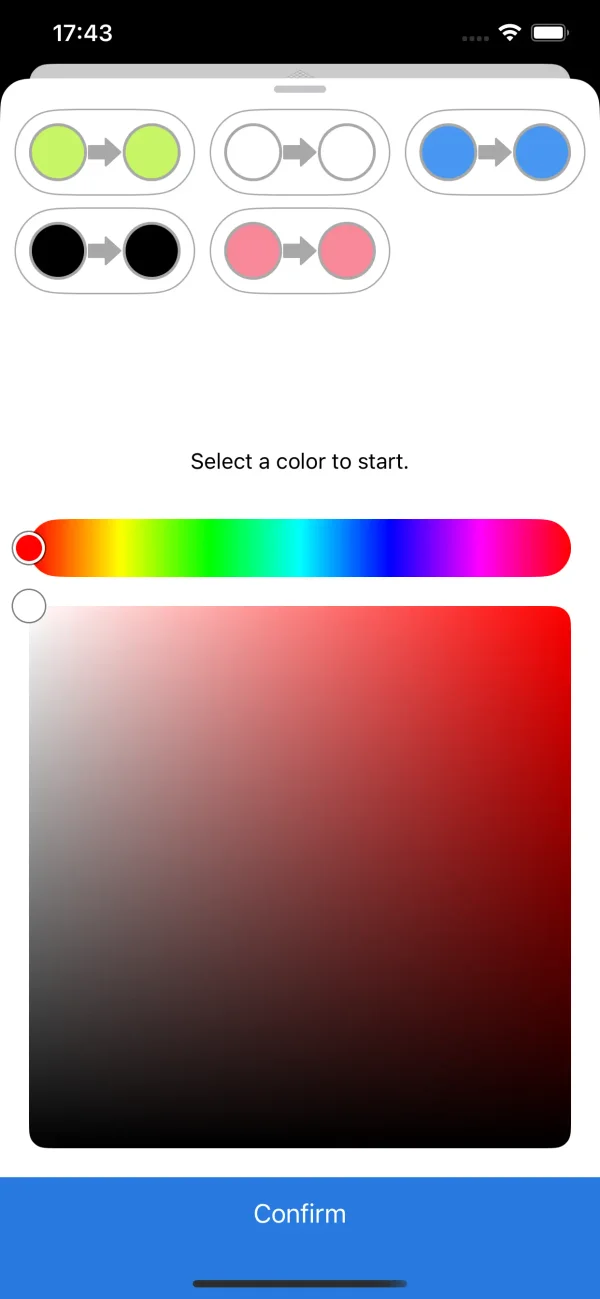
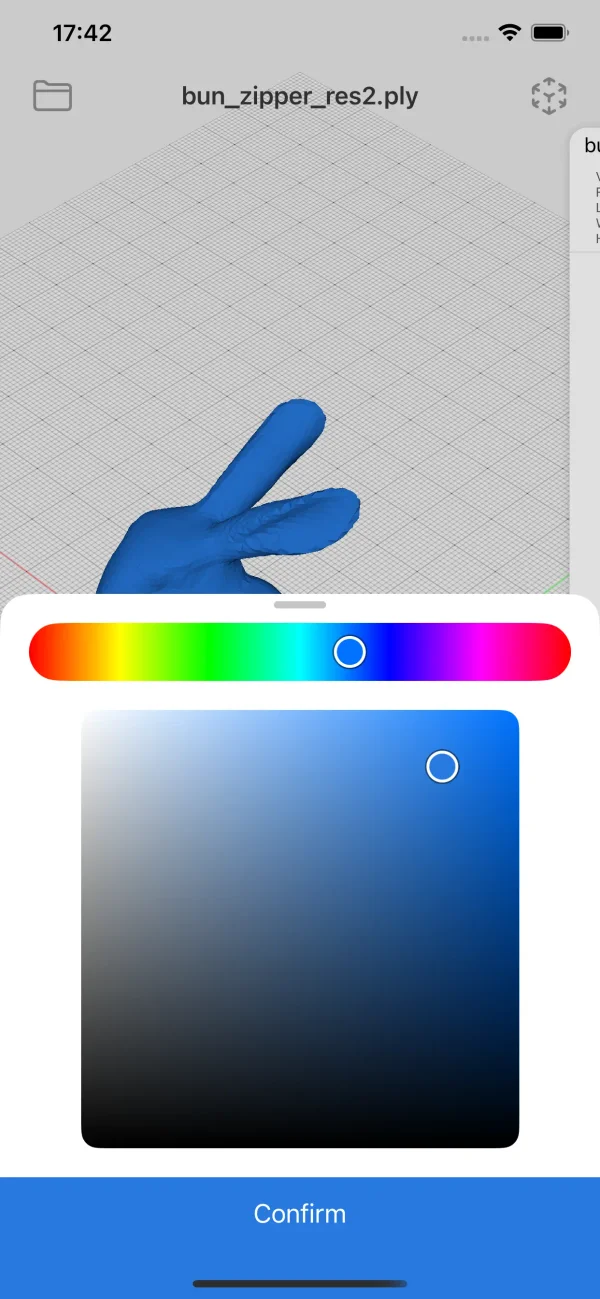
Multi-Color 3MF Management: Seamlessly render multi-part 3MF files. Customize filament colors directly within the app to preview your final print.
Intuitive Gesture Control: Optimized spatial navigation with fluid two-finger panning and pinch-to-zoom for precise inspection.
Seamless Integration: Open 3D models instantly via the "Share" menu from Files, Mail, or any other app.
Supported Formats:
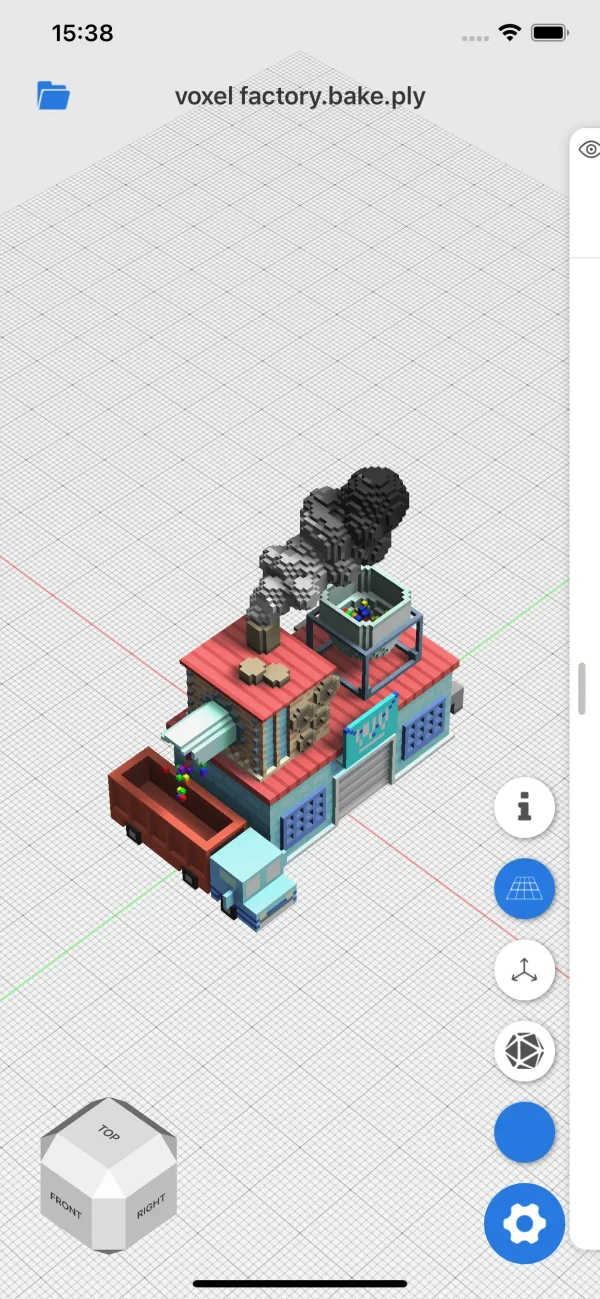
Comprehensive support for STL, PLY, OBJ, 3MF, STEP, and 3DM.
What’s Next? (Our Roadmap):
We are constantly evolving! Upcoming features include:
• Enhanced STEP Support: Read and manage individual parts/assemblies.
• Professional Tools: Section views, Material settings, and Exploded views.
Support & Feature Requests: apple@everver.com
What’s new
Version 1.1 · Apr 16, 2026
1、Advanced 3MF Support: You can now view multi-color 3D printing models. The app now recognizes slicer-defined plate layouts and allows you to customize filament colors for each part directly in-app.
2、Augmented Reality (AR) Mode: Visualize your models in the real world! Use the new AR feature to project and scale your designs in your actual environment.
3、Optimized Gesture Controls: We’ve refined the interaction engine. Use two-finger gestures to effortlessly pan and zoom for a smoother, more natural navigation experience.
4、Performance Improvements: Faster loading times for complex assemblies and enhanced rendering stability.
App privacy
What 北京秤鑫科技有限公司 declares on the App Store about how this app handles data.
-
Data not collected
The developer does not collect any data from this app.
Privacy practices may vary, for example with the features you use or your age.
Information
- Seller
- Beijing Chengxin Technology Co., Ltd
- Category
- Utilities
- Version
- 1.1
- Updated
- Apr 16, 2026
- Released
- Jan 27, 2026
- Size
- 23.8 MB
- Requires
- iOS 15.0 or later
- Age rating
- 4+
- Price
- $0.99
- Languages
- English, Simplified Chinese
- Copyright
- ©2026 Everver
You might also like
-
 WiseBeginnerEasy 3D Print, Real Ideas
-
 Glink VTSSH/Telnet Terminal Emulator
-
 Slicer2: for 3d PrintersSlice STL files to Gcode.
-
 TraceSkywww.jrd-gps.com
-
 SnapRemote GoUtilities
-
 My G-code EditorEasy G-code editing
-
 Scale and PrintScale files and photos!
-
 3D Mesh DoctorDiagnose and repair 3D meshes
-
 BlueNox BLE ScanUltimate BLE Development Tool
-
 AI PDF Reader : PDF SpeakerSmart PDF Scanner, Editor Tool