
VisiMap
Map locations, addresses & CSV
Dirancang untuk iPhone, iPad, Mac
Gratis
- Batasan usia4+
- KategoriProduktivitas
- PengembangShailesh Kandage
- BahasaInggris
- Ukuran17,2 MB
Tertaut ke halaman resmi App Store
Download.org tidak menyimpan file VisiMap apa pun. Tombol ini membuka halaman aplikasi di App Store, tempat Shailesh Kandage menerbitkannya. Halaman terakhir diperiksa pada 14/11/2026.
Tangkapan layar



Tentang
Pengembang belum menyediakan teks ini dalam bahasa Anda.
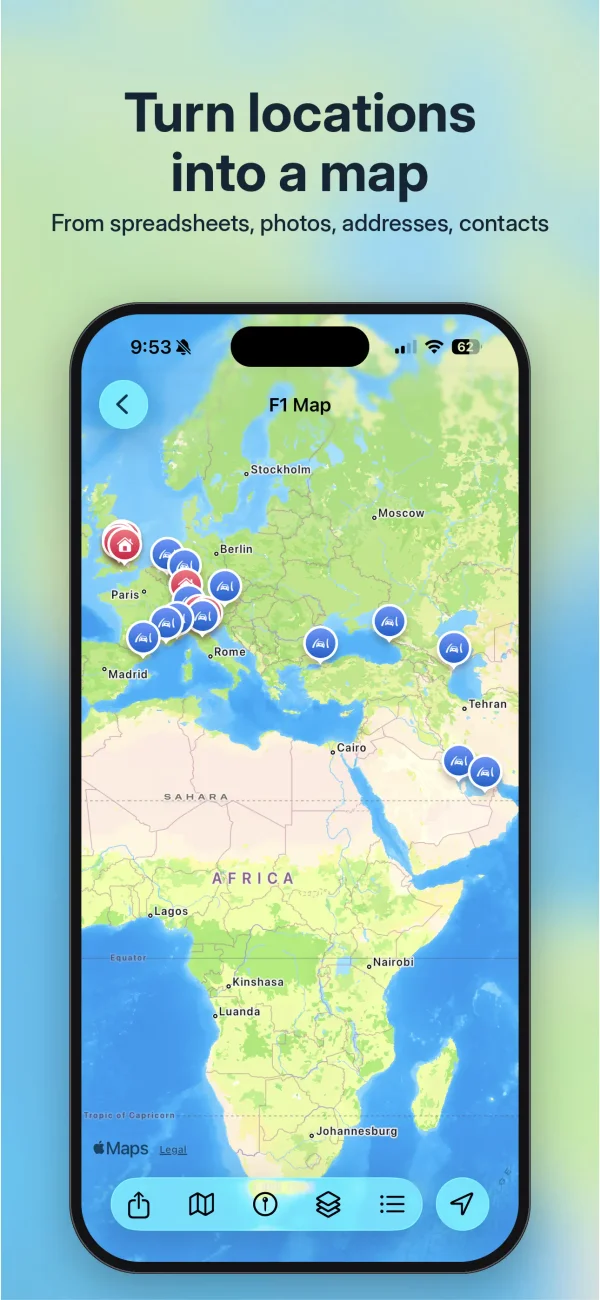
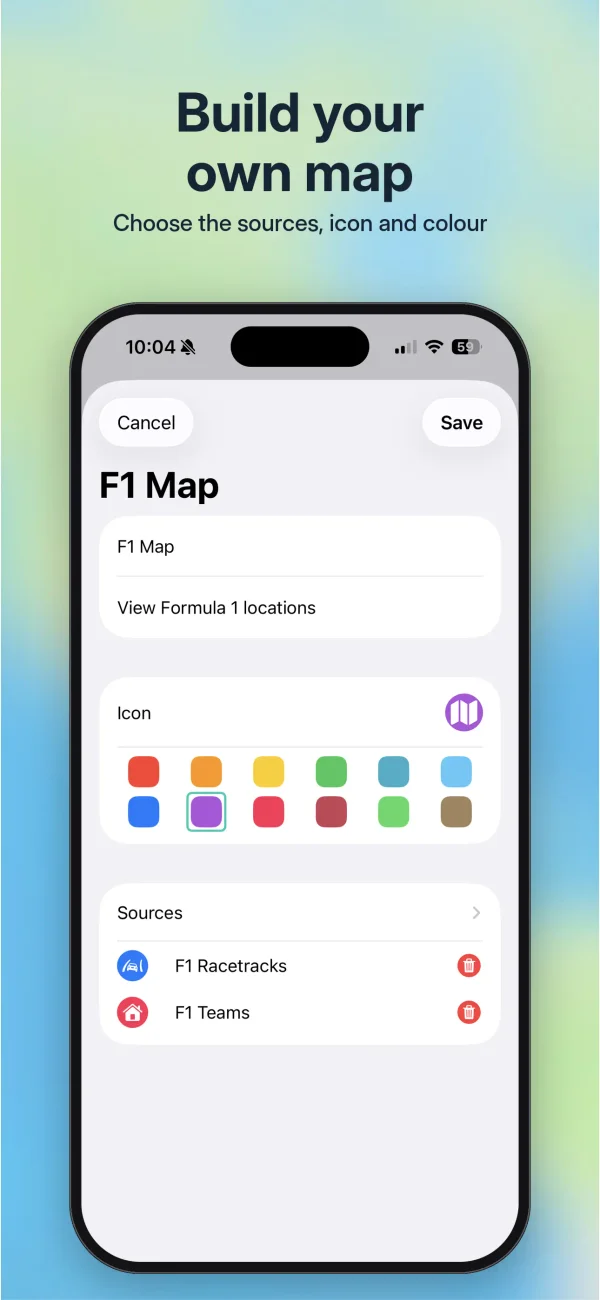
Turn any list of places into a beautiful, interactive map. Import a spreadsheet or CSV, link a Google Sheet, or bring in your photos and contacts, and VisiMap maps every location for you.
Addresses are automatically converted to coordinates. Combine multiple sources into one layered map, style every marker your way, and explore your spatial data on iPhone, iPad and Mac.
KEY FEATURES
• Interactive Maps - Visualize your location data with beautiful, interactive map displays
• iOS Optimized - Beautiful, intuitive interface designed specifically for iOS devices
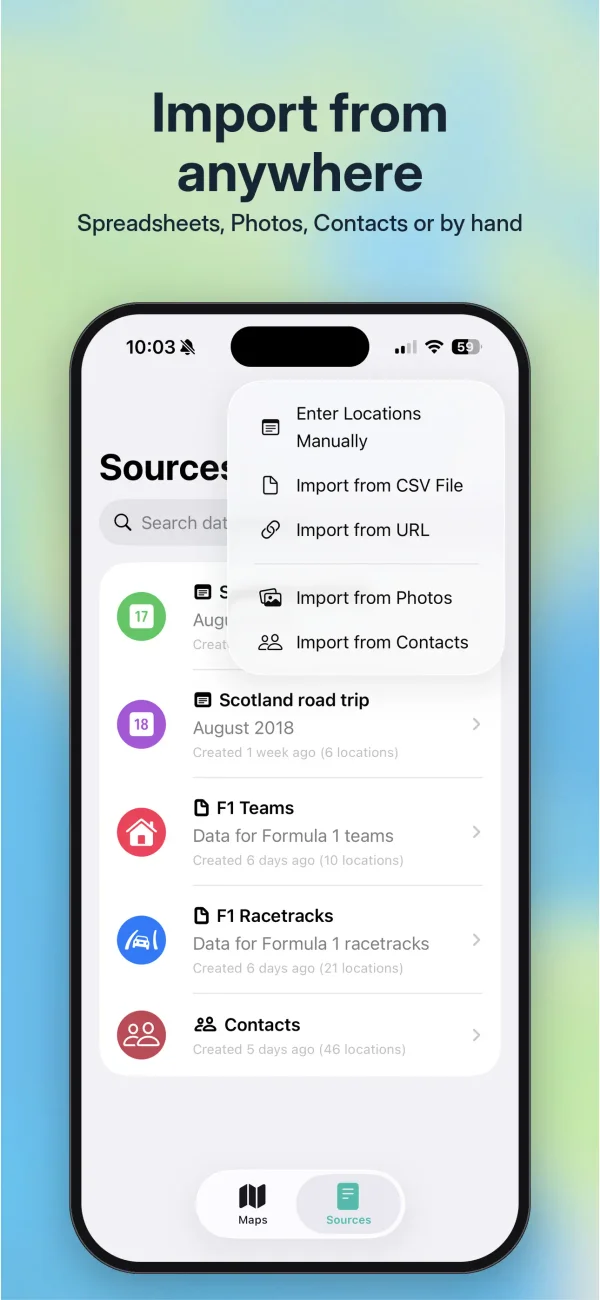
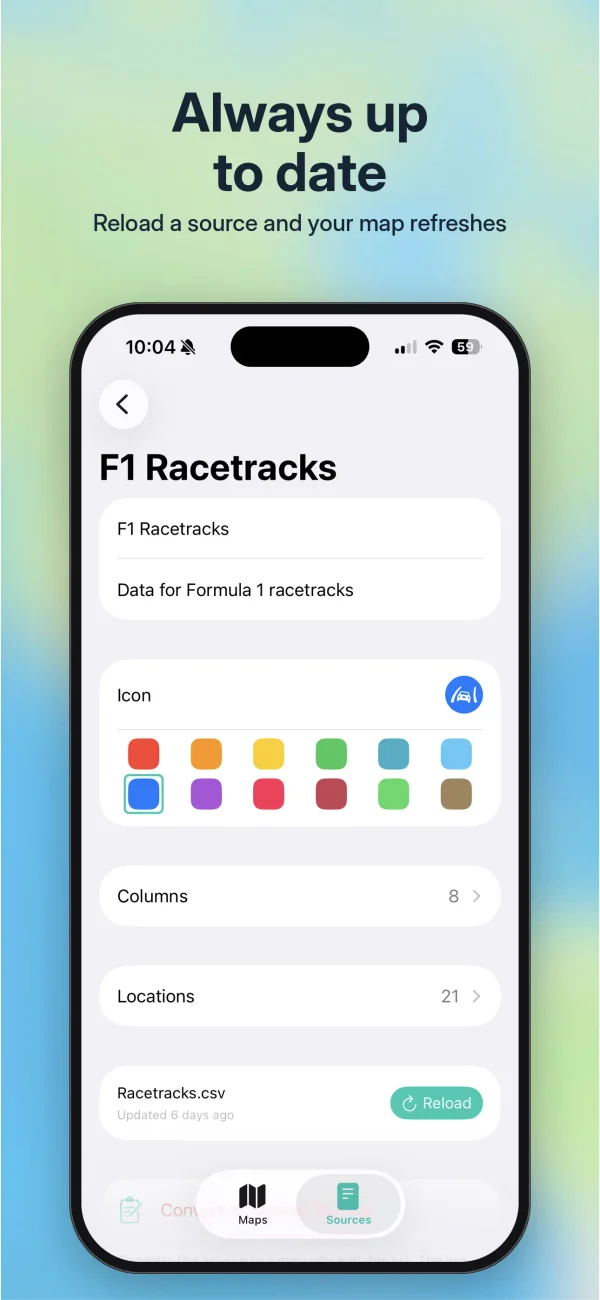
• Instant CSV Import - Bring in any data file with address or lat/lng columns
• Google Sheets Support - Publish your Google Sheet to web as CSV and connect directly via URL
• Manual Data Source - Create a data source by entering location information directly in the app
• Photo Attachment - Attach photo to location and optionally use embedded GPS coordinates to place it on the map
• Batch Photo Import - Add multiple photos at once to automatically create multiple locations in one go
• Photo Markers - Display location photos directly on the map marker
• Photo Links Column - Specify a photo links column in your CSV or URL data source to automatically download and associate photos with each location
• Contacts Import - Import your contacts directly into VisiMap to display them on the map
• Smart Geocoding - Automatically converts addresses to map coordinates
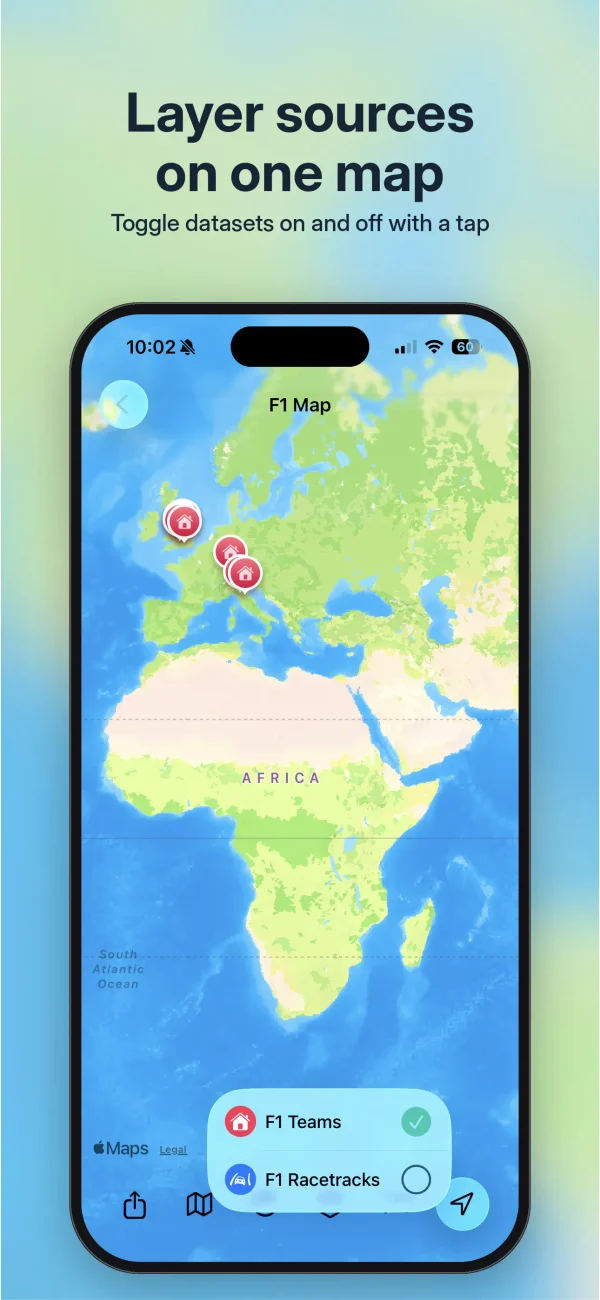
• Data Layering - Add multiple data sources to build up a rich, layered map view
• Custom Markers - Style markers using thousands of icons and colors with customizable size
• Location Search — Search for any location directly on the map to quickly navigate to areas of interest
• Source Filtering - Temporarily filter data sources while viewing the map without removing them
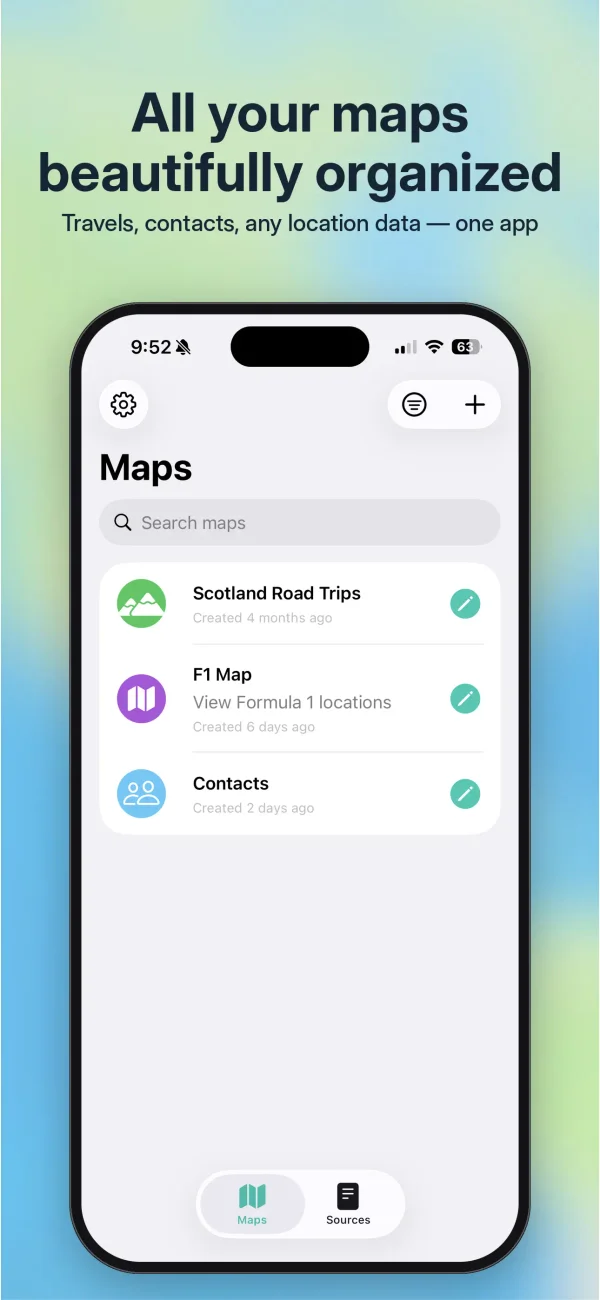
• Map Import & Export - Export your maps to share or back them up, and import them on any of your devices
• Map Image Export - Save your map as an image capturing your current view, all markers, or the entire world map
• Convert to Manual - Convert any data source to manual to break the link and freely edit your data
Yang baru
Versi 5.3 · 22/10/2026
Bug fixes
Privasi aplikasi
Yang dinyatakan Shailesh Kandage di App Store tentang cara aplikasi ini menangani data.
-
Data tidak dikumpulkan
Pengembang tidak mengumpulkan data apa pun dari aplikasi ini.
Praktik privasi dapat bervariasi, misalnya berdasarkan fitur yang Anda gunakan atau usia Anda.
Informasi
- Penjual
- Shailesh Kandage
- Kategori
- Produktivitas
- Versi
- 5.3
- Diperbarui
- 22/10/2026
- Dirilis
- 23/3/2026
- Ukuran
- 17,2 MB
- Memerlukan
- iOS 26.0 atau yang lebih baru
- Batasan usia
- 4+
- Harga
- Gratis
- Bahasa
- Inggris
- Hak cipta
- © 2026 Shailesh Kandage
Mungkin Anda juga suka
-
 OnConsentProduktivitas
-
 ReplyKeys: AI KeyboardProduktivitas
-
 Planning CopilotProduktivitas
-
 StageReturn – IncidentsProduktivitas
-
 PinNotes: Map MakerProduktivitas
-
 COGO: Land Survey CalculatorProduktivitas
-
 TalkClok. Talking alarm clock.Produktivitas
-
 PrompTessor - AI PromptBuat & Optimalkan Prompt AI
-
 DraftPlanar: PDF Plan ViewerProduktivitas
-
 Crastinate • To-Do made SimpleProduktivitas