
- Age rating4+
- CategoryProductivity
- DeveloperShailesh Kandage
- LanguagesEnglish
- Size17.2 MB
Links to the official App Store page
Download.org hosts no file of VisiMap. The button opens its official App Store page, published by Shailesh Kandage. Listing last checked on Nov 14, 2026.
Screenshots



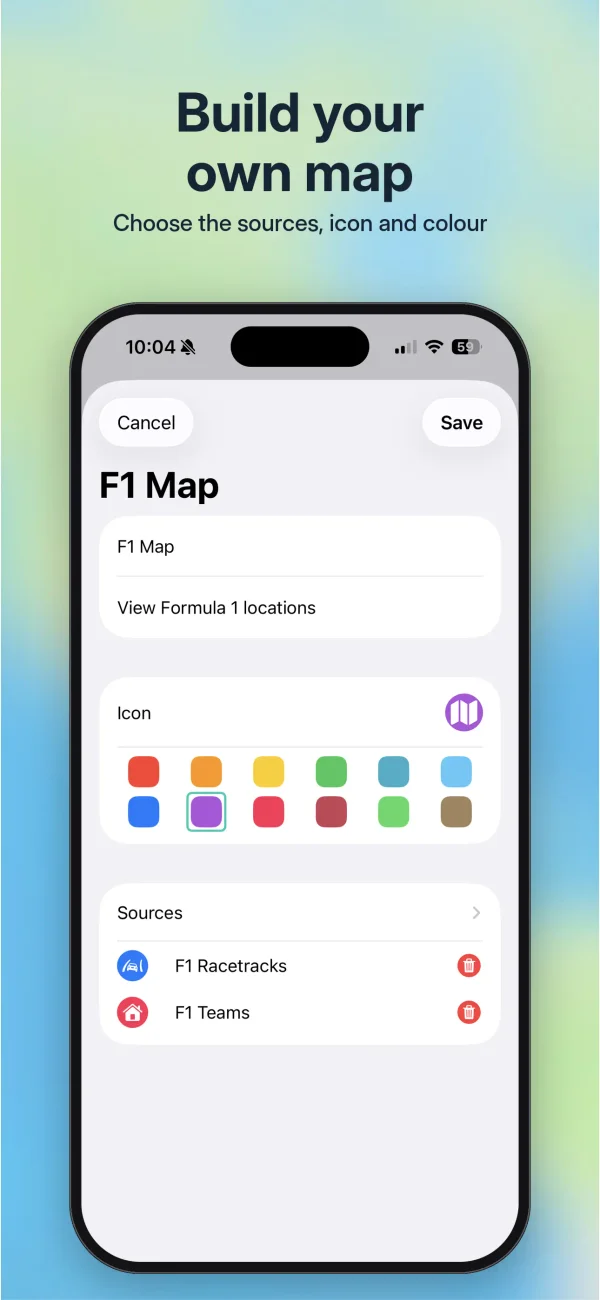
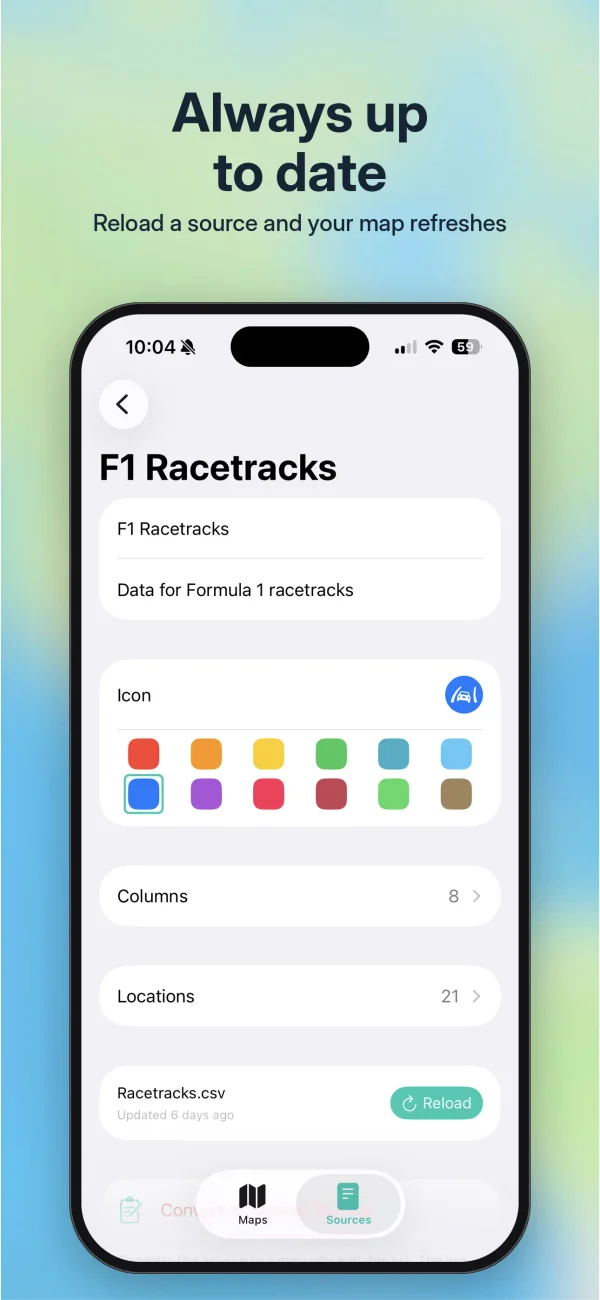
About
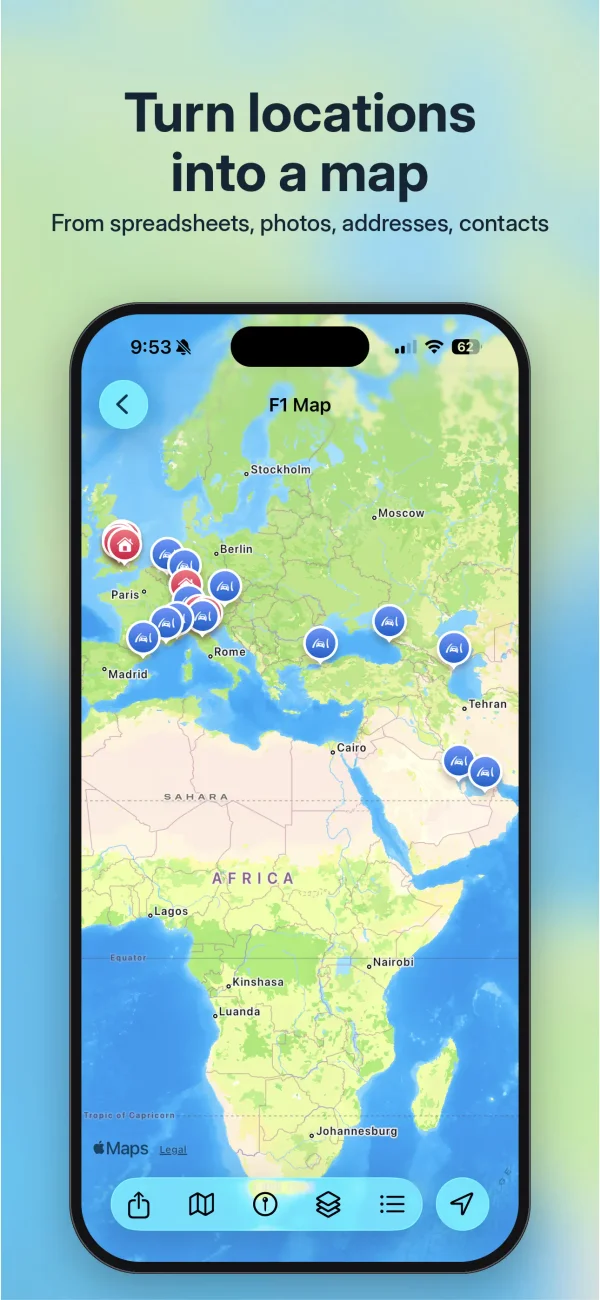
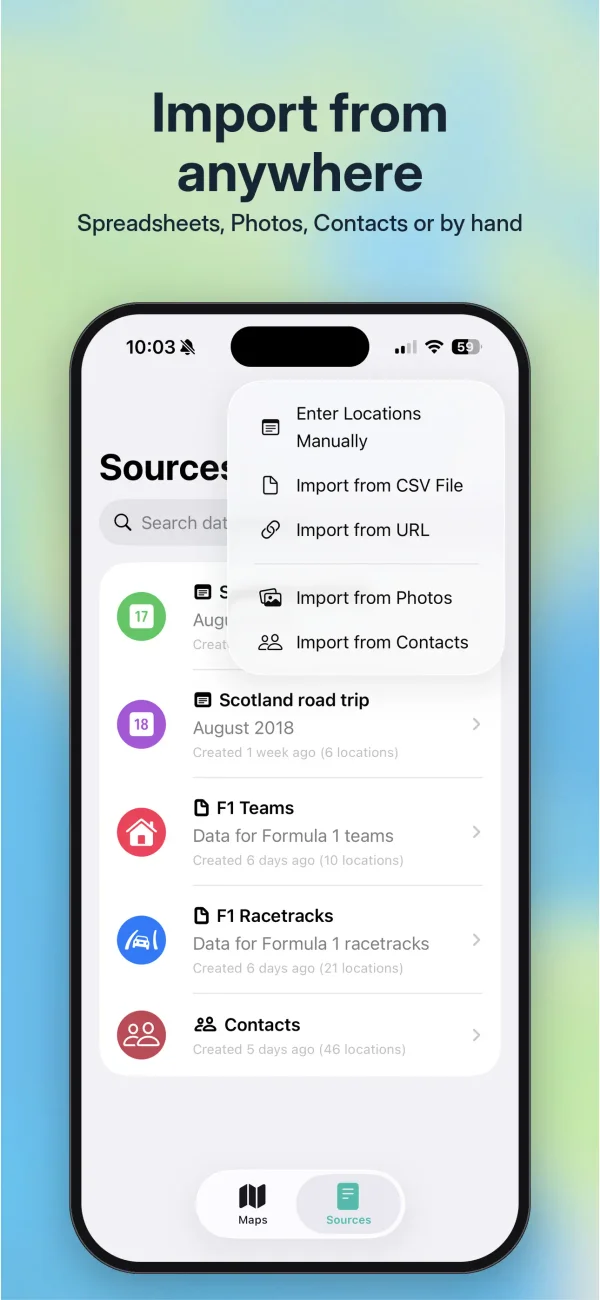
Turn any list of places into a beautiful, interactive map. Import a spreadsheet or CSV, link a Google Sheet, or bring in your photos and contacts, and VisiMap maps every location for you.
Addresses are automatically converted to coordinates. Combine multiple sources into one layered map, style every marker your way, and explore your spatial data on iPhone, iPad and Mac.
KEY FEATURES
• Interactive Maps - Visualize your location data with beautiful, interactive map displays
• iOS Optimized - Beautiful, intuitive interface designed specifically for iOS devices
• Instant CSV Import - Bring in any data file with address or lat/lng columns
• Google Sheets Support - Publish your Google Sheet to web as CSV and connect directly via URL
• Manual Data Source - Create a data source by entering location information directly in the app
• Photo Attachment - Attach photo to location and optionally use embedded GPS coordinates to place it on the map
• Batch Photo Import - Add multiple photos at once to automatically create multiple locations in one go
• Photo Markers - Display location photos directly on the map marker
• Photo Links Column - Specify a photo links column in your CSV or URL data source to automatically download and associate photos with each location
• Contacts Import - Import your contacts directly into VisiMap to display them on the map
• Smart Geocoding - Automatically converts addresses to map coordinates
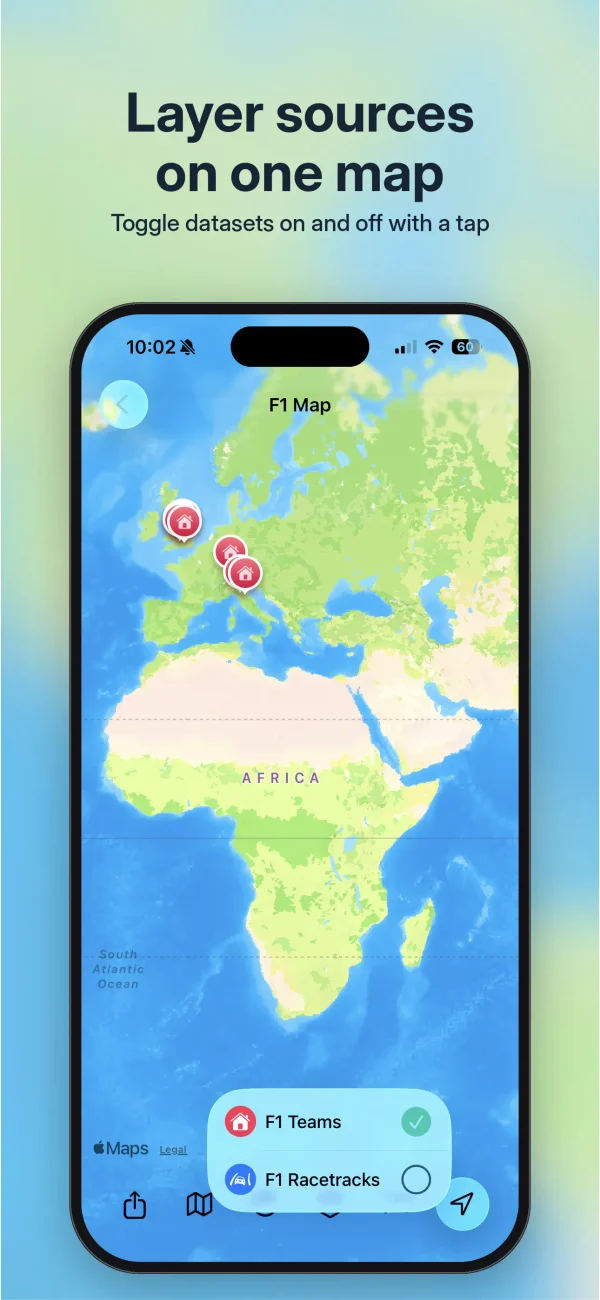
• Data Layering - Add multiple data sources to build up a rich, layered map view
• Custom Markers - Style markers using thousands of icons and colors with customizable size
• Location Search — Search for any location directly on the map to quickly navigate to areas of interest
• Source Filtering - Temporarily filter data sources while viewing the map without removing them
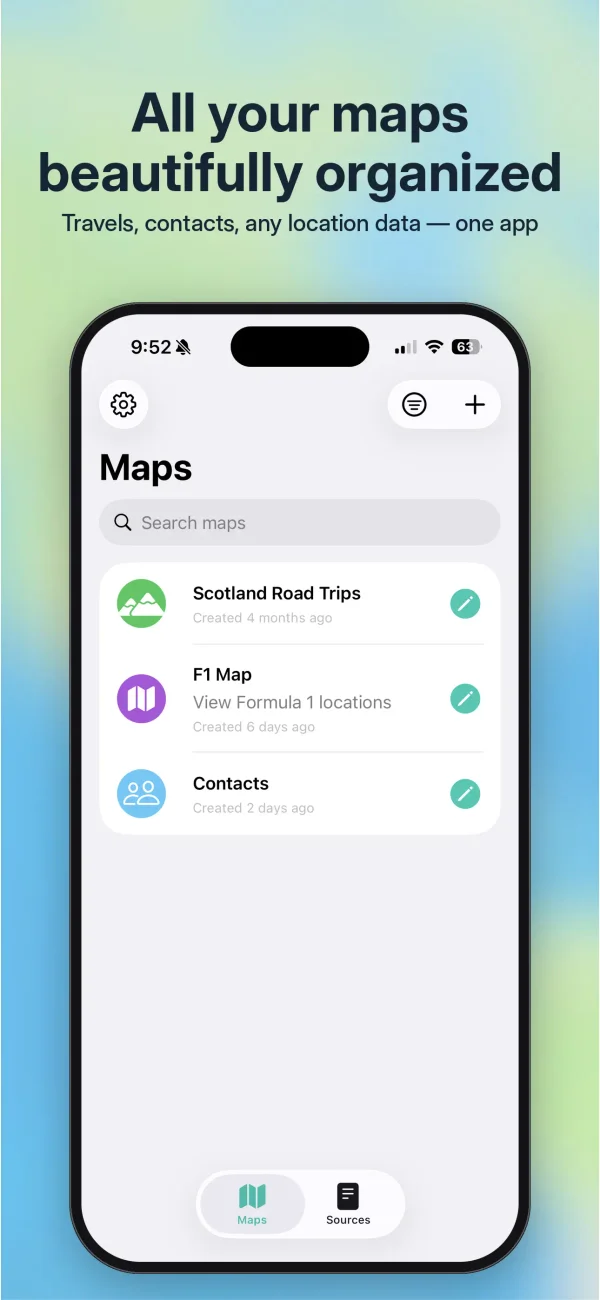
• Map Import & Export - Export your maps to share or back them up, and import them on any of your devices
• Map Image Export - Save your map as an image capturing your current view, all markers, or the entire world map
• Convert to Manual - Convert any data source to manual to break the link and freely edit your data
What’s new
Version 5.3 · Oct 22, 2026
Bug fixes
App privacy
What Shailesh Kandage declares on the App Store about how this app handles data.
-
Data not collected
The developer does not collect any data from this app.
Privacy practices may vary, for example with the features you use or your age.
Information
- Seller
- Shailesh Kandage
- Category
- Productivity
- Version
- 5.3
- Updated
- Oct 22, 2026
- Released
- Mar 23, 2026
- Size
- 17.2 MB
- Requires
- iOS 26.0 or later
- Age rating
- 4+
- Price
- Free
- Languages
- English
- Copyright
- © 2026 Shailesh Kandage
You might also like
-
 OnConsentApprove what your AI agents do
-
 ReplyKeys: AI KeyboardYour AI. Your bill. Your keys.
-
 Planning CopilotProductivity
-
 StageReturn – IncidentsIncidents, Repairs & Service
-
 PinNotes: Map MakerExplore, Travel tracker
-
 COGO: Land Survey CalculatorTraverse Closure, Area & CAD
-
 TalkClok. Talking alarm clock.Morning Voice Daily Briefing.
-
 PrompTessor - AI PromptGenerate & Optimize AI Prompts
-
 DraftPlanar: PDF Plan ViewerBlueprint measure, scale, draw
-
 Crastinate • To-Do made SimpleCheck off today, no sweat