Wallet Box
Manage Passes, Cards & Tickets
Dirancang untuk iPhone
Gratis · Pembelian dalam aplikasi
- Batasan usia4+
- KategoriPerjalanan
- PengembangMichael Klug
- BahasaInggris
- Ukuran29,0 MB
Tertaut ke halaman resmi App Store
Download.org tidak menyimpan file Wallet Box apa pun. Tombol ini membuka halaman aplikasi di App Store, tempat Michael Klug menerbitkannya. Halaman terakhir diperiksa pada 12/11/2026.
Tangkapan layar


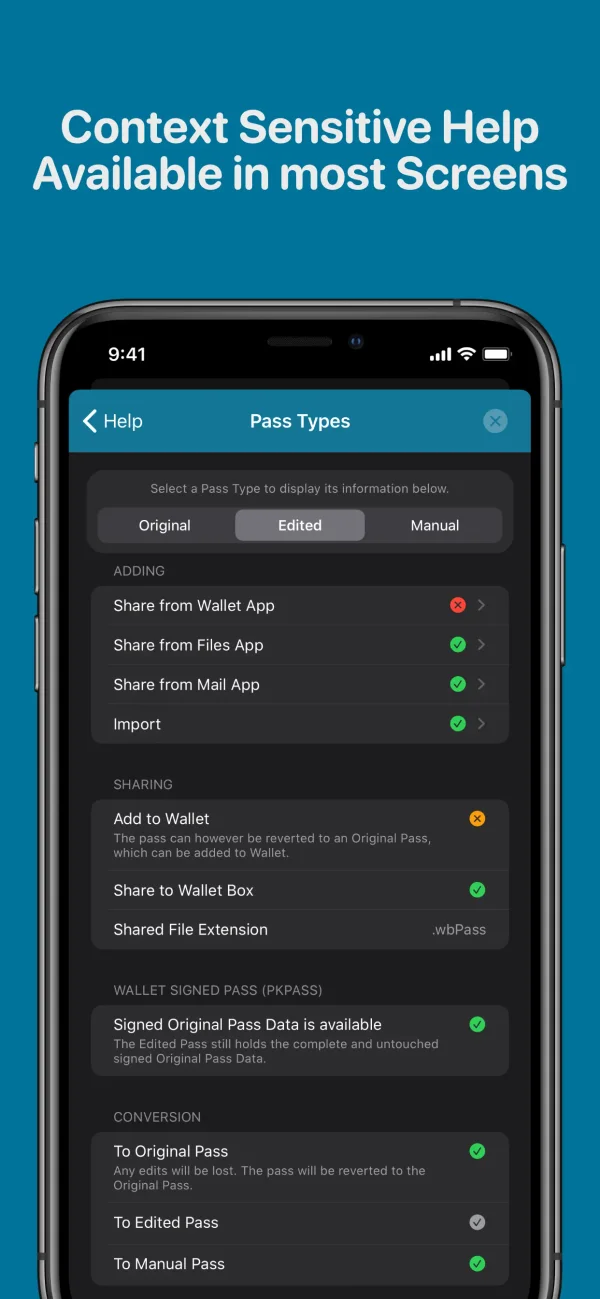
Tentang
Pengembang belum menyediakan teks ini dalam bahasa Anda.
Manage your Wallet Cards and Passes.
Collect and organise your Boarding Passes or Event Tickets without cluttering the official Wallet App.
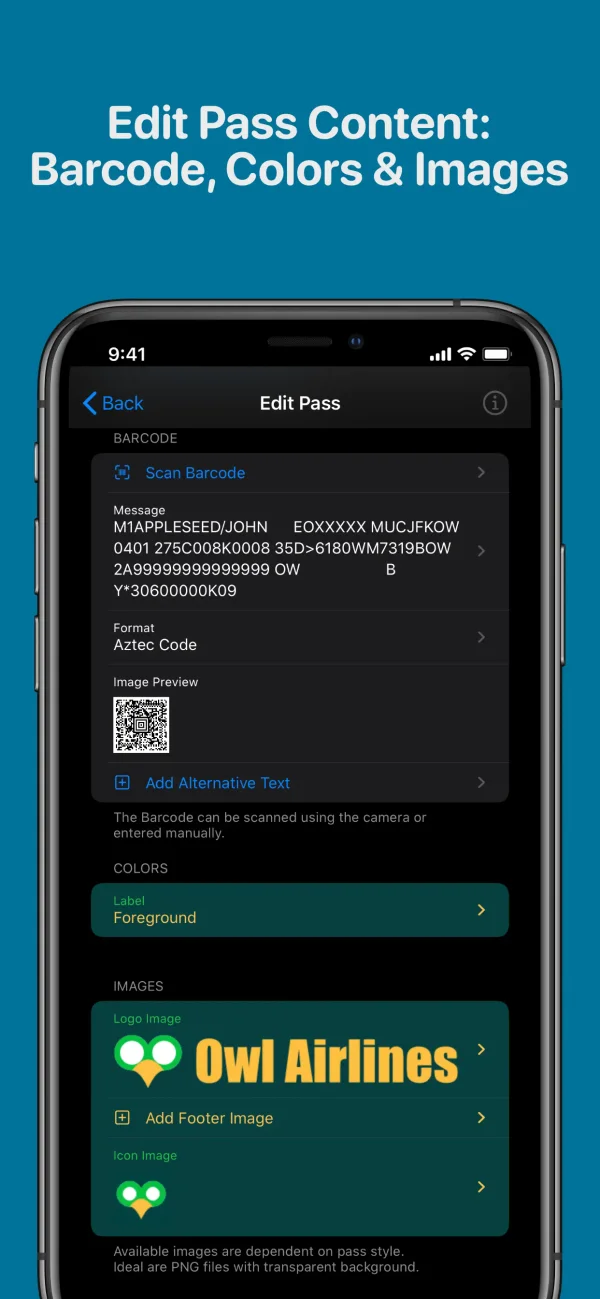
Create digital versions for your paper and plastic store cards, coupons, event tickets, boarding passes etc. Use your iPhone's camera to scan the barcode to make the process really simple.
Create "Wallets" (folders) within Wallet Box to neatly organise your Passes.
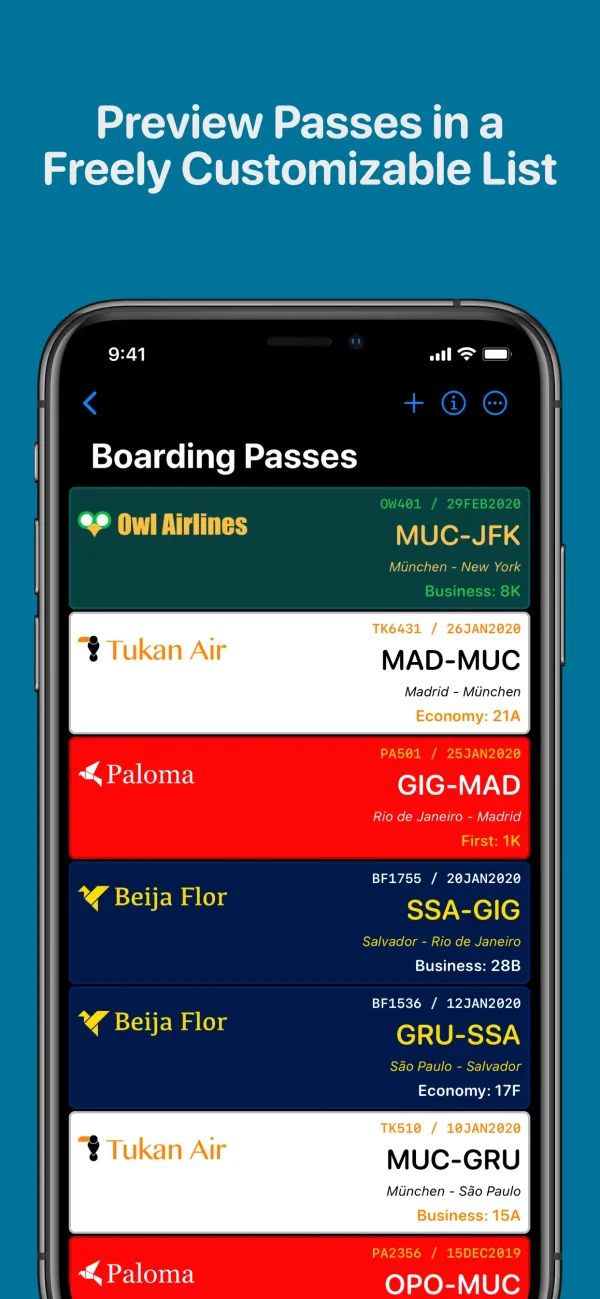
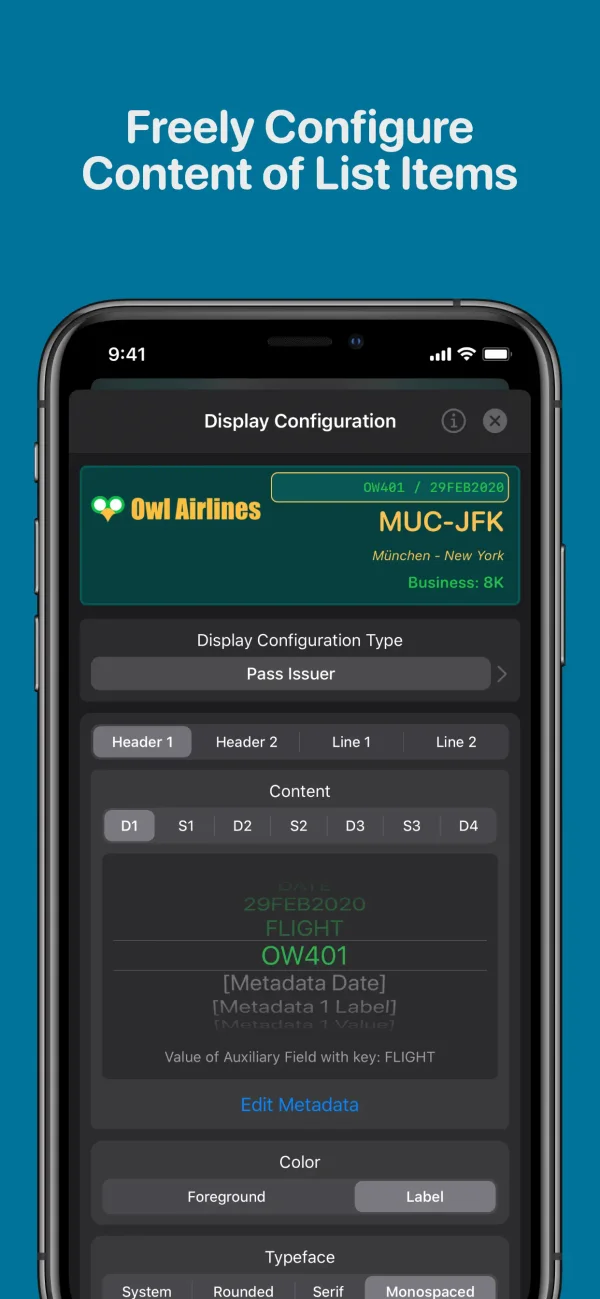
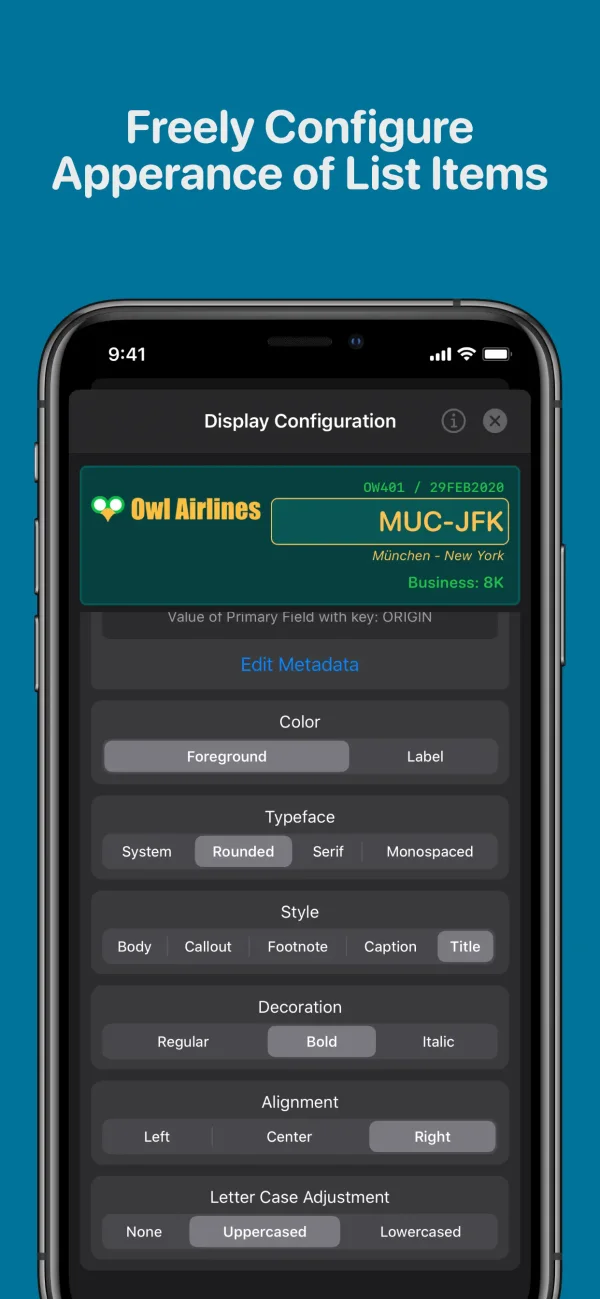
In each Wallet's main screen, Passes are displayed as small cards using the Pass's colors and logo image. Each Pass representation can display up to 4 freely customisable text lines containing each up to data items contained in the Pass (e.g. flight number, origin, destination, gate, seat etc).
Wallet Box allows you to:
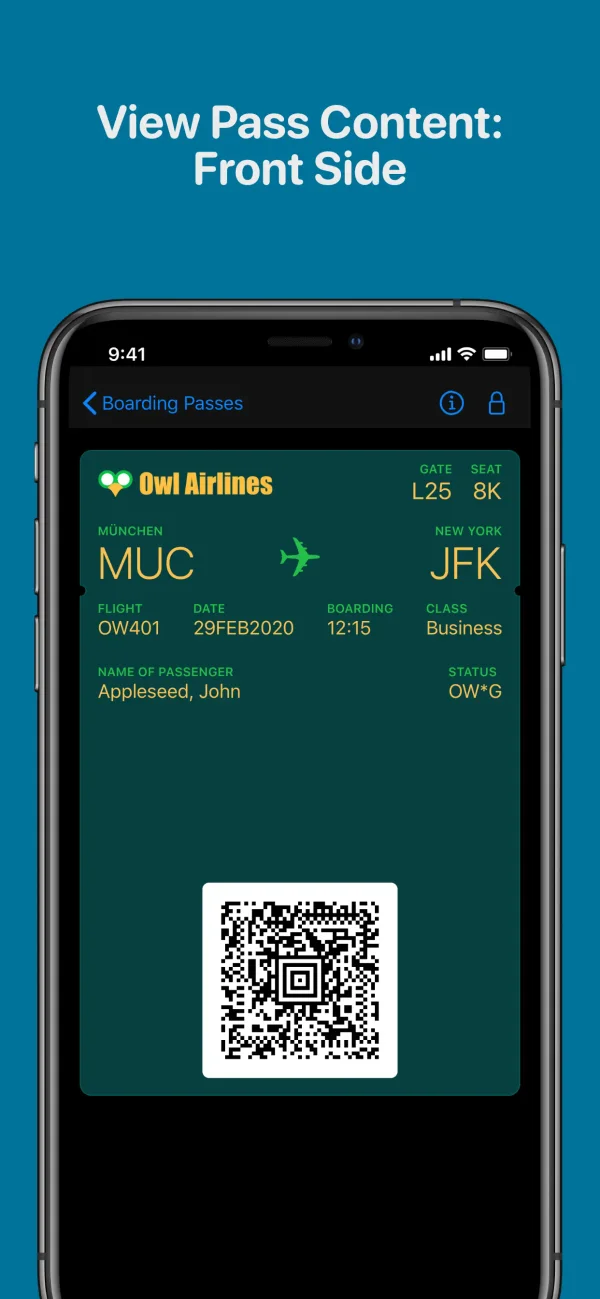
- Store, organise and display signed Wallet Passes.
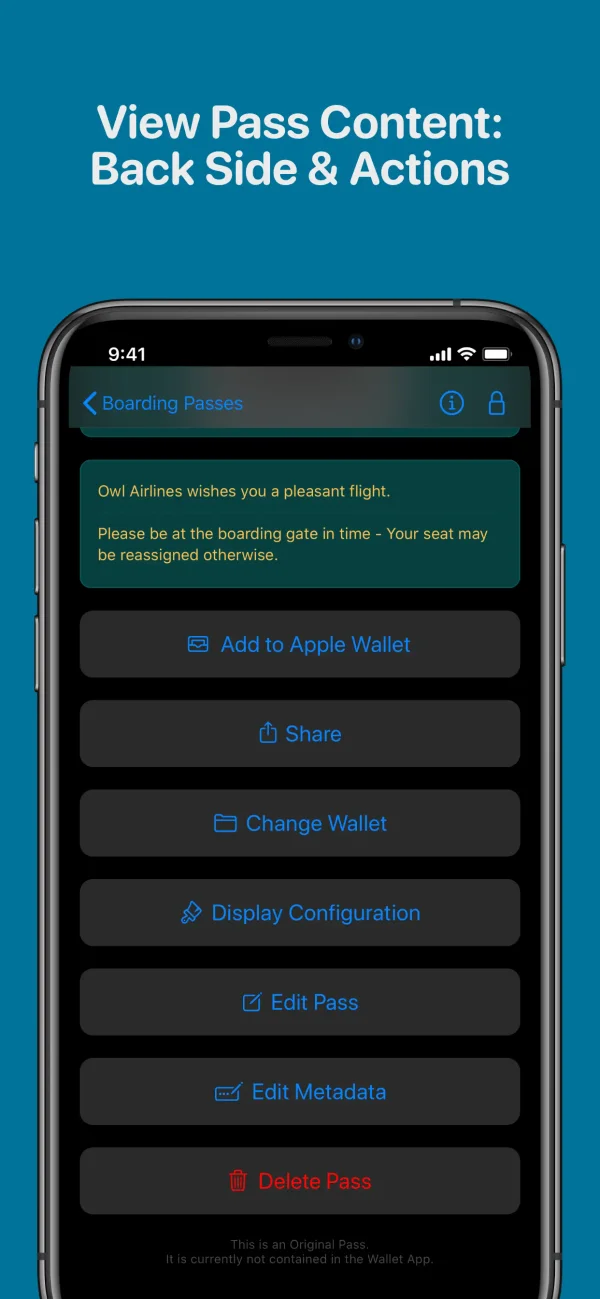
- Signed Wallet Passes can be added back to the Wallet App.
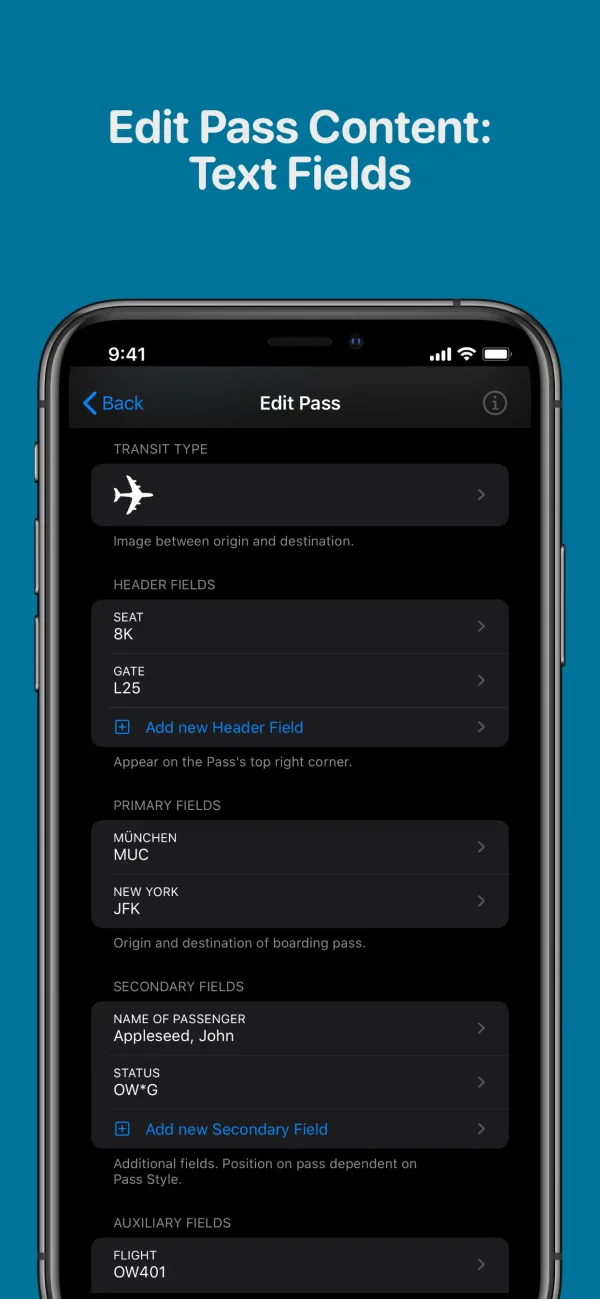
- Edit Wallet Passes for display within the Wallet Box App.
- Create new Passes for display within the Wallet Box App.
Please note: Passes created or edited with Wallet Box cannot be added to the Wallet App as it only displays signed passes, which cannot be securely created on an iPhone.
Other Apps allow you to create signed Passes (that can be added to the Wallet App), but to achieve this your data is transmitted to servers on the internet where the pass is signed and created. Wallet Box does not transmit any of your data, it stays only on your device.
Original (signed) Passes can be added back to the Wallet App.
All Passes can be shared using the iOS share sheet.
Batch import and export functions are available for adding multiple pass files or back up purposes.
Yang baru
Versi 1.3.2 · 7/10/2026
Minor bug fixes.
If you like Wallet Box, please rate in on the AppStore!
Privasi aplikasi
Yang dinyatakan Michael Klug di App Store tentang cara aplikasi ini menangani data.
-
Data tidak dikumpulkan
Pengembang tidak mengumpulkan data apa pun dari aplikasi ini.
Praktik privasi dapat bervariasi, misalnya berdasarkan fitur yang Anda gunakan atau usia Anda.
Informasi
- Penjual
- Michael Klug
- Kategori
- Perjalanan
- Versi
- 1.3.2
- Diperbarui
- 7/10/2026
- Dirilis
- 1/3/2020
- Ukuran
- 29,0 MB
- Memerlukan
- iOS 17.6 atau yang lebih baru
- Batasan usia
- 4+
- Harga
- Gratis
- Pembelian dalam aplikasi
- Ya
- Bahasa
- Inggris
- Hak cipta
- © 2025 Michael Klug