
Wallet Box
Manage Passes, Cards & Tickets
Designed for iPhone
Free · In-app purchases
- Age rating4+
- CategoryTravel
- DeveloperMichael Klug
- LanguagesEnglish
- Size29.0 MB
Links to the official App Store page
Download.org hosts no file of Wallet Box. The button opens its official App Store page, published by Michael Klug. Listing last checked on Nov 12, 2026.
Screenshots


About
Manage your Wallet Cards and Passes.
Collect and organise your Boarding Passes or Event Tickets without cluttering the official Wallet App.
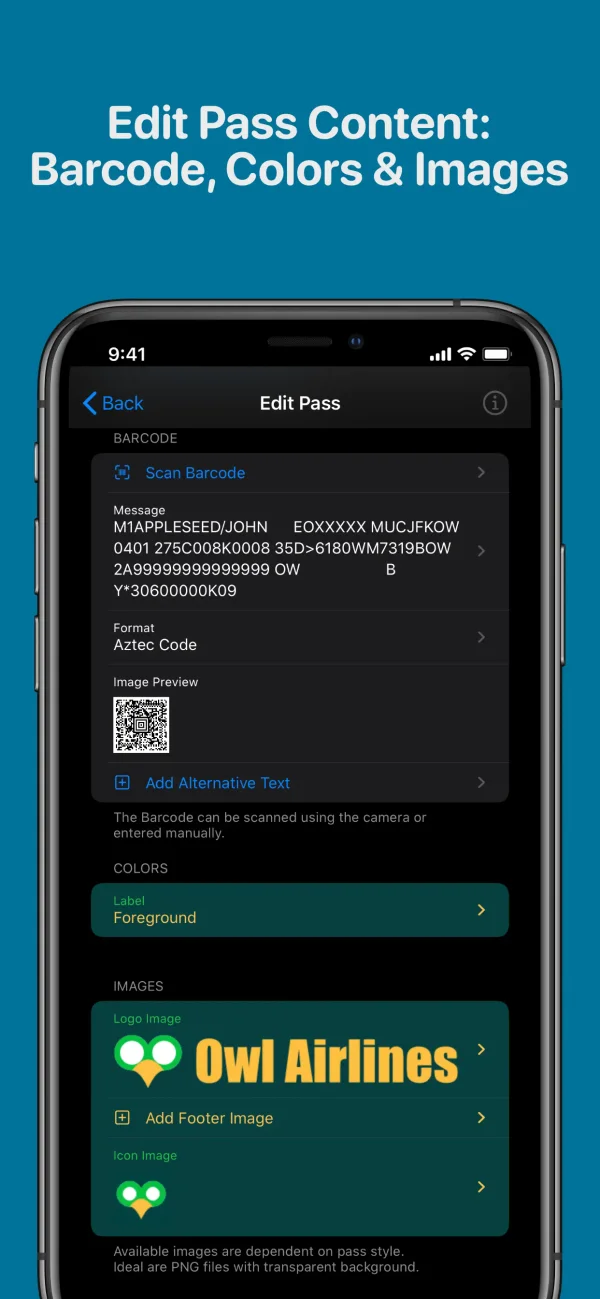
Create digital versions for your paper and plastic store cards, coupons, event tickets, boarding passes etc. Use your iPhone's camera to scan the barcode to make the process really simple.
Create "Wallets" (folders) within Wallet Box to neatly organise your Passes.
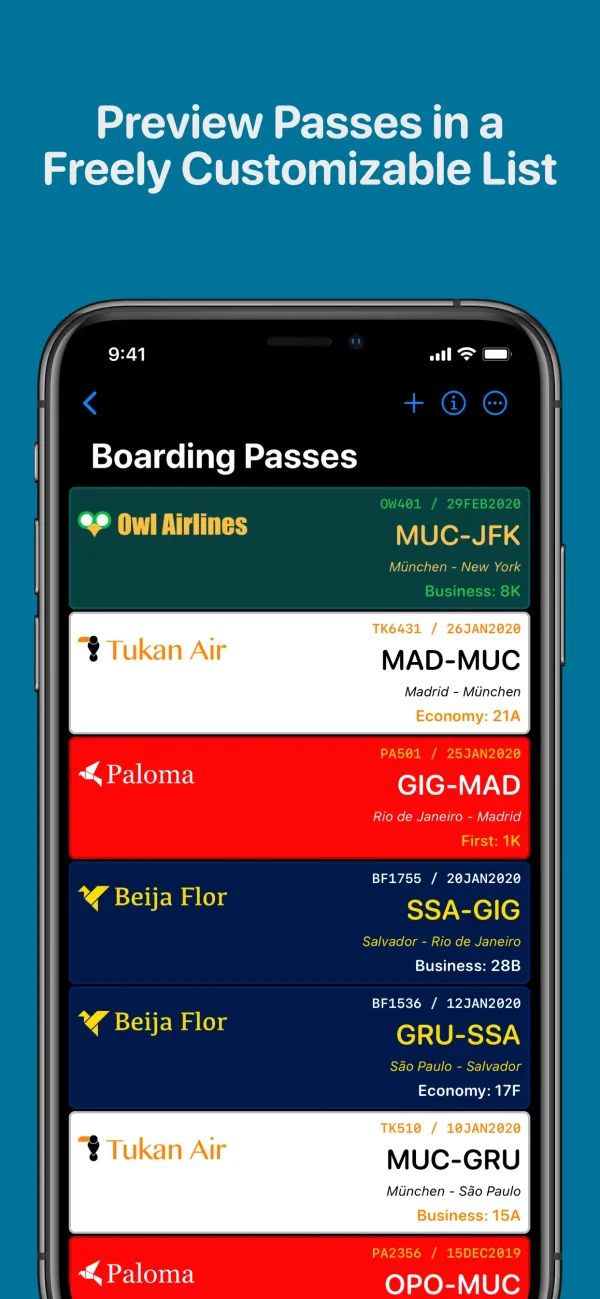
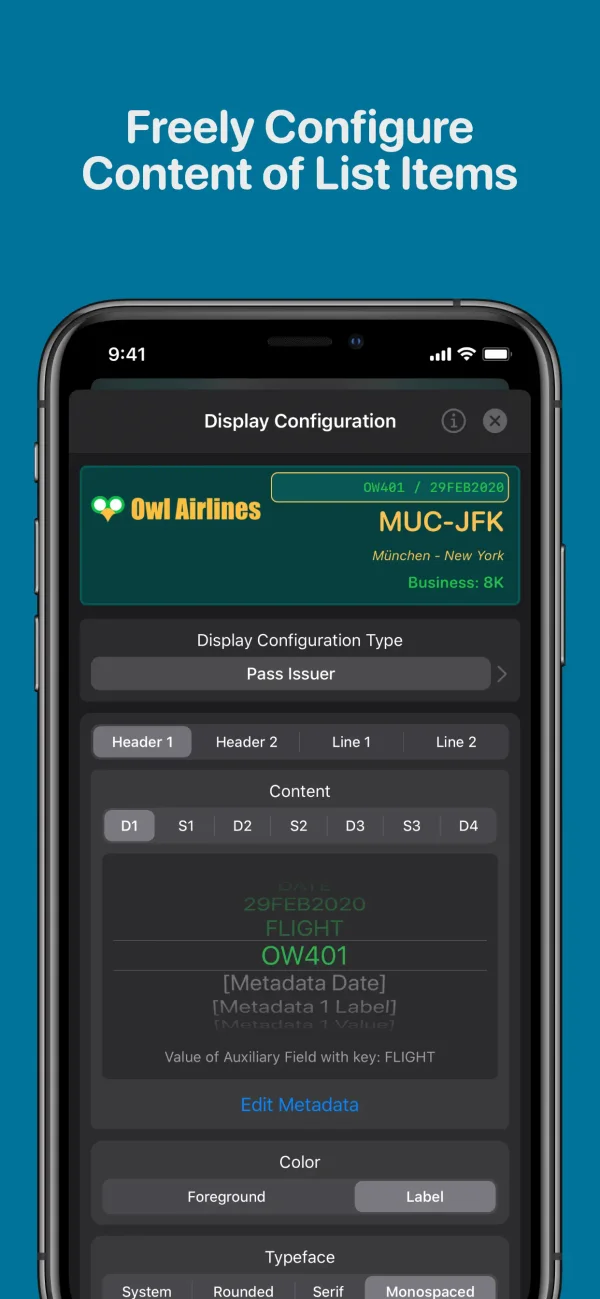
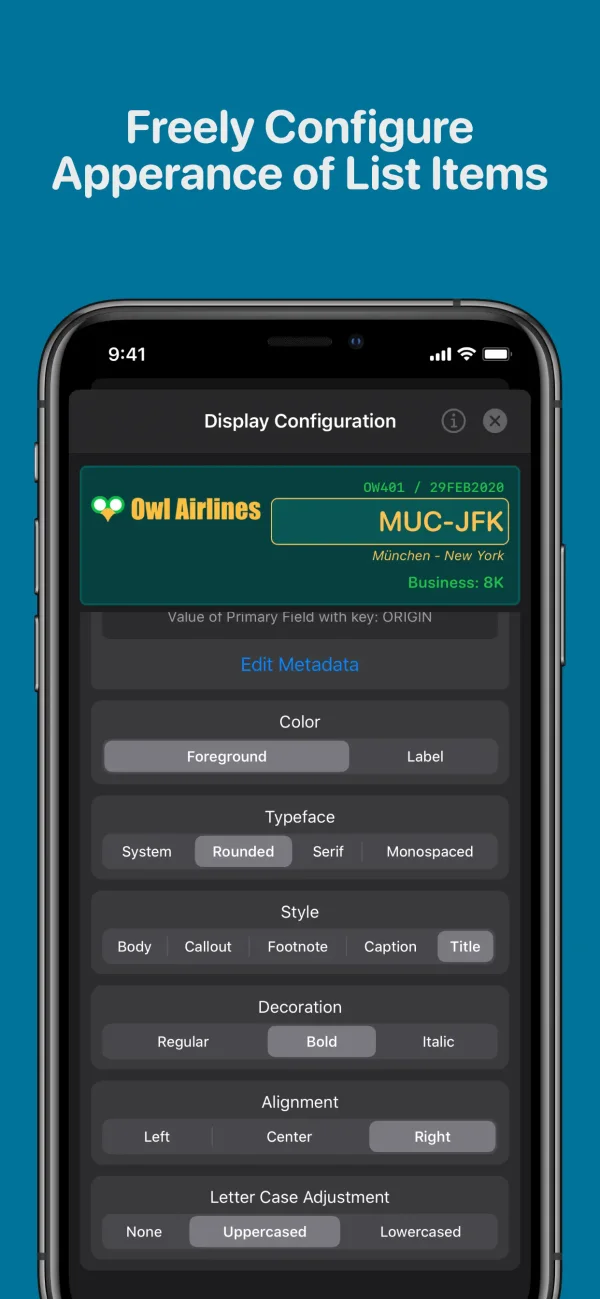
In each Wallet's main screen, Passes are displayed as small cards using the Pass's colors and logo image. Each Pass representation can display up to 4 freely customisable text lines containing each up to data items contained in the Pass (e.g. flight number, origin, destination, gate, seat etc).
Wallet Box allows you to:
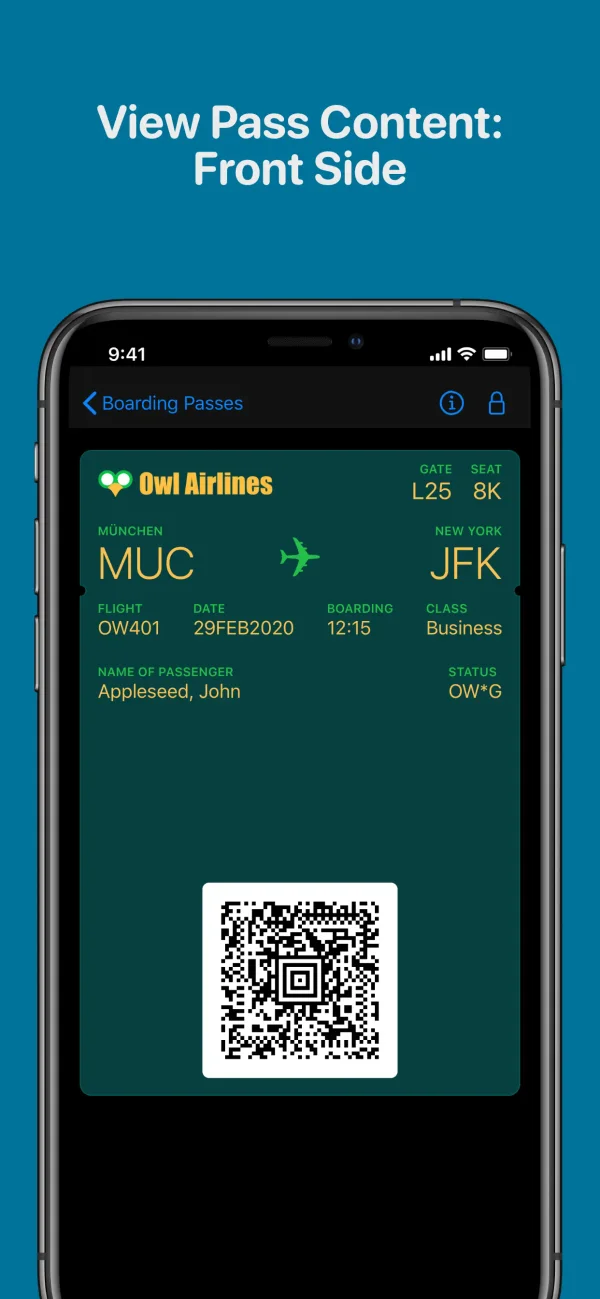
- Store, organise and display signed Wallet Passes.
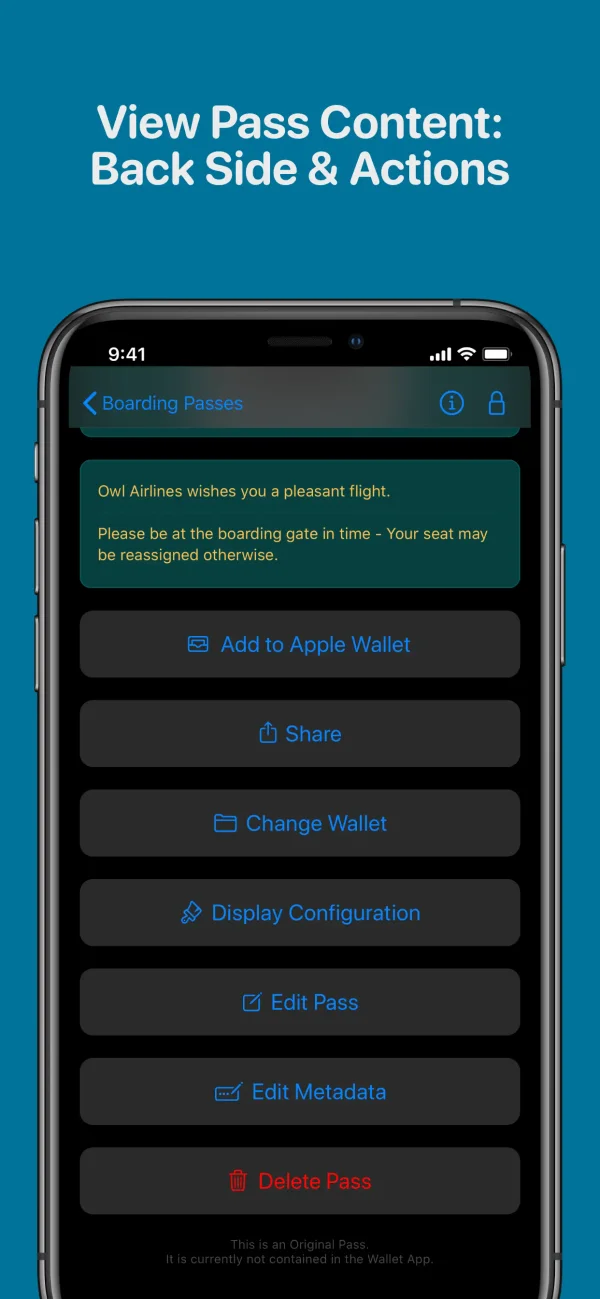
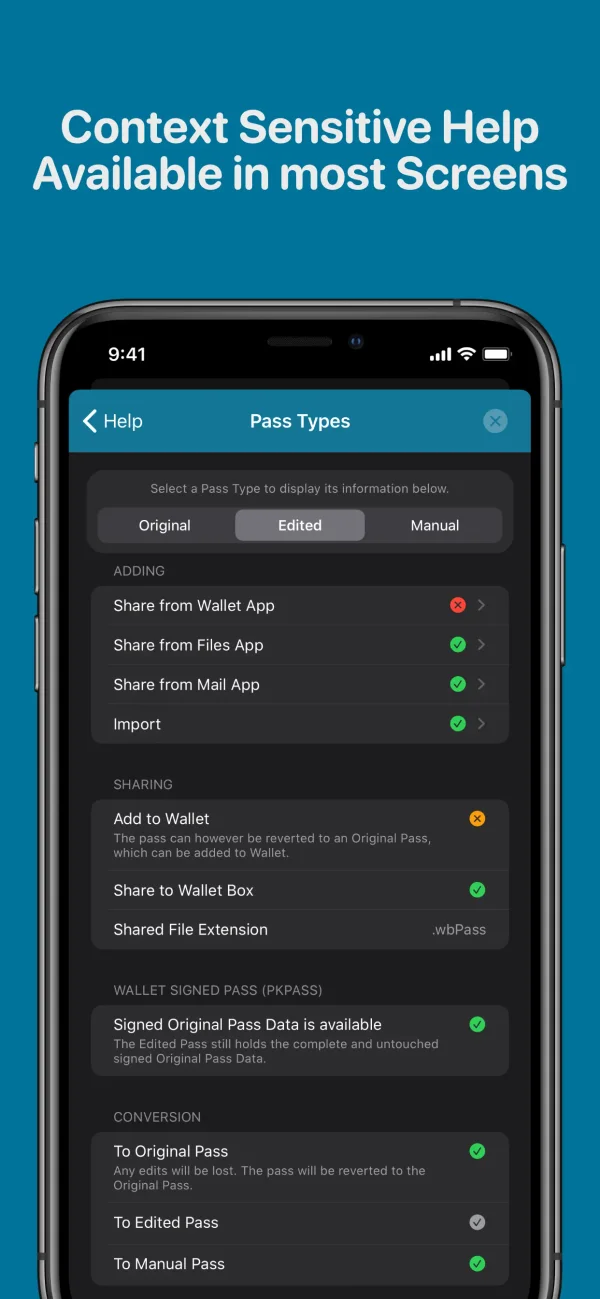
- Signed Wallet Passes can be added back to the Wallet App.
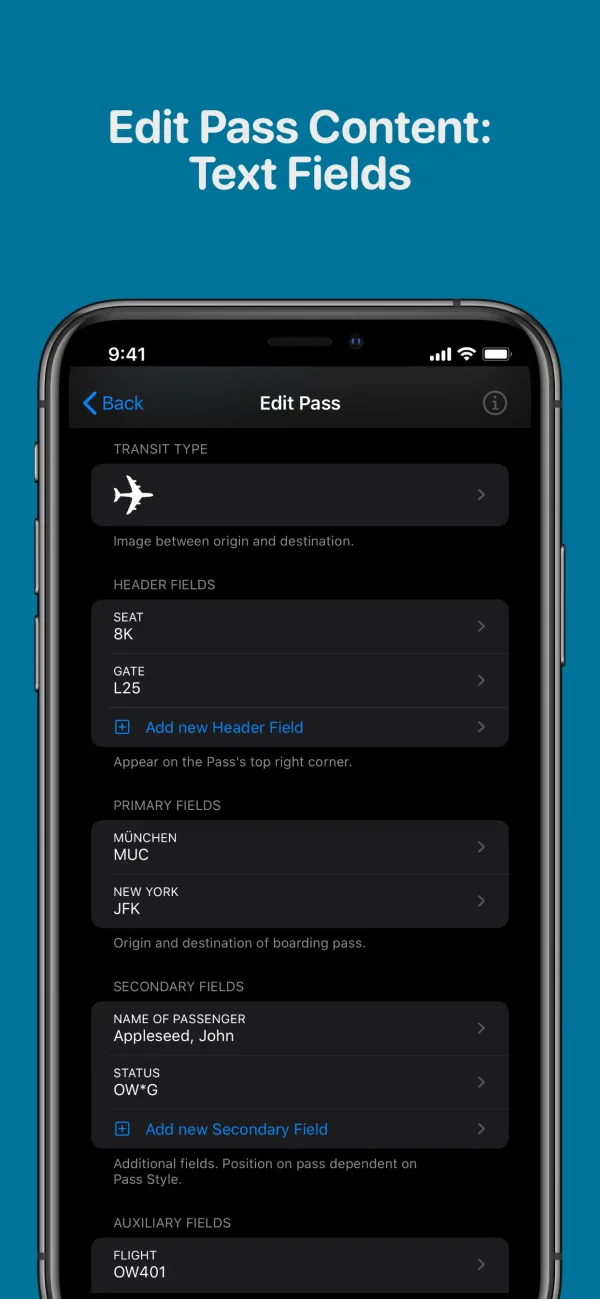
- Edit Wallet Passes for display within the Wallet Box App.
- Create new Passes for display within the Wallet Box App.
Please note: Passes created or edited with Wallet Box cannot be added to the Wallet App as it only displays signed passes, which cannot be securely created on an iPhone.
Other Apps allow you to create signed Passes (that can be added to the Wallet App), but to achieve this your data is transmitted to servers on the internet where the pass is signed and created. Wallet Box does not transmit any of your data, it stays only on your device.
Original (signed) Passes can be added back to the Wallet App.
All Passes can be shared using the iOS share sheet.
Batch import and export functions are available for adding multiple pass files or back up purposes.
What’s new
Version 1.3.2 · Oct 7, 2026
Minor bug fixes.
If you like Wallet Box, please rate in on the AppStore!
App privacy
What Michael Klug declares on the App Store about how this app handles data.
-
Data not collected
The developer does not collect any data from this app.
Privacy practices may vary, for example with the features you use or your age.
Information
- Seller
- Michael Klug
- Category
- Travel
- Version
- 1.3.2
- Updated
- Oct 7, 2026
- Released
- Mar 1, 2020
- Size
- 29.0 MB
- Requires
- iOS 17.6 or later
- Age rating
- 4+
- Price
- Free
- In-app purchases
- Yes
- Languages
- English
- Copyright
- © 2025 Michael Klug
You might also like
-
 Boarding Pass CustodianBoading Pass Scanner & Keeper
-
 Frydum Rider - Request a rideFrydum: On-demand Ride, Taxi
-
 Railside - Amtrak TrackerTrain Tracker
-
 Simple GPX TrackerA minimalist location tracker
-
 Ticket-WalletTravel
-
 FlyFunBoardingYour Own Boarding Pass
-
 Map Data Generator TilePackageNavigation
-
 MyRide USAEffortless ride booking
-
 Goafie - Flight & Stay TrackerTrack flights & stays w/ stats