Waveform Camera
Image to short audio sample
Dirancang untuk iPhone, iPad
Rp 39ribu
- Batasan usia4+
- KategoriMusik
- PengembangBrian Barnett
- BahasaInggris
- Ukuran4,0 MB
Tertaut ke halaman resmi App Store
Download.org tidak menyimpan file Waveform Camera apa pun. Tombol ini membuka halaman aplikasi di App Store, tempat Brian Barnett menerbitkannya. Halaman terakhir diperiksa pada 17/11/2026.
Tangkapan layar
Tentang
Pengembang belum menyediakan teks ini dalam bahasa Anda.
Waveform Camera turns any image of a waveform—whether it's a photo, a screenshot, or a hand-drawn sketch—into a lo-fi audio file for use in any application that can playback or manipulate 44.1kHz / 48kHz audio wav files.
CAPTURE & CROP
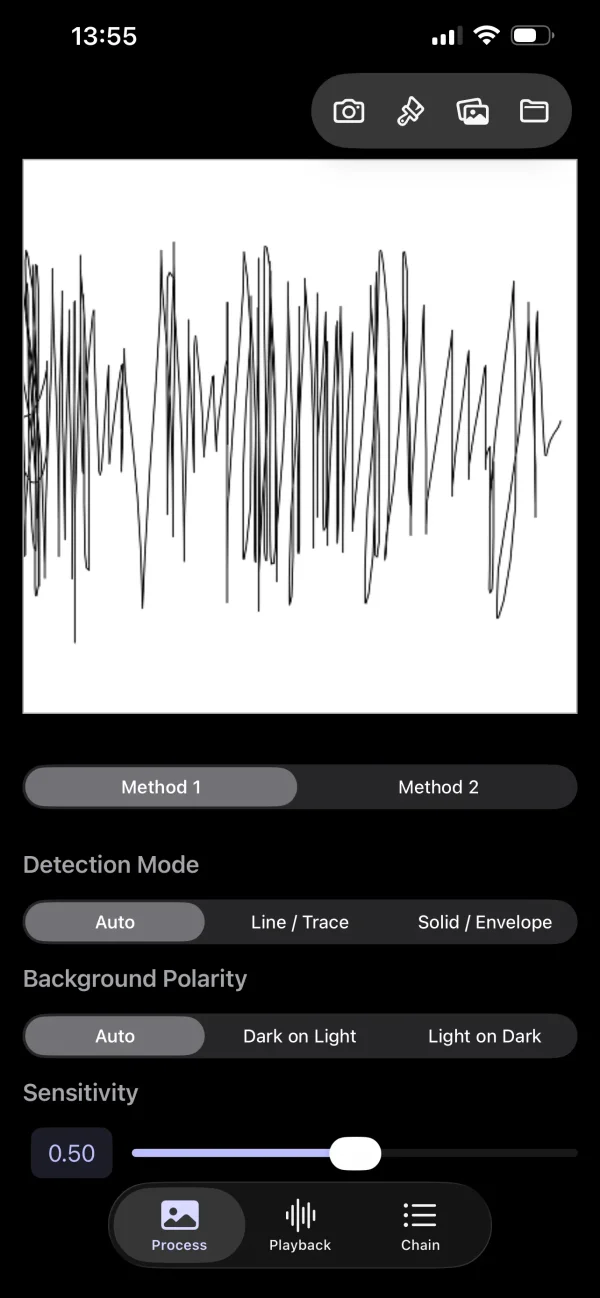
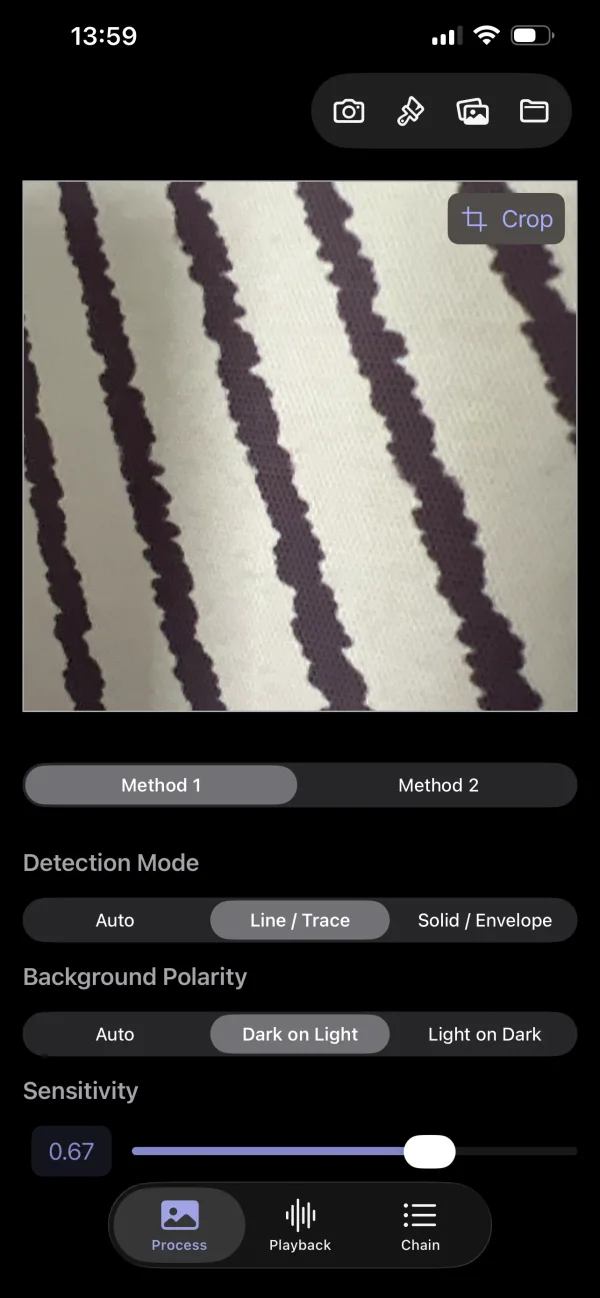
Instantly capture new waveforms using your camera.
Import any image directly from your photo library or files app.
Use the resizable cropping tool to isolate the exact waveform you want to process. You can re-crop then re-process at any time.
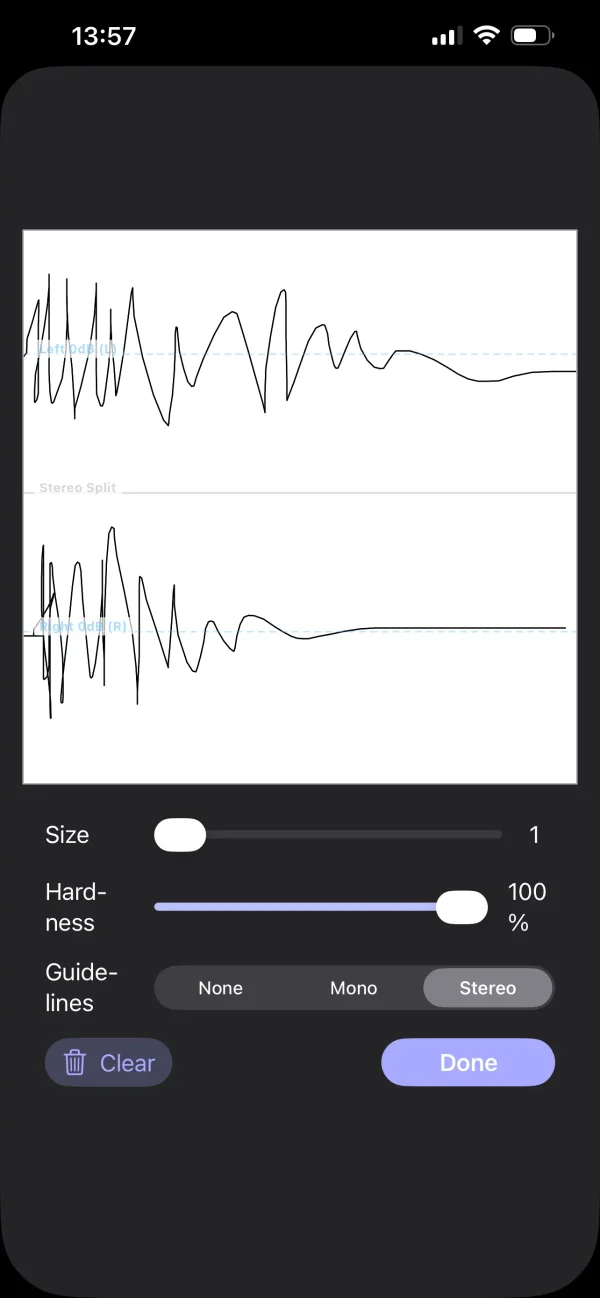
Finger paint a waveform in either mono or stereo.
PROCESS THE IMAGE
Process your image as a mono or stereo audio file.
Define the output length down to the exact sample (from 64 to 220,500 samples - or work in seconds, from to 0.001 to 5 seconds).
Our two advanced processing engines normalizes the audio and uses interpolation to render a distinctly low fidelity sound from waveform images (and any other image you want to throw at it!).
PLAY, PITCH, & EXPORT
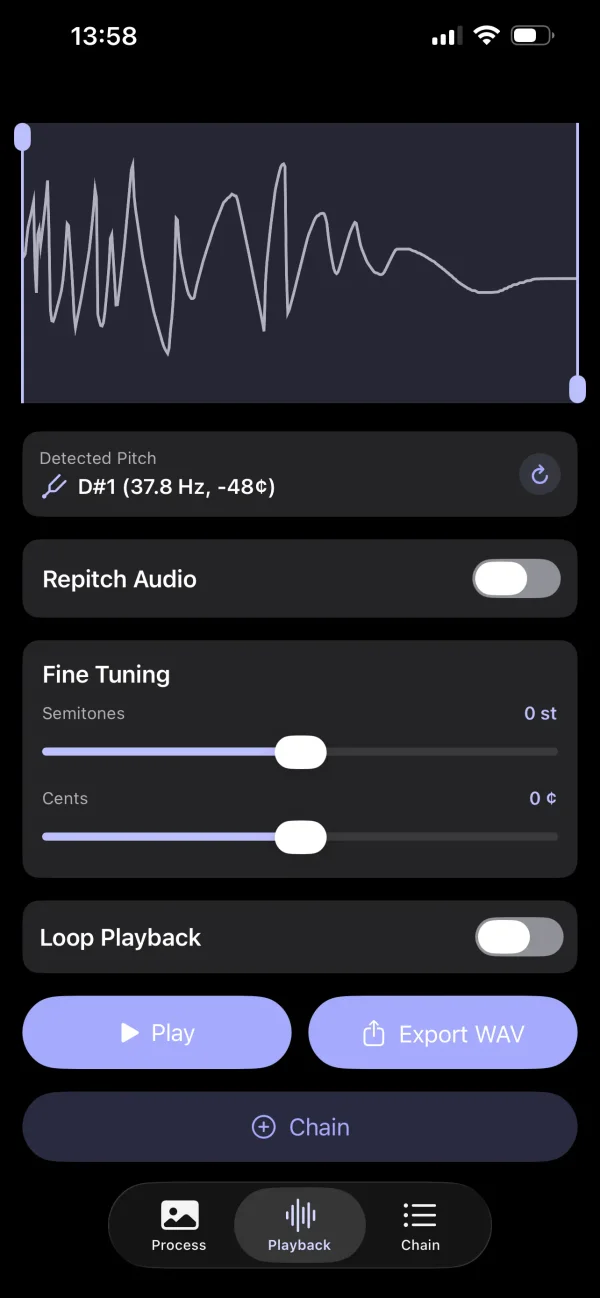
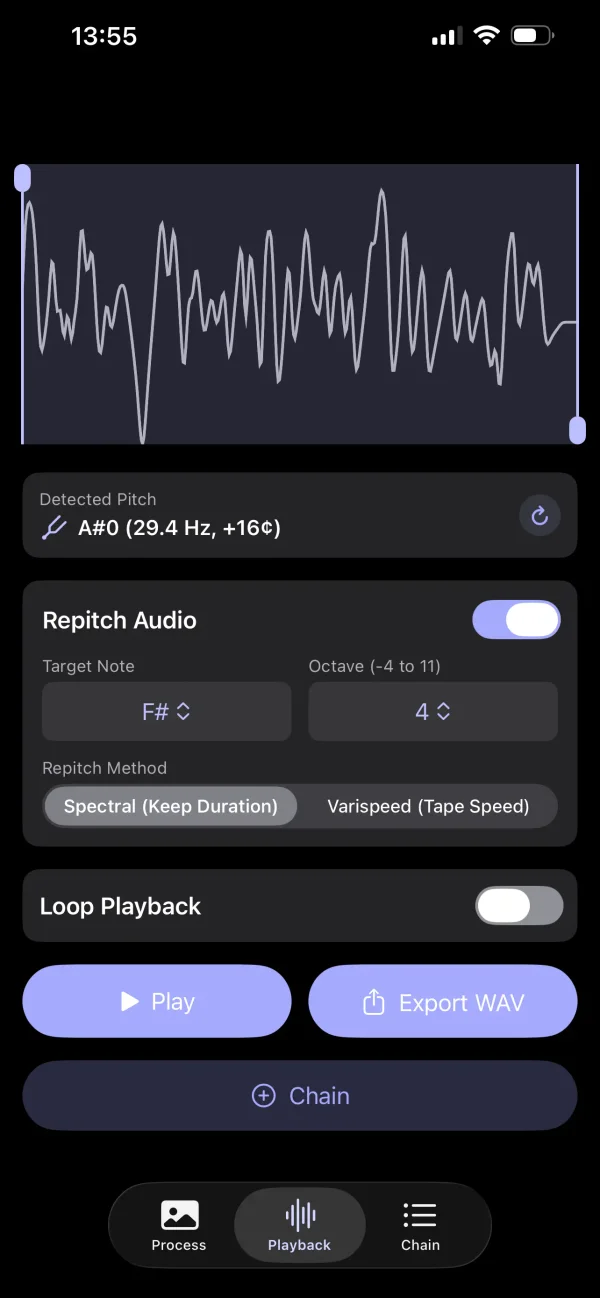
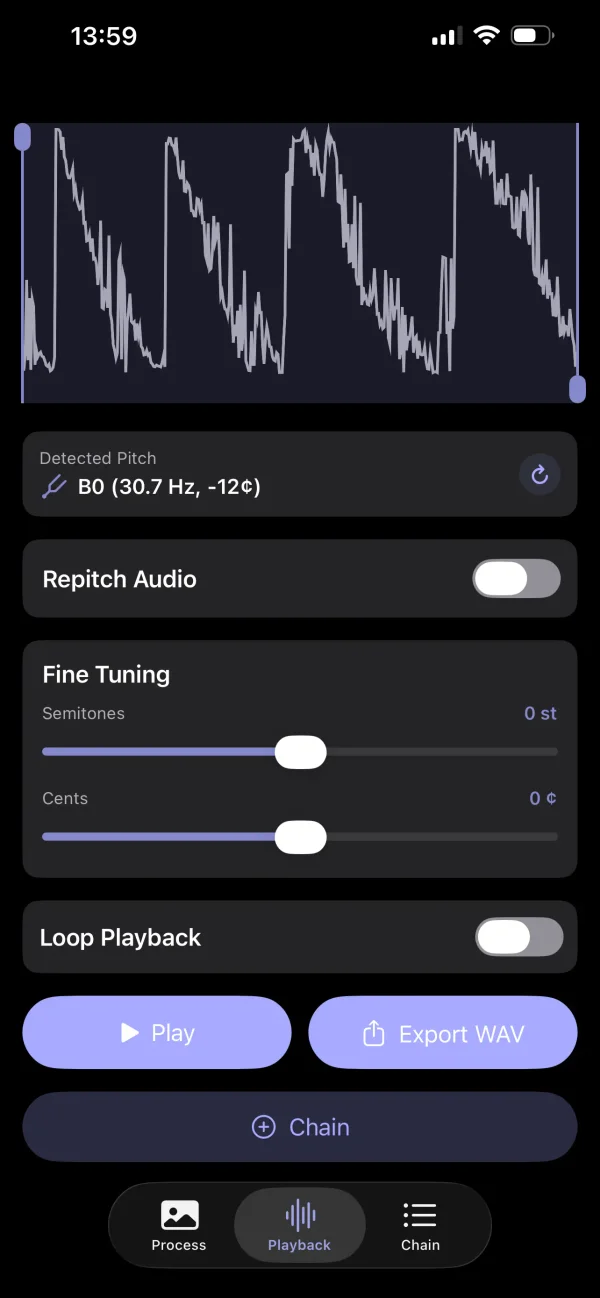
Your new sound appears on an interactive playback screen with a visual waveform.
Drag the start and end handles to select the perfect loop region.
Hear your changes in real-time with dynamic loop playback that updates as you move the handles.
Detect the pitch (and re-detect from the selected region), fine tune the pitch, or re-pitch to a chosen note and octave with either spectral resampling (maintains the original audio length) or varispeed to re-pitch by changing the length of the audio.
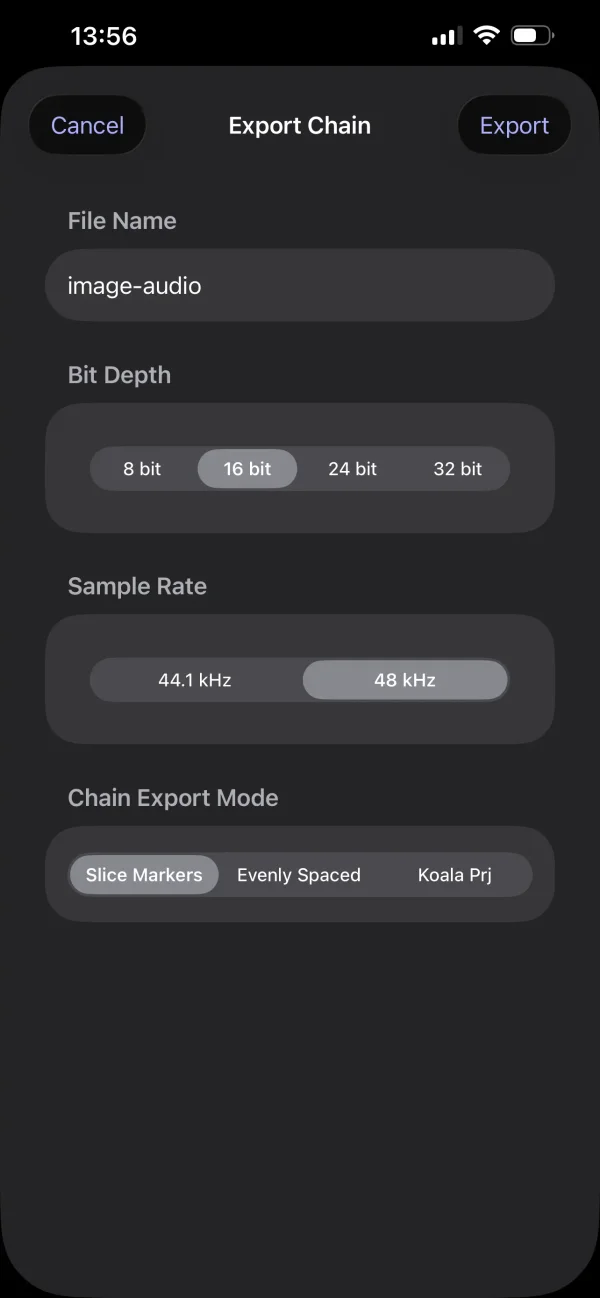
Export your final loop or the entire sound as a .wav file, ready to be dropped into any DAW or music project.
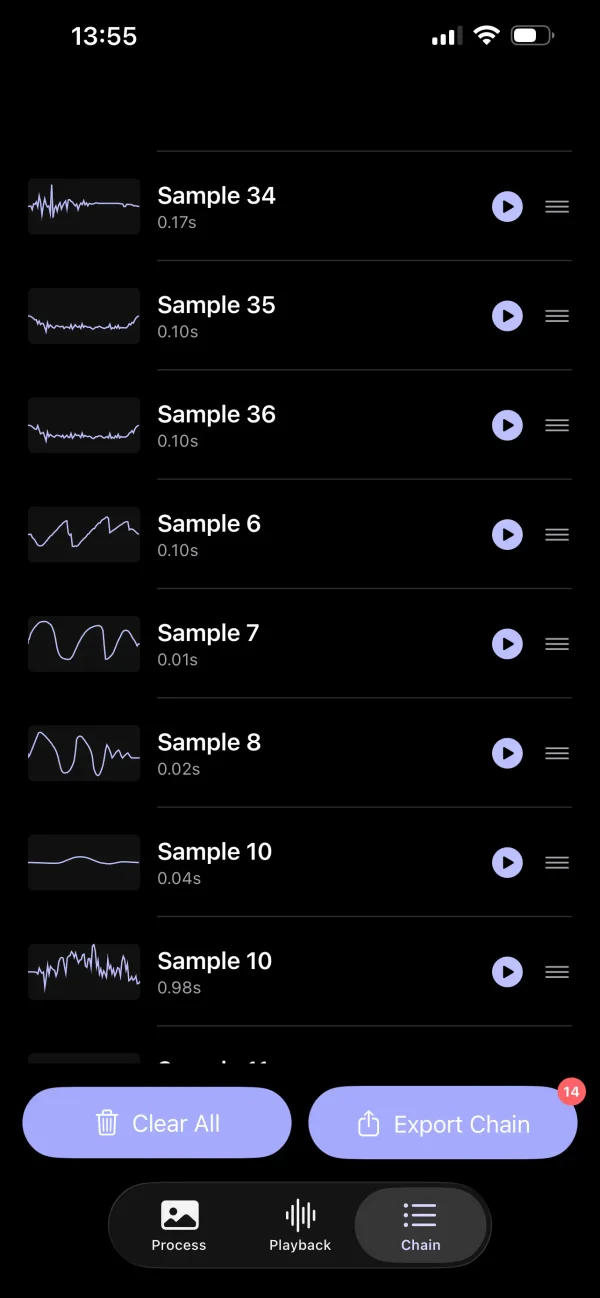
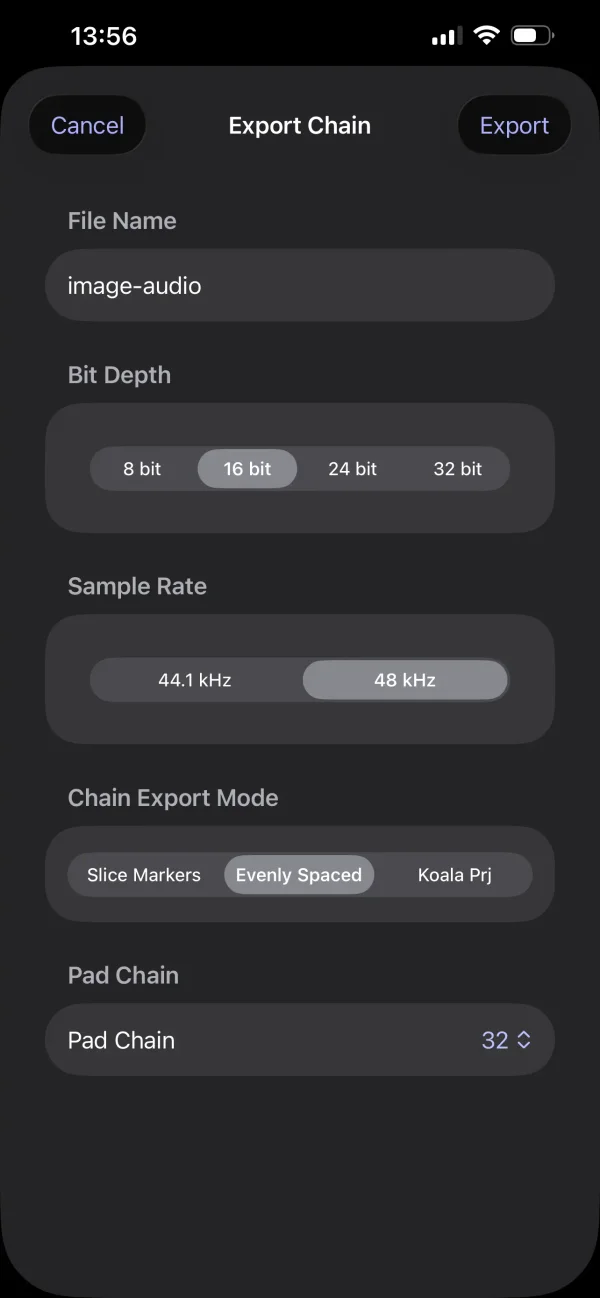
Add the audio to the chain list, build a chain then export as a single file with cue markers, or equally spaced audio with padding to a fixed value.
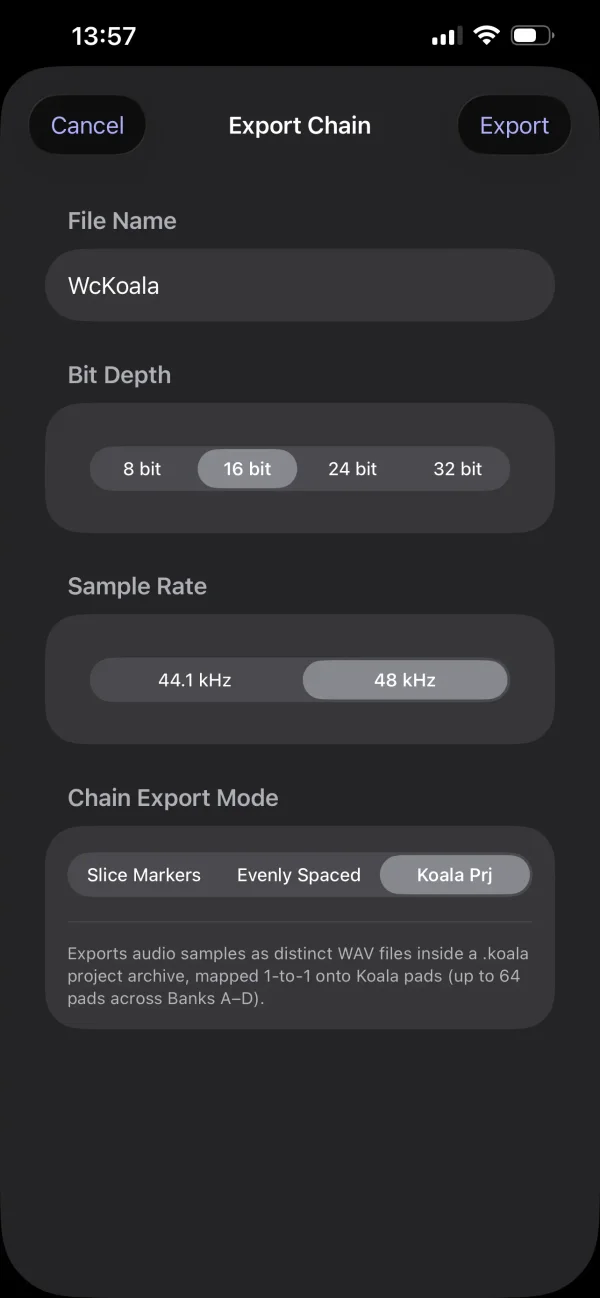
Export the chain list as a Koala project file (up-to 64 sounds per project) and continue with the samples directly in the Koala app.
Perfect for sound designers, electronic musicians, and audio hobbyists. Waveform Camera is the perfect tool for:
- Re-synthesizing single-cycle waveforms from your favorite synths.
- Turning a drawing of a filter sweep into a real audio effect.
- Discovering new sounds in the world around you.
Capture, crop, process, and play. A quirky new sound design tool is here to experiment with.
Yang baru
Versi 1.1 · 14/8/2026
Higher quality audio detection algorithm as Method 1, with the previous detection method available as Method 2.
Pitching of the extracted audio after processing.
Add processed audio to the chain list, once ready, export all audio to a single file with embedded wav cue markers, or as equally spaced sections for easy automated slicing.
Import from the files app in addition to the photo library.
Finger paint a waveform in either mono or stereo.
Export the chain list up to 64 sounds directly to a Koala project file to immediately use your captured images-to-audio.
Privasi aplikasi
Yang dinyatakan Brian Barnett di App Store tentang cara aplikasi ini menangani data.
-
Data tidak dikumpulkan
Pengembang tidak mengumpulkan data apa pun dari aplikasi ini.
Praktik privasi dapat bervariasi, misalnya berdasarkan fitur yang Anda gunakan atau usia Anda.
Informasi
- Penjual
- Brian Barnett
- Kategori
- Musik
- Versi
- 1.1
- Diperbarui
- 14/8/2026
- Dirilis
- 23/10/2025
- Ukuran
- 4,0 MB
- Memerlukan
- iOS 18.5 atau yang lebih baru
- Batasan usia
- 4+
- Harga
- Rp 39ribu
- Bahasa
- Inggris
- Hak cipta
- © 2025 Brian Barnett