- 対象年齢4+
- カテゴリミュージック
- 開発元Brian Barnett
- 言語英語
- サイズ4.0 MB
App Storeの公式ページにリンクしています
Download.orgはWaveform Cameraのファイルを一切ホストしていません。ボタンを押すと、Brian Barnettが公開しているApp Storeのアプリページが開きます。ページの最終確認:2026/11/17。
スクリーンショット
概要
開発元はこのテキストをお使いの言語で提供していません。
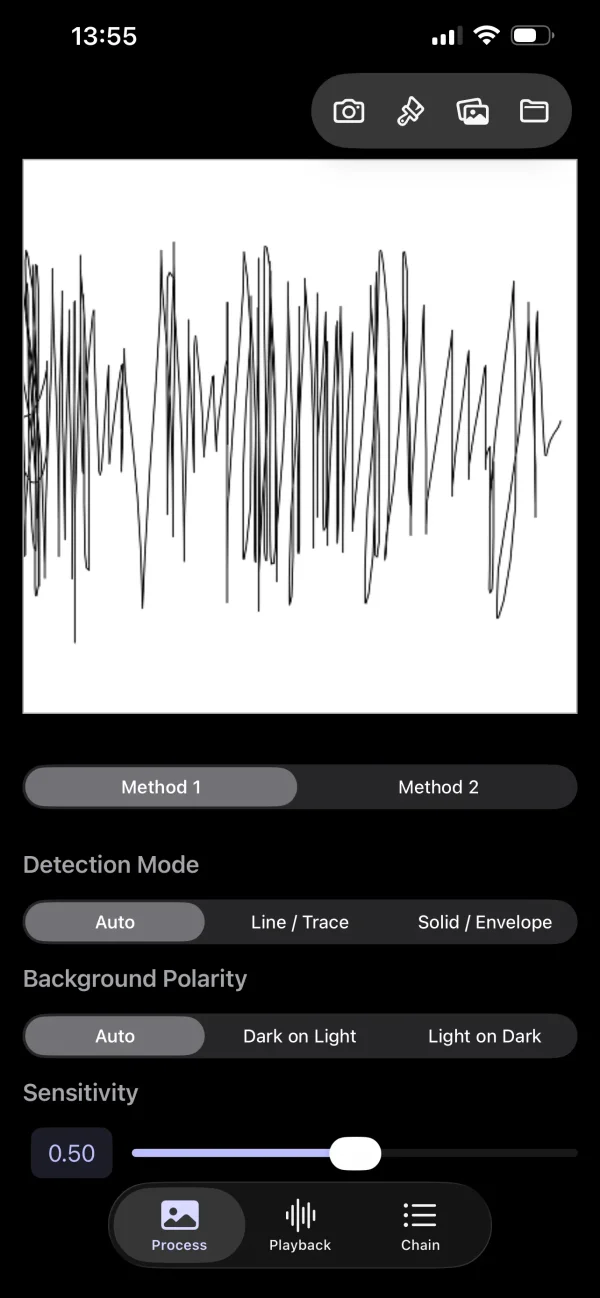
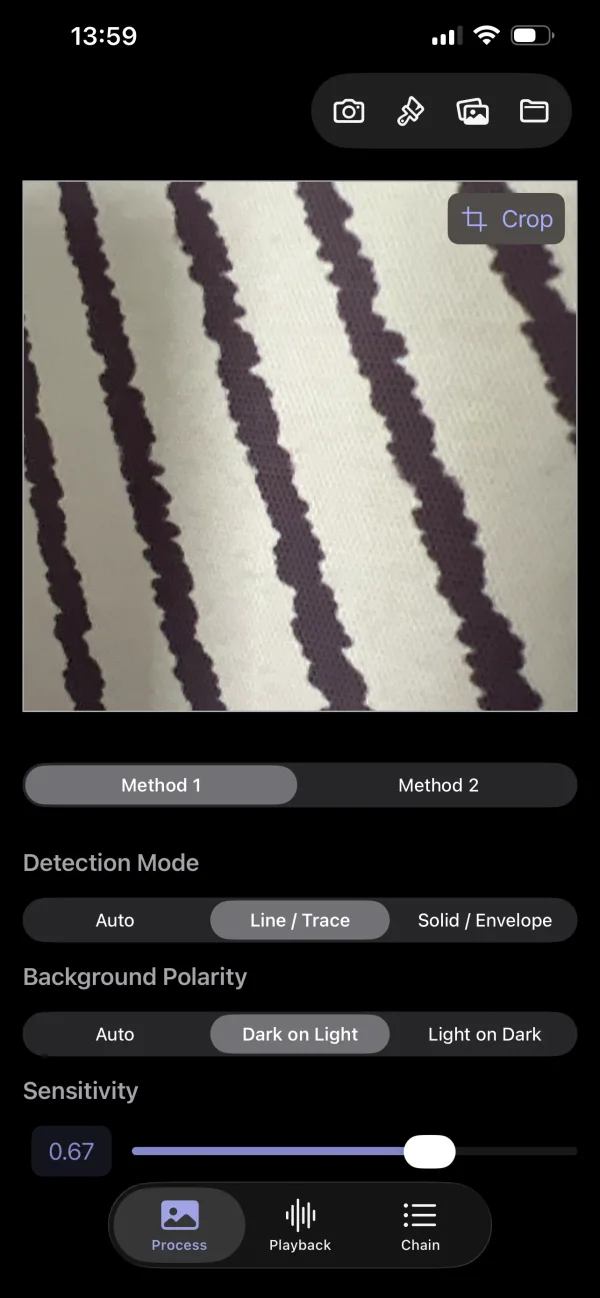
Waveform Camera turns any image of a waveform—whether it's a photo, a screenshot, or a hand-drawn sketch—into a lo-fi audio file for use in any application that can playback or manipulate 44.1kHz / 48kHz audio wav files.
CAPTURE & CROP
Instantly capture new waveforms using your camera.
Import any image directly from your photo library or files app.
Use the resizable cropping tool to isolate the exact waveform you want to process. You can re-crop then re-process at any time.
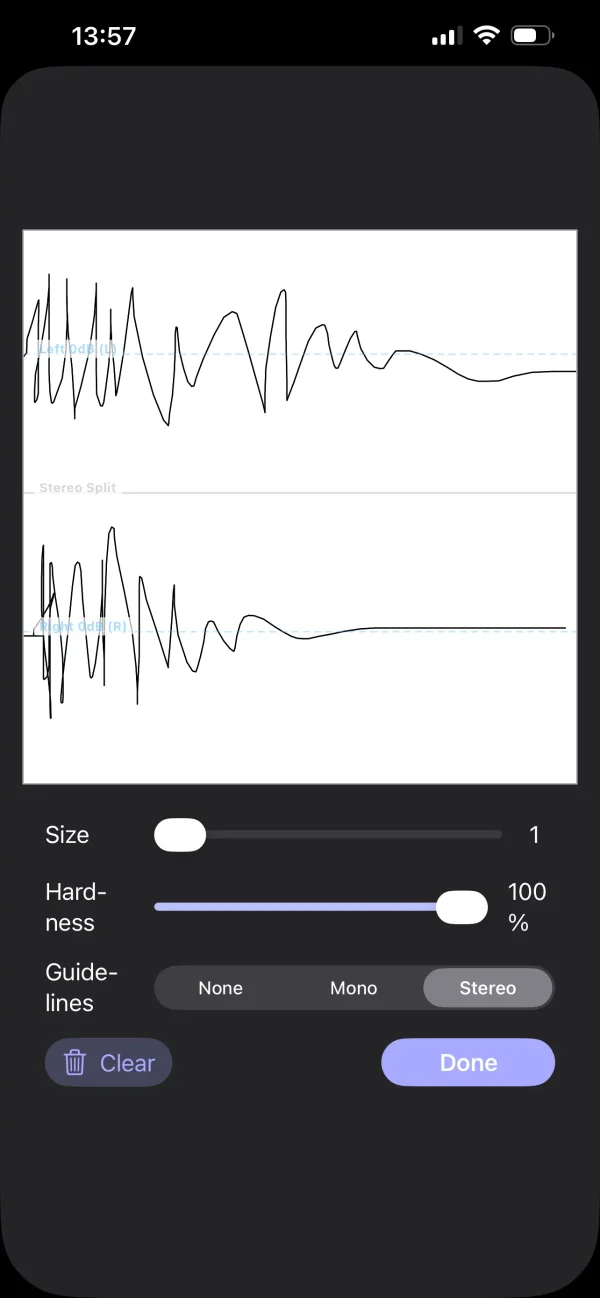
Finger paint a waveform in either mono or stereo.
PROCESS THE IMAGE
Process your image as a mono or stereo audio file.
Define the output length down to the exact sample (from 64 to 220,500 samples - or work in seconds, from to 0.001 to 5 seconds).
Our two advanced processing engines normalizes the audio and uses interpolation to render a distinctly low fidelity sound from waveform images (and any other image you want to throw at it!).
PLAY, PITCH, & EXPORT
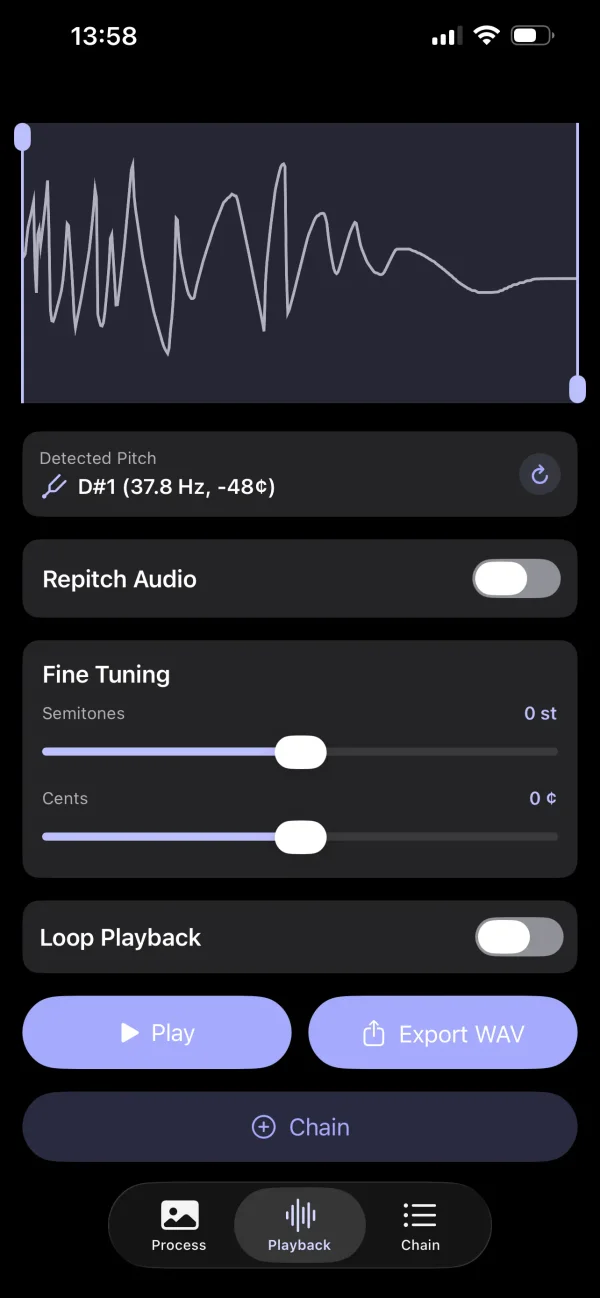
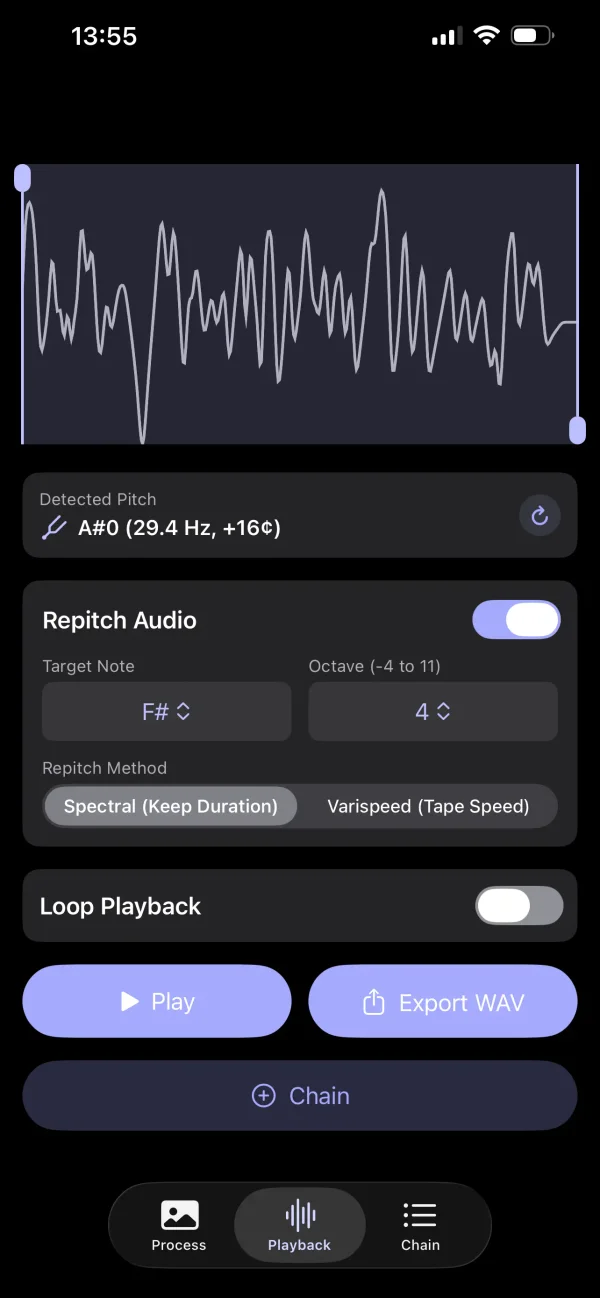
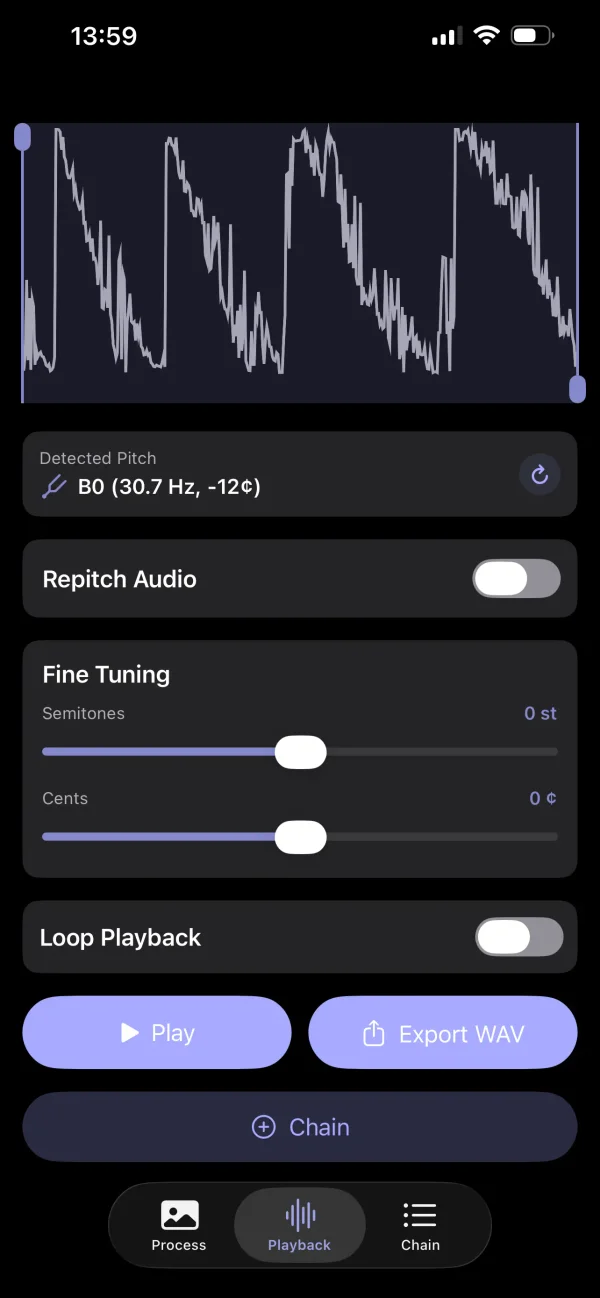
Your new sound appears on an interactive playback screen with a visual waveform.
Drag the start and end handles to select the perfect loop region.
Hear your changes in real-time with dynamic loop playback that updates as you move the handles.
Detect the pitch (and re-detect from the selected region), fine tune the pitch, or re-pitch to a chosen note and octave with either spectral resampling (maintains the original audio length) or varispeed to re-pitch by changing the length of the audio.
Export your final loop or the entire sound as a .wav file, ready to be dropped into any DAW or music project.
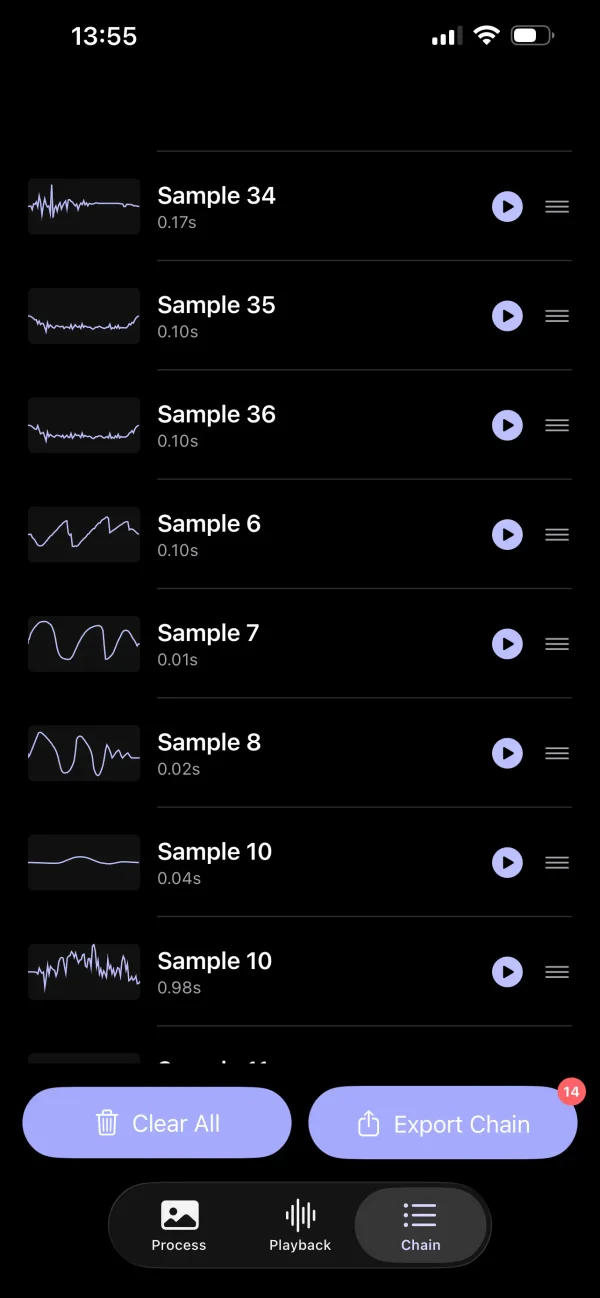
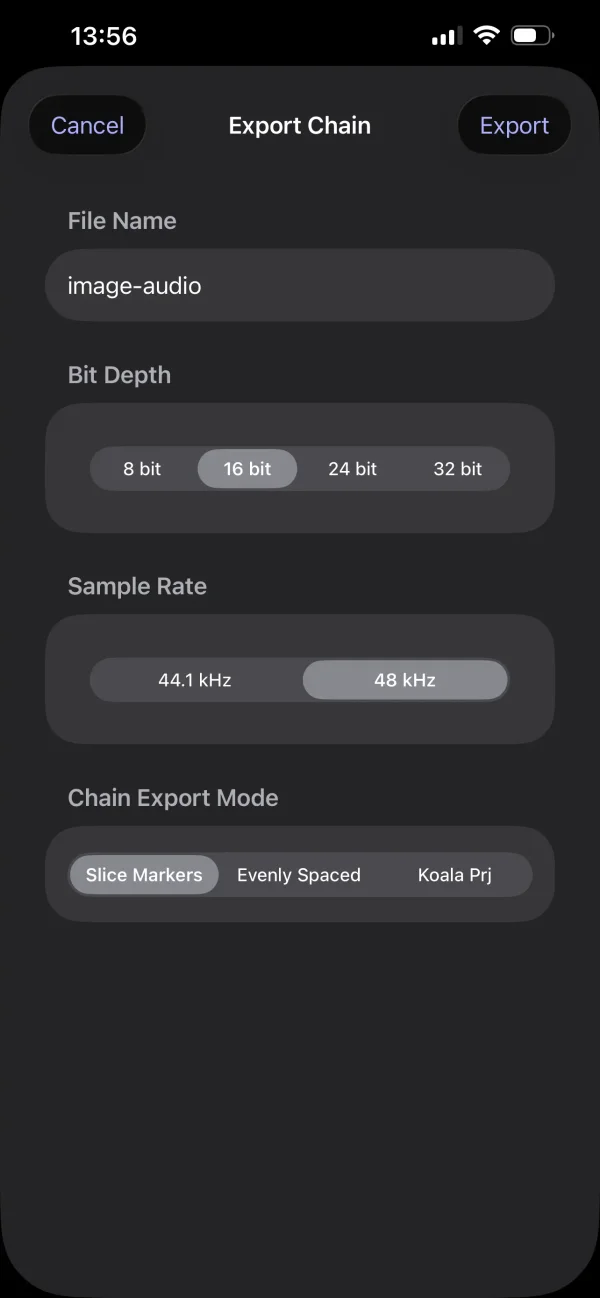
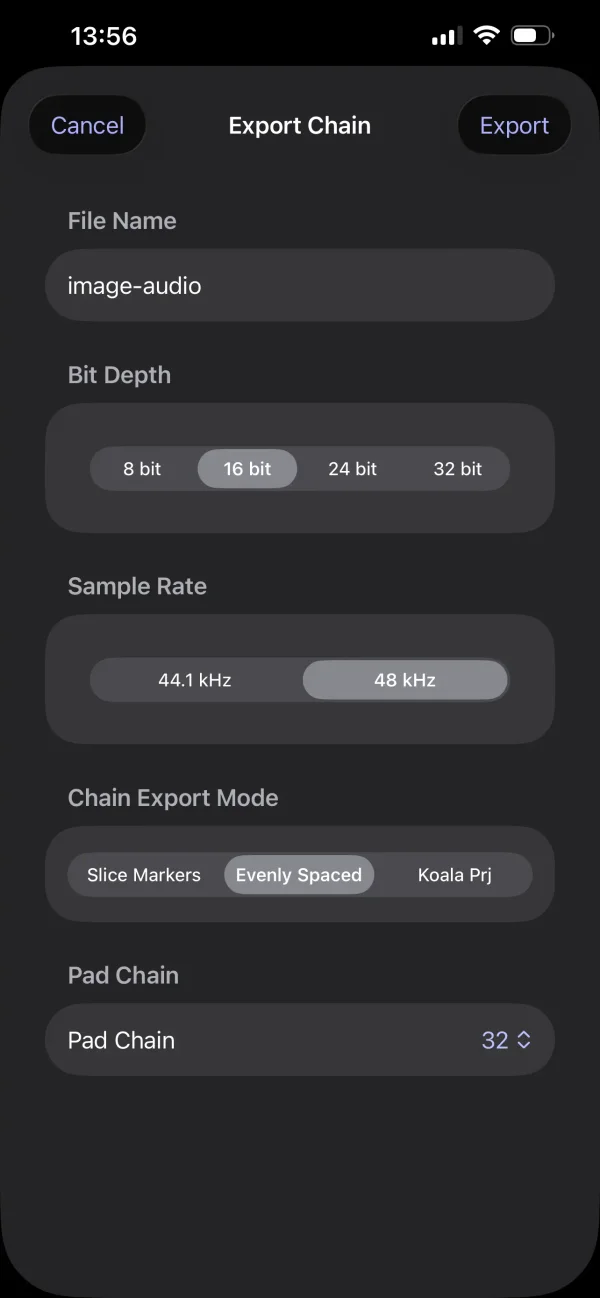
Add the audio to the chain list, build a chain then export as a single file with cue markers, or equally spaced audio with padding to a fixed value.
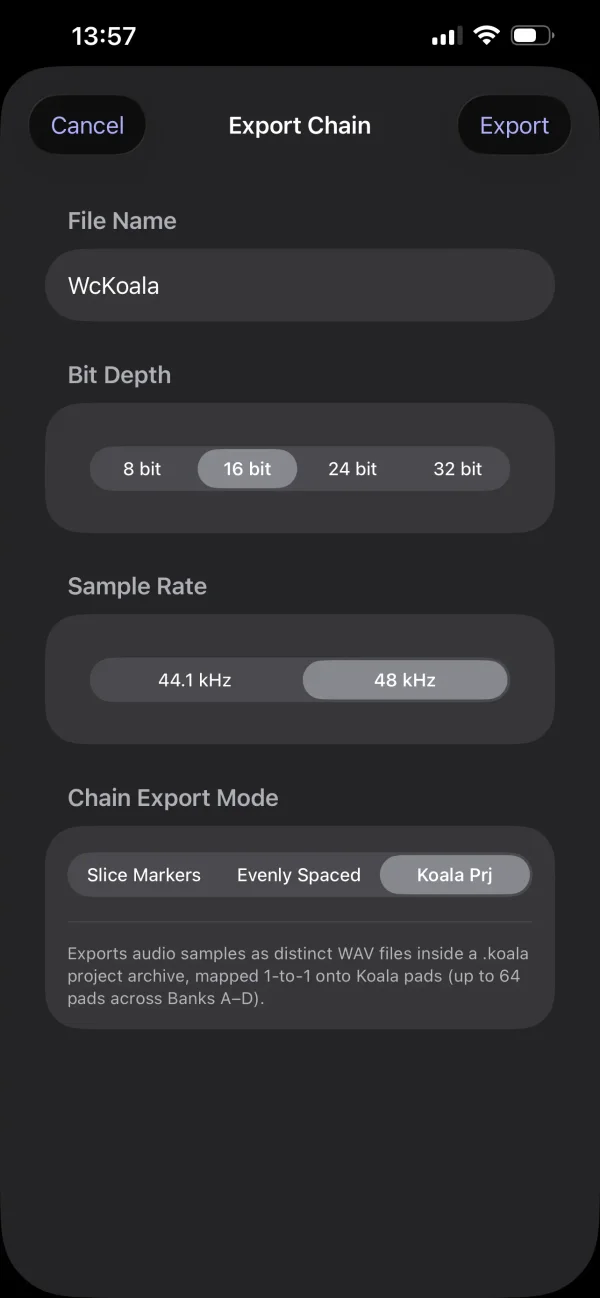
Export the chain list as a Koala project file (up-to 64 sounds per project) and continue with the samples directly in the Koala app.
Perfect for sound designers, electronic musicians, and audio hobbyists. Waveform Camera is the perfect tool for:
- Re-synthesizing single-cycle waveforms from your favorite synths.
- Turning a drawing of a filter sweep into a real audio effect.
- Discovering new sounds in the world around you.
Capture, crop, process, and play. A quirky new sound design tool is here to experiment with.
新機能
バージョン 1.1 · 2026/8/14
Higher quality audio detection algorithm as Method 1, with the previous detection method available as Method 2.
Pitching of the extracted audio after processing.
Add processed audio to the chain list, once ready, export all audio to a single file with embedded wav cue markers, or as equally spaced sections for easy automated slicing.
Import from the files app in addition to the photo library.
Finger paint a waveform in either mono or stereo.
Export the chain list up to 64 sounds directly to a Koala project file to immediately use your captured images-to-audio.
アプリのプライバシー
このアプリのデータの取り扱いについて、Brian BarnettがApp Storeで申告している内容です。
-
データの収集なし
開発元はこのアプリからデータを収集しません。
プライバシーの取り扱いは、ご利用の機能やお客様の年齢などに応じて異なる場合があります。
情報
- 販売元
- Brian Barnett
- カテゴリ
- ミュージック
- バージョン
- 1.1
- 更新日
- 2026/8/14
- リリース
- 2025/10/23
- サイズ
- 4.0 MB
- 必要条件
- iOS 18.5以降
- 対象年齢
- 4+
- 価格
- ¥300
- 言語
- 英語
- 著作権
- © 2025 Brian Barnett