- Batasan usia17+
- KategoriProduktivitas
- PengembangKiyotaka Hori
- BahasaJepang
- Ukuran26,8 MB
Tertaut ke halaman resmi App Store
Download.org tidak menyimpan file withAppData apa pun. Tombol ini membuka halaman aplikasi di App Store, tempat Kiyotaka Hori menerbitkannya. Halaman terakhir diperiksa pada 12/11/2026.
Tangkapan layar


Tentang
Pengembang belum menyediakan teks ini dalam bahasa Anda.
withAppData
[withAppData summary]
Dropbox
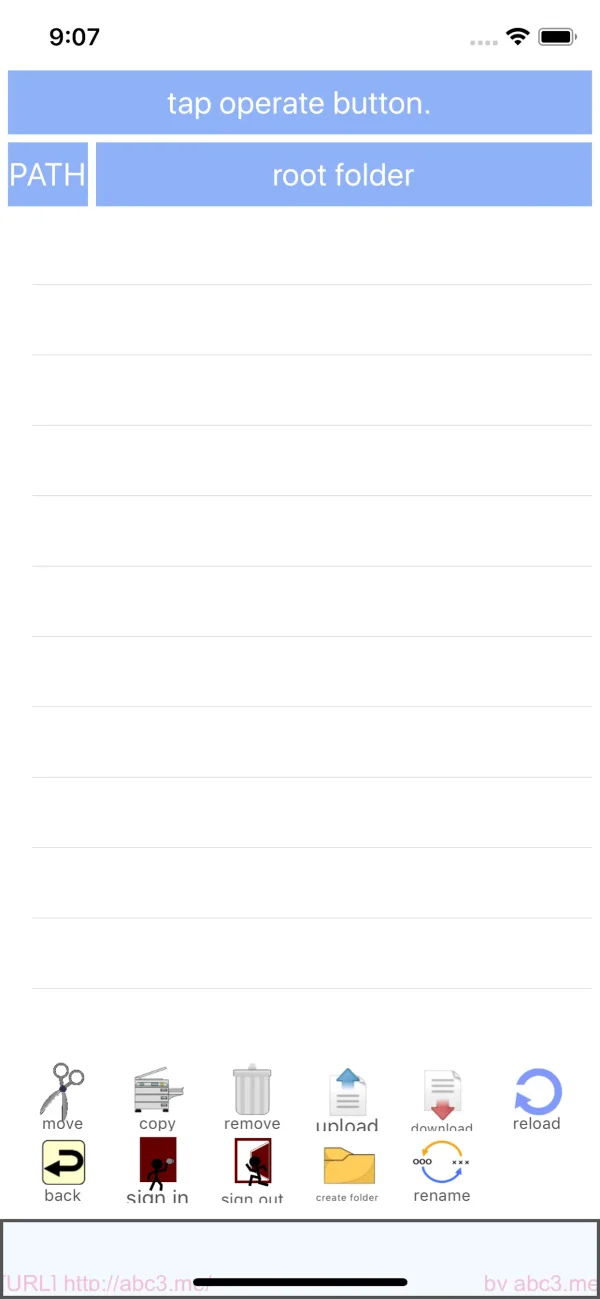
it manage folders and files with Dropbox system.
download and upload files using famous cloud system of Dropbox.
[current function]
(1) file download(file only)
(2) file upload(file only)
(3) move another folder
※move folder to subfolder or parent folder.
(4)create new folder
(5)rename
(6)remove
(7)move(file only)
(8)copy(file only)
please login certification.
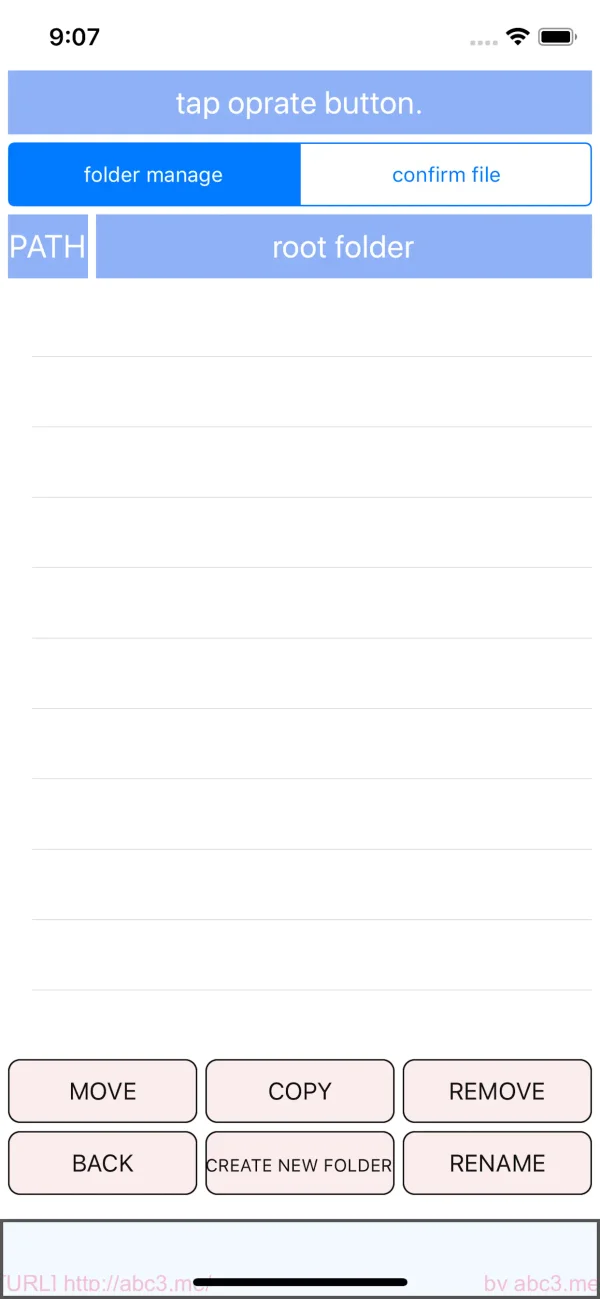
folder manage
folder manage
it manage include files.(file included from Dropbox and iTunes application)
[main funtion]
(1) create new folder
create new folder selected directory.
(2) rename
rename folder and files
(3) remove
remove selected folders and files.it is able to multi select.
(4) move
move folders and files.
if exists same files,display confirm messagebox.
if permitted overwrite files,execute move disposal.
it is able to multi select.
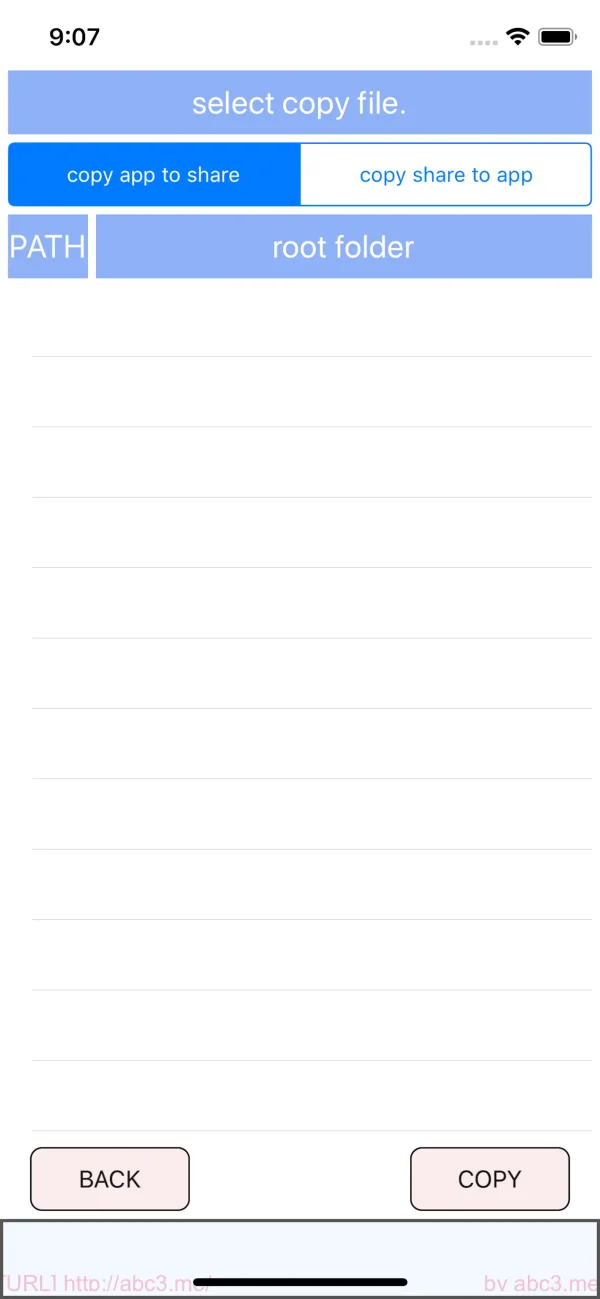
(5) copy
copy folders and files.
if exists same file name,display confirm messagebox.
if permitted copy files,execute copy disposal
copy new file name with add number
ex.)
[before] xxx.txt
[after] xxx (1).txt
(5) file view
view selected file.
[current function]
text file(txt/log)
CSV file(csv)
PDF(pdf)
Excel file(xls/xlsx)
Power point file(ppt/pptx)
WORD file(doc)
HTML file(html/htm/webarchive)
image file(png/jpg/gif/bmp)
movie file(mp4/mov)
prepare siwtch change vertical layout to horizontal for layout button.
prepare movie screen for caputre button.
zip file(zip)
※prepare textbox for input password with zip file.
music file(mp3/wav/m4a)
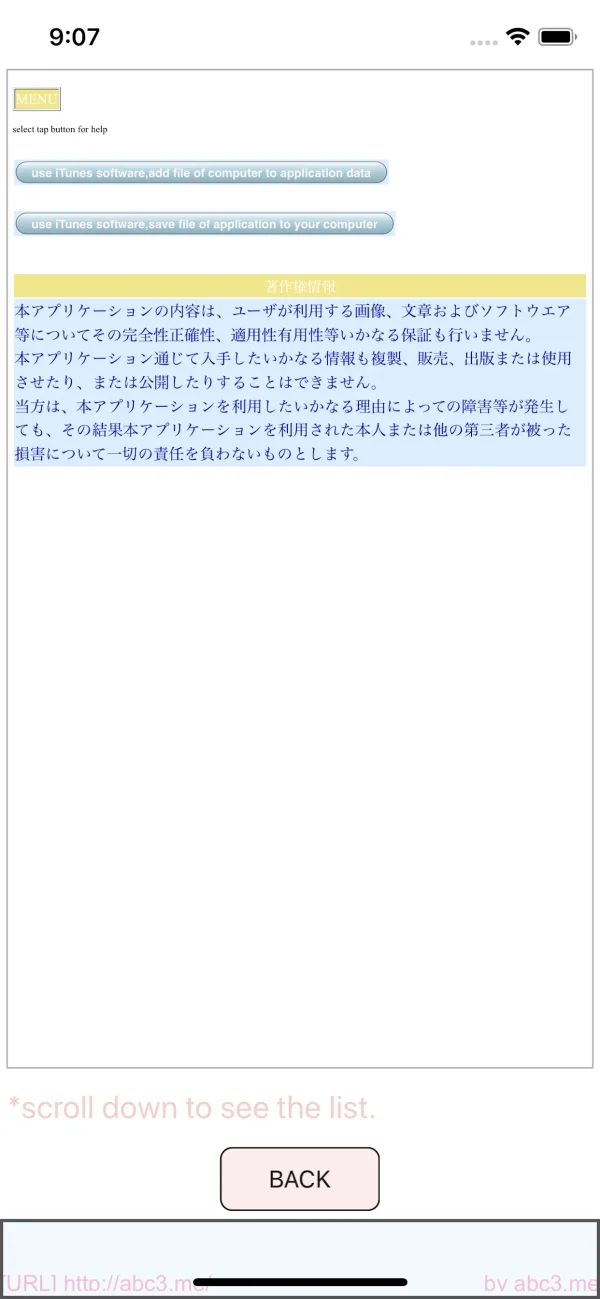
using iTunes
connect iPhone with computer.import or export selected files using iTunes application.
[simple step]
(1) connect certification with iPhone and computer
connect iPhone and your computer using USB.
(2) select device
select DEVICE on the iTunes application screen.
(3) 'App' select
select 'App' on the iTunes application screen.
(4) add file or save file
if scroll down App area,find application list that is able to using iTunes application.
select applicaiton in the list and click add button or save button.
these button function has import or export files.
data cooperation
data cooperation with developed apps of abc3.me.
after report impossible data cooperration apps.
[data cooperation Application]
(1)AccountBook
(2)abc3.me02(water and lighting and heating expenses)
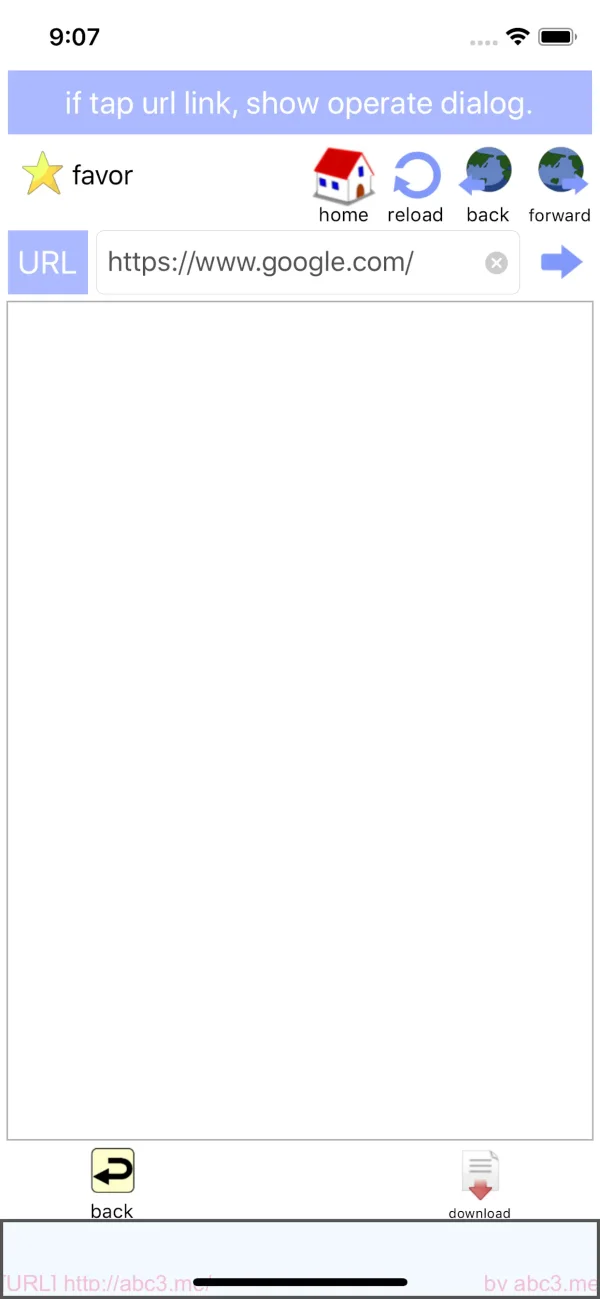
Web browser(download)
if link tap on web page, display dialog.
(1)open URL link
(2)download from URL link
(3)copy URL link
rating 17+:
Since this app allows unfiltered access to the internet.
※You can access the web freely.
select option button and OK button.
※favor list screen
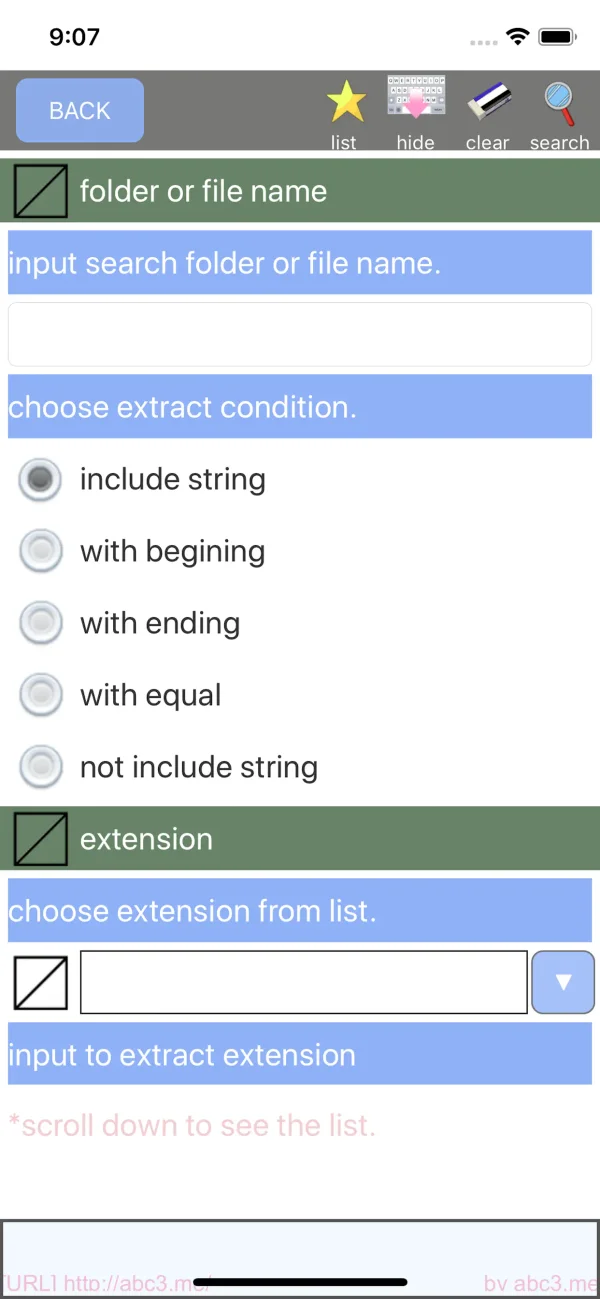
6. search folder and file
folder or file search option and extention search option,
display result of both matching folder or file list.
best regards, abc3.me
by abc3.me
Yang baru
Versi 2.8 · 23/1/2024
withAppData
[ver 2.8]
modifyied layout of AdMob
modified the AdMob layout due to the warning below.
[message]
encouraging accidental clicks:layout
best regards, abc3.me
by abc3.me
Privasi aplikasi
Yang dinyatakan Kiyotaka Hori di App Store tentang cara aplikasi ini menangani data.
-
Data yang digunakan untuk melacak Anda
Dapat digunakan untuk melacak Anda di aplikasi dan situs web milik perusahaan lain.
- Data penggunaan
-
Data yang ditautkan dengan Anda
Dapat dikumpulkan dan ditautkan dengan identitas Anda.
- Data penggunaan
Praktik privasi dapat bervariasi, misalnya berdasarkan fitur yang Anda gunakan atau usia Anda.
Informasi
- Penjual
- Kiyotaka Hori
- Kategori
- Produktivitas
- Versi
- 2.8
- Diperbarui
- 23/1/2024
- Dirilis
- 31/1/2018
- Ukuran
- 26,8 MB
- Memerlukan
- iOS 9.0 atau yang lebih baru
- Batasan usia
- 17+
- Harga
- Gratis
- Bahasa
- Jepang
- Hak cipta
- © 2018 kiyotaka hori