- Classificação etária17+
- CategoriaProdutividade
- DesenvolvedorKiyotaka Hori
- IdiomasJaponês
- Tamanho26,8 MB
Leva à página oficial na App Store
O Download.org não hospeda nenhum arquivo de withAppData. O botão abre a página do app na App Store, onde Kiyotaka Hori o publica. Página verificada pela última vez em 12/11/2026.
Capturas de tela


Sobre
O desenvolvedor não forneceu este texto no seu idioma.
withAppData
[withAppData summary]
Dropbox
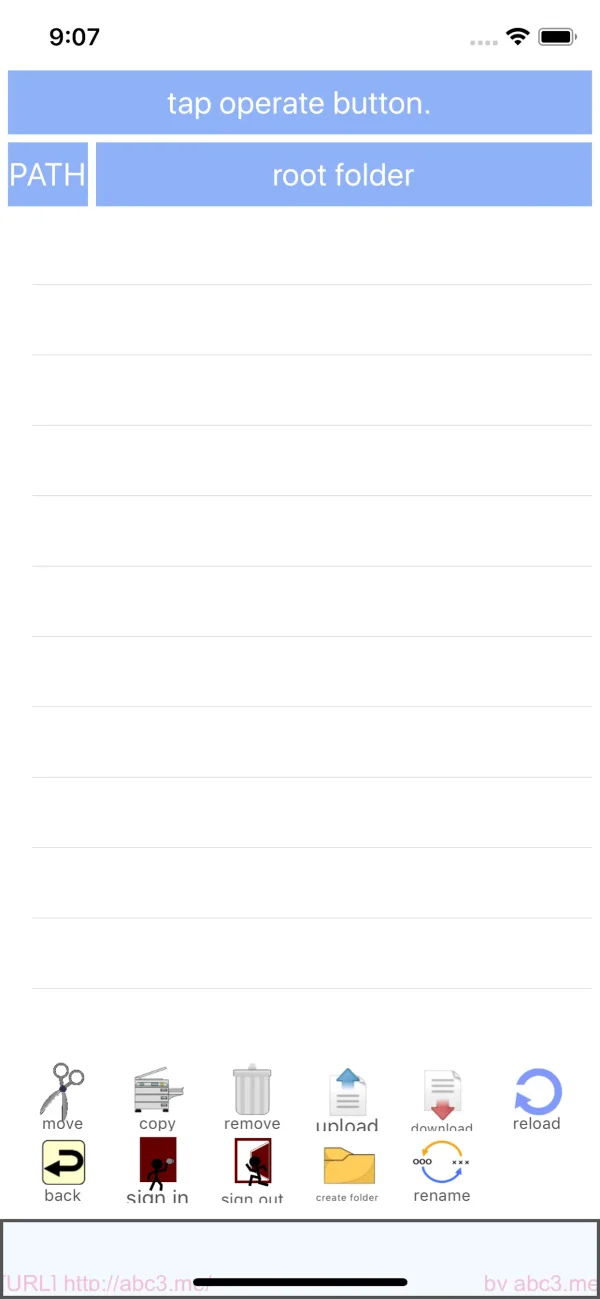
it manage folders and files with Dropbox system.
download and upload files using famous cloud system of Dropbox.
[current function]
(1) file download(file only)
(2) file upload(file only)
(3) move another folder
※move folder to subfolder or parent folder.
(4)create new folder
(5)rename
(6)remove
(7)move(file only)
(8)copy(file only)
please login certification.
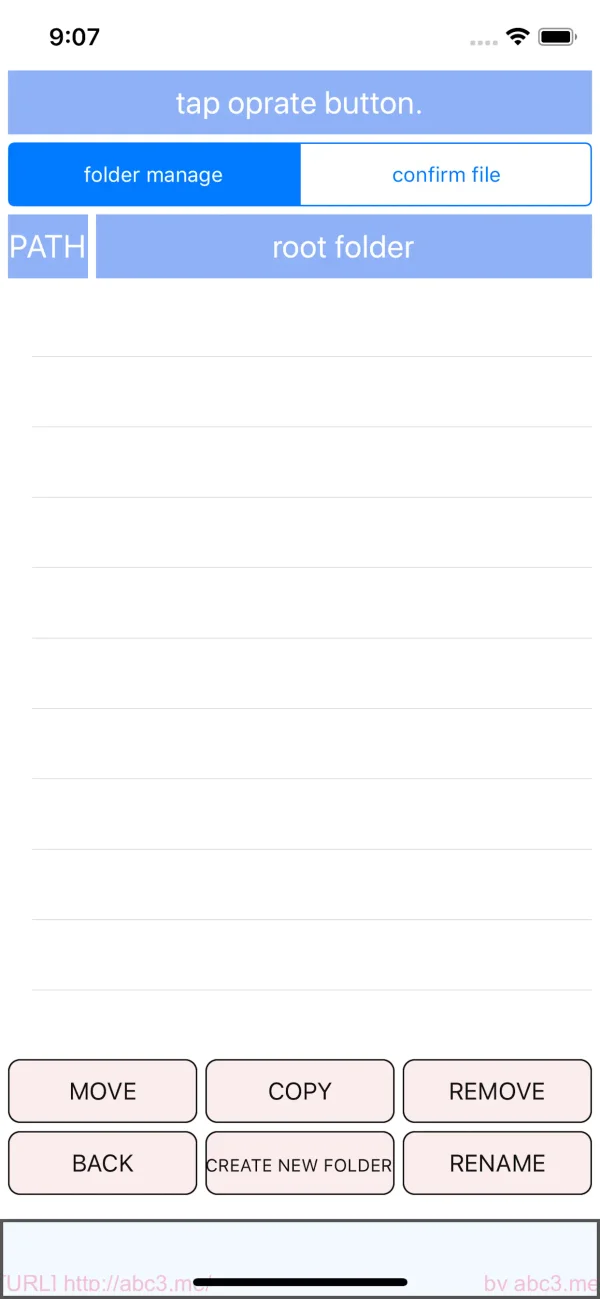
folder manage
folder manage
it manage include files.(file included from Dropbox and iTunes application)
[main funtion]
(1) create new folder
create new folder selected directory.
(2) rename
rename folder and files
(3) remove
remove selected folders and files.it is able to multi select.
(4) move
move folders and files.
if exists same files,display confirm messagebox.
if permitted overwrite files,execute move disposal.
it is able to multi select.
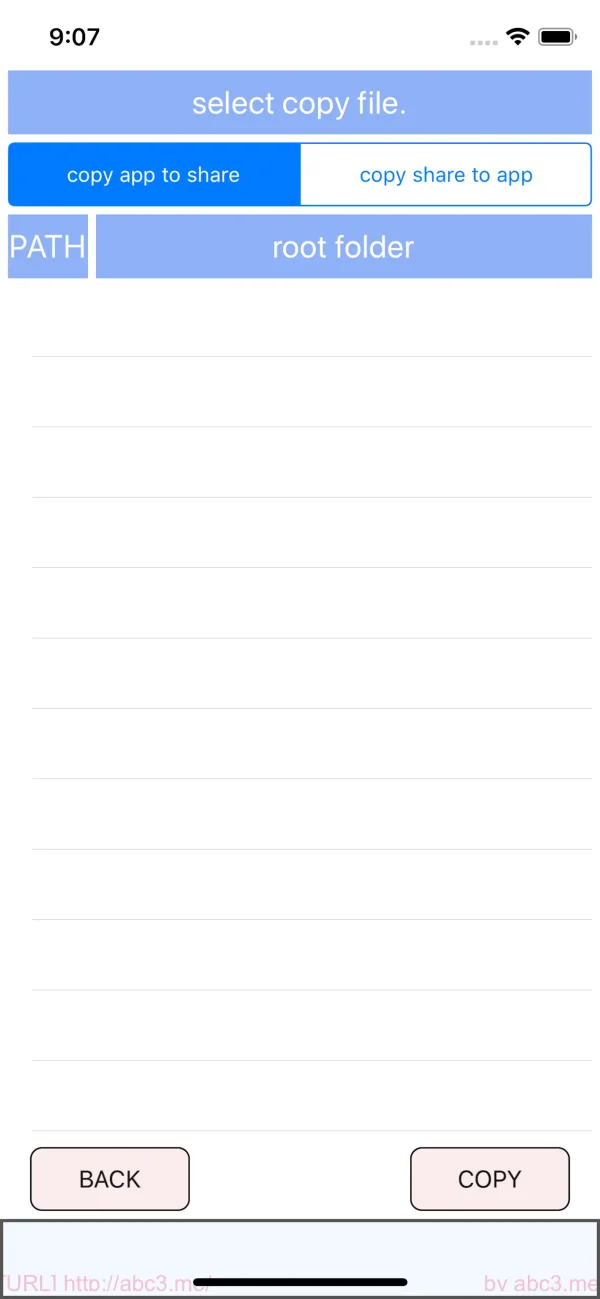
(5) copy
copy folders and files.
if exists same file name,display confirm messagebox.
if permitted copy files,execute copy disposal
copy new file name with add number
ex.)
[before] xxx.txt
[after] xxx (1).txt
(5) file view
view selected file.
[current function]
text file(txt/log)
CSV file(csv)
PDF(pdf)
Excel file(xls/xlsx)
Power point file(ppt/pptx)
WORD file(doc)
HTML file(html/htm/webarchive)
image file(png/jpg/gif/bmp)
movie file(mp4/mov)
prepare siwtch change vertical layout to horizontal for layout button.
prepare movie screen for caputre button.
zip file(zip)
※prepare textbox for input password with zip file.
music file(mp3/wav/m4a)
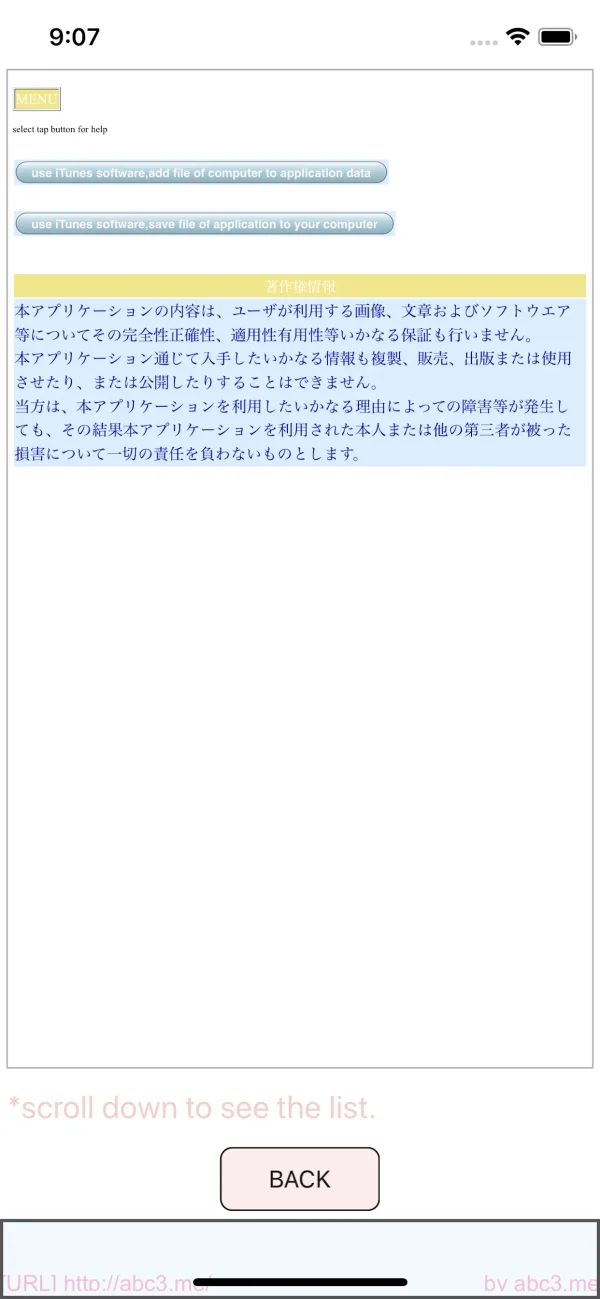
using iTunes
connect iPhone with computer.import or export selected files using iTunes application.
[simple step]
(1) connect certification with iPhone and computer
connect iPhone and your computer using USB.
(2) select device
select DEVICE on the iTunes application screen.
(3) 'App' select
select 'App' on the iTunes application screen.
(4) add file or save file
if scroll down App area,find application list that is able to using iTunes application.
select applicaiton in the list and click add button or save button.
these button function has import or export files.
data cooperation
data cooperation with developed apps of abc3.me.
after report impossible data cooperration apps.
[data cooperation Application]
(1)AccountBook
(2)abc3.me02(water and lighting and heating expenses)
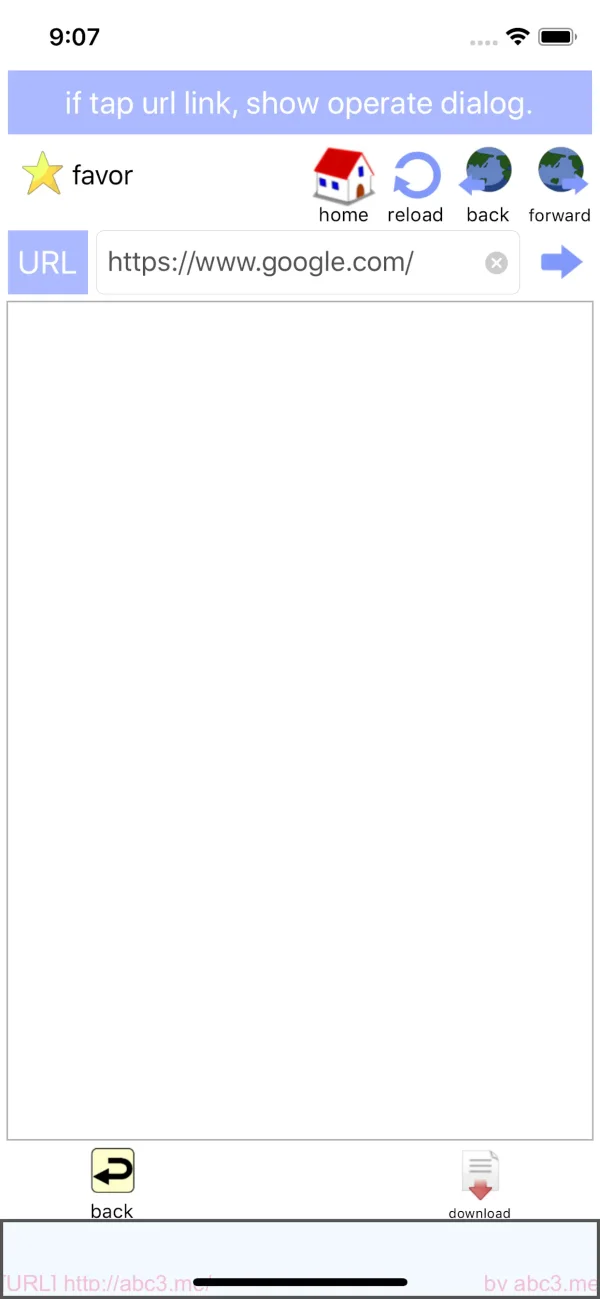
Web browser(download)
if link tap on web page, display dialog.
(1)open URL link
(2)download from URL link
(3)copy URL link
rating 17+:
Since this app allows unfiltered access to the internet.
※You can access the web freely.
select option button and OK button.
※favor list screen
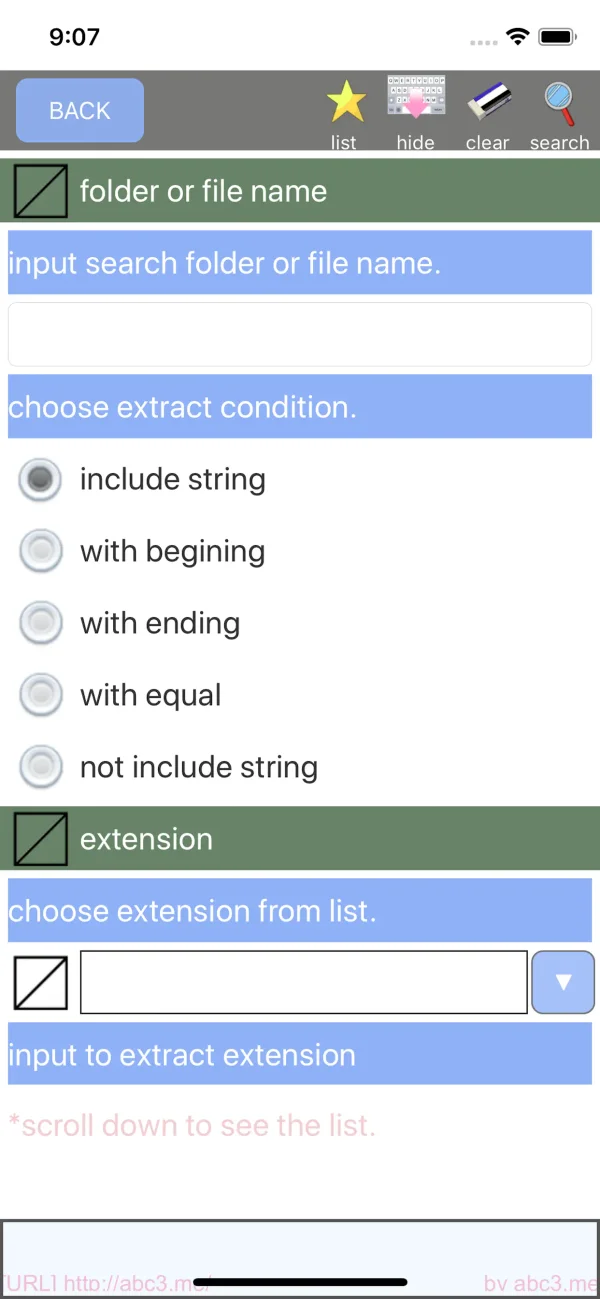
6. search folder and file
folder or file search option and extention search option,
display result of both matching folder or file list.
best regards, abc3.me
by abc3.me
Novidades
Versão 2.8 · 23/01/2024
withAppData
[ver 2.8]
modifyied layout of AdMob
modified the AdMob layout due to the warning below.
[message]
encouraging accidental clicks:layout
best regards, abc3.me
by abc3.me
Privacidade do app
O que Kiyotaka Hori declara na App Store sobre como este app lida com os dados.
-
Dados usados para rastrear você
Podem ser usados para rastrear você em apps e sites de outras empresas.
- Dados de uso
-
Dados vinculados a você
Podem ser coletados e vinculados à sua identidade.
- Dados de uso
As práticas de privacidade podem variar, por exemplo, com base nos recursos que você usa ou na sua idade.
Informações
- Vendedor
- Kiyotaka Hori
- Categoria
- Produtividade
- Versão
- 2.8
- Atualizado
- 23/01/2024
- Lançamento
- 31/01/2018
- Tamanho
- 26,8 MB
- Requer
- iOS 9.0 ou posterior
- Classificação etária
- 17+
- Preço
- Grátis
- Idiomas
- Japonês
- Copyright
- © 2018 kiyotaka hori