ZapPDF: Merge, Split & Edit
100% Offline Document Utility
Dirancang untuk iPhone, iPad, Mac
Gratis · Pembelian dalam aplikasi
- Batasan usia4+
- KategoriKegunaan
- PengembangYasar Berker Gungor
- BahasaInggris+ 6 lainnya
- Ukuran15,8 MB
Tertaut ke halaman resmi App Store
Download.org tidak menyimpan file ZapPDF: Merge, Split & Edit apa pun. Tombol ini membuka halaman aplikasi di App Store, tempat Yasar Berker Gungor menerbitkannya. Halaman terakhir diperiksa pada 15/11/2026.
Tangkapan layar
Tentang
Pengembang belum menyediakan teks ini dalam bahasa Anda.
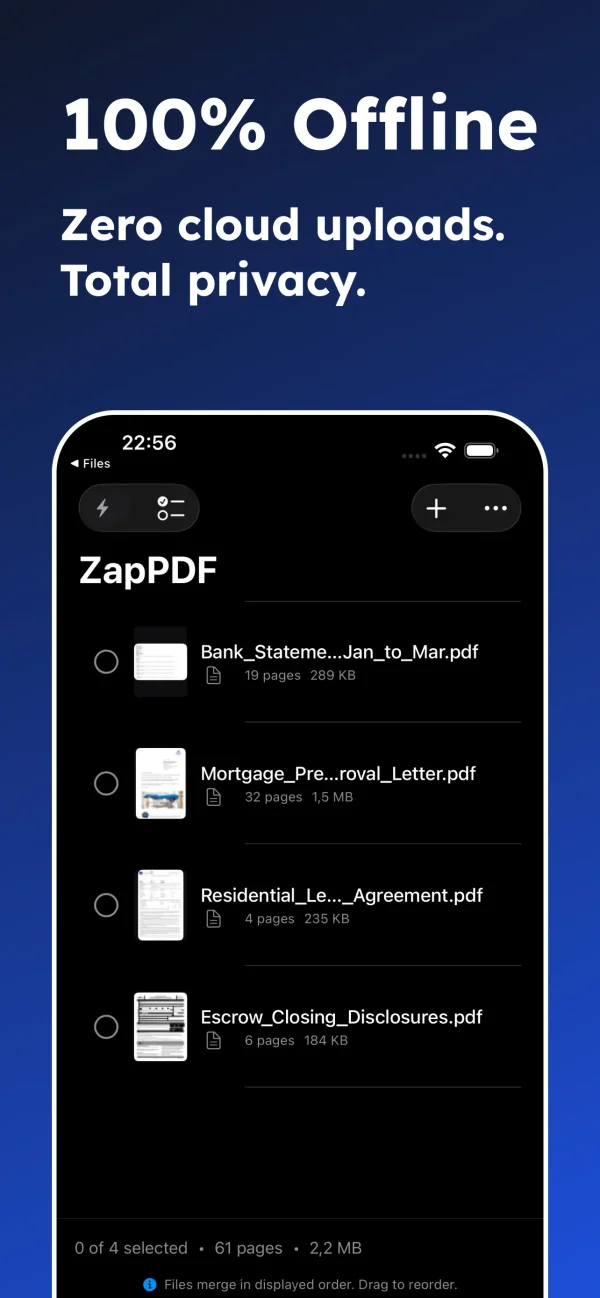
ZapPDF is the ultimate privacy-first PDF utility. Whether you are dealing with sensitive financial documents, legal forms, or heavy study materials, ZapPDF gives you the power to manage them instantly—without ever uploading your private files to a random cloud server.
100% OFFLINE & PRIVATE
All processing happens locally on your device. Zero cloud uploads. Zero data harvesting. Total peace of mind.
POWERFUL FEATURES
• Merge: Combine multiple files into one seamless document.
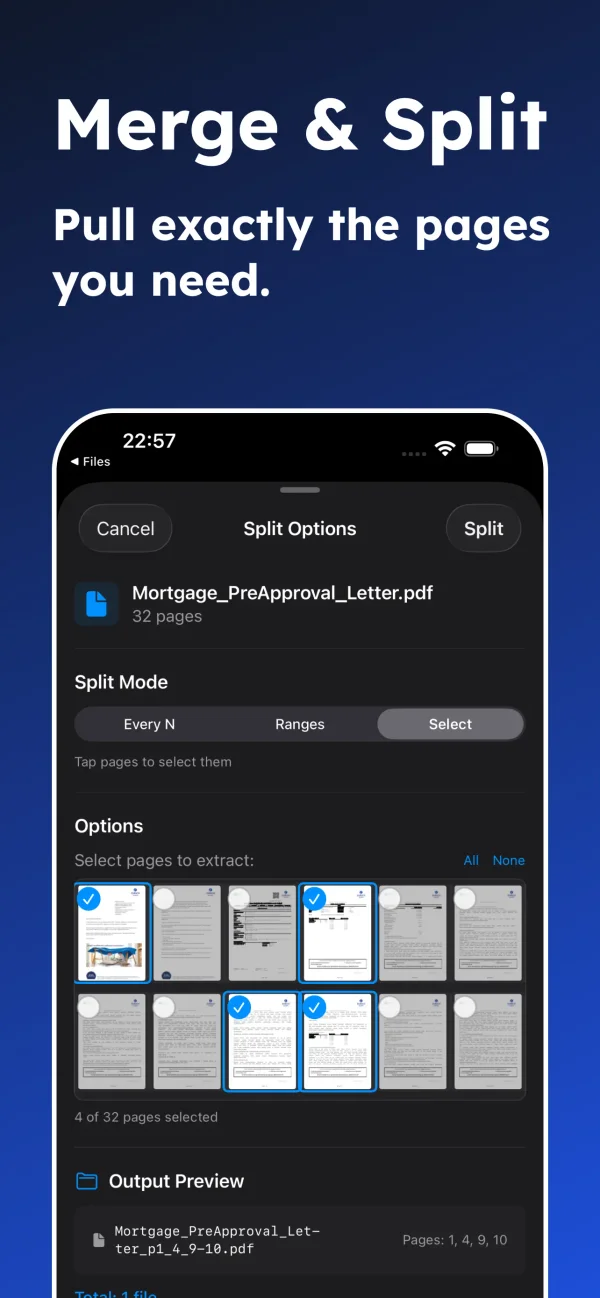
• Split: Extract specific page ranges or break a large file into individual pages.
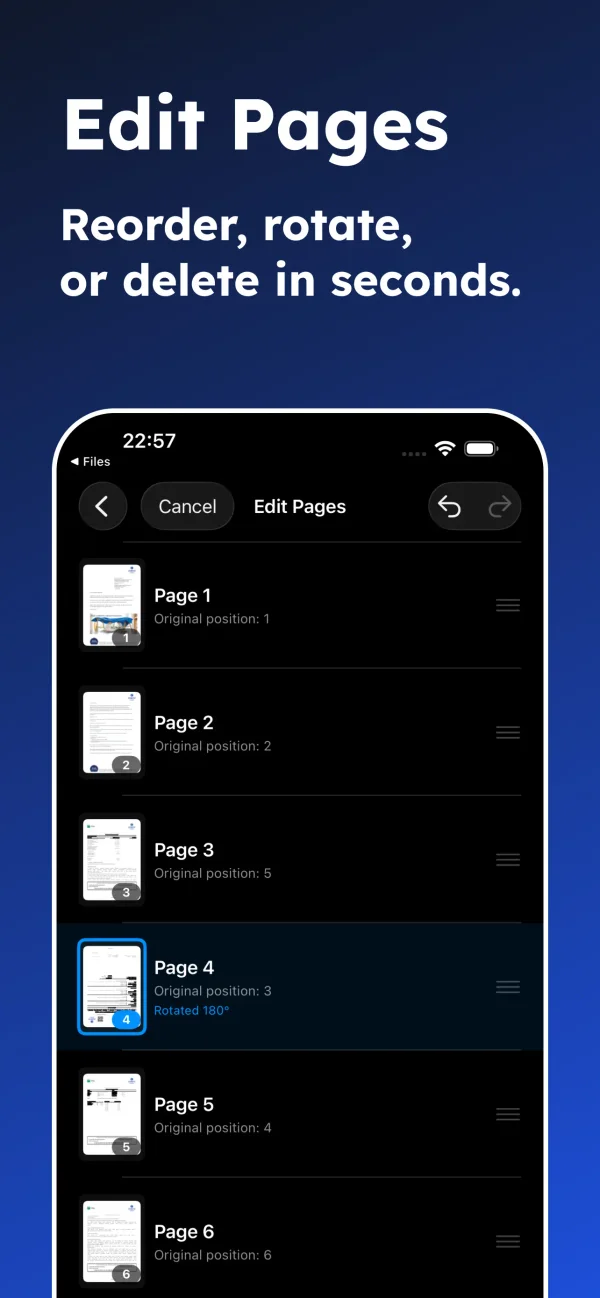
• Edit Pages: Drag to reorder, rotate, or delete pages in seconds.
• Document Scanner: Scan paper documents or import photos directly into a crisp, secure PDF.
• Flatten: Merge annotations and form fields directly into the page content to prevent further editing.
• Seamless Sharing: Open files directly from the Files app, Mail, or other apps using the iOS Share Sheet.
Terms of Use (EULA): https://www.apple.com/legal/internet-services/itunes/dev/stdeula/
Yang baru
Versi 1.3.1 · 5/11/2026
• ZapPDF now adapts to iPhone Duo and resizable iPad windows.
• A page preview sits beside your editing tools in wider windows.
• Larger text is easier to use throughout setup, PDF tools, and results, with layouts that keep content and controls within reach.
• A more compact iPhone home screen leaves more room for your files, with clearer guidance for adding PDFs and photos.
• Share suggestions or get help more easily. You can also report a problem directly from an error message or a finished result.
Privasi aplikasi
Yang dinyatakan Yasar Berker Gungor di App Store tentang cara aplikasi ini menangani data.
-
Data yang ditautkan dengan Anda
Dapat dikumpulkan dan ditautkan dengan identitas Anda.
- Pembelian
Praktik privasi dapat bervariasi, misalnya berdasarkan fitur yang Anda gunakan atau usia Anda.
Informasi
- Penjual
- Yasar Berker Gungor
- Kategori
- Kegunaan
- Versi
- 1.3.1
- Diperbarui
- 5/11/2026
- Dirilis
- 7/3/2026
- Ukuran
- 15,8 MB
- Memerlukan
- iOS 17.0 atau yang lebih baru
- Batasan usia
- 4+
- Harga
- Gratis
- Pembelian dalam aplikasi
- Ya
- Bahasa
- Inggris, Prancis, Jerman, Jepang, Tionghoa Sederhana, Spanyol, Turki
- Hak cipta
- © 2026 Yasar Berker Gungor
Mungkin Anda juga suka
-
 Split pdf into pagesKegunaan
-
 Pangi – 2FA AuthenticatorKegunaan
-
 Reader & Editor - PDFReaderKegunaan
-
 PDF Chapter SplitKegunaan
-
 Pisah PDF PageLiftEkstrak, hapus, ekspor halaman
-
 extractall: Extract PDF PagesKegunaan
-
 BandCameraKegunaan
-
 PDF Merger - Join DocumentKegunaan
-
 WellKept: Your Well On RecordKegunaan
-
 PDF Merge : Split & CombineKegunaan