+1 Timer - Multiple timers
Designed for iPhone, iPad, iPod touch
Free · In-app purchases
- Age rating4+
- CategoryProductivity
- Developernanawork
- LanguagesEnglish+ 1 more
- Size45.7 MB
Links to the official App Store page
Download.org hosts no file of +1 Timer - Multiple timers. The button opens its official App Store page, published by nanawork. Listing last checked on Nov 17, 2026.
Screenshots


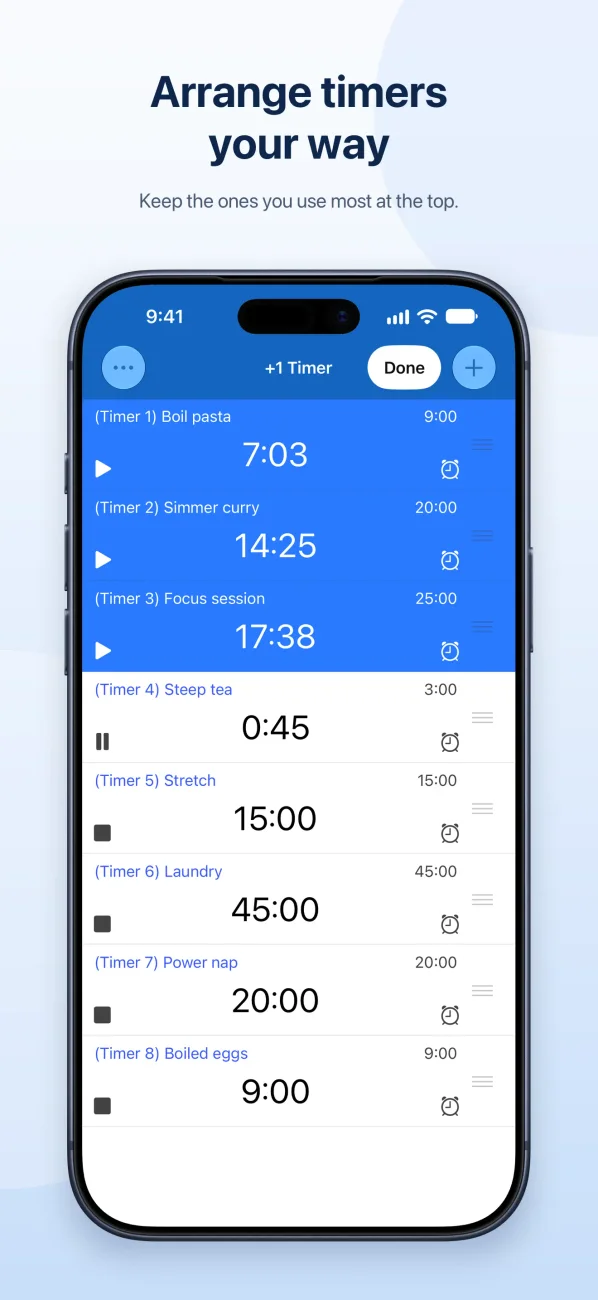
About
As many timers as you need.
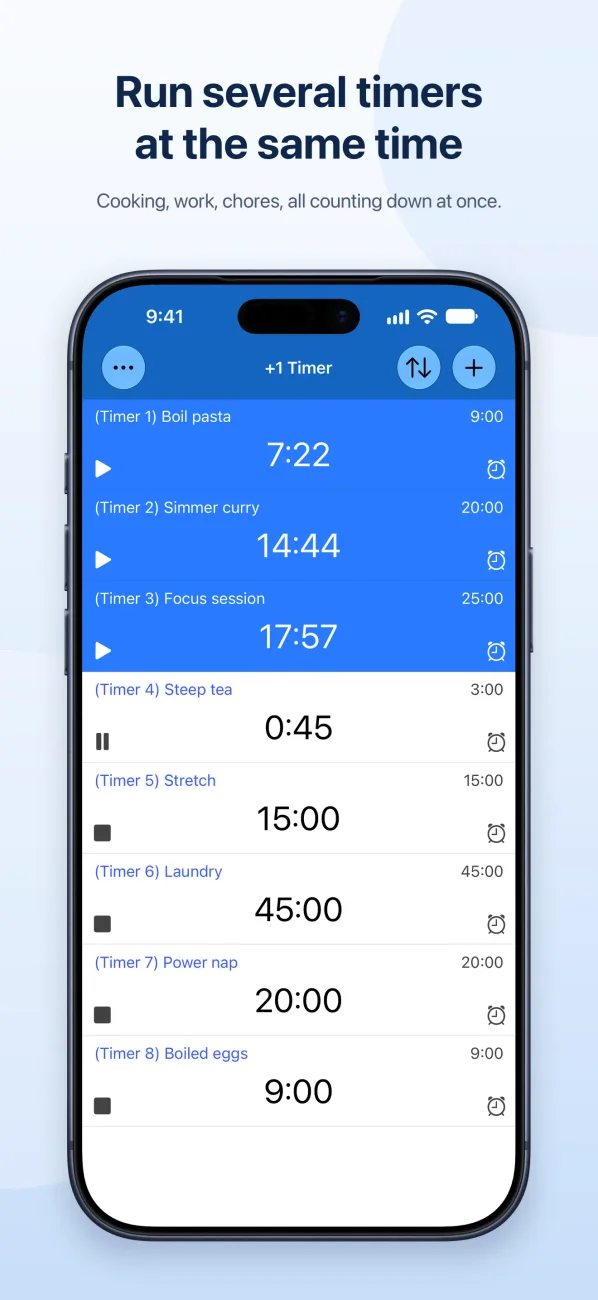
"+1 Timer" is a simple timer app that lets you manage multiple countdowns on a single screen.
It's perfect whenever you need to time several things at once: cooking, studying, workouts, work, breaks, and more.
Save a timer for each task, and you'll never have to set it up again.
[Key Features]
- Add multiple timers and start, pause, or resume each one individually
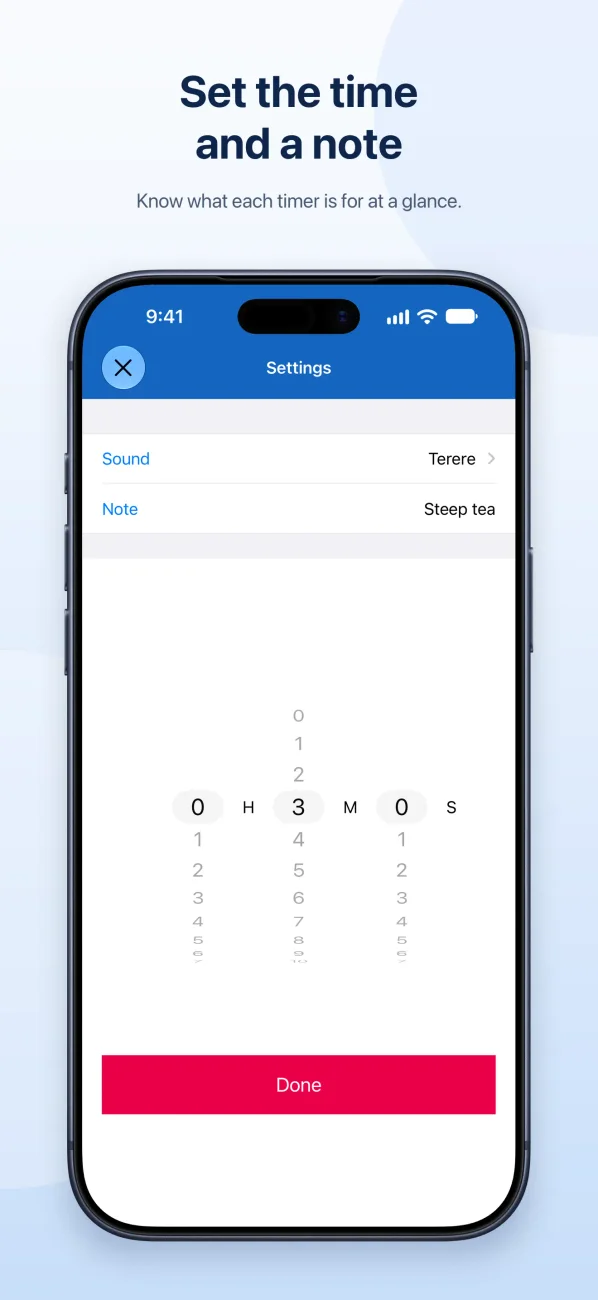
- Add a memo to each timer
- Choose from a variety of sounds for each timer
- Set vibration on iPhone
- Get a notification when a timer ends (notifications play the sound you chose for each timer)
- Reorder your timers however you like
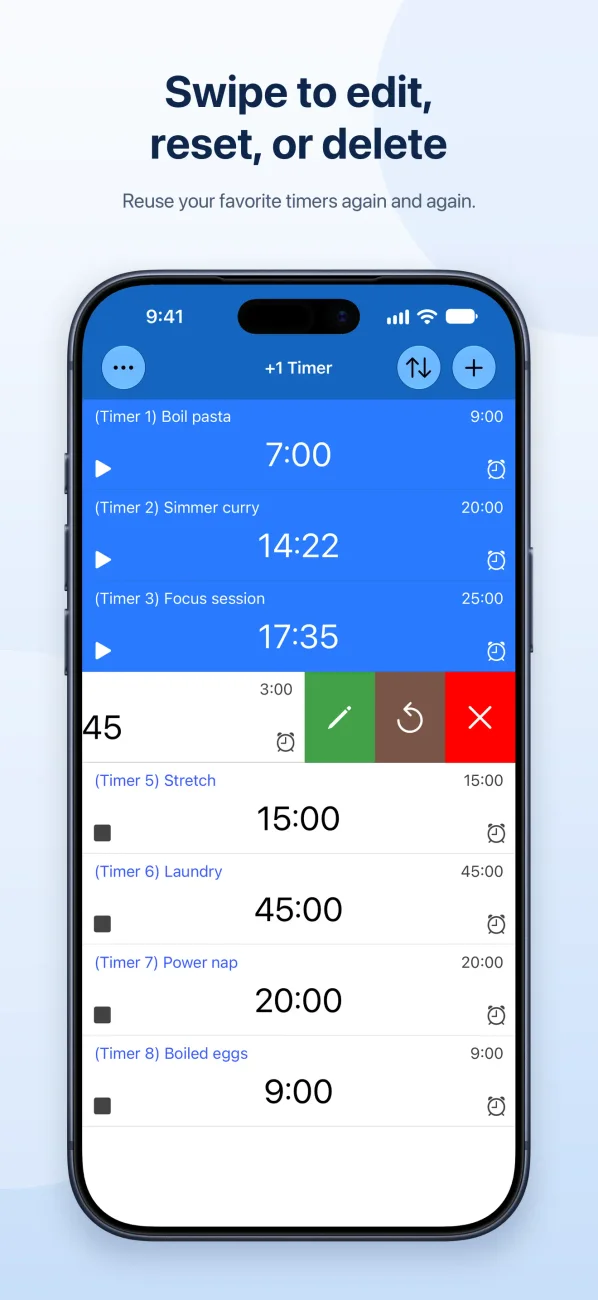
- Edit, reset, or delete timers
- Timers are saved on your device
- Option to play the end sound in Silent Mode while the app is open
- Supports Dynamic Type and VoiceOver
- Works on iPhone and iPad
[System Alarms (iOS 26 or later)]
Get alerted with system alarms when a timer ends. They sound even in Silent Mode or Focus, so you won't miss them.
While a timer is waiting on an alarm, the time remaining appears on the Lock Screen and in the Dynamic Island.
Just tap a timer in the list to quickly start or pause it.
Time the laundry while you cook.
Keep study time and breaks separate.
Set a time for each part of your workout.
"+1 Timer" makes managing all the time in your day simple.
* To be alerted when a timer ends, allow alarms or notifications. You'll be asked the first time you start a timer.
* System alarms require iOS 26 or later. On earlier versions, you'll get a regular notification.
* When system alarms are on, volume, vibration, and how long the alarm sounds follow your system settings.
What’s new
Version 1.14 · Nov 2, 2026
- System Alarms (iOS 26 or later)
Timers can now alert you with system alarms, even in Silent Mode or Focus.
While a timer is running, the time remaining also appears on the Lock Screen and in the Dynamic Island.
Turn this on or off with "Use System Alarms" in the More screen.
- Per-Timer Notification Sounds
When the app is closed, notifications now play the sound you chose for each timer.
- Reorder Timers
Use the new button at the top of the list to change the order of your timers. Your order is saved.
- Open from Control Center (iOS 26 or later)
Add "+1 Timer" to Control Center to open the app with a single tap.
- More Screen Improvements
- Timer end settings are now grouped in one section
- A new "Alerts and Permissions" section at the top shows your permission status at a glance
- Permission for alarms and notifications is now requested when you start a timer, not at launch
- Other
- Bug fixes and performance improvements
App privacy
What nanawork declares on the App Store about how this app handles data.
-
Data used to track you
May be used to track you across apps and websites owned by other companies.
- Usage data
-
Data not linked to you
May be collected but is not linked to your identity.
- Usage data
Privacy practices may vary, for example with the features you use or your age.
Information
- Seller
- TOMOHIRO NANJO
- Category
- Productivity
- Version
- 1.14
- Updated
- Nov 2, 2026
- Released
- Jun 16, 2016
- Size
- 45.7 MB
- Requires
- iOS 15.0 or later
- Age rating
- 4+
- Price
- Free
- In-app purchases
- Yes
- Languages
- English, Japanese
- Copyright
- © nanawork
You might also like
-
 Chronoplan TimerTimers that work together
-
 Stopwatch - Multiple StopwatchYour Personal Time Tracker
-
 MultipleTimers+Runs simultaneously
-
 MultiTimer - Timer & StopwatchMultiple Timers & Stopwatches
-
 Timers - Multiple TimerEasy multitasking
-
 Timers – HIIT & Interval TimerMulti Timer for Study & Tabata
-
 Multiple Stopwatches & LapsFolders, notes & CSV export
-
 Timer MachineThe Best Work & Break Timer
-
 Focus On : ADHD Habit TrackerDaily Routine & Pomodoro Timer
-
 Visual Countdown Timer LiquidHourglass for Focus Deep Study