
Multiple Stopwatches & Laps
Folders, notes & CSV export
Designed for iPhone, iPad, iPod touch
Free · In-app purchases
- Age rating4+
- CategoryProductivity
- DeveloperRoman Kotov
- LanguagesEnglish+ 6 more
- Size11.8 MB
Links to the official App Store page
Download.org hosts no file of Multiple Stopwatches & Laps. The button opens its official App Store page, published by Roman Kotov. Listing last checked on Nov 24, 2026.
Screenshots


About
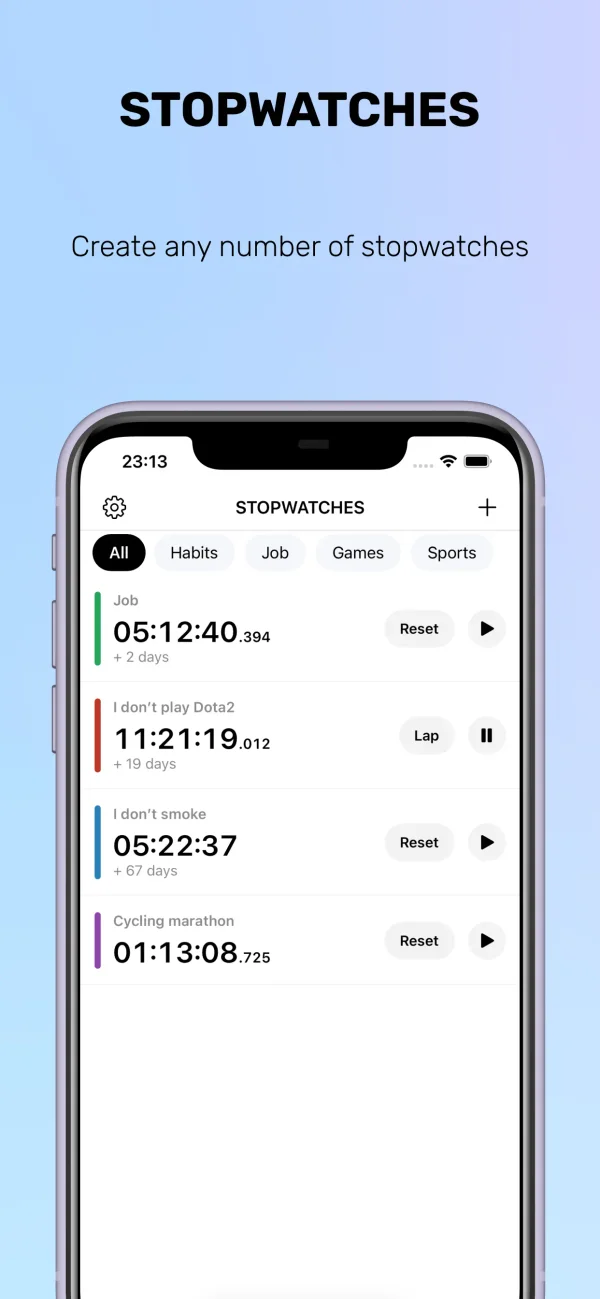
Run multiple stopwatches at once. Keep separate times for training, work or everyday tasks, then save and share your results.
MULTIPLE STOPWATCHES
• Run unlimited stopwatches simultaneously
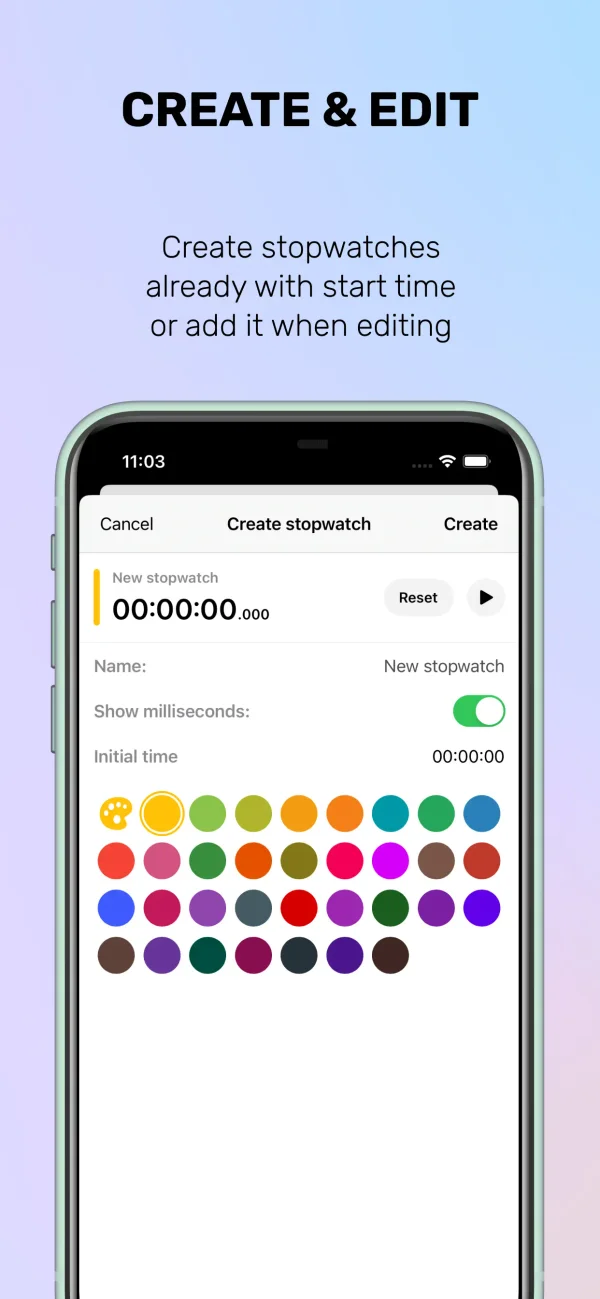
• Give each stopwatch a name and color, and drag to reorder
• Choose single-stopwatch mode to stop the others when you start one
• Show or hide milliseconds for each stopwatch
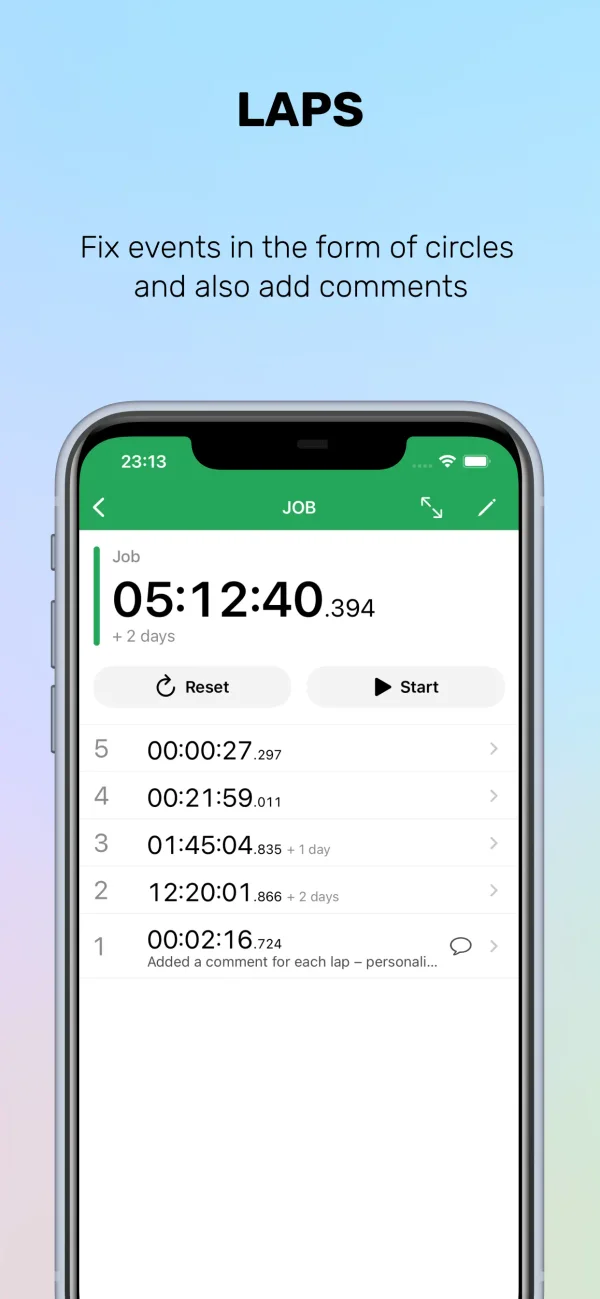
LAPS + NOTES
• Record lap and split times, and add a comment to any lap
• Edit a completed lap's duration; the total time updates automatically
• Undo the last duration edit
• Compare the fastest and slowest laps in a summary above the list once you have at least two completed laps
• Delete a lap or merge its time into the current lap
FOLDERS + BULK ACTIONS
• Group stopwatches into folders for work, training or other activities
• Start, stop or reset all stopwatches in a folder
• Switch between folders from the main screen
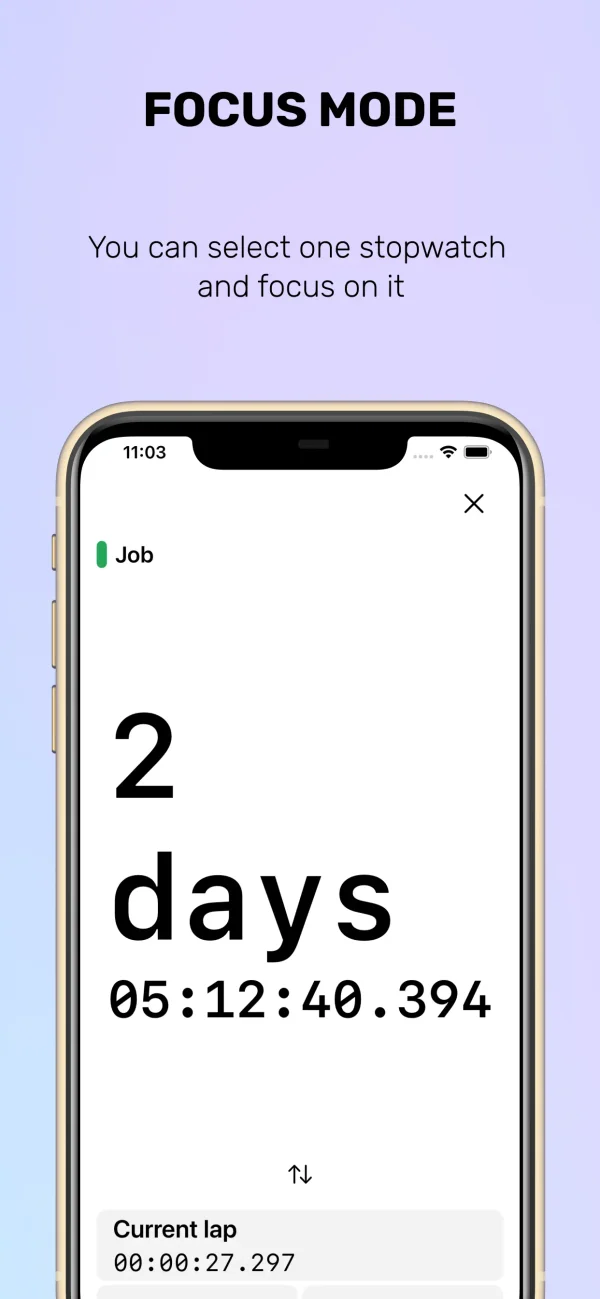
FOCUS MODE
• Read the time in a full-screen view with large numbers
• Start, stop, record laps and reset from the same screen
EXPORT + BACKUP
• Export CSV files for Excel, Numbers or Google Sheets
• Share results as a PDF report or an image
• Open export directly from a stopwatch or choose several from settings
• Back up, restore and transfer selected stopwatches using a file
SIRI SHORTCUTS
• Create, start, and stop stopwatches by voice
• Build automations in the Shortcuts app
CUSTOMIZATION
• Choose preset or custom colors and a compact or regular layout
• Change the app icon and use dark mode
• Follow your system text size with Dynamic Type
IPHONE & IPAD
• Layouts adapt to the window size, with the list and selected stopwatch side by side when space allows
What’s new
Version 3.35 · Nov 16, 2026
Keep your stopwatches in view with Live Activities on the Lock Screen and, on supported iPhones, in Dynamic Island. Choose one large stopwatch or your three most recent, and pin a stopwatch in settings for the single view. Available from iOS 16.2 and iPadOS 17.
• Fixed text contrast in exported PDF and PNG reports when using dark mode.
App privacy
What Roman Kotov declares on the App Store about how this app handles data.
-
Data used to track you
May be used to track you across apps and websites owned by other companies.
- Identifiers
- Usage data
-
Data not linked to you
May be collected but is not linked to your identity.
- User content
- Identifiers
- Usage data
- Diagnostics
Privacy practices may vary, for example with the features you use or your age.
Information
- Seller
- Roman Kotov
- Category
- Productivity
- Version
- 3.35
- Updated
- Nov 16, 2026
- Released
- Oct 10, 2014
- Size
- 11.8 MB
- Requires
- iOS 15.6 or later
- Age rating
- 4+
- Price
- Free
- In-app purchases
- Yes
- Languages
- English, Arabic, French, German, Japanese, Korean, Russian
- Copyright
- © 2026, Roman Kotov
You might also like
-
 MultiTimer - Timer & StopwatchMultiple Timers & Stopwatches
-
 MultipleTimers+Runs simultaneously
-
 Timers - Multiple TimerEasy multitasking
-
 Timer - Stopwatch timerCountdown timers
-
 Stopwatch - Multiple StopwatchYour Personal Time Tracker
-
 Flip Timer & stopwatchUse for fitness,workout,study
-
 Interval Timer for TasksMulti Timer, Alarm & Countdown
-
 Focus On : ADHD Habit TrackerDaily Routine & Pomodoro Timer
-
 Chronoplan TimerTimers that work together
-
 Timer MachineThe Best Work & Break Timer