2Do: To Do List, Tasks & Notes
Daily Planner, Reminders & GTD
Designed for iPad
$19.99
- Age rating4+
- CategoryProductivity
- DeveloperBeehive Innovations Services
- LanguagesEnglish+ 17 more
- Size168.5 MB
Links to the official App Store page
Download.org hosts no file of 2Do: To Do List, Tasks & Notes. The button opens its official App Store page, published by Beehive Innovations Services. Listing last checked on Nov 22, 2026.
Screenshots



About
2Do is a to-do list, task manager and daily planner for iPad. Organize work, home and study with checklists, projects, notes and reminders.
2Do for iPhone and Mac are sold separately.
CAPTURE IT ALL
• Type naturally. 2Do recognizes dates, times, repeats, alerts, durations, priorities, tags, lists and saved locations as you type.
• Hold [+] for Quick Add and enter one task after another.
• Capture with Siri, Shortcuts, widgets and Control Center. Turn shared text, links, photos or videos into tasks.
• Email tasks to your private Mail to 2Do address, or send a numbered list to create a checklist.
• Collect ideas in the GTD Inbox and organize them later.
SIMPLE TASKS, CHECKLISTS & PROJECTS
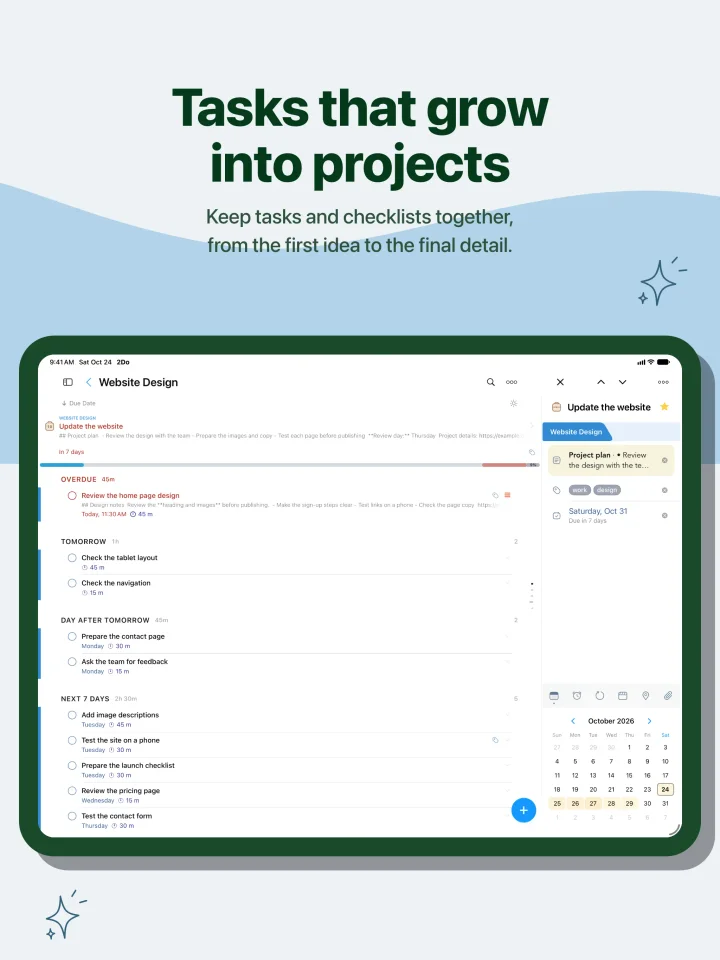
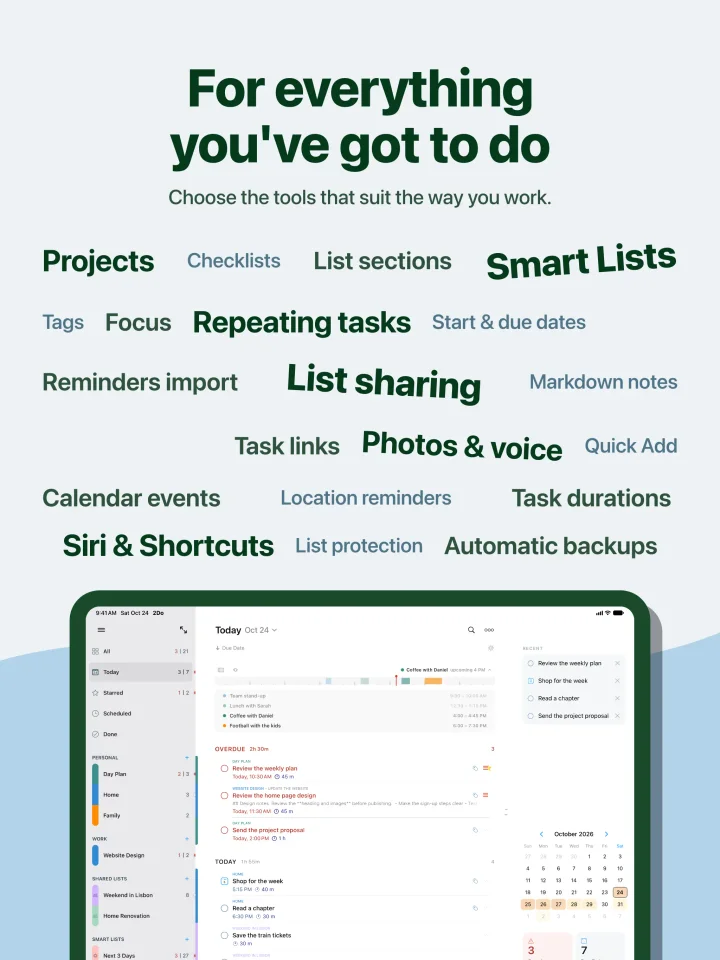
• Create tasks, checklists and projects with sub-tasks. Add notes, images, voice recordings and multiple alarms.
• Write notes with live Markdown formatting and keep useful links with your tasks.
• Set flexible repeats, start dates and durations. Call, email or open a link from a task.
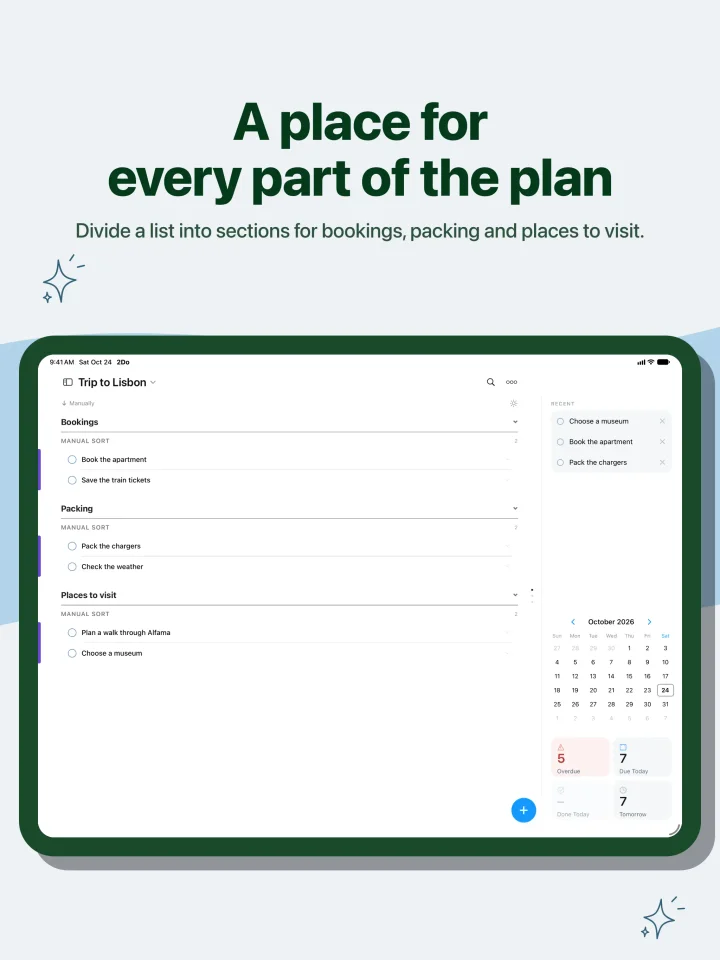
• Arrange tasks in named sections within a list.
LIST GROUPS, LISTS & SMART LISTS
• Organize your lists in groups, alongside built-in views for upcoming, starred and scheduled tasks.
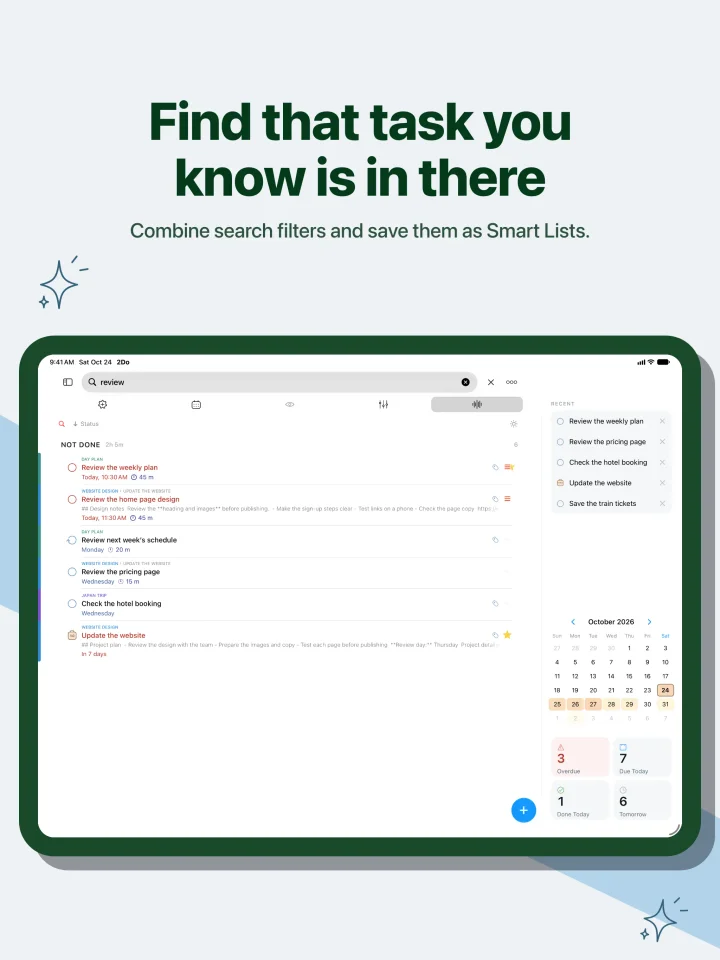
• Save searches as reusable Smart Lists. Search titles, notes, tags and dates, with sounds-like matching when needed.
• Filter by date, priority, status or tags. Each list remembers its sort order and Focus settings.
PROJECT VIEW
• Open a project to see just that project and its sub-tasks. Set its sort order independently of the list around it.
TAGS
• Organize tags in groups and tap a tag to filter tasks.
• Combine tags with Smart Lists for the tasks you return to often. Pause a tag to hide its tasks until you resume it.
LOCATIONS
• Create and assign locations, find nearby tasks on a map and build location-based Smart Lists.
• Get a reminder when you arrive, with location access enabled.
SYNC, YOUR WAY
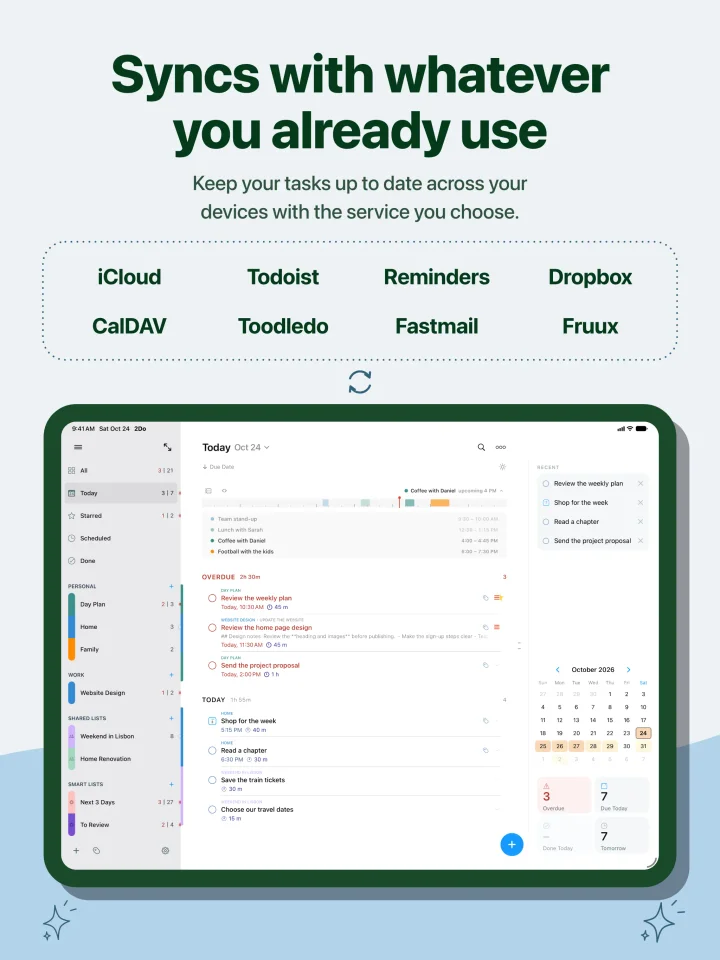
• Sync with Apple Reminders, Dropbox, Todoist, Toodledo, iCloud, Fastmail, Fruux, Yahoo or a CalDAV server you trust.
• Keep tasks in Apple Reminders across your devices and capture them with Siri.
• Merge work from different devices or exclude private lists from sync.
COLLABORATE
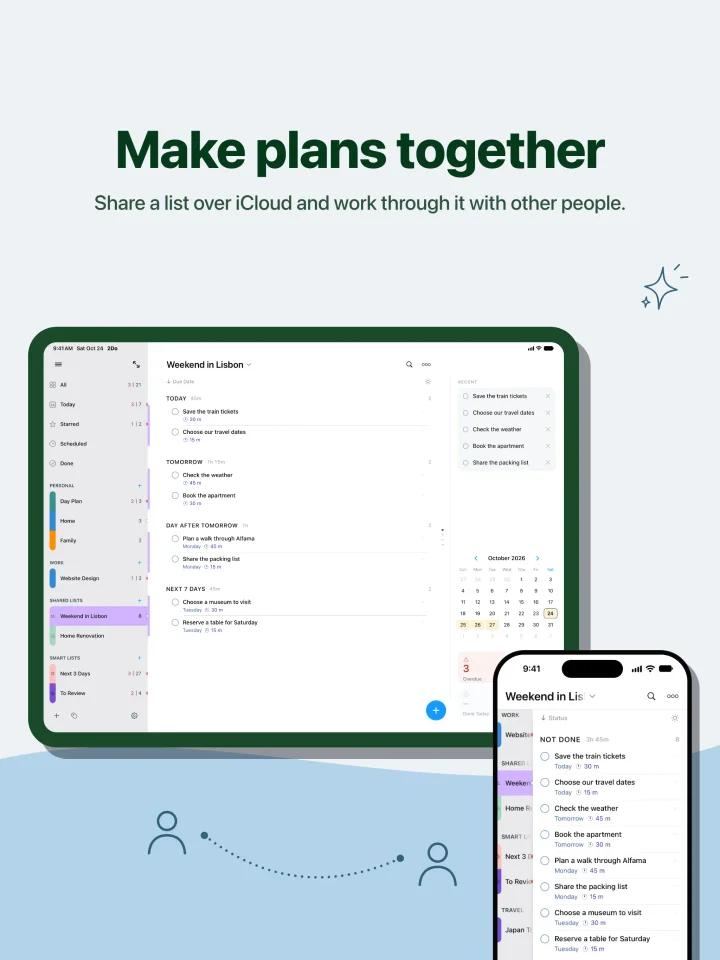
• Share lists and work together over local Wi-Fi without a cloud service.
• Share read-only or editable lists over iCloud with others using compatible versions of 2Do.
FIND AND FOCUS
• Jump to any task or list with Quick Open.
• Select several tasks to schedule, defer, tag, move or edit them together.
ALARMS & YOUR DAY
• Set multiple alarms, automatic reminders and repeating alerts.
• Use full-screen alarms on supported devices with iOS or iPadOS 26.1 or later.
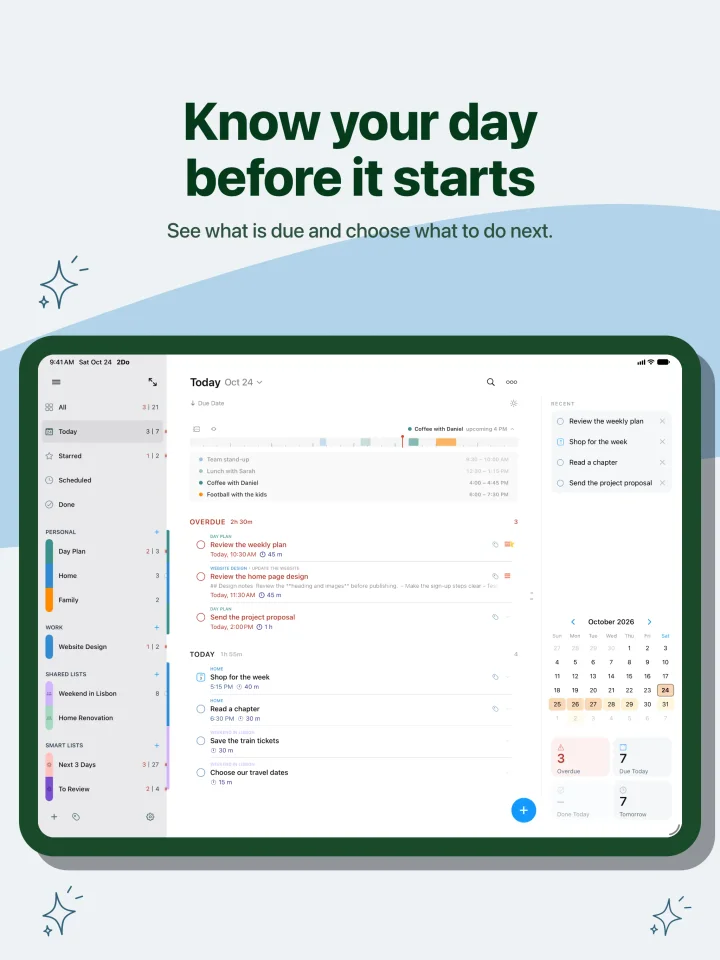
• See calendar events and the day timeline above your tasks to plan around appointments.
MADE FOR IPAD
• Keep lists, tasks, the editor and utility panels in view. The editor follows your selection.
• Open a second window and drag tasks between windows. Use Split View, Slide Over, keyboard shortcuts and the iPadOS menu bar.
PASSWORDS & BACKUPS
• Lock individual lists or the whole app.
• Keep automatic backups, save and restore external backups, or restore a single list. Move backups between 2Do on iOS and Mac.
AWARDS
• Apple - Best of 2013 Mac App Store
• MacStories - App of the Year 2015 iOS
• Cult of Mac - Best Task Manager for iOS
What’s new
Version 4.3.6 · Nov 14, 2026
· [NEW] New 2Do for Web lets you view, add and edit your iCloud tasks in a browser; see Settings to see eligibility and to learn more
· [NEW] New option automatically completes projects and checklists when you finish their last sub-task
· [NEW] New wide iPad List widget shows tasks in two columns with section headings and descriptions
· [NEW] New Due Today + Overdue badge option counts tasks due today and overdue tasks together
· [NEW] New option hides recently used lists from list pickers
· Improved list, tag and location searches to show existing matches first and select them with Return
· Improved task completion so the editor stays open and task selection stays in place
· List edits now save only when confirmed, allowing you to cancel unwanted changes
· Improved iCloud sync reliability when refreshing tasks, notes, reminders and attachments
· Fixed task creation through Shortcuts and URL actions
App privacy
What Beehive Innovations Services declares on the App Store about how this app handles data.
-
Data not linked to you
May be collected but is not linked to your identity.
- Diagnostics
Privacy practices may vary, for example with the features you use or your age.
Information
- Seller
- Beehive Innovations Services
- Category
- Productivity
- Version
- 4.3.6
- Updated
- Nov 14, 2026
- Released
- Sep 7, 2026
- Size
- 168.5 MB
- Requires
- iOS 18.6 or later
- Age rating
- 4+
- Price
- $19.99
- Languages
- English, Arabic, Catalan, Czech, Dutch, French, German, Italian, Japanese, Korean, Norwegian Bokmål, Polish + 6 more
- Copyright
- © 2009+ Beehive Innovations. All rights reserved.
You might also like
-
 Kan Do: Project ManagementProductivity
-
 OmniOutliner 6Your thoughts, in order.
-
 DEVONthink To Go 4Document & Information Manager
-
 Parchment: Agenda & Daily NoteStay Organized Stay Productive
-
 BusyCal: Calendar & TasksPlanner, Agenda & Reminders
-
 Toodledo (Next Generation) AppPowerful Productivity Tool
-
 TypeDrawYour new Notebook
-
 SimpleMind Pro - Mind MappingCapture your ideas and notes
-
 TaskForge: Obsidian TasksMarkdown To-Do List & Widgets
-
 Focused Work - Pomodoro TimerTime Management, Focus & ADHD