2FA Codes: Authenticator Vault
Password Manager & Generator
Designed for iPhone
Free · In-app purchases
- Age rating4+
- CategoryUtilities
- DeveloperArtsiom Khaliliayeu
- LanguagesEnglish+ 13 more
- Size16.0 MB
Links to the official App Store page
Download.org hosts no file of 2FA Codes: Authenticator Vault. The button opens its official App Store page, published by Artsiom Khaliliayeu. Listing last checked on Nov 12, 2026.
Screenshots

About
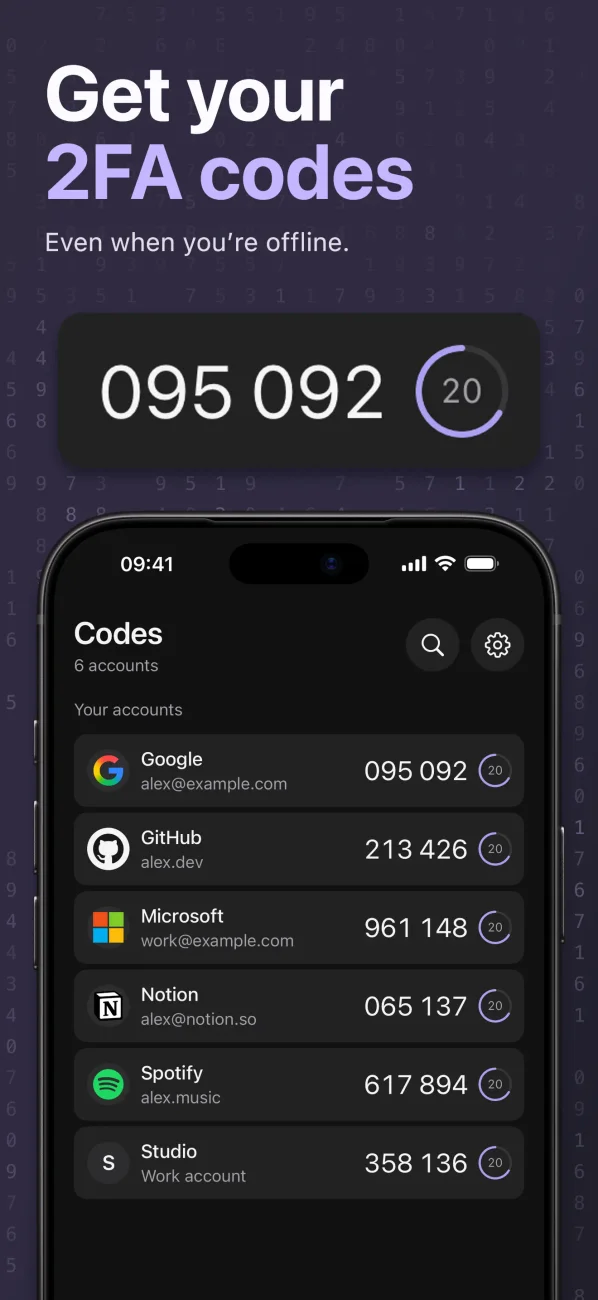
Your 2FA codes and passwords, together on your iPhone. Get verification codes even offline, find a saved password, and get on with your day. No sign-up required.
2FA CODES, READY WHEN YOU NEED THEM
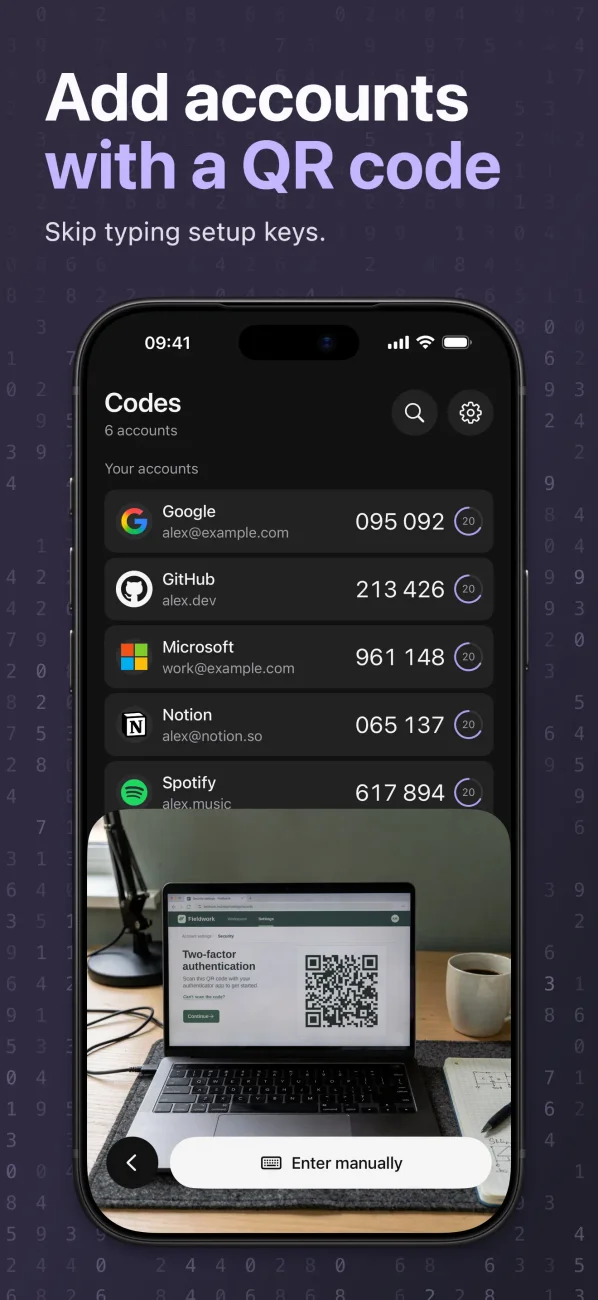
Scan a setup QR code or enter a secret key to add an account. Generate time-based, one-time codes for services that support TOTP authentication. Once set up, your codes work without an internet connection.
PASSWORDS, EASY TO FIND
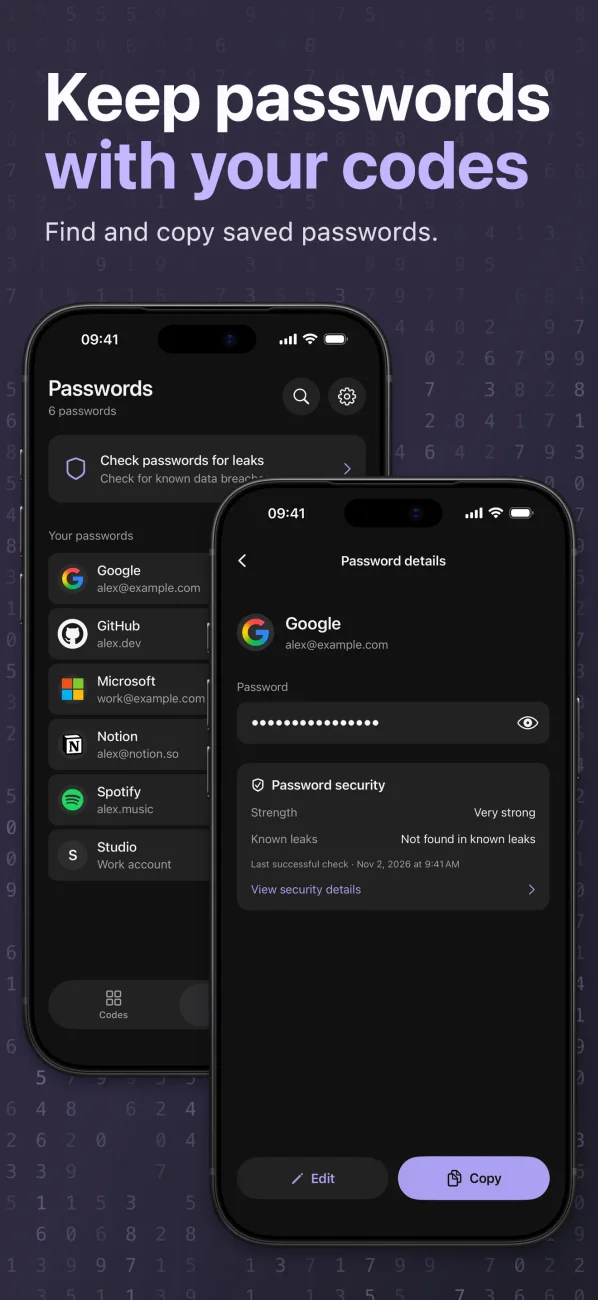
Keep logins organized by service and account. Search your saved entries, reveal a password when you need it, and copy it with a tap.
CREATE STRONGER PASSWORDS
Generate random passwords from 8 to 64 characters. Choose uppercase and lowercase letters, numbers and symbols, and see a strength estimate before saving.
KEEP YOUR VAULT PRIVATE
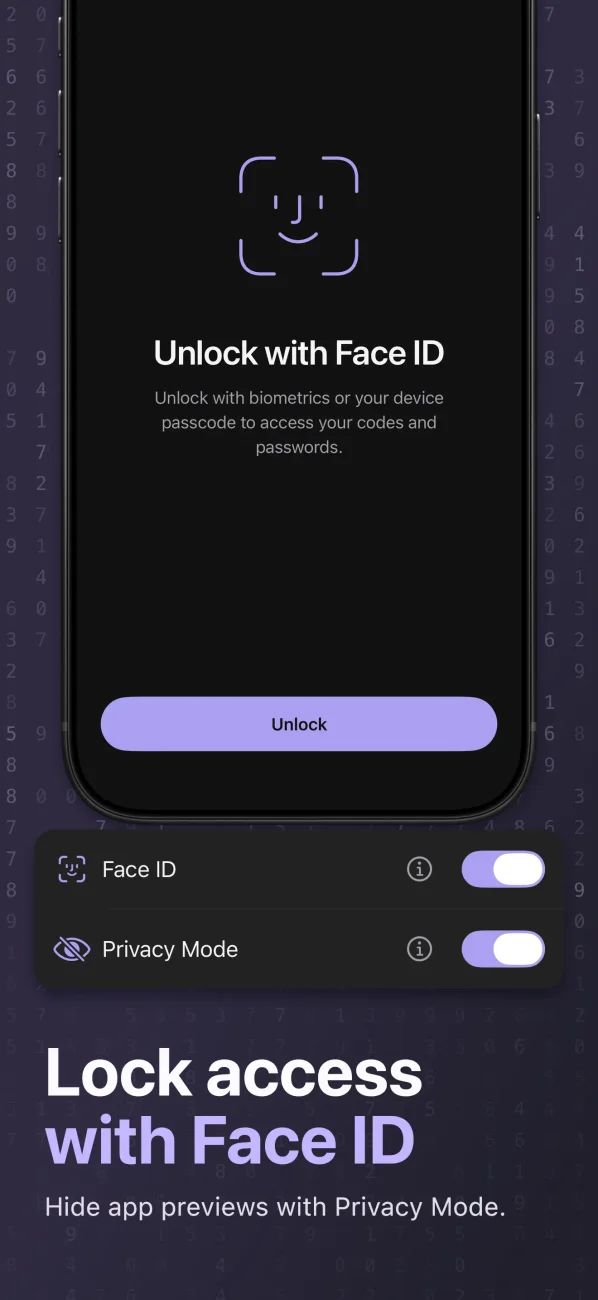
Your saved passwords and 2FA secrets are stored locally in your iPhone's Keychain. Enable Face ID or Touch ID to lock the app. Privacy Mode hides sensitive content in the app switcher.
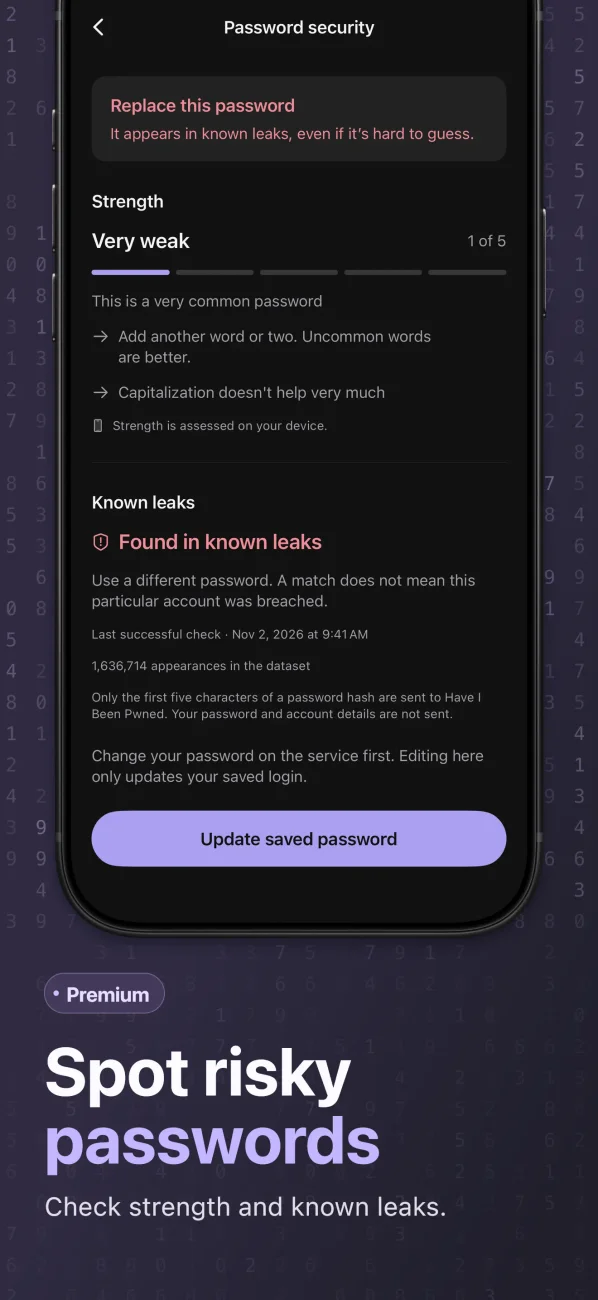
CHECK PASSWORD SECURITY WITH PREMIUM
See how strong a saved password is and check it against known lists of breached passwords. Breach checks require an internet connection and run without sending your actual password to the checking service.
START WITH THE ESSENTIALS
Store one 2FA account and one password for free, and use the password generator. Upgrade to Premium for unlimited 2FA accounts and passwords, plus password strength reports and breach checks.
Make your next login simpler. Add your first account today.
SUBSCRIPTION INFORMATION
Premium is available through monthly and yearly auto-renewing subscriptions. Payment is charged to your Apple Account at confirmation of purchase. Subscriptions renew automatically unless canceled at least 24 hours before the end of the current period. Manage or cancel your subscription in your App Store account settings.
Terms of Use: https://www.apple.com/legal/internet-services/itunes/dev/stdeula/
Privacy Policy: https://drive.google.com/file/d/16C7484kECAZkYGn_l5vD3_Txbf5Wo0mP/view?usp=sharing
Support: https://support-url-generator.com/2fapasswordscodes
What’s new
Version 1.2 · Nov 8, 2026
New onboarding experience and bug fixes.
App privacy
What Artsiom Khaliliayeu declares on the App Store about how this app handles data.
-
Data not collected
The developer does not collect any data from this app.
Privacy practices may vary, for example with the features you use or your age.
Information
- Seller
- Artsiom Khaliliayeu
- Category
- Utilities
- Version
- 1.2
- Updated
- Nov 8, 2026
- Released
- Oct 7, 2026
- Size
- 16.0 MB
- Requires
- iOS 18.0 or later
- Age rating
- 4+
- Price
- Free
- In-app purchases
- Yes
- Languages
- English, French, German, Italian, Japanese, Korean, Polish, Portuguese, Russian, Simplified Chinese, Spanish, Traditional Chinese + 2 more
- Copyright
- © 2026 Artem Khalilyaev
You might also like
-
 TidyHalo: Phone Photo CleanupClean Photos, Save Space
-
 ShroomSnapUtilities
-
 BTMSR - POSTECHBluetooth MSR card utility
-
 BugSnap - Insect IdentifierUtilities
-
 Vaultory Authenticator 2FA AppTwo-Factor OTP & MFA Generator
-
 Authenticator App: 2FA & MFA.Two Factor Authentication OTP
-
 Tabs Saver for SafariSave, restore & bookmark tabs
-
 SpamJam: Spam Text BlockerFilter junk texts, block scams
-
 iCleaner Guru: Clean Up iPhoneDelete duplicate iPhone photos
-
 SmartType AI Keyboard WriterAI Writer Content Generator