- Age rating4+
- CategoryGraphics & Design
- DeveloperViktoriia Samoilova
- LanguagesEnglish
- Size6.2 MB
Links to the official App Store page
Download.org hosts no file of 3D Object Easy. The button opens its official App Store page, published by Viktoriia Samoilova. Listing last checked on Nov 15, 2026.
Screenshots
About
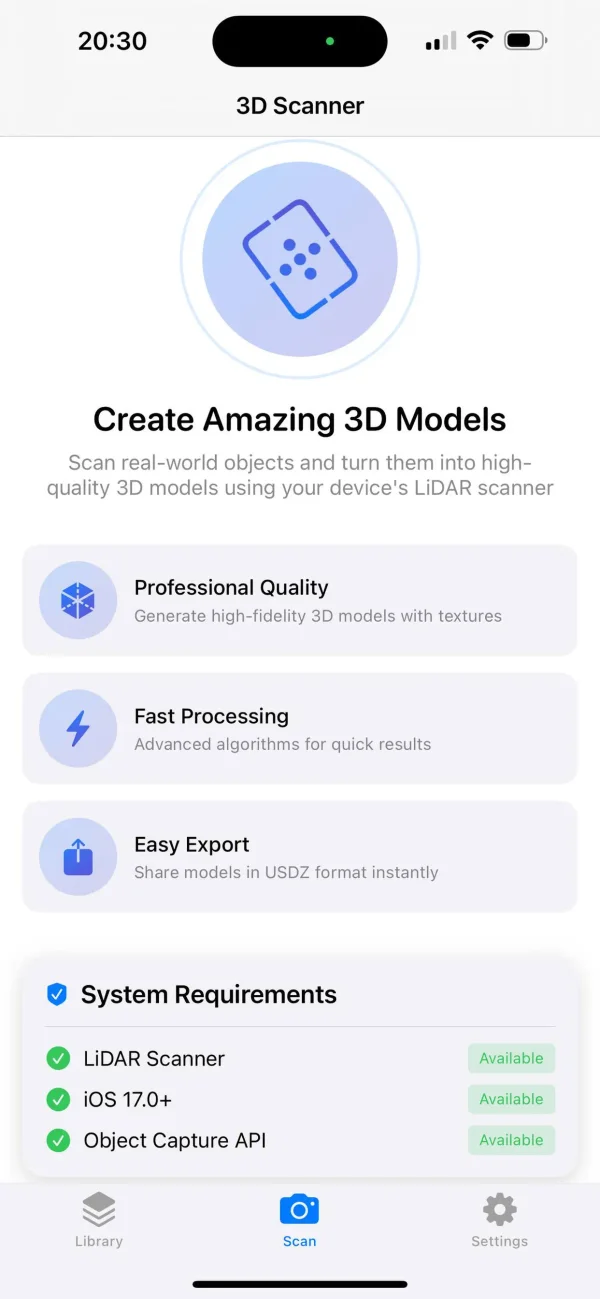
3D Object Easy is a powerful yet simple 3D scanning app that transforms real-world objects into high-quality 3D models using your iPhone's advanced camera system and LiDAR scanner.
KEY FEATURES
Professional 3D Scanning
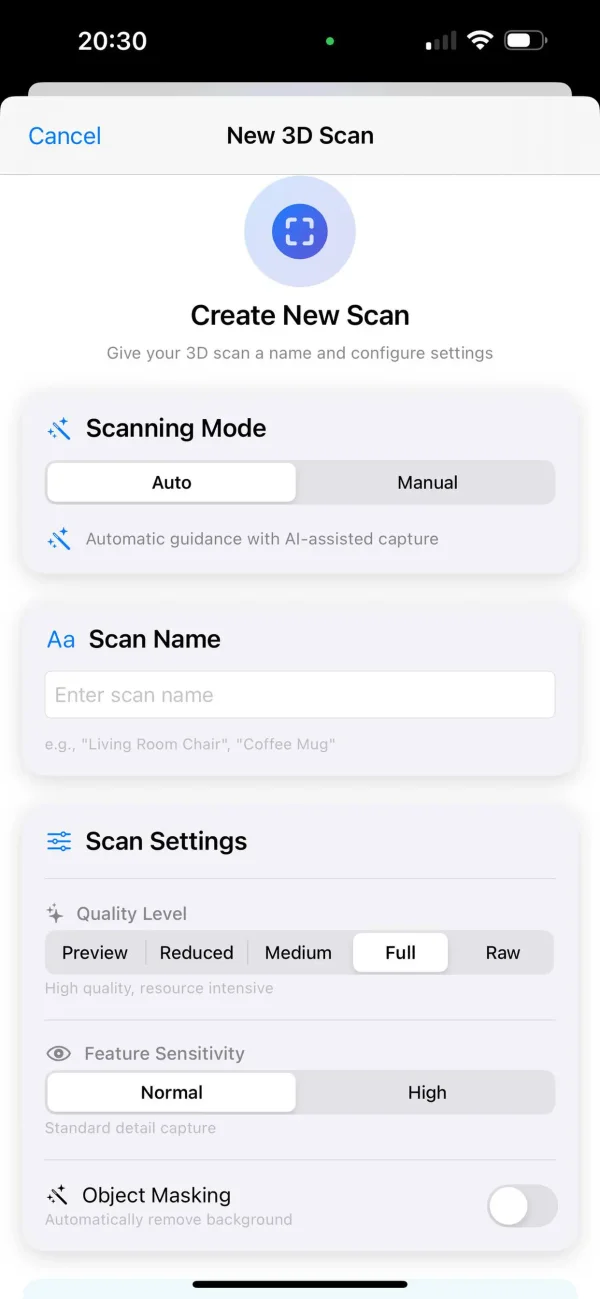
- Automatic scanning mode with AI-guided capture
- Manual scanning mode for complete control
- Real-time visual feedback and guidance
- Smart photo capture based on lighting and movement
- High-quality texture mapping
Advanced Technology
- Powered by Apple's RealityKit Object Capture
- LiDAR depth sensing for accurate geometry
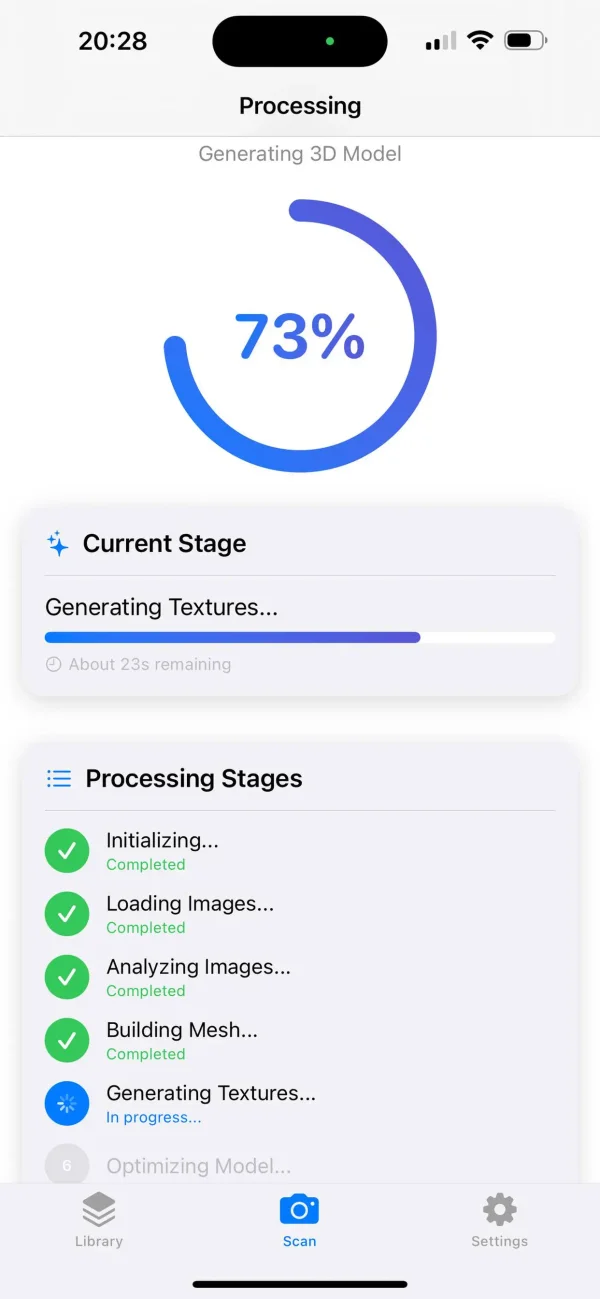
- Photogrammetry processing for realistic textures
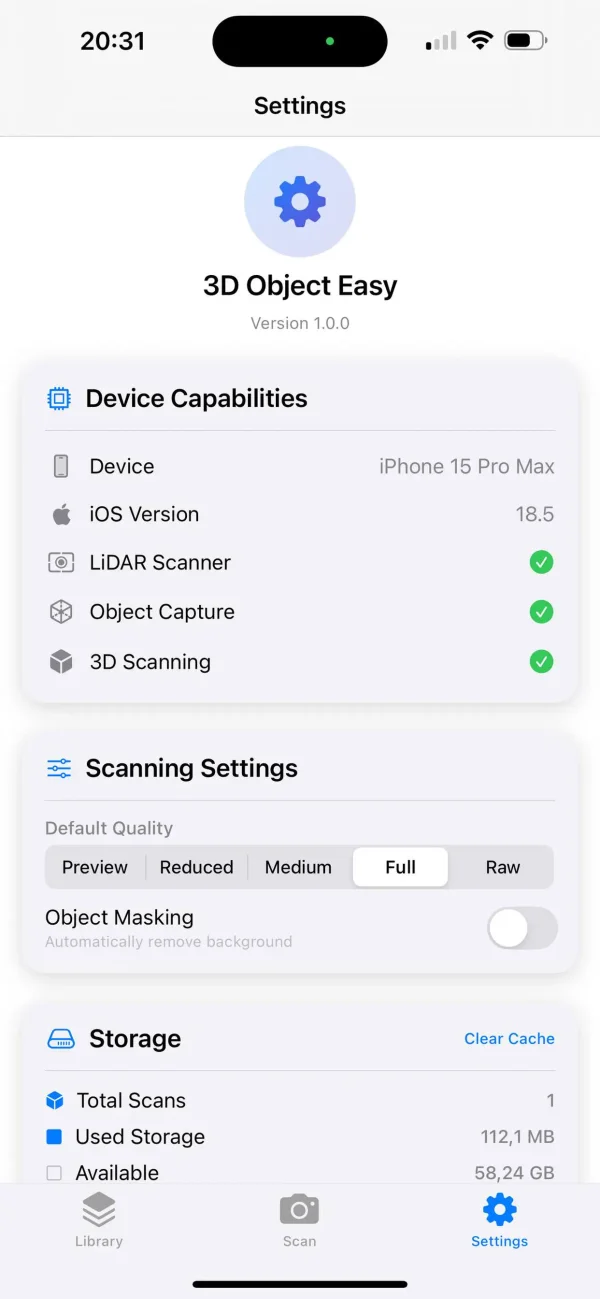
- Multiple quality levels from preview to maximum resolution
- Automatic background removal
Easy to Use
- Intuitive interface with step-by-step guidance
- Choose between Auto and Manual scanning modes
- Visual indicators show optimal capture positions
- Progress tracking with photo counter
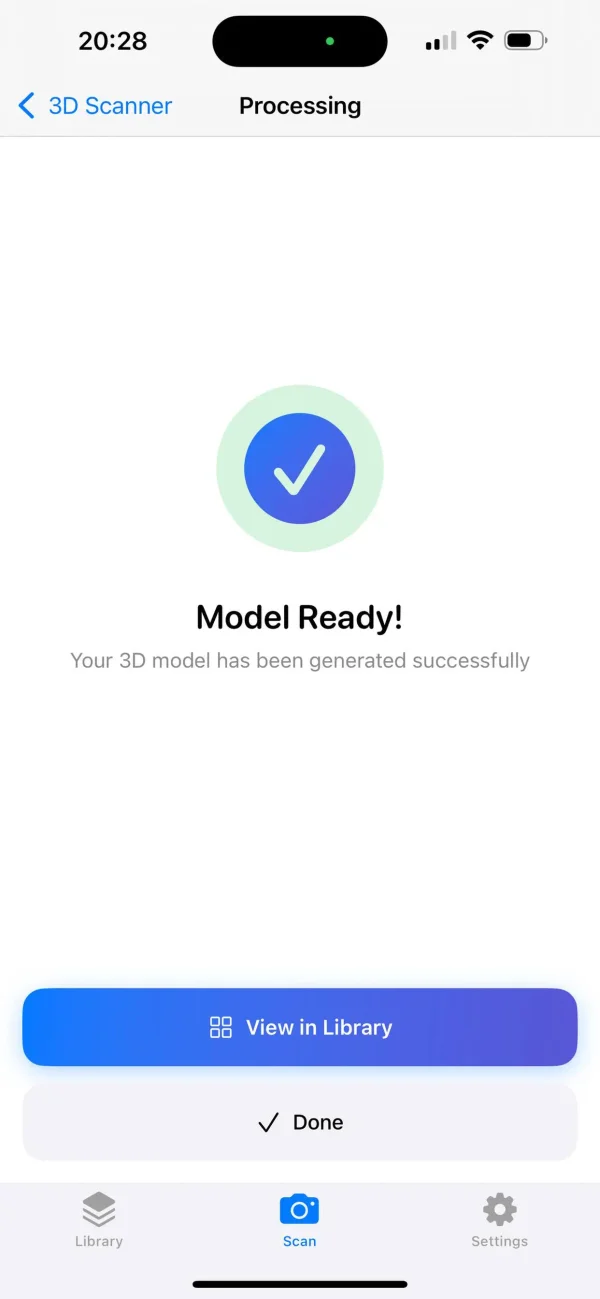
- One-tap model generation
Model Management
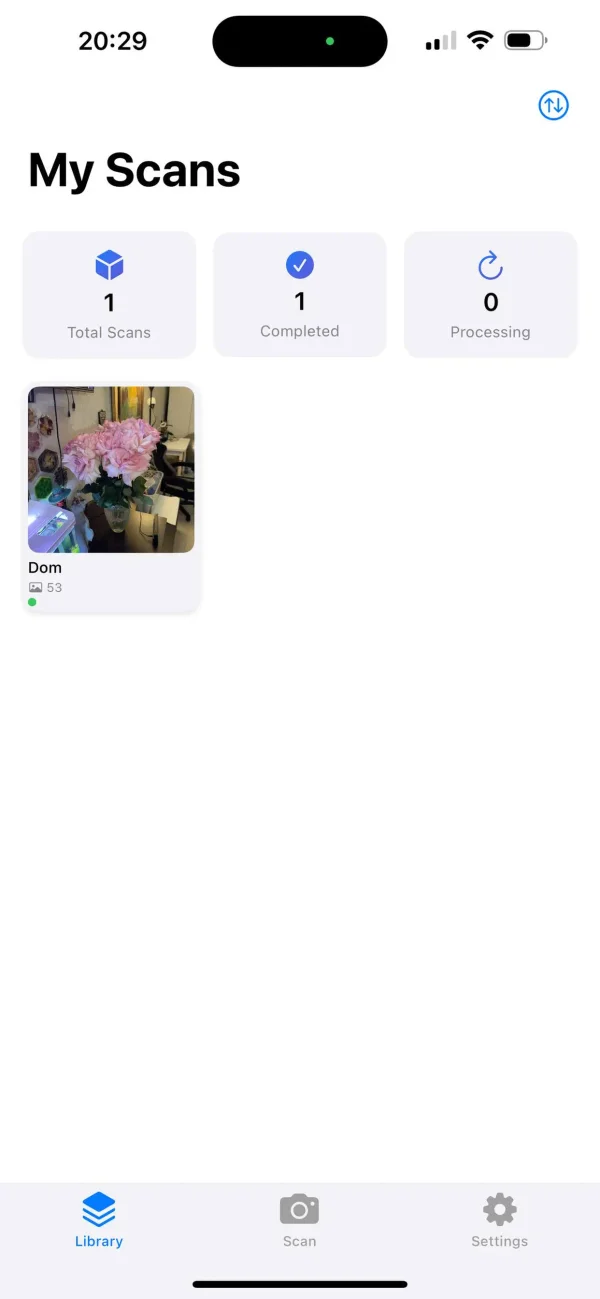
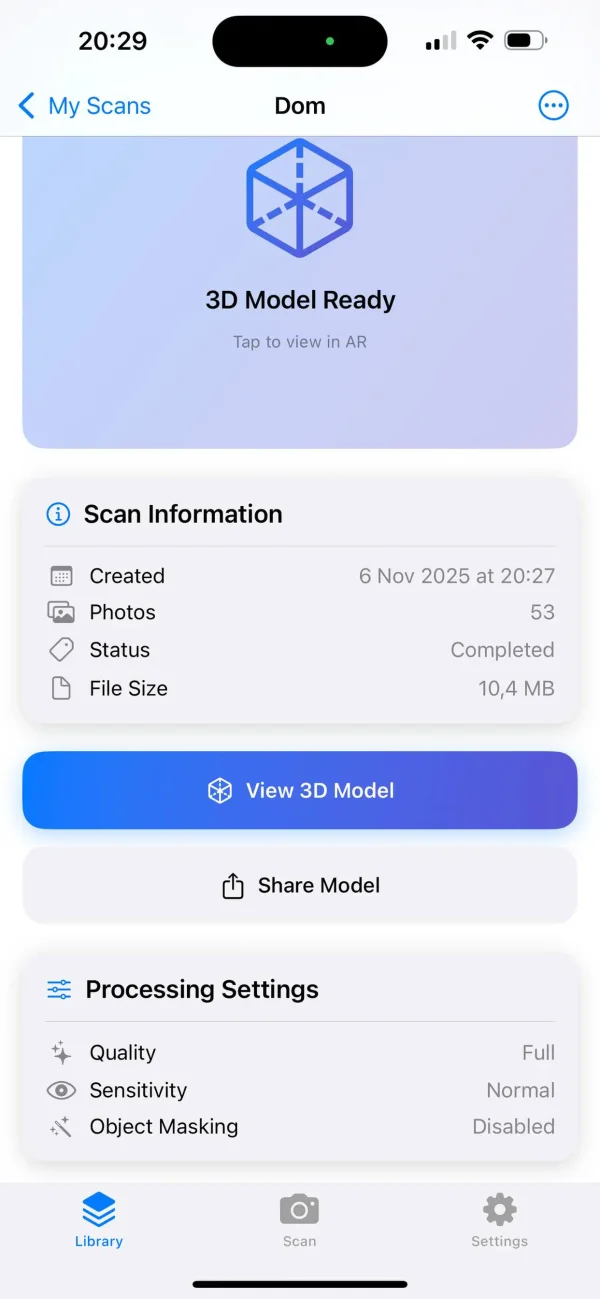
- Organized gallery with thumbnail previews
- View 3D models with interactive controls
- Capture photos and videos of your models
- Share models in USDZ format
- Export to other 3D applications
Quality Controls
- Adjustable detail levels
- Feature sensitivity settings
- Object masking options
- Processing configuration presets
PERFECT FOR
- Product photography and e-commerce
- 3D printing and prototyping
- Augmented reality content creation
- Educational projects
- Game development assets
- Architecture and interior design
- Art and sculpture documentation
- Museum and artifact preservation
REQUIREMENTS
- iPhone with LiDAR scanner (iPhone 12 Pro or newer)
- iOS 17.0 or later
- Good lighting conditions recommended
- Sufficient storage space for scans
HOW IT WORKS
1. Create a new scan and choose your mode
2. Point your camera at the object
3. Move around slowly while the app captures photos
4. Review your scan and start processing
5. View and share your 3D model
All processing happens on your device. Your data stays private and secure. No cloud upload required.
PRIVACY
Your scans and models are stored locally on your device. We do not collect or transmit any personal data. Complete privacy and security guaranteed.
SUPPORT
Need help? Contact us at rbbgroup@icloud.com
App privacy
What Viktoriia Samoilova declares on the App Store about how this app handles data.
-
Data not collected
The developer does not collect any data from this app.
Privacy practices may vary, for example with the features you use or your age.
Information
- Seller
- Viktoriia Samoilova
- Category
- Graphics & Design
- Version
- 1.0
- Updated
- Nov 12, 2025
- Released
- Nov 12, 2025
- Size
- 6.2 MB
- Requires
- iOS 18.5 or later
- Age rating
- 4+
- Languages
- English
- Copyright
- © Виктория Самойлова
You might also like
-
 specimen · renato.designLiDAR scans to SuperB and SubD
-
 LensculptPrivate 3D capture on iPhone
-
 Art AnimatorFrame by frame 2D animation
-
 Depth3D Object ScannerScan small objects to STL
-
 3D Scanner YugeGraphics & Design
-
 GLB: 3D Model GeneratorText & Image to 3D Assets
-
 Real Art AcademyMaster Art & Realism
-
 Icon HooverYour personal icon library
-
 DEVAR 3D ScanCreate 3D Models from Objects
-
 video eraser - ai video editorremove watermark from video