95 LoFi: Generative Beat Maker
Chaos-driven Chillhop Studio
Designed for iPhone, iPad, Mac, iPod touch
Free · In-app purchases
- Age rating4+
- CategoryMusic
- DeveloperSoft Brew Mobile
- Size15.9 MB
Links to the official App Store page
Download.org hosts no file of 95 LoFi: Generative Beat Maker. The button opens its official App Store page, published by Soft Brew Mobile. Listing last checked on Nov 27, 2026.
Screenshots
About
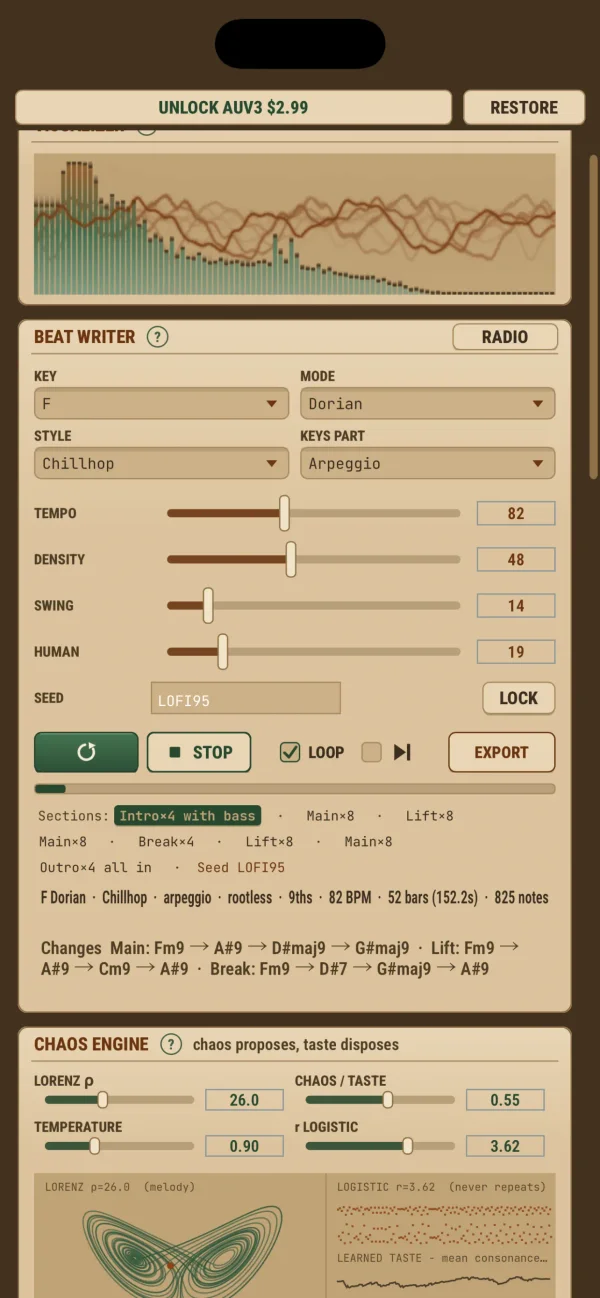
95 Lofi writes complete tracks. Press write and you get 52 bars — an intro,
three main sections, two lifts, a breakdown and an outro — played by a
dusty-keys synthesizer and a soft drum kit, then recorded onto tape. Keys, bass,
a melody line, a pad, the kit, and the record surface underneath it all.
Nothing is sampled. There are no audio files in this app at all — the Rhodes,
the kit and the vinyl crackle are all synthesised as they play, which is why the
whole thing is a few hundred kilobytes.
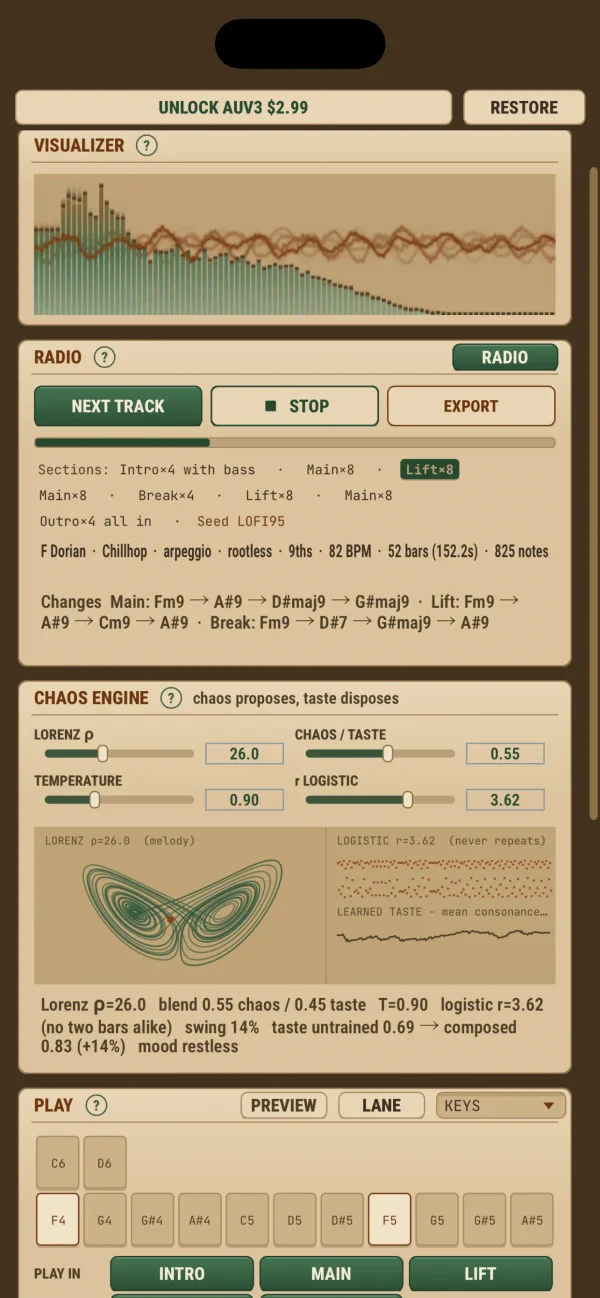
The music comes from chaos maths. Three Lorenz attractors shape the melody, the
rhythm and the mood. Two logistic maps run underneath the drums and the bass so
they wander independently of each other: turn the logistic control down and the
hats repeat every bar, turn it up and they never do.
Chaos on its own is noise, so a small model filters it. It is rewarded for
consonant intervals and rehearses over the changes before writing. The CHAOS /
TASTE slider decides how much say each one gets.
Nine styles, and they are properly different. Chillhop and Jazzhop sit where you
expect. Boom Bap hits harder and drier. Study Beats takes almost everything
away. Drift slows to a crawl. Lo-Fi House pushes past 106. Celtic and Medieval
are modal, and nothing else on the shelf sounds like them.
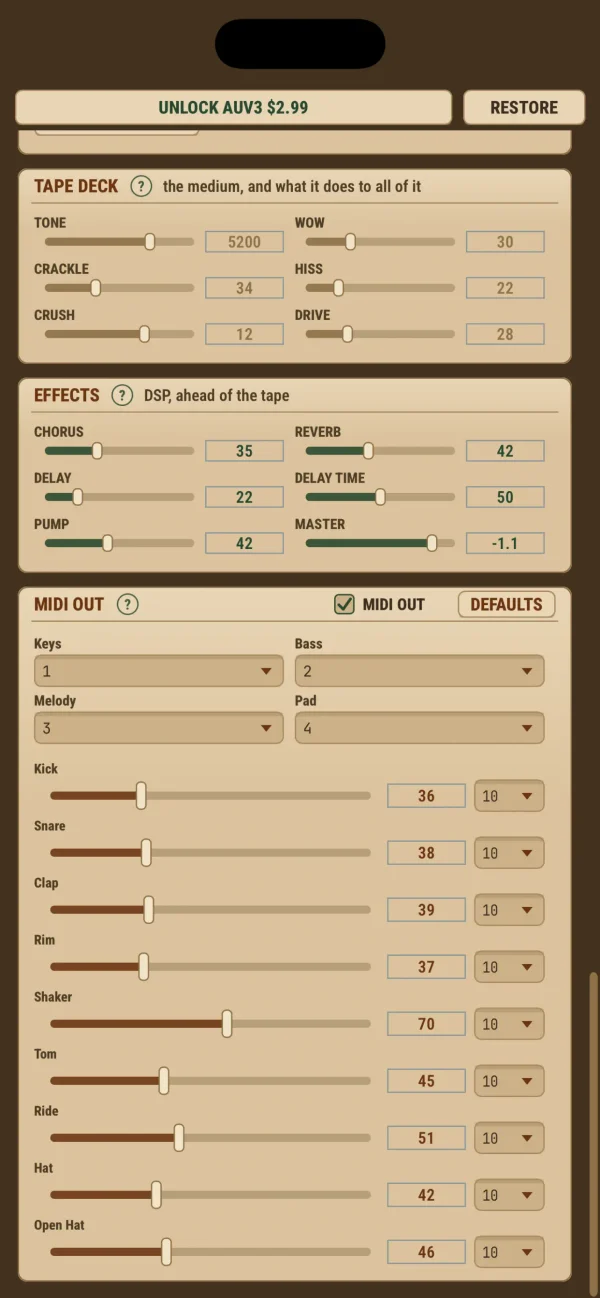
The tape deck is the other half of the sound: a wow-and-flutter transport that
never quite runs true, vinyl crackle with real pops and decaying tails, hiss,
bit crush and saturation.
Every track is built from its seed. Write the seed down and you can have that
exact track again, note for note, whenever you want it.
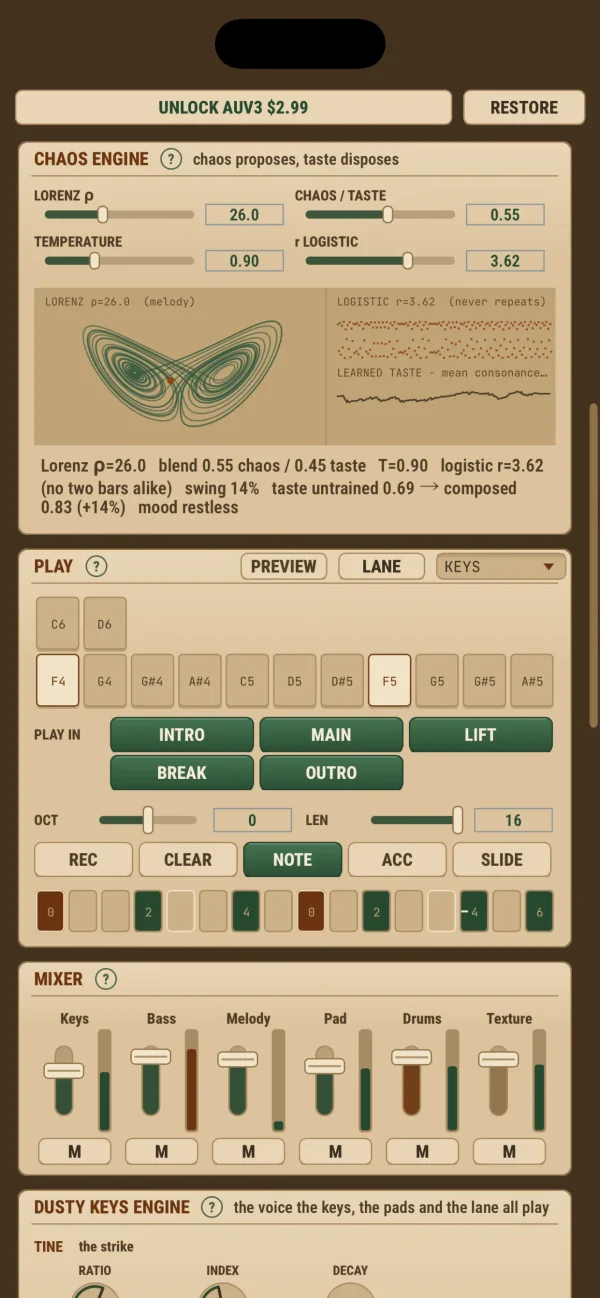
You can play over it, too. The pads are the notes of the track's key rather than
a piano keyboard, so nothing you touch is wrong, and the sixteen-step lane runs
in time with the track and follows your host. Both play any part you like —
keys, bass, melody or pad — through that part's sound and out on its MIDI
channel.
Make it yours. Write your own chords for each part of the track, from the key or
any chord at all, or play them in from a MIDI channel or as Tone Packets: REC
records them into the track, LIVE makes it follow them, changing on the next
bar. Put the sections in any order and length, tap one to jump to it, or hold
one with SECTION. A chord track and Tone Packets go out over MIDI, and the Write
a Beat button, SECTION and the sound kit can all be automated from your host.
Turn on RADIO and it keeps playing, picking a new key, mode, style, sound kit
and tempo for each track.
You also get:
• 9 styles, 8 modes, 12 keys, tempo, swing, density and humanise
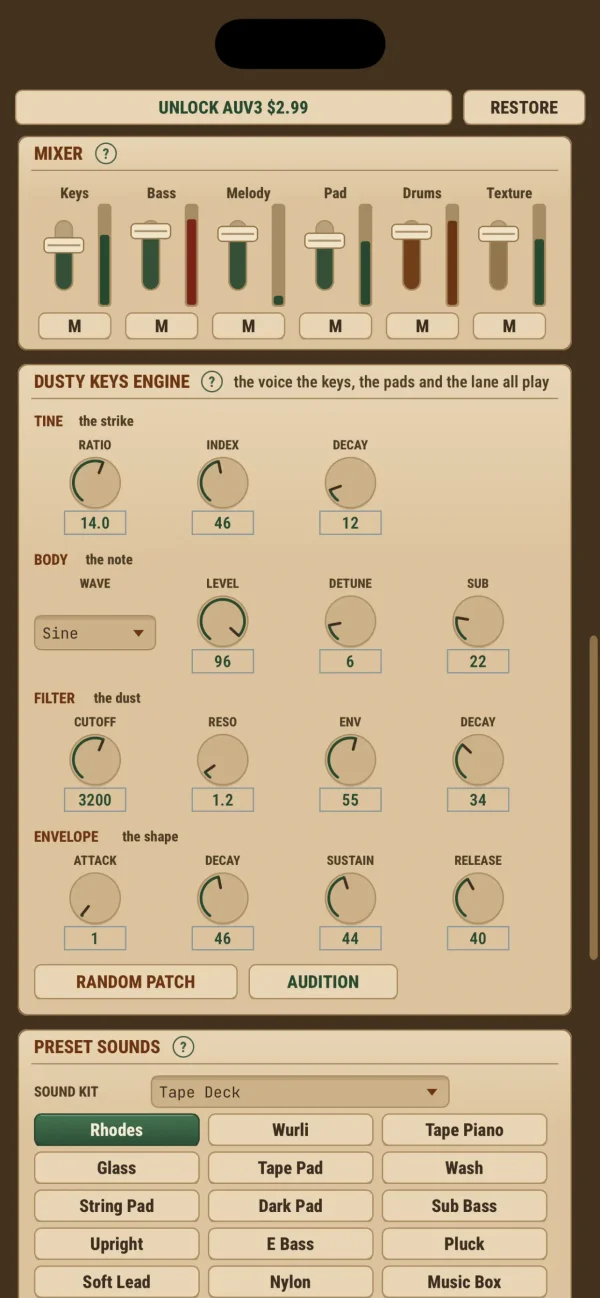
• A three-layer voice: an FM tine, one or two detuned bodies, and a sub
• 16 presets and 9 sound kits, from Tape Deck to Music Box, plus random patch
• Six-part mixer, chorus, a long dark reverb, synced delay and sidechain pump
• A tape deck: tone, wow and flutter, crackle, hiss, bit crush and drive
• MIDI in, so your keyboard plays whichever part you have selected
• Export a MIDI file, a WAV mix, or stems — one WAV per part plus the record
surface on its own (in the app; in a host you record the audio there)
• A note and a MIDI channel for every drum, not one channel for the whole kit
• Live spectrum and waveform, and the chaos engine drawn as it runs
Two Audio Units, an instrument and a MIDI processor. Each part sends on its own
MIDI channel and every drum has a note and a channel of its own, so one instance
can drive a rack of them. The MIDI version passes your keyboard through instead
of swallowing it. Both follow your host's tempo and transport, and one install
registers both.
The app is free and nothing in it is held back. Using the Audio Units inside
other apps is a one-time purchase, and each AUv3 session plays for two minutes
first so you can try them properly.
No account, no ads, no subscription. Works offline.
What’s new
Version 1.1.1 · Nov 26, 2026
New in 1.1.1.
• A new seed keeps your own arrangement and chords: write a new track and
they stay as you set them.
• Bug fixes and improvements.
New in 1.1 - chords and arrangement.
• CHORDS: write your own chords for each kind of section, from the key or any
chord at all. Every part follows them.
• Play chords in: hold them on a MIDI channel, or send them by name as Tone
Packets. REC records them into the track as it plays; LIVE makes the track
follow them, changing on the next bar.
• ARRANGEMENT: put the sections in any order, at any length, as often as you
like.
• Tap a section in the arrangement line and playback jumps there on the next
bar.
• SECTION holds playback in one kind of section until you pick another - made
for live sets.
• A chord track: the harmony on its own MIDI channel, and in MIDI exports.
• Tone Packets out: the chords sent by name, for apps that follow them.
• Automate the Write a Beat button, SECTION and the sound kit from your host.
• PLAY OVER: play a part yourself and the generated one makes way. REPLACE
hands you the part; TAKEOVER only while you play.
• An improved PLAY panel, with more ways to write and edit your lanes.
• Every panel except the generator folds away, and stays the way you left it.
• With LOOP and AUTO-NEXT off, the track plays once and stops.
• Bug fixes and improvements.
App privacy
What Soft Brew Mobile declares on the App Store about how this app handles data.
-
Data not collected
The developer does not collect any data from this app.
Privacy practices may vary, for example with the features you use or your age.
Information
- Seller
- Wilfredo Jr Bigol
- Category
- Music
- Version
- 1.1.1
- Updated
- Nov 26, 2026
- Released
- Sep 8, 2026
- Size
- 15.9 MB
- Requires
- iOS 15.0 or later
- Age rating
- 4+
- Price
- Free
- In-app purchases
- Yes
- Copyright
- © Wilfredo Bigol Jr
You might also like
-
 Pixelsynth: AUv3 Visual SynthPlay, shape & see your sound
-
 Tako KickGenerative Morphing Drums
-
 KAGARIBI: AUv3 SynthShape, play, understand sound
-
 Atmospheres 2: Magic ReverbCreative reverb from text
-
 mseqMusic from motion
-
 Sampledex Effect ShiftMusic
-
 Magnetic Echo - Tape DelayVintage Reverb & AUv3 Plugin
-
 Braindance - Glitch EffectsChop Audio and Remix
-
 SL Radio MiniAUv3 Radio Effect Plug-in
-
 GraindadRealtime Granular FX