- Age rating4+
- CategoryProductivity
- DeveloperAn Trinh
- LanguagesEnglish+ 43 more
- Size2.0 MB
Links to the official App Store page
Download.org hosts no file of A Repeatable List. The button opens its official App Store page, published by An Trinh. Listing last checked on Nov 21, 2026.
Screenshots


About
Create a list, complete it, repeat it.
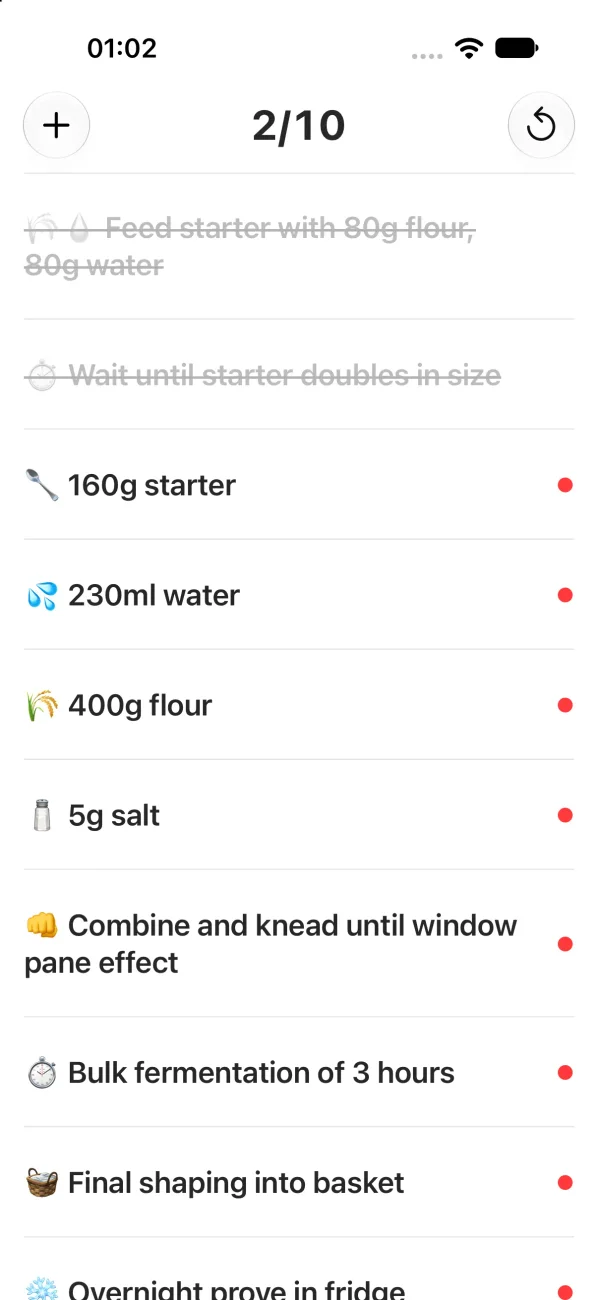
A minimal, simple checklist for the things you do again and again. Create your list once, check off each item, then reset your progress whenever you’re ready to start again. Everything stays in place, in the order you chose.
Just one reusable list, without the complexity of a task manager.
MAKE IT PART OF YOUR ROUTINE
• Pack your essentials without starting a new list for every trip.
• Keep a grocery list ready for your regular shop.
• Follow your sourdough recipe, one step at a time.
• Work through your daily routine, then reset for tomorrow.
YOUR ORDER, ALWAYS
Completed items stay where you put them, not moved to the bottom or hidden away. Pick up where you left off and follow each step in sequence.
JUST WHAT YOU NEED
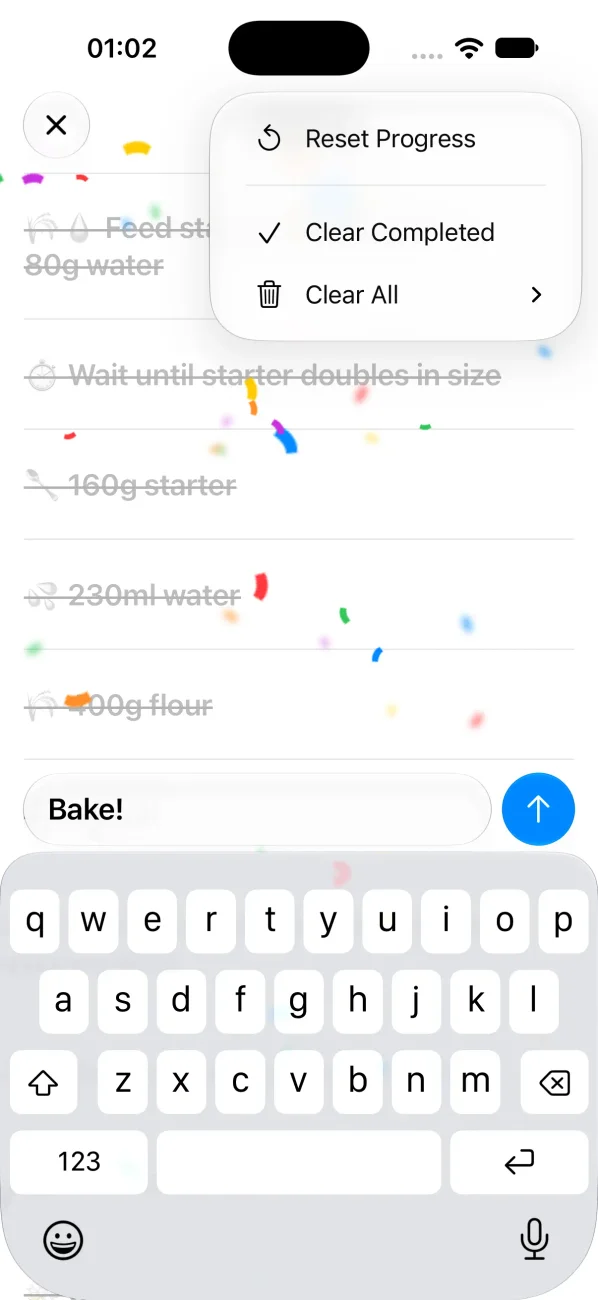
• Reset every checkmark without deleting your list.
• Edit, duplicate, and reorder items as your routine changes.
• Clear completed items when you want to keep only what’s left.
• See your progress at a glance.
• Check off tasks directly from your Home Screen widget.
• View remaining items or progress with Lock Screen widgets.
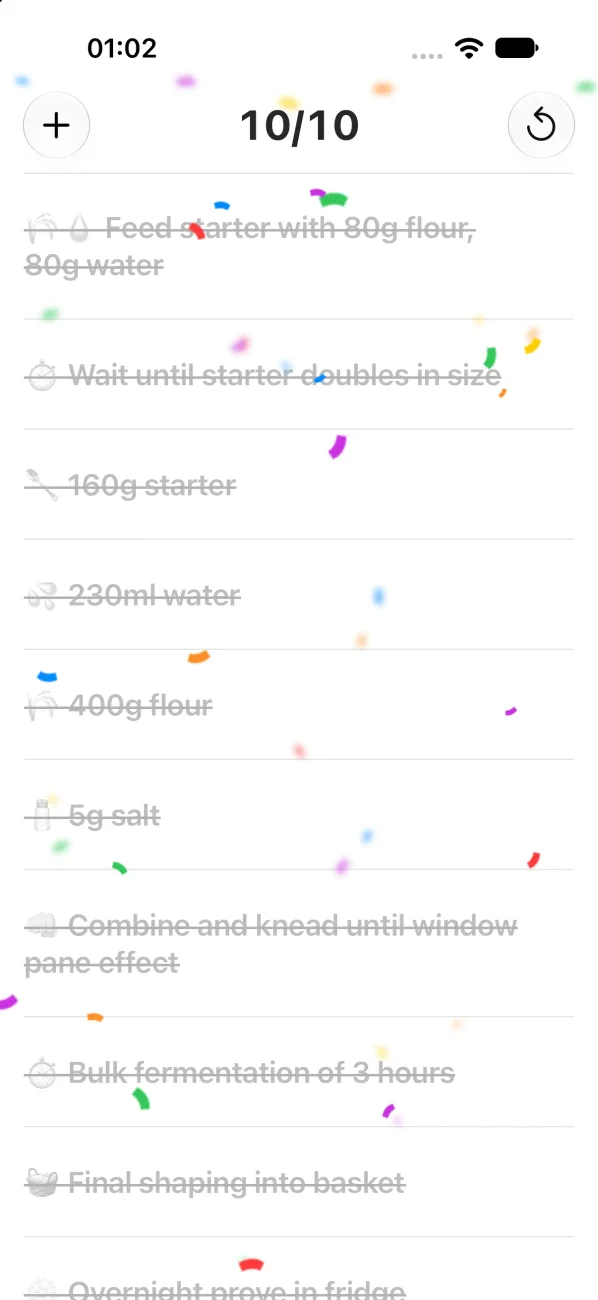
• Enjoy a little confetti when everything’s done.
Works offline, with no account required. Your list is saved on your device.
Deliberately minimal. Refreshingly simple. Ready to repeat.
What’s new
Version 8 · Oct 26, 2026
Now with support for iPhone Duo, your simple, repeatable checklist, ready for a new screen.
• Check off tasks right from your Home Screen widget, no need to open the app.
• See more of your list with an extra-large widget on iPad.
• Enjoy a refreshed design with Liquid Glass controls and smoother progress animations.
• Add items more easily with improved keyboard behaviour and automatic scrolling to new items.
• Pull down to reset once your whole list is complete. You can still reset anytime from the menu.
• Expanded language support and fixes to keep your list and widgets working together reliably.
This update requires iOS or iPadOS 26 or later.
Create a list, complete it, repeat it.
App privacy
What An Trinh declares on the App Store about how this app handles data.
-
Data not collected
The developer does not collect any data from this app.
Privacy practices may vary, for example with the features you use or your age.
Information
- Seller
- An Trinh
- Category
- Productivity
- Version
- 8
- Updated
- Oct 26, 2026
- Released
- Sep 16, 2020
- Size
- 2.0 MB
- Requires
- iOS 26.0 or later
- Age rating
- 4+
- Price
- Free
- Languages
- English, Arabic, Bengali, Bulgarian, Catalan, Croatian, Czech, Danish, Dutch, Finnish, French, German + 32 more
- Copyright
- © An Huggins
You might also like
-
 Frido (Vintage)Swipe to plan your day
-
 To Do List Task Manager: TodozReminders & Checklist Widget
-
 Captured!Your box for everything shared
-
 EventuallyImportant events at-a-glance
-
 Yata for GTD: Todo & CalendarYet Another Todo App for GTD
-
 Focus: Lofi Study MusicPomodoro : Study Timer
-
 To-Do List Widget RemindersLive Activity Home Lock Widget
-
 Quick Capture - Vault notesCapture notes in Obsidian
-
 Sandbook: Text to SpeechNatural Voice Reader for Books
-
 Remind Me FasterQuick-entry for Reminders