- Age rating4+
- CategoryDeveloper Tools
- DeveloperAaron Character
- LanguagesEnglish
- Size12.2 MB
Links to the official App Store page
Download.org hosts no file of a+Terminal. The button opens its official App Store page, published by Aaron Character. Listing last checked on Nov 18, 2026.
Screenshots

About
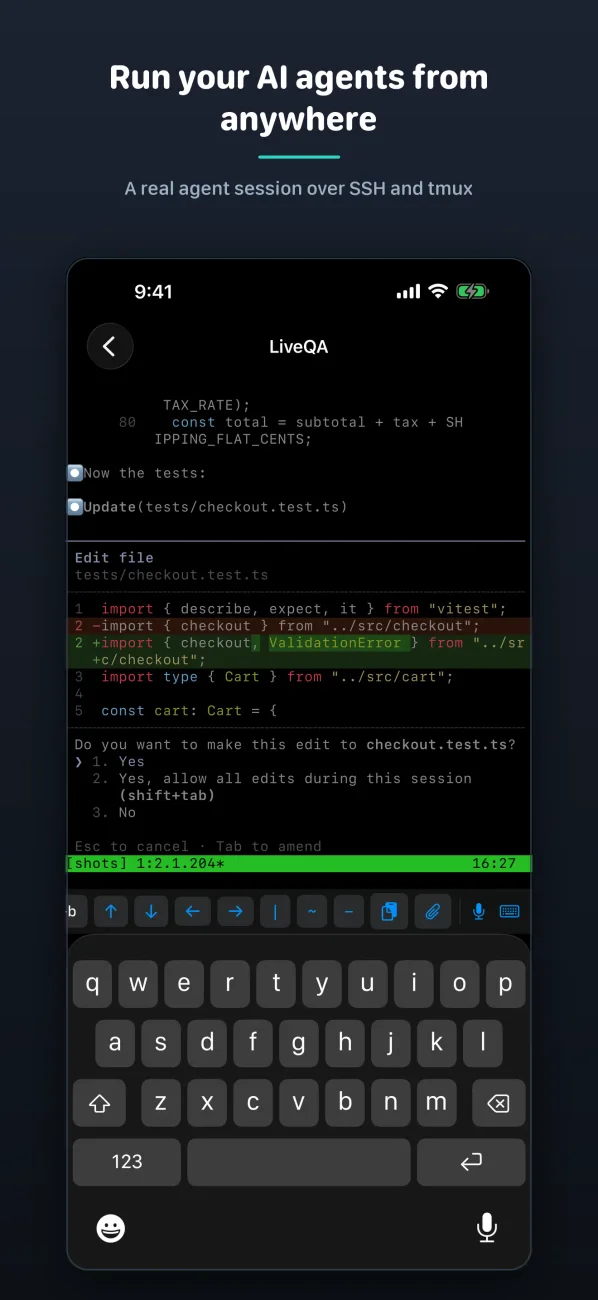
a+Terminal is a privacy-first SSH terminal for working on your own machines from your iPhone — built around tmux and CLI AI coding agents. It's agent-agnostic: run any CLI coding agent, with plug-and-play profiles you can extend yourself.
SCROLLING THAT ACTUALLY WORKS
Swipes become real mouse-wheel events, so tmux and your agent's output scroll natively, with momentum — no more fighting copy-mode.
SPEAK YOUR PROMPTS
Push-to-talk dictation inserts straight into the terminal. Recognition runs entirely on your iPhone; audio never leaves the device.
NEVER LOSE YOUR SESSION
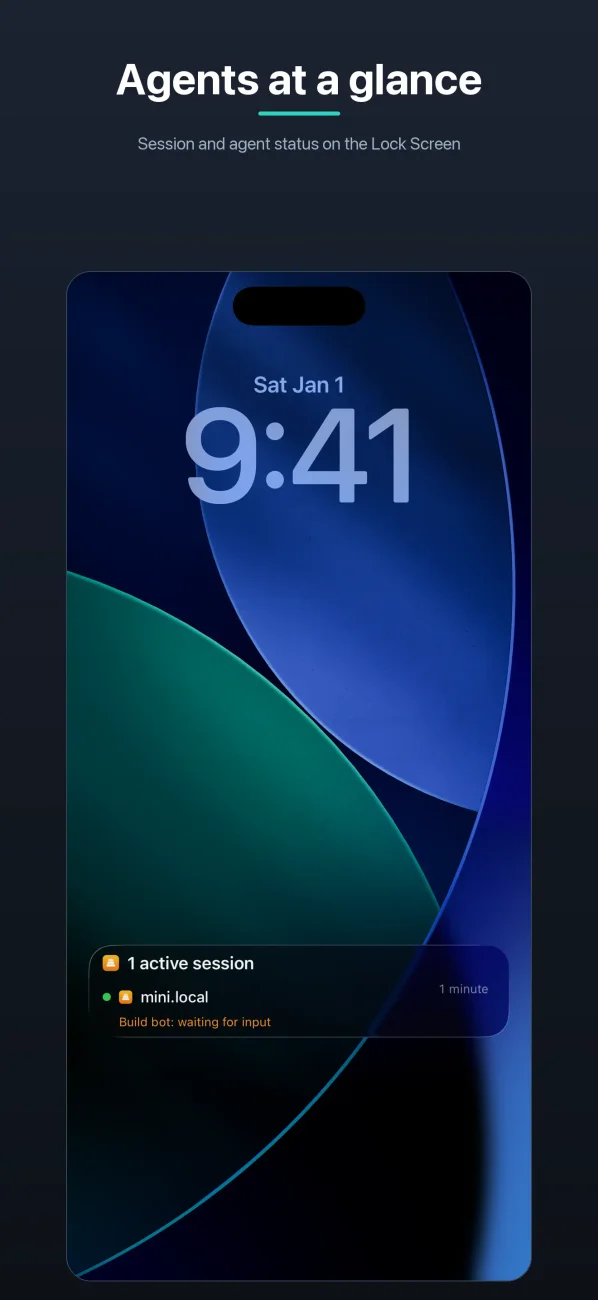
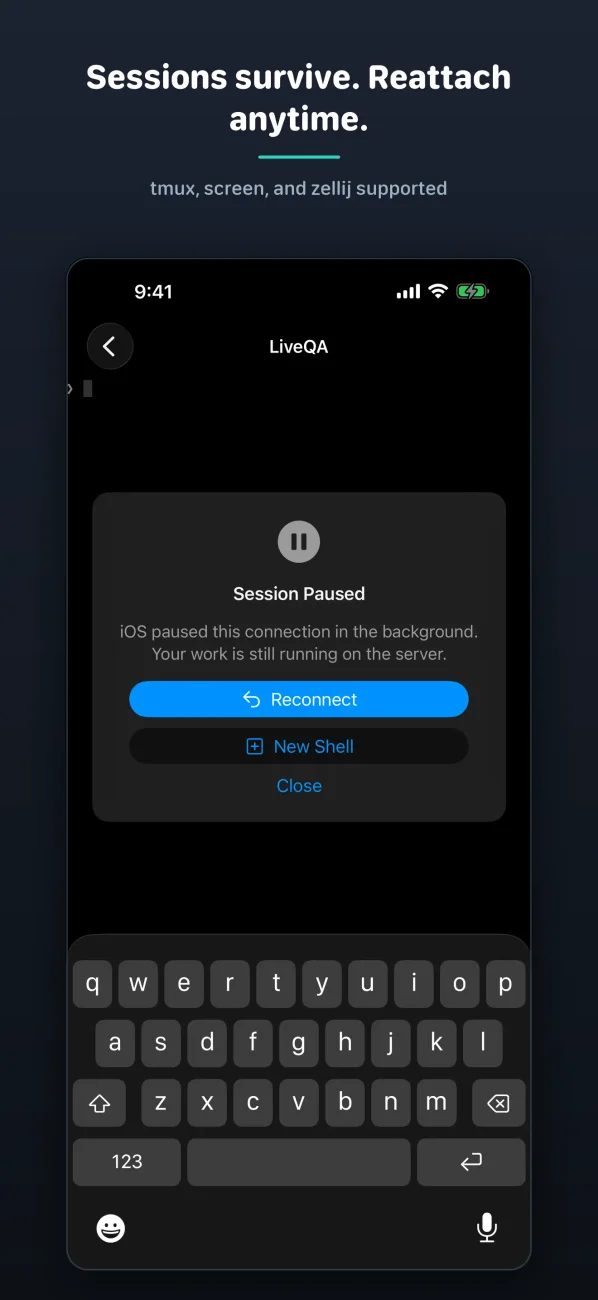
Live Activities and the Dynamic Island show your active sessions at a glance. Tap to jump back in — a+Terminal reconnects and re-attaches your session multiplexer (tmux, zellij, and more) automatically.
PREVIEW YOUR DEV SERVER
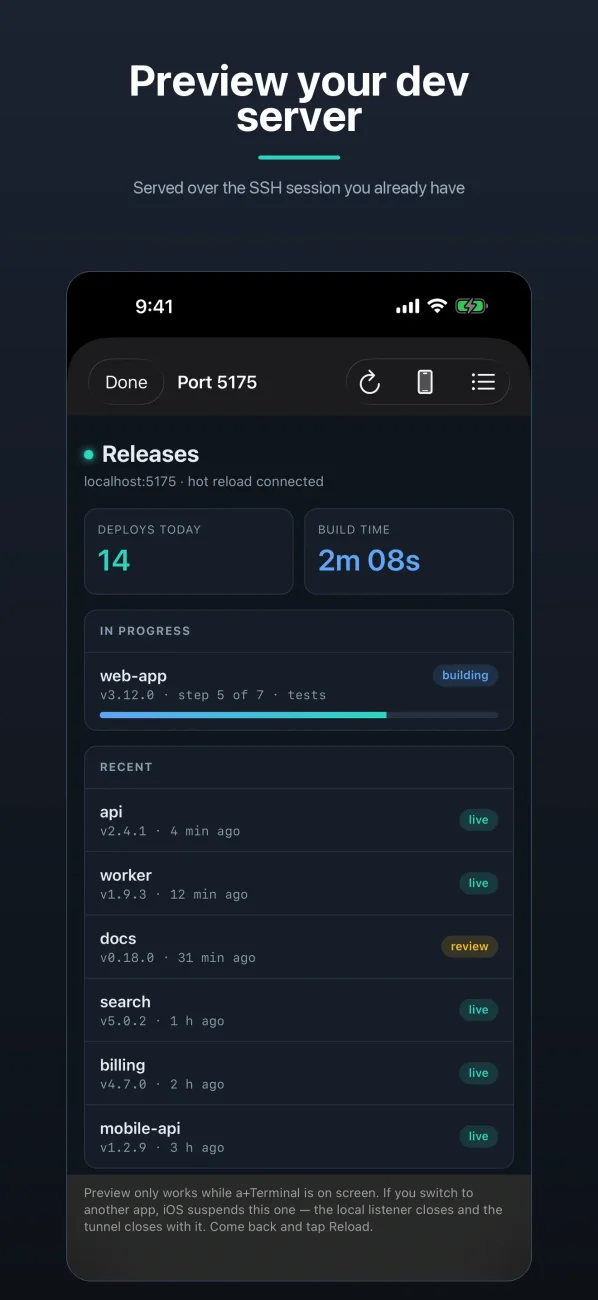
Start a dev server on the machine you're connected to and a+Terminal spots the port — from the URL your framework prints, or from the machine's own listener table. Tap it and the page opens over the SSH connection you already have. It renders in a viewer built for exactly one thing: the single port you forwarded. Every other address is refused, nothing it loads is kept, and it is not a web browser. Reload with a tap, and switch between the mobile and desktop layout to check both.
MONITOR YOUR MAC
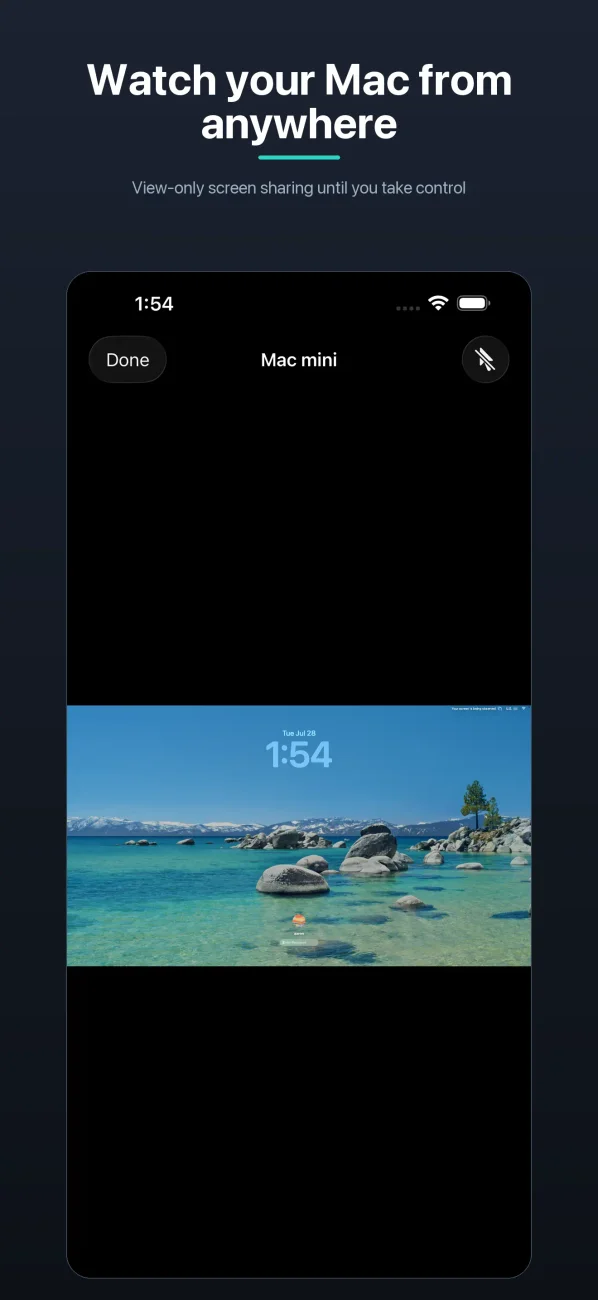
Add a Monitor (VNC) session to watch your own computer's screen sharing right from your phone. Sign in with your macOS account and you land straight on the desktop; pinch to zoom and pan. Pop the screen out into a floating Picture-in-Picture window to keep an eye on it while you use other apps. Turn on Control to tap, drag, and type — enough to unlock a locked Mac and take over. It stays view-only until you do, and it connects only to the machine you enter. (Beta.)
ZERO DATA COLLECTION
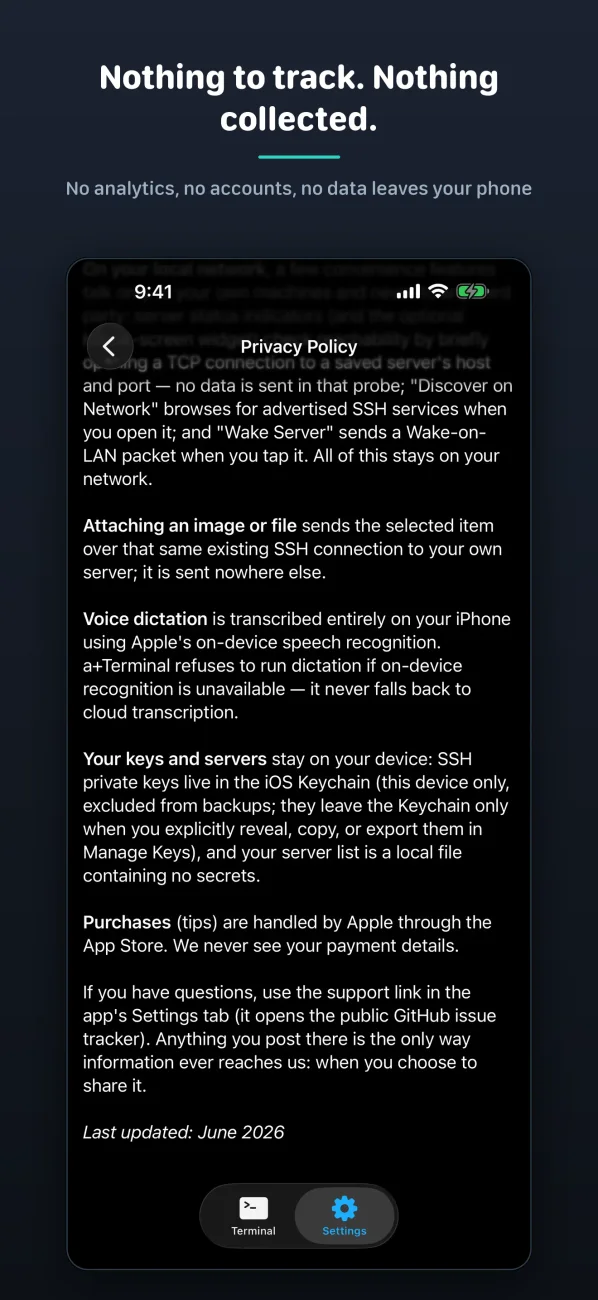
No analytics, no accounts, no crash SDKs, no servers of ours. The App Privacy label says "Data Not Collected" because there is nothing to collect it with. The only network traffic is your own connections to machines you configure.
SUPPORT THE APP
An optional tip jar lets you support a+Terminal's development. Tips are one-time and unlock nothing — every feature is always available.
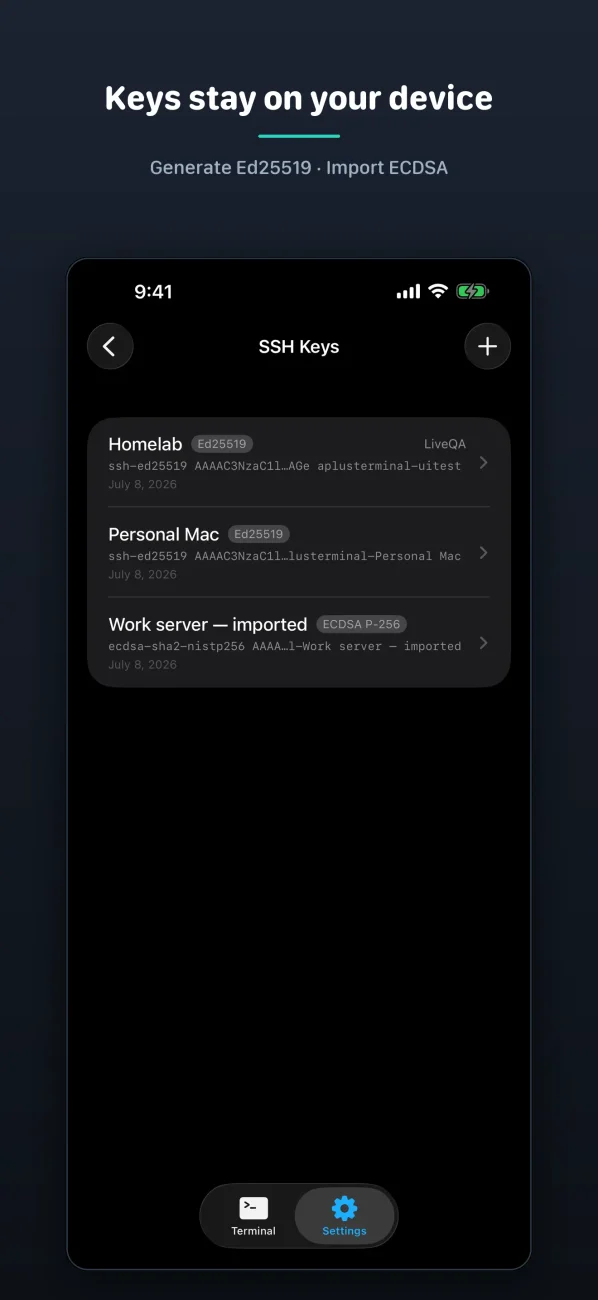
• ed25519 keys generated on-device and kept in this device's Keychain, never in backups; they leave it only if you reveal, copy or export them
• Password authentication option, stored in the Keychain only
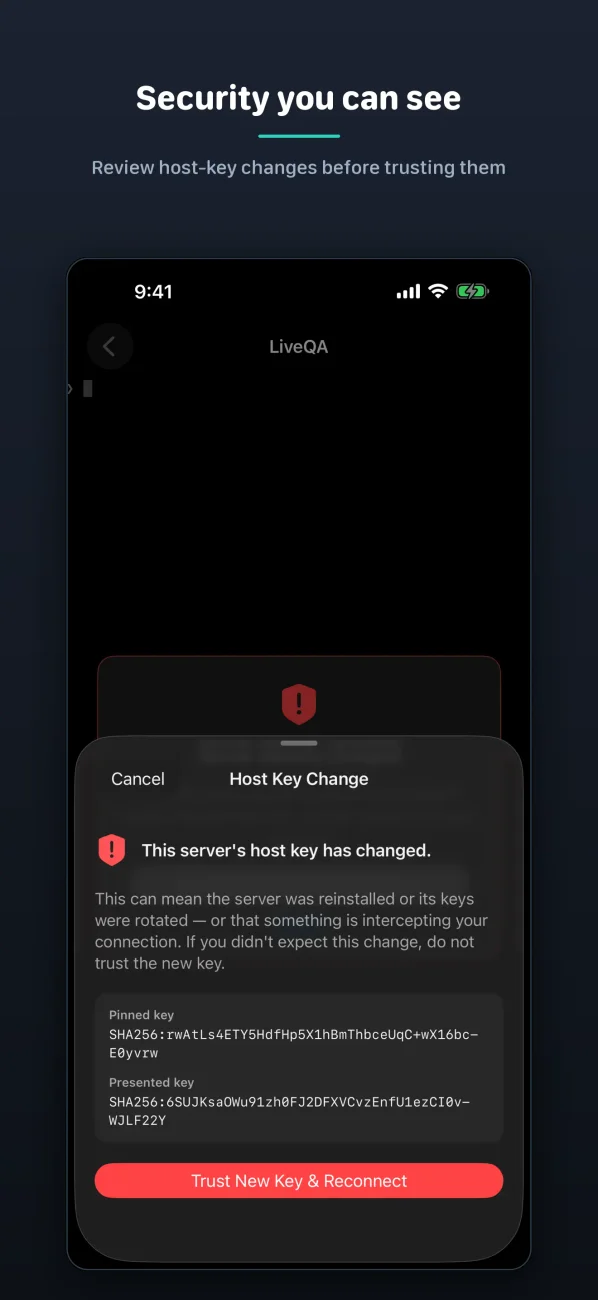
• Trust-on-first-use host key pinning with hard mismatch failures
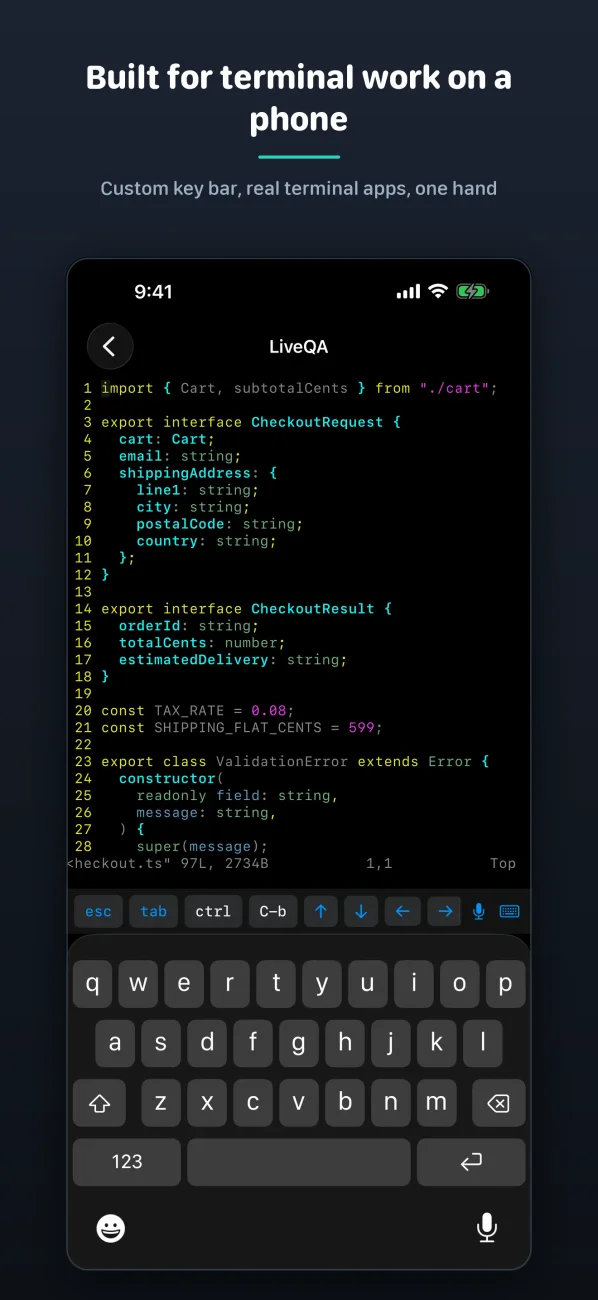
• Sticky Ctrl and C-b (tmux prefix) keys, Esc/Tab/arrows accessory bar
• Attach an image or file from your phone over the existing SSH connection
• Plug-and-play agent & multiplexer profiles — any CLI agent, tmux, zellij, screen — or define your own, no update required
• Multiple simultaneous sessions with server groups
• Preview a dev server running on the far end, over the SSH connection you already have — port detection and a single-port viewer
• Monitor (VNC): view-only screen sharing for your own Mac, with a floating Picture-in-Picture window and optional touch & keyboard control (beta)
• Light, dark, and follow-system themes
Privacy Policy: https://aaroncx.github.io/a-plus-terminal/privacy
What’s new
Version 1.0.4 · Oct 26, 2026
New: bring your own agents, and see which ones are waiting at a glance.
• Custom agents: Settings → Agents lets you add any command-line tool as an agent, with its own icon from Photos or Files. It shows on the session, the Live Activity and the Dynamic Island like a built-in. Agents export and import as JSON; your icons stay on your device.
• Agent status at a glance: the session list says when an agent is waiting for you, and each server shows how many are waiting.
• Agent icons: agents get a hand-drawn icon set across the app, sized for the Dynamic Island.
• Sessions widget: see the sessions you have open right on your Home Screen, with connection state, the agent running in each, and how long it has been going. Tap a session to jump straight back into it, or tap a saved server to start a new session in one step.
• Fixes: closing a preview gives the terminal program its focus back, and scrolling near the bottom of the screen no longer switches tmux windows.
App privacy
What Aaron Character declares on the App Store about how this app handles data.
-
Data not collected
The developer does not collect any data from this app.
Privacy practices may vary, for example with the features you use or your age.
Information
- Seller
- Aaron Character
- Category
- Developer Tools
- Version
- 1.0.4
- Updated
- Oct 26, 2026
- Released
- Jun 26, 2026
- Size
- 12.2 MB
- Requires
- iOS 26.0 or later
- Age rating
- 4+
- Price
- Free
- In-app purchases
- Yes
- Languages
- English
- Copyright
- © 2026 Aaron Character
You might also like
-
 TermLink: SSH for AI CodingClaude Code & Codex over tmux
-
 Fletcher MCPPrivate location history + AI
-
 Shahi: AI Coding AgentsYour coding agents, on the go
-
 SigilTTY: AI SSH TerminalAgents, SFTP, Tunnels & Keys
-
 PokeMe - Terminal in PocketDeveloper Tools
-
 Kex - SSH & Mosh ClientSSH Mosh Telnet SFTP Terminal
-
 AndwriterText editor for code and notes
-
 API Requester: HTTP ClientDebug APIs fast and easily
-
 CoreAI ZooOpen AI models, on-device
-
 pseudocoderdev workflow from your phone