
Kex - SSH & Mosh Client
SSH Mosh Telnet SFTP Terminal
Designed for iPhone, iPad
Free · In-app purchases
- Age rating4+
- CategoryDeveloper Tools
- DeveloperAli Mert TUFEKCI
- LanguagesEnglish
- Size27.0 MB
Links to the official App Store page
Download.org hosts no file of Kex - SSH & Mosh Client. The button opens its official App Store page, published by Ali Mert TUFEKCI. Listing last checked on Nov 12, 2026.
Screenshots
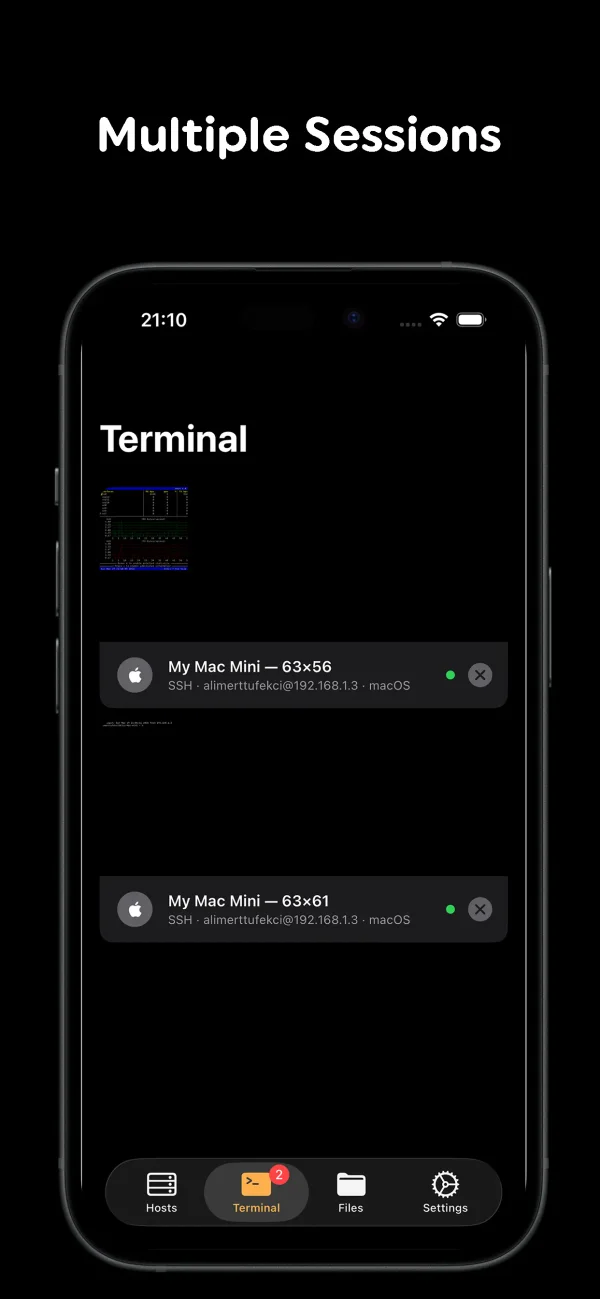
About
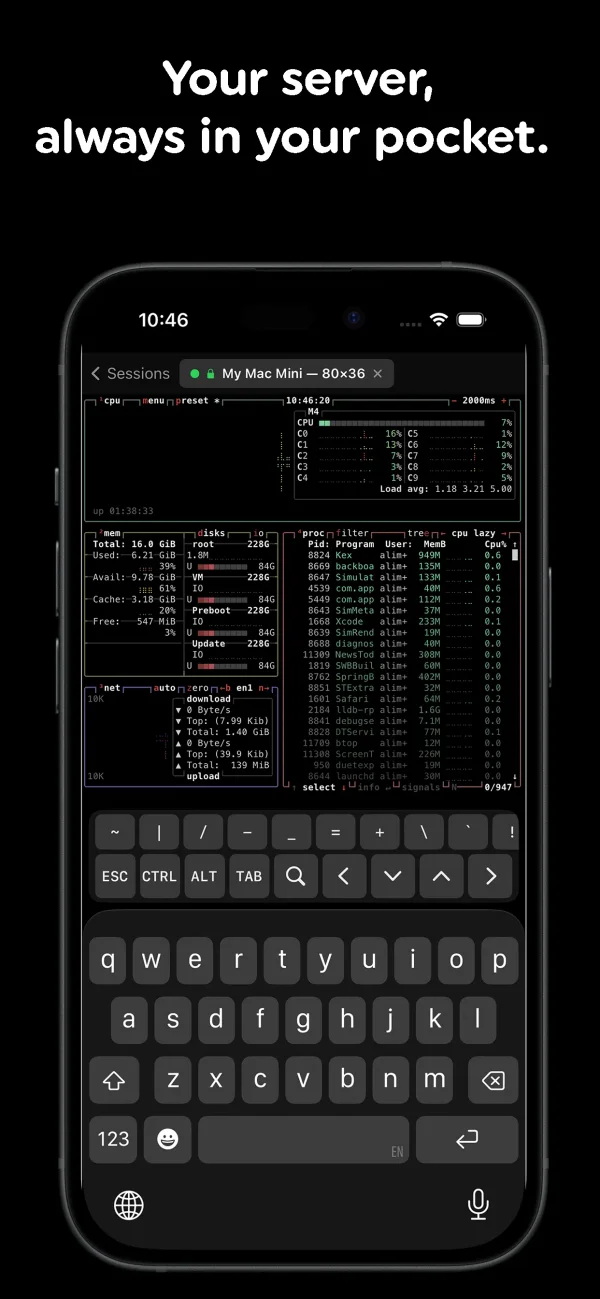
A desktop-grade SSH terminal emulator built for iOS. Kex is not a simplified command runner — it's a full xterm-256color terminal that runs vim, htop, nano, and everything you expect from a real terminal.
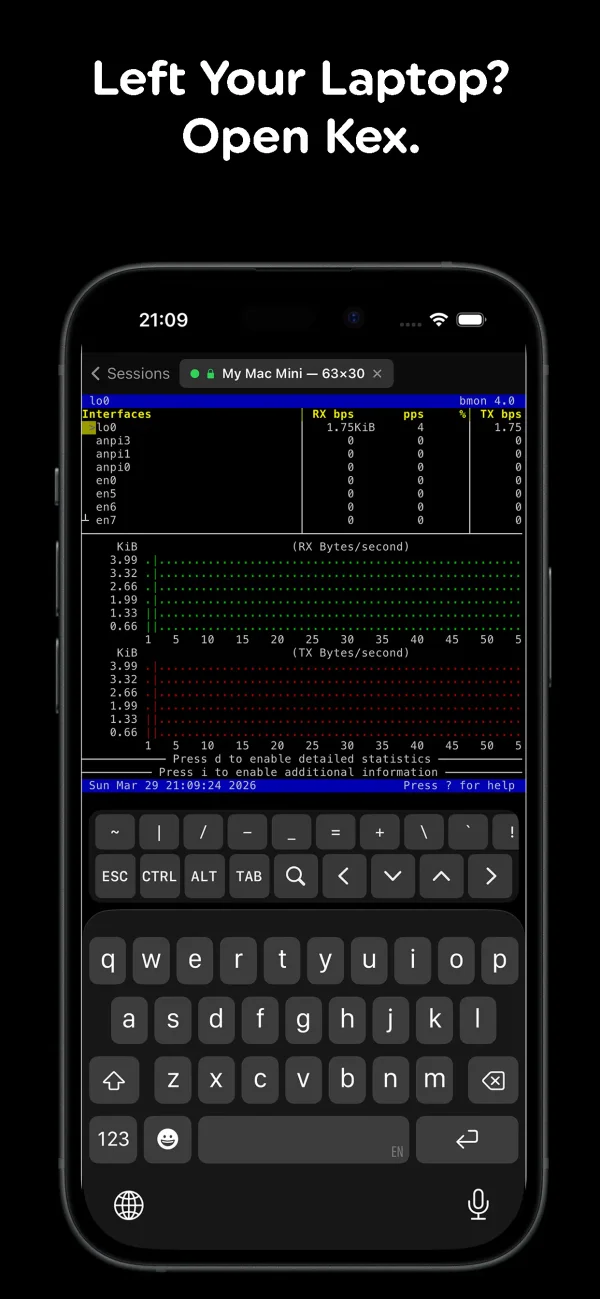
Leave your laptop behind. Restart a crashed service from the beach. Check your CI pipeline at the airport. SSH into production from a café. Monitor your AI coding agent from the couch. With Kex, your entire server infrastructure fits in your pocket.
WHO IS KEX FOR?
· DevOps engineers who need to respond to incidents anytime, anywhere
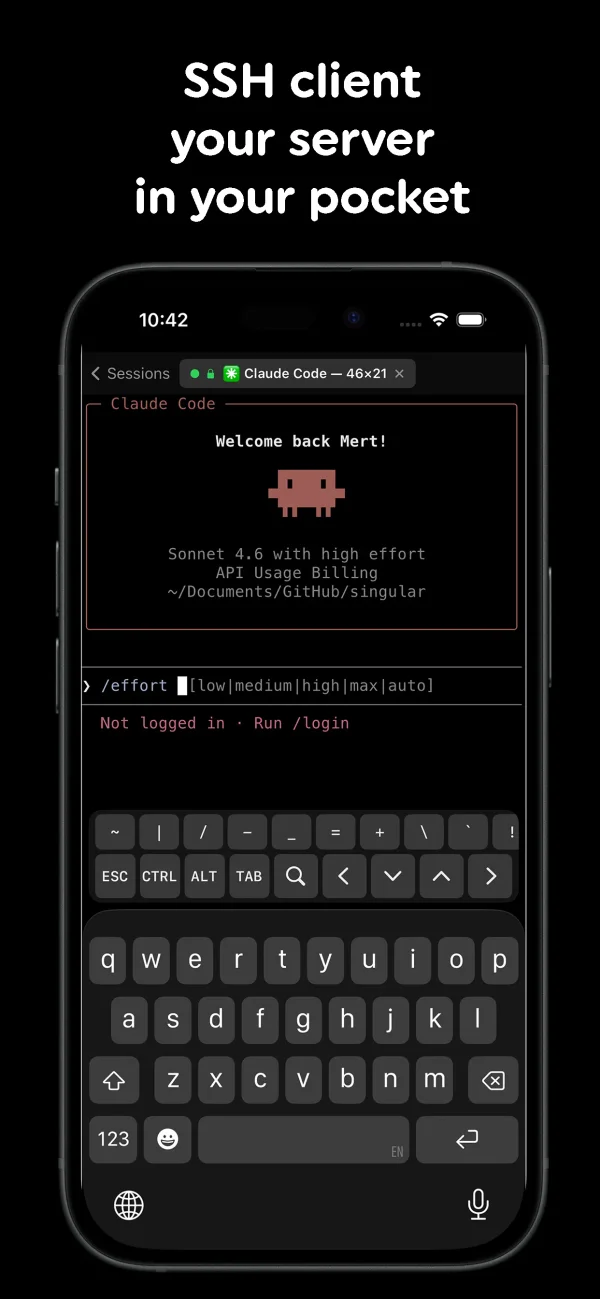
· Developers running AI coding agents like Claude Code, Codex, or Aider on remote servers
· System administrators managing fleets of Linux servers
· Cloud engineers working with AWS, GCP, DigitalOcean, Hetzner, and more
· Homelab enthusiasts monitoring Raspberry Pi clusters and self-hosted services
· Students learning Linux and server administration
· Anyone who has ever thought "I wish I had a terminal right now"
REAL TERMINAL EMULATION
Full xterm-256color support with CSI, ESC, OSC, and SGR sequences. Alternate screen buffer for full-screen apps like vim, nano, top, and htop. 256-color and TrueColor rendering.
SSH, MOSH & TELNET
Connect to any server with SSH. Authenticate with password or SSH keys (Ed25519 and RSA). Mosh support keeps your session alive through Wi-Fi switches, cellular handoffs, and unstable hotel networks. Telnet for legacy systems and network equipment. All protocols, one app.
BUILT-IN SFTP FILE MANAGER
Browse, upload, download, and manage files on your remote servers. Create folders, rename, delete — all from an intuitive file browser. Pull a log file, push a config change, or grab a backup. No need for a separate SFTP app.
MULTIPLE SESSIONS
Run multiple terminal sessions simultaneously. Switch between them with a tap or with keyboard shortcuts. Each session maintains its own independent state — monitor production on one tab, debug staging on another. Manage all your servers from one place.
TERMINAL KEYBOARD DONE RIGHT
A purpose-built keyboard accessory bar with ESC, Ctrl, Alt, Tab, arrow keys, and F1–F12. Auto-repeat on directional keys. Modifier key toggles. Every key a terminal user needs — designed for real work, not bolted on as an afterthought.
CUSTOMIZE EVERYTHING
10+ built-in terminal themes including Dracula, Nord, Solarized, Monokai, Gruvbox, Tokyo Night, One Dark, GitHub Dark, and more. Choose your monospace font and size. Pick your cursor style — block, underline, or beam with optional blink. Make it yours.
iPAD POWER USER
Full hardware keyboard support with Cmd+N, Cmd+W, Cmd+T, and Cmd+1–9 shortcuts. Switch sessions, open new connections, and navigate — all without touching the screen. Pair with a keyboard and your iPad becomes a proper workstation.
SECURITY FIRST
SSH keys and credentials stored in the iOS Keychain — encrypted on your device, never in the cloud. Ed25519 and RSA key support. Host key verification with SHA-256 fingerprints. Organize keys into groups, see which connections use each key. All connections encrypted end-to-end.
STAY CONNECTED
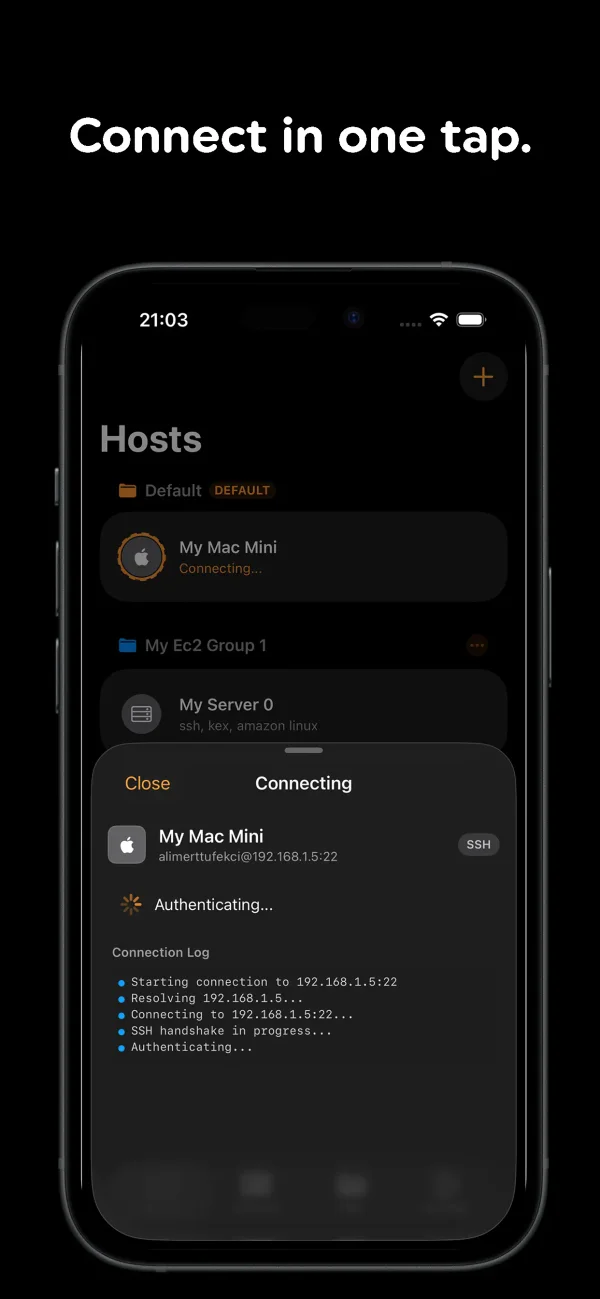
Configurable keep-alive to prevent session drops. Detailed connection logs for troubleshooting. Save and organize your servers into groups with one-tap access. Host key memory so you connect with confidence every time.
Kex is built for people who take their work seriously — but don't want to carry a laptop everywhere.
Terms of Use: https://www.apple.com/legal/internet-services/itunes/dev/stdeula/
What’s new
Version 1.0.2 · Apr 1, 2026
- Improved iOS 17 compatibility
- Better hardware keyboard and accessory bar behavior
- Improved Telnet connection stability and compatibility
- General bug fixes and performance improvements
App privacy
What Ali Mert TUFEKCI declares on the App Store about how this app handles data.
-
Data used to track you
May be used to track you across apps and websites owned by other companies.
- Identifiers
-
Data linked to you
May be collected and linked to your identity.
- Identifiers
-
Data not linked to you
May be collected but is not linked to your identity.
- Location
Privacy practices may vary, for example with the features you use or your age.
Information
- Seller
- Ali Mert TUFEKCI
- Category
- Developer Tools
- Version
- 1.0.2
- Updated
- Apr 1, 2026
- Released
- Mar 30, 2026
- Size
- 27.0 MB
- Requires
- iOS 17.0 or later
- Age rating
- 4+
- Price
- Free
- In-app purchases
- Yes
- Languages
- English
- Copyright
- © Qualsimm
You might also like
-
 MT - Mosh TerminalSSH for AI agents, on the move
-
 Mosh TerminalResponsive SSH Mosh client
-
 Conduit: SSH, Mosh & SFTPSSH, Mosh and SFTP client
-
 ShadowTerm ssh & mosh TerminalPro SSH Herdr & tmux enhanced
-
 CMD: SSH, Terminal, DOS, PingSSH client & network tools
-
 Termix: SSH Client & TerminalMost powerful SSH, SFTP client
-
 ServerSSH - Tmux & Mosh ClientClaude & Codex Terminal Shell
-
 Moshi: herdr/tmux on SSH/MOSHAgent terminal for Codex CLI
-
 Blink Shell, Build & CodeThe Pro tool for developers