- Age rating17+
- CategoryMedical
- DeveloperKsham Innovation Private Limited
- LanguagesEnglish
- Size114.0 MB
Links to the official App Store page
Download.org hosts no file of Able Assistant. The button opens its official App Store page, published by Ksham Innovation Private Limited. Listing last checked on Nov 12, 2026.
Screenshots

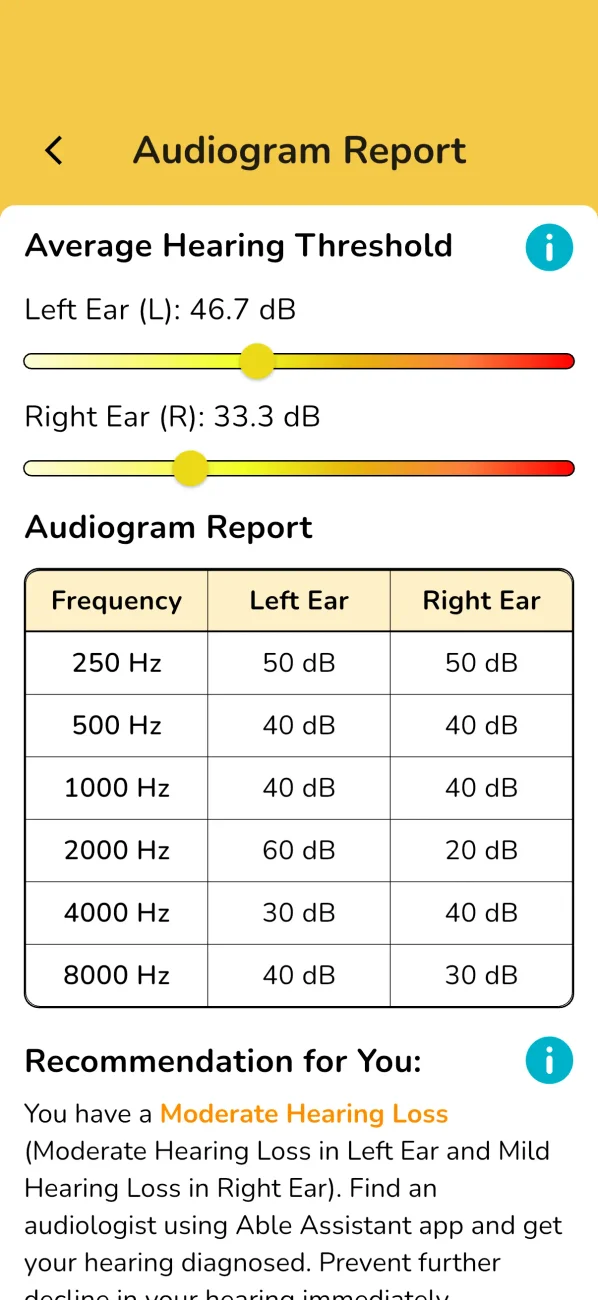
About
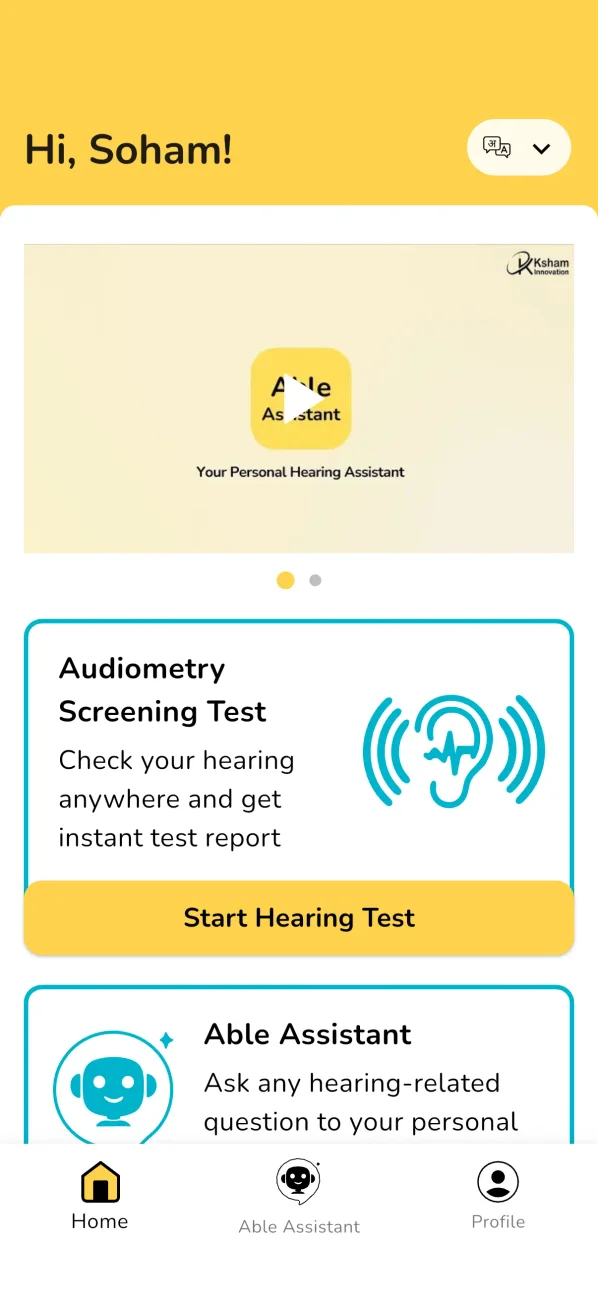
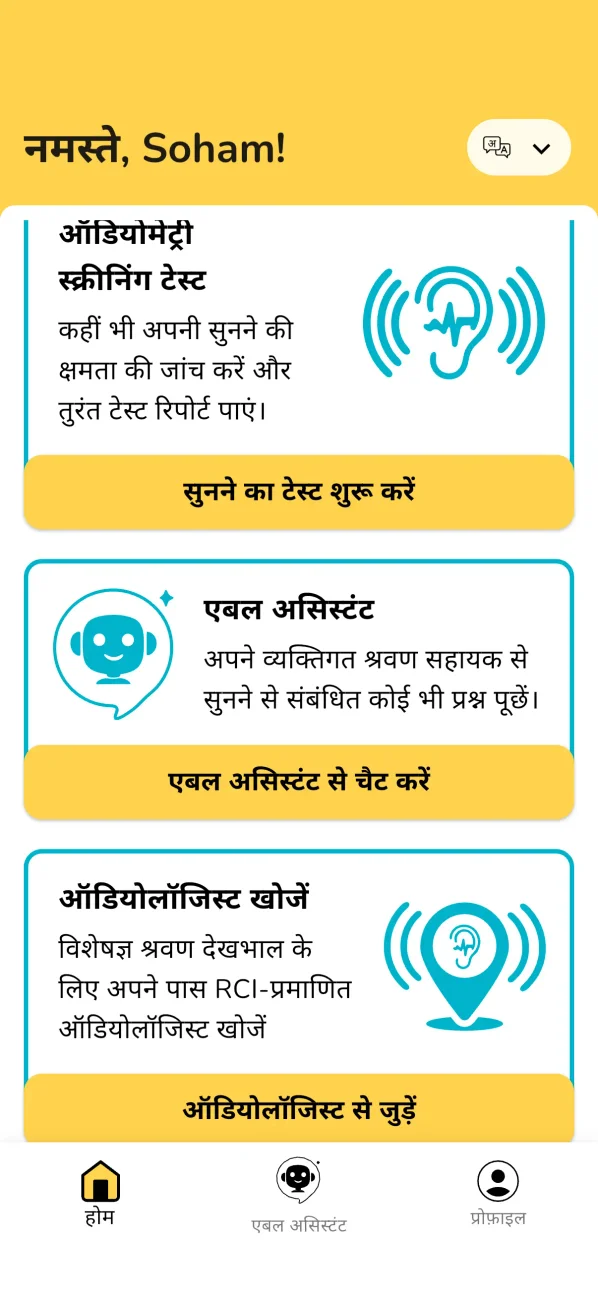
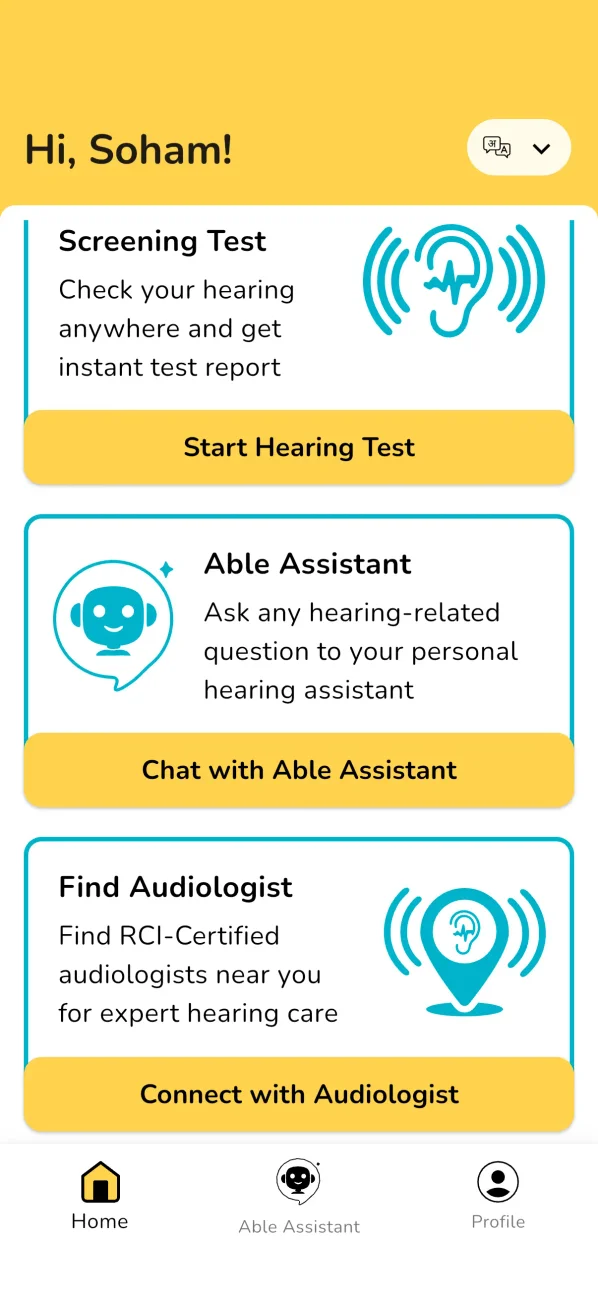
Able Assistant app is designed to be your personal hearing assistant in your journey towards better hearing health. Able Assistant is a multilingual app supporting 12+ diverse Indian languages and provides 3 key features which are crucial for quality hearing care.
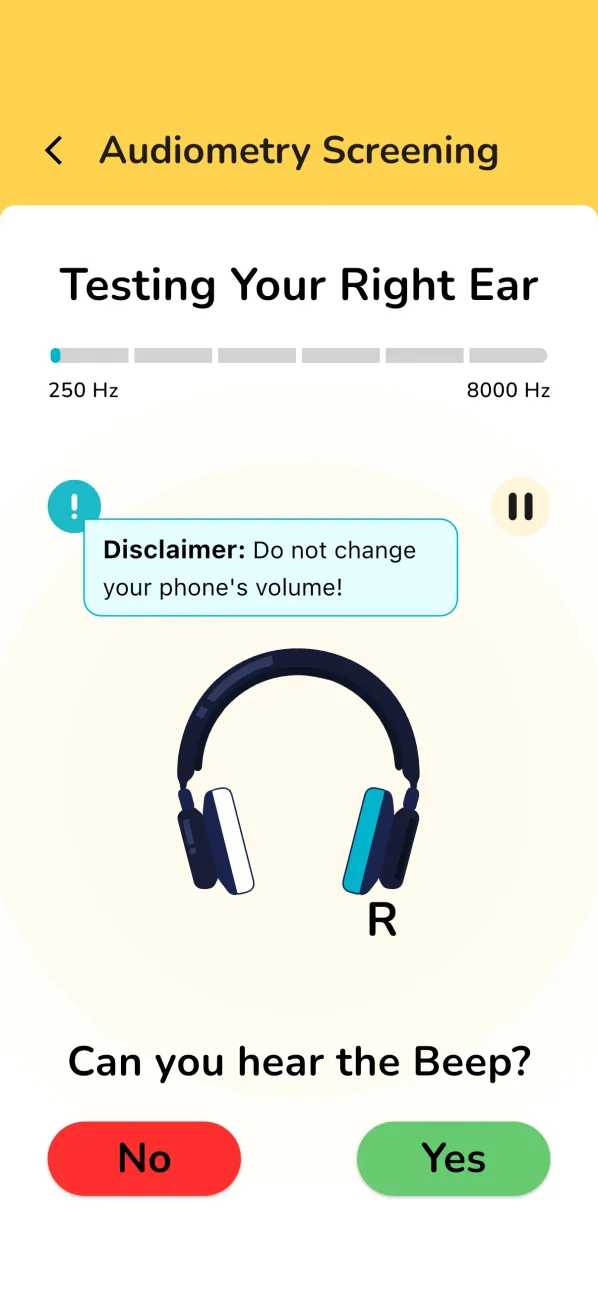
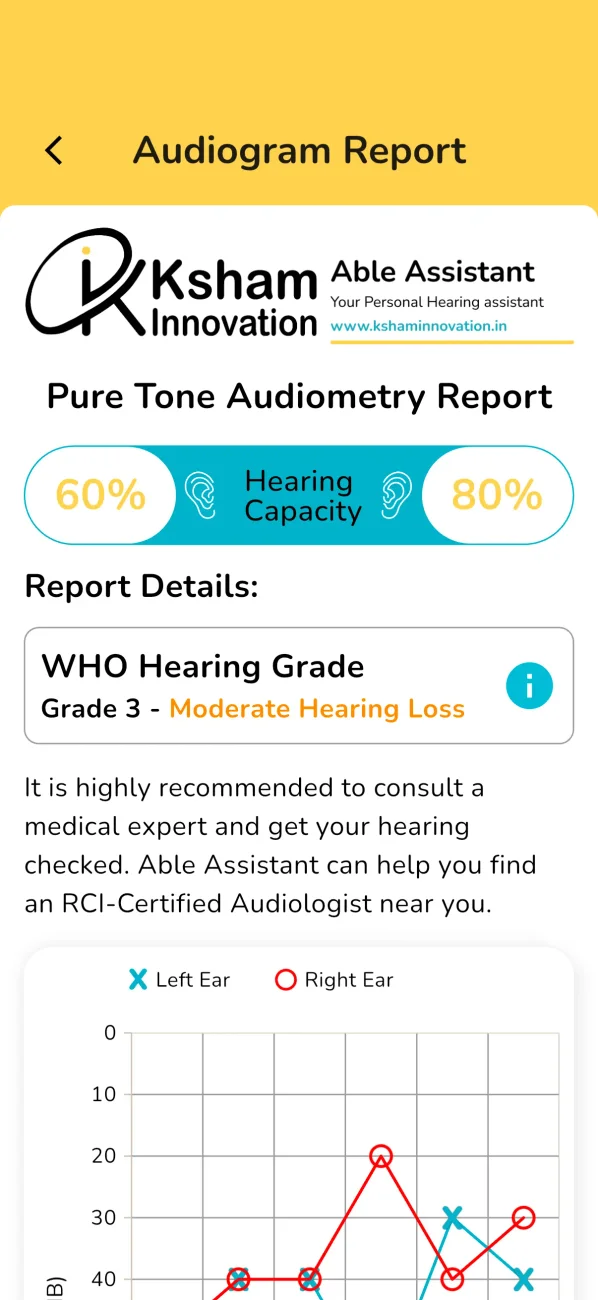
1. Audiometry screening test - You can conduct an audiometry screening test from the comfort of your home with a standard mobile phone. The test generates an instant WHO-Grade hearing report in simple language.
How to take the audiometry screening test:
Step 1: Find a quiet place, connect your earphones, and start the test.
Step 2: Once the test begins, you will hear a beep in your right ear. Tap "Yes" if you hear the beep, and "No" if you do not.
Step 3: After completing the test for both ears, your WHO-Grade hearing report will be generated with personalised recommendations. Download your report to keep a track of your hearing health.
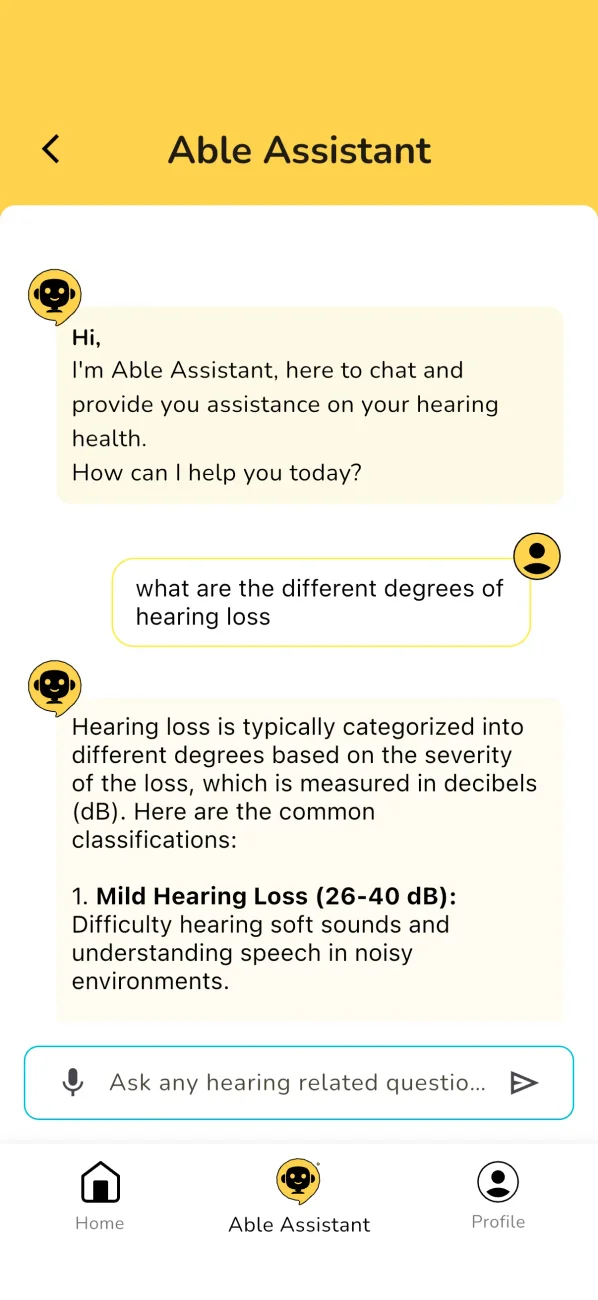
2. Able Assistant - Ask any hearing-related question to your virtual audiologist and get simple answers with actionable steps to take care of your hearing health.
How to use the Able Assistant feature:
Step 1: Tap the "Chat with Able Assistant" button.
Step 2: Type your hearing-related question in any language you prefer, or tap the microphone icon to speak to Able Assistant.
Step 3: Able Assistant will provide you with simple, personalised answers for your specific hearing care needs.
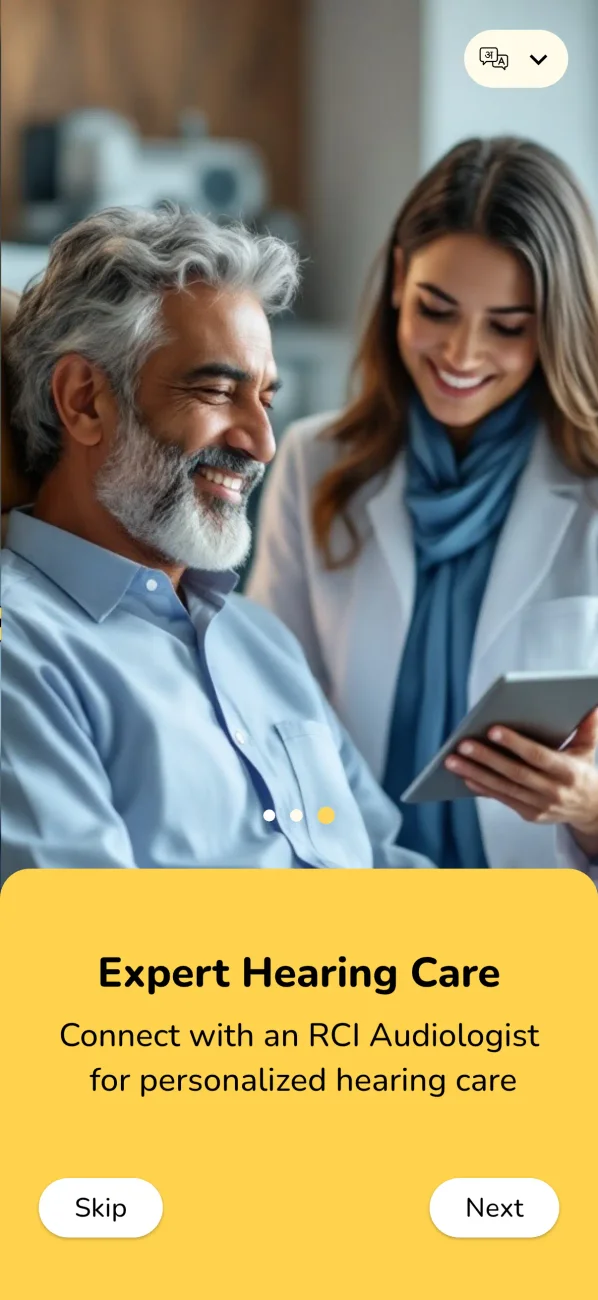
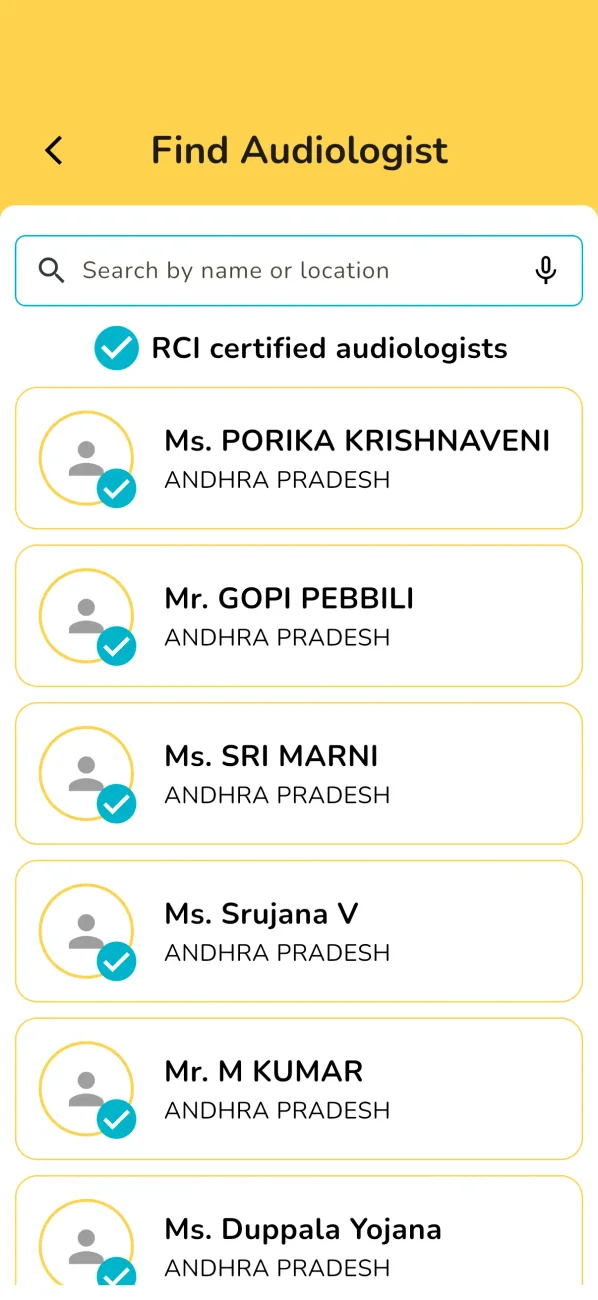
3. Find an Audiologist: You can connect with an RCI-certified audiologist near you for hearing diagnosis and rehabilitation. This feature ensures you connect with qualified professionals, guaranteeing high-quality hearing care.
How to use the feature:
Step 1: Turn on your location, provide access to the Able Assistant app, and tap the "Connect with Audiologist" button.
Step 2: You will see a list of RCI-certified audiologists near you. Connect with an audiologist by tapping on their profile.
Step 3: You can contact the RCI-certified audiologist directly through their contact number, email address, or clinic address found on their profile.
Able Assistant is truly a one-stop solution for all your audiology-related needs. Start your hearing care journey by downloading the app today.
What’s new
Version 1.2.2 · Apr 20, 2026
Features :-
URL Scheme Integration - Add URL scheme for able assistant integration
Localization Updates - Add localization strings for audiogram upload functionality
Fixes :-
Home Page Updates - Update YouTube video details
App privacy
What Ksham Innovation Private Limited declares on the App Store about how this app handles data.
-
Data linked to you
May be collected and linked to your identity.
- Contact info
-
Data not linked to you
May be collected but is not linked to your identity.
- Location
- User content
Privacy practices may vary, for example with the features you use or your age.
Information
- Seller
- Ksham Innovation Private Limited
- Category
- Medical
- Version
- 1.2.2
- Updated
- Apr 20, 2026
- Released
- Jan 22, 2026
- Size
- 114.0 MB
- Requires
- iOS 15.6 or later
- Age rating
- 17+
- Languages
- English
- Copyright
- © Ksham Innovation Private Limited