- 対象年齢17+
- カテゴリメディカル
- 開発元Ksham Innovation Private Limited
- 言語英語
- サイズ114.0 MB
App Storeの公式ページにリンクしています
Download.orgはAble Assistantのファイルを一切ホストしていません。ボタンを押すと、Ksham Innovation Private Limitedが公開しているApp Storeのアプリページが開きます。ページの最終確認:2026/11/12。
スクリーンショット

概要
開発元はこのテキストをお使いの言語で提供していません。
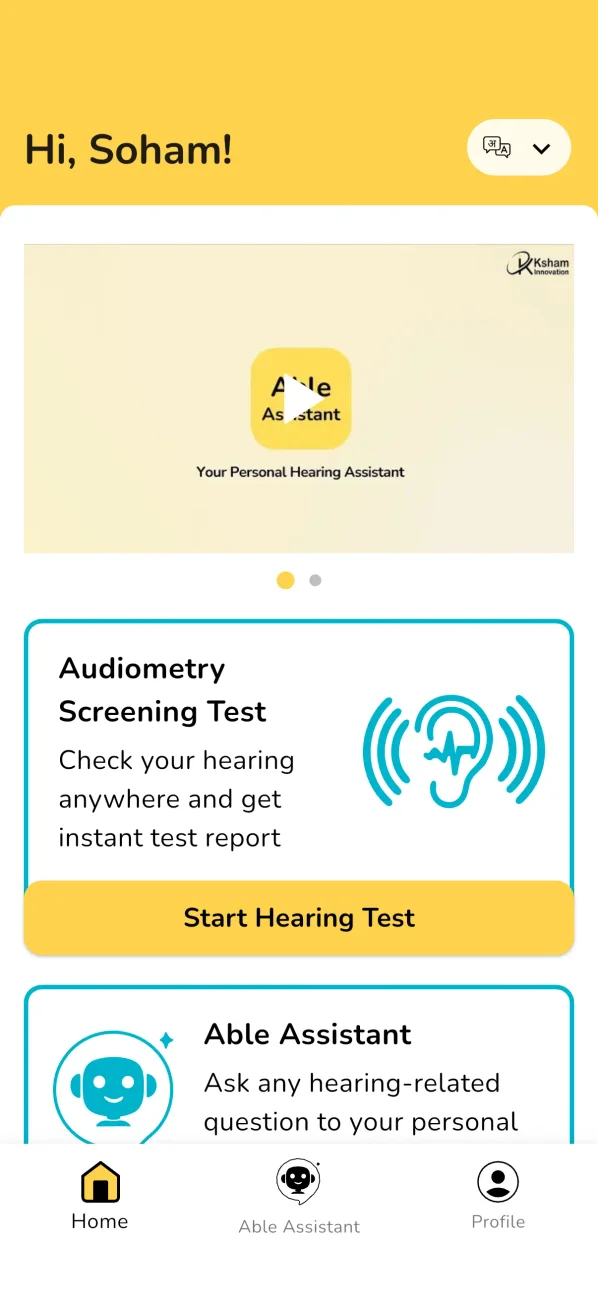
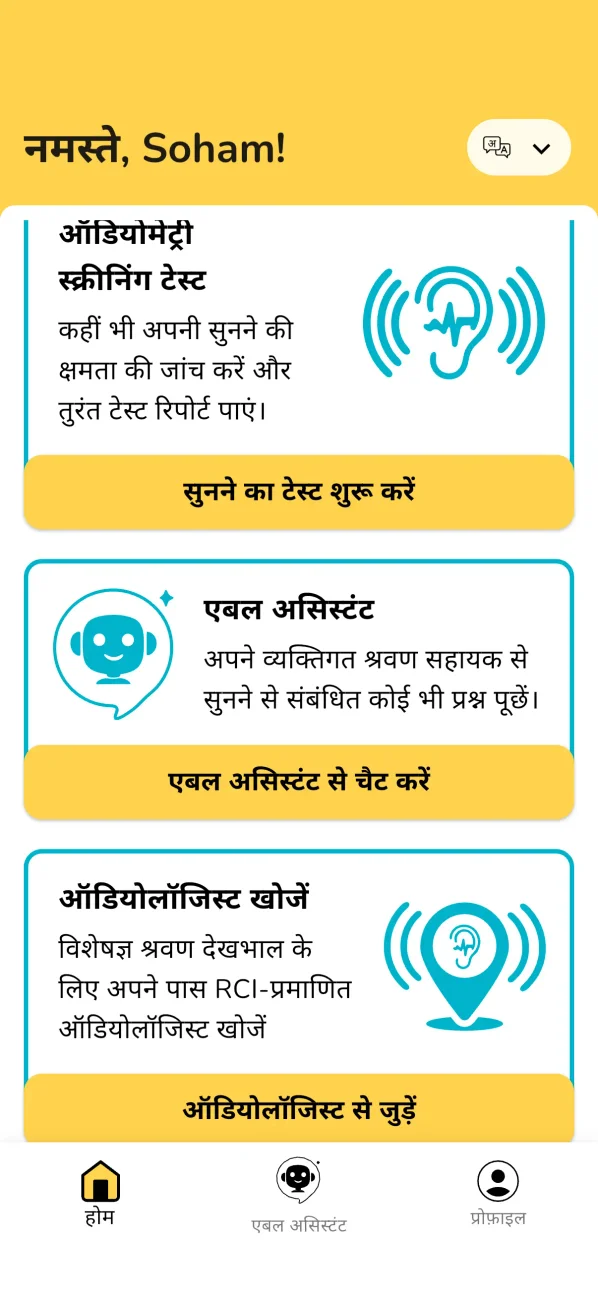
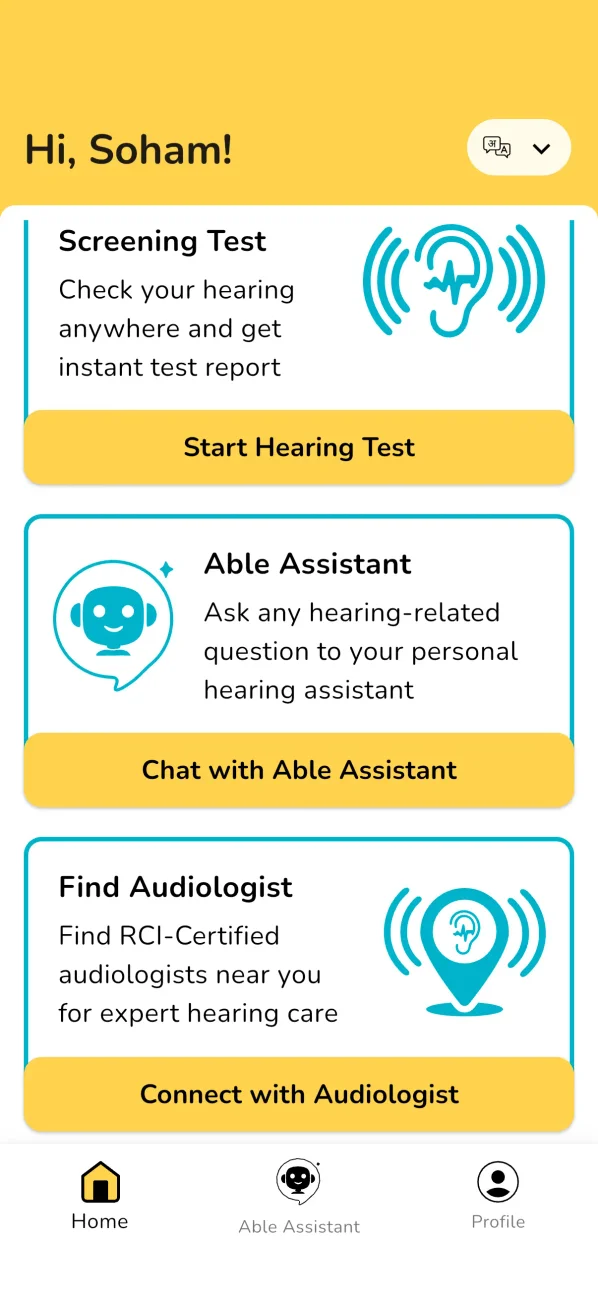
Able Assistant app is designed to be your personal hearing assistant in your journey towards better hearing health. Able Assistant is a multilingual app supporting 12+ diverse Indian languages and provides 3 key features which are crucial for quality hearing care.
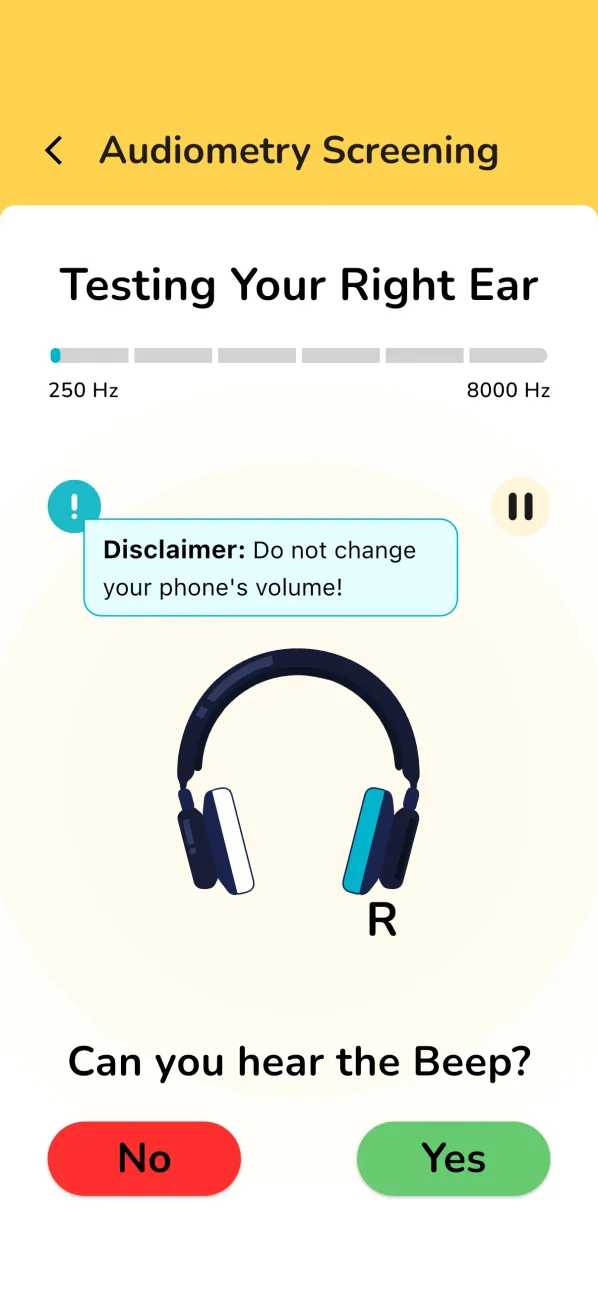
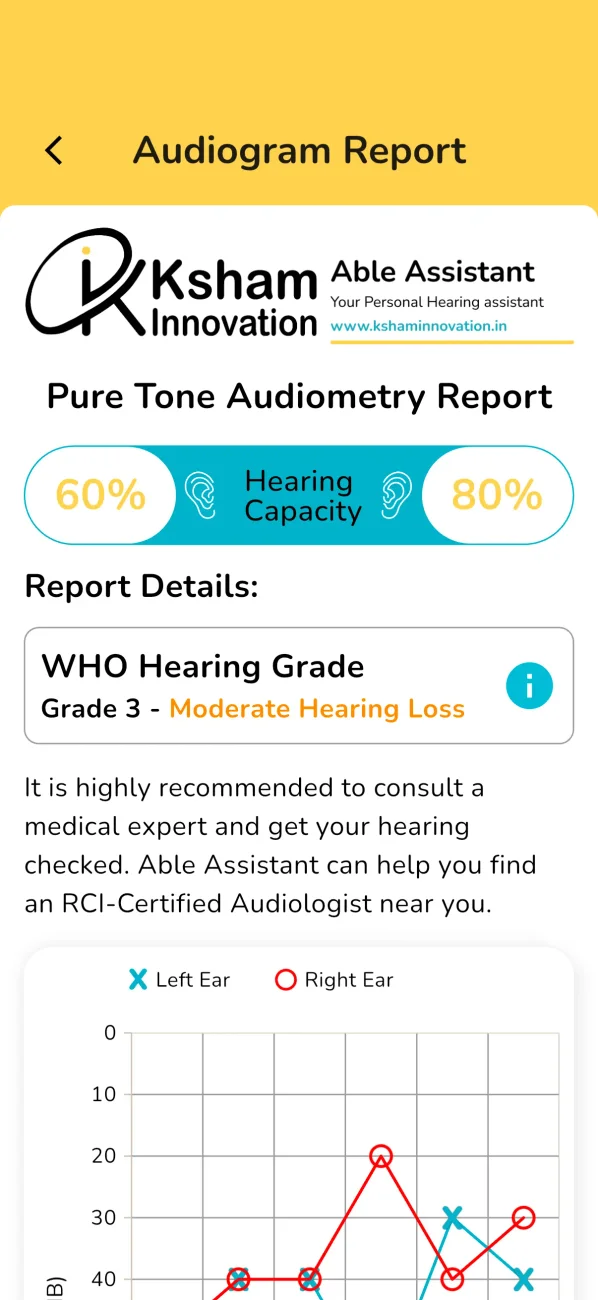
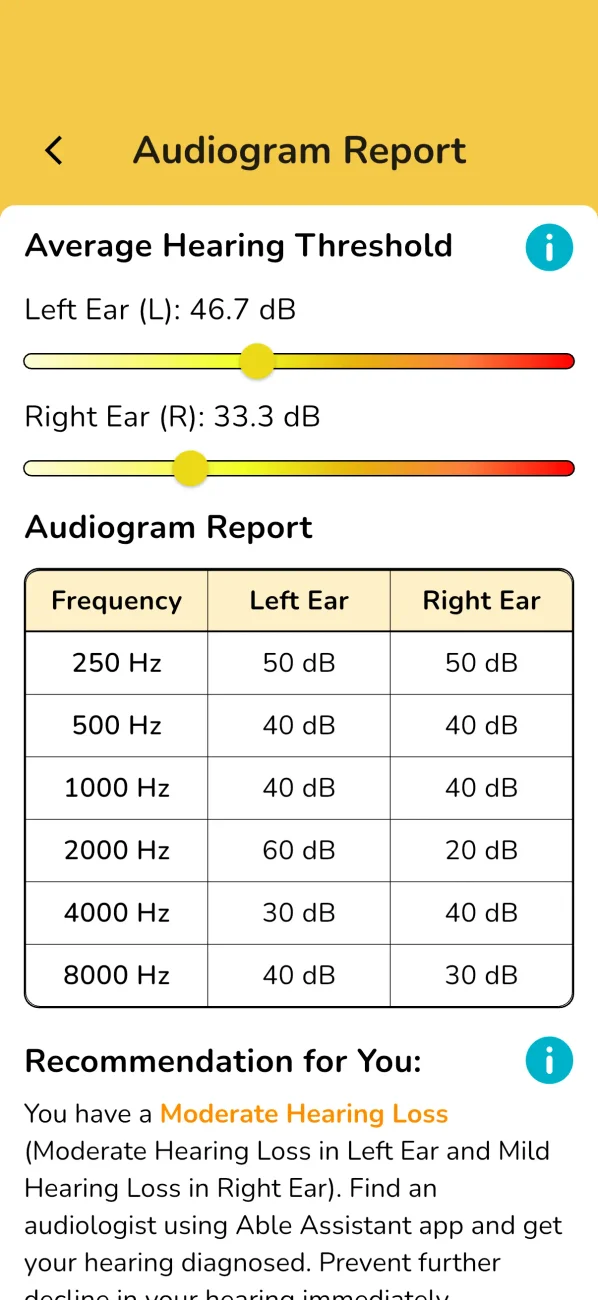
1. Audiometry screening test - You can conduct an audiometry screening test from the comfort of your home with a standard mobile phone. The test generates an instant WHO-Grade hearing report in simple language.
How to take the audiometry screening test:
Step 1: Find a quiet place, connect your earphones, and start the test.
Step 2: Once the test begins, you will hear a beep in your right ear. Tap "Yes" if you hear the beep, and "No" if you do not.
Step 3: After completing the test for both ears, your WHO-Grade hearing report will be generated with personalised recommendations. Download your report to keep a track of your hearing health.
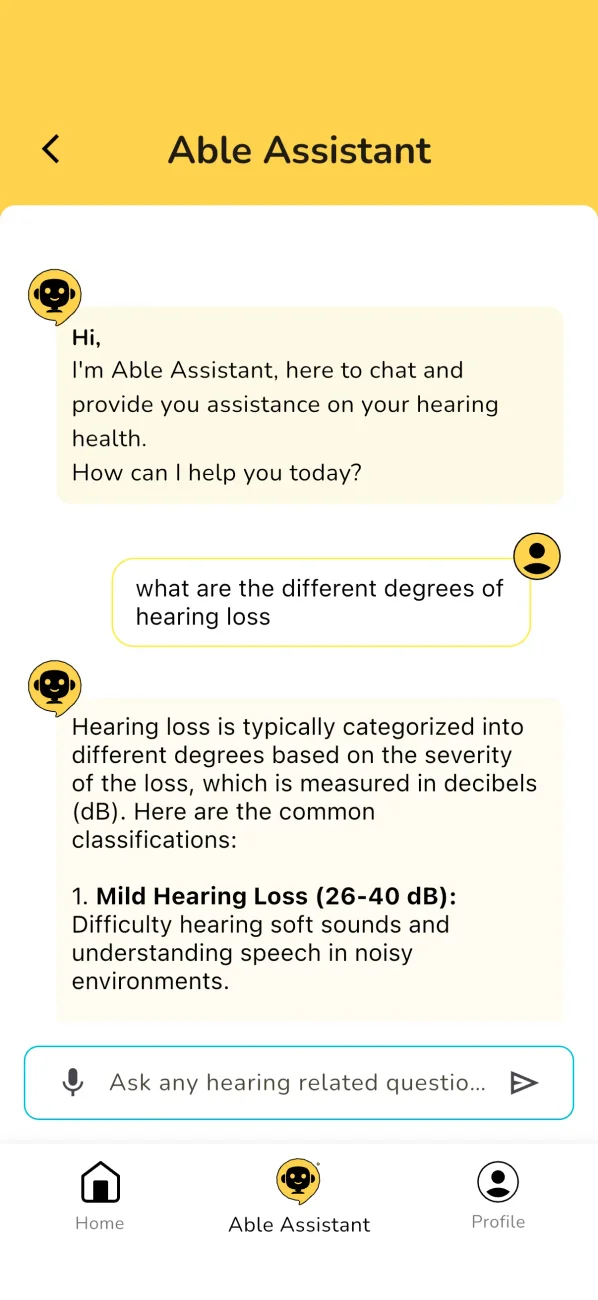
2. Able Assistant - Ask any hearing-related question to your virtual audiologist and get simple answers with actionable steps to take care of your hearing health.
How to use the Able Assistant feature:
Step 1: Tap the "Chat with Able Assistant" button.
Step 2: Type your hearing-related question in any language you prefer, or tap the microphone icon to speak to Able Assistant.
Step 3: Able Assistant will provide you with simple, personalised answers for your specific hearing care needs.
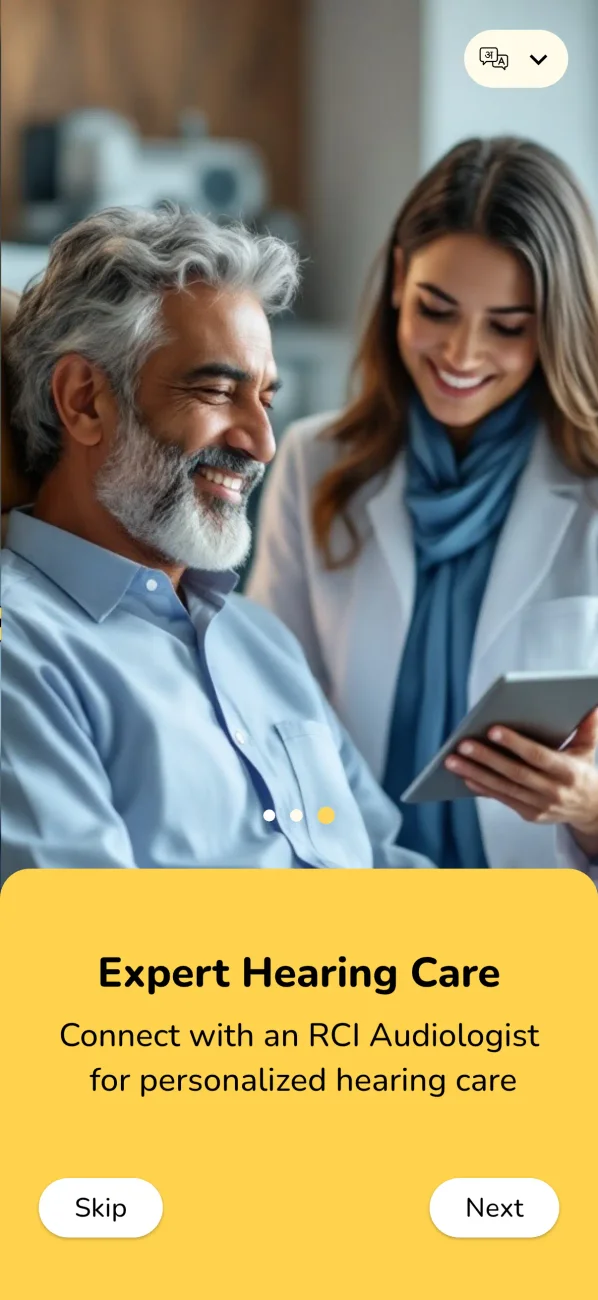
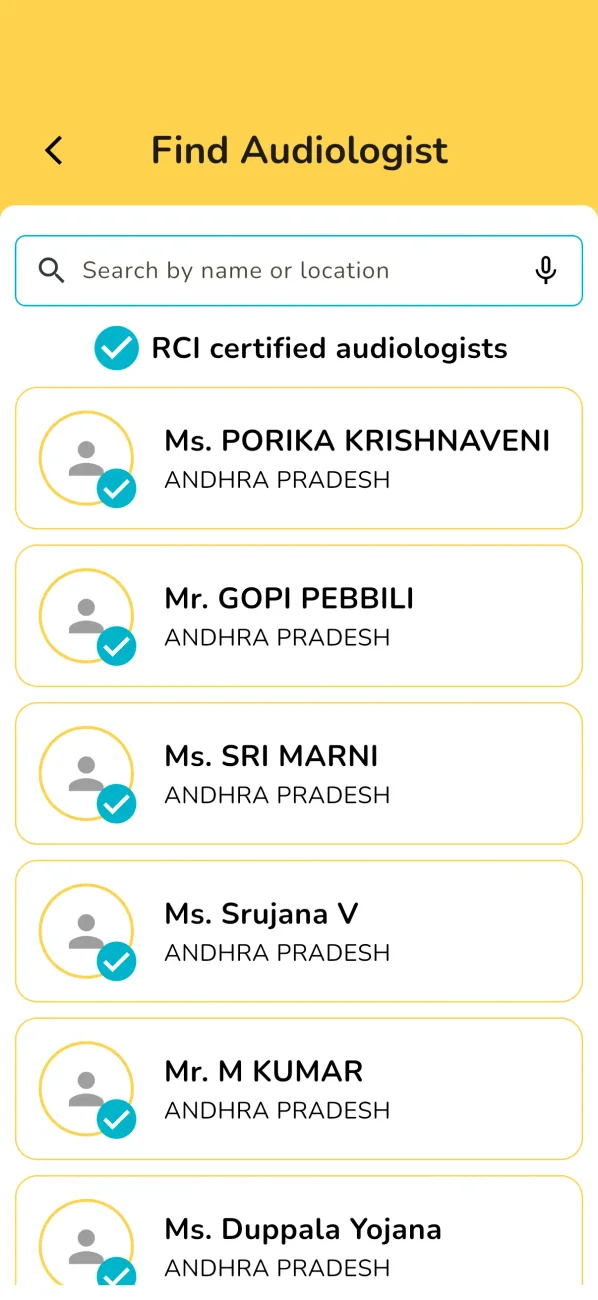
3. Find an Audiologist: You can connect with an RCI-certified audiologist near you for hearing diagnosis and rehabilitation. This feature ensures you connect with qualified professionals, guaranteeing high-quality hearing care.
How to use the feature:
Step 1: Turn on your location, provide access to the Able Assistant app, and tap the "Connect with Audiologist" button.
Step 2: You will see a list of RCI-certified audiologists near you. Connect with an audiologist by tapping on their profile.
Step 3: You can contact the RCI-certified audiologist directly through their contact number, email address, or clinic address found on their profile.
Able Assistant is truly a one-stop solution for all your audiology-related needs. Start your hearing care journey by downloading the app today.
新機能
バージョン 1.2.2 · 2026/4/20
Features :-
URL Scheme Integration - Add URL scheme for able assistant integration
Localization Updates - Add localization strings for audiogram upload functionality
Fixes :-
Home Page Updates - Update YouTube video details
アプリのプライバシー
このアプリのデータの取り扱いについて、Ksham Innovation Private LimitedがApp Storeで申告している内容です。
-
ユーザーに関連付けられたデータ
収集され、ユーザーの識別情報に関連付けられる場合があります。
- 連絡先情報
-
ユーザーに関連付けられないデータ
収集される場合がありますが、ユーザーの識別情報には関連付けられません。
- 位置情報
- ユーザーコンテンツ
プライバシーの取り扱いは、ご利用の機能やお客様の年齢などに応じて異なる場合があります。
情報
- 販売元
- Ksham Innovation Private Limited
- カテゴリ
- メディカル
- バージョン
- 1.2.2
- 更新日
- 2026/4/20
- リリース
- 2026/1/22
- サイズ
- 114.0 MB
- 必要条件
- iOS 15.6以降
- 対象年齢
- 17+
- 価格
- 無料
- 言語
- 英語
- 著作権
- © Ksham Innovation Private Limited