
Accessibility Techniques
Accessibility Techniques/Demos
Designed for iPhone, iPad
Free
- Age rating4+
- CategoryDeveloper Tools
- DeveloperPaulJAdam.com
- LanguagesEnglish
- Size7.5 MB
Links to the official App Store page
Download.org hosts no file of Accessibility Techniques. The button opens its official App Store page, published by PaulJAdam.com. Listing last checked on Nov 16, 2026.
Screenshots

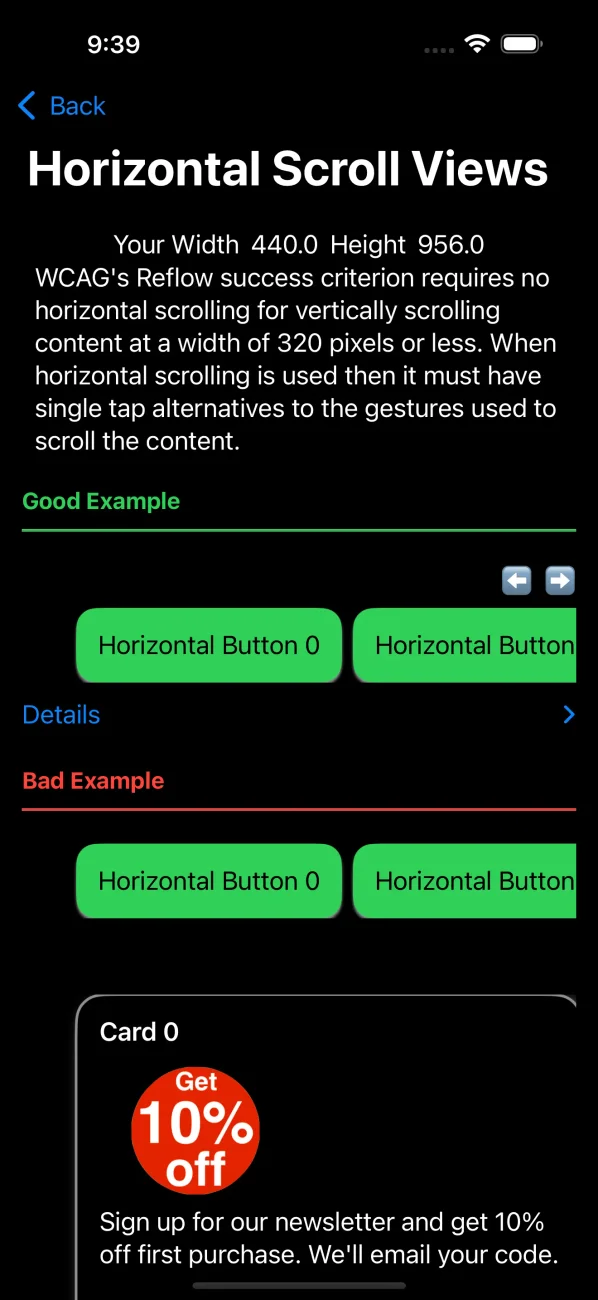
About
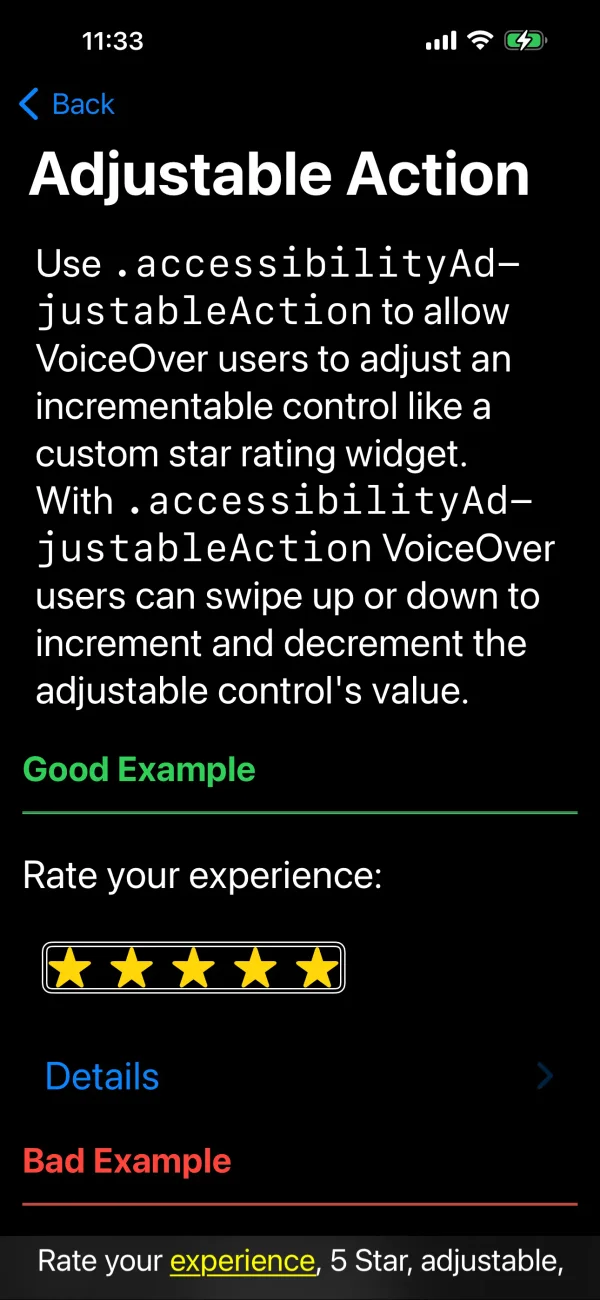
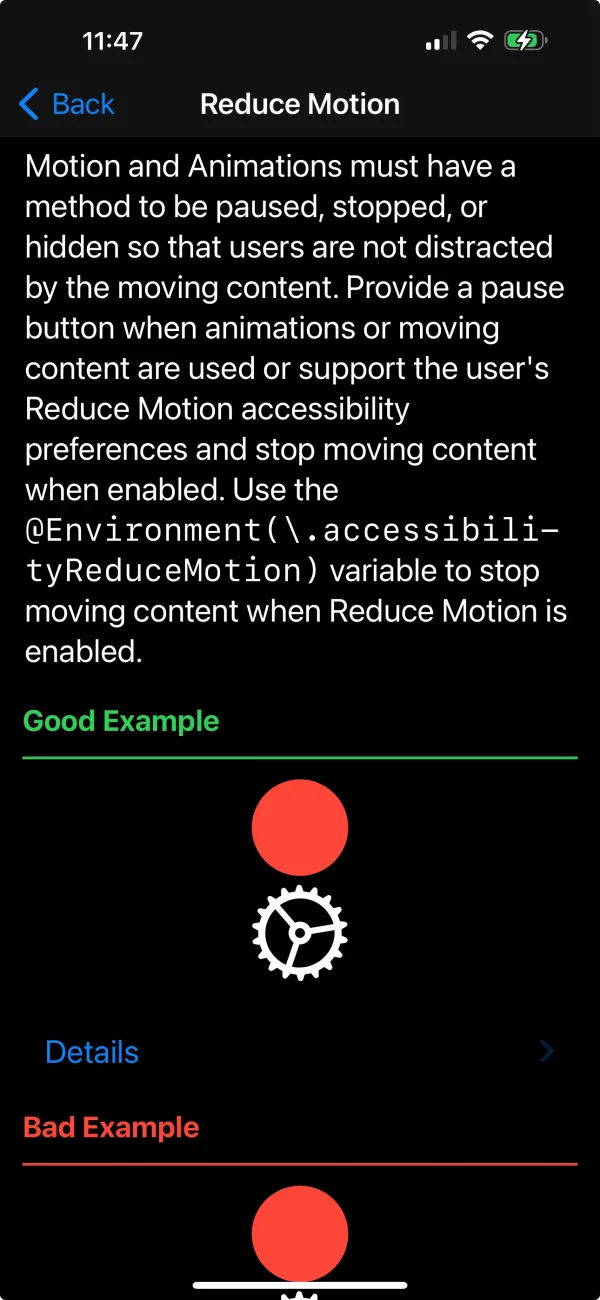
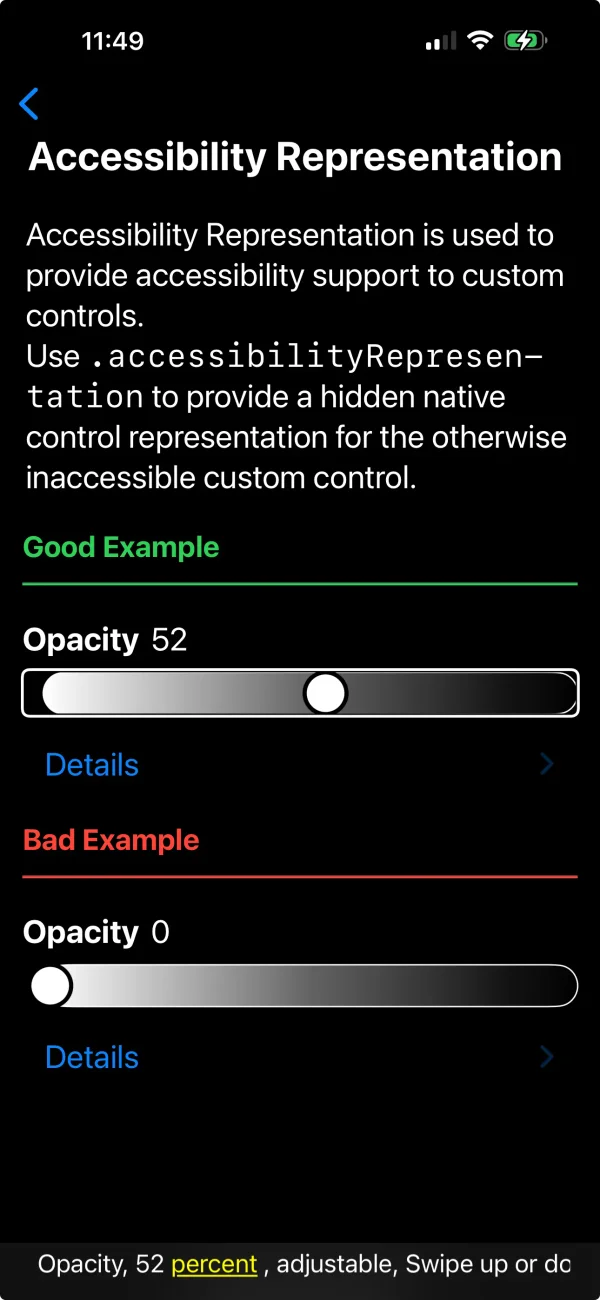
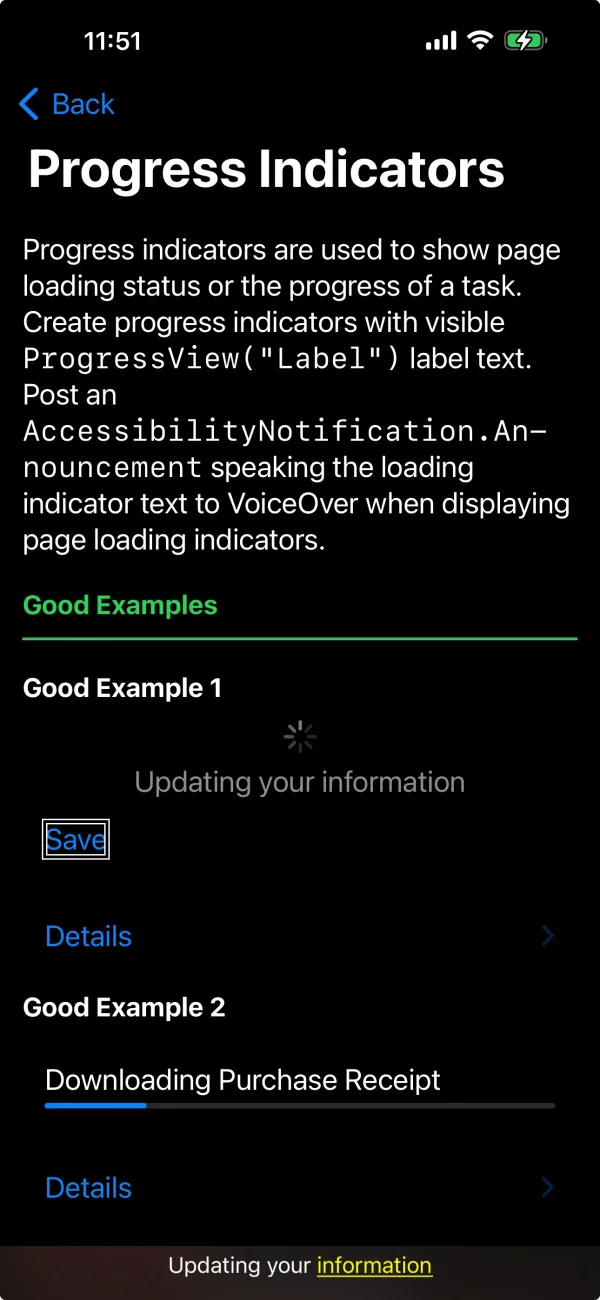
Learn how to build accessible iOS apps by seeing the same component done right and done wrong, side by side.
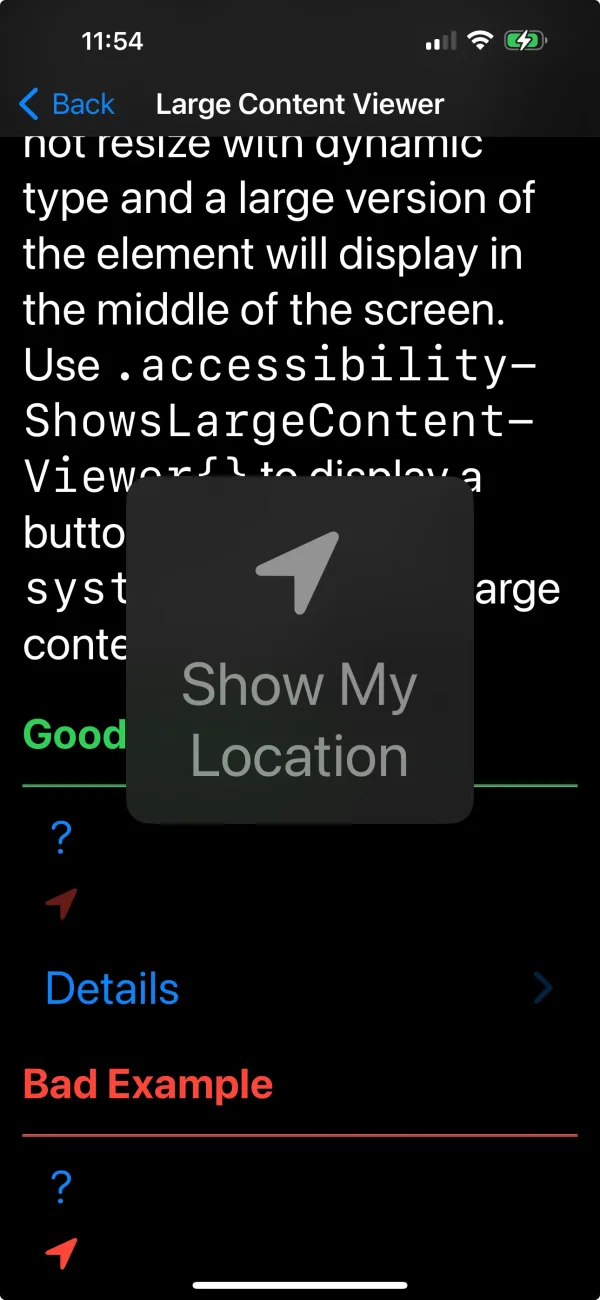
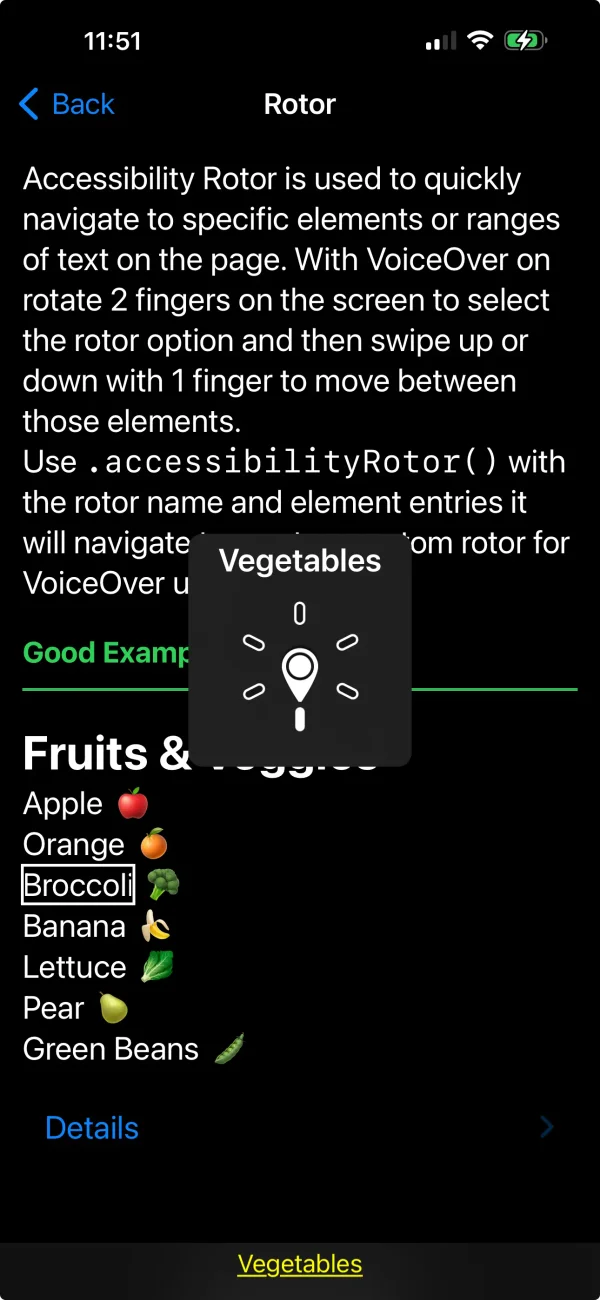
Accessibility Techniques is a working reference of 89 SwiftUI techniques. Every one ships a good and a bad example you can test yourself with VoiceOver turned on, so you hear the difference a proper accessibility label makes and what breaks when focus is not managed. Each technique maps to the WCAG 2.2 success criteria it satisfies.
What's inside
• 89 techniques in a searchable, alphabetical index
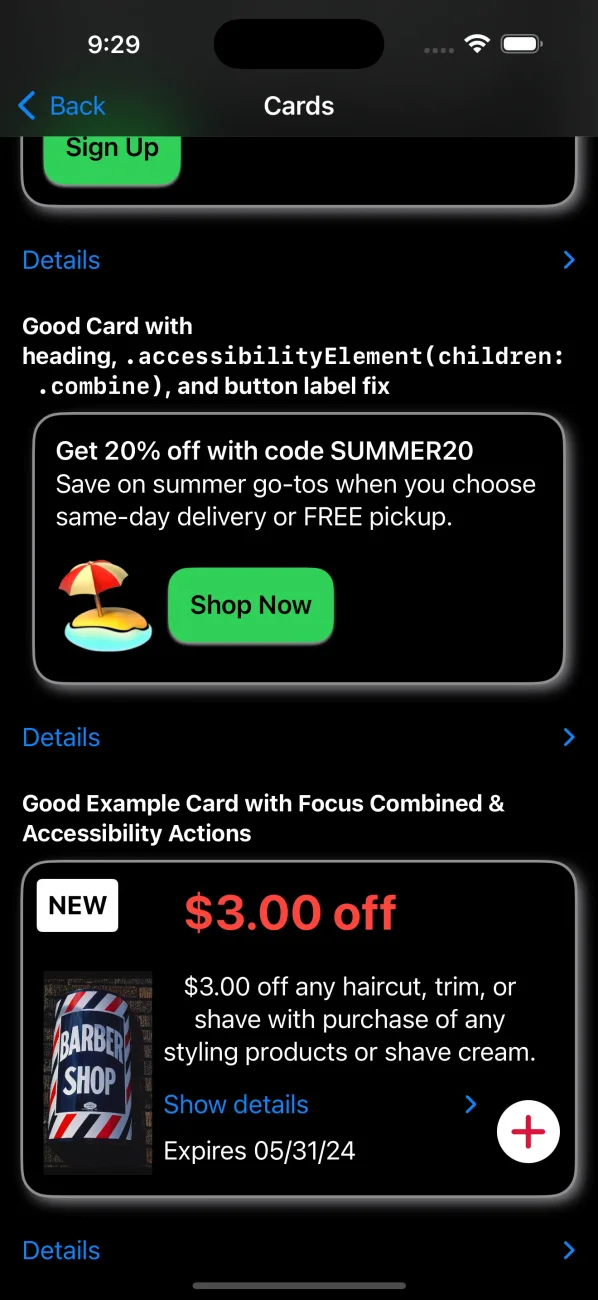
• Good and bad examples side by side, each with a Details note explaining exactly why it passes or fails
• Coverage of VoiceOver, Voice Control, Dynamic Type, Dark Mode, Reduce Motion, Increase Contrast, Smart Invert, and more
• Written documentation for every technique, linked to the relevant WCAG criteria and Apple's developer docs
• A companion watchOS app
Who it's for
Developers, designers, and QA who need to settle a question quickly, verify a real VoiceOver announcement before shipping, or show a teammate why a pattern fails.
Open source
The full SwiftUI source is on GitHub, so you can read how each example is built and copy what you need. The project also includes a11y-check, a free static analysis tool that scans your own Swift code for accessibility issues — 43 rules across 23 WCAG 2.2 criteria.
https://github.com/cvs-health/ios-swiftui-accessibility-techniques
Issues, suggestions, and contributions welcome.
What’s new
Version 26.8 · Nov 11, 2026
New technique pages
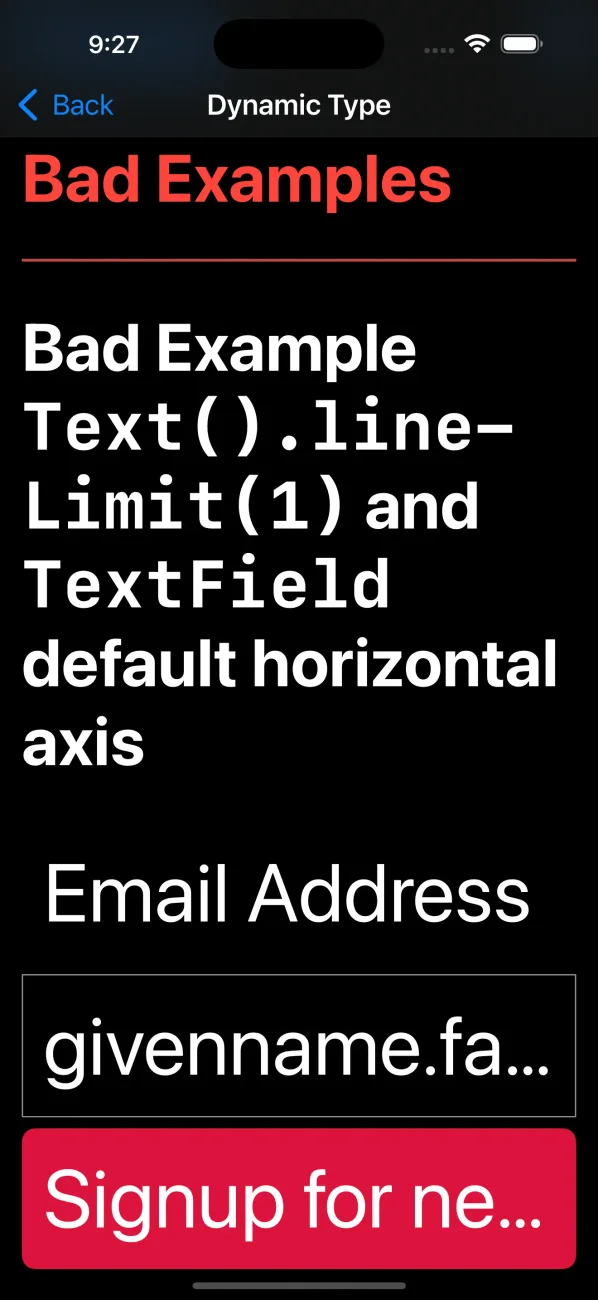
• Show Borders — the Settings toggle that draws a border around buttons, previously called Button Shapes. The good example grows to fit the border; the bad one has a fixed width, so "Add to Cart" truncates to "Add to…" once the setting is on.
• VoiceOver Automation Testing — driving VoiceOver from a UI test with XCUIVoiceOverService, new in Xcode 27. The bad example is a fake heading whose spoken text contains the word "Heading", so a test checking for that string passes on an element the Rotor cannot reach at all.
New examples on existing pages
• Text Fields — three bad examples using a prompt for placeholder text, which leaves the field with no accessible name. Includes one where the prompt's contrast is fixed and the field is still wrong, and a long prompt that truncates even with a vertical axis.
• Scroll Views — a button inside a focusable scroll view that Full Keyboard Access can never reach, and a good example that makes a scroll view keyboard-scrollable without adding a button.
• Accessibility Hidden — hiding a field's visible label to stop VoiceOver repeating it, and why leaving it in place is the better answer.
Also in this release
• Fixed two contrast failures that were inside good examples: the unread badge on Tabs and the Delete button on the A11y-check page.
• Fixed the documentation screen reloading the page on every update, which lost your place and your back button.
App privacy
What PaulJAdam.com declares on the App Store about how this app handles data.
-
Data not collected
The developer does not collect any data from this app.
Privacy practices may vary, for example with the features you use or your age.
Information
- Seller
- Paul Adam
- Category
- Developer Tools
- Version
- 26.8
- Updated
- Nov 11, 2026
- Released
- Dec 12, 2023
- Size
- 7.5 MB
- Requires
- iOS 17 or later
- Age rating
- 4+
- Price
- Free
- Languages
- English
- Copyright
- © 2023-2026 CVS Health and/or one of its affiliates
You might also like
-
 A11y ExampleDeveloper Tools
-
 SwiftUI CatalogShowcasing SwiftUI elements
-
 Accessibility InspectorConfiguration summary and info
-
 InteractfulLearn SwiftUI
-
 Libraried: UI ComponentsFor Use With SwiftUI
-
 Compot: SwiftUI with AISwift Code for Apple Developer
-
 My Shortcuts for XcodeMaster Keyboard Shortcuts
-
 Releases for XcodeXcode update notifications
-
 Source Files: Git Storagefor GitHub, GitLab & Gitea
-
 Swifter for SwiftUIDesign and code ressources