- 対象年齢4+
- カテゴリ開発ツール
- 開発元PaulJAdam.com
- 言語英語
- サイズ7.5 MB
App Storeの公式ページにリンクしています
Download.orgはAccessibility Techniquesのファイルを一切ホストしていません。ボタンを押すと、PaulJAdam.comが公開しているApp Storeのアプリページが開きます。ページの最終確認:2026/11/16。
スクリーンショット

概要
開発元はこのテキストをお使いの言語で提供していません。
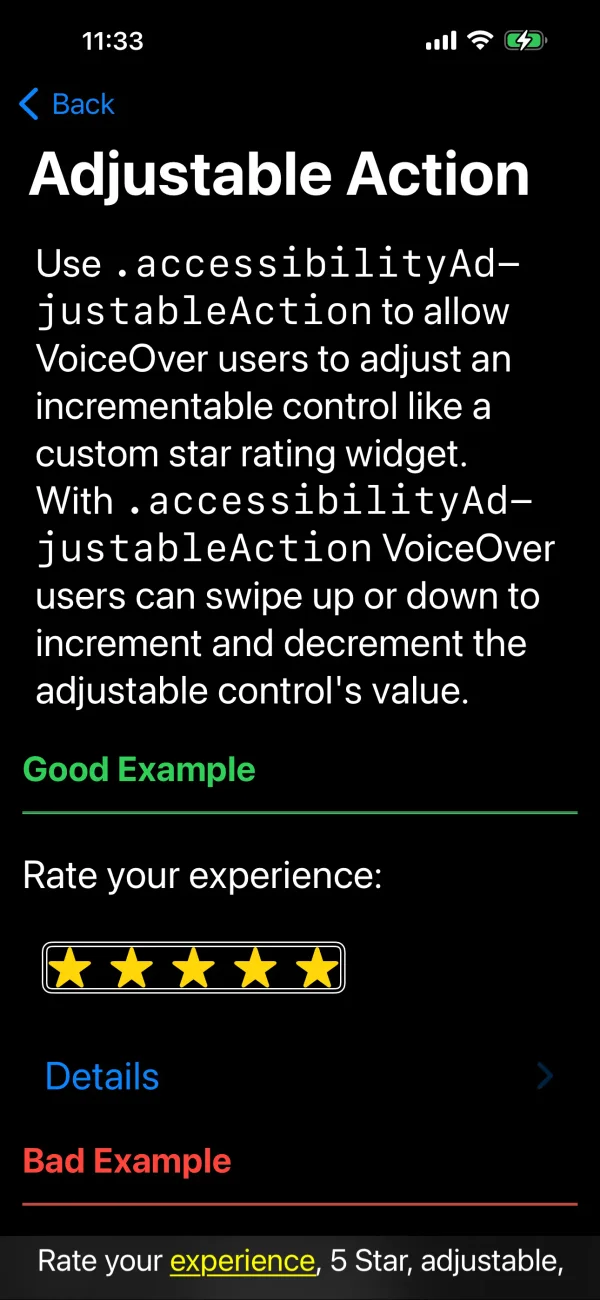
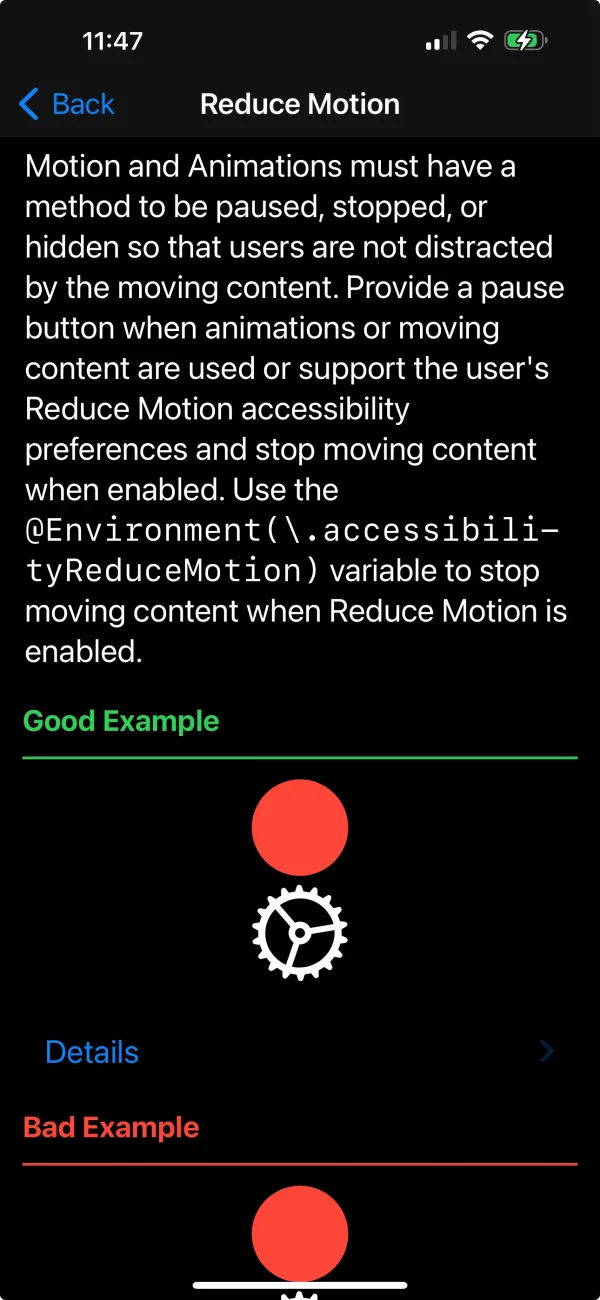
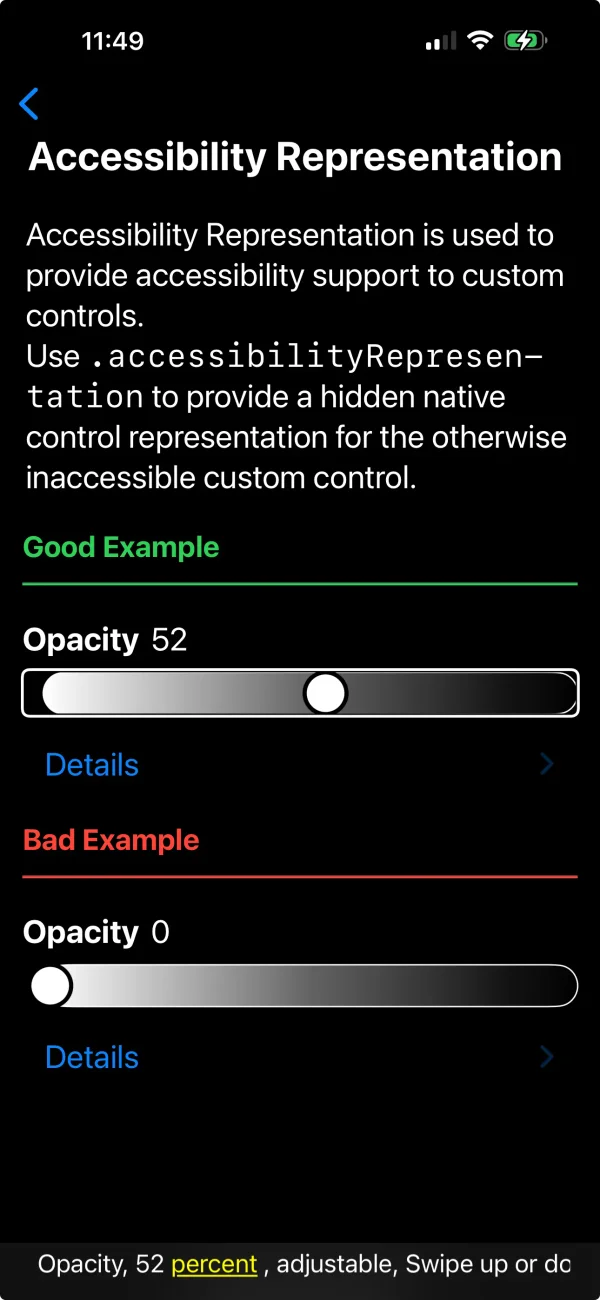
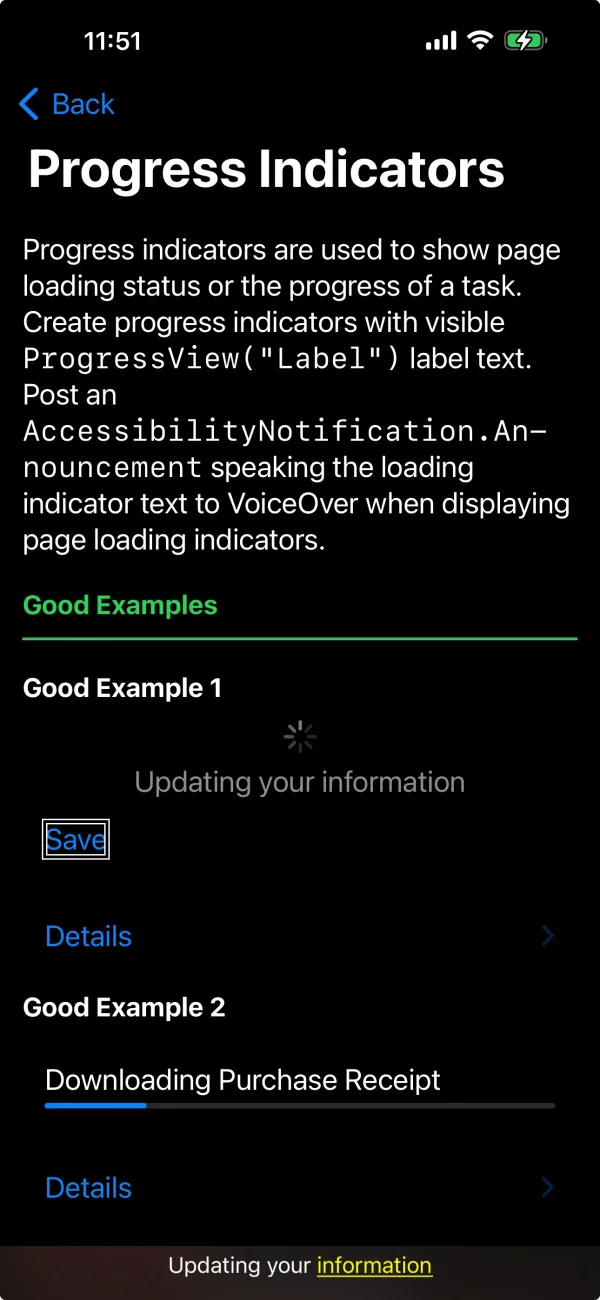
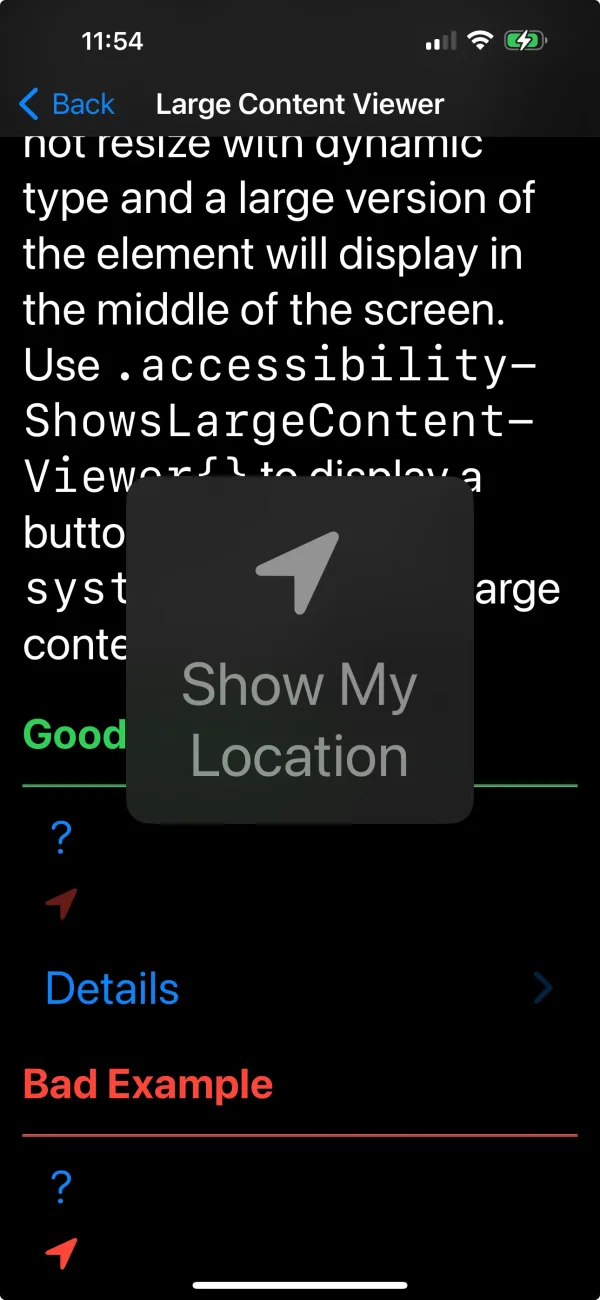
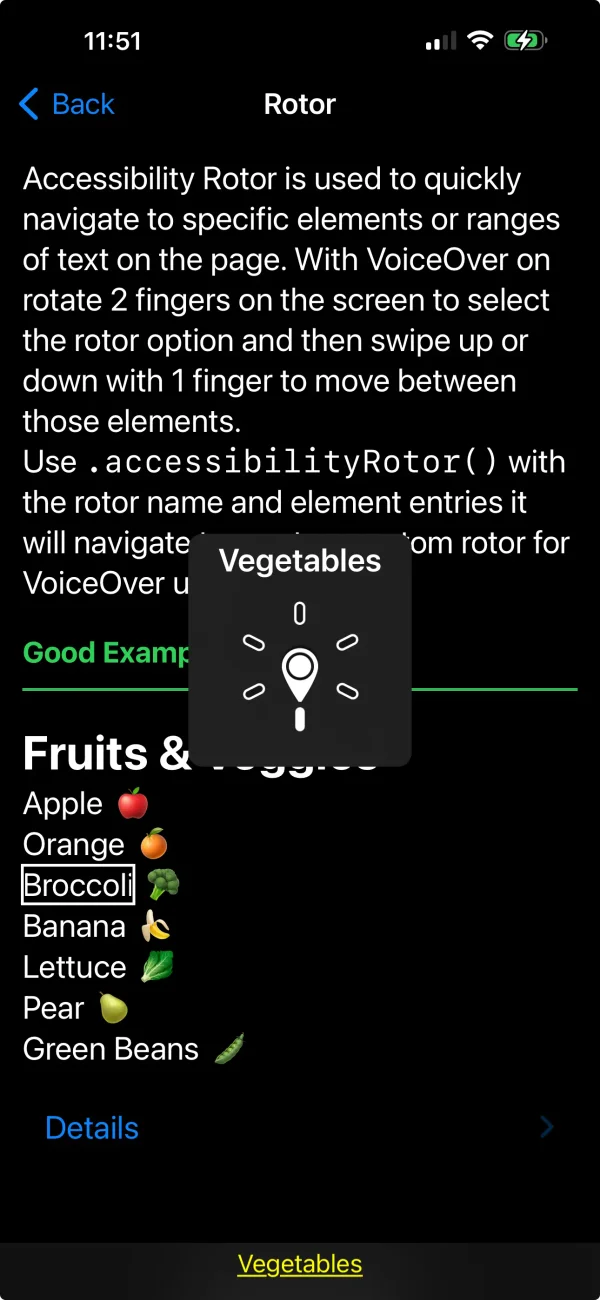
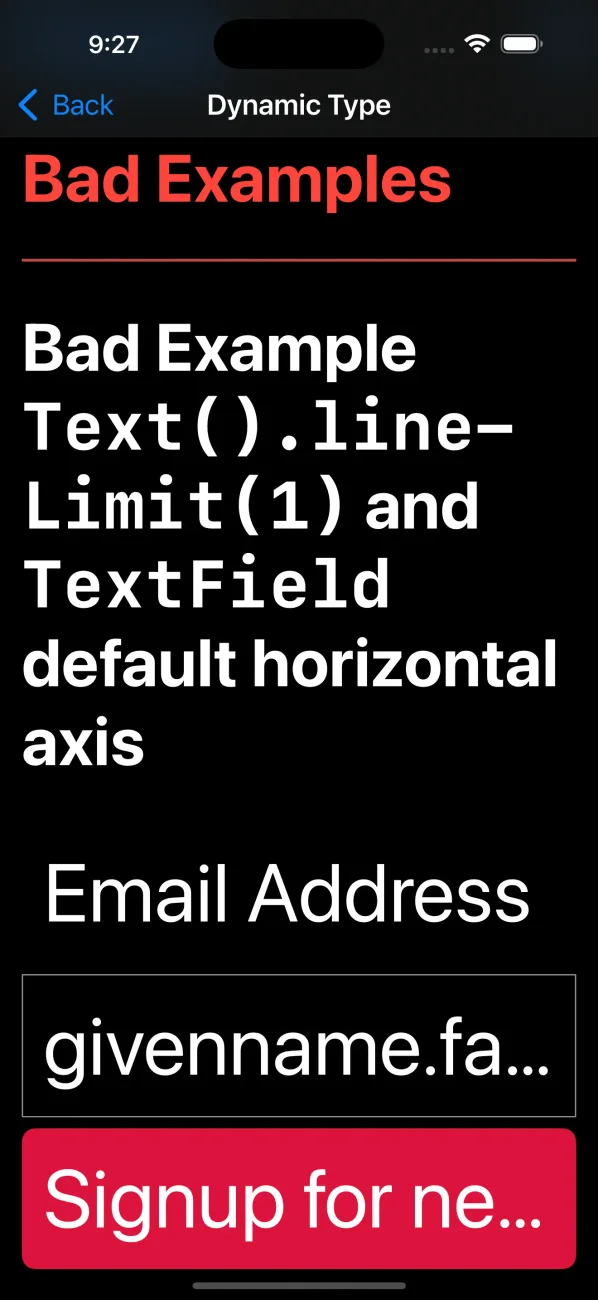
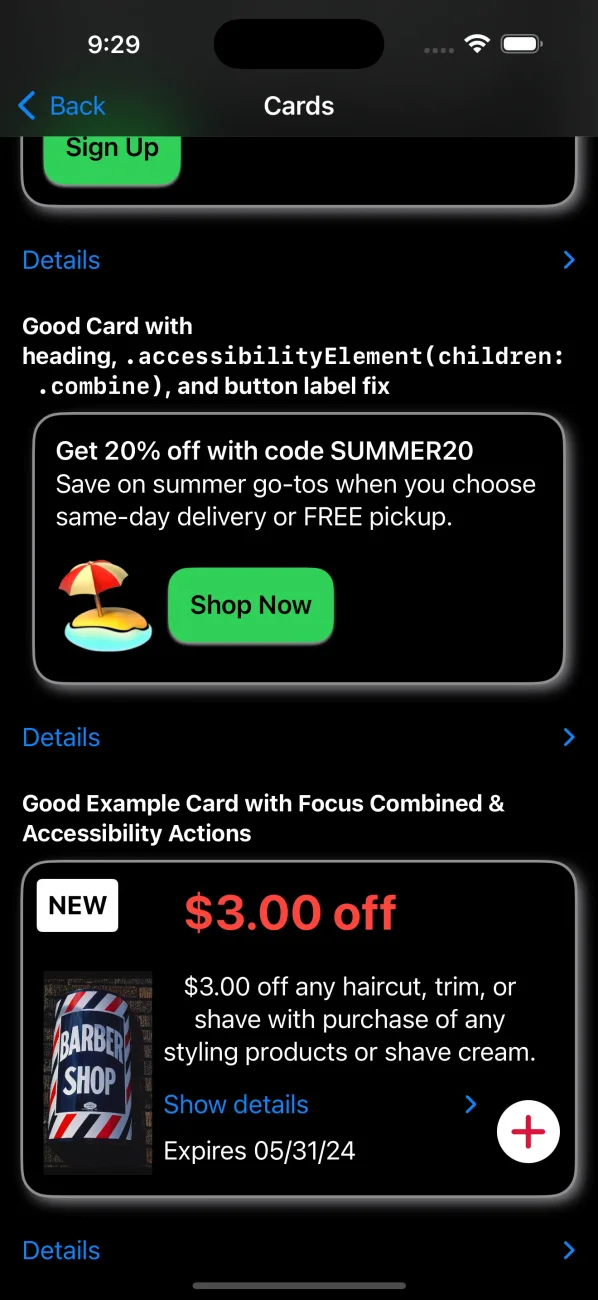
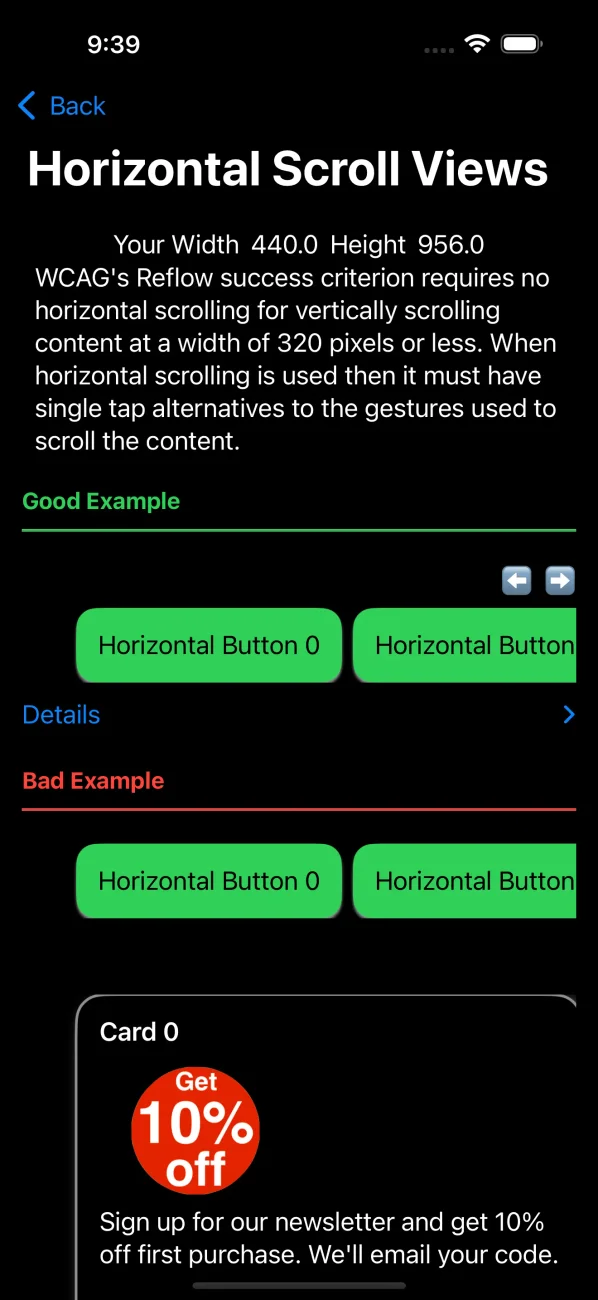
Learn how to build accessible iOS apps by seeing the same component done right and done wrong, side by side.
Accessibility Techniques is a working reference of 89 SwiftUI techniques. Every one ships a good and a bad example you can test yourself with VoiceOver turned on, so you hear the difference a proper accessibility label makes and what breaks when focus is not managed. Each technique maps to the WCAG 2.2 success criteria it satisfies.
What's inside
• 89 techniques in a searchable, alphabetical index
• Good and bad examples side by side, each with a Details note explaining exactly why it passes or fails
• Coverage of VoiceOver, Voice Control, Dynamic Type, Dark Mode, Reduce Motion, Increase Contrast, Smart Invert, and more
• Written documentation for every technique, linked to the relevant WCAG criteria and Apple's developer docs
• A companion watchOS app
Who it's for
Developers, designers, and QA who need to settle a question quickly, verify a real VoiceOver announcement before shipping, or show a teammate why a pattern fails.
Open source
The full SwiftUI source is on GitHub, so you can read how each example is built and copy what you need. The project also includes a11y-check, a free static analysis tool that scans your own Swift code for accessibility issues — 43 rules across 23 WCAG 2.2 criteria.
https://github.com/cvs-health/ios-swiftui-accessibility-techniques
Issues, suggestions, and contributions welcome.
新機能
バージョン 26.8 · 2026/11/11
New technique pages
• Show Borders — the Settings toggle that draws a border around buttons, previously called Button Shapes. The good example grows to fit the border; the bad one has a fixed width, so "Add to Cart" truncates to "Add to…" once the setting is on.
• VoiceOver Automation Testing — driving VoiceOver from a UI test with XCUIVoiceOverService, new in Xcode 27. The bad example is a fake heading whose spoken text contains the word "Heading", so a test checking for that string passes on an element the Rotor cannot reach at all.
New examples on existing pages
• Text Fields — three bad examples using a prompt for placeholder text, which leaves the field with no accessible name. Includes one where the prompt's contrast is fixed and the field is still wrong, and a long prompt that truncates even with a vertical axis.
• Scroll Views — a button inside a focusable scroll view that Full Keyboard Access can never reach, and a good example that makes a scroll view keyboard-scrollable without adding a button.
• Accessibility Hidden — hiding a field's visible label to stop VoiceOver repeating it, and why leaving it in place is the better answer.
Also in this release
• Fixed two contrast failures that were inside good examples: the unread badge on Tabs and the Delete button on the A11y-check page.
• Fixed the documentation screen reloading the page on every update, which lost your place and your back button.
アプリのプライバシー
このアプリのデータの取り扱いについて、PaulJAdam.comがApp Storeで申告している内容です。
-
データの収集なし
開発元はこのアプリからデータを収集しません。
プライバシーの取り扱いは、ご利用の機能やお客様の年齢などに応じて異なる場合があります。
情報
- 販売元
- Paul Adam
- カテゴリ
- 開発ツール
- バージョン
- 26.8
- 更新日
- 2026/11/11
- リリース
- 2023/12/12
- サイズ
- 7.5 MB
- 必要条件
- iOS 17以降
- 対象年齢
- 4+
- 価格
- 無料
- 言語
- 英語
- 著作権
- © 2023-2026 CVS Health and/or one of its affiliates