
ACEpath: Math Homework Help
Photo Calculator & AI Tutor
Designed for iPhone
Free · In-app purchases
- Age rating12+
- CategoryEducation
- DeveloperACEPATH PTE. LTD.
- LanguagesEnglish
- Size55.3 MB
Links to the official App Store page
Download.org hosts no file of ACEpath: Math Homework Help. The button opens its official App Store page, published by ACEPATH PTE. LTD. Listing last checked on Nov 26, 2026.
Screenshots
About
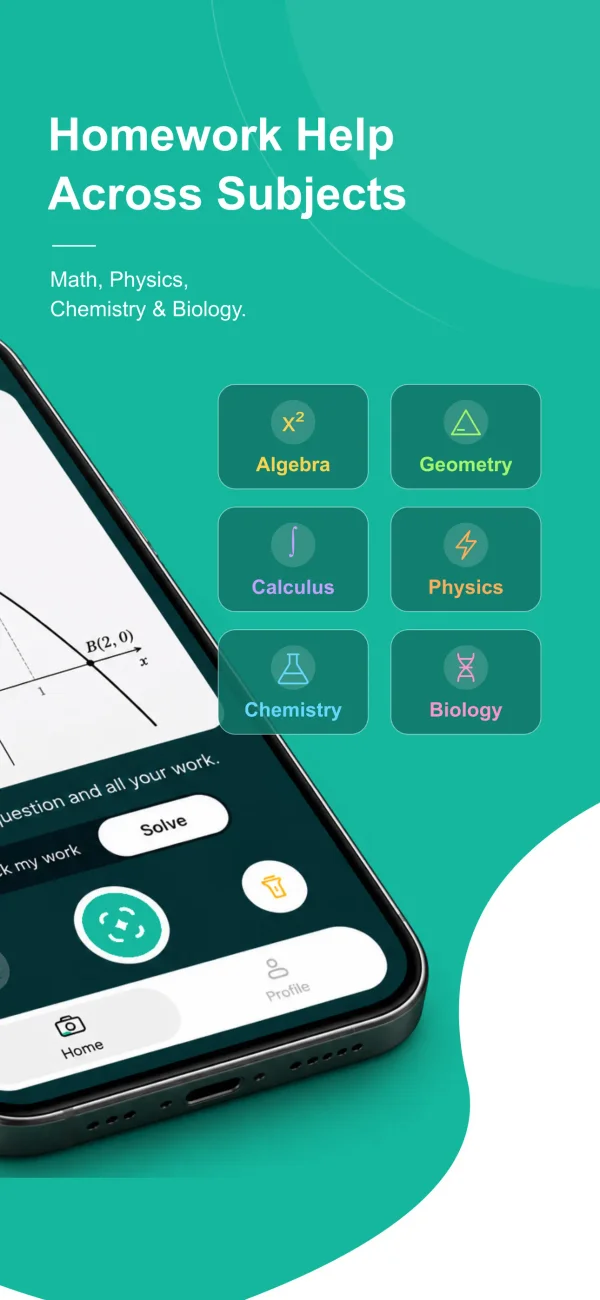
Understand where your math work went wrong, whether you're studying or helping your child. AcePath brings math homework help to the steps on the page: see what you got right, work through mistakes, and practice the skills behind them.
HOW IT WORKS
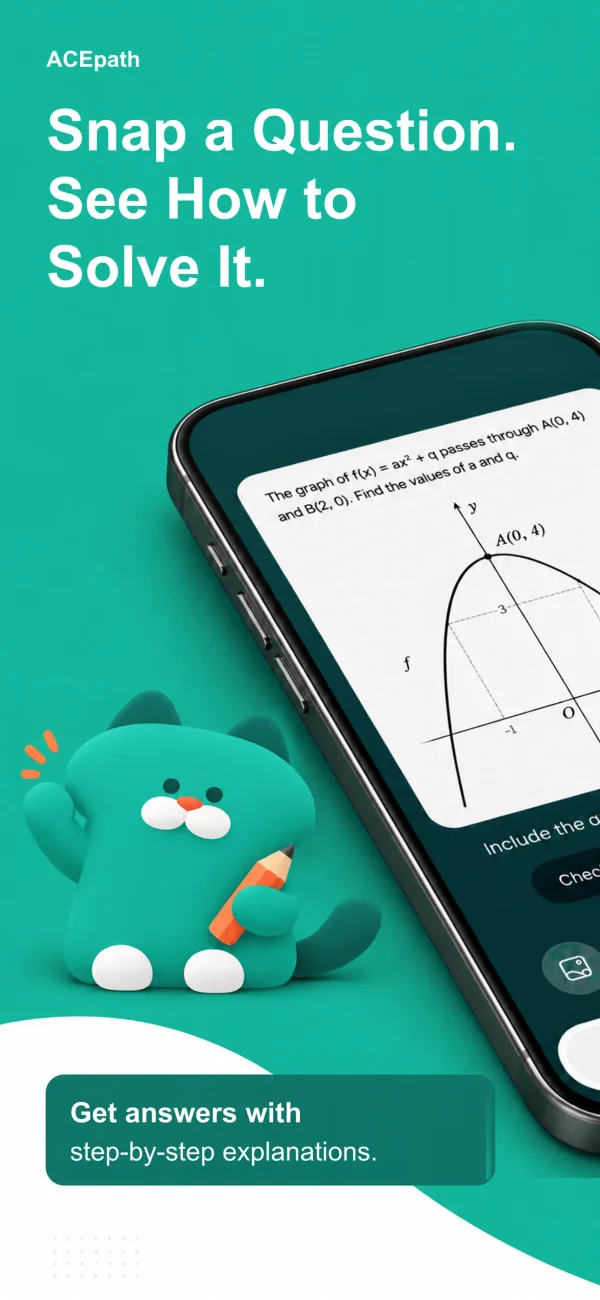
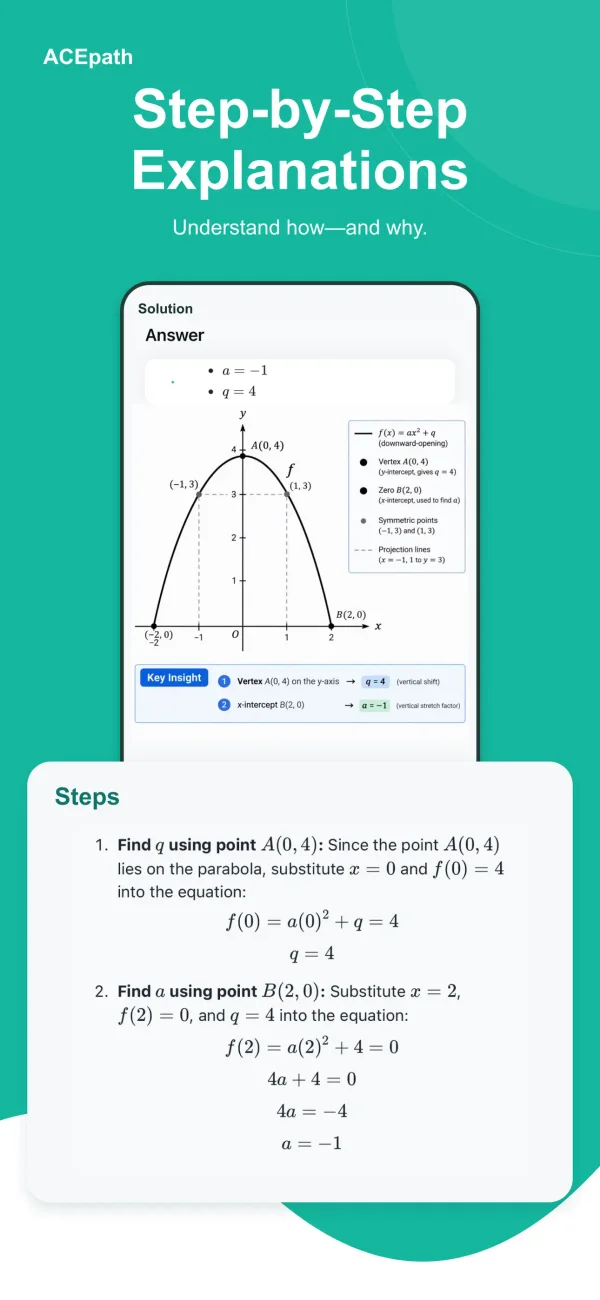
• Photo math solver: Take a clear photo of a complete question to follow a step-by-step solution.
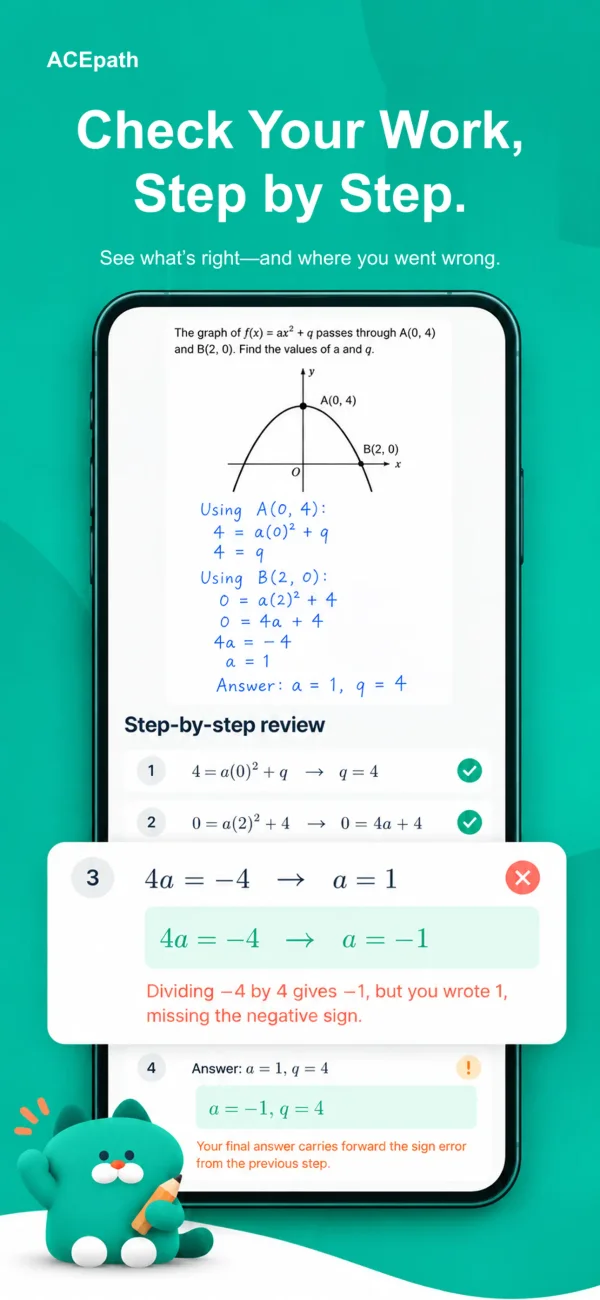
• Check My Work: Check each step of your handwritten answer or scratch work to see where your reasoning is correct and where it needs attention.
• Mistake diagnosis: Pinpoint the step where an error happened and understand how it affects later steps on the path to the correct solution.
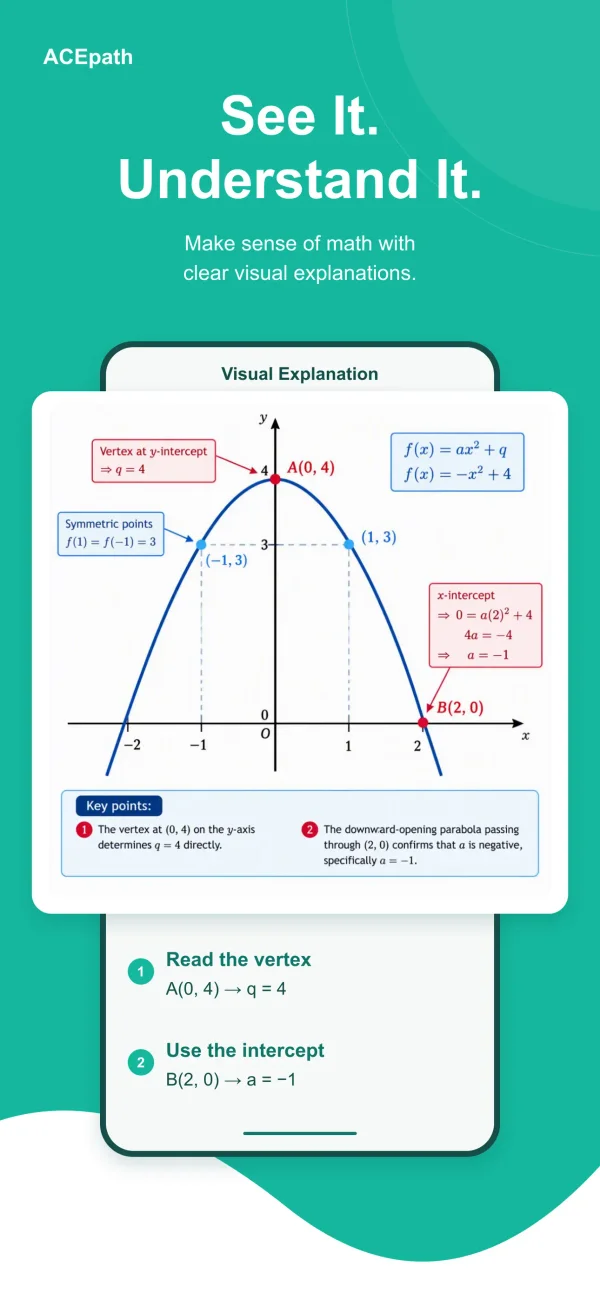
• Visual explanations: Explore difficult concepts through clear visual explanations that help you understand the reasoning.
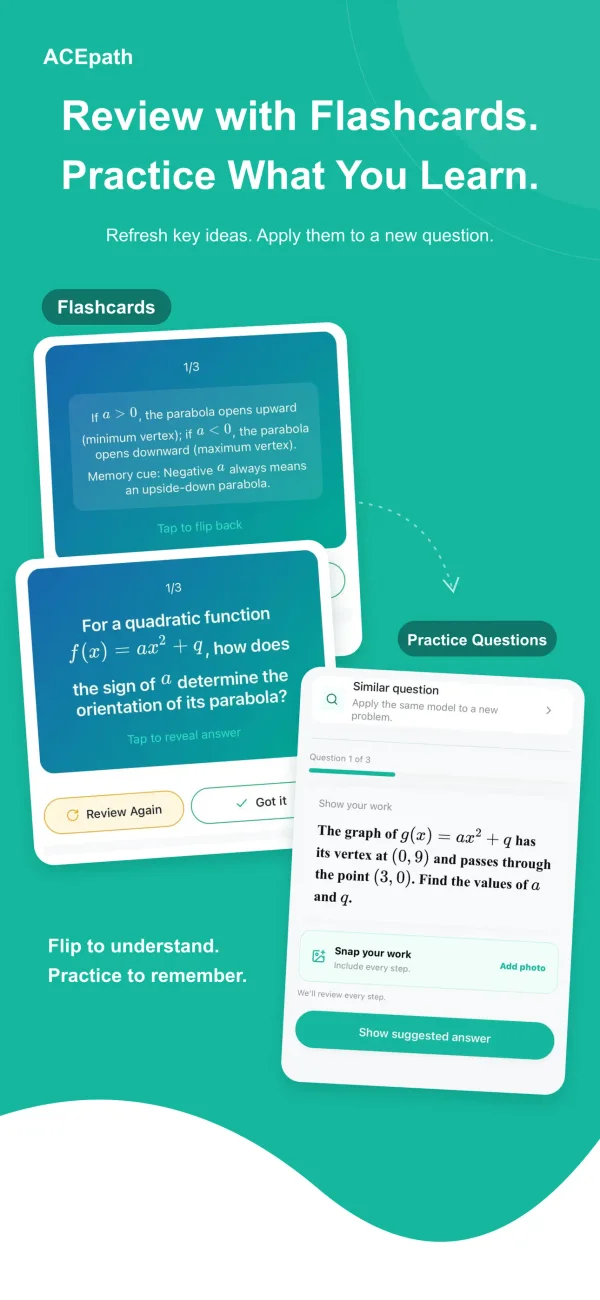
• Targeted practice: Practice skills based on your mistakes to focus on the parts of your work that need attention.
• Learning loop: Follow Check → Understand → Practice → Recheck to connect checking your work with understanding and practice.
WHAT YOU GET WITH ACEpath Plus
• Full step-by-step checks: A subscription unlocks full checks, detailed mistake diagnosis, visual explanations, targeted practice, and enhanced handwriting recognition.
FOR STUDENTS AND FAMILIES
• Family Sharing: The app supports Family Sharing so families can share the app.
• Interface language: The app interface is currently in English.
PHOTO TIPS
Include the complete question in a clear photo. When using Check My Work, include the question and every step of your answer or scratch work so the check covers your written process.
PRIVACY AND SUPPORT
• Privacy policy: Read how your information is handled at https://acepath.ai/privacy-policy.
• Support: Find help at https://acepath.ai/support.
• Terms of Use: Read the standard Apple EULA at https://www.apple.com/legal/internet-services/itunes/dev/stdeula/.
FOR TONIGHT'S HOMEWORK AND YOUR NEXT TEST
When you're thinking, "Can I check my work before I move on?", review the steps you've written and look at how an error affects what follows. Before a test, return to the mistakes you want to understand and use targeted practice to work on those skills. Parents helping with homework can use the explanations to discuss the reasoning with their child.
Download AcePath for free to get started. Full checks and the features listed under ACEpath Plus require a subscription.
What’s new
Version 1.5.0 · Nov 25, 2026
Switch modes while cropping: Toggle between Solve and Check right on the crop screen. No need to go back, one photo gets you the result you want.
New membership section: Your Profile page now shows your Plus benefits and subscription options at a glance.
Refreshed camera frame: A more focused frame makes it easier to snap one question at a time for faster answers, and a new cat friend now joins you while you scan.
Refreshed practice completion: The Lock it in completion screen has a cleaner, clearer look.
App privacy
What ACEPATH PTE. LTD. declares on the App Store about how this app handles data.
-
Data used to track you
May be used to track you across apps and websites owned by other companies.
- Identifiers
- Usage data
-
Data linked to you
May be collected and linked to your identity.
- Purchases
- Contact info
- User content
- Identifiers
- Usage data
Privacy practices may vary, for example with the features you use or your age.
Information
- Seller
- ACEPATH PTE. LTD.
- Category
- Education
- Version
- 1.5.0
- Updated
- Nov 25, 2026
- Released
- Oct 9, 2026
- Size
- 55.3 MB
- Requires
- iOS 16.4 or later
- Age rating
- 12+
- Price
- Free
- In-app purchases
- Yes
- Languages
- English
- Copyright
- © 2026 ACEPATH PTE. LTD.
You might also like
-
 WiseMath - AI Math SolverHomework helper & problem scan
-
 Vimi: My Math TutorLearn with Game-Like Lessons
-
 MathGPT - AI Math SolverAI Math Solver & Calculator
-
 Want mark!Average mark
-
 StudyX: AI Homework & StudyMath Solver, AI Notes & Quiz
-
 AcellusPersonalized K-12 Education
-
 Ai Homework Helper: Scan SolveAi Scanner & Pic Answer
-
 Socratic AI - Homework HelperScan Math Solver
-
 Camera Math Solver - UpStudyphoto math solver
-
 Turbolearn - Learn FasterNotes, quizzes & lessons