Actually Do It: To-Do List
Persistent, nagging reminders
Designed for iPhone, iPad, Mac
In-app purchases
- Age rating4+
- CategoryLifestyle
- DeveloperDevin Harmse
- LanguagesDutch+ 4 more
- Size78.6 MB
Links to the official App Store page
Download.org hosts no file of Actually Do It: To-Do List. The button opens its official App Store page, published by Devin Harmse. Listing last checked on Nov 22, 2026.
Screenshots
About
Some days the hardest part isn't doing the thing, it's deciding what to do, remembering it exists, and not drowning in everything else. Actually Do It is a to-do app for exactly those days.
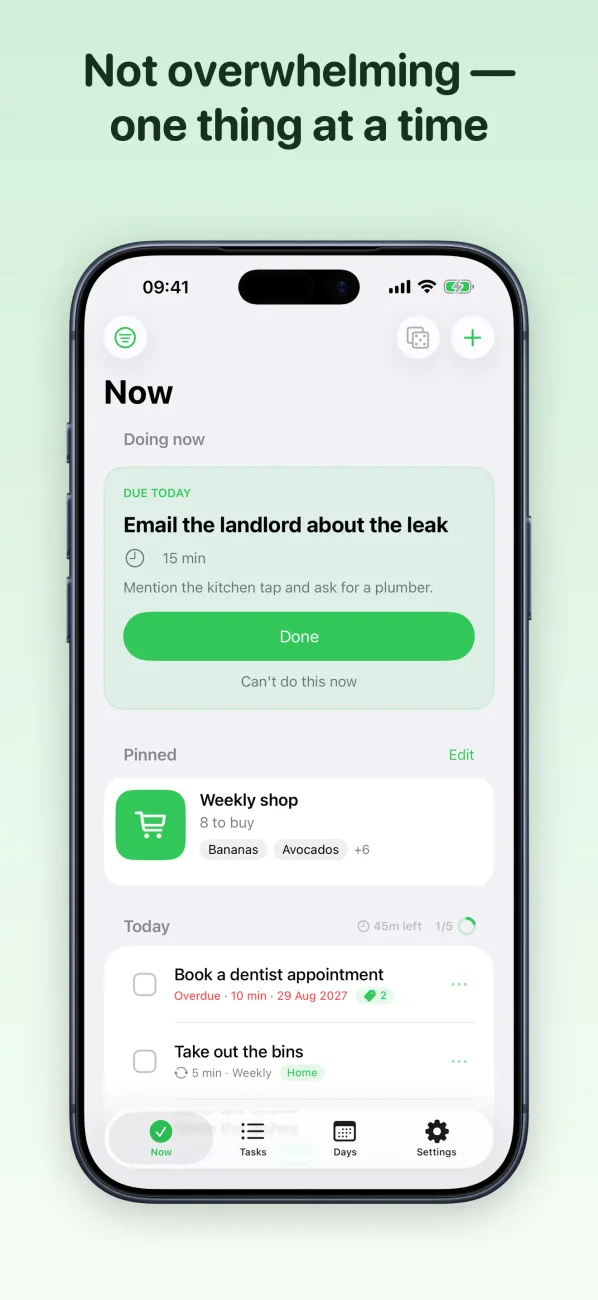
Instead of a bottomless list, it shows you ONE thing to do right now and can persistently remind you to get stuff done.
ONE THING AT A TIME
• A single "Doing now" card keeps you on one task with a big Done button and a guilt-free "Can't do this now" escape.
• A "Today" view that only shows what needs doing today. No more overwhelming list of everything.
• "Suggested next" shows a short, curated preview of what's coming, never the whole backlog.
• A day-progress ring shows what you've already knocked out today.
• Pin your goals and lists to Now, below Doing now, so what you're working towards stays in view.
NUDGES THAT ACTUALLY WORK
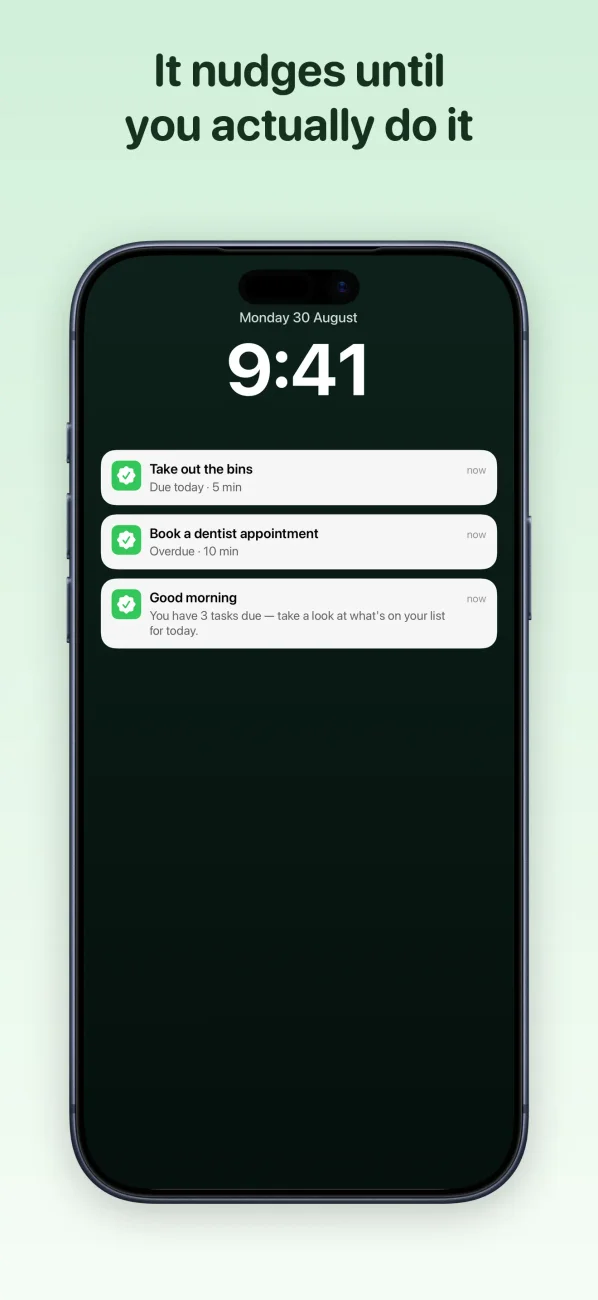
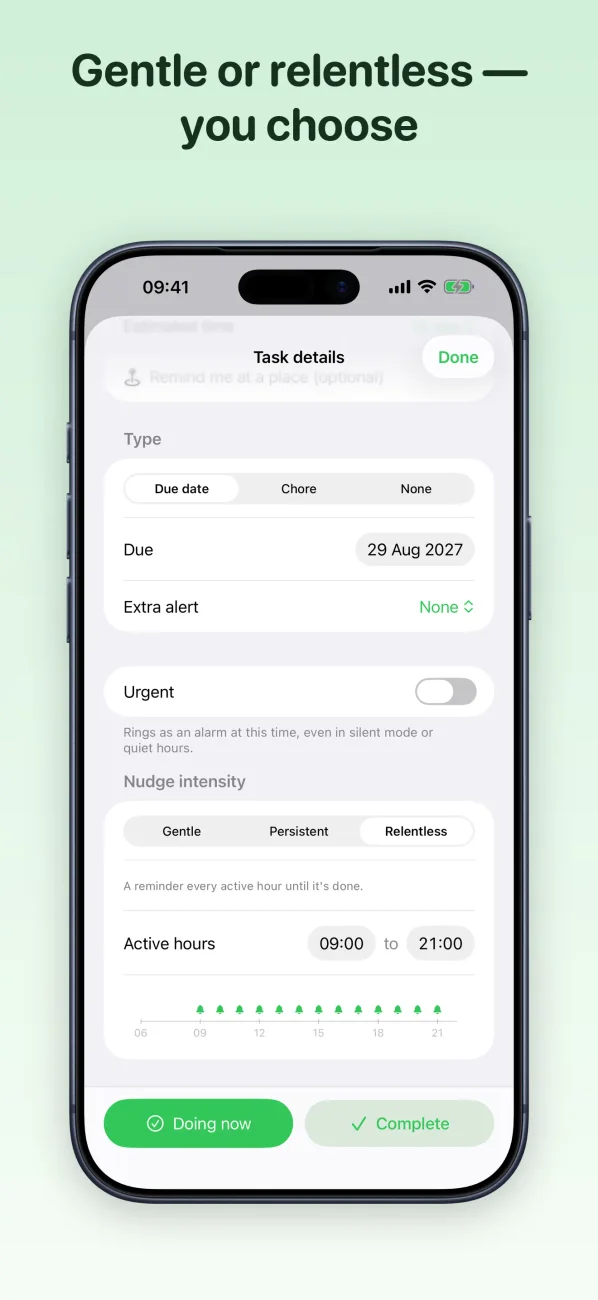
• Choose how hard each task nudges you: Gentle (one morning reminder), Persistent (a few through the day), or Relentless (every hour, 9am–9pm, until it's done).
• Reminders stop the moment you finish. No nagging about things you've already handled.
• A friendly morning digest tells you what's on your plate for the day.
CAN'T DECIDE? LET THE APP CHOOSE
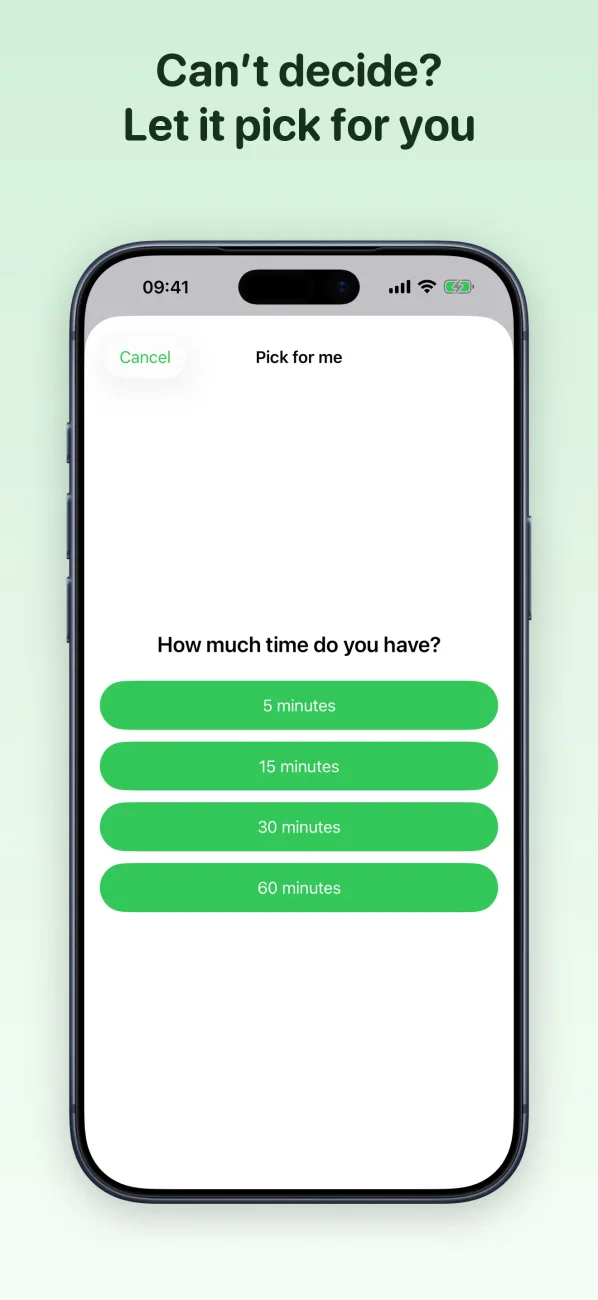
• Tap "Pick for me" and Actually Do It suggests one task to start that fits in the time you have, beating the decision paralysis when everything feels equally impossible.
CHORES & ROUTINES
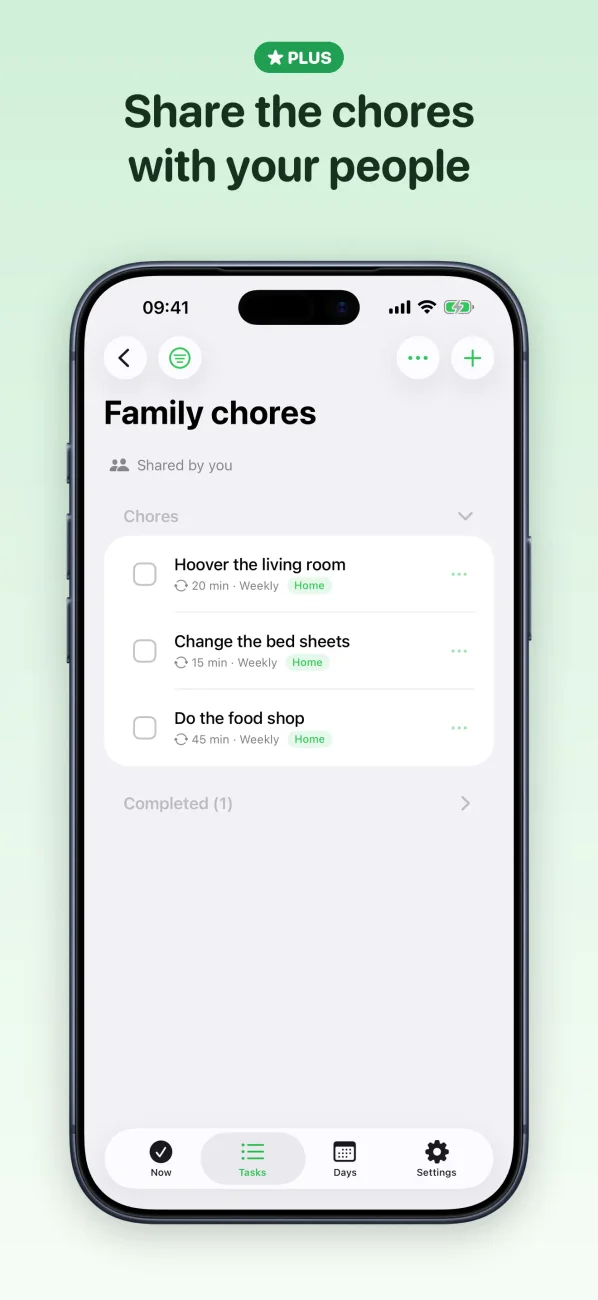
• Set recurring chores (daily, weekly, monthly, or every few days) that quietly come back when they're due.
• Going away? Pause a chore so it stops nagging until you're back.
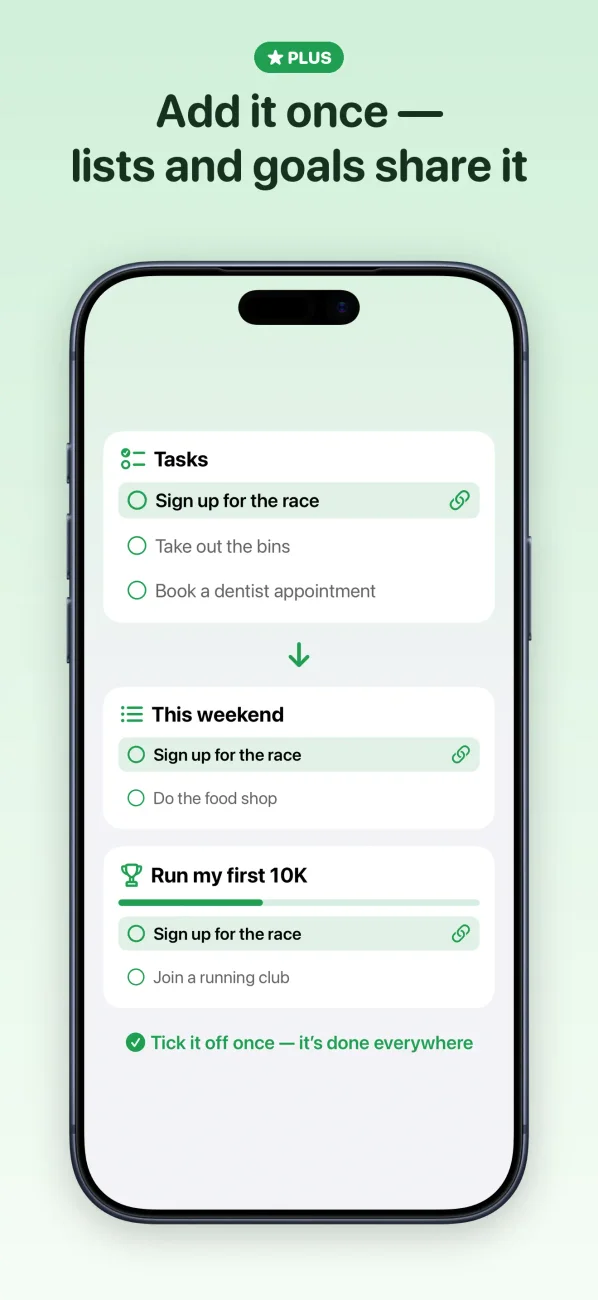
ADD IT ONCE
• Every task lives in one place. Lists and goals don't hold their own copies. They gather tasks you already have.
• The same task can sit in a list and a goal at the same time. Tick it off anywhere and it's done everywhere.
• Gather tasks into a goal with one deadline and watch its progress fill up (Plus), or share a list with your household (Plus).
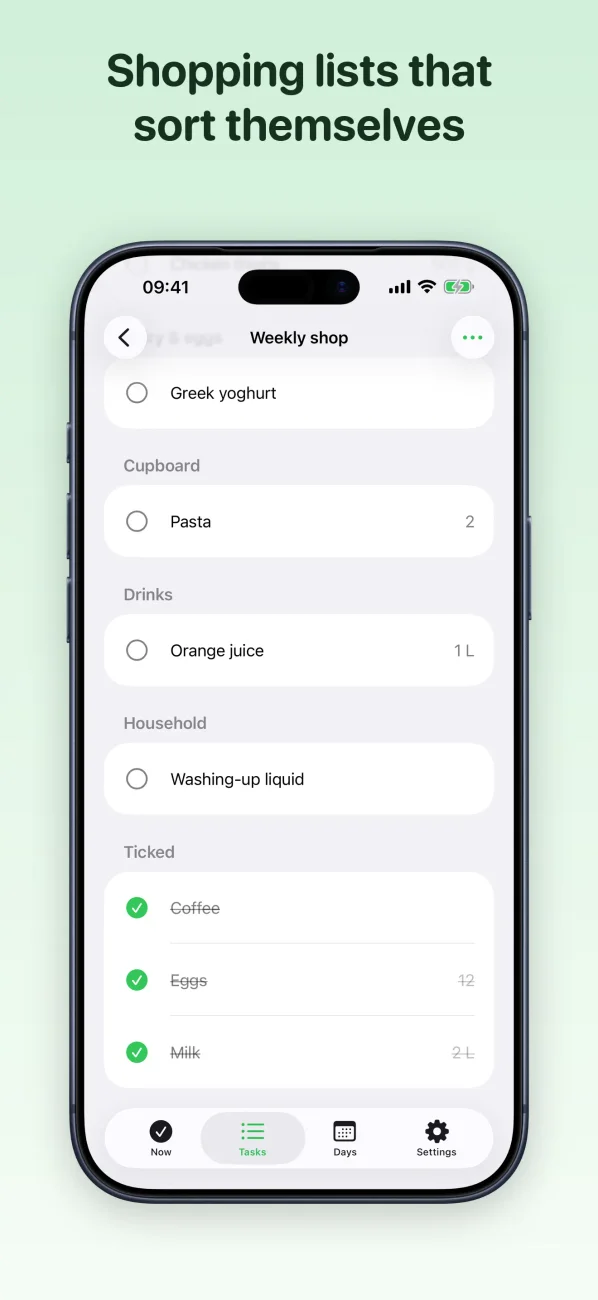
SHOPPING LISTS
• One list for each shop. Things to buy aren't tasks, so they never crowd your day.
• New items sort themselves into the right aisle.
• What you buy moves to Bought, one tap from going back on the list.
ORGANIZED, LIGHTLY
• Tag tasks (Home, Work, Admin…) and filter down to just what matters.
• Add a time estimate, so you can pick something that fits the time you actually have.
• A Lock Screen Live Activity and Home Screen widget keep your current task in view.
• Location based tasks for when you need a reminder at a place.
• Checklists for when your tasks have tasks.
PRIVATE BY DESIGN
• No account, no sign-up, no ads, no tracking.
• Your tasks sync across your devices through your own iCloud.
ACTUALLY DO IT PLUS
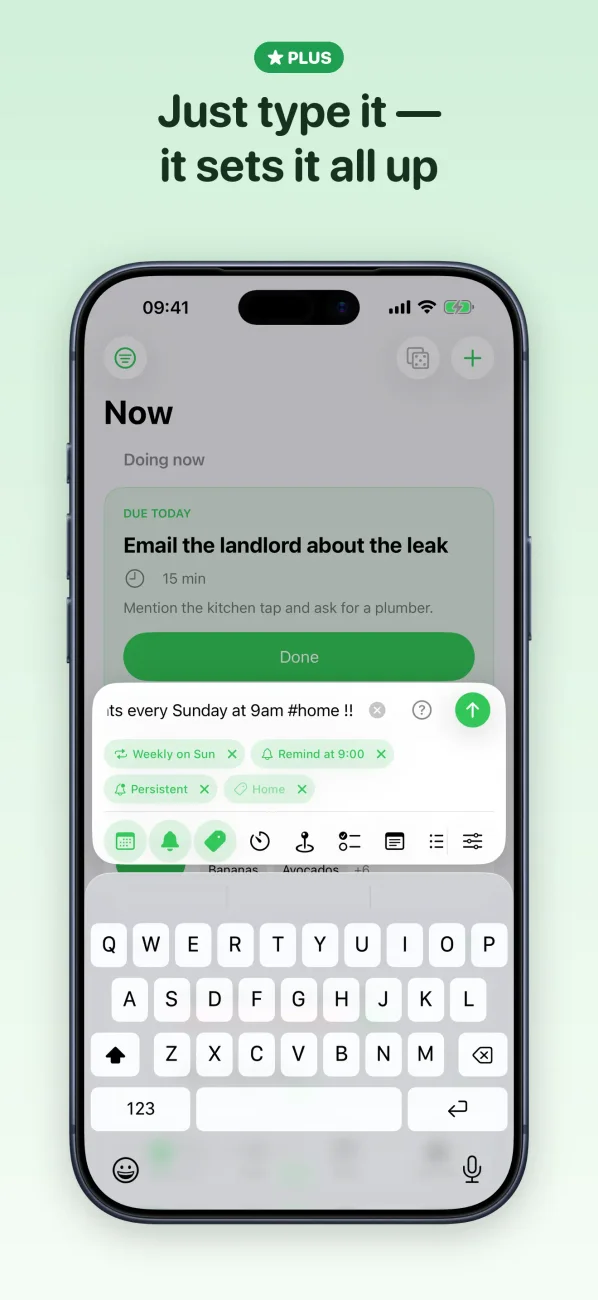
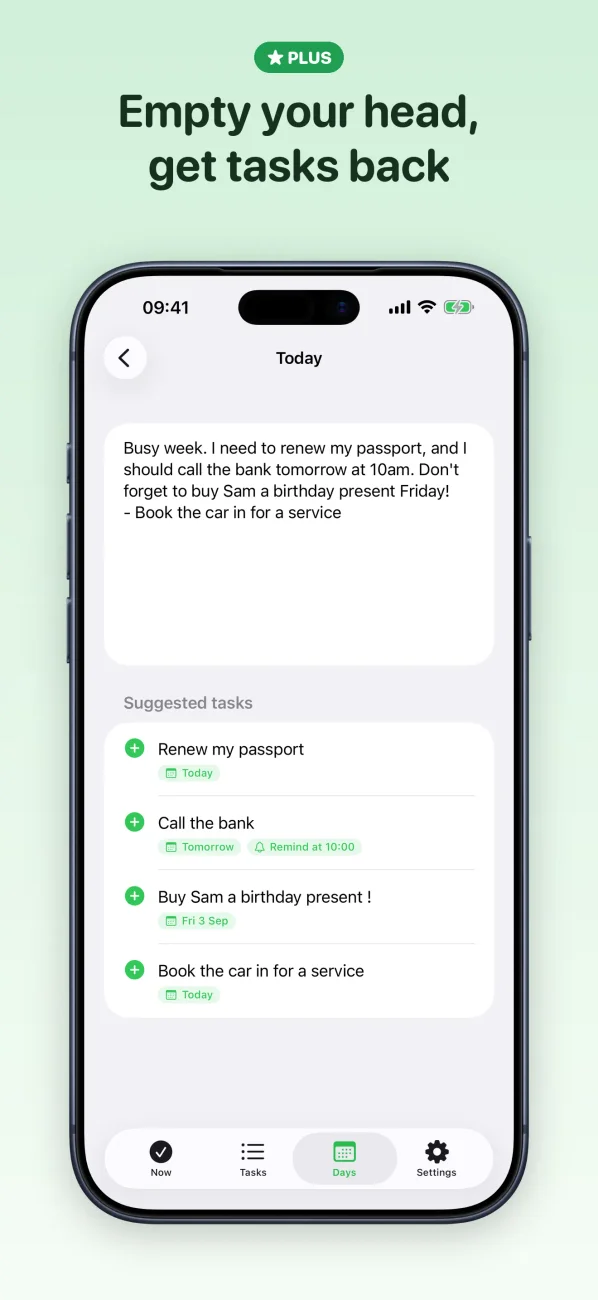
• Most of Actually Do It is free. Plus adds quick add in plain language, a daily brain dump that suggests tasks, goals, shared lists, Siri & Shortcuts, and app icons in every accent colour.
• Subscribe monthly or yearly, both with a 1-month free trial, or pay once for lifetime access.
• Subscriptions renew automatically until you cancel. Family Sharing is supported.
Built for anyone whose brain gets overwhelmed easily, but genuinely useful for anyone who wants to stop managing a list and start finishing things.
Download the app now, and Actually Do It.
Terms of Use: https://www.apple.com/legal/internet-services/itunes/dev/stdeula/
What’s new
Version 2.1.0 · Nov 11, 2026
Actually Do It 2.1 adds shopping lists, and pins for the goals and lists you come back to most.
NEW FOR EVERYONE
• Shopping lists: make one for each kind of shop. Things to buy aren't tasks, so they never crowd your day
• Start with the supermarket aisles, your own sections or none. New items sort themselves, and ticked items wait at the bottom
• What you buy moves to Bought, one tap from going back on the list, and the add field suggests it as you type
• Start shopping straight from a list, or plan a trip for later. While you shop, Doing now and the Live Activity show what's left, and Done shopping clears what you got
• Pin goals and lists to Now, below Doing now, in the order you like
• Add tasks faster: a bar above the keyboard adds one task after another, with every option a tap away. Prefer every field? Choose All options in Settings › Tasks
• Give each list its own icon
• Overdue tasks nudge harder each day: Gentle steps up to Persistent, then Relentless. You can turn this off in Settings
• Urgent tasks can ring as an alarm at a time you choose, even in silent mode
• A new This Week widget shows your week day by day, with what's overdue rolled into today
• Brighter accent colours, with an Increase contrast setting
• Settings is grouped into pages, and the morning summary can be turned off
• The open iPhone Duo gets the iPad layout and sidebar
• Tap a shopping item for Move to Bought, its section and Delete, right at the top
• Tick several things in a row without the list moving under your finger
• Import from Reminders into any list, a new one or a shopping list, with the tags you choose
• Clear a task's text in one tap
• Fixes and polish
NEW WITH ACTUALLY DO IT PLUS
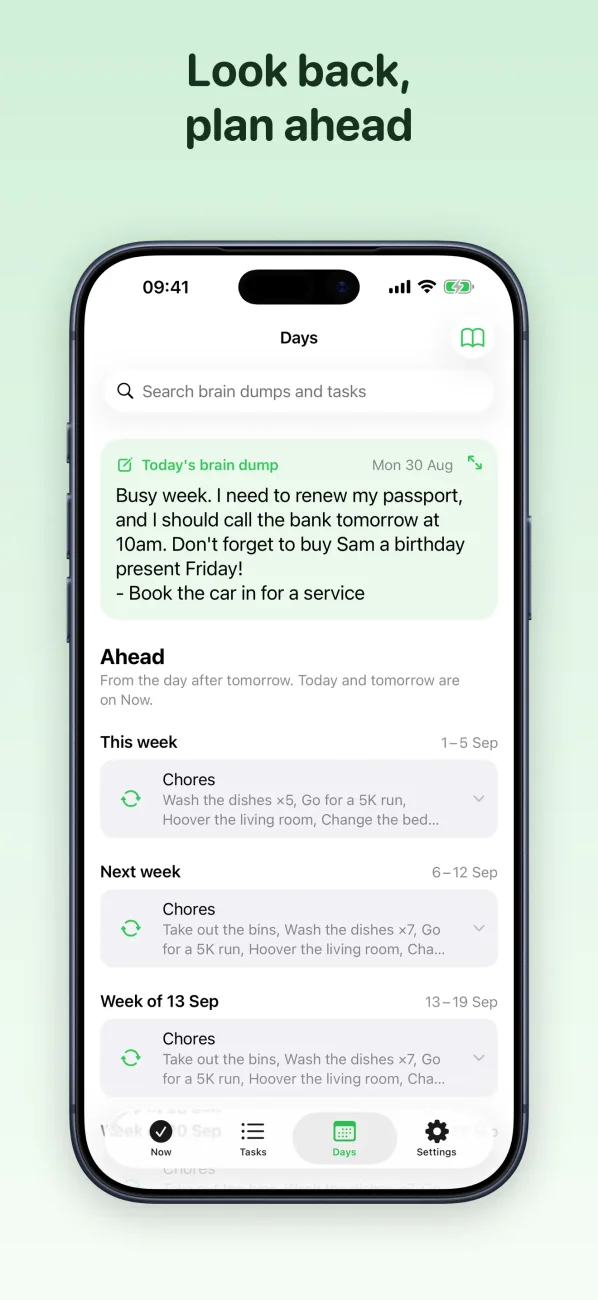
• Quick add moves into the add bar: type “bins out every Tuesday 7pm #home” and it fills in the rest, with a tip that shows how
• Quick add and Brain dump spot things to buy: “buy milk and eggs” goes straight onto the right shopping list
• Share a shopping list with your household: everyone sees the same items, ticks and Bought
• Write today’s Brain dump right on the Days tab, and clear it in one tap to start again
• App icons: pick from 16, or let the icon match your accent colour
App privacy
What Devin Harmse declares on the App Store about how this app handles data.
-
Data not collected
The developer does not collect any data from this app.
Privacy practices may vary, for example with the features you use or your age.
Information
- Seller
- Devin Harmse
- Category
- Lifestyle
- Version
- 2.1.0
- Updated
- Nov 11, 2026
- Released
- Sep 12, 2026
- Size
- 78.6 MB
- Requires
- iOS 26.5 or later
- Age rating
- 4+
- In-app purchases
- Yes
- Languages
- Dutch, German, English, French, Spanish
- Copyright
- © 2026 TulipByte Studio
You might also like
-
 MemoTempoRemember when. Plan ahead.
-
 Baby Name Swiper - Baby NamesBaby Name Picker for Couples
-
 Watch Faces - Smart GalleryWallpaper, Widgets and Themes
-
 Life Calendar: Weeks of LifeMemento Mori & Memory Journal
-
 Secure AccessLifestyle
-
 APCLifestyle
-
 My Estate LifeLifestyle
-
 We Are Eves - Beauty ReviewsRead honest beauty reviews
-
 Wedding Planner & InvitationsRSVP, Guests, Budget & Website