AdGuard Home Remote
Ad Blocker, Privacy & Control
Designed for iPhone, iPad, Mac
Free · In-app purchases
- Age rating4+
- CategoryUtilities
- DeveloperRocketScience IT
- LanguagesEnglish+ 15 more
- Size65.4 MB
Links to the official App Store page
Download.org hosts no file of AdGuard Home Remote. The button opens its official App Store page, published by RocketScience IT. Listing last checked on Nov 23, 2026.
Screenshots


About
Monitor and manage your AdGuard Home from your iPhone, iPad, Mac, Apple Watch, and Apple TV. Check protection, understand your network activity, and control filtering in seconds.
*Everything at a Glance*
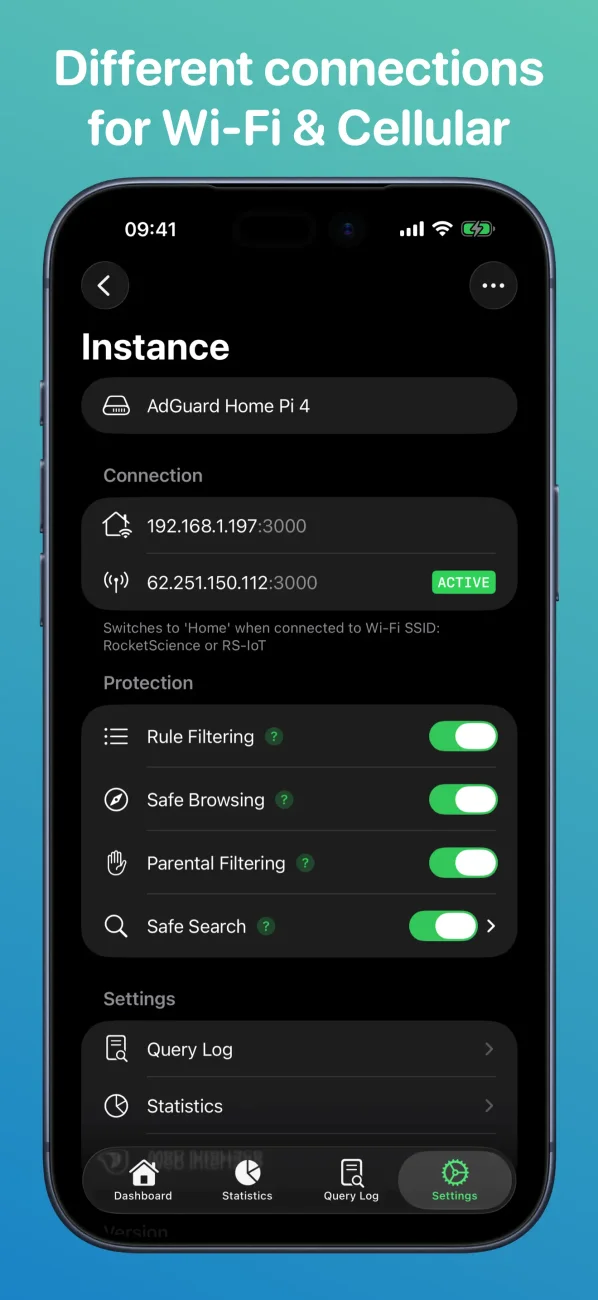
See protection status, statistics, top clients, and top domains on a clear dashboard. Quickly control Protection, Rule Filtering, Safe Browsing, Parental Filtering, and Safe Search.
*Understand Your DNS Activity*
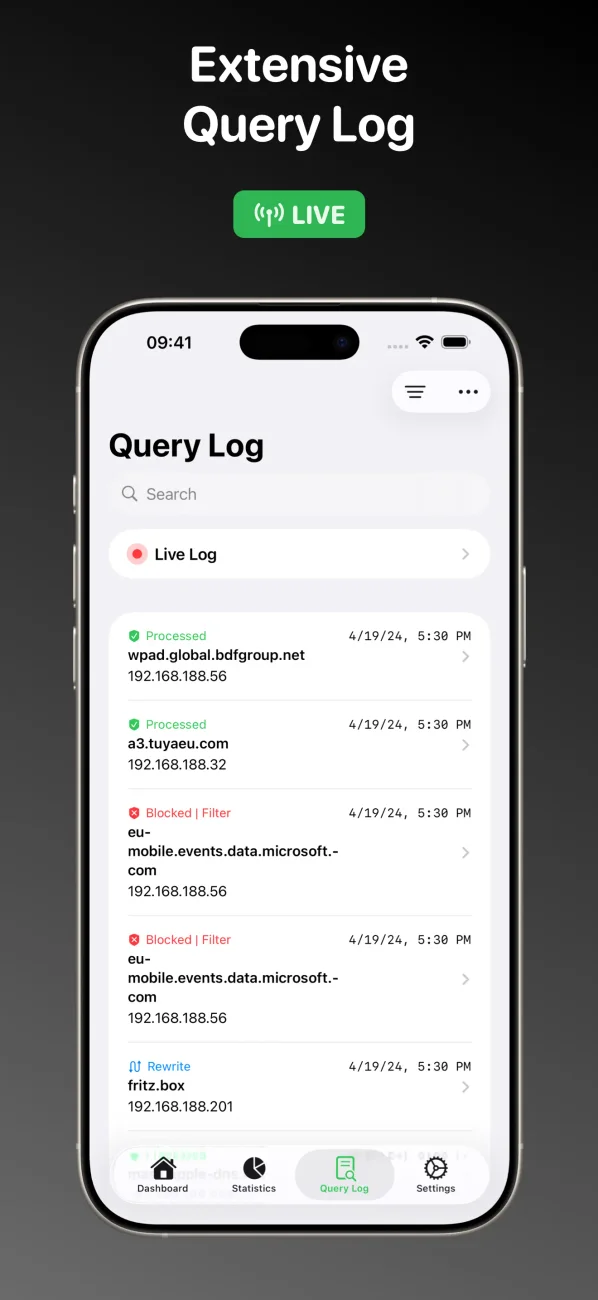
Explore detailed charts and inspect requests in the searchable, filterable Query Log. Review clients, domains, response details, filtering status, and DNSSEC information—or jump directly from a chart to matching requests.
*Control It Your Way*
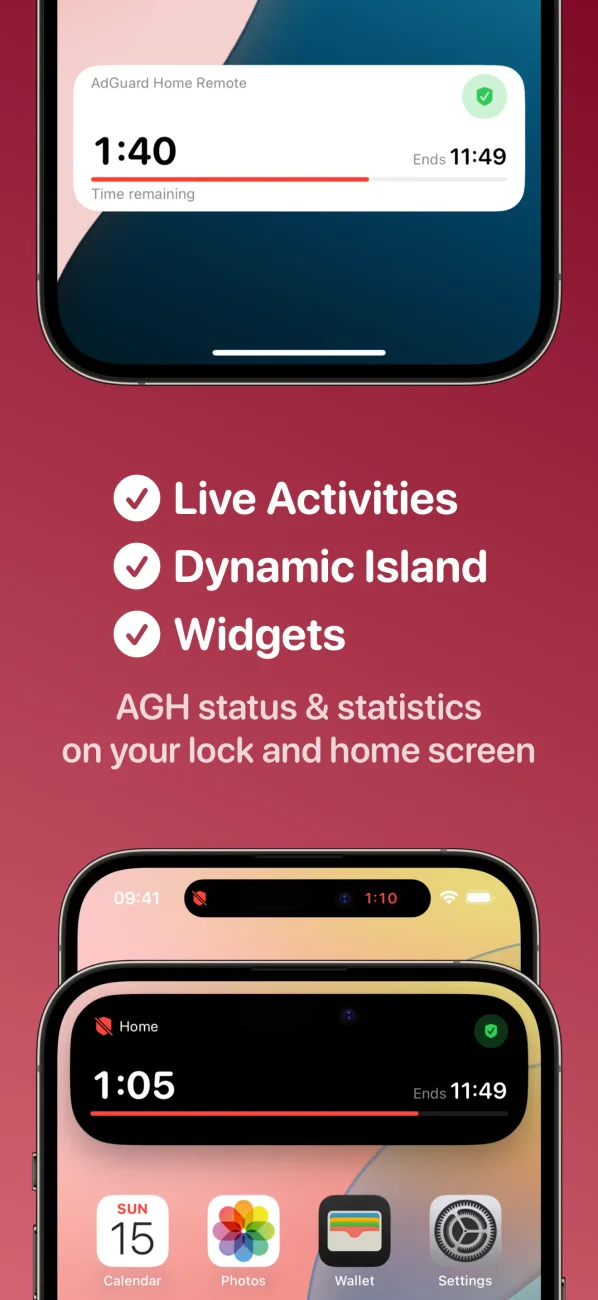
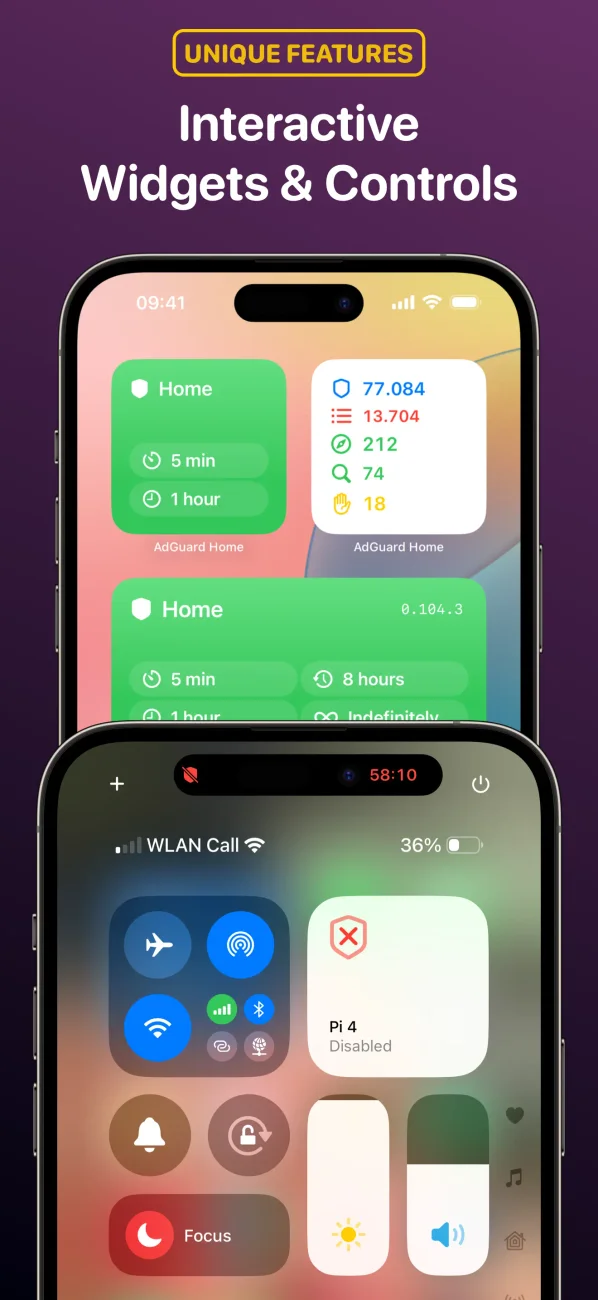
Use Home Screen and Lock Screen widgets, Live Activities, Controls, and Siri Shortcuts to check and control AdGuard Home without digging through menus.
*Made for Every Apple Device*
Enjoy a native experience designed specifically for iPhone, iPad, Mac, Apple Watch, and Apple TV, with iCloud sync keeping your instances available across devices.
==
Features:
- Clear dashboard with server status and quick protection controls
- Control Protection, Rule Filtering, Safe Browsing, Parental Filtering, and Safe Search
- Detailed statistics with interactive charts, top clients, and top domains
- Searchable and filterable Query Log with request, response, filtering, and DNSSEC details
- Jump from Dashboard charts directly to matching Query Log requests
- Home Screen and Lock Screen widgets, Live Activities, Controls, and Siri Shortcuts
- See available AdGuard Home updates and start updates from the app
- Share your AdGuard Home statistics as a graphic
- Sync instances between iPhone, iPad, and Apple Watch using iCloud
- Native support for iOS, iPadOS, macOS, watchOS, and tvOS
- Clean, modern interface built entirely with SwiftUI
With AdGuard Home Remote Pro:
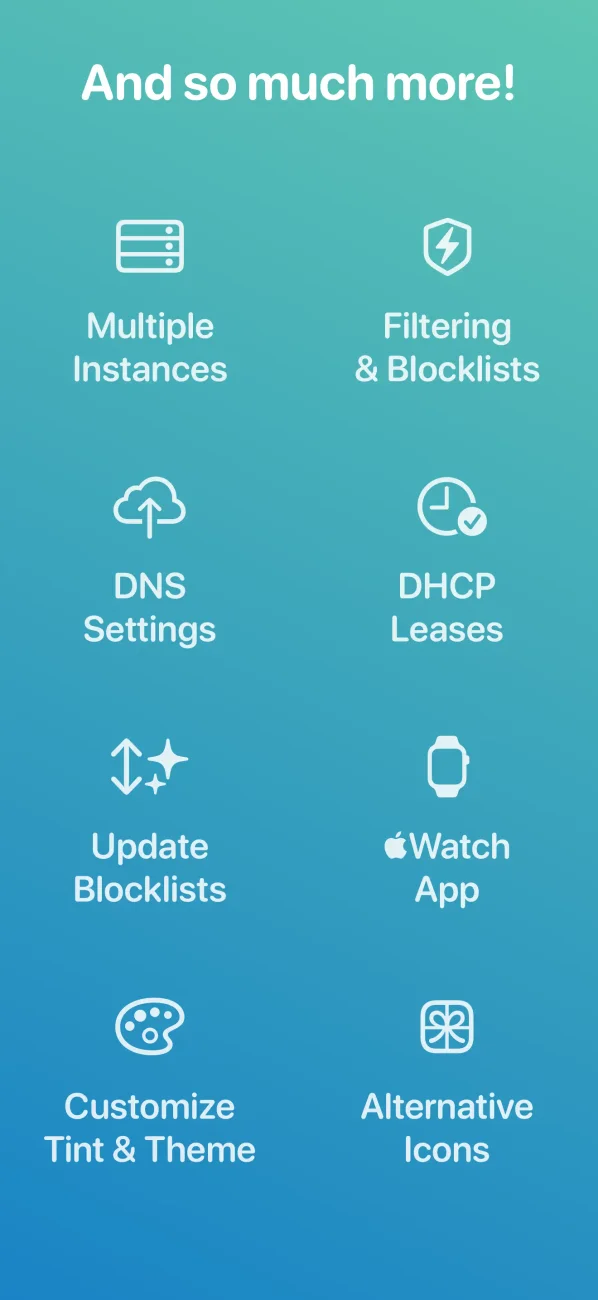
- Add unlimited AdGuard Home instances
- Remove Statistics and Query Log limits
- Follow queries in real time with Live Log
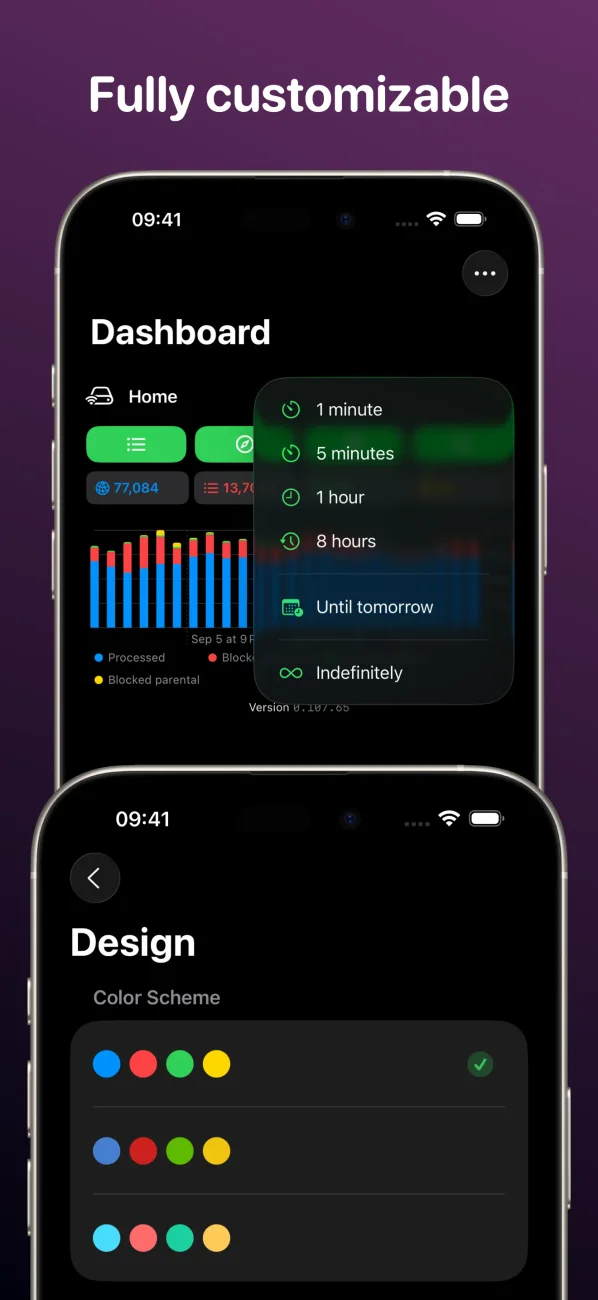
- Create custom presets for temporarily changing protection
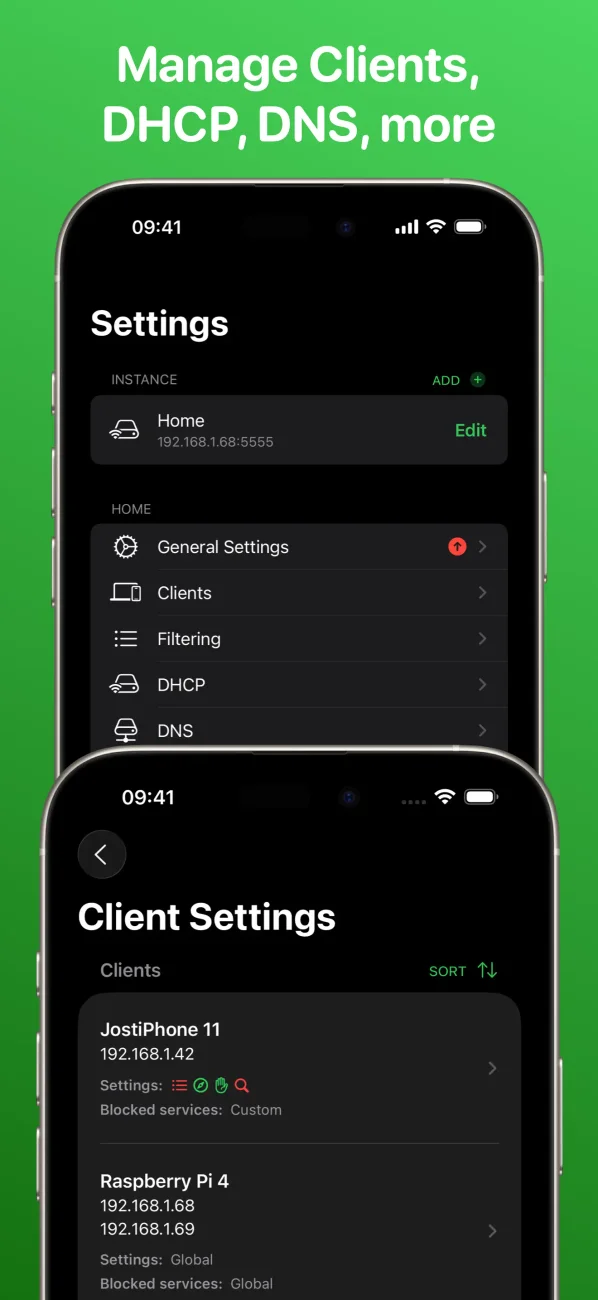
- Manage clients, including filtering settings, blocked services, and tags
- Manage filters, blocklists, allowlists, and custom filtering rules
- Manage DHCP and DNS settings, including static leases and DNS rewrites
- Control AdGuard Home using interactive widgets
- Configure an Away Connection for access outside your home network
- Control where instances appear with Instance Visibility
- Receive notifications and alarms
- Send URLs to AdGuard Home using the Share Extension
- Unlock the full Apple TV experience
- Quickly extend temporary protection changes with 'Add 5 min'
- Customize the app tint and choose alternative app icons
- Request access to Pro TestFlight beta releases
Pro is available as a one-time purchase, supports Family Sharing, and includes future Pro features. Your purchase also supports the app's continued development.
==
Note:
AdGuard Home Remote is an independent third-party app and is not affiliated with AdGuard. For more information about AdGuard Home, visit https://adguard.com/adguard-home/overview.html.
What’s new
Version 9.7 · Nov 21, 2026
v9.7 can show which upstream DNS server answered each query, and improves support for the newly released AdGuard Home v1.0.
New:
- Added an optional upstream DNS server to the Query Log and Live Log, showing which server answered each query (enable it via the Query Log's options menu or in Preferences)
Improved:
- Improved support for AdGuard Home v1.0, which is now available
Fixed:
- Fixed DNS sync reporting an upstream mode difference between instances that both use load balancing
- Fixed the Location Permission screen closing before Allow could be tapped when detecting your Wi-Fi network or adding an Away Connection
---
v9.6.1 contains minor improvements & fixes.
Improved:
- The Protection widget now uses a softer dark look with green and red accents in Dark Mode
- Error messages now show the actual problem, such as an invalid password, instead of always saying AdGuard Home can't be reached
- The Dashboard widget now shows when it can't reach AdGuard Home
- The app now shows an error much sooner when AdGuard Home can't be reached, instead of waiting up to a minute
- Translated several error messages
- Minor stability improvements
- Improved support for OS 27.2 versions
Fixed:
- Fixed a 'Protection re-enabled' alert from an earlier timed pause still going off after pausing protection indefinitely
App privacy
What RocketScience IT declares on the App Store about how this app handles data.
-
Data not linked to you
May be collected but is not linked to your identity.
- Purchases
Privacy practices may vary, for example with the features you use or your age.
Information
- Seller
- RocketScience IT
- Category
- Utilities
- Version
- 9.7
- Updated
- Nov 21, 2026
- Released
- Jan 8, 2021
- Size
- 65.4 MB
- Requires
- iOS 17.0 or later
- Age rating
- 4+
- Price
- Free
- In-app purchases
- Yes
- Languages
- English, Catalan, Dutch, French, German, Greek, Indonesian, Italian, Korean, Portuguese, Russian, Simplified Chinese + 4 more
- Copyright
- © 2021-2026 RocketScience IT
You might also like
-
 ProxMobo – Proxmox VE & PBSNative Proxmox VE / PBS Client
-
 HelmarrOne app to rule them all
-
 Remote for TautulliMonitor your Plex Media Server
-
 iGotifyGotify Push Notifications
-
 Netdata MobileAlerts and Notifications
-
 ScryptedView Cameras and Recordings
-
 Aprox - a Proxmox VE clientManage VMs, LXC and clusters
-
 Homemanager for HomebridgeManage your Homebridge systems
-
 Tautulli RemoteUtilities
-
 ServerBoxssh & sftp & docker and more