
ADHD Planner - FocusBrick
Focus Timer & Daily Organizer
Designed for iPhone, iPad, iPod touch
In-app purchases
- Age rating4+
- CategoryProductivity
- DeveloperMikhail Tarasov
- LanguagesEnglish
- Size44.5 MB
Links to the official App Store page
Download.org hosts no file of ADHD Planner - FocusBrick. The button opens its official App Store page, published by Mikhail Tarasov. Listing last checked on Nov 9, 2026.
Screenshots
About
FocusBrick — ADHD-Friendly Task Planner. One Brick at a Time.
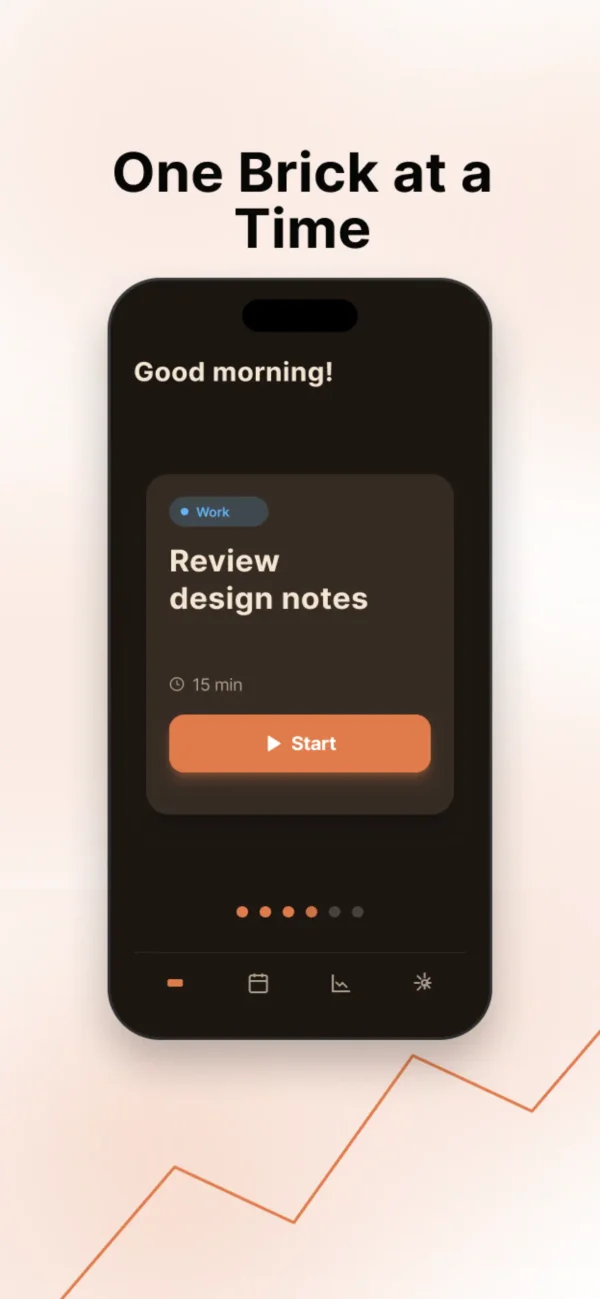
Tired of overwhelming to-do lists? FocusBrick shows you ONE task at a time — like a full-screen card you can swipe. Built for ADHD brains that freeze when they see a wall of tasks.
HOW IT WORKS
Your day is a wall of bricks. Each brick = one task. You see only one brick at a time:
— Swipe right = Done
— Swipe left = Skip
— Swipe down = +5 minutes
No lists. No clutter. Just one thing to focus on.
KEY FEATURES
One-Task View — Full-screen, distraction-free. No scrolling, no overwhelm.
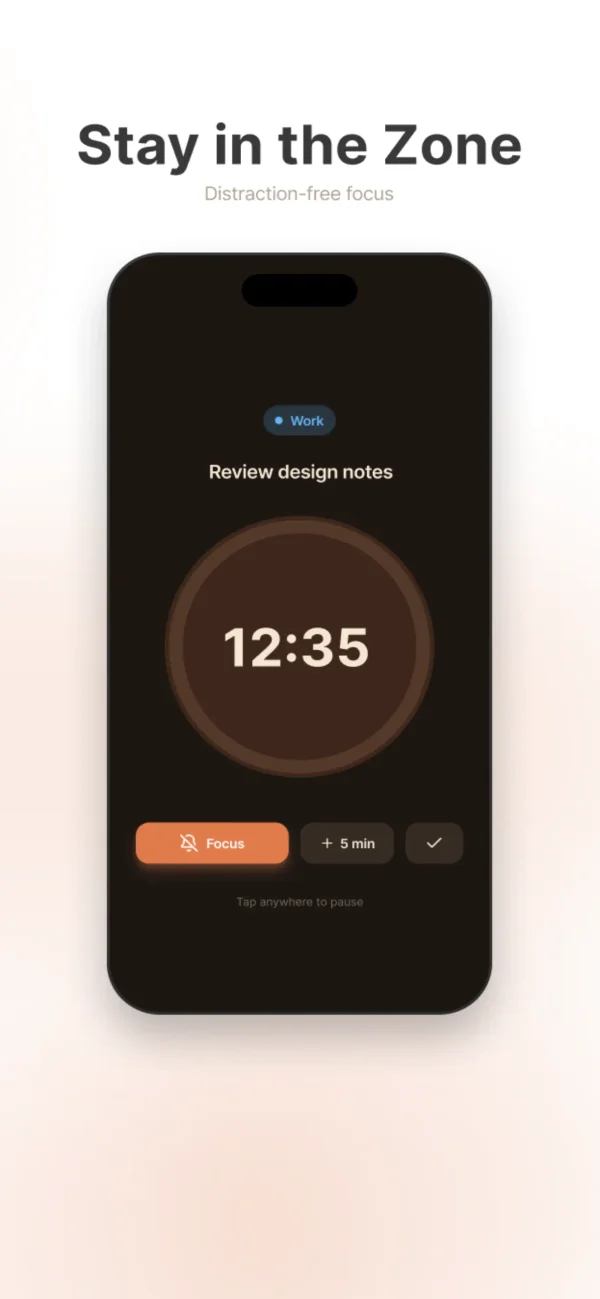
Focus Timer — A visual circle timer for each brick. Pause, extend, or finish early.
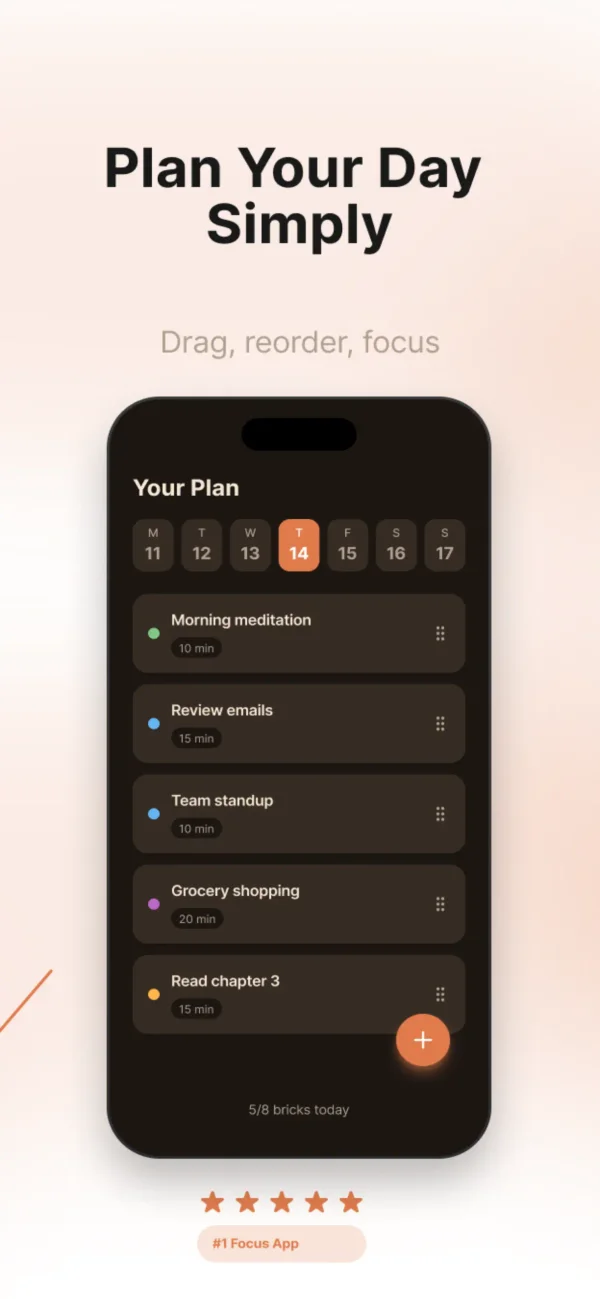
Smart Planner — Plan your day by morning, afternoon, and evening. Drag to reorder. Set durations. The app estimates when you'll finish.
Routines — Automate your mornings and evenings. Pre-built templates or create your own.
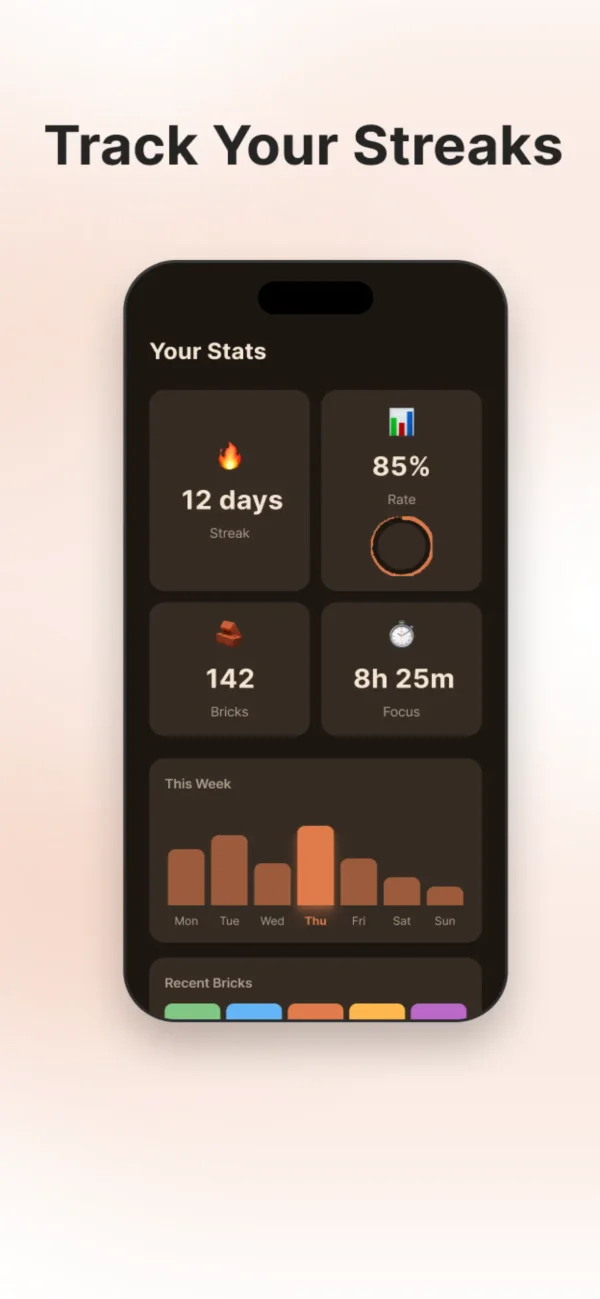
Achievements & Streaks — 24 achievements to unlock. Streak system with a "grace day" — miss one day, your streak survives. No shame, ever.
Statistics — Track daily, weekly progress. See your brick wall grow. Rise through tiers from Newbie to Legend.
Micro-Steps — Break big tasks into tiny steps. Perfect for overcoming "I can't start" paralysis.
Shame-Free Design — No red "overdue" labels. No penalties. Warm colors, encouraging messages, and confetti when you finish.
PRO VERSION
The app is free to download. Basic features available for free:
— 5 stamps on photos per day
— 2 stamps on videos per day
— 2 retro fonts
— All date formats
Subscribe for premium features:
— Unlimited tasks per day
— Custom routines
— Detailed statistics & insights
— Body doubling timer
— AI task decomposition — break big tasks into micro-steps
— Color themes (Ocean Calm, Forest Moss, Lavender Mist)
— Focus Mode — silences distractions, keeps screen awake
— Export tasks to calendar
Subscription renews weekly or annually. Lifetime purchase available.
Weekly subscription up to $8.99
Annual subscription up to $29.99
Lifetime purchase up to $59.99
Free trial: 3 days free
Questions? assistantpers163@gmail.com
Privacy policy:
https://person-assistant.com/focus-brick/policy.html
Terms of use:
https://person-assistant.com/focus-brick/terms_of_use.html
What’s new
Version 1.0.2 · Sep 28, 2026
If you have any problems or suggestions, please contact us at assistantpers163@gmail.com. What's new: Notes are now visible right on the timer screen, Improved voice input and scheduling screen
App privacy
What Mikhail Tarasov declares on the App Store about how this app handles data.
-
Data used to track you
May be used to track you across apps and websites owned by other companies.
- Identifiers
-
Data not linked to you
May be collected but is not linked to your identity.
- Identifiers
- Usage data
- Diagnostics
Privacy practices may vary, for example with the features you use or your age.
Information
- Seller
- Mikhail Tarasov
- Category
- Productivity
- Version
- 1.0.2
- Updated
- Sep 28, 2026
- Released
- Mar 31, 2026
- Size
- 44.5 MB
- Requires
- iOS 13.0 or later
- Age rating
- 4+
- In-app purchases
- Yes
- Languages
- English
- Copyright
- © Mikhail Tarasov
You might also like
-
 AuraPlan: ADHD Visual TimerAI Focus Planner & Routines
-
 SimplePlan: Smart PlannerSimple daily planning
-
 NanoSteps: ADHD & AI PlannerTask Breakdown & Focus Timer
-
 Lumas : ADHD Daily PlannerADHD planner for daily focus
-
 ChorphinFair chores. Happy household.
-
 Anew: AI ADHD Planner & FocusBrain dump & body doubling
-
 DailyMate: Tasks & HabitsStart the tasks you avoid
-
 Ruema: ADHD Memory & PlannerVoice Notes, Recall, Reminders
-
 MiCleanProductivity
-
 Productivity 101: Focus TimerChess-clock deep work timer