
AeroWisp Radar
Explore aircraft & airspace
Designed for iPhone, iPad
In-app purchases
- Age rating4+
- CategoryUtilities
- Developer新庾 郭
- LanguagesEnglish+ 29 more
- Size11.5 MB
Links to the official App Store page
Download.org hosts no file of AeroWisp Radar. The button opens its official App Store page, published by 新庾 郭. Listing last checked on Nov 11, 2026.
Screenshots

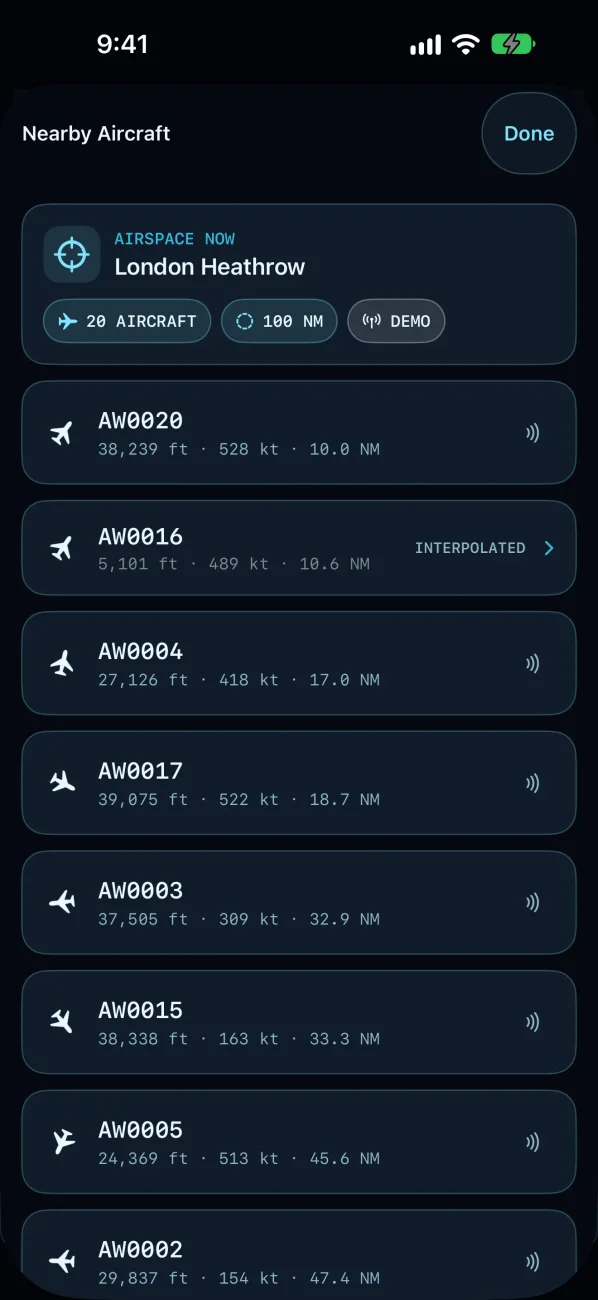
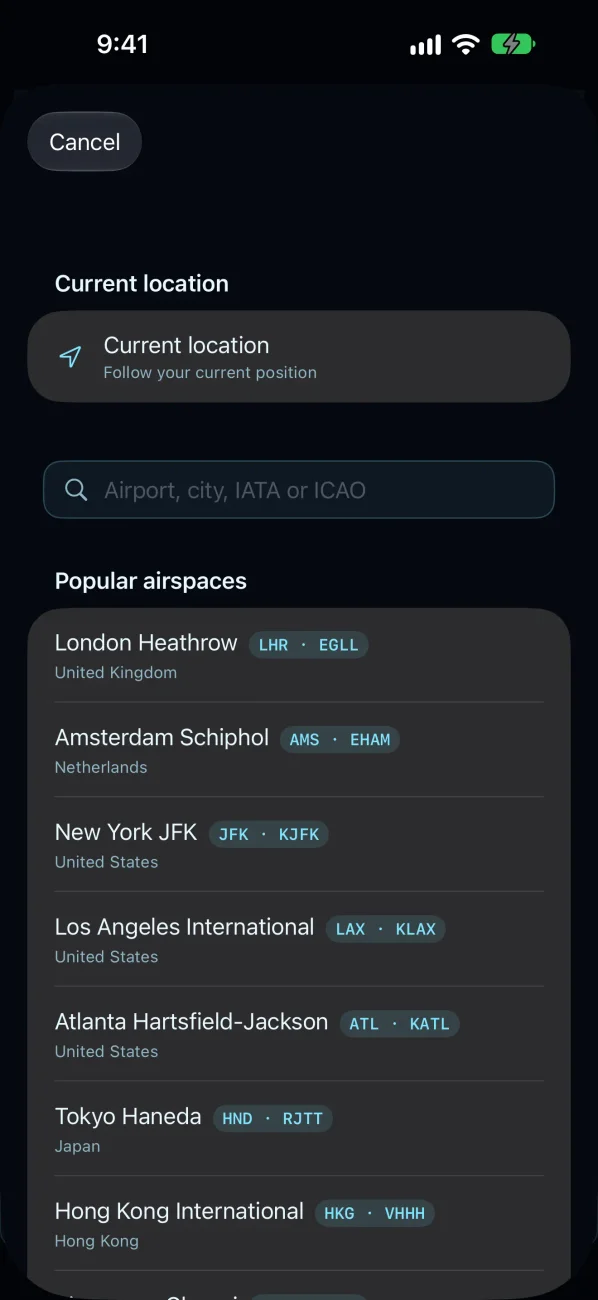
About
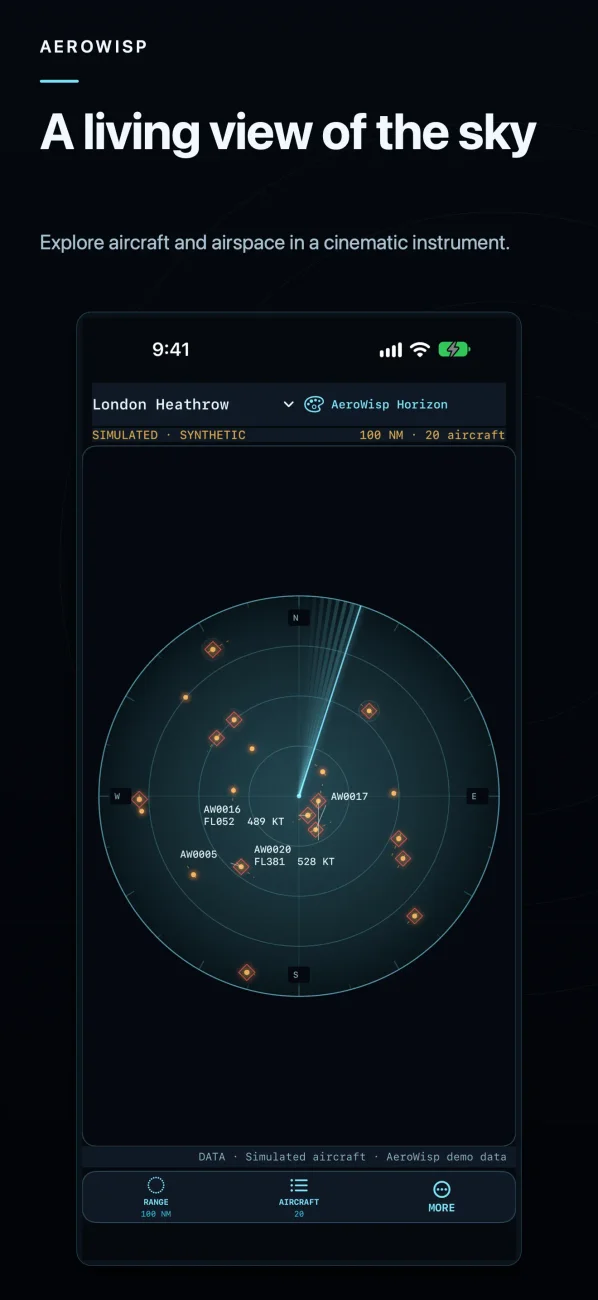
See the sky as a living instrument. AeroWisp brings moving aircraft, luminous sweeps and carefully composed radar screens to iPhone and iPad. Take a quick look at nearby airspace, settle into a quiet display, or explore another part of the world.
A SKY WORTH WATCHING
Choose an airport, a coordinate or your own location as the radar center. Adjust the range, select an aircraft, and explore the flight details supplied by the active source. Distance rings, aircraft labels and trails bring structure to the scene. Aviation and metric units let you read it your way.
TRAVEL THROUGH AIRSPACES
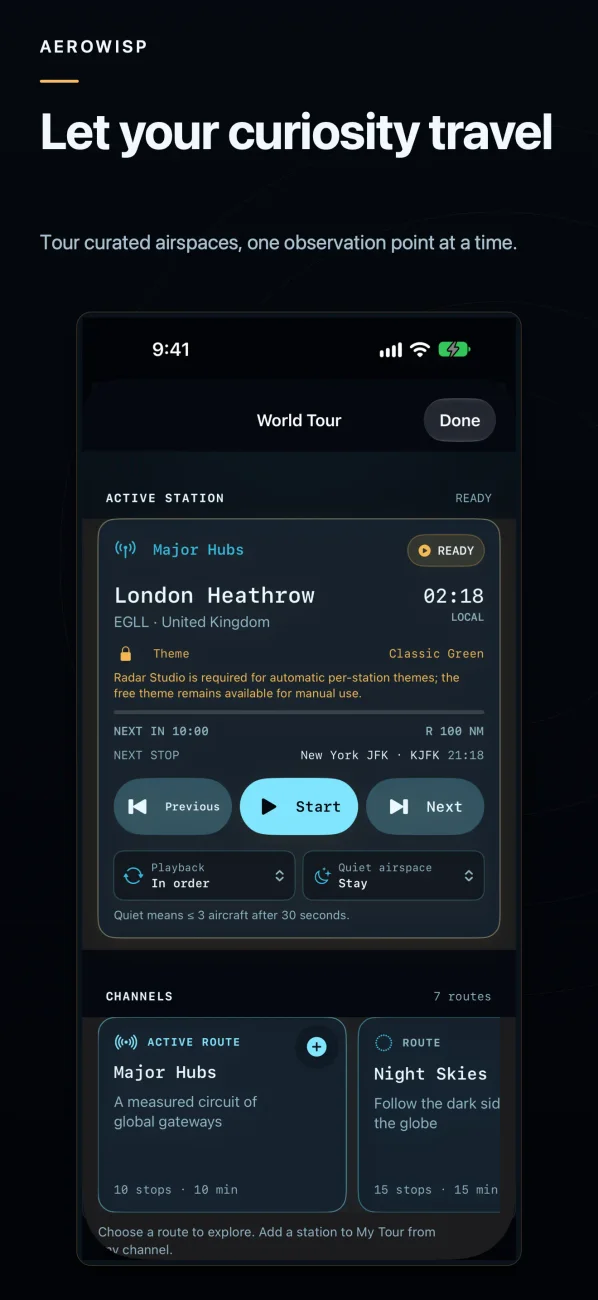
World Tour moves between curated airport-centered observation points. Explore major hubs, night skies and other themed collections, with adjustable dwell times and pause controls. Each stop opens another view of the sky. Save favorite airspaces to return to the places that catch your attention.
LOOK BACK, THEN LOOK CLOSER
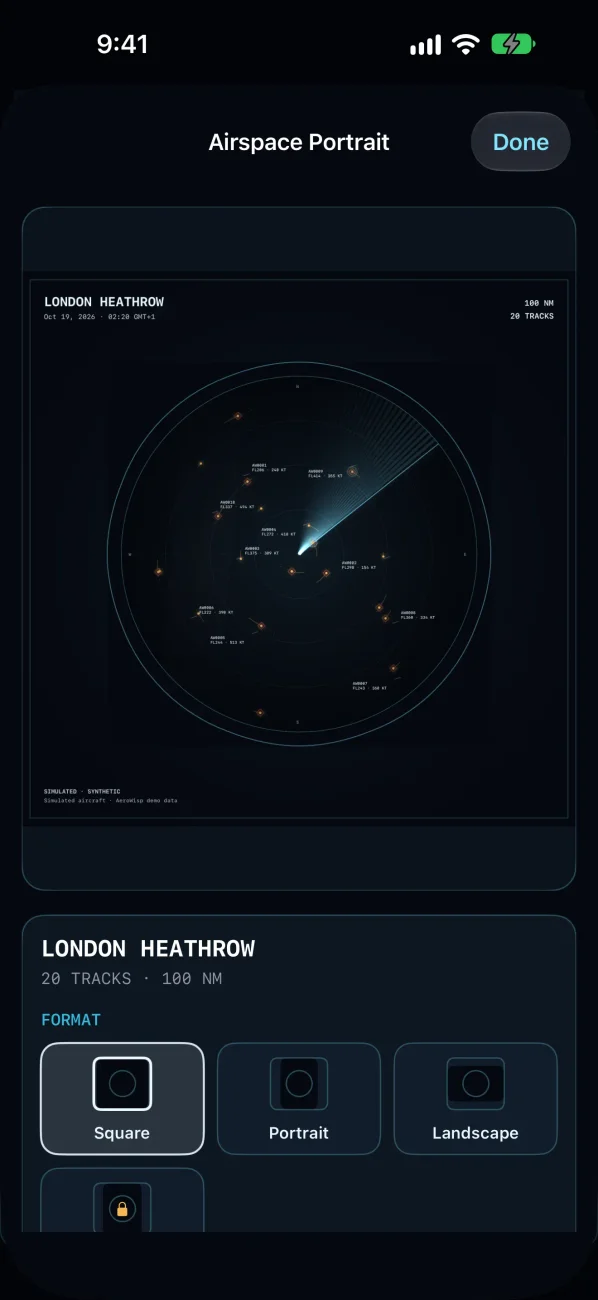
Time Lens lets you revisit snapshots retained during your current session while the app is open. Historical Ghost Trails remain distinct from the current view. Focus Stories and watched passages help you follow aircraft observed by the app, while the Airspace Diary gathers observed local summaries. Turn a scene into an Airspace Portrait and share a rendered still image.
FOLLOW A PASSAGE, KEEP A SKY CARD
Notice an aircraft worth watching, start an observation, and switch between radar and the built-in Apple Maps view. Choose Overhead or Along heading, explore manually, then Resume follow. The same observation continues across both views.
End with a Sky Card that captures the available aircraft identity and type, observation time, selected airspace, data source and instrument theme, with a relative trail made from received positions. Save it to My Sky, revisit it after restarting the app, or share a still image. Saved cards remain on this device until you delete them, separately from the Airspace Diary's recent summaries. Shared cards use a relative trail and omit precise coordinates.
Live data depends on provider coverage and network availability. Updates may be incomplete or unavailable; these views do not promise a complete flight history. Demo traffic stays explicitly labeled.
AN INSTRUMENT WITH CHARACTER
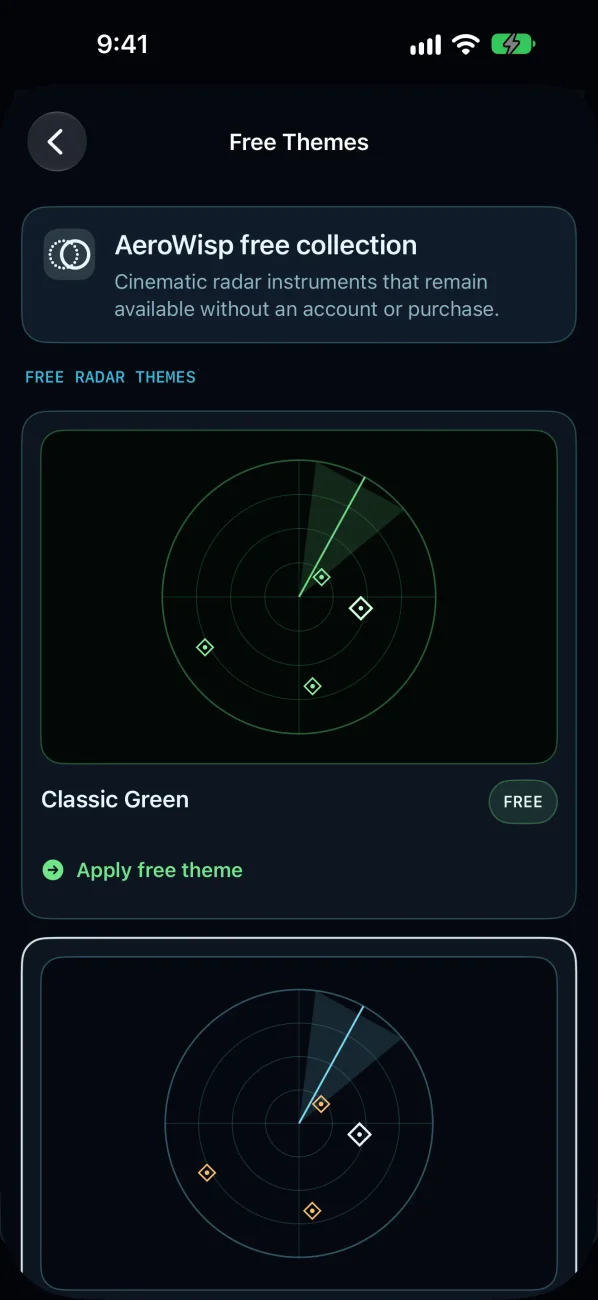
Classic Green and AeroWisp Horizon are included free. Use Display Mode for a quieter presentation, or keep the controls close while you explore. Choose provider-supplied live aircraft data or an explicitly labeled recorded synthetic demo; the demo is a separate scene, not current aircraft.
OPTIONAL RADAR STUDIO
Radar Studio is an optional one-time in-app purchase. It adds premium instrument themes and saved custom designs, with controls for color, sweeps, trails, labels, panels, layouts and screen effects. Preview a look, refine its details, then save your own instrument. Export and share Radar Codes; saving imported codes and advanced theme rules are Studio features.
MADE TO READ YOUR WAY
Explore AeroWisp in 30 interface languages. Larger-text layouts give labels and color controls room to breathe, while iPhone and iPad offer different ways to enjoy the same sky.
What’s new
Version 1.1.0 · Nov 4, 2026
• Discover an aircraft worth watching and start an observation.
• Switch between radar and the built-in map powered by Apple Maps without losing your observation. Choose Overhead or Along heading, explore manually, and resume following.
• Save Sky Cards to My Sky and revisit them after restarting the app. Layouts adapt to smaller windows.
Live availability depends on provider coverage. Demo remains clearly labeled.
App privacy
What 新庾 郭 declares on the App Store about how this app handles data.
-
Data not linked to you
May be collected but is not linked to your identity.
- Location
Privacy practices may vary, for example with the features you use or your age.
Information
- Seller
- 新庾 郭
- Category
- Utilities
- Version
- 1.1.0
- Updated
- Nov 4, 2026
- Released
- Aug 24, 2026
- Size
- 11.5 MB
- Requires
- iOS 18.0 or later
- Age rating
- 4+
- In-app purchases
- Yes
- Languages
- English, Arabic, Bengali, Czech, Dutch, French, German, Greek, Hebrew, Hindi, Hungarian, Indonesian + 18 more
- Copyright
- © 2026 Xinyu Guo
You might also like
-
 天空之家飞行员离线补充态势显示
-
 MetalScopeScore, Compare & Rank Devices
-
 Survivor+Utilities
-
 磁场模拟器Utilities
-
 My IP LiteIP address checker & history
-
 Socketta: Ping & SSL CheckerTCP Port Scanner & MQTT Client
-
 Drone Flight Log Tracker-HoverBattery Health, Pilot Logbook
-
 SnapCutterAI Shortcut Builder & Maker
-
 新重庆移动采编Utilities
-
 解暑小空调Utilities