AI Doc Scanner: PDF & OCR
Scan, Text Extract & Summary
Designed for iPhone
In-app purchases
- Age rating9+
- CategoryProductivity
- DeveloperAPP TEAM
- LanguagesEnglish+ 4 more
- Size14.5 MB
Links to the official App Store page
Download.org hosts no file of AI Doc Scanner: PDF & OCR. The button opens its official App Store page, published by APP TEAM. Listing last checked on Nov 15, 2026.
Screenshots
About
AI Doc Scanner — the smartest PDF scanner with on-device AI.
Scan any document, extract text instantly, and let AI summarize
it — all without leaving your device or sharing your data.
POWERFUL DOCUMENT SCANNER
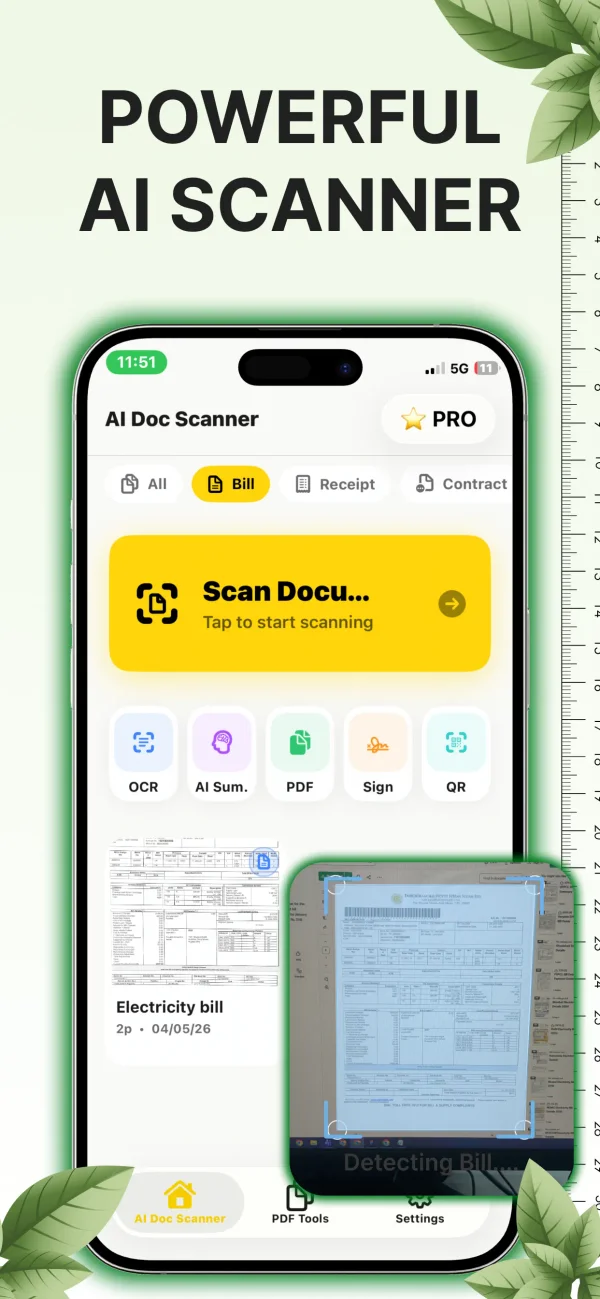
• Scan documents, receipts, IDs, contracts & handwritten notes
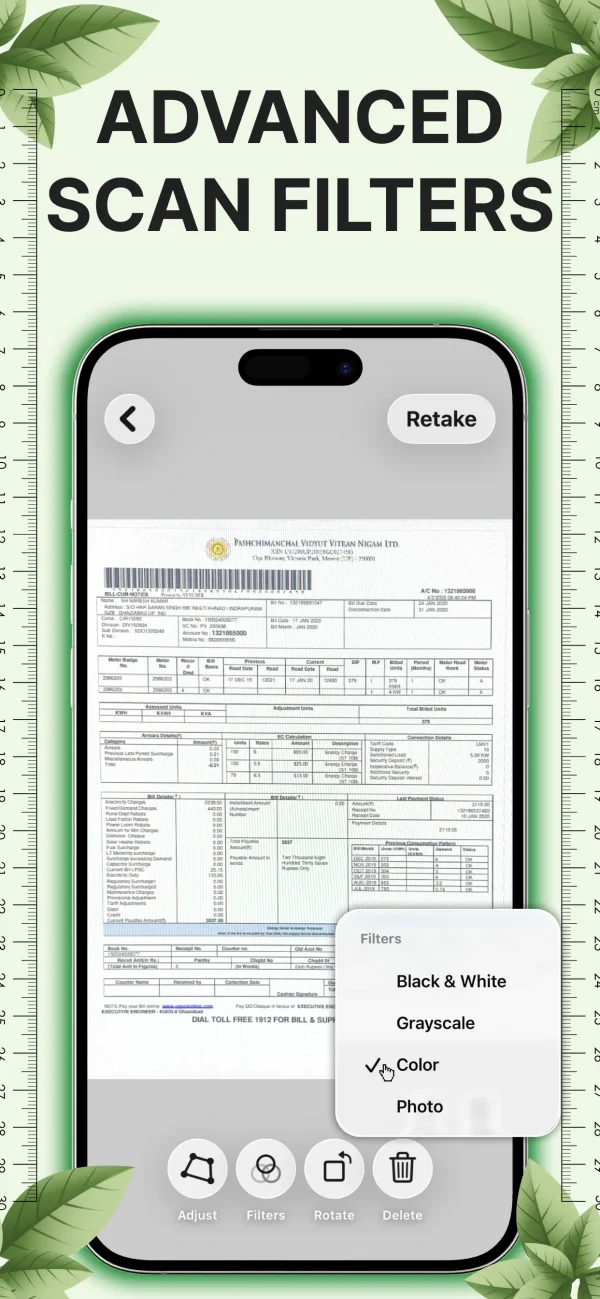
• Auto edge detection, perspective correction
• Multi-page scan
AI-POWERED FEATURES
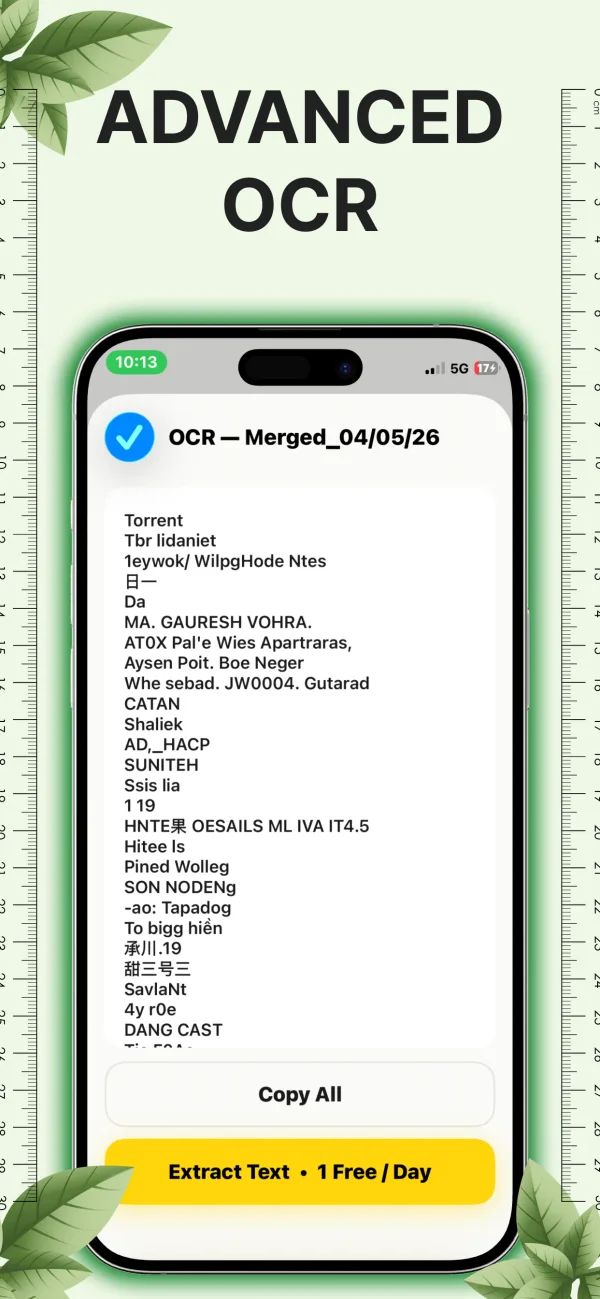
• OCR Text Recognition — extract & copy text from any scan
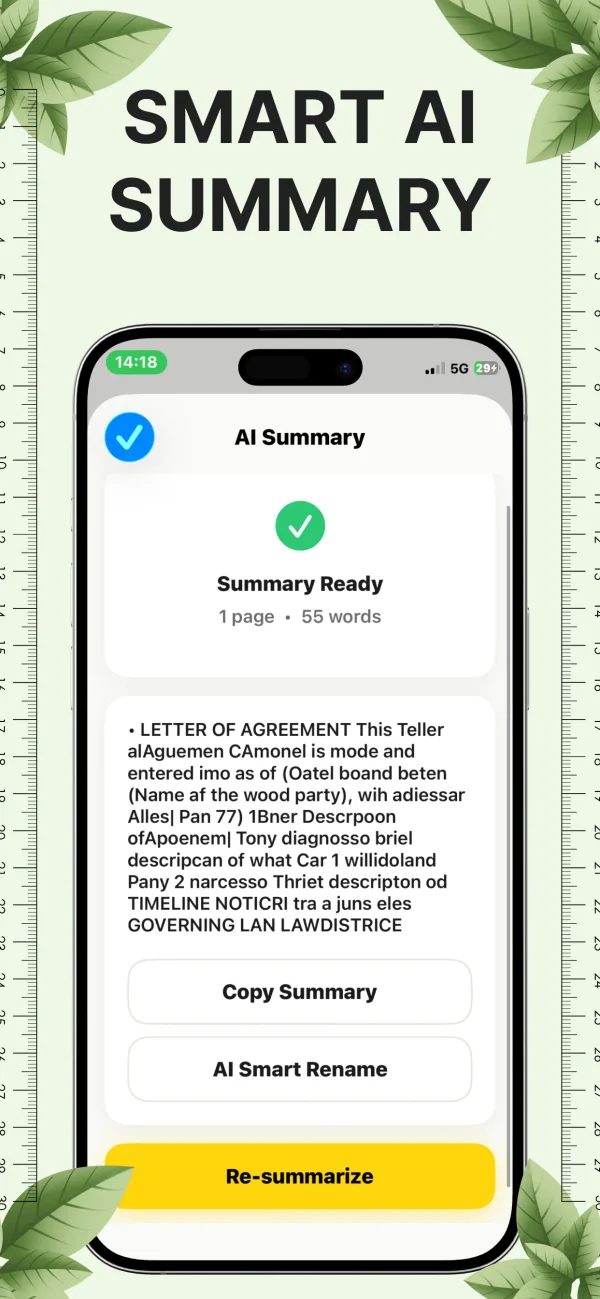
• AI Summarizer — get key bullet points from long documents
• Smart Rename — AI names your files based on content
• Auto-categorize — AI sorts docs into Bills, Receipts, IDs & more
PDF TOOLS
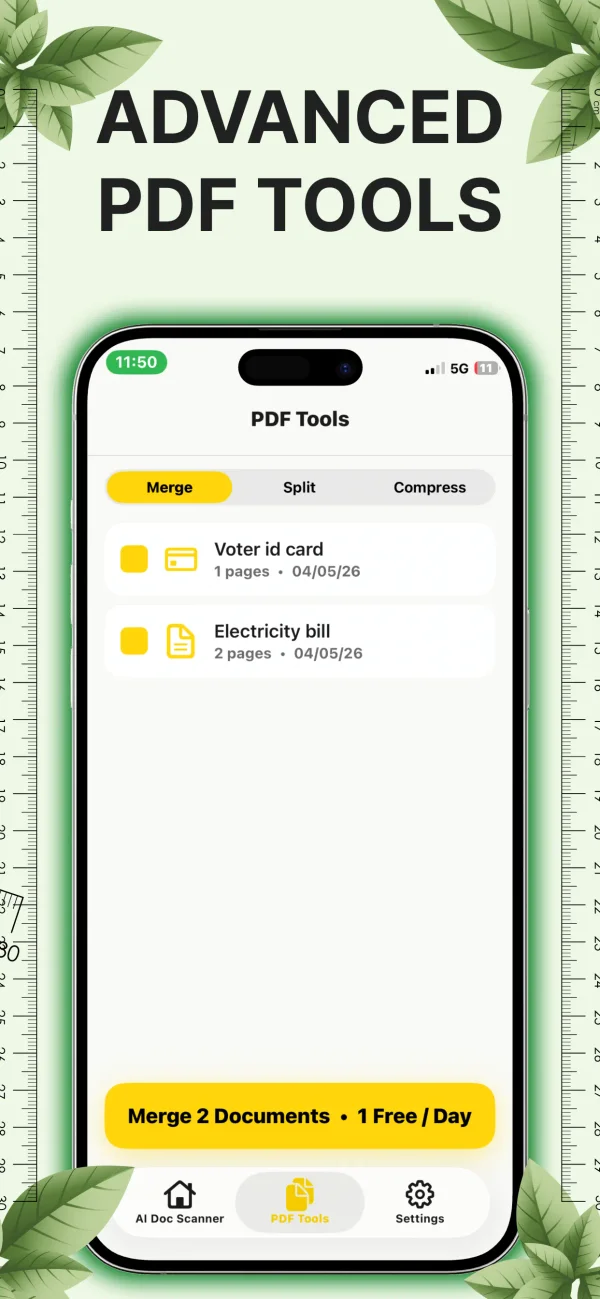
• Merge multiple PDFs into one
• Split PDFs into individual pages
• Compress PDF file size
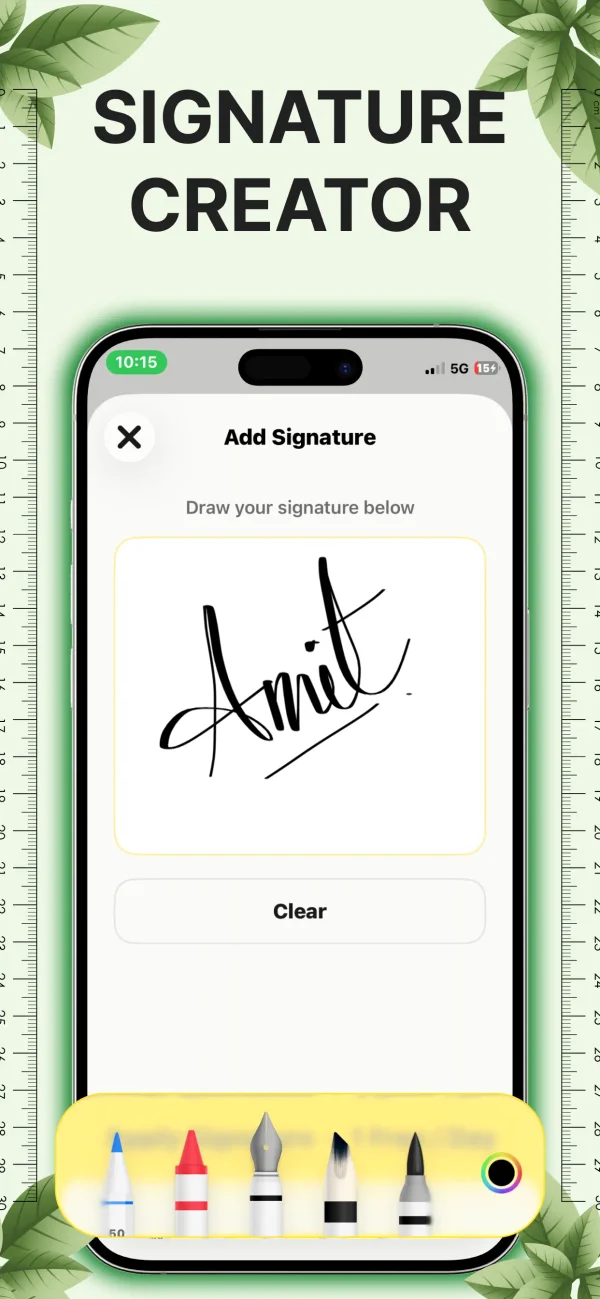
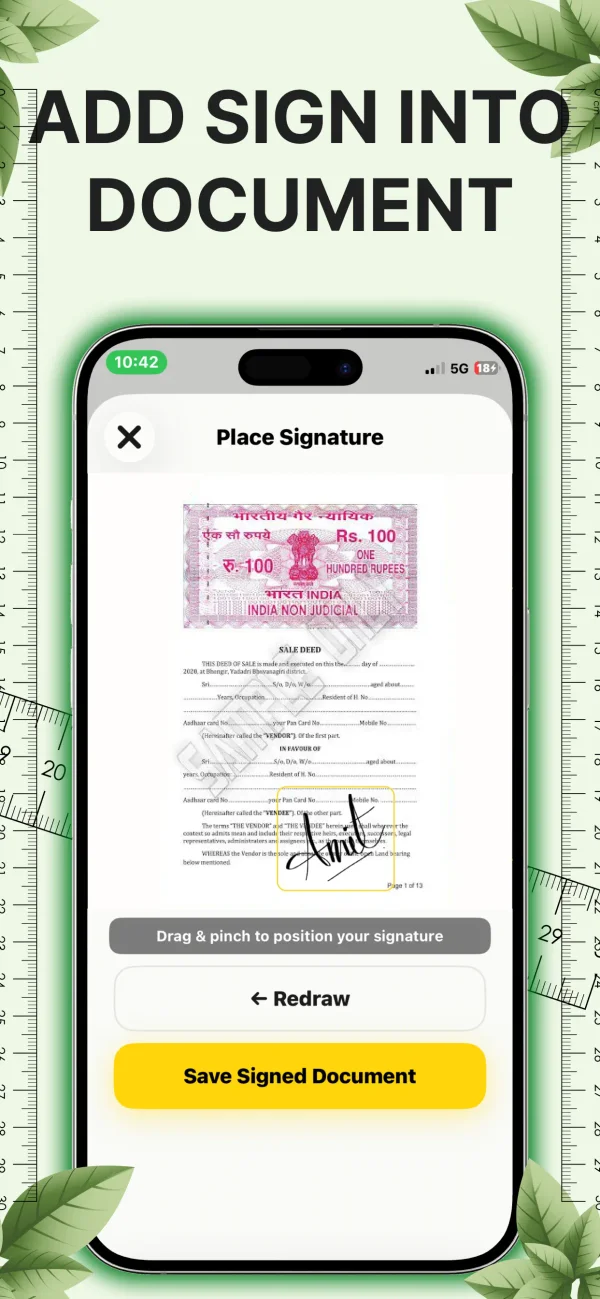
• Add your signature — draw directly on documents
• Annotate and highlight any scan
PRIVATE & SECURE
• All AI processing is 100% on-device — your documents never
leave your iPhone
DESIGNED FOR iPhone
• Clean, modern interface with big readable text
• Liquid Glass design — smooth and beautiful
PERFECT FOR
• Students scanning notes, textbooks & assignments
• Professionals scanning contracts, invoices & receipts
• Anyone going paperless at home
• Small business owners managing documents on the go
AI DOC SCANNER PRO
Upgrade for unlimited OCR, AI features, PDF tools, signature,
no ads, and iCloud backup.
• Weekly, Monthly, and Yearly plans available
• Cancel anytime
• Subscriptions auto-renew unless cancelled 24h before renewal
Privacy Policy: https://sites.google.com/view/privacy-terms-conditiondocscan/home
Apple Terms of Use: https://www.apple.com/legal/internet-services/itunes/dev/stdeula/
What’s new
Version 1.2 · Sep 26, 2026
We’re always working to improve your experience!
This update includes small enhancements and refinements for improved performance.
Thank you for your continued support.
App privacy
What APP TEAM declares on the App Store about how this app handles data.
-
Data used to track you
May be used to track you across apps and websites owned by other companies.
- Usage data
-
Data not linked to you
May be collected but is not linked to your identity.
- Usage data
Privacy practices may vary, for example with the features you use or your age.
Information
- Seller
- APP TEAM
- Category
- Productivity
- Version
- 1.2
- Updated
- Sep 26, 2026
- Released
- May 14, 2026
- Size
- 14.5 MB
- Requires
- iOS 26.0 or later
- Age rating
- 9+
- In-app purchases
- Yes
- Languages
- English, Simplified Chinese, Spanish, Tagalog, Vietnamese
- Copyright
- © AppTeam
You might also like
-
 Calendar Pro: Daily PlannerSchedule, Tasks & Reminders
-
 PDF Scanner: Scan Docs - LumiAuto Scan to PDF · OCR · ID
-
 Routine – Daily PlannerReminders & Life Schedule
-
 AI Doc Scanner - Scan to PDFMulti-page scan made easy
-
 Zip Rar Extractor - Zip,UnzipUnzipper - Rar Extractor File
-
 ScanLens: PDF Document ScannerScan & Convert Photos to PDF
-
 Quickmail Disposable MailboxInstantMail for TemporaryEmail
-
 Scan Cam: Docs PDF Scanner AppDocument Converter Merge, Sign
-
 PDF Signer - Signing DocumentsDocument Sign & Docs Signature
-
 SpeechNotes ·AI Transcribe Voice to Text