ScanLens: PDF Document Scanner
Scan & Convert Photos to PDF
Designed for iPhone, iPad
Free · In-app purchases
- Age rating4+
- CategoryProductivity
- DeveloperBitForge Pte. Ltd.
- LanguagesEnglish+ 13 more
- Size103.3 MB
Links to the official App Store page
Download.org hosts no file of ScanLens: PDF Document Scanner. The button opens its official App Store page, published by BitForge Pte. Ltd. Listing last checked on Nov 26, 2026.
Screenshots
About
ScanLens is a document scanner and PDF editor for iPhone and iPad. Scan documents, convert photos to PDF, add signatures and compress files before sharing.
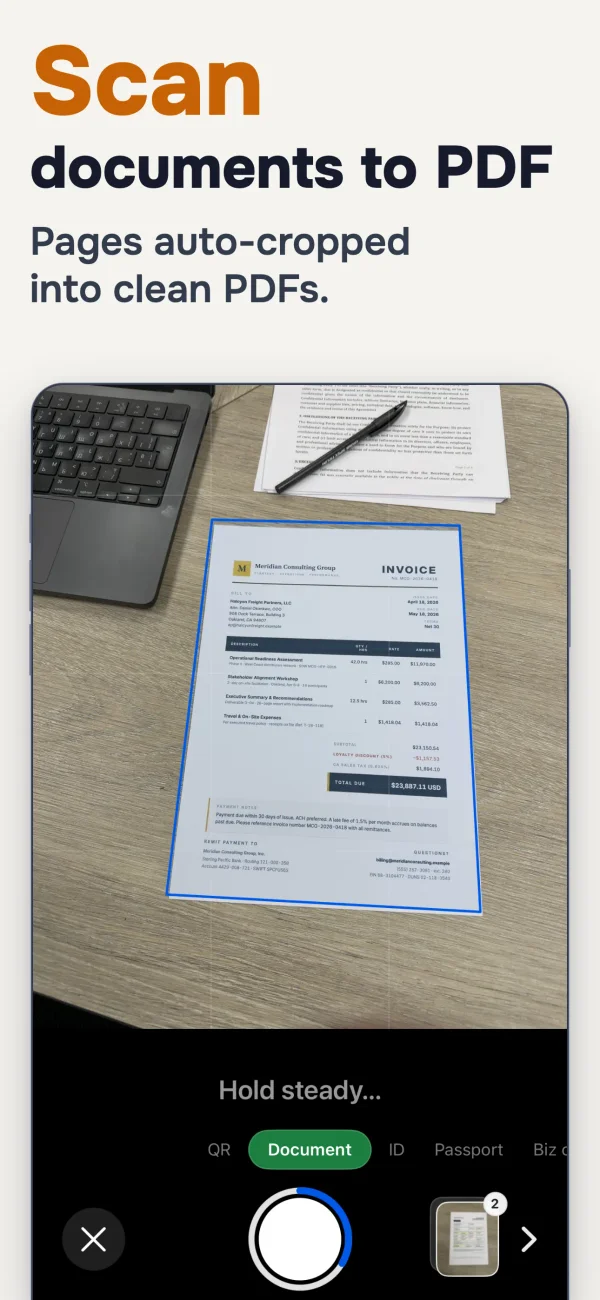
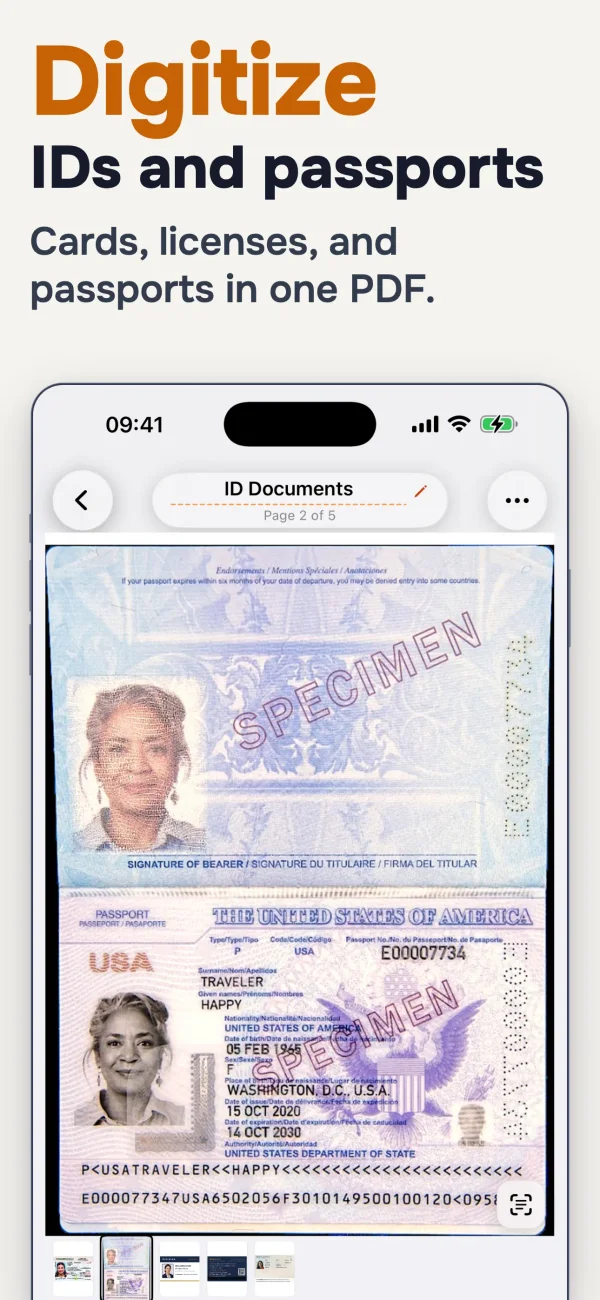
• Document scanner. Scan contracts, receipts, invoices, passports, driver's licenses and business cards. ScanLens automatically detects page edges and corrects perspective.
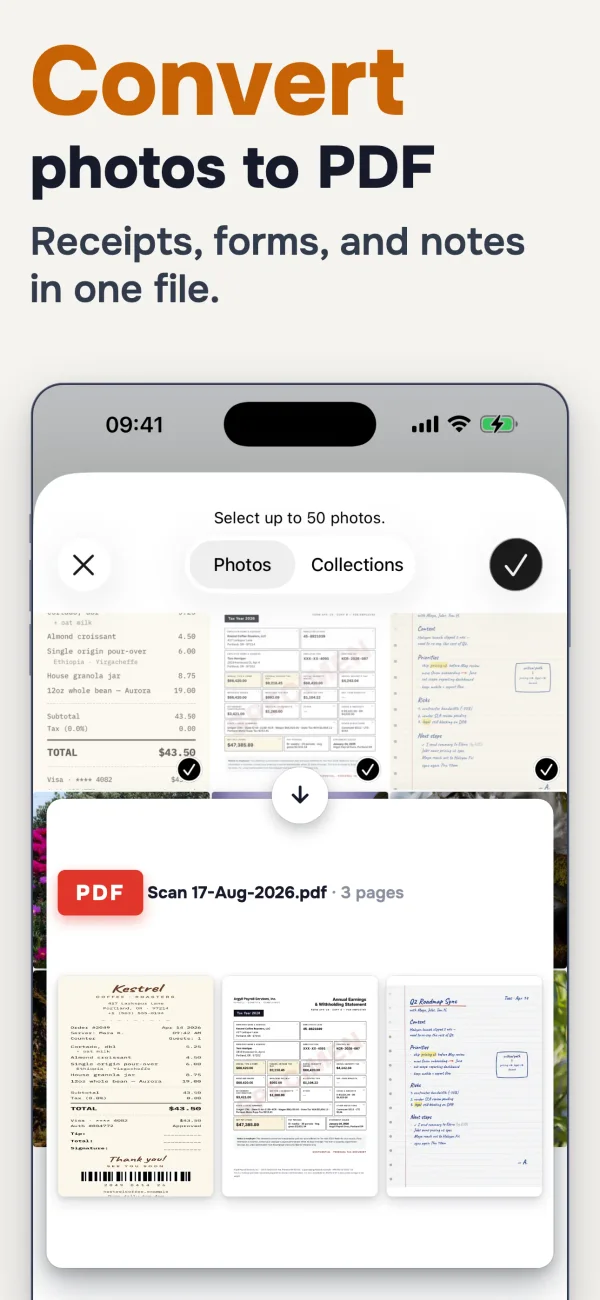
• Photos to PDF. Import photos and combine them into one PDF, or add pages to an existing document.
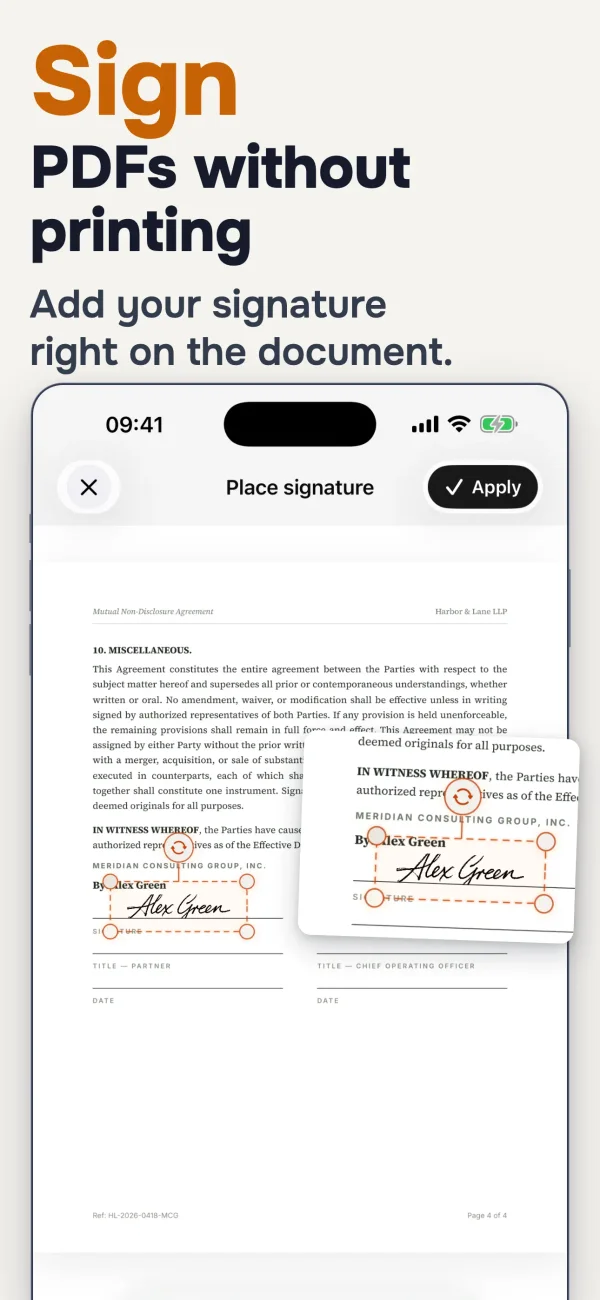
• Sign PDFs. Draw your signature on the screen with your finger, save it and reuse it in other documents. Import an existing signature from a photo or scan it from paper.
• Custom stamps. Import a personal or company stamp from a photo, or scan it from paper. Save it and reuse it in other documents.
• Annotate PDFs. Highlight text, draw freehand and add arrows, lines, circles or rectangles. Choose colors and line widths.
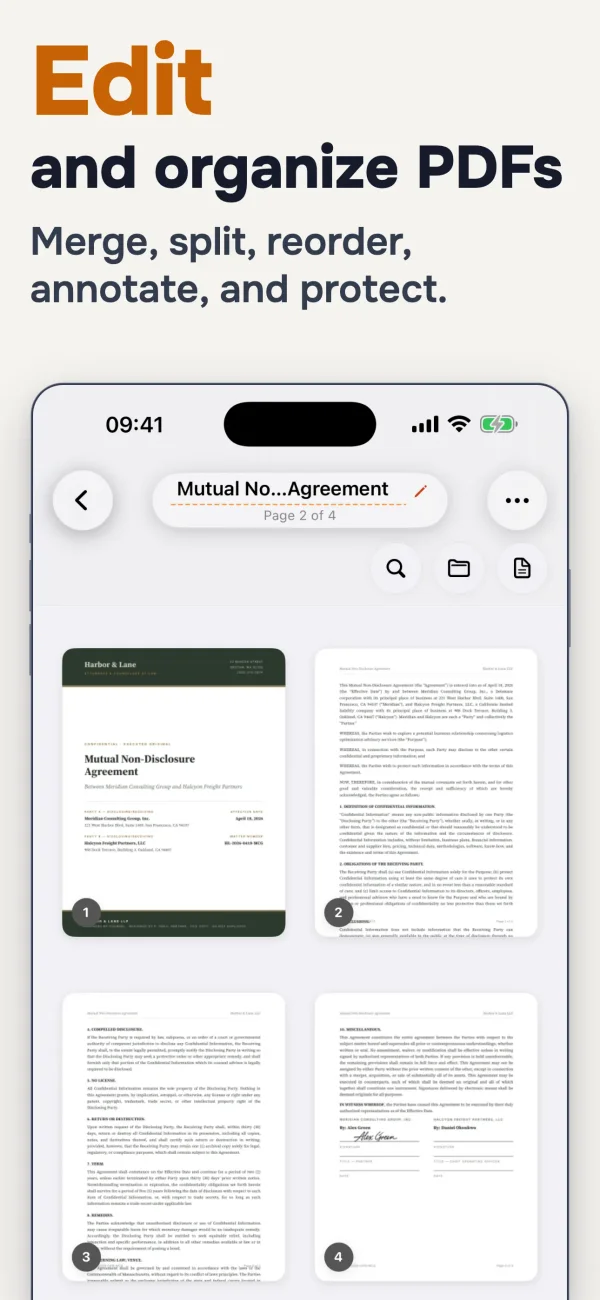
• PDF tools. Merge and split PDFs, reorder pages and add text.
• Compress PDFs. Reduce file size by adjusting export quality before sharing.
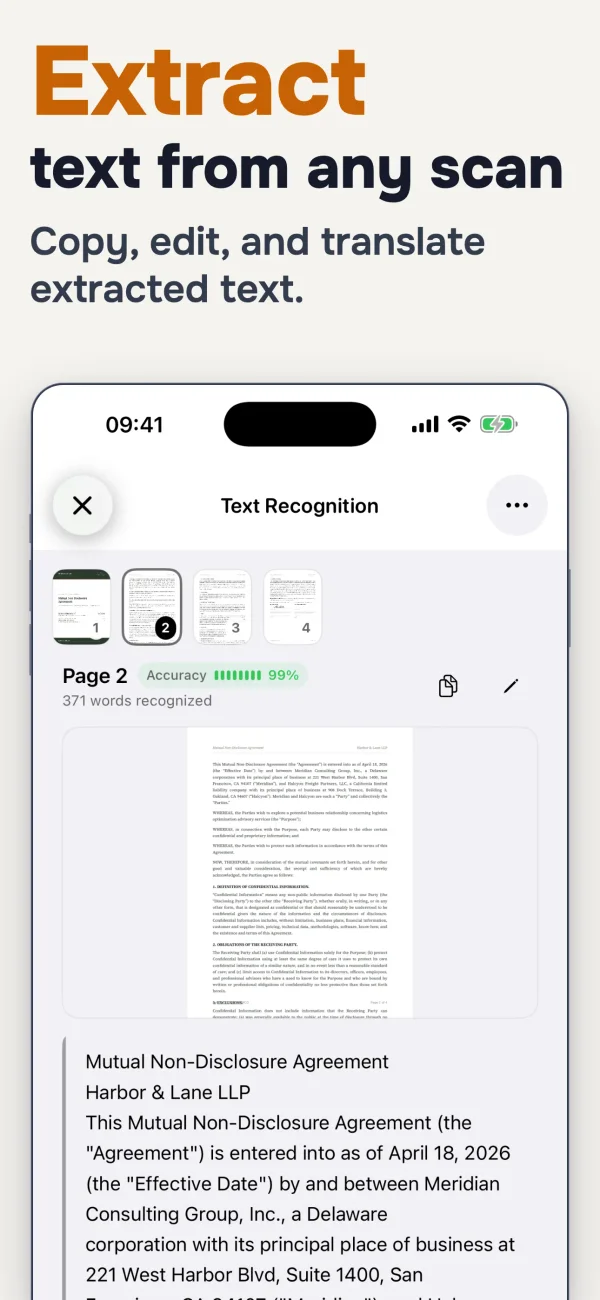
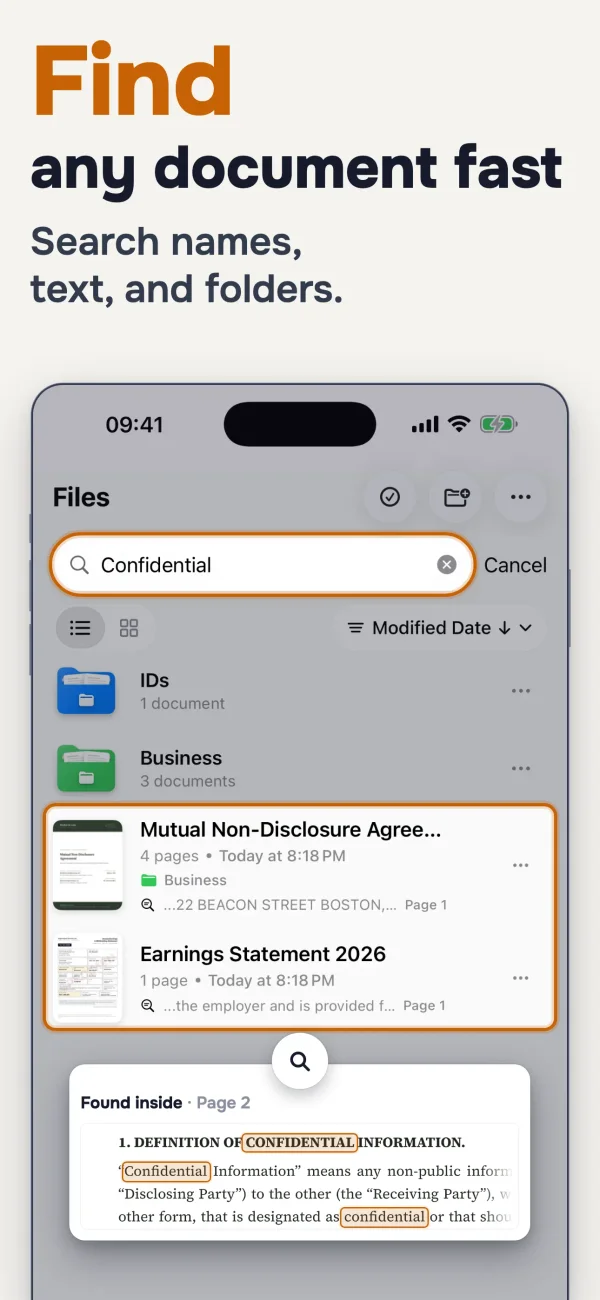
• Text recognition (OCR). Extract text from scans, then copy or edit it. Create searchable PDFs.
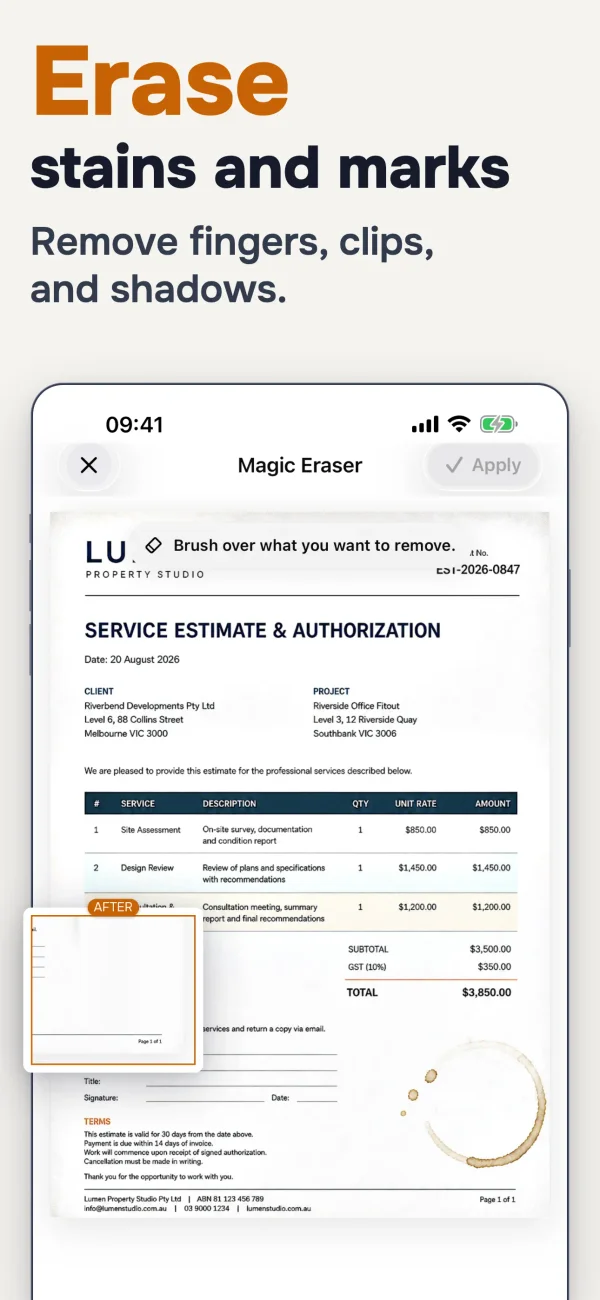
• Clean up scans. Use Magic Eraser to remove small stains and shadows, or a finger or paper clip at the edge of a page.
• QR scanner. Scan QR codes in a dedicated camera mode.
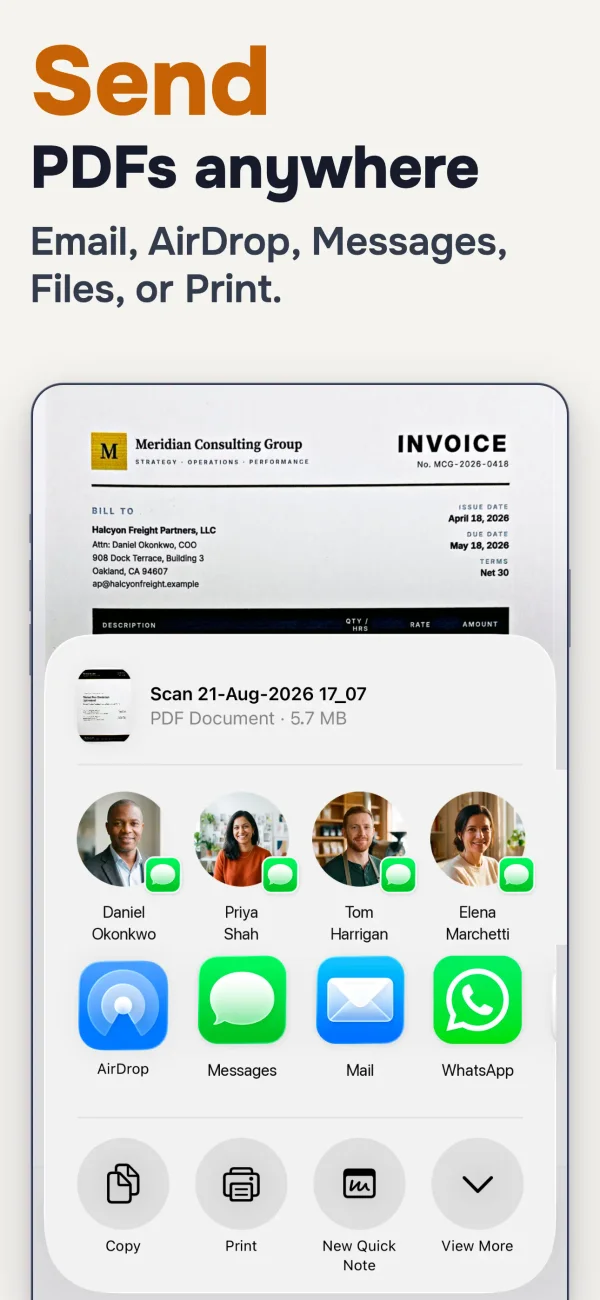
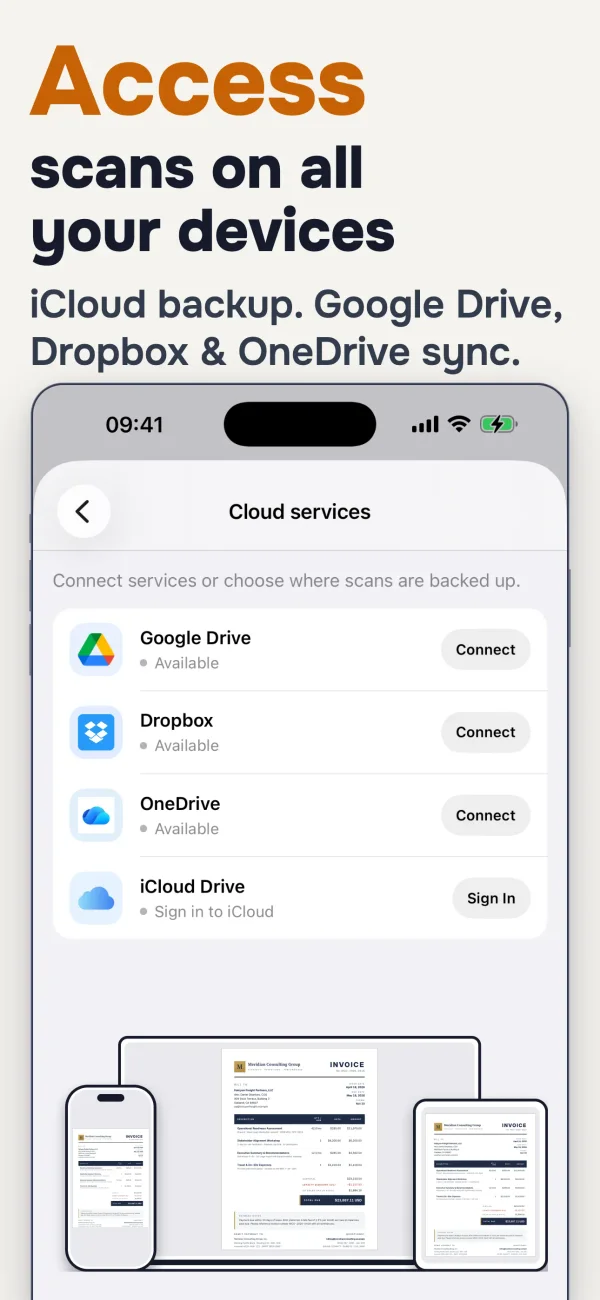
Export documents as PDF, JPG, PNG or TXT. Password-protect PDFs and back up documents to iCloud.
Scanning and importing documents are free and unlimited. The free version gives you access to the first three pages of each document and adds ScanLens branding to exported files.
Premium includes signatures and stamps, PDF merging and splitting, advanced editing, Magic Eraser, searchable PDFs and exports without ScanLens branding. It also includes backups to Google Drive, Dropbox and OneDrive, smart folders and scan workflows.
Privacy Policy: https://scanlens.io/privacy
Terms of Use: https://scanlens.io/terms
EULA: https://scanlens.io/eula
What’s new
Version 2.8 · Sep 29, 2026
We've fixed bugs and improved ScanLens.
Thank you for your feedback!
App privacy
What BitForge Pte. Ltd. declares on the App Store about how this app handles data.
-
Data linked to you
May be collected and linked to your identity.
- Purchases
- Contact info
- User content
- Identifiers
- Usage data
- Diagnostics
Privacy practices may vary, for example with the features you use or your age.
Information
- Seller
- BitForge Pte. Ltd.
- Category
- Productivity
- Version
- 2.8
- Updated
- Sep 29, 2026
- Released
- May 12, 2026
- Size
- 103.3 MB
- Requires
- iOS 17.4 or later
- Age rating
- 4+
- Price
- Free
- In-app purchases
- Yes
- Languages
- English, Arabic, Dutch, French, German, Italian, Japanese, Korean, Polish, Portuguese, Russian, Simplified Chinese + 2 more
- Copyright
- © 2026 BitForge Pte.Ltd.
You might also like
-
 Document Scanner: ScanivaNo Subscription, Photos to PDF
-
 PDF Reader MatePDF Scan·Annotate·Convert
-
 QuickScan:PDF OCR Text ScannerScan,Doc,Sign,Edit,Privacy
-
 PDF Converter- Photos & WordPhotos to PDF & Scan Docs
-
 PDF Editor - Convert FileOCR, Scan, Edit & Image to PDF
-
 PDF Editor: Scan & ConvertThe original PDF Ease
-
 Scan MyPDF ProScan and Share PDF Documents
-
 MobiPDF・PDF Text Editor・ReaderEdit File・Fill, Sign Documents
-
 PDFelement: PDF Editor & ScanDocuments Converter & Signer