AI Limit: Usage & Reset Alerts
AI Usage, Limit & Reset Alerts
Designed for iPhone
Free · In-app purchases
- Age rating4+
- CategoryUtilities
- Developer金苹 卢
- LanguagesEnglish+ 4 more
- Size6.4 MB
Links to the official App Store page
Download.org hosts no file of AI Limit: Usage & Reset Alerts. The button opens its official App Store page, published by 金苹 卢. Listing last checked on Nov 8, 2026.
Screenshots
About
Track AI usage limits and resets at a glance.
AI Limit is a simple utility for developers who use AI coding tools and want an easier way to keep track of publicly reported usage-limit and quota resets.
No account needed. No complicated dashboard. Just the information you need.
KEY FEATURES
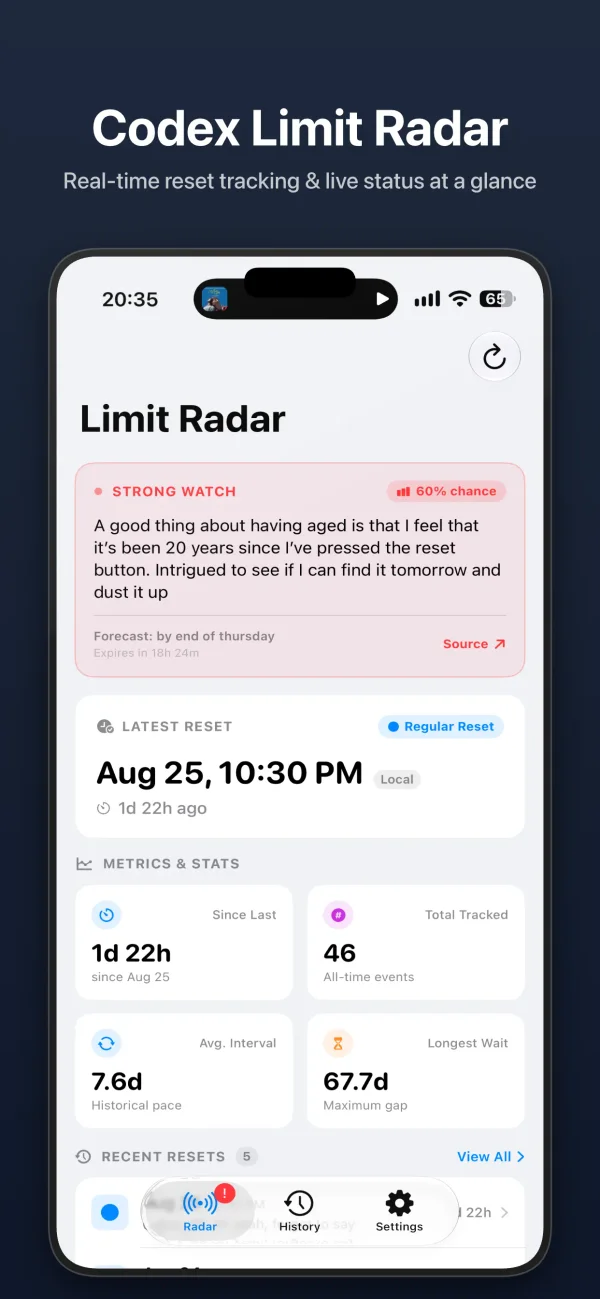
• Latest Reset
Quickly see when the latest usage-limit reset occurred.
• Time Since Reset
See exactly how long it has been since the most recent reset.
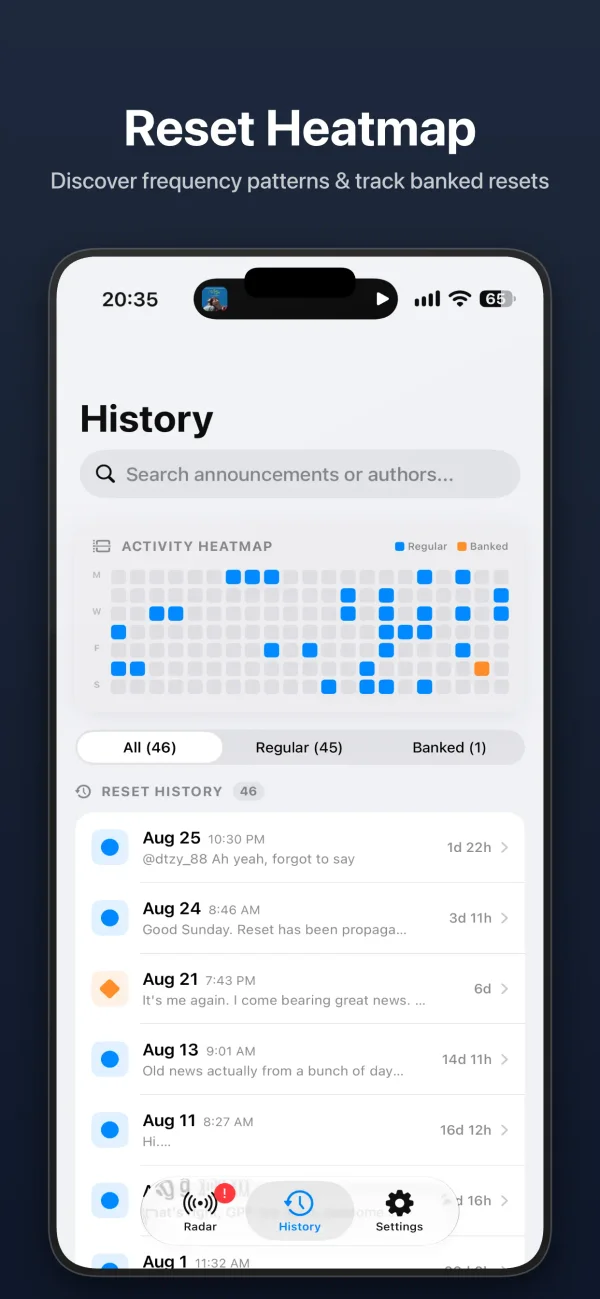
• Reset History
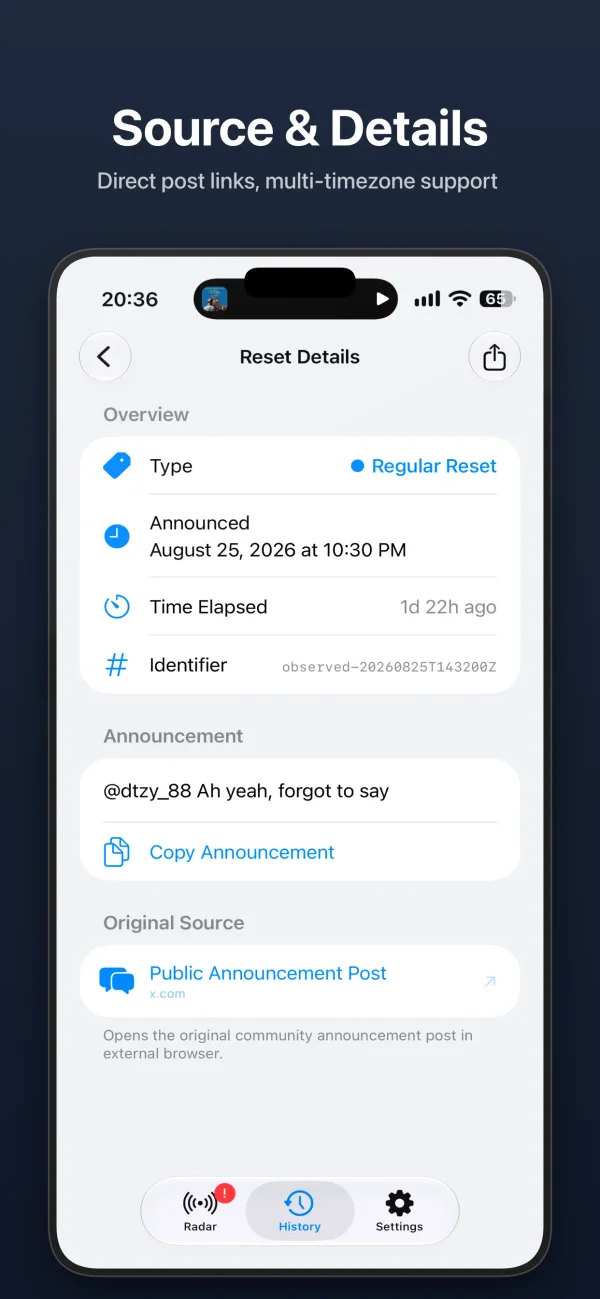
Browse previous resets and identify regular and banked resets.
• Reset Statistics
View total resets, average intervals, and historical patterns.
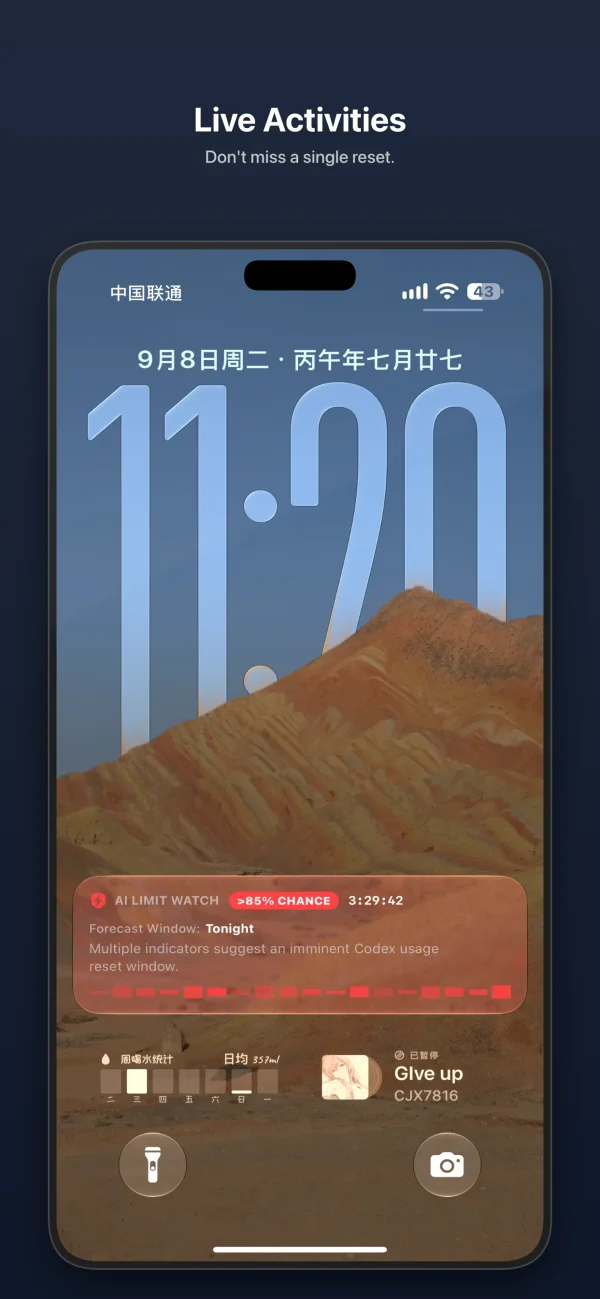
• Home Screen & Lock Screen Widgets
Keep the latest reset status and scheduled reset countdown visible without opening the app.
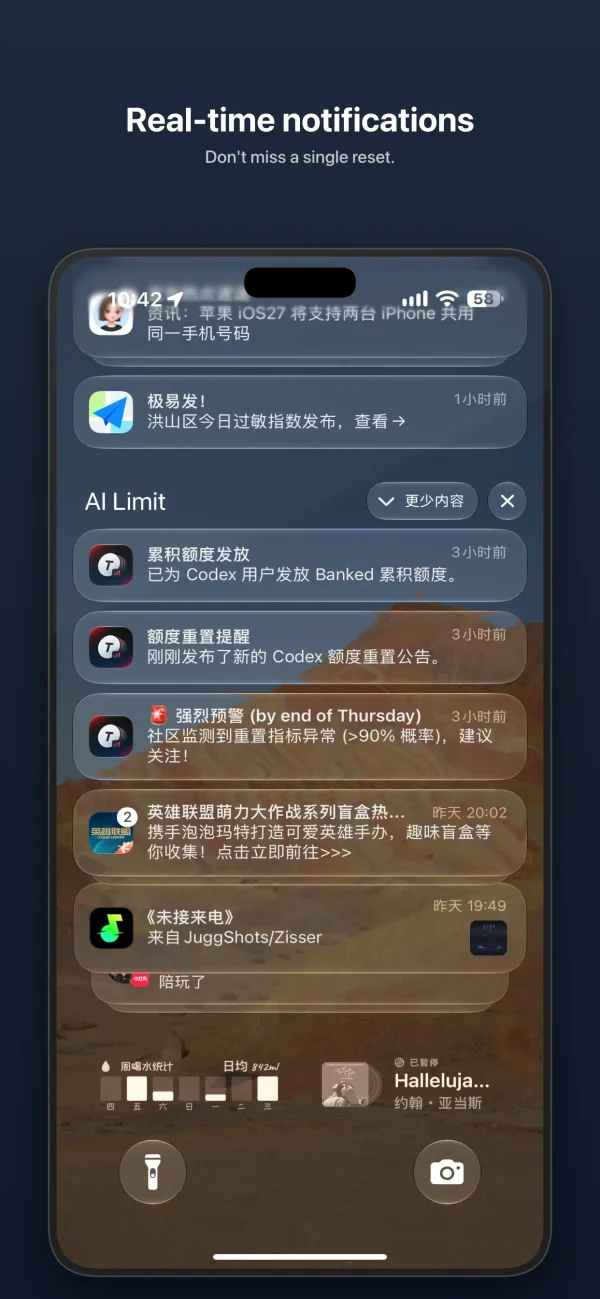
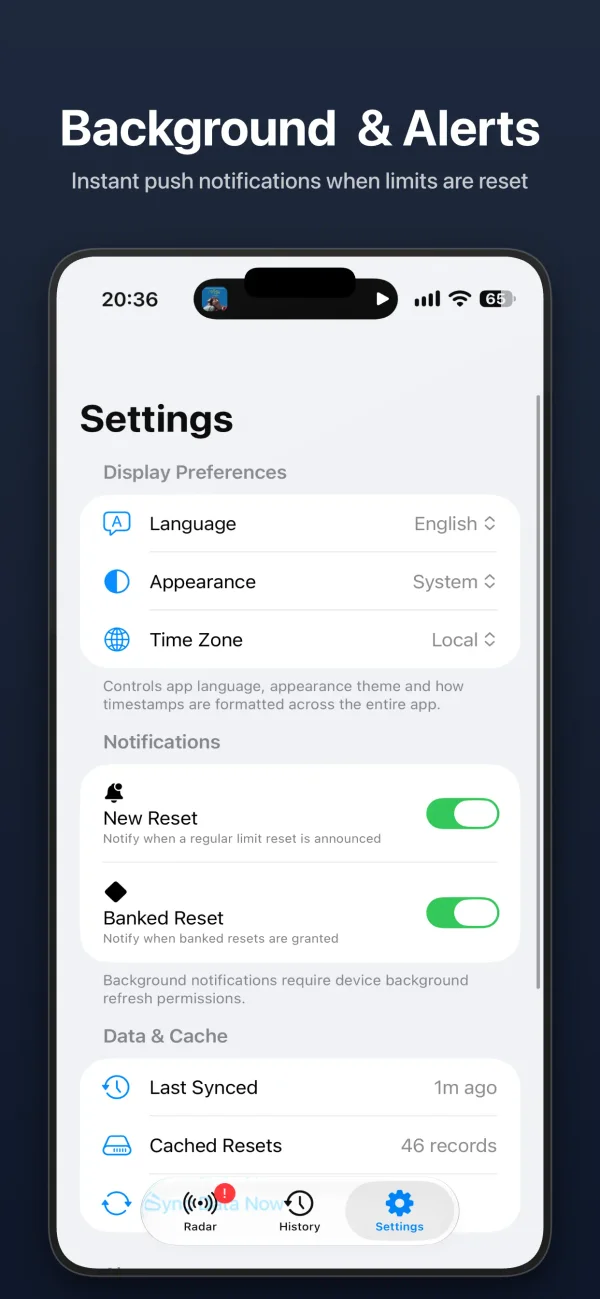
• Reset Notifications
Get push notifications for regular, banked, and Strong Watch alerts when new reset information becomes available.
• My Codex Usage (optional)
Sign in with your Codex account to see your own 5-hour and weekly remaining usage on Radar.
• Local Time
Reset times are automatically displayed in your local time zone.
BUILT FOR DEVELOPERS
AI Limit provides a clean, native iOS experience designed for quickly checking AI coding usage-limit information.
No login is required to use the app. Signing in with your Codex account is optional and only adds your own usage.
PRIVACY FIRST
By default, AI Limit does not access your AI accounts or conversations. If you choose to sign in with Codex, your sign-in token stays in your device's Keychain and is used only to read your own usage directly from the provider; it is never sent to our servers. Public reset information is cached locally on your device for a faster experience.
Data provided by codex-resets.com.
AI Limit is an independent app and is not affiliated with, endorsed by, or sponsored by OpenAI.
Terms of Use: https://www.apple.com/legal/internet-services/itunes/dev/stdeula/
Privacy Policy: https://limitradar.pages.dev/privacy
What’s new
Version 1.0.8 · Oct 5, 2026
Reset forecasts, shareable reset posters, quiet hours, a reset calendar widget, and your own Codex usage.
New
• Reset forecast: estimates the chance of a reset within 24 / 72 hours based on past intervals
• Share a reset poster — save it to Photos or share it anywhere
• Quiet Hours: during the hours you set, alerts still arrive but silently
• Reset Calendar widget (Medium / Large, Pro) shows past and scheduled reset days
• Community "Pray for Reset" counter on Radar
• Optional Codex sign-in to see your own 5-hour and weekly remaining usage (token stays in your Keychain)
Improved
• Refined App Store description and search keywords
App privacy
What 金苹 卢 declares on the App Store about how this app handles data.
-
Data not collected
The developer does not collect any data from this app.
Privacy practices may vary, for example with the features you use or your age.
Information
- Seller
- 金苹 卢
- Category
- Utilities
- Version
- 1.0.8
- Updated
- Oct 5, 2026
- Released
- Sep 3, 2026
- Size
- 6.4 MB
- Requires
- iOS 26.0 or later
- Age rating
- 4+
- Price
- Free
- In-app purchases
- Yes
- Languages
- English, Japanese, Korean, Simplified Chinese, Traditional Chinese
- Copyright
- © 2026 Lujinping
You might also like
-
 TokenWise - AI Quota TrackerUsage limits, resets & widgets
-
 OpenTerminalUtilities
-
 TokenWatch - Usage MonitorQuota & Reset Dashboard
-
 AI Limits & Reset TrackerAlerts, widgets, reset timers
-
 AI UsageTrack your AI service usage
-
 好房客Utilities
-
 UBITracerYOUR SMART TRACE SOLUTION
-
 SMB Server - ファイル共有PCとワイヤレスでファイル共有
-
 Timing TodosTodo-list tasks management
-
 Squart - Read Later&Save LinksSave links from anywhere