
AI Limits & Reset Tracker
Alerts, widgets, reset timers
Designed for iPhone, Mac
Free · In-app purchases
- Age rating4+
- CategoryUtilities
- DeveloperINOVANTIS SOLUTIONS, UNIPESSOAL, LDA
- LanguagesEnglish+ 5 more
- Size8.8 MB
Links to the official App Store page
Download.org hosts no file of AI Limits & Reset Tracker. The button opens its official App Store page, published by INOVANTIS SOLUTIONS, UNIPESSOAL, LDA. Listing last checked on Nov 20, 2026.
Screenshots




About
Stop wasting your AI subscription limits.
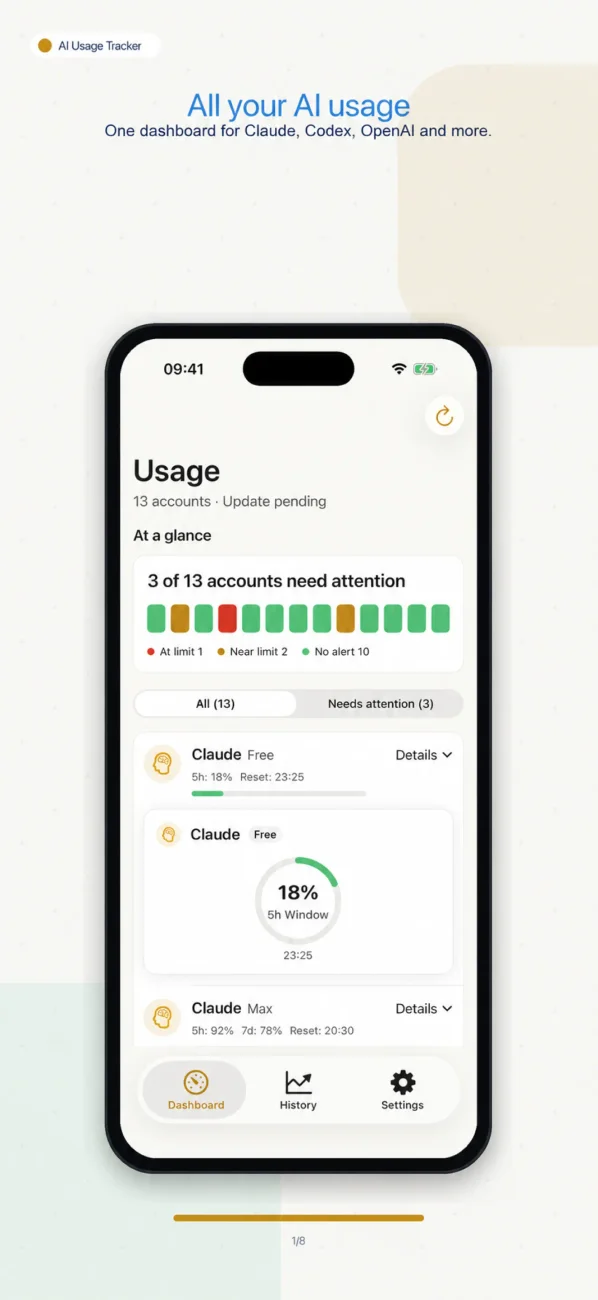
AI Limits & Reset Tracker helps you monitor usage across providers in one place, so you don’t get cut off mid-task, miss reset windows, or underuse the plans you pay for.
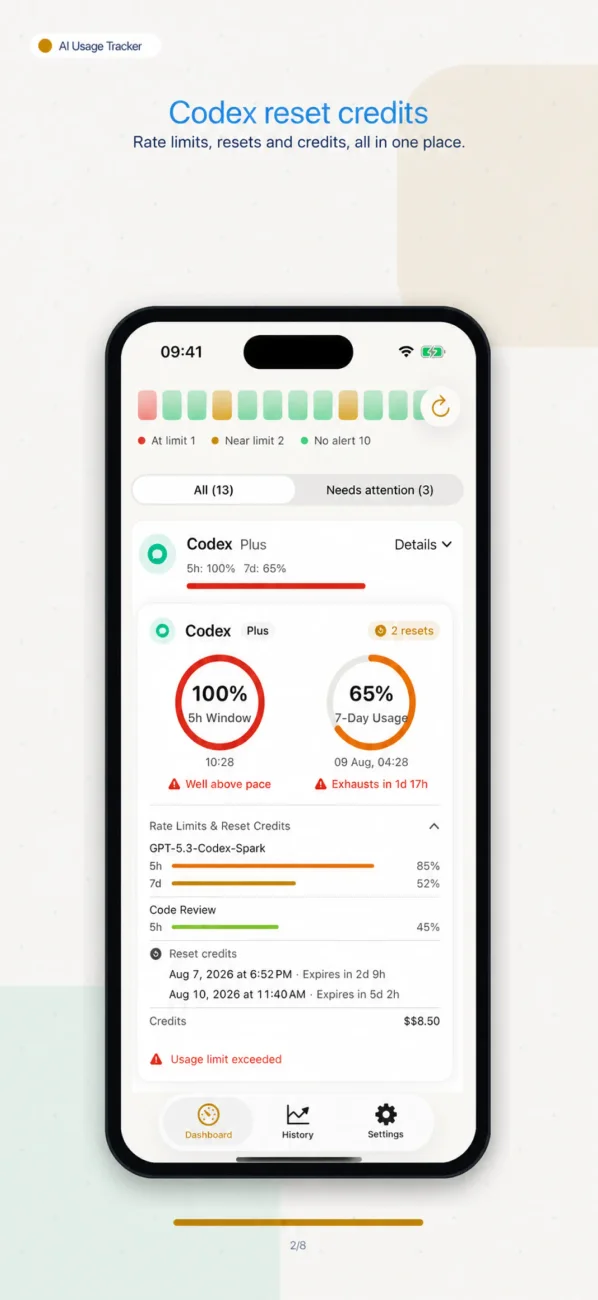
Most AI services use moving windows, weekly quotas, or credit-based limits. Tracking them manually is messy, especially across multiple providers and accounts. This app gives you one unified dashboard with reset countdowns, alerts, widgets, history, and usage pace predictions.
Built for iPhone, iPad, and Mac, with a native experience for tracking multiple providers and accounts.
WHY IT MATTERS
If you use AI regularly, you’ve seen the problem:
• Sliding windows that constantly move
• Weekly limits that quietly run out
• No clear visibility into the next reset
• No warning before hitting 70–95% usage
• Multiple provider dashboards to check
• Background tools consuming usage without you noticing
ONE PLACE FOR ALL YOUR AI SUBSCRIPTIONS
• Unified dashboard across supported providers
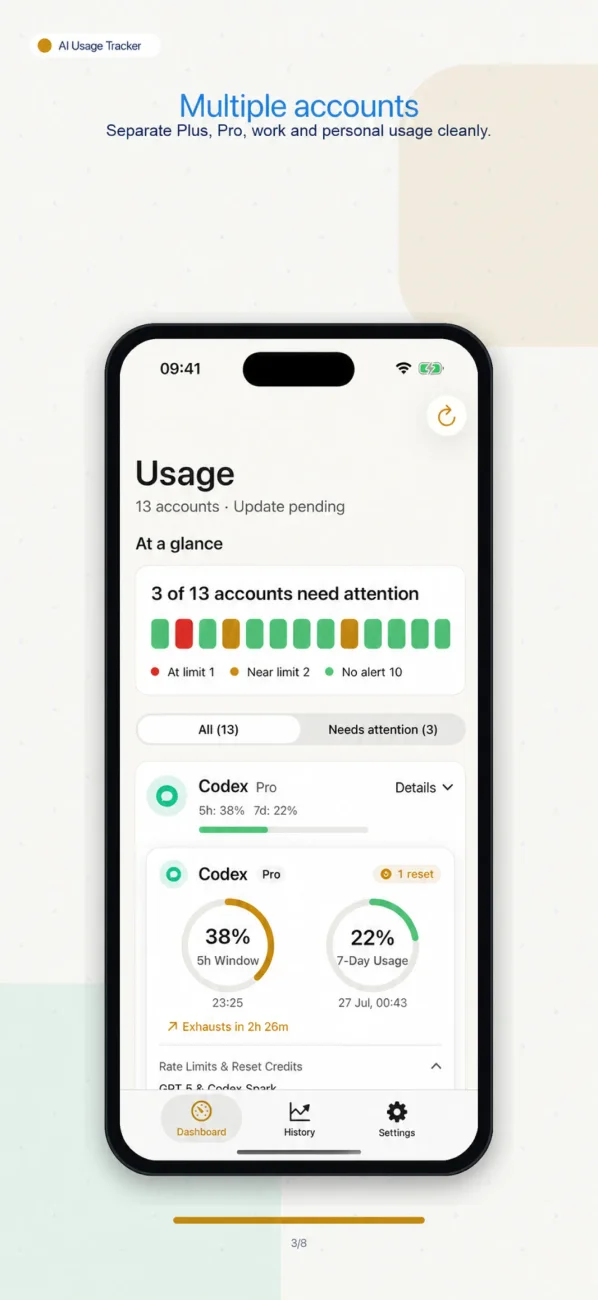
• Multi-account support per provider
• Near real-time usage and next reset countdowns
• Usage Pace to estimate when you’ll hit quota
• 3-way time display: relative, absolute, or mixed
• Premium History charts for 24h / 7 / 30 / 90 days
• Activity Heatmap with 13 weeks of daily usage intensity
SMART ALERTS
• Custom thresholds such as 75%, 85%, and 95%
• Reset notifications when a window opens again
• Avoid getting cut off in the middle of work
WIDGETS & MENU BAR
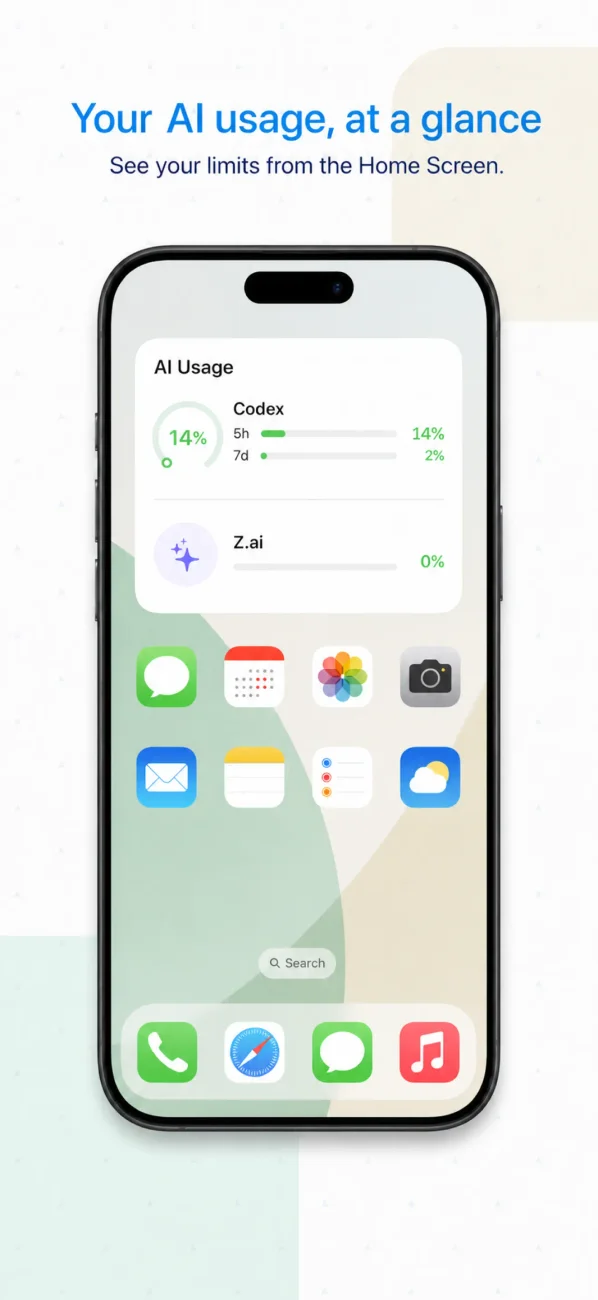
• Usage gauges on the Home Screen and Mac desktop
• Quick status on the Lock Screen and macOS menu bar
• Large widget with multi-provider overview, totals, and reset times
• Check your usage without opening the main app window
CURRENTLY SUPPORTED PROVIDERS
• Anthropic Claude (Pro, Max, Team)
• Anthropic API (token and cost tracking)
• ChatGPT / Codex
• OpenAI API (token and cost tracking)
• OpenRouter
• Cursor
• GitHub Copilot
• Z.ai
• Kimi Code
• MiniMax
PRIVACY & SECURITY
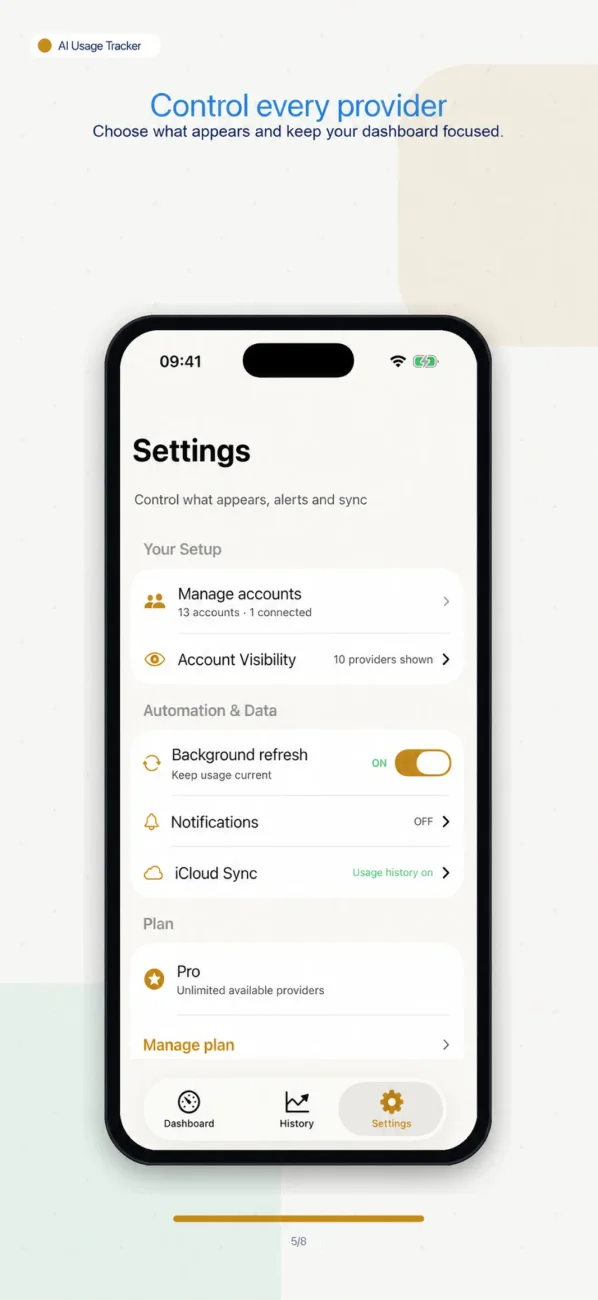
• No UsageTracker account required
• Credentials stored securely in Apple Keychain
• Optional iCloud sync for accounts and history across compatible devices
• Anonymous analytics with TelemetryDeck
FREE & PREMIUM
Start free with one provider. Upgrade to unlock:
• Multiple providers
• More accounts per provider
• Widgets
• Smart alerts and reset notifications
• Premium History charts
• Activity Heatmap
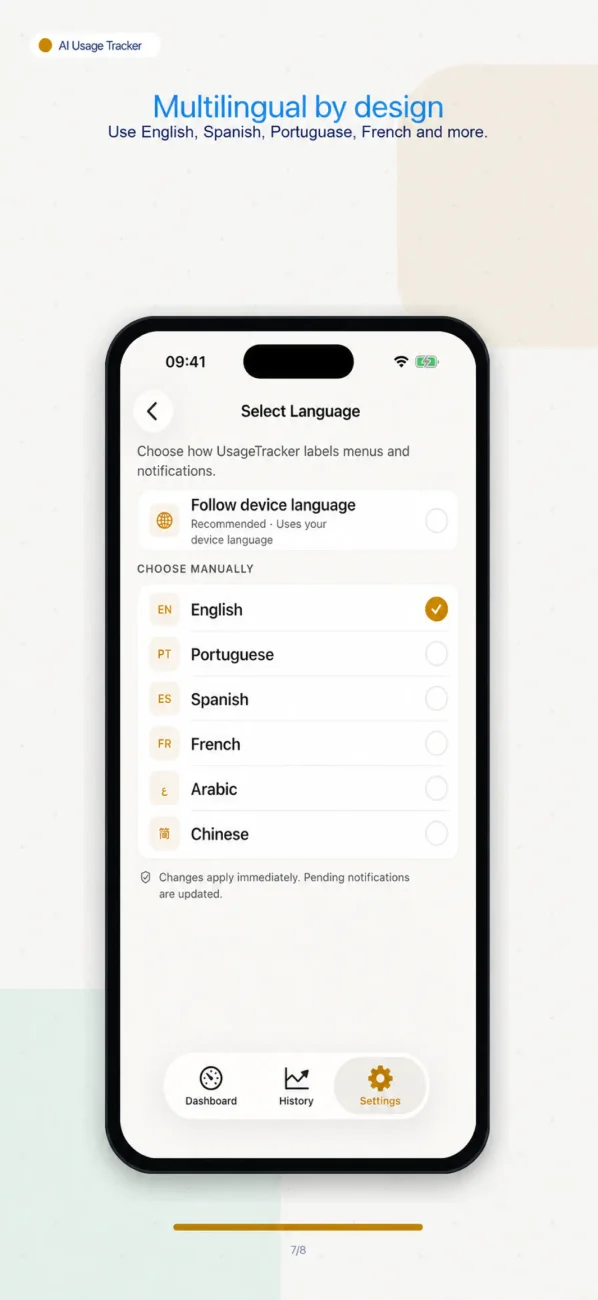
Available in English, Portuguese, Spanish, French, Arabic, and Chinese.
Terms of Use (EULA): https://www.apple.com/legal/internet-services/itunes/dev/stdeula/
What’s new
Version 3.1.1 · Oct 23, 2026
3.1.1
- Fixed accounts showing "Unavailable on your current plan" after moving to a new iPhone, iPad or Mac, or restoring from a backup: your synced accounts are active again on your plan.
App privacy
What INOVANTIS SOLUTIONS, UNIPESSOAL, LDA declares on the App Store about how this app handles data.
-
Data not linked to you
May be collected but is not linked to your identity.
- Usage data
- Diagnostics
Privacy practices may vary, for example with the features you use or your age.
Information
- Seller
- INOVANTIS SOLUTIONS, UNIPESSOAL, LDA
- Category
- Utilities
- Version
- 3.1.1
- Updated
- Oct 23, 2026
- Released
- Feb 22, 2026
- Size
- 8.8 MB
- Requires
- iOS 18.0 or later
- Age rating
- 4+
- Price
- Free
- In-app purchases
- Yes
- Languages
- English, Arabic, French, Portuguese, Simplified Chinese, Spanish
- Copyright
- © 2026 Inovantis - FractalDream Unipessoal Lda
You might also like
-
 AI UsageTrack your AI service usage
-
 Usage for Claude + ChatGPTCodex & AI Limits Tracker
-
 iCodex: Claude & Codex UsageQuota, Tokens & Widgets
-
 PocketClaw: Remote AI AgentSelf-Hosted Automation Control
-
 Astropad WorkbenchMac remote desktop & terminal
-
 Sill – Mac StreamingRemote Mac window management
-
 HelmarrOne app to rule them all
-
 ntfyPush notifications via REST
-
 Screens 5: VNC Remote DesktopFast & Secure Computer Access
-
 Comet - AI Browser & AssistantBrowser and AI assistant