
- Age rating4+
- CategoryUtilities
- Developerpradeep sharma
- LanguagesEnglish
- Size4.2 MB
Links to the official App Store page
Download.org hosts no file of Ai Optimizer. The button opens its official App Store page, published by pradeep sharma. Listing last checked on Nov 20, 2026.
Screenshots

About
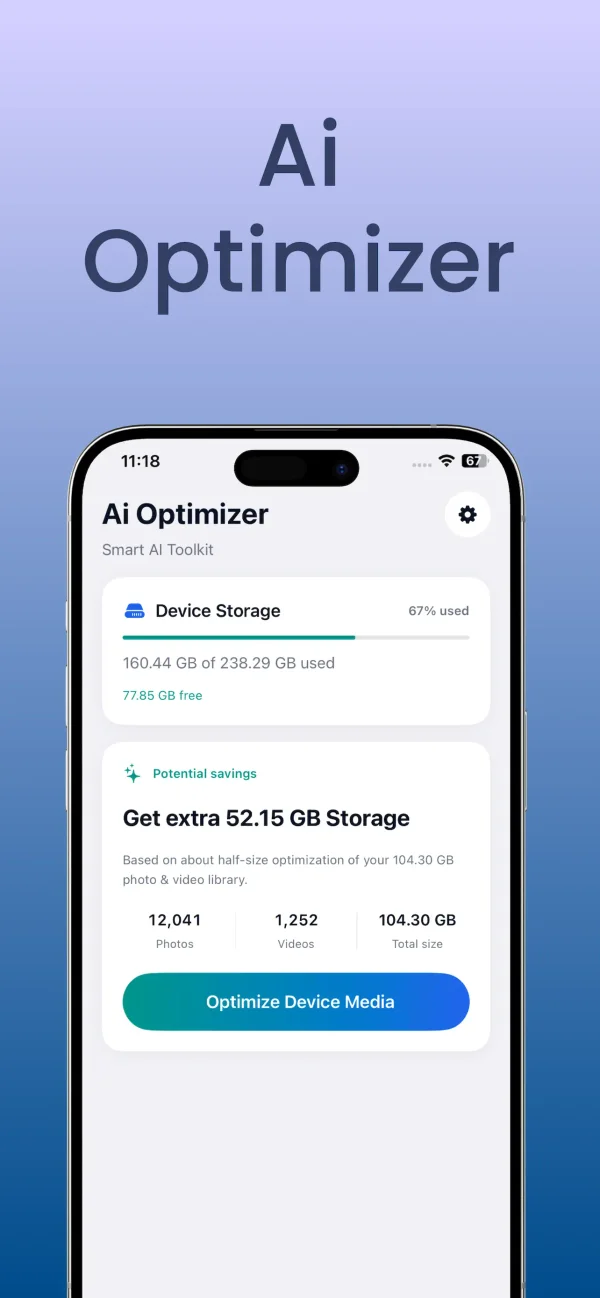
Running out of iPhone storage? Ai Optimizer uses smart AI-powered optimization to help you free up space—directly on your device, fast, private, and without uploading anything to the cloud.
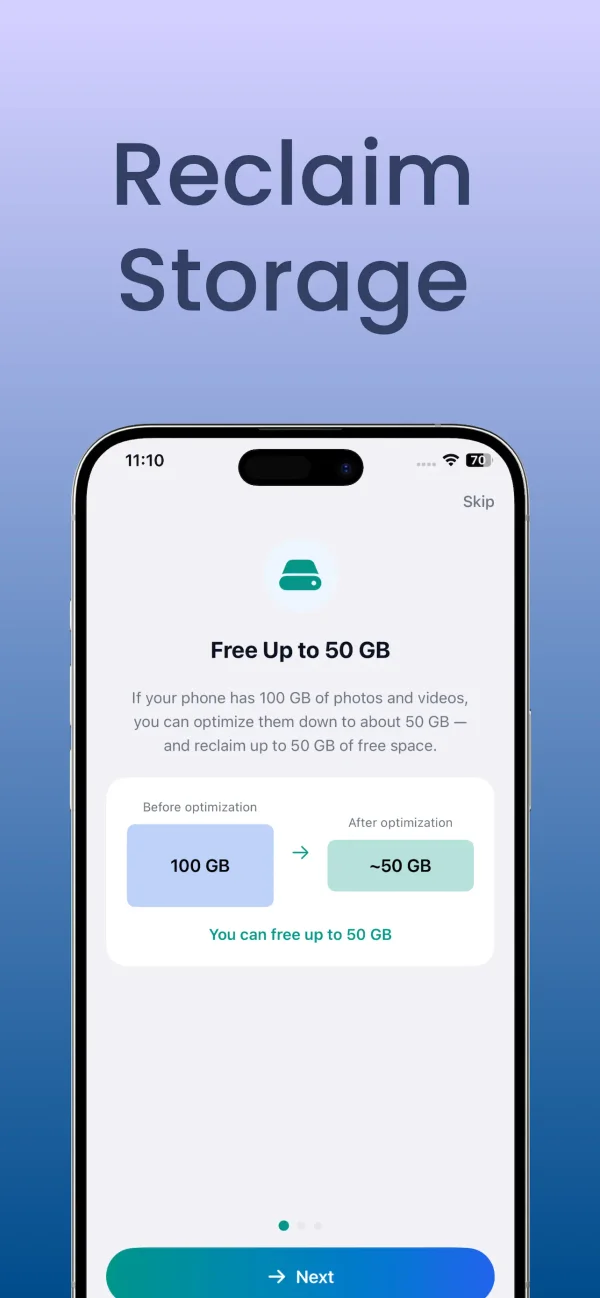
Scan your entire photo library, see how many GB you can save, and optimize media in simple batches. Keep your memories looking great while reducing file sizes by up to 50% with intelligent on-device AI optimization.
WHY AI OPTIMIZER?
• Free Up Real Storage — AI scans your library and shows potential savings before you optimize. Know exactly how much space your photos and videos are using.
• Smart AI Photo Optimization — Photos are grouped in easy batches. Optimize at your pace—start small, then work through your library batch by batch with AI-guided compression.
• AI Video Optimization — Large videos optimized one at a time, sorted by size so you save the most space first.
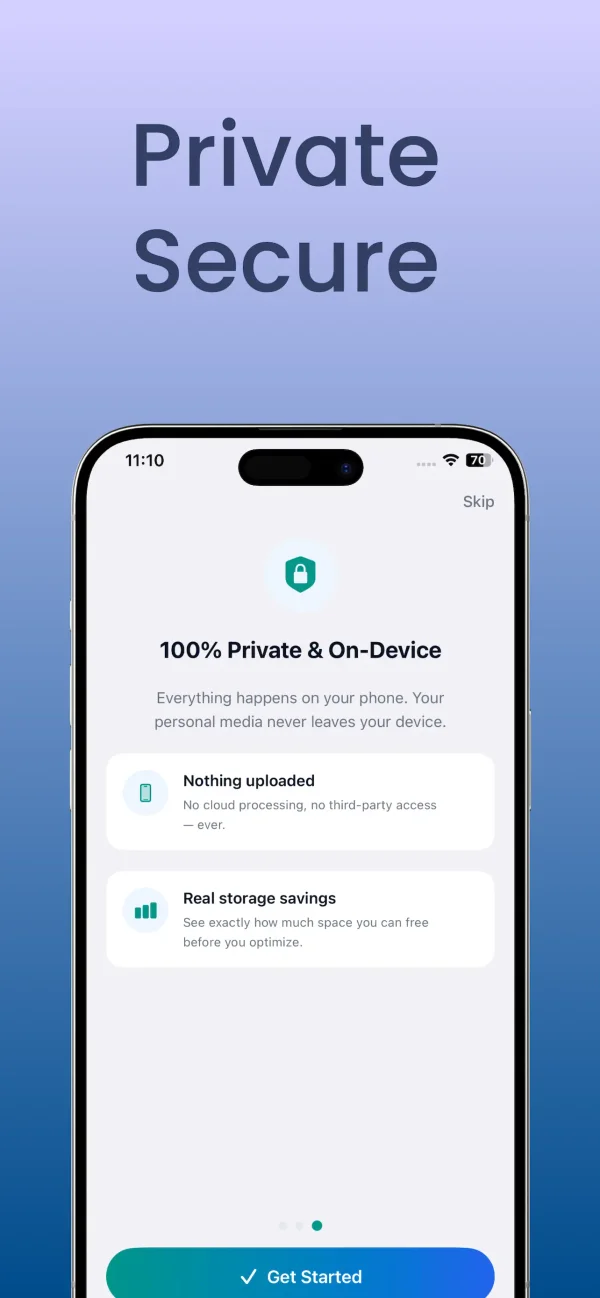
• 100% On-Device & Private — All AI optimization runs locally on your iPhone. Your photos and videos never leave your device. No servers. No cloud processing. No third-party access.
• Quality You Can Trust — AI optimization reduces file size while preserving resolution. Your photos stay sharp; your videos stay smooth.
• Simple, Clear Flow — Scan → Review savings → Optimize with AI → Optionally remove originals → Clear Recently Deleted in Photos to fully free space.
HOW IT WORKS
1. Grant photo library access (required to scan and optimize).
2. Ai Optimizer uses AI to scan your photos and videos and estimate total savings.
3. Choose a photo batch or individual video to optimize.
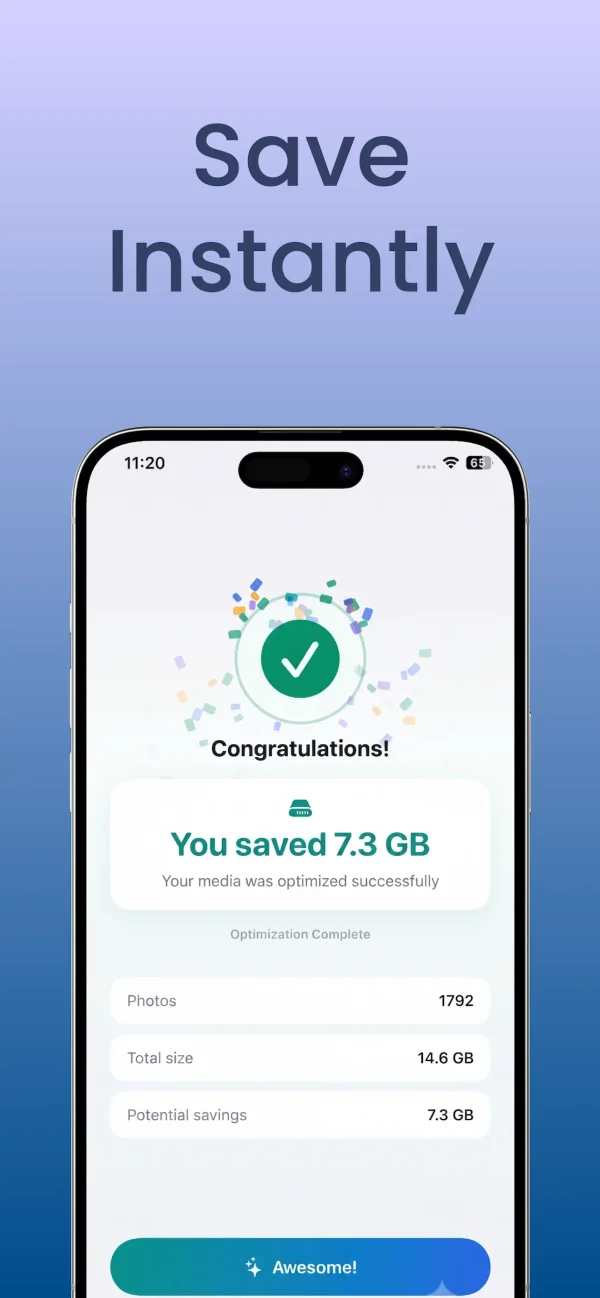
4. AI-optimized copies are saved to your library automatically.
5. Optionally delete originals to reclaim storage—and empty Recently Deleted in the Photos app to complete the cleanup.
PERFECT FOR
• iPhone storage full warnings
• Large photo libraries from travel, family, and screenshots
• 4K videos taking up too much space
• Anyone who wants a cleaner device without buying more iCloud storage
AI-POWERED. PRIVACY FIRST.
Ai Optimizer is built for privacy. All scanning and AI optimization runs on your phone. We do not upload, share, or store your personal media on any server. You stay in control of your library at every step.
SUPPORTED LANGUAGES
English, Chinese, Hindi, Spanish, French, Arabic, Portuguese, Russian, German, Japanese, Korean, Italian, Turkish, Indonesian, and Vietnamese.
Download Ai Optimizer today and let AI help you take back your storage—one batch at a time.
Note: Optimized copies are added to your photo library. Deleting originals is optional. To fully free storage after deletion, also clear items from Photos → Albums → Recently Deleted.
Contact us :
for app support and more information, reach out to us at : hr@mbrainapps.com
Term of Use : https://www.apple.com/legal/internet-services/itunes/dev/stdeula/
Privacy Policy : https://ai-cleanup.com/ai-optimizer-privacy-policy.html
App privacy
What pradeep sharma declares on the App Store about how this app handles data.
-
Data not collected
The developer does not collect any data from this app.
Privacy practices may vary, for example with the features you use or your age.
Information
- Seller
- pradeep sharma
- Category
- Utilities
- Version
- 1.0
- Updated
- Jul 11, 2026
- Released
- Jul 11, 2026
- Size
- 4.2 MB
- Requires
- iOS 16.0 or later
- Age rating
- 4+
- In-app purchases
- Yes
- Languages
- English
- Copyright
- © Pradeep Sharma
You might also like
-
 PhotoSpace OptimizerOrganize & Save Space
-
 Analyzer Camera Detector Pro.XSpy Bug Finder Device Scanner
-
 Phone Cleaner: Swipe to DeleteClean Photo Storage Space
-
 Bug Sound Identifier ID InsectInsect Sound Identification
-
 Zip Opener: Password ProtectedExtract RAR & 7Z, Create ZIPs
-
 AI Optimizer: Phone CleanerDelete Duplicates & Free Space
-
 QR Scanner, Verify & QR MakerCompare Prices & Verify Items
-
 Fast Cleaner: AI Photo CleanFree Up Space & Clean Storage
-
 Clever Cleanup: Phone CleanerDelete Duplicate Phone Photos
-
 Neptune: Security & FamilyEmail Breach & Device Checks